An XnConvert Alternative You Can Use at Work
An honest XnConvert comparison. I built How to Convert as the alternative I wanted: 6,098 conversions, $29 once with no subscription, and every file processed on your own computer.
Posted by
 Jake Manger
If you are looking for an XnConvert alternative, you are probably not after a free web converter. You have already gone to the trouble of installing a proper desktop tool. You want to know whether something else does the job better, cheaper, or without the part that annoys you.
It is free on your own machine and a per-seat commercial licence the moment the work is for a company. It also only touches images.
images only
How to Convert is $29 once for any use, personal or at work, and it converts audio, video, documents and email too.
5 media types
So I should be upfront about two things. This is not a roundup of ten options, it is one: How to Convert. And I built it, partly because I needed to convert things that were not images, and to do it at work.
That obviously makes me biased, so I have tried to earn the rest of the page by being straight about where XnConvert is the better buy. For some of you it will be, and I say so below rather than pretending otherwise.
Before I make any claims about it, this is How to Convert itself. Files go in, they come out in the format you asked for, and none of it leaves your machine.
“This is the kind of app my boss could use. I wasted 40 minutes converting a bunch of files cause they ‘couldn’t open jpegs’ but could open pdfs.”
 TurblesCelbor on How to Convert
The short version
| XnConvert | How to Convert | |
|---|---|---|
| Price | free for personal and educational use, paid licence required for company use | $29 once |
| Ongoing cost | None | None, ever |
| Operating systems | Windows, Mac and Linux | Mac, Windows and Linux, one purchase |
| What it converts | batch image conversion |
|
| Format coverage, as claimed | 500+ image formats | 6,098 conversion pairs across 131 file types |
| Where files are processed | On your computer | On your computer, nothing is uploaded |
Pricing checked in August 2026. XnSoft runs promotions, so check their page before you buy anything.
Do not read that format row as a score. Every vendor counts differently: some count formats they can open, some count formats they can write, and some count both as one number. XnConvert's figure is its own claim in its own units. The row worth comparing is the one above it, because XnConvert's 500+ is image formats it can read, which is a genuinely huge number of images and still zero audio, video, documents or email.
 How to Convert
The offline file converter for Mac, Windows and Linux.
- Converts video, audio, images, documents, ebooks and more
- Everything runs locally. Your files never leave your device
- Pay once. Access forever
Get the app on Mac, Windows and Linux
What XnConvert is
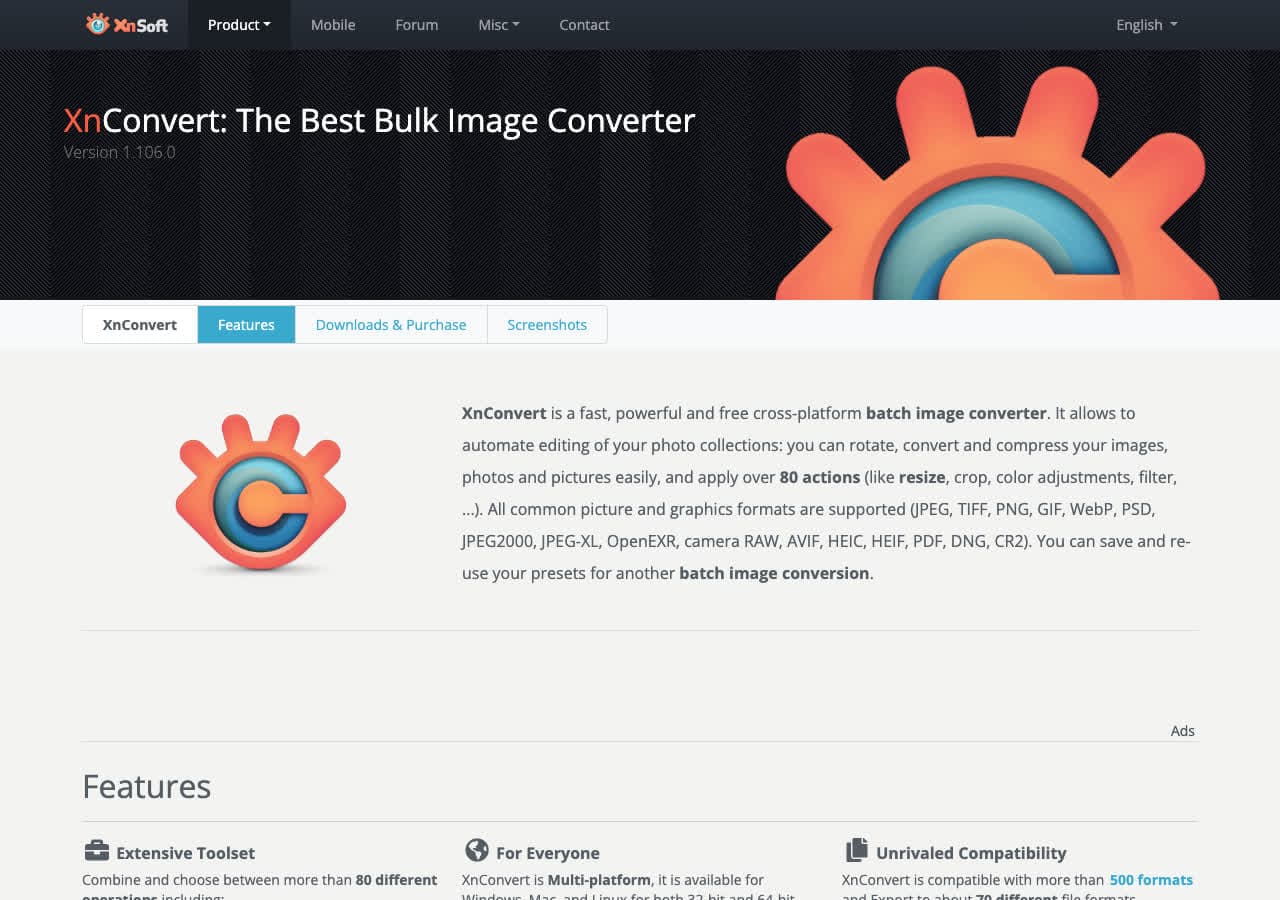
XnConvert from XnSoft handles batch image conversion. It runs on Windows, Mac and Linux. It is free for personal and educational use, with a paid licence required once the work is for a company. XnSoft prices commercial licences in tiers by seat count. The related NConvert business licence is listed at 100 euro plus VAT, which gives a sense of the range.
For format coverage it advertises 500+ image formats.
Where XnConvert is the better buy
For batch image work on a personal machine XnConvert is free, fast and excellent. If images are all you convert and it is not for a company, keep using it.
Why people go looking for something else
The usual reason is that you need it at work and discovered the personal licence does not cover that, or you need to convert something that is not an image.
How to Convert (I built this one)
How to Convert does 6,098 conversion pairs across 131 file types, covering audio, video, images, documents, ebooks and email. It costs $29 once. There is no subscription, no renewal, and no separate licence for each operating system. One purchase covers Mac, Windows and Linux on up to 5 devices.
Everything runs on your own machine. Files are never uploaded to a server, which matters more than it used to: in March 2025 the FBI's Denver field office warned that free online converters were being used to deliver malware and to scrape uploaded files for passwords and financial details.
Converting as many files as you like in one go
This is the job most converters make you do one file at a time. Select as many files as you want, drag them in, pick the output format once, and walk away. There is no queue limit and no per-file confirmation, and because it runs on your own machine the speed depends on your CPU rather than someone else's upload queue.
Where it wins against XnConvert
- There is one licence, with no separate commercial tier for company use.
- It converts audio, video, documents and email as well as images.
- 6,098 conversion pairs across 131 file types, so whatever you need to convert next is probably already covered.
- Nothing is uploaded, so private documents, client work and personal photos never leave your computer.
What XnConvert cannot do
XnConvert handles batch image conversion, and advertises 500+ image formats. This does 6,098 conversion pairs across 131 file types, so the gap is not a slightly longer list, it is whole categories of file. All of the below runs in the same app, on the same one-time licence.
Pulling audio out of video
Extracting a soundtrack, a lecture recording or an interview is one of the most common conversions there is, and it is the exact search that leads people to sketchy upload sites. Nothing leaves the machine here, which matters when the recording is a client call or something unreleased.
Markdown straight to EPUB
Writers, note-takers and anyone with a folder of Markdown usually reach for Pandoc and a command line for this. Chapters, headings and the table of contents come across without touching a terminal, which matters if you are producing something readable on an e-reader rather than just changing a file extension.
Where it does not win
It does not go as deep on image-only work. XnConvert chains filters, resizes and transforms in a single configurable pass, and for a folder of images and nothing else that pipeline is more powerful than this one.
Should you switch?
Switch if you convert more than one type of file, work across more than one operating system, or object to paying again for something you use occasionally. XnConvert is free on a personal machine, so this is only about money if you need it at work. Then it is $29 once against a commercial licence priced per seat.
Stay with XnConvert if the specific thing it does better is the thing you bought it for. For batch image work on a personal machine XnConvert is free, fast and excellent. If images are all you convert and it is not for a company, keep using it.
You can try most conversions in the browser first, free, before buying anything. Drag a file onto the converter on the home page and see whether it handles your files properly.
How to Convert
The offline file converter for Mac, Windows and Linux.
- Converts video, audio, images, documents, ebooks and more
- Everything runs locally. Your files never leave your device
- Pay once. Access forever
Get the app on Mac, Windows and Linux
