18 Best AAC to MP3 Converters in 2026 (Free and Paid)
The best AAC to MP3 converters in 2026. Compare offline desktop apps, open-source tools, and online converters for moving audio between Apple, Android, car stereo, and web playback workflows.
Posted by
 Jake Manger
AAC to MP3 is the conversion you do when you have a raw .aac file — usually pulled from a stream, ripped from a video, or extracted from a broadcast — and need an MP3 instead because the device on the other end is from 2012. AAC is technically the better codec (it is what M4A wraps, what YouTube serves audio in, what most modern streaming uses), but raw .aac files have a compatibility wall — older car stereos, Bluetooth headsets, and embedded devices reject them outright. This guide compares 18 AAC to MP3 converters in 2026.
A clarifying note: a raw .aac file (an ADTS stream) is different from a .m4a file (AAC inside an MP4 container). The conversion math is similar; the tags handling differs. Raw .aac files often have no tags at all, so most of this guide focuses on the audio side.
What Bitrate Should the MP3 Be?
AAC compresses more efficiently than MP3. MP3 needs a higher bitrate to sound the same:
- AAC 96 kbps ≈ MP3 128 kbps (voice)
- AAC 128 kbps ≈ MP3 192 kbps (general)
- AAC 160 kbps ≈ MP3 256 kbps (good music)
- AAC 256 kbps ≈ MP3 320 kbps (best music)
For LAME-based encoders, the VBR equivalents are roughly: -V 4 (voice), -V 2 (general), -V 0 (best music).
Quick Picks for AAC → MP3
- One file: FFmpeg, VLC, or any web converter.
- Batch: FFmpeg in a loop, fre:ac, or How to Convert.
- Captured from a stream: FFmpeg handles weird truncated AAC files better than GUI tools.
- Voice content: 96–128 kbps MP3 is fine.
- Music: 256 or 320 kbps to keep the loss small.
One-shot: AAC to MP3 converter.
1. How to Convert (I built this one)

Drop AACs in, pick MP3, set bitrate, hit convert. Handles raw ADTS .aac files and M4A-wrapped AAC files the same way. Local.
Pricing
- One-time purchase; free web demo for single-file conversions.
 How to Convert
The offline file converter for Mac, Windows and Linux.
- Converts video, audio, images, documents, ebooks and more
- Everything runs locally. Your files never leave your device
- Pay once. Access forever
Get the app on Mac, Windows and Linux
2. FFmpeg
Single file at 256 kbps:
ffmpeg -i input.aac -b:a 256k output.mp3
LAME VBR (best quality per size):
ffmpeg -i input.aac -q:a 2 output.mp3
Whole folder:
for f in *.aac; do ffmpeg -i "$f" -q:a 2 "${f%.aac}.mp3"; doneFFmpeg also salvages mid-broken AAC captures better than most GUI tools — useful for files captured from interrupted streams.
Pricing
- Free, open source.
3. fre:ac
Cross-platform batch audio converter. Reads raw AAC and M4A both; outputs MP3 via LAME. Best free batch GUI.
Pricing
- Free, open source.
4. VLC

Media → Convert / Save → choose the AAC → output as MP3 with a chosen bitrate.
Pricing
- Free, open source.
5. Audacity
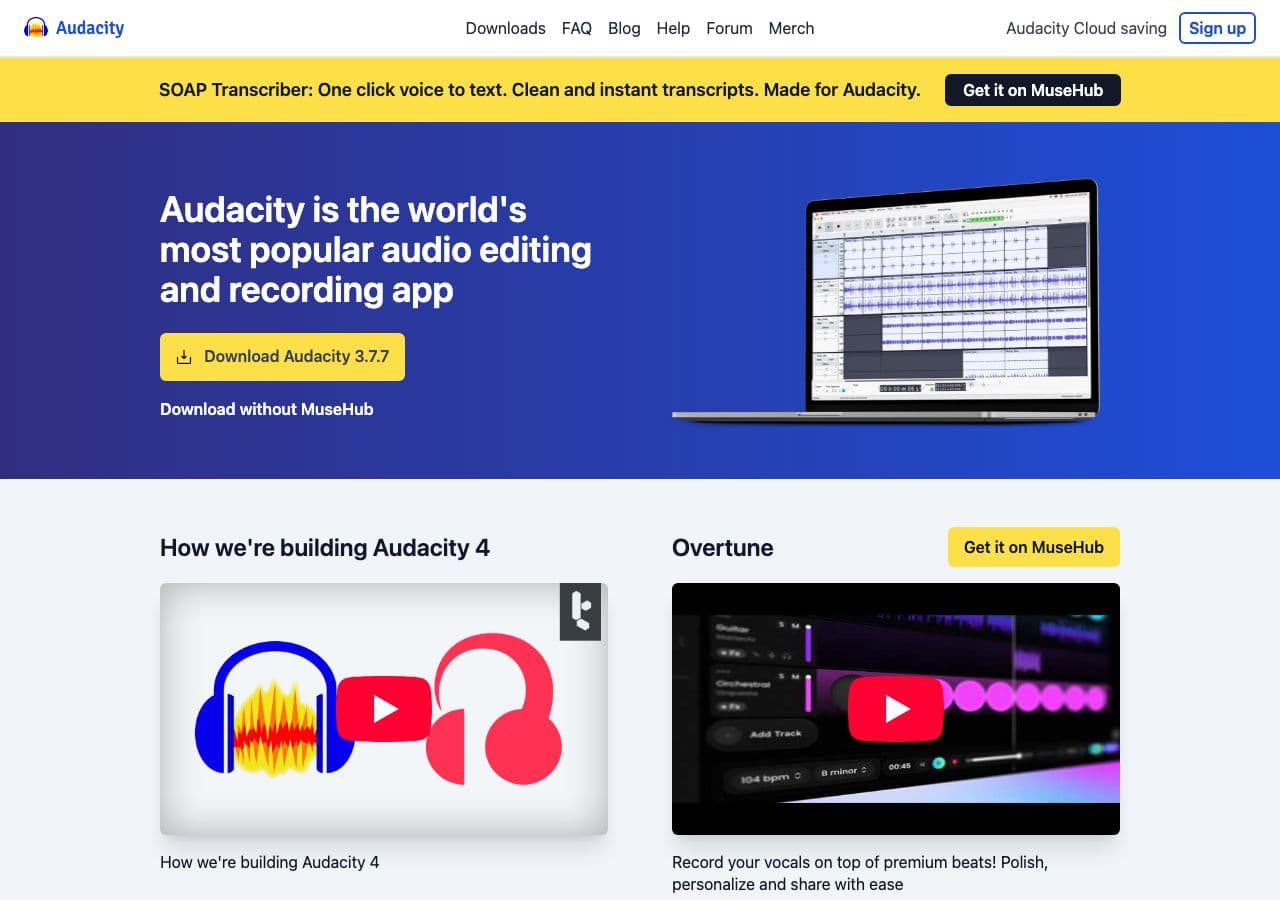
Useful when the AAC came from a noisy capture — clean up in Audacity, export MP3. Single-file workflow.
Pricing
- Free, open source.
6. macOS Music app / afconvert
Music app: import .aac, right-click → Create MP3 Version.
CLI:
afconvert -f MPEG -d ".mp3 256" input.aac output.mp3
Pricing
- Free with macOS.
7. iTunes (Windows)
Same workflow as macOS Music app.
Pricing
- Free.
8. MediaHuman Audio Converter
Simple drag-and-drop Mac and Windows batch converter.
Pricing
- Free.
9. Foobar2000 (Windows)
The Windows audiophile's player + converter. LAME-based MP3 output.
Pricing
- Free.
10. XLD (Mac)
Mac batch converter. Clean LAME output with detailed preset controls.
Pricing
- Free.
11. Switch Audio Converter (NCH)
Lightweight commercial converter. Free home edition, paid for commercial use.
Pricing
- Free home; paid commercial.
12. dBpoweramp
Premium audio library tool. Overkill for a one-off AAC → MP3; ideal for converting whole libraries.
Pricing
- Paid.
13. SoX
AAC → MP3 with audio processing chained in:
sox input.aac -C 256 output.mp3 norm
The norm effect normalizes audio level — useful when AAC sources vary.
Pricing
- Free, open source.
14. CloudConvert
Web converter. AAC → MP3 with bitrate options.
Pricing
- Free tier; paid above.
15. Convertio
Web AAC → MP3.
Pricing
- Free with caps; paid above.
16. Online Audio Converter (123apps)
Simple browser-based converter with batch upload.
Pricing
- Free with limits; paid above.
17. FreeConvert
Web converter with quality options.
Pricing
- Free with caps; paid above.
18. Zamzar
Long-running web converter. Slower, reliable.
Pricing
- Free with daily limits; paid above.
How to Choose
- One file, casual: FFmpeg one-liner, VLC, or a web tool.
- Batch: fre:ac, FFmpeg, or How to Convert.
- Captured / damaged AAC: FFmpeg — most error-tolerant.
- Music library: fre:ac, XLD, or dBpoweramp.
- Sensitive audio (recorded calls, voice memos): stay local.
Final Thoughts
AAC → MP3 is one of the simpler audio conversions — the format already exists as raw audio, the MP3 target is well-understood, and most tools handle the conversion correctly. The bitrate choice matters more than the tool. For voice content 128 kbps is fine; for music aim for 256 or 320 to avoid stacking lossy compression onto already-lossy AAC source.
How to Convert
The offline file converter for Mac, Windows and Linux.
- Converts video, audio, images, documents, ebooks and more
- Everything runs locally. Your files never leave your device
- Pay once. Access forever
Get the app on Mac, Windows and Linux
