18 Best AIFF to MP3 Converters in 2026 (Free and Paid)
The best AIFF to MP3 converters in 2026. Compare offline desktop apps, open-source tools, and online converters for compressing studio exports and Apple audio files for everyday sharing.
Posted by
 Jake Manger
AIFF to MP3 is the conversion that comes out of Apple's professional audio world. AIFF is Apple's uncompressed audio format — the equivalent of WAV on Windows. GarageBand exports as AIFF. Logic Pro's bounce default is AIFF. Pro Tools session bounces land as AIFF. Sample libraries for music production ship as AIFF. The files are huge (a 4-minute song is around 40 MB; an hour-long podcast can hit 600 MB) and beautifully lossless, which is exactly wrong for sharing. MP3 at 256 kbps shrinks that to a manageable size with quality loss most listeners cannot detect. This guide compares 18 AIFF to MP3 converters in 2026.
AIFF → MP3 is one of the cleanest conversions in this whole series — every tool handles AIFF, there is no compatibility wall, and the only real choice is the bitrate.
The Right MP3 Bitrate for AIFF Sources
AIFF is lossless. Going to MP3 is the only quality decision. Recommendations:
- Music exports (mixed and mastered): LAME -V 0 or 320 kbps CBR. The conversion is one-way, and you want it to sound as close to the original as a lossy codec can.
- Demos and work-in-progress: -V 2 (~190 kbps) is more than enough for review purposes.
- Podcast / voice exports: 128–192 kbps mono or joint stereo. Most podcasts are 64–96 kbps mono on streaming.
- Sample library distribution: stay AIFF or FLAC. MP3 of single samples is rarely worth it.
Quick Picks for AIFF → MP3
- Best on Mac: XLD or the Music app.
- Best free batch: fre:ac or FFmpeg.
- Best for music production: Logic Pro, Pro Tools, or Cubase all export MP3 directly. Skip the second tool.
- Best CLI: FFmpeg with
-q:a 0. - One-shot, no install: How to Convert.
One-shot: AIFF to MP3 converter.
1. How to Convert (I built this one)

Drop AIFFs in, pick MP3, set 320 CBR or VBR -V 0, hit convert. Local — useful for unreleased music exports or unaired podcast cuts.
Pricing
- One-time purchase; free web demo for single-file conversions.
 How to Convert
The offline file converter for Mac, Windows and Linux.
- Converts video, audio, images, documents, ebooks and more
- Everything runs locally. Your files never leave your device
- Pay once. Access forever
Get the app on Mac, Windows and Linux
2. FFmpeg
Single file, LAME V0 (best music quality):
ffmpeg -i input.aiff -q:a 0 output.mp3
Whole folder:
for f in *.aiff; do ffmpeg -i "$f" -q:a 0 "${f%.aiff}.mp3"; doneFor podcasts (voice content), drop to 128 kbps mono:
ffmpeg -i podcast.aiff -b:a 128k -ac 1 podcast.mp3
Pricing
- Free, open source.
3. macOS Music app
Drop AIFFs into the library, set Music → Settings → Files → Import Settings → MP3 Encoder → custom 320 kbps, right-click → Create MP3 Version.
Pricing
- Free with macOS.
4. afconvert (macOS CLI)
Apple's built-in. Best for scripted Mac workflows:
afconvert -f MPEG -d ".mp3 320" input.aiff output.mp3
Pricing
- Free with macOS.
5. XLD (Mac)
Mac audiophile batch converter. Cleanest LAME output on Mac, full tag handling, fast. Use it for music production exports.
Pricing
- Free.
6. Logic Pro / GarageBand
If the AIFF came from Logic or GarageBand, skip the second tool — re-bounce as MP3 directly. File → Export → MP3 in Logic; Share → Export Song to Disk → MP3 in GarageBand.
Pricing
- Free (GarageBand); paid (Logic Pro).
7. Pro Tools
For Pro Tools sessions: bounce directly to MP3 instead of AIFF. File → Bounce Mix → MP3 with LAME settings.
Pricing
- Subscription or perpetual.
8. fre:ac
Cross-platform free batch converter. Handles AIFF cleanly. LAME presets exposed.
Pricing
- Free, open source.
9. Audacity
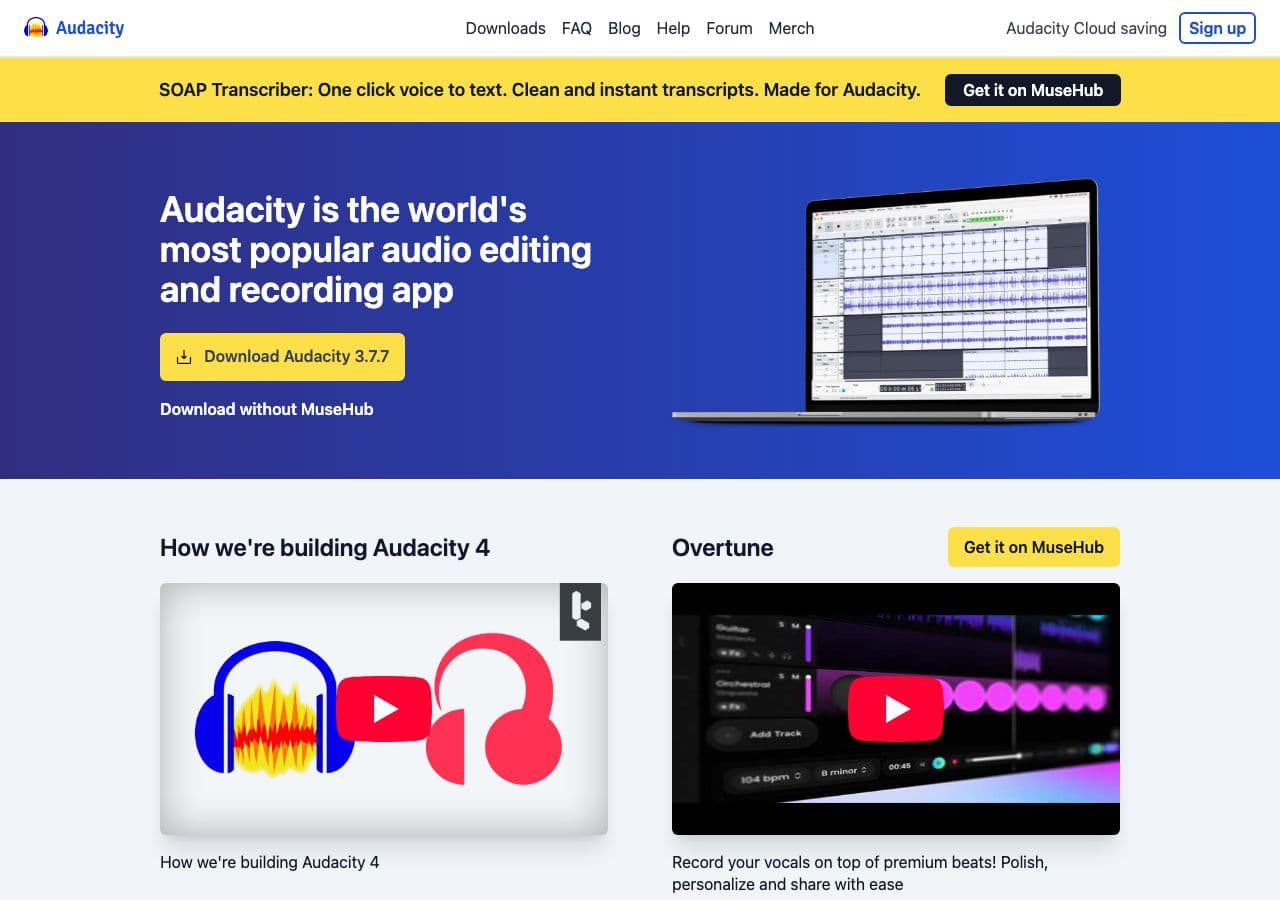
Free editor with MP3 export. Best for “convert and clean up” — trim silence, normalize, equalize, then export. Useful for podcast post-production.
Pricing
- Free, open source.
10. SoX
Audio processing toolkit:
sox input.aiff -C 320 output.mp3 norm
The norm effect normalizes audio levels — useful for batch jobs where input volumes vary.
Pricing
- Free, open source.
11. MediaHuman Audio Converter
Drag-and-drop batch converter.
Pricing
- Free.
12. Switch Audio Converter (NCH)
Lightweight commercial converter.
Pricing
- Free home; paid commercial.
13. dBpoweramp
Premium library converter. Excellent metadata handling for AIFF (which is a notoriously variable format).
Pricing
- Paid.
14. VLC

Media → Convert / Save → output MP3. One-off workflow.
Pricing
- Free, open source.
15. CloudConvert
Web converter. Slow for big AIFFs (uncompressed AIFFs are 30+ MB). Stay local for unreleased material.
Pricing
- Free tier; paid above.
16. Convertio
Web AIFF → MP3 with bitrate options.
Pricing
- Free with caps; paid above.
17. Online Audio Converter (123apps)
Browser-based with batch support.
Pricing
- Free with limits; paid above.
18. FreeConvert
Web AIFF → MP3 with quality slider.
Pricing
- Free with caps; paid above.
How to Choose
- Music production export: bounce MP3 directly from your DAW, or use XLD/FFmpeg with LAME V0.
- Podcast: Audacity for cleanup, then export MP3 at 128 kbps mono.
- Mac batch: XLD, Music app, or afconvert.
- Cross-platform batch: fre:ac, FFmpeg, or How to Convert.
- Unreleased material: stay local. Do not upload mixes to a web converter.
Final Thoughts
AIFF → MP3 is the “ship it” conversion for Mac-based music and audio workflows. AIFFs are too big to email or upload as-is; MP3 at 320 kbps or LAME V0 makes them practical without an obvious quality drop. If the AIFF came out of a DAW, the cleanest path is to re-bounce as MP3 from inside the DAW; if you cannot, FFmpeg or XLD does an excellent job. For unreleased material, keep the conversion local — there is no need to upload your work to anyone else's server.
How to Convert
The offline file converter for Mac, Windows and Linux.
- Converts video, audio, images, documents, ebooks and more
- Everything runs locally. Your files never leave your device
- Pay once. Access forever
Get the app on Mac, Windows and Linux
