18 Best Audio Converter Apps in 2026 (Free and Paid)
The best audio converter apps for 2026. Convert MP3, WAV, FLAC, AAC, and more with these free and paid tools.
Posted by
 Jake Manger
Audio files come in dozens of formats, and they are not always compatible with the device or app you need. Your FLAC collection will not play on every phone. A WAV recording eats up storage when MP3 would do. Your podcast editing app exports in one format while your hosting platform demands another. Without a reliable audio converter, you are stuck re-recording, hunting for workarounds, or settling for the wrong format.
We tested a wide range of audio converters across Mac, Windows, and Linux to find the 18 best options in 2026. This list covers everything from free open-source tools that handle any format imaginable to polished paid apps for professionals who need batch processing and metadata management. Whether you are converting a single voice memo or processing an entire music library, one of these tools will handle it.
1. How to Convert (I built this one) - Best All-in-One Desktop Audio Converter
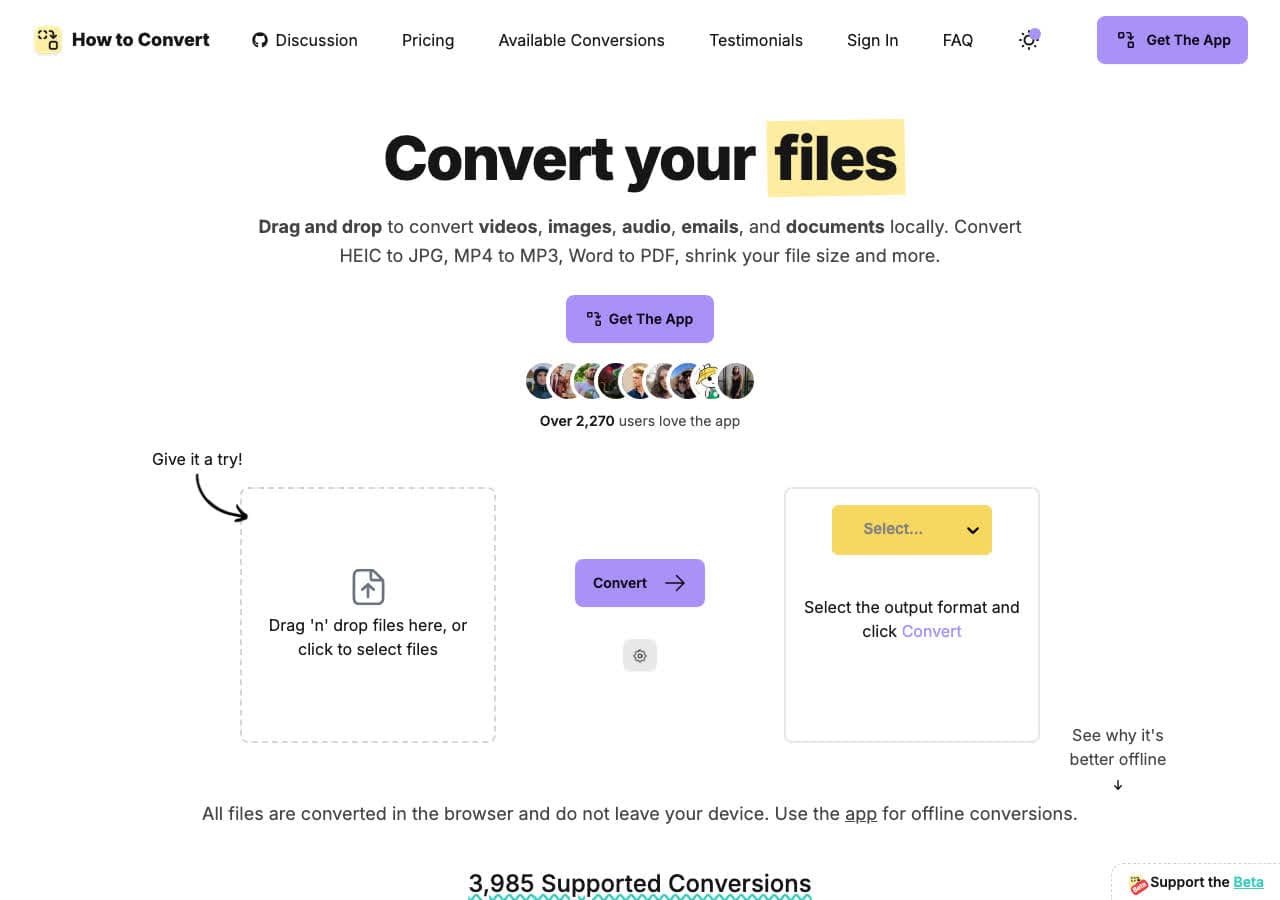
How to Convert is a privacy-first file converter that processes everything locally on your machine. Drop any audio file in, pick your output format, and the conversion happens without uploading anything to the cloud. It supports hundreds of audio formats including MP3, WAV, FLAC, AAC, OGG, WMA, AIFF, and many more, plus it handles video, images, documents, and ebooks in the same app.
What makes How to Convert stand out for audio conversion is that you do not need separate tools for different file types. Need to extract audio from a video? Convert a document to PDF? Resize images? It is all in one app. The desktop version works on Mac, Windows, and Linux, and there is a free web demo for single-file conversions if you want to test a common format first.
Pros
- All conversions happen locally. Your files never leave your device.
- Supports hundreds of audio formats plus video, images, documents, and ebooks.
- One-time purchase. No subscription, no recurring fees.
- Free web demo for single-file conversions.
- Works on Mac, Windows, and Linux.
Cons
- The desktop app is a paid one-time purchase; the web demo converts one file at a time.
- No cloud sync or online storage features.
Pricing
- Free: Web demo for single-file conversions.
- Desktop app: One-time purchase, all platforms.
 How to Convert
The offline file converter for Mac, Windows and Linux.
- Converts video, audio, images, documents, ebooks and more
- Everything runs locally. Your files never leave your device
- Pay once. Access forever
Get the app on Mac, Windows and Linux
2. FFmpeg - Best Command-Line Audio Converter for Power Users
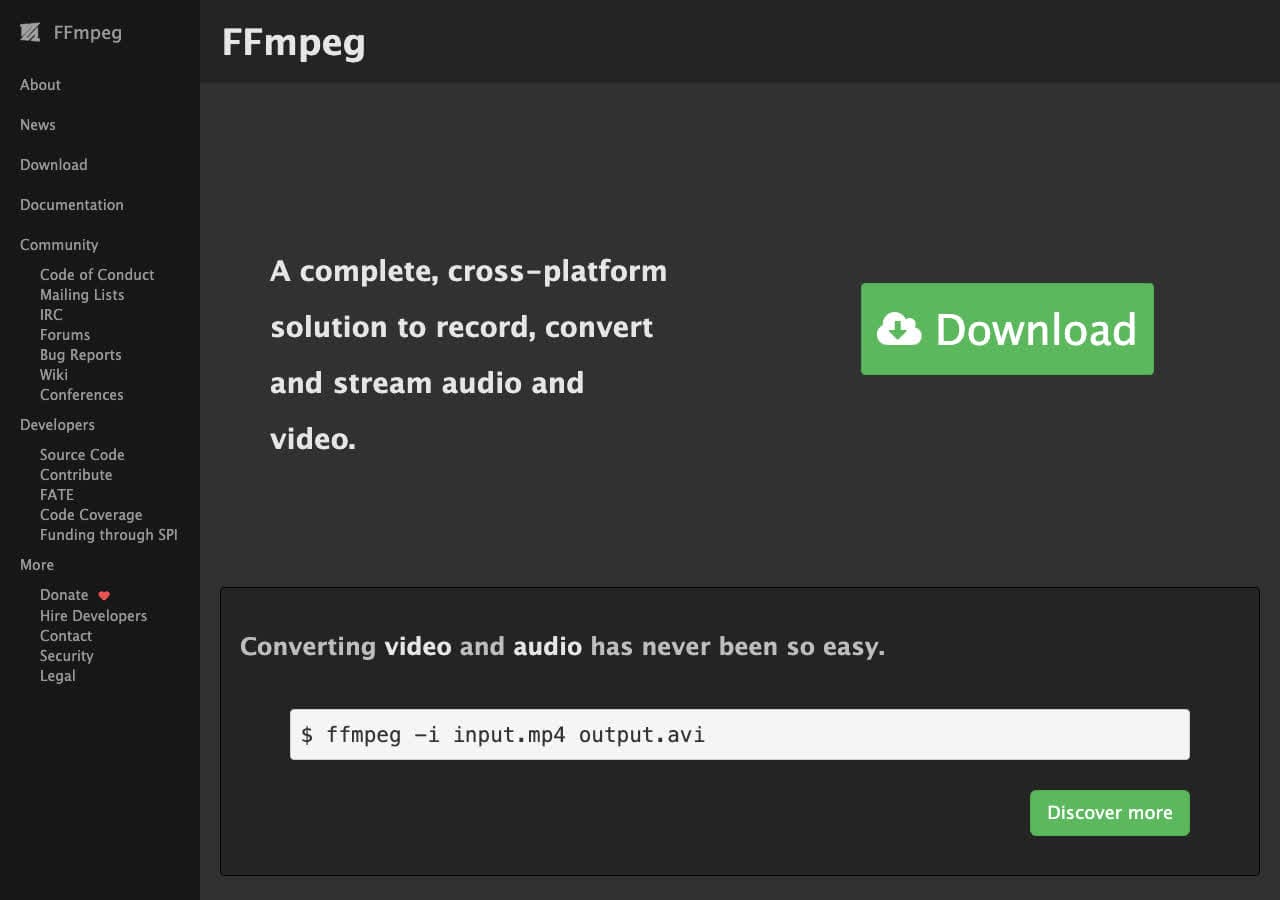
FFmpeg is the Swiss Army knife of multimedia processing. This command-line tool supports virtually every audio codec and container format ever created, from common ones like MP3 and FLAC to obscure formats that no GUI tool will touch. A single command like ffmpeg -i input.wav -b:a 320k output.mp3 converts your file with precise control over bitrate, sample rate, channels, and codec parameters.
The real power of FFmpeg for audio conversion is automation. Shell scripts can batch-convert entire music libraries, normalize loudness across tracks, or extract audio from hundreds of video files overnight. Many converters, including HandBrake and Shutter Encoder, use FFmpeg under the hood. How to Convert handles many of the same audio formats through a visual interface for those who prefer not to use the terminal. If you are comfortable with the command line, FFmpeg gives you unmatched flexibility.
Pros
- Supports nearly every audio format in existence.
- Extremely fast with low system overhead.
- Free and open source.
- Fully scriptable for batch processing and automation.
- Available on Mac, Windows, and Linux.
Cons
- Command-line only. No graphical interface.
- Steep learning curve with complex syntax.
- Error messages can be cryptic for beginners.
Pricing
- Free (open source, LGPL/GPL licensed).
3. Audacity - Best Free Audio Editor With Format Conversion
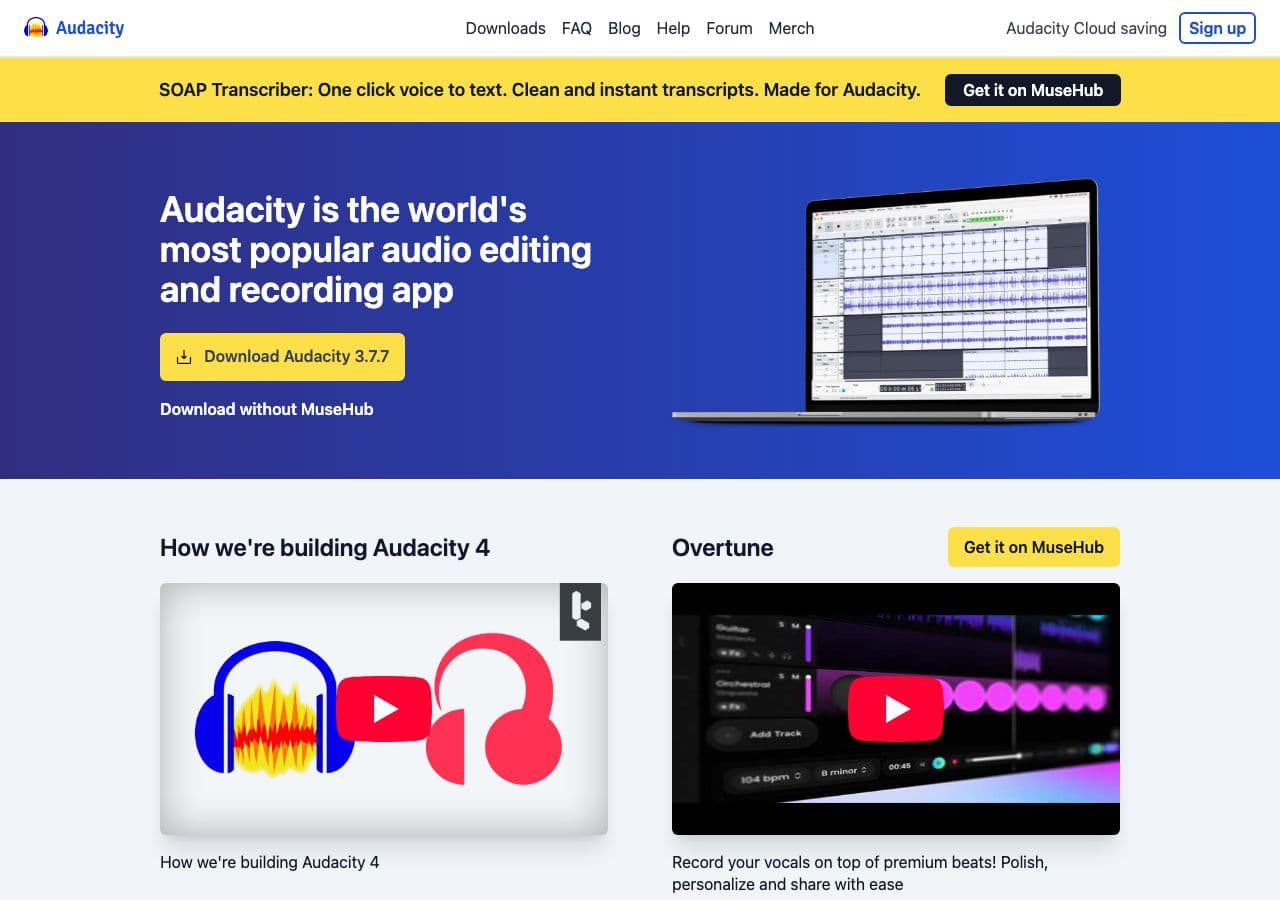
Audacity is the most popular free audio editor in the world, and it doubles as a solid audio converter. Import audio in WAV, FLAC, OGG, MP3, AIFF, and many other formats, then export to your desired format with control over quality settings. While Audacity is primarily an editor, its Export functionality handles most common audio conversion needs.
Audacity shines when you need to do more than just convert. You can trim silence, normalize volume, remove noise, apply effects, and then export to a different format, all in one workflow. The interface is not the most modern, but it has been refined over two decades and the community support is excellent. For anyone who needs both editing and conversion without spending a cent, Audacity is hard to beat.
Pros
- Completely free and open source.
- Full audio editing alongside conversion.
- Supports most common audio formats.
- Available on Mac, Windows, and Linux.
- Huge community with extensive tutorials.
Cons
- Not designed as a dedicated converter, so batch conversion is limited.
- The interface looks dated compared to modern tools.
- Some proprietary formats like WMA require additional plugins.
Pricing
- Free (open source, GPL licensed).
4. fre:ac - Best Free Dedicated Audio Converter
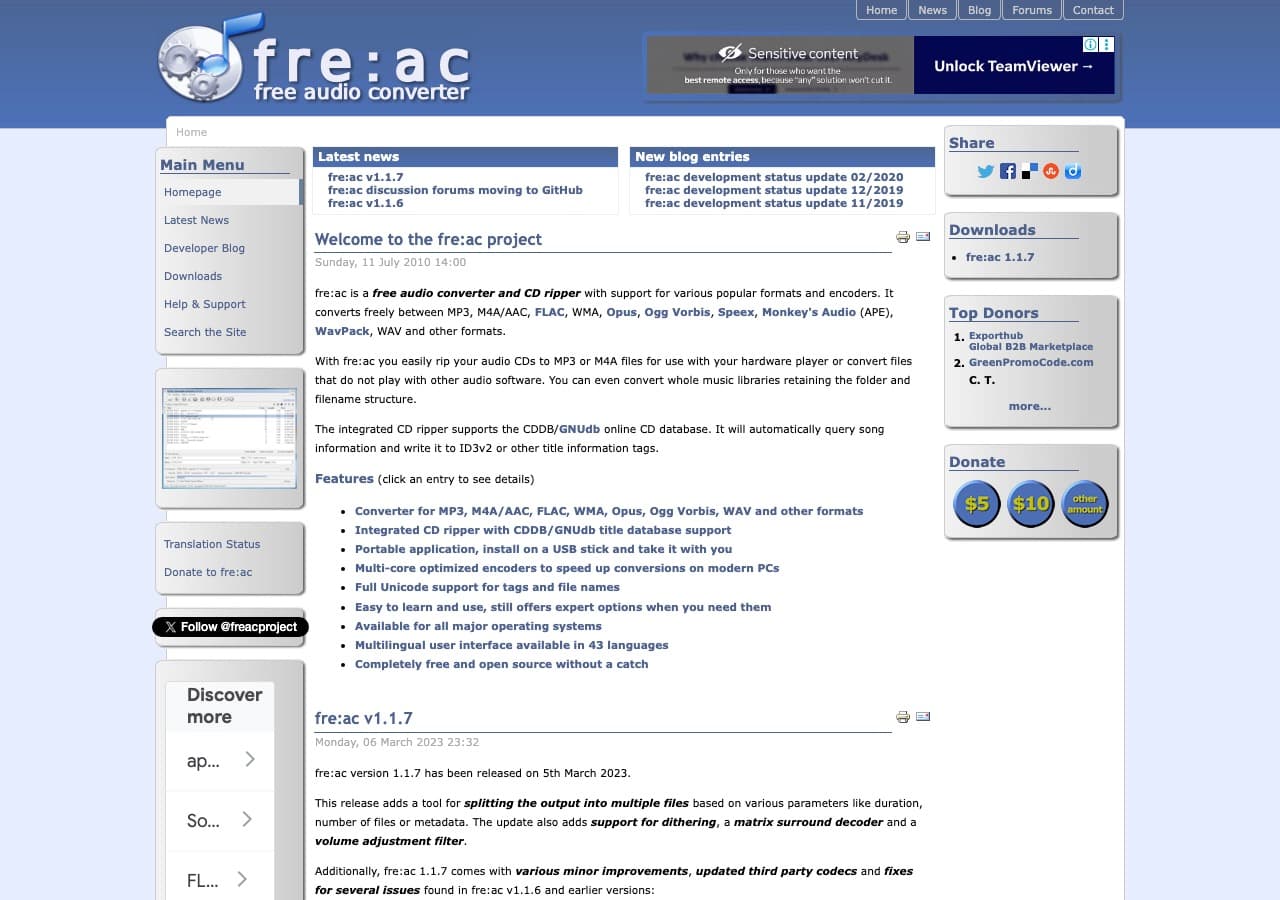
fre:ac (free audio converter) is an open-source audio converter built specifically for the job. It supports MP3, MP4/M4A, WMA, Ogg Vorbis, FLAC, AAC, WAV, and Bonk formats, with batch conversion that can process your entire music library in one go. It also rips audio CDs with automatic CDDB/GNUdb lookup for track metadata.
What sets fre:ac apart from general-purpose converters is its focus on audio workflows. It preserves ID3 tags and metadata during conversion, supports multi-core processing for faster batch jobs, and includes a built-in CD ripper. The interface is straightforward, and it runs on Mac, Windows, and Linux. For a free tool that does one thing well, fre:ac is the best dedicated audio converter available.
Pros
- Free and open source with no limits.
- Preserves metadata and ID3 tags during conversion.
- Multi-core batch processing for fast conversion.
- Built-in CD ripper with automatic metadata lookup.
- Cross-platform (Mac, Windows, Linux).
Cons
- Audio only. Cannot handle video, images, or documents.
- Fewer format options than FFmpeg.
Pricing
- Free (open source).
5. Switch Audio File Converter - Best Simple Paid Audio Converter
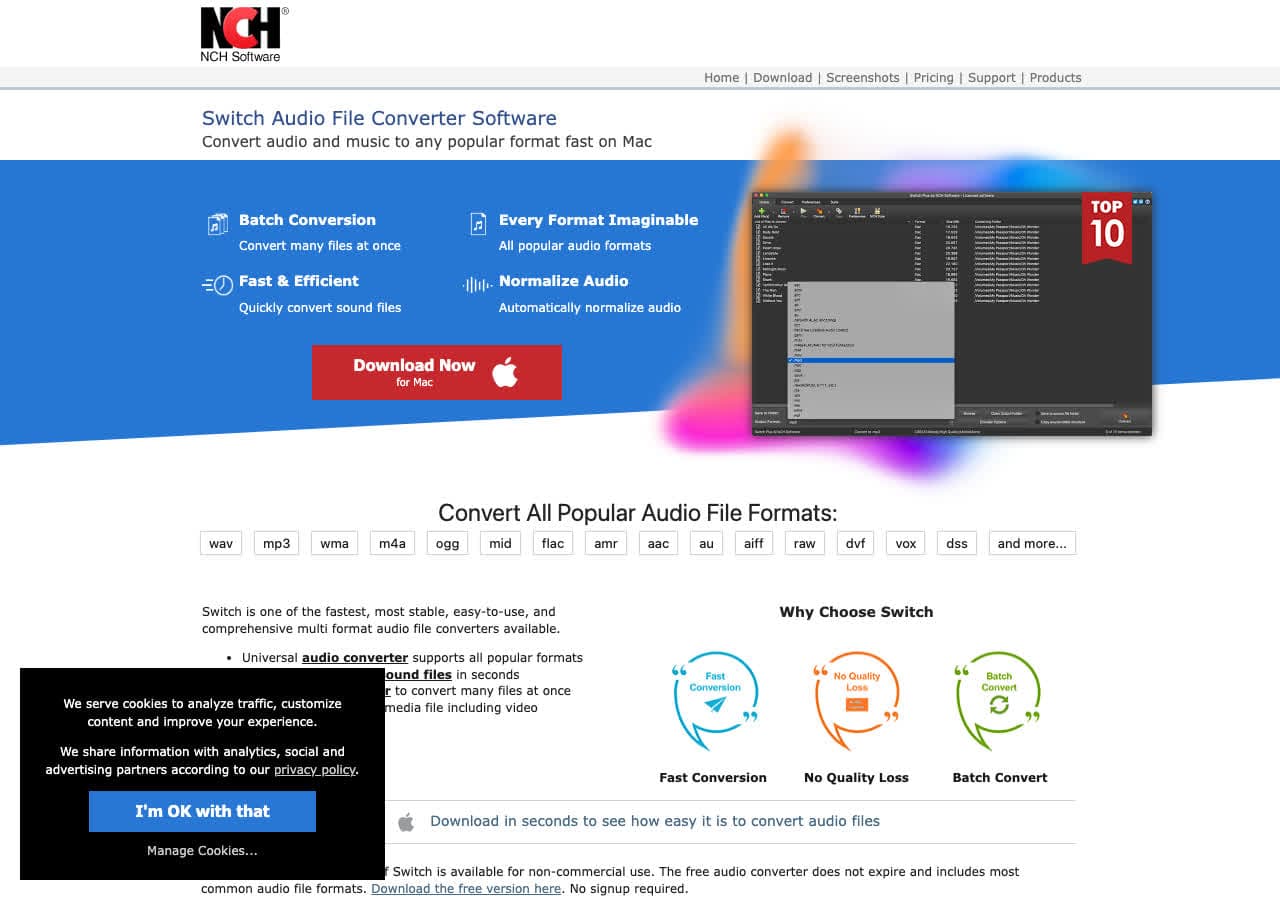
Switch from NCH Software is a straightforward audio converter that supports over 40 formats including MP3, WAV, FLAC, AAC, OGG, WMA, and more. The interface is simple: add files, select your output format, and click Convert. It handles batch conversion well and includes basic audio normalization.
Switch is a good middle ground between free tools that require technical knowledge and expensive professional suites. It works on both Mac and Windows, and the free version handles non-commercial use. The paid license unlocks all formats and removes the non-commercial restriction. For users who want reliable audio conversion without learning command-line tools, Switch delivers a clean experience.
Pros
- Simple, no-frills interface.
- 40+ audio format support.
- Batch conversion with normalization.
- Free for non-commercial use.
Cons
- Dated interface design.
- Commercial use requires a paid license.
- Limited advanced encoding settings.
Pricing
- Free: Non-commercial use only.
- $30: Plus edition (one-time).
6. MediaHuman Audio Converter - Best for iTunes and Apple Music Users
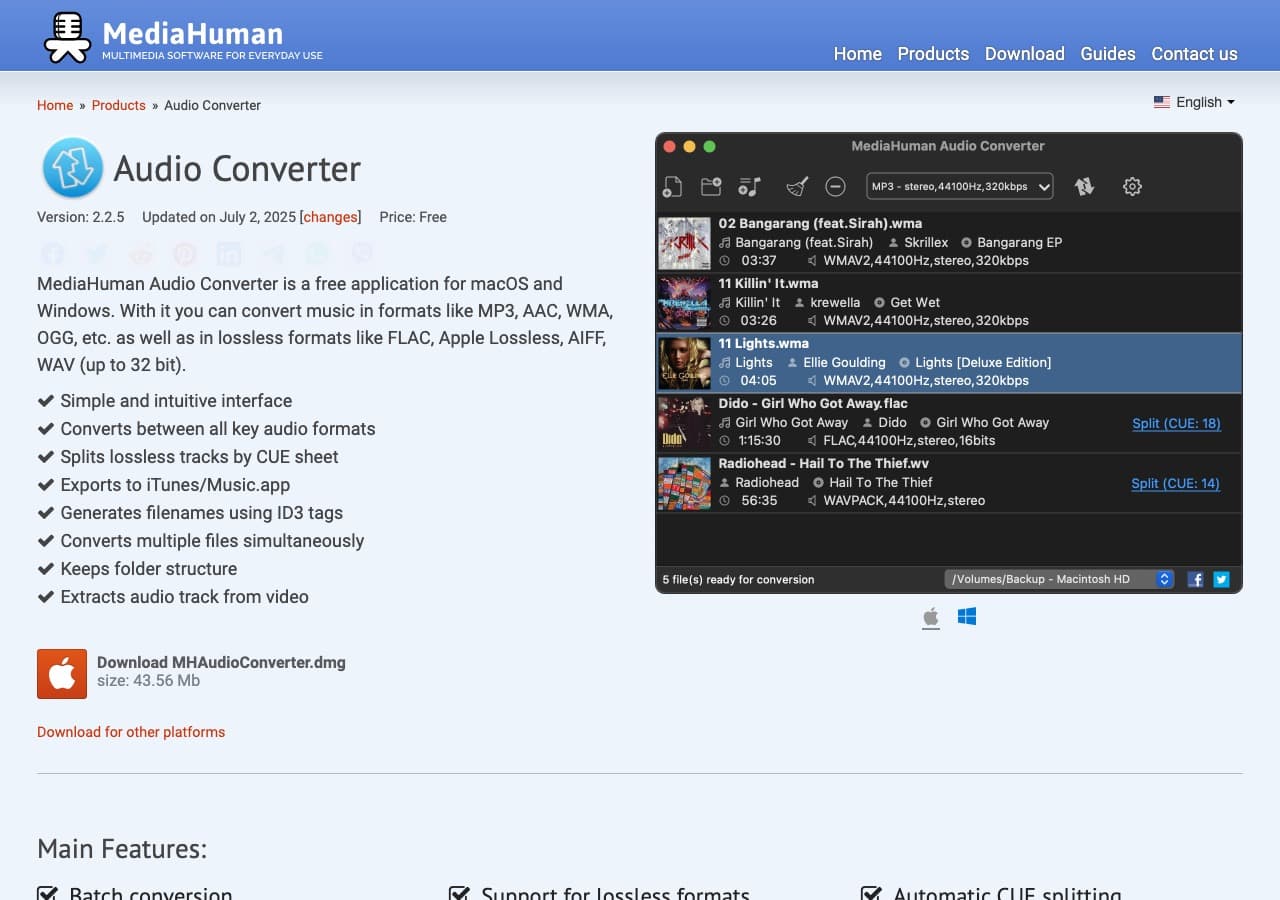
MediaHuman Audio Converter is a clean, free audio converter designed with Apple users in mind. It handles drag-and-drop conversion between MP3, AAC, WMA, FLAC, OGG, AIFF, Apple Lossless, and WAV with a simple interface that feels at home on macOS. It integrates with iTunes and Apple Music libraries for easy access to your collection.
MediaHuman preserves artwork and metadata during conversion, which is critical for music libraries. It supports simultaneous conversion using multiple CPU cores and includes presets for common quality levels. The app is free with no limitations, making it an excellent choice for Mac users who need to convert between Apple formats and more universal ones like MP3 or FLAC.
Pros
- Free with no limitations or watermarks.
- Clean, Apple-friendly interface with drag-and-drop.
- Preserves artwork and metadata.
- iTunes and Apple Music integration.
Cons
- Limited format support compared to FFmpeg-based tools.
- No advanced encoding options.
Pricing
- Free.
How to Convert
The offline file converter for Mac, Windows and Linux.
- Converts video, audio, images, documents, ebooks and more
- Everything runs locally. Your files never leave your device
- Pay once. Access forever
Get the app on Mac, Windows and Linux
7. VLC Media Player - Best Free Audio Converter You Already Have
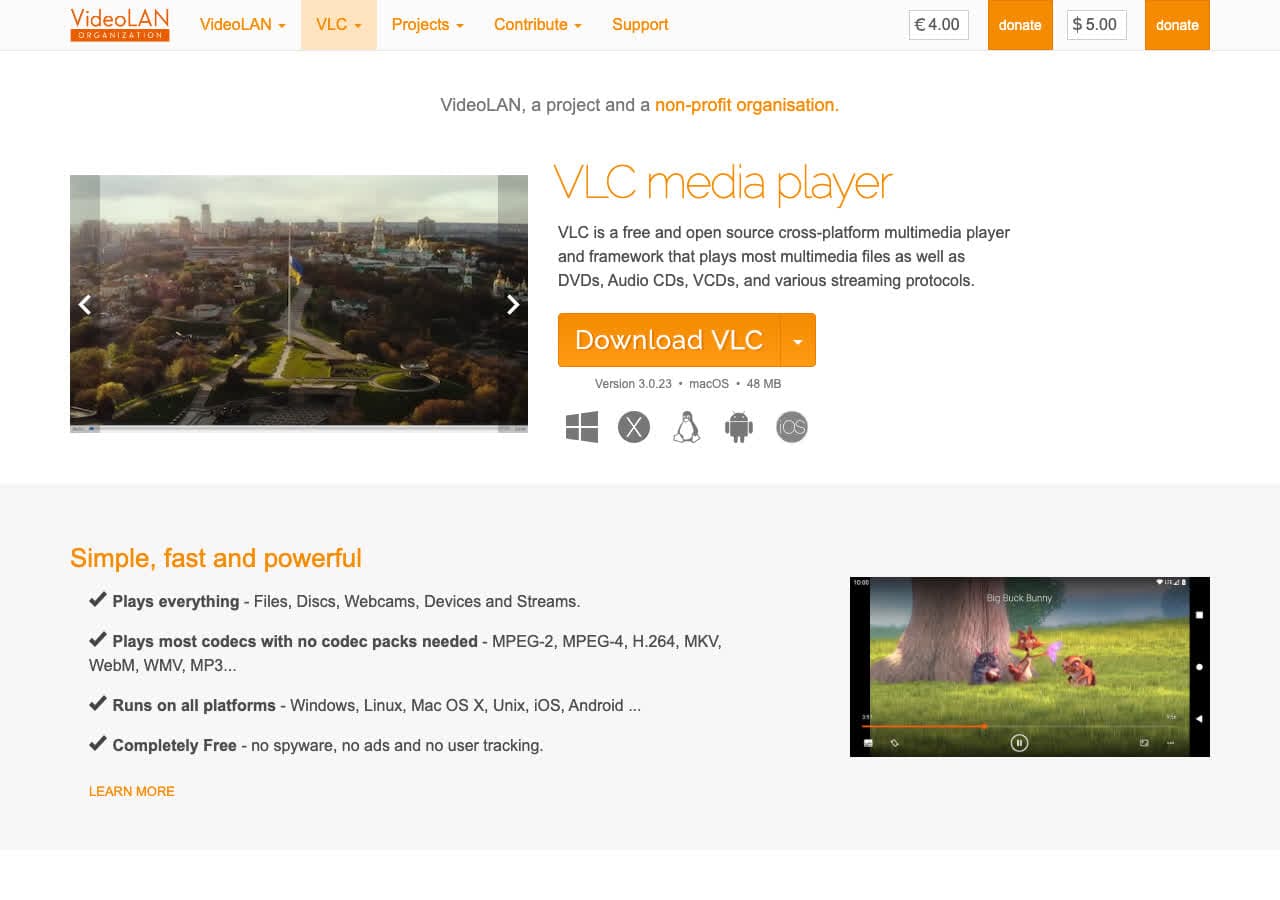
VLC is installed on millions of computers as a media player, but it also converts audio files. Under Media, then Convert/Save, you can transcode between audio formats with control over codecs and bitrates. VLC supports MP3, FLAC, OGG, AAC, WAV, WMA, and many other formats for both input and output.
VLC is especially handy for quick, one-off audio conversions when you do not want to install another app. The conversion workflow is not the most intuitive, as it is buried in menus, but it works reliably. For anyone who already has VLC installed, it is worth knowing about this hidden feature before downloading a separate converter.
Pros
- Free and open source.
- Already installed on many computers.
- Supports most audio formats.
- Available on every platform including mobile.
Cons
- Conversion feature is buried in menus and not intuitive.
- No batch processing without scripting.
- Limited output quality settings.
Pricing
- Free (open source, GPL licensed).
8. dBpoweramp - Best Audio Converter for Audiophiles
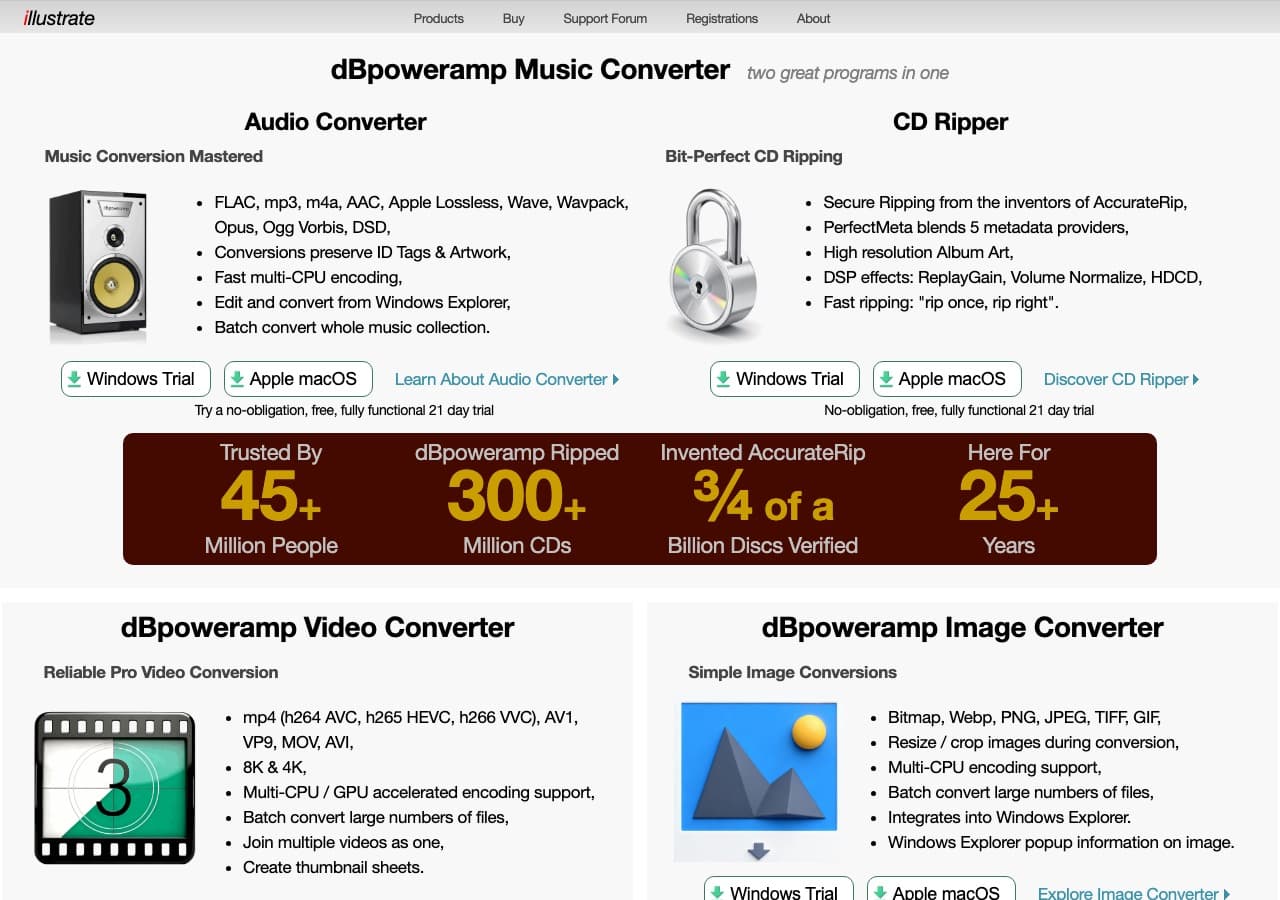
dBpoweramp is a premium audio converter built for people who care deeply about audio quality. It is the gold standard for CD ripping, with AccurateRip technology that verifies your rips against an online database to ensure bit-perfect extraction. For format conversion, it supports FLAC, ALAC, WAV, MP3, AAC, OGG, and dozens of other codecs.
What makes dBpoweramp worth the price for audiophiles is its attention to detail. It uses multi-core encoding, automatically looks up album art and metadata from multiple online databases, and handles batch conversion with folder structure preservation. The DSP effects chain lets you apply ReplayGain, volume normalization, and sample rate conversion during the process. If you manage a large lossless music library, dBpoweramp is the tool to own.
Pros
- AccurateRip for verified bit-perfect CD ripping.
- Multi-core batch conversion.
- Automatic metadata and album art lookup.
- DSP effects chain (ReplayGain, normalization, resampling).
- Available on Windows and Mac.
Cons
- Paid software with no free tier.
- Interface is functional but not modern.
Pricing
- $39: Music Converter (one-time).
- $39: CD Ripper (one-time, sold separately).
9. SoX - Best Command-Line Audio Swiss Army Knife
SoX (Sound eXchange) calls itself the "Swiss Army knife of audio," and it lives up to the name. This command-line tool reads and writes audio in dozens of formats and can apply a wide range of effects including resampling, channel mixing, gain adjustment, reverb, and more. A command like sox input.wav output.mp3 rate 44100 converts and resamples in one step.
SoX is lighter than FFmpeg and focused exclusively on audio, which makes it faster to learn for audio-only workflows. It excels at batch processing through shell scripts and is particularly popular in scientific and audio engineering contexts for its precise control over sample rates and bit depths. For Linux users and developers who work with audio programmatically, SoX is an essential tool.
Pros
- Free and open source.
- Audio-focused with precise control over conversion parameters.
- Built-in audio effects and processing.
- Lightweight and scriptable.
Cons
- Command-line only.
- Fewer format options than FFmpeg.
- Development has slowed in recent years.
Pricing
- Free (open source, GPL licensed).
10. LAME - Best Open Source MP3 Encoder
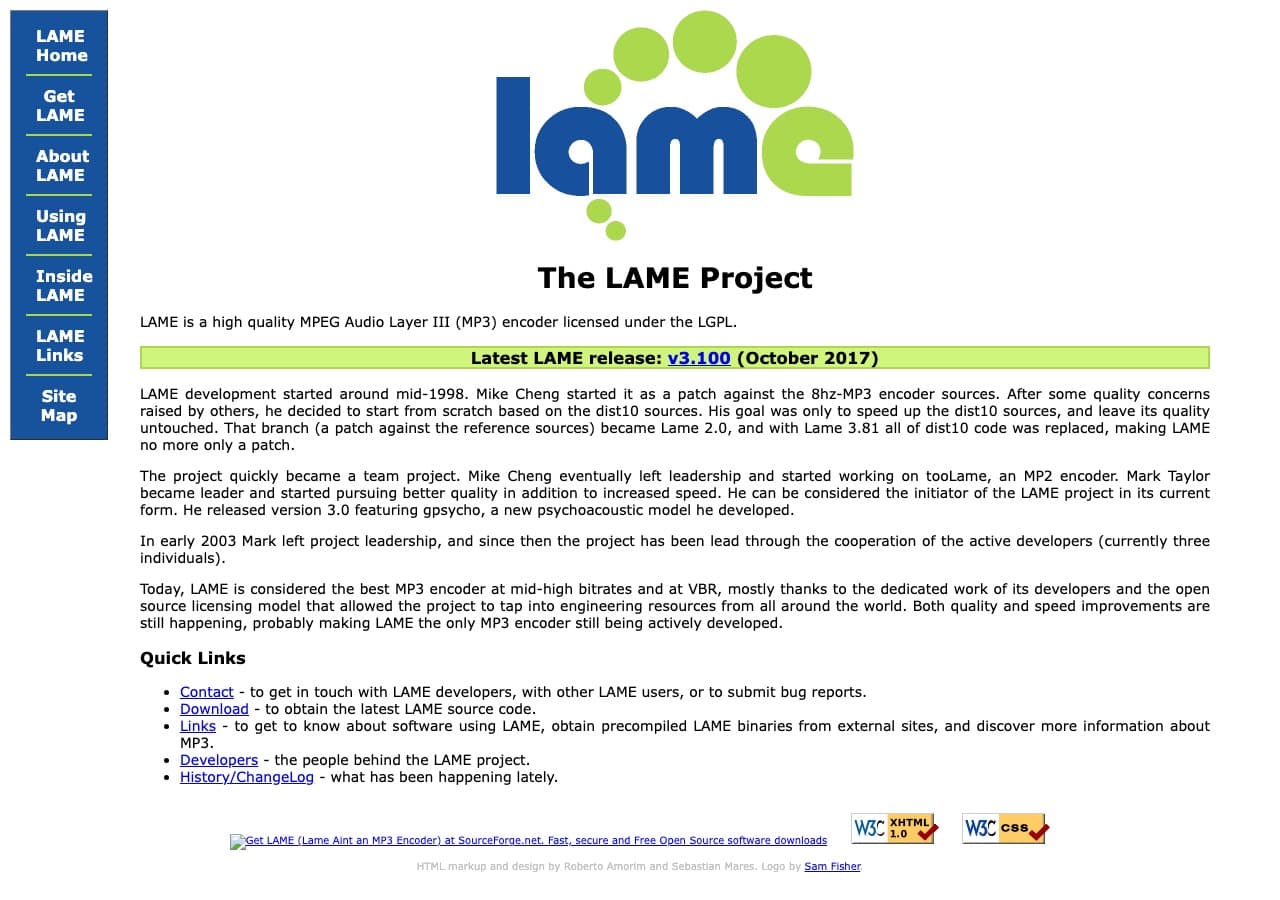
LAME is the gold standard MP3 encoder used by many other audio tools under the hood, including Audacity, fre:ac, and dBpoweramp. When these tools create MP3 files, they are often using LAME's encoding engine. LAME produces the highest quality MP3 files at any given bitrate, making it the encoder of choice for audio professionals and enthusiasts.
As a standalone tool, LAME is command-line only and converts WAV files to MP3. Its real value is as an encoding library that other software integrates. If you want the best possible MP3 quality, you want LAME encoding. The VBR (variable bitrate) mode is particularly well-regarded, producing files that sound nearly indistinguishable from the source while keeping file sizes reasonable.
Pros
- Produces the highest quality MP3 files available.
- Free and open source.
- Excellent VBR encoding mode.
- Used as the encoding engine by many other tools.
Cons
- Command-line only with no GUI.
- Only converts to MP3 (not a general-purpose converter).
- Only accepts WAV input natively.
Pricing
- Free (open source, LGPL licensed).
11. XnConvert - Best Free Batch Image and Audio Processor
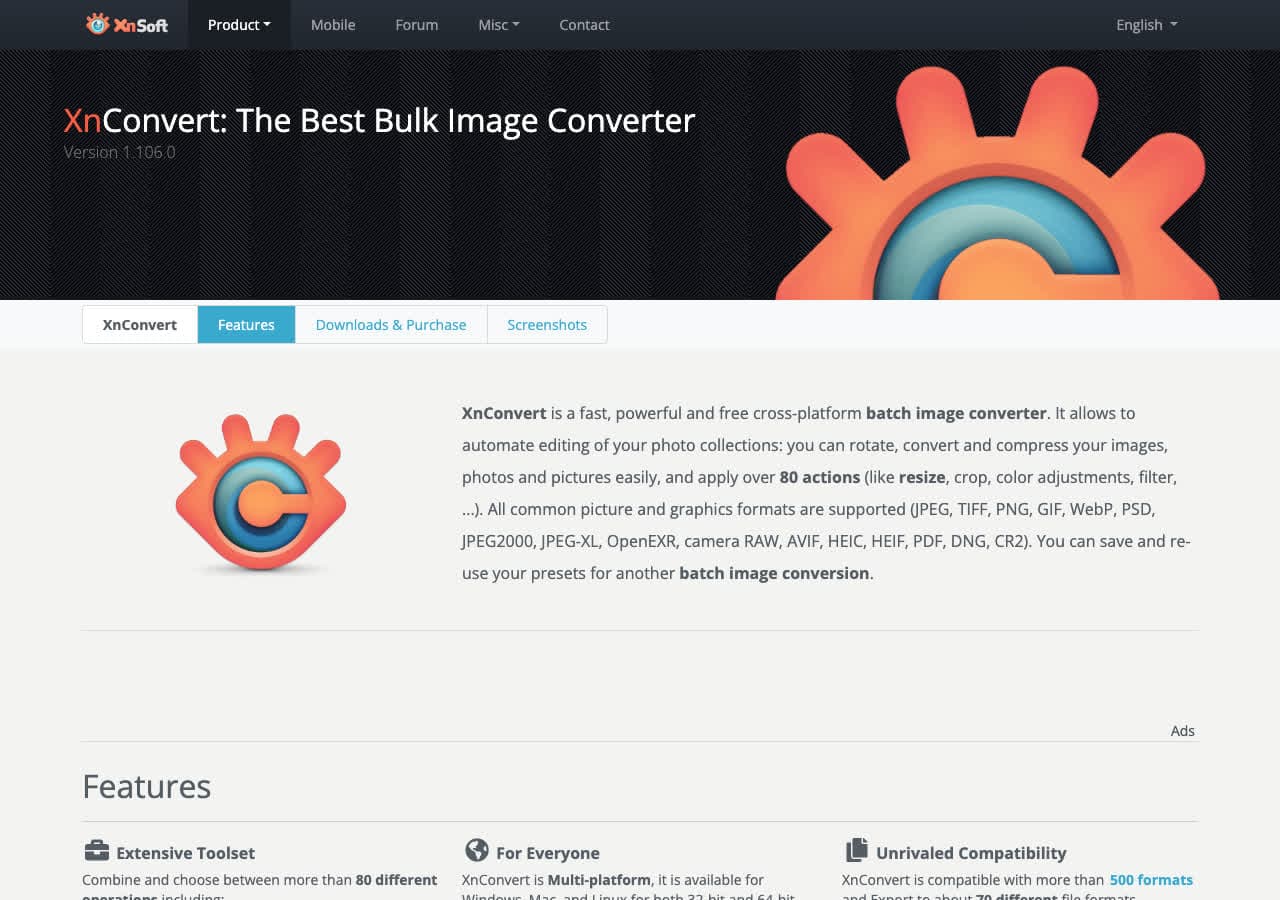
XnConvert is primarily known as a batch image converter, but it handles some audio processing tasks as well. Its strength lies in batch operations: load hundreds of files, set up your conversion pipeline with actions like format conversion and renaming, and let it process everything at once.
While XnConvert is not a dedicated audio converter, its batch processing capabilities are excellent for workflows that involve multiple file types. It is free for personal use and runs on Mac, Windows, and Linux. If you already use XnConvert for images and need occasional audio format changes, it saves you from installing another tool.
Pros
- Excellent batch processing with customizable pipelines.
- Free for personal use.
- Cross-platform (Mac, Windows, Linux).
Cons
- Primarily an image tool, limited audio format support.
- Not designed for audio-specific workflows.
Pricing
- Free: Personal use.
- Contact for pricing: Commercial license.
12. Any Video Converter - Best Free Video and Audio Converter
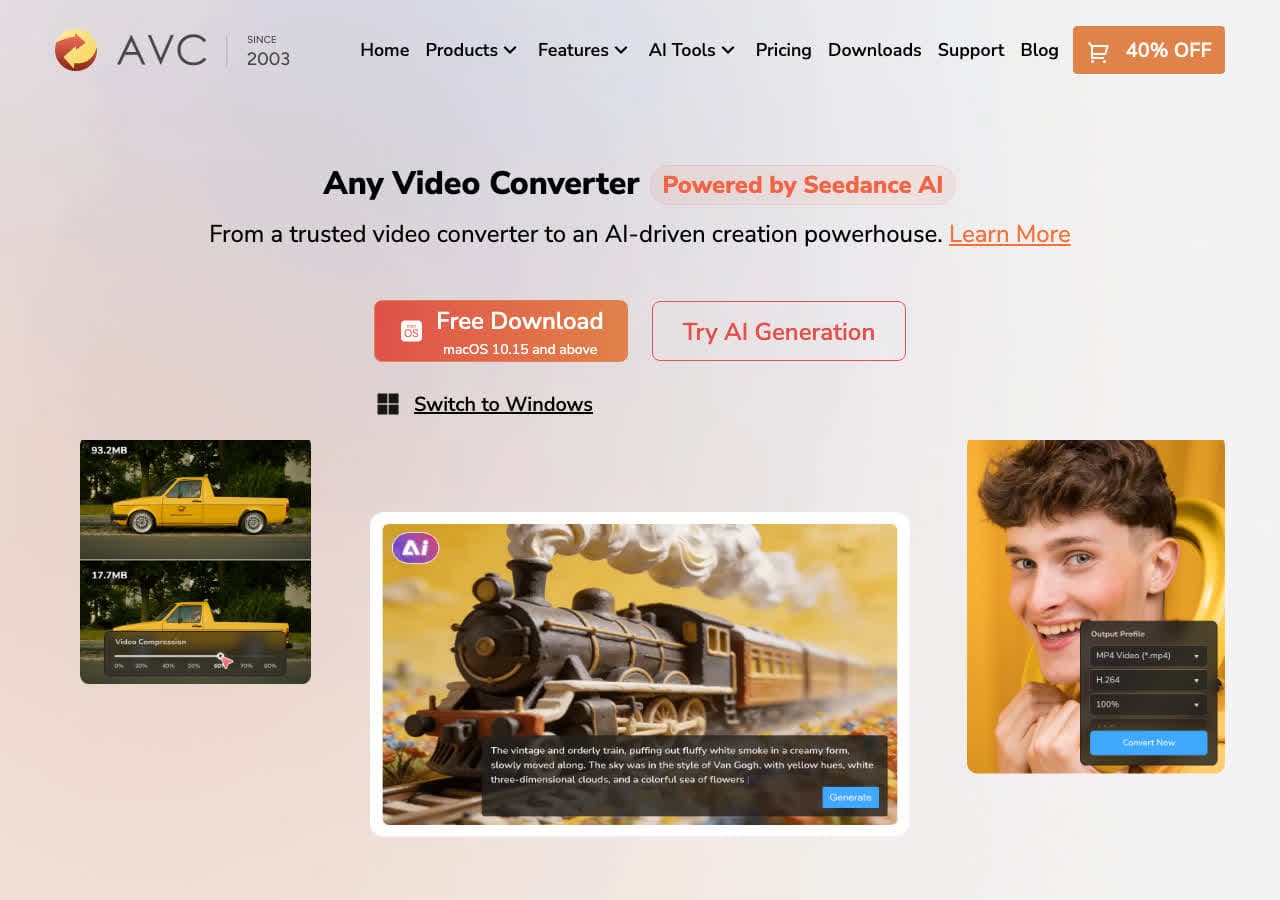
Any Video Converter handles audio conversion despite its video-focused name. The free edition supports GPU-accelerated conversion with no file size limits or watermarks. It converts between audio formats directly and can extract audio tracks from video files, making it useful for pulling soundtracks or voice recordings from video content.
The interface is organized around device presets, which simplifies output selection. Need an MP3 for your phone or AAC for your iPad? Just pick the device and the app handles the format details. Batch conversion processes multiple files simultaneously. While it is not as audio-focused as fre:ac or dBpoweramp, the free price and broad format support make it a solid all-rounder.
Pros
- Free version with no watermarks or limits.
- GPU-accelerated encoding.
- Device-specific presets for easy output selection.
- Batch conversion support.
Cons
- Installer may offer bundled software. Watch the checkboxes.
- Audio features are secondary to video.
Pricing
- Free: Full conversion with no limits.
- $49.95: Ultimate version with extras.
How to Convert
The offline file converter for Mac, Windows and Linux.
- Converts video, audio, images, documents, ebooks and more
- Everything runs locally. Your files never leave your device
- Pay once. Access forever
Get the app on Mac, Windows and Linux
13. Wondershare UniConverter - Best Premium All-in-One Audio Converter
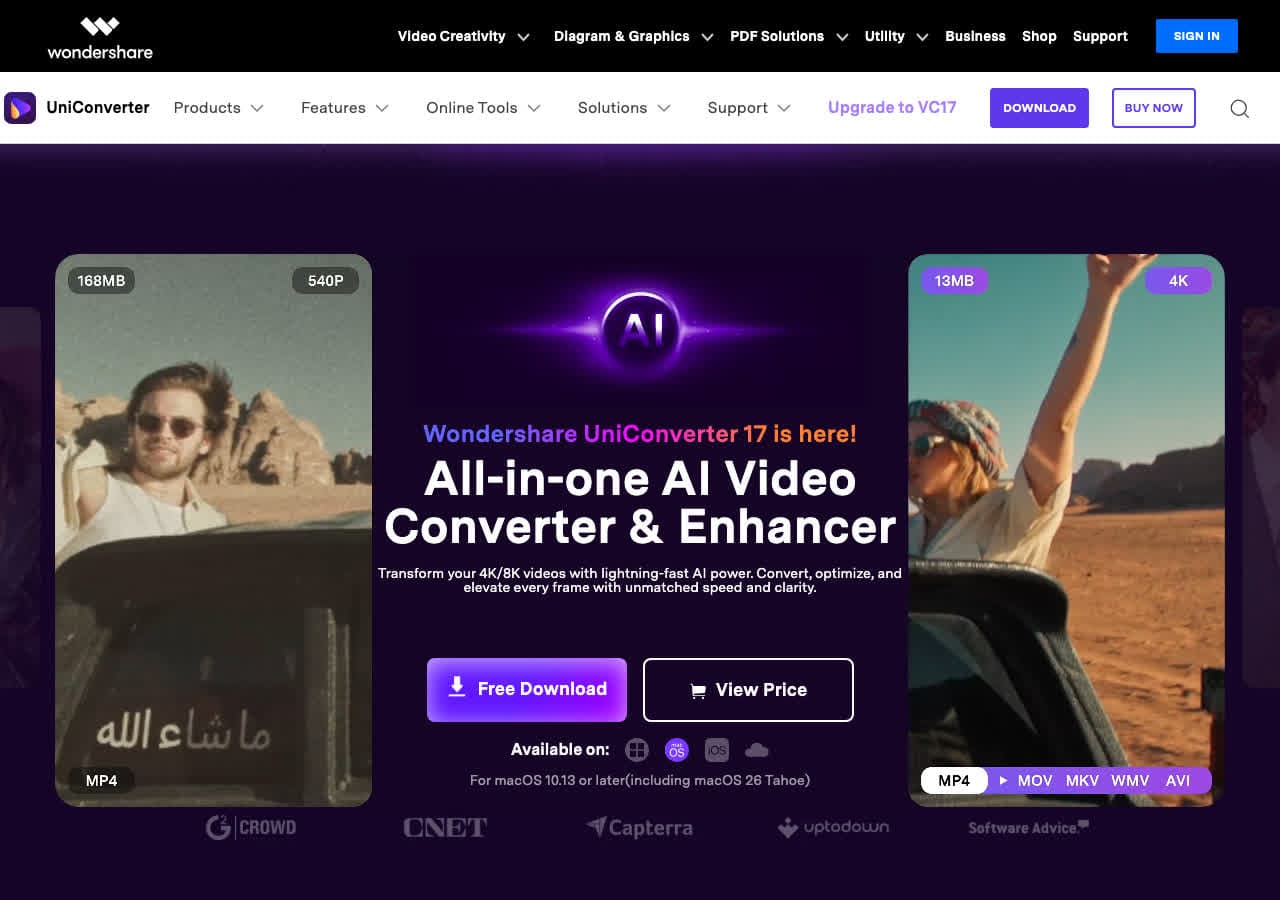
Wondershare UniConverter is a polished paid converter supporting over 1000 formats across video, audio, and images. For audio specifically, it handles MP3, WAV, FLAC, AAC, OGG, WMA, M4A, and many more with GPU-accelerated conversion speeds up to 130x faster than software encoding.
The interface is clean and modern, with drag-and-drop import and one-click presets. Batch conversion handles multiple audio files simultaneously. Wondershare also includes audio compression, noise removal, and basic editing tools. The main drawback is the price, as it uses a subscription model, though a one-time lifetime license is available.
Pros
- 1000+ format support with GPU acceleration.
- Clean, modern interface.
- Batch processing and audio compression tools.
Cons
- Expensive subscription model ($49.99/year).
- Free trial adds watermarks.
Pricing
- $49.99/year subscription.
- $79.99: Lifetime license.
14. HandBrake - Best for Extracting Audio From Video Files
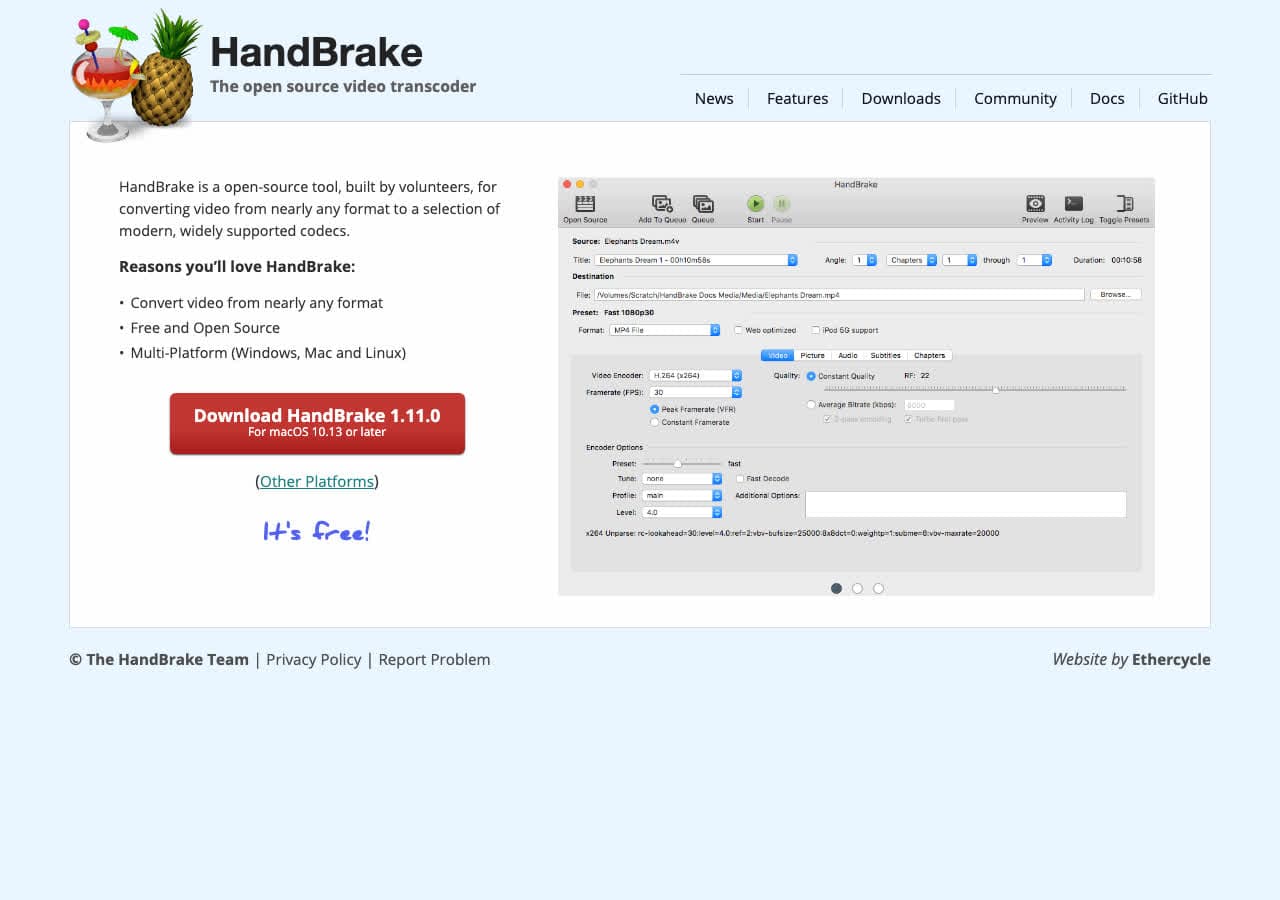
HandBrake is primarily a video converter, but it can extract audio from video files and save it in common formats. If you have MP4, MKV, or AVI files and need just the audio track as MP3 or AAC, HandBrake handles it. The batch queue lets you process multiple video files to extract all their audio tracks at once.
HandBrake is not the best choice for pure audio-to-audio conversion, but its video-to-audio extraction capabilities are solid. It supports hardware acceleration for fast processing and includes presets for common output configurations. Since it is free and open source, it is worth knowing about for occasional audio extraction needs.
Pros
- Free and open source.
- Good at extracting audio from video files.
- Hardware-accelerated processing.
- Batch queue for multiple files.
Cons
- Primarily a video tool, not ideal for audio-to-audio conversion.
- Limited audio output format options.
Pricing
- Free (open source, GPL licensed).
15. CloudConvert - Best Online Audio Converter
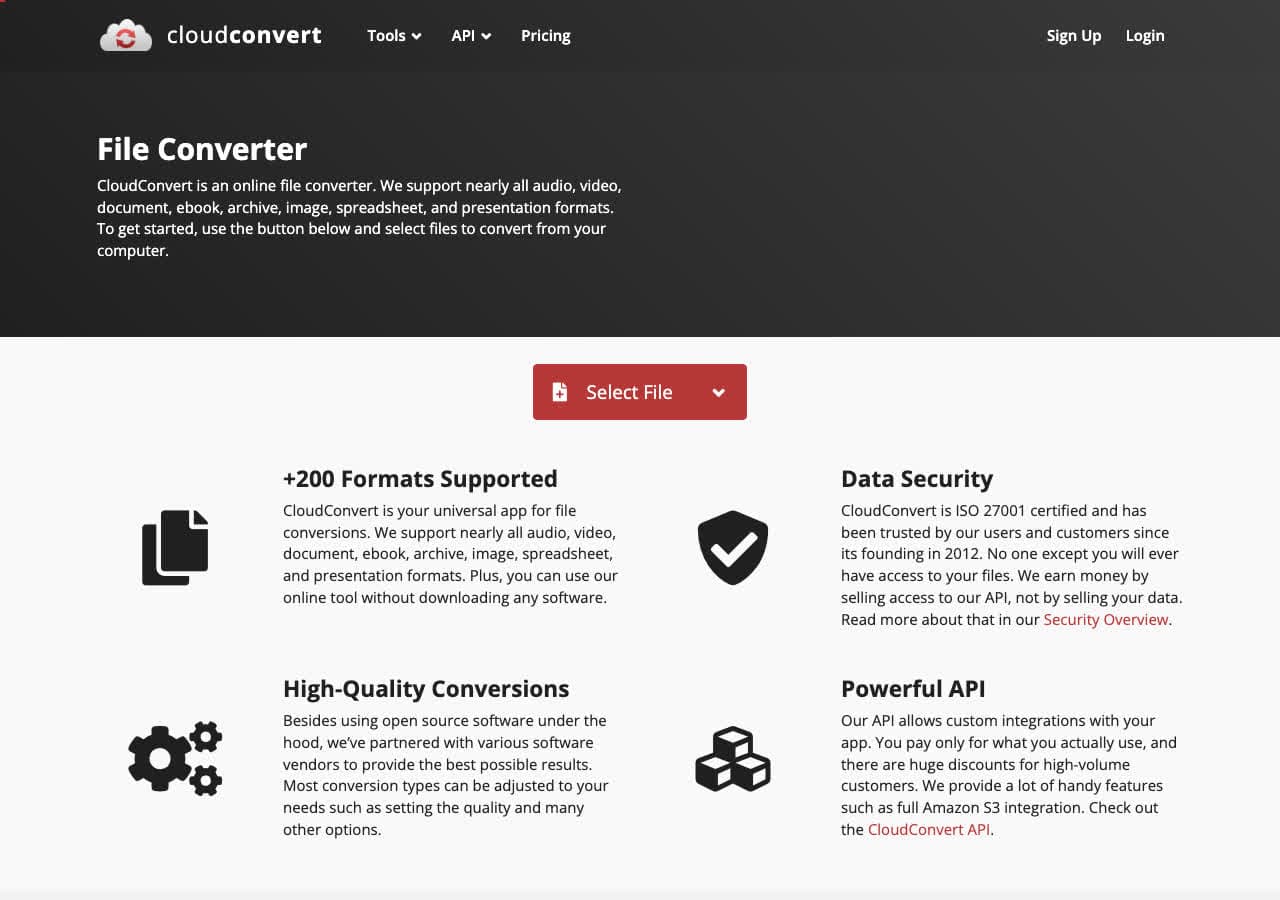
CloudConvert is a browser-based converter that handles audio formats without any software installation. Upload your audio file, choose your target format (MP3, FLAC, WAV, AAC, OGG, WMA, and more), adjust optional settings like bitrate and sample rate, and download the result. It supports 25 free conversions per day.
CloudConvert stands out among online audio converters for its quality and control. You get advanced settings like bitrate, sample rate, and channel configuration that most online tools skip. The conversion engine produces clean output, and the developer API lets you integrate audio conversion into your own applications.
Pros
- No software to install.
- Advanced audio settings (bitrate, sample rate, channels).
- 25 free conversions per day.
- Developer API available.
Cons
- Files are uploaded to their servers.
- Free tier limited to 25 conversions/day and 1GB file size.
Pricing
- Free: 25 conversions/day, 1GB limit.
- From $8/month: Higher limits and priority processing.
16. Zamzar - Best for Quick No-Install Audio Conversions
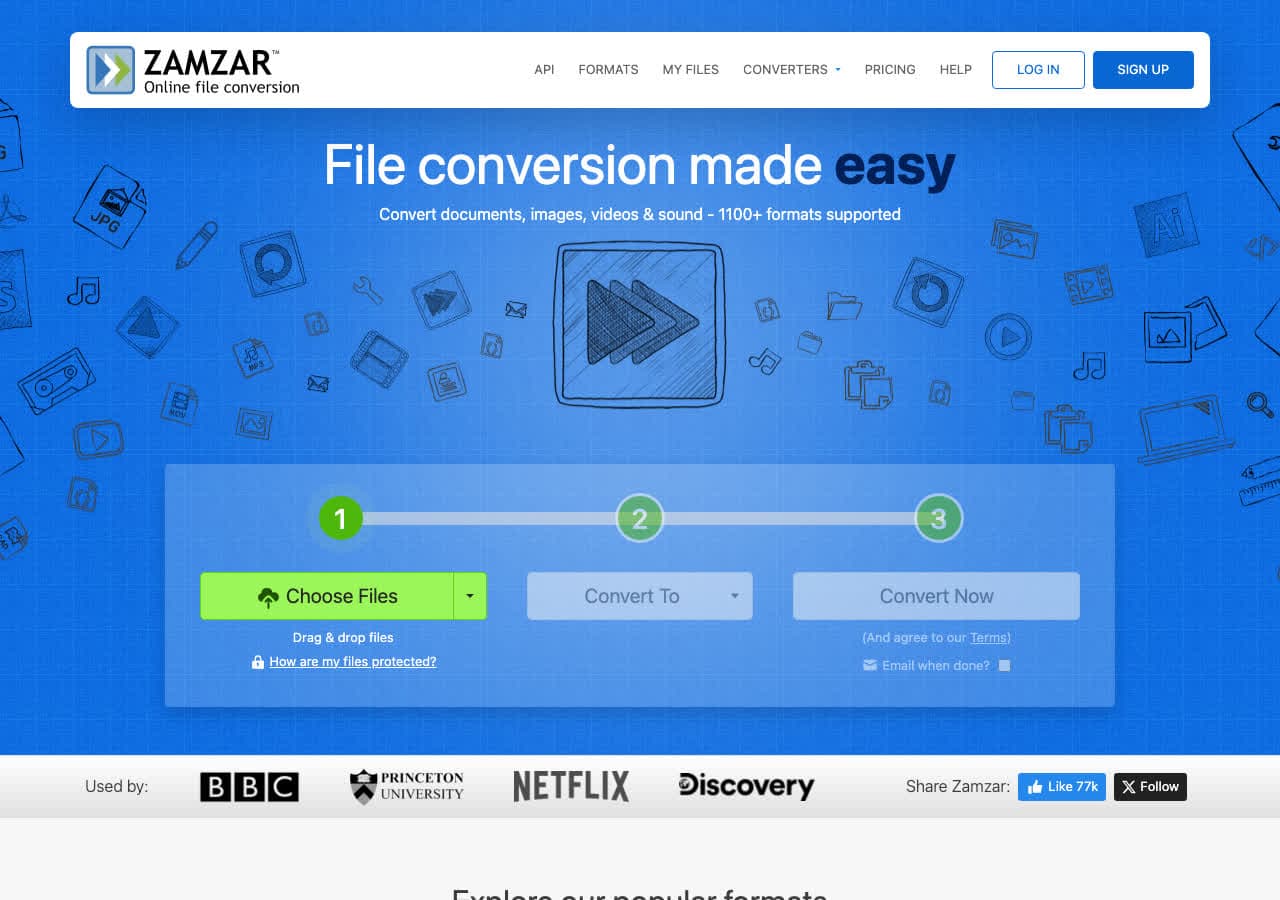
Zamzar has been converting files online since 2006. The workflow is as simple as it gets: upload your audio file, choose an output format, and download the result. No account is needed for free conversions. Zamzar supports dozens of audio formats including MP3, WAV, FLAC, AAC, OGG, and WMA.
The free tier is limited to 2 files per day with a 50MB file size cap, which is usually enough for audio files since they are smaller than video. For quick one-off conversions when you do not want to install software, Zamzar is fast and reliable. Paid plans remove the limits and add batch processing.
Pros
- No software to install, no account needed.
- Trusted service running since 2006.
- 50MB free limit is usually enough for audio files.
Cons
- Free tier: 2 files/day only.
- Files uploaded to their servers.
- Paid plans are relatively expensive.
Pricing
- Free: 2 files/day, 50MB limit.
- From $18/month: Higher limits.
17. Convertio - Best Online Audio Converter for Format Variety
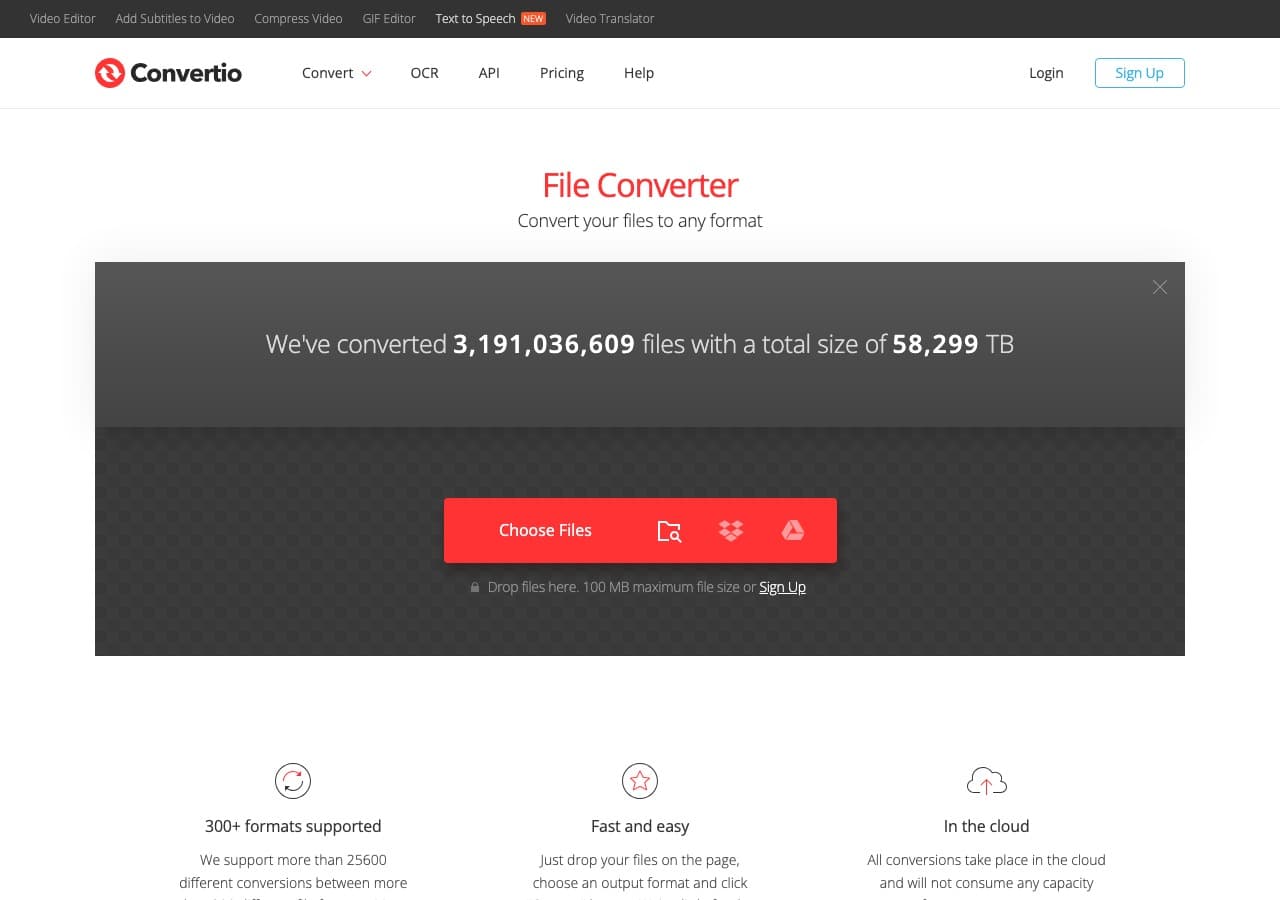
Convertio is a polished online converter supporting over 300 formats across audio, video, images, and documents. For audio, it handles MP3, WAV, FLAC, AAC, OGG, WMA, AIFF, M4A, and many more. The interface is clean and modern with a simple two-step workflow: upload and convert.
Convertio integrates with Google Drive and Dropbox for cloud-to-cloud conversion, which is convenient if your audio files are already stored online. The free tier allows files up to 100MB with 10 conversions per day. For audio files, the 100MB limit is rarely a problem. Paid plans add batch processing and larger file support.
Pros
- 300+ format support.
- Clean, modern interface.
- Google Drive and Dropbox integration.
- 100MB free limit is generous for audio.
Cons
- 10 free conversions per day.
- Files uploaded to their servers.
Pricing
- Free: 100MB, 10 conversions/day.
- From $9.99/month: Larger files and more conversions.
18. Online-Convert - Best Online Audio Converter With Advanced Settings
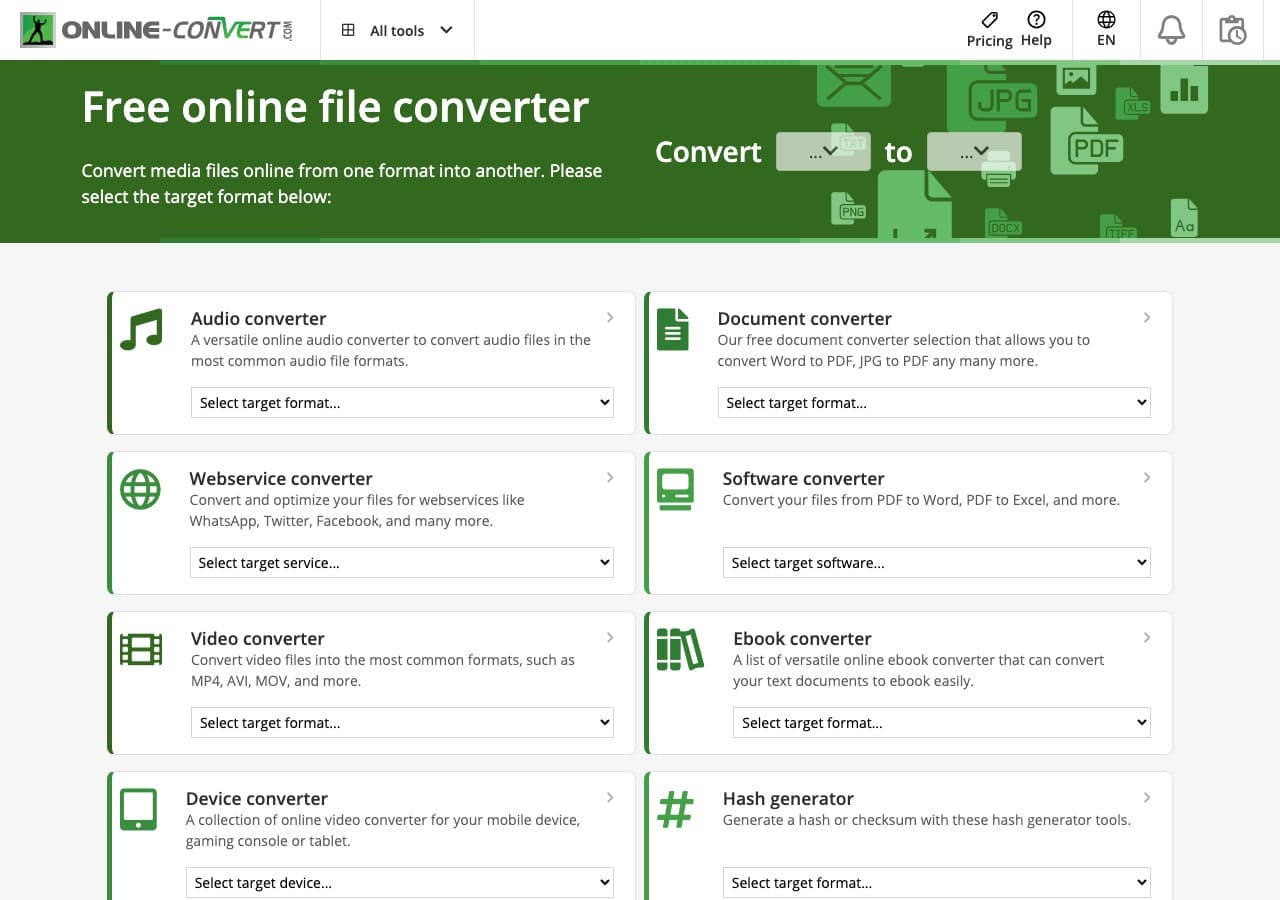
Online-Convert offers the most detailed output controls of any online audio converter. When converting to MP3, for example, you can set the exact bitrate, sample rate, number of audio channels, and even apply audio normalization. Most online tools give you a format dropdown and nothing else. Online-Convert gives you the controls that power users expect.
The site supports a wide range of audio formats and accepts files from your computer, URL, Google Drive, or Dropbox. The free tier has file size and daily conversion limits, but for occasional use with specific quality requirements, Online-Convert provides more control than any other browser-based option.
Pros
- Detailed output settings (bitrate, sample rate, channels, normalization).
- Multiple input sources (upload, URL, cloud storage).
- Wide format support.
Cons
- Free tier has file size and daily limits.
- Interface is cluttered with ads on free tier.
- Files uploaded to their servers.
Pricing
- Free: Limited conversions and file size.
- From $6.99/month: Higher limits and no ads.
How to Convert
The offline file converter for Mac, Windows and Linux.
- Converts video, audio, images, documents, ebooks and more
- Everything runs locally. Your files never leave your device
- Pay once. Access forever
Get the app on Mac, Windows and Linux
Frequently Asked Questions
What is the best free audio converter?
fre:ac is the best free dedicated audio converter. It is open source, supports all major audio formats, preserves metadata, and handles batch conversion with multi-core processing. How to Convert also has a free web demo for single-file conversions across common audio, video, and other formats.
Does converting audio reduce quality?
Converting between lossy formats (like MP3 to AAC) always loses some quality because the file is decoded and re-encoded. Converting from lossless to lossy (FLAC to MP3) is a one-way quality reduction. Converting between lossless formats (WAV to FLAC) preserves perfect quality since FLAC is lossless compression. The best practice is to keep your source files in a lossless format and only convert to lossy when needed.
What audio format has the best quality?
WAV and AIFF are uncompressed and offer the highest quality but take up the most storage. FLAC and ALAC are lossless compressed formats that preserve perfect quality while reducing file size by 50-70%. For lossy formats, AAC generally offers better quality than MP3 at the same bitrate, while OGG Vorbis is competitive with both.
Is it safe to use online audio converters?
Online converters like CloudConvert and Zamzar are reputable services, but your files are uploaded to their servers during conversion. For sensitive audio recordings, use an offline converter like How to Convert, fre:ac, or Audacity that processes files locally on your device without any internet connection.
Final Thoughts
The right audio converter depends on what you are converting and how often. For all-in-one offline conversion across every file type, How to Convert handles audio alongside video, images, and documents for a one-time purchase. For a free dedicated audio converter, fre:ac is purpose-built with batch processing and metadata preservation. Audiophiles managing large lossless libraries should consider dBpoweramp. And for quick conversions without installing anything, CloudConvert or Convertio will handle it from your browser.
How to Convert
The offline file converter for Mac, Windows and Linux.
- Converts video, audio, images, documents, ebooks and more
- Everything runs locally. Your files never leave your device
- Pay once. Access forever
Get the app on Mac, Windows and Linux
