18 Best AVI to MKV Converters in 2026 (Free and Paid)
The best AVI to MKV converters in 2026. Compare offline desktop apps, open-source tools, and online converters for archiving older video with subtitles, chapters, and multiple tracks.
Posted by
 Jake Manger
AVI to MKV is the archival conversion. AVI is the legacy 1990s Windows container; MKV is the modern open container designed to hold everything AVI cannot — multiple audio tracks, subtitles, chapter markers, attached fonts, and proper metadata. The conversion is almost always a remux with no re-encoding required, so it is instant and lossless. The killer feature is that you can finally add subtitles, chapters, and multi-language audio to an old AVI archive that started as a single-track file. This guide compares 18 AVI to MKV converters in 2026.
AVI → MKV is the cleanest container conversion in this whole series — the AVI's Xvid or DivX video transfers bit-identical into MKV in seconds.
Quick Picks for AVI → MKV
- Best CLI: FFmpeg with
-c copy. - Best GUI for adding tracks: MKVToolNix.
- One-shot: How to Convert.
One-shot: AVI to MKV converter.
1. How to Convert (I built this one)

Drop AVIs in, pick MKV, hit convert. Remux by default. Local.
Pricing
- One-time purchase; free web demo for single-file conversions.
 How to Convert
The offline file converter for Mac, Windows and Linux.
- Converts video, audio, images, documents, ebooks and more
- Everything runs locally. Your files never leave your device
- Pay once. Access forever
Get the app on Mac, Windows and Linux
2. FFmpeg
ffmpeg -i input.avi -c copy output.mkv
Batch:
for f in *.avi; do ffmpeg -i "$f" -c copy "${f%.avi}.mkv"; doneAdding an external SRT subtitle during the remux:
ffmpeg -i input.avi -i subtitles.srt -c copy -c:s srt output.mkv
Pricing
- Free, open source.
3. MKVToolNix
The reference Matroska toolkit. Drag AVI into mkvmerge GUI, add SRT subtitles, set chapter markers, set language tags, save MKV. Indispensable for archival library work.
Pricing
- Free, open source.
4. HandBrake
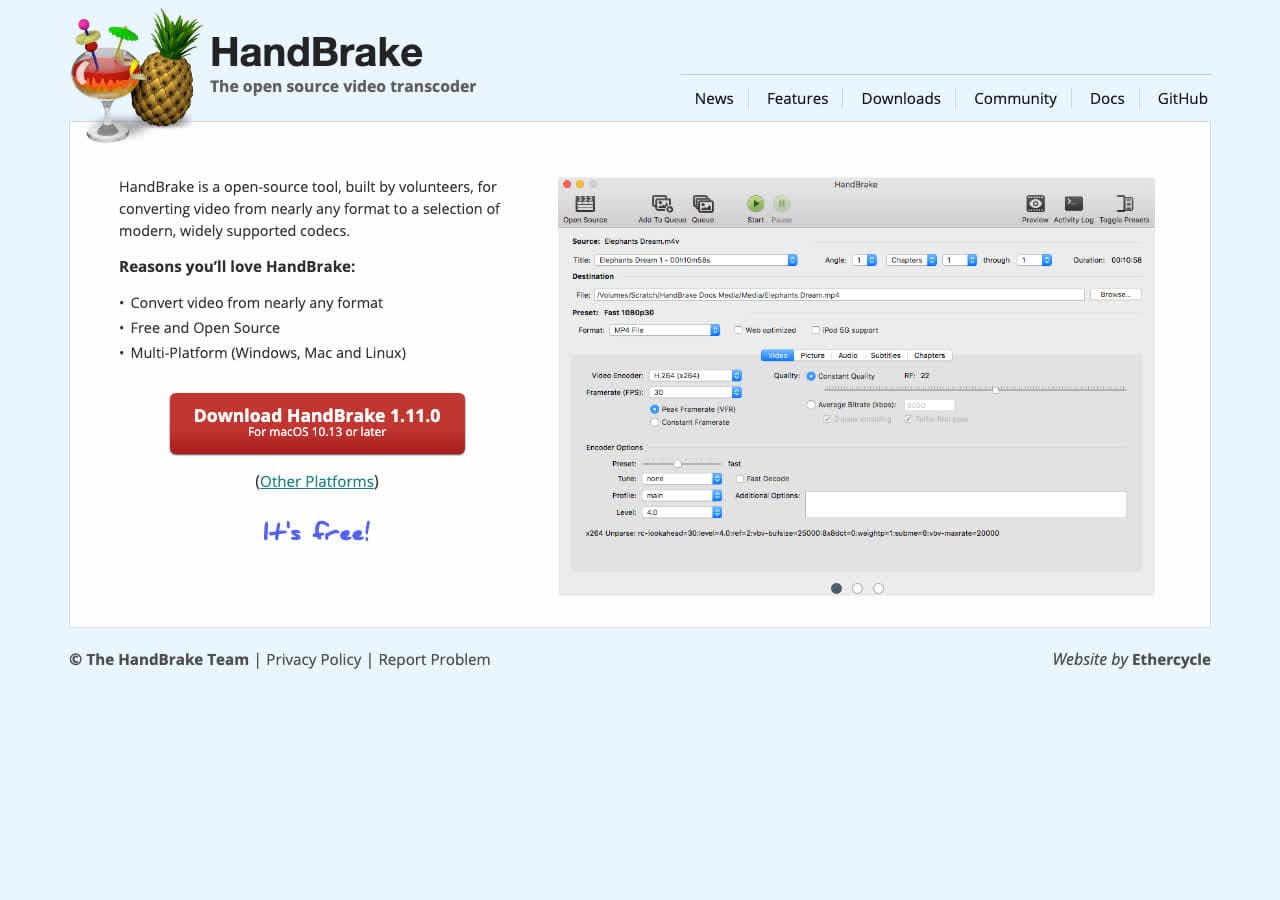
Always re-encodes. Useful if you also want to convert the legacy Xvid/DivX video to H.264 for smaller files.
Pricing
- Free, open source.
5. Shutter Encoder
FFmpeg GUI with remux option.
Pricing
- Free.
6. VLC

Media → Convert / Save → MKV.
Pricing
- Free, open source.
7. Permute (Mac)
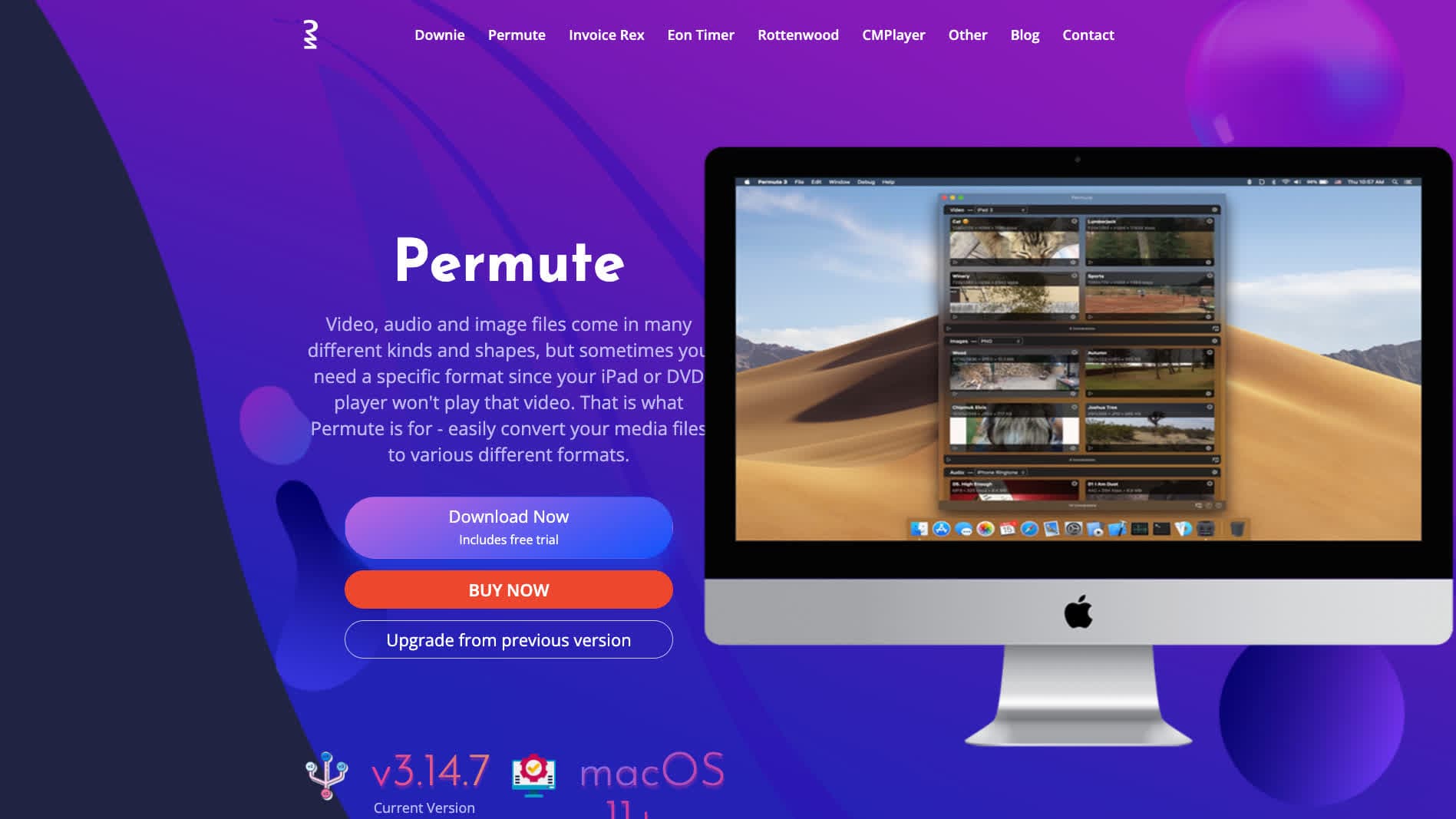
Mac-native converter.
Pricing
- One-time purchase.
8. Any Video Converter
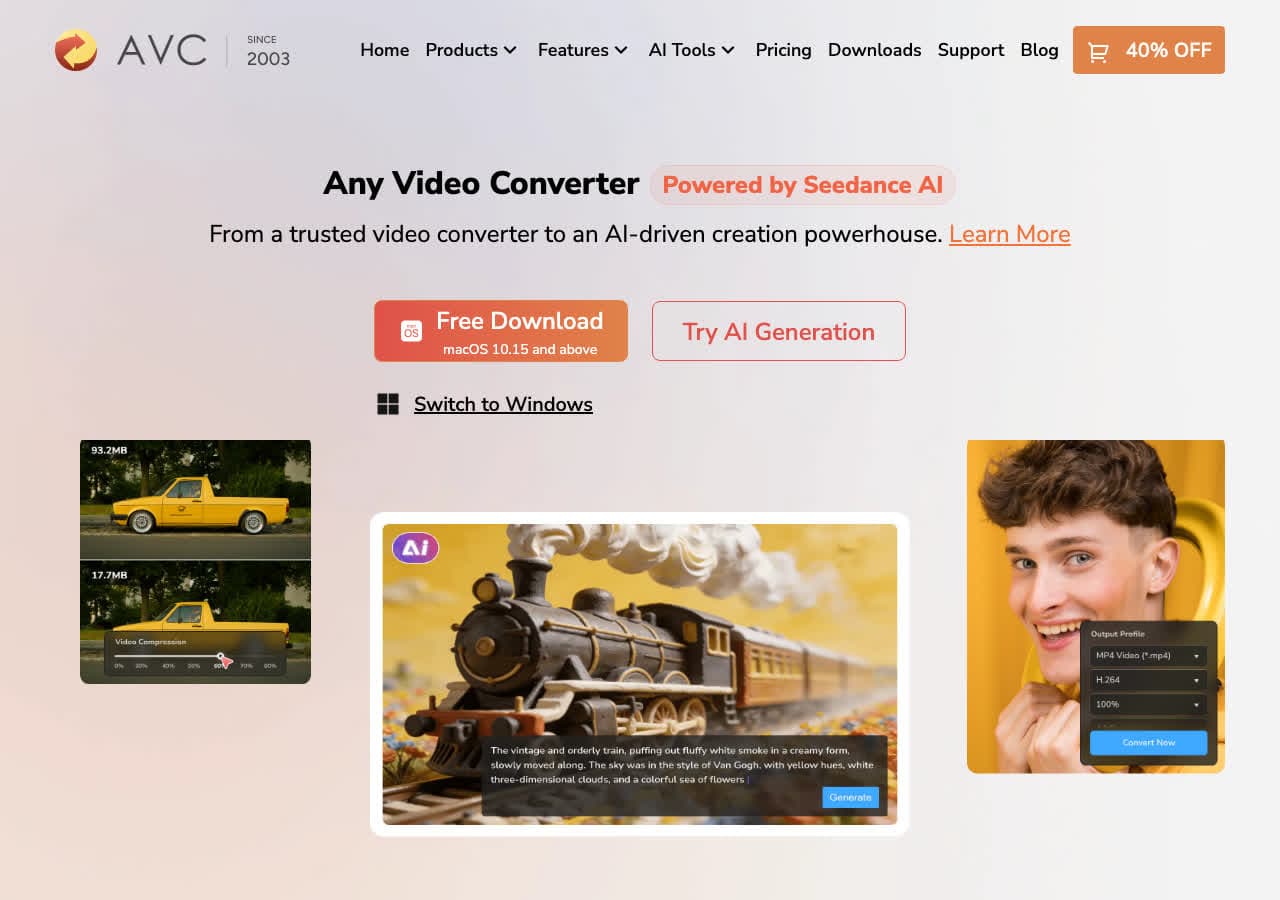
Consumer converter with MKV output.
Pricing
- Freemium.
9. Wondershare UniConverter
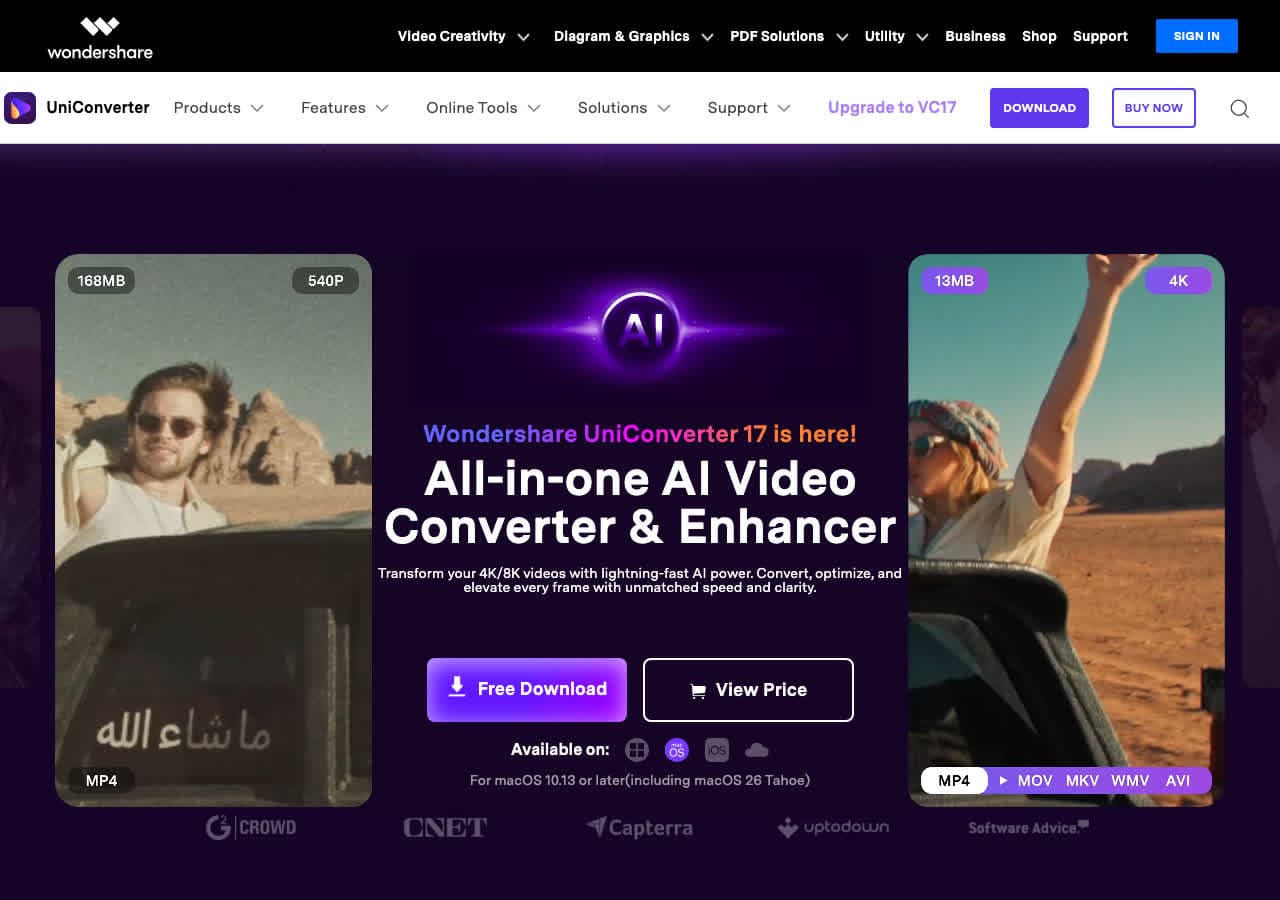
Full media suite.
Pricing
- Paid.
10. Movavi Video Converter
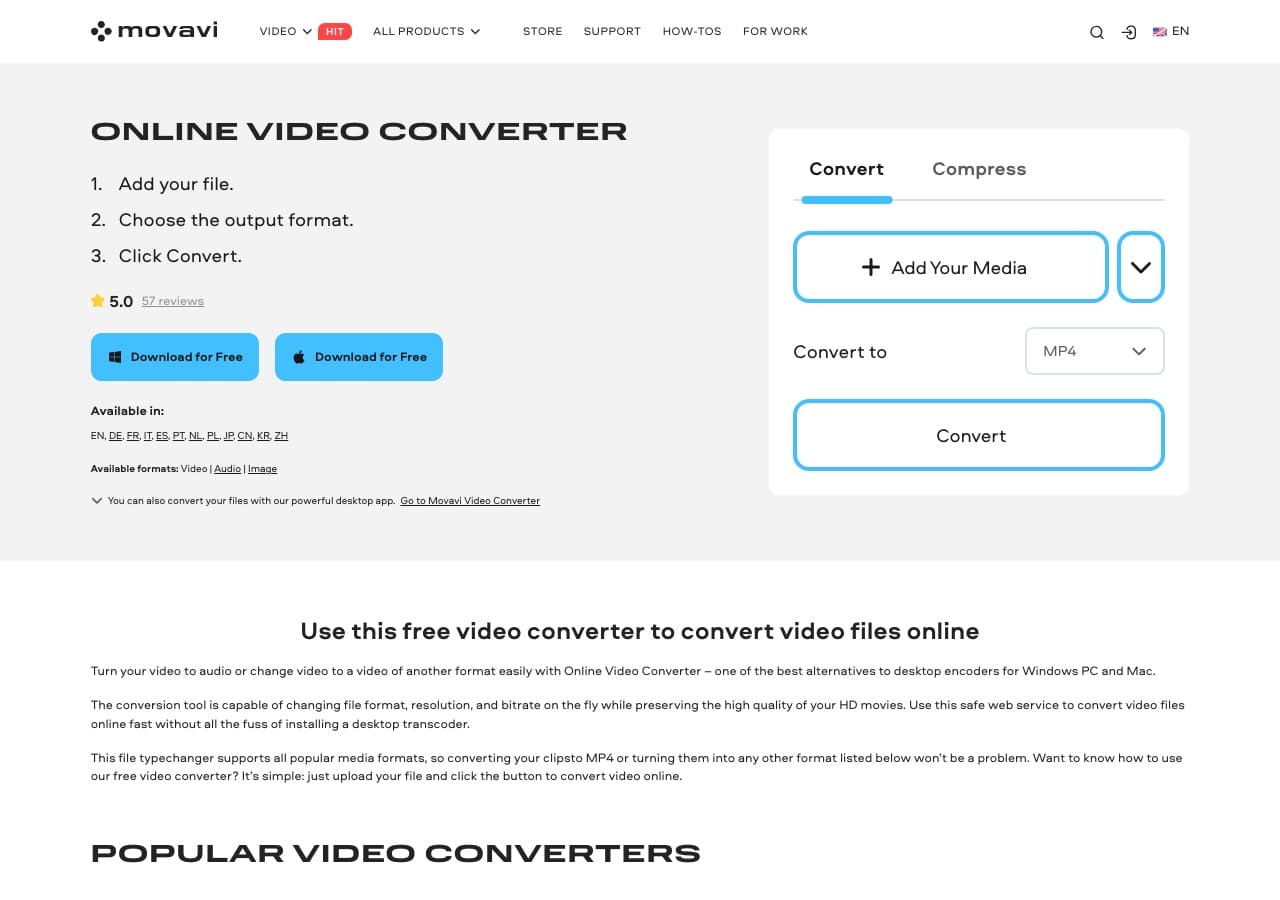
Beginner-friendly paid converter.
Pricing
- Paid.
11. Adapter

Free Mac and Windows tool.
Pricing
- Free.
12. Prism Video Converter
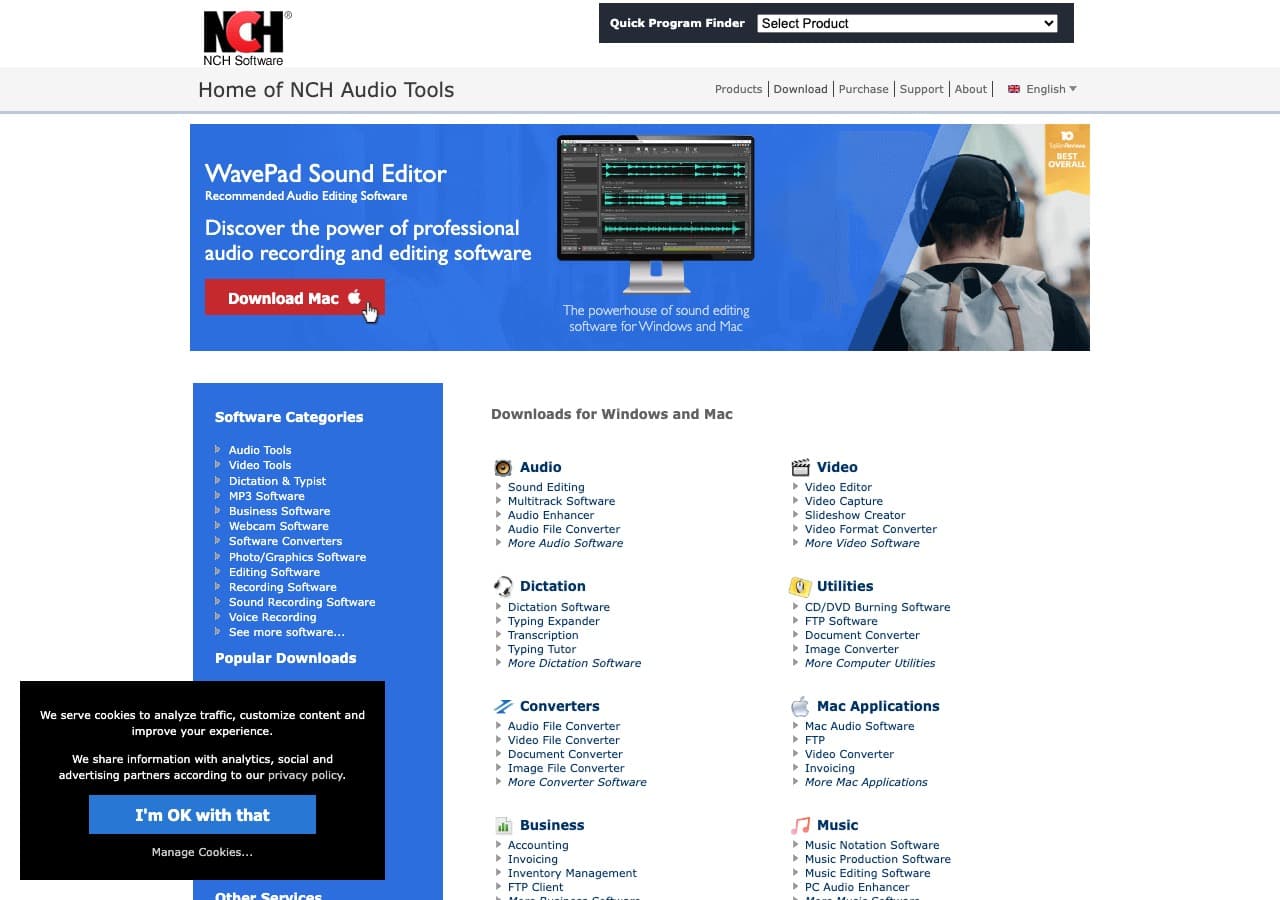
Simple NCH paid tool.
Pricing
- Free home; paid commercial.
13. Kdenlive
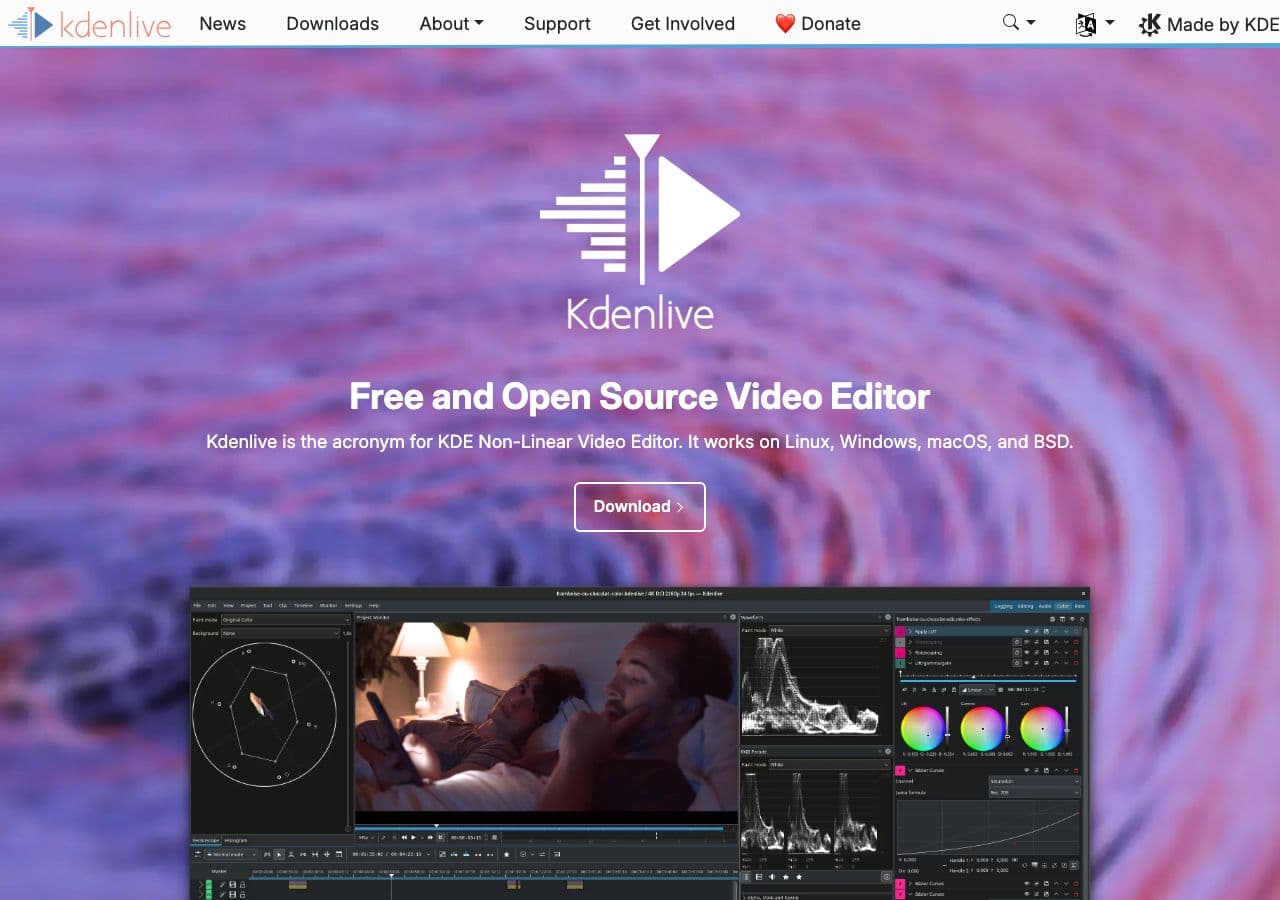
Free open-source video editor with MKV render.
Pricing
- Free, open source.
14. CloudConvert
Web AVI → MKV.
Pricing
- Free tier; paid above.
15. Convertio
Web AVI → MKV.
Pricing
- Free with caps; paid above.
16. Online-Convert
Web converter with codec options.
Pricing
- Free with limits; paid above.
17. FreeConvert
Web converter.
Pricing
- Free with caps; paid above.
18. Zamzar
Long-running web converter.
Pricing
- Free with daily limits; paid above.
How to Choose
- Quick remux: FFmpeg
-c copyor How to Convert. - Adding subtitles or chapters: MKVToolNix.
- Re-encode to modern codec: HandBrake.
- Archive batch: FFmpeg in a script.
Final Thoughts
AVI → MKV is the right archive step for legacy video. FFmpeg -c copy moves the video and audio losslessly in seconds. MKVToolNix adds the metadata, subtitles, and chapter markers that AVI never supported. Skip web tools for big archive batches — local processing finishes in a fraction of the time.
How to Convert
The offline file converter for Mac, Windows and Linux.
- Converts video, audio, images, documents, ebooks and more
- Everything runs locally. Your files never leave your device
- Pay once. Access forever
Get the app on Mac, Windows and Linux
