18 Best AVIF to JPG Converters in 2026 (Free and Paid)
The best AVIF to JPG converters in 2026. Compare offline desktop apps, open-source tools, and online converters for making next-generation images work in older apps and upload forms.
Posted by
 Jake Manger
AVIF is the newest of the “modern” image formats — based on AV1 video compression, with file sizes roughly half of JPEG at the same perceived quality. Every modern browser supports it. The problem is everything else. Slack still struggles with it. Outlook ignores it. Older Windows apps display a generic icon. Most CMS upload forms reject it. Print services do not know what to do with it. So you save it from a website, try to share it, and end up looking for the best AVIF to JPG converter. This guide compares 18 of them in 2026.
AVIF support is still uneven across tools in 2026 — about half the older converters cannot read it at all. The list below filters for tools that genuinely support AVIF input.
What to Know About AVIF → JPG
- You are going from a smaller, newer format to a bigger, older one. The output JPG will be 30–60% larger than the source AVIF at visually equivalent quality. That is the cost of compatibility.
- Transparency is lost. AVIF supports alpha; JPG does not. Tools default to flattening to white. Use a tool with a configurable background color if it matters.
- Animated AVIF becomes a single frame. Like animated WebP, animated AVIF cannot survive as a JPG. Use FFmpeg to extract a frame or convert to GIF/MP4 instead.
- HDR / 10-bit / 12-bit AVIFs get clamped to 8-bit. Most AVIFs in the wild are 8-bit, but if you saved one with the HDR toggle on, the JPG conversion clamps the highlights. Convert with explicit tone mapping or use PNG-16 as an intermediate if color matters.
Quick Picks for AVIF → JPG
- One file, easiest: Squoosh — reads AVIF, writes JPG, lets you see the quality tradeoff.
- A folder: ImageMagick, How to Convert, or XnConvert.
- You are on a Mac (Sonoma+): Preview reads AVIF natively now. File → Export → JPEG.
- You are on Windows with no AVIF support: install Microsoft's AV1 Video Extension from the Store, or use a tool with bundled decoding.
- Sensitive image: stay local.
One-shot: AVIF to JPG converter.
1. How to Convert (I built this one)

Drop AVIFs in, pick JPG, set quality, hit convert. Bundled AVIF decoder — no extension install needed on Windows. Transparent backgrounds flatten with a configurable color rather than a silent white default.
Pricing
- One-time purchase; free web demo for single-file conversions.
 How to Convert
The offline file converter for Mac, Windows and Linux.
- Converts video, audio, images, documents, ebooks and more
- Everything runs locally. Your files never leave your device
- Pay once. Access forever
Get the app on Mac, Windows and Linux
2. ImageMagick
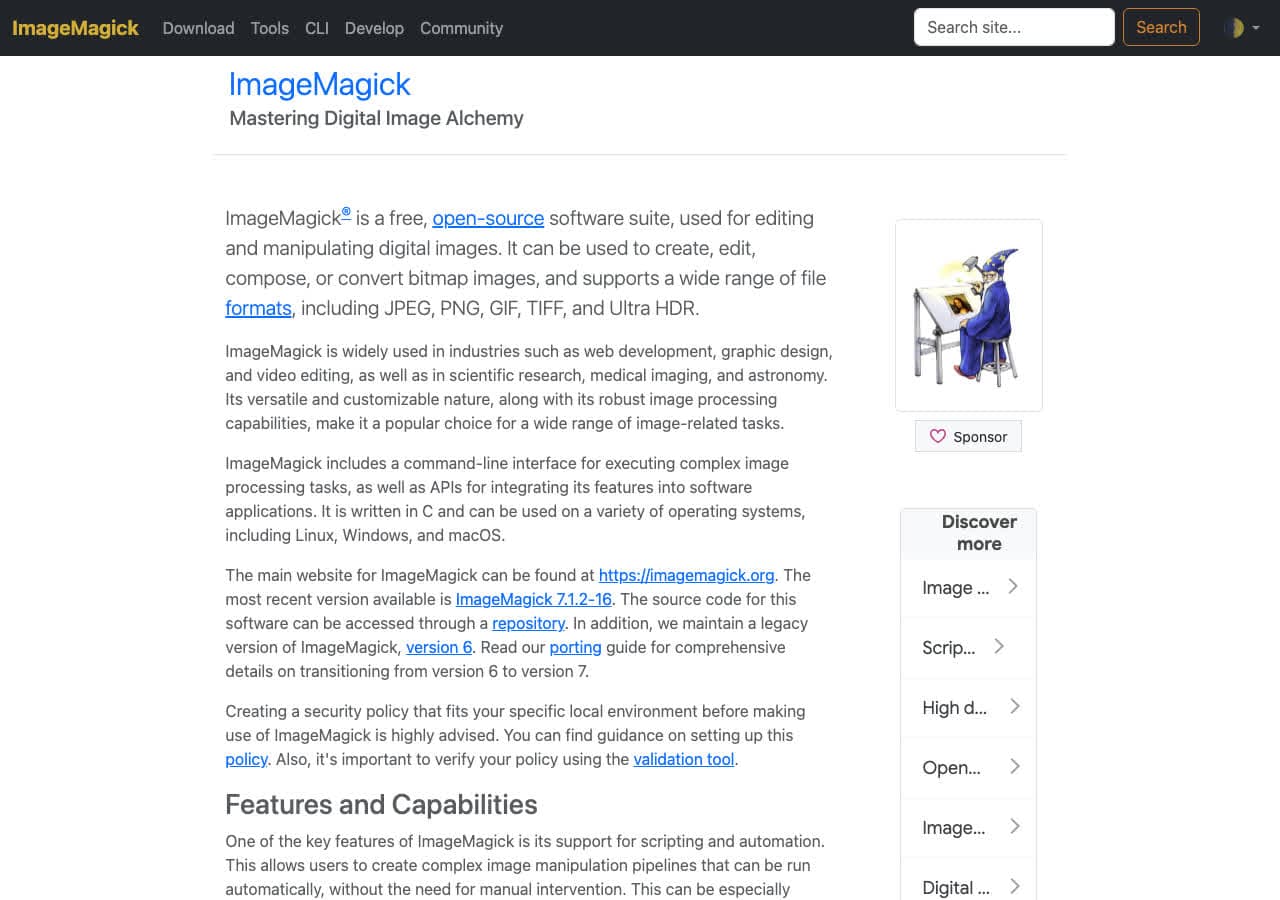
ImageMagick reads AVIF if it was built with libheif and libaom (Homebrew's does):
magick input.avif -quality 92 output.jpg
With explicit alpha flattening:
magick input.avif -background white -alpha remove -alpha off -quality 92 output.jpg
Batch:
for f in *.avif; do magick "$f" -quality 92 "${f%.avif}.jpg"; donePricing
- Free, open source.
3. Squoosh
The Chrome team's converter. Reads AVIF, writes JPG with a quality slider and side-by-side preview. Client-side. Best one-file workflow.
Pricing
- Free.
4. macOS Preview (Sonoma+)
macOS Sonoma added native AVIF read. Open AVIF, File → Export → JPEG. For batches: Finder → right-click → Quick Actions → Convert Image → JPEG.
Pricing
- Free with macOS.
5. avifdec + cjpeg pipeline
libavif's reference CLI plus libjpeg-turbo:
avifdec input.avif output.ppm
cjpeg -quality 92 output.ppm > output.jpg
Single-purpose tools, fastest decode. Useful in scripted pipelines.
Pricing
- Free, open source.
6. sharp (Node.js)
For build pipelines:
import sharp from "sharp";
await sharp("input.avif").jpeg({ quality: 92 }).toFile("output.jpg");
sharp's recent versions include AVIF read.
Pricing
- Free, open source.
7. XnConvert
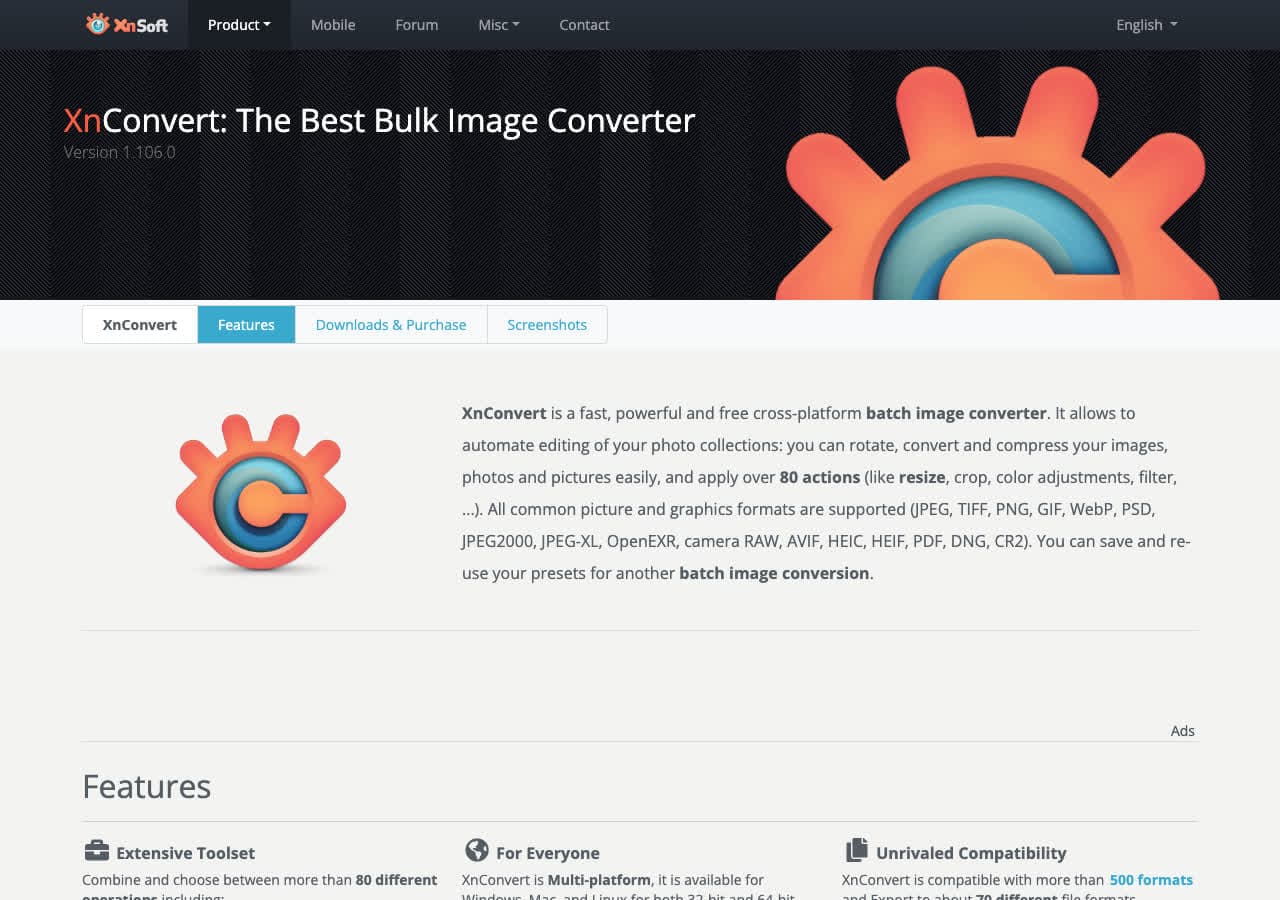
Cross-platform batch tool. AVIF read added in recent versions. Quality slider, batch processing, background-color choice for transparency.
Pricing
- Free for personal use.
8. FFmpeg
One-liner:
ffmpeg -i input.avif -q:v 2 output.jpg
Best for animated AVIFs where you want to pick a specific frame.
Pricing
- Free, open source.
9. Adobe Photoshop
Reads AVIF since 2024. Open AVIF, Save As → JPEG. Photoshop's color management gives the best handling of HDR AVIFs.
Pricing
- Subscription.
10. Affinity Photo
Reads AVIF in recent versions. Export Persona for JPG output.
Pricing
- One-time purchase.
11. Pixelmator Pro
Native AVIF support on macOS. Clean JPG export.
Pricing
- One-time purchase, Mac App Store.
12. GIMP (with AVIF plugin)
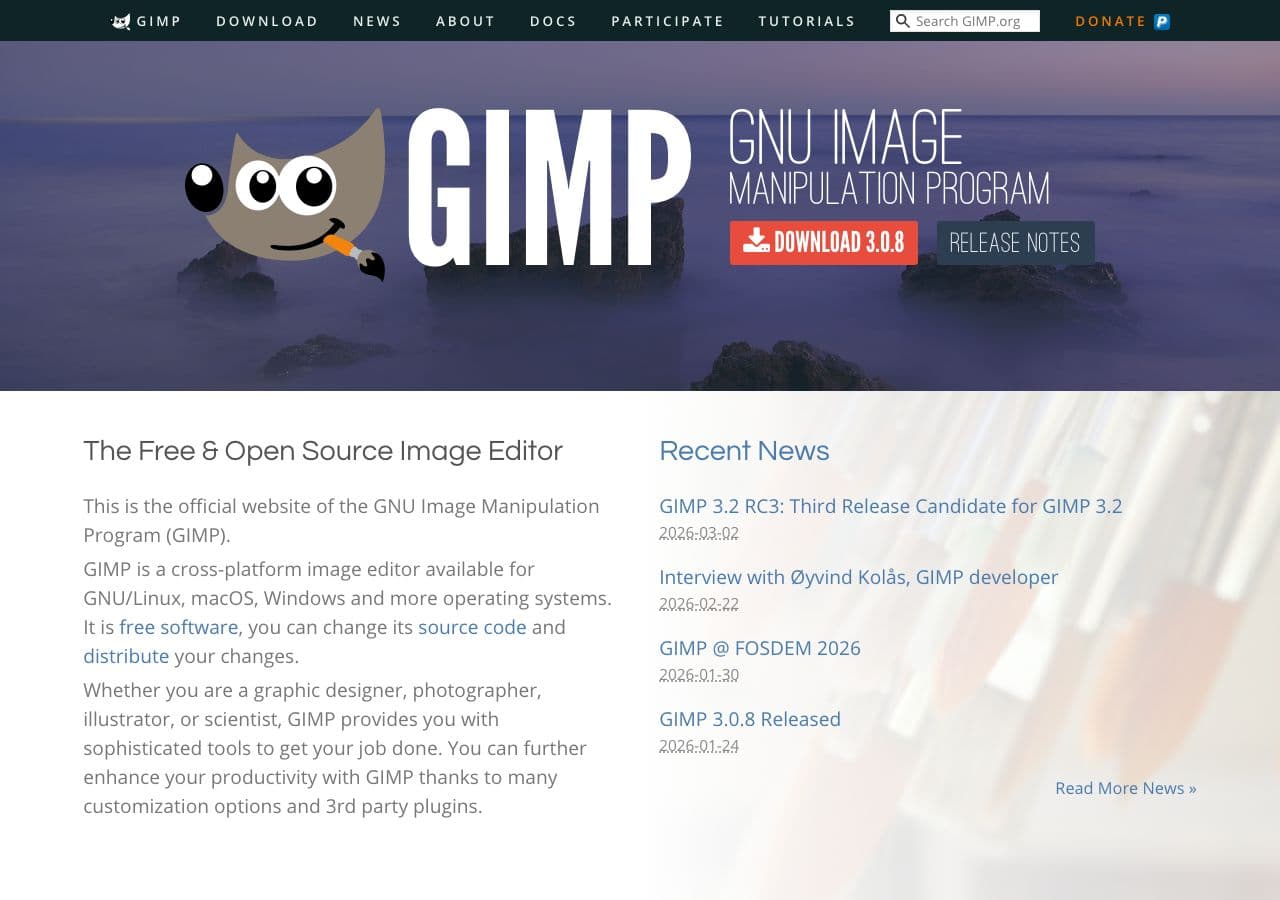
Recent GIMP builds include AVIF. File → Open AVIF, File → Export As → .jpg. Detailed JPG export options.
Pricing
- Free, open source.
13. Windows Photos + AV1 Extension
Install the AV1 Video Extension (free) from the Microsoft Store. Then Photos and Paint can open AVIF and save as JPG.
Pricing
- Free with Windows.
14. IrfanView
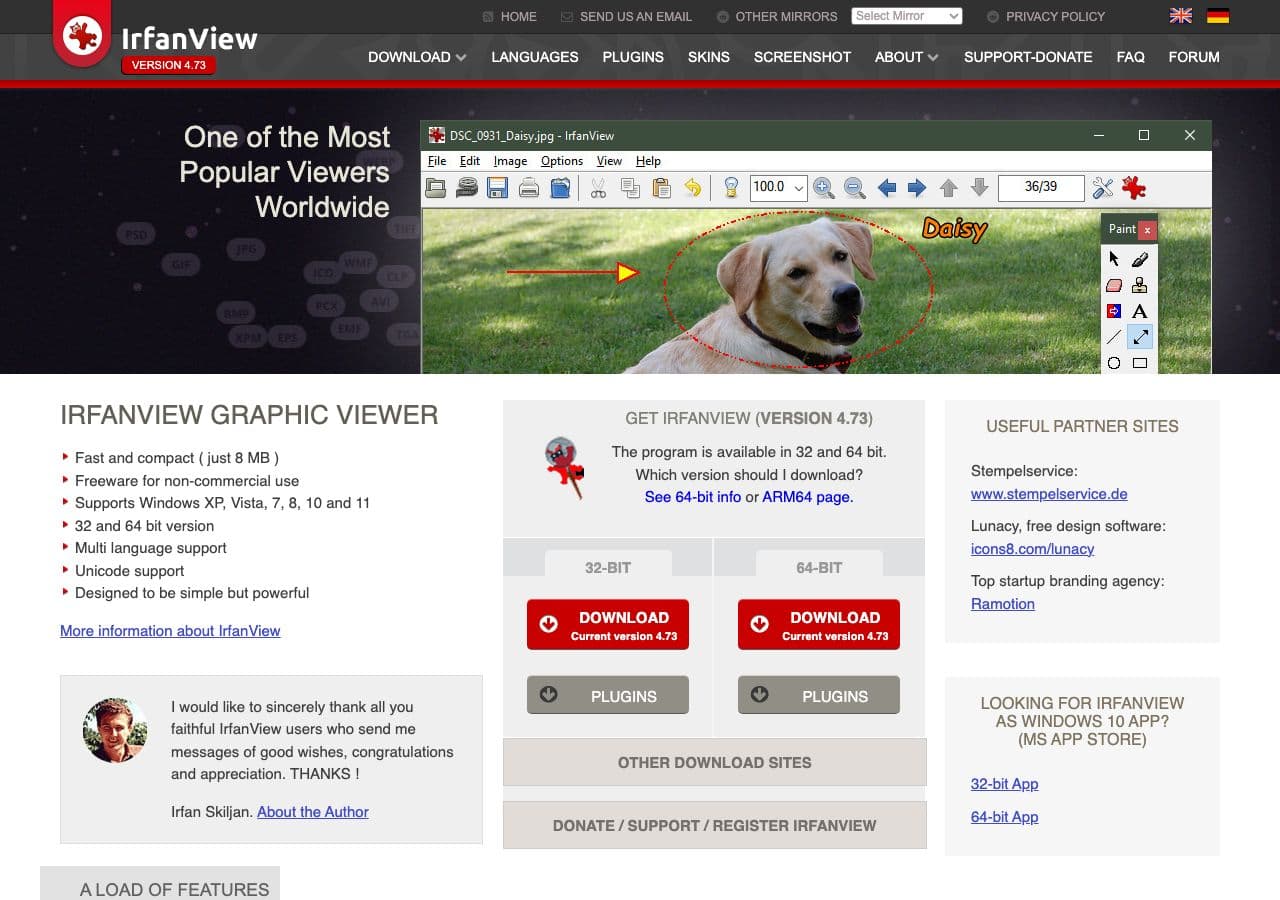
With plugins, IrfanView reads AVIF. Batch convert to JPG with quality control.
Pricing
- Free for personal use.
15. CloudConvert
Web converter with AVIF input support. Drop AVIF, output JPG, download.
Pricing
- Free tier; paid above.
16. Convertio
Web AVIF → JPG with batch.
Pricing
- Free with caps; paid above.
17. FreeConvert
Web AVIF → JPG with a quality slider. Same upload model.
Pricing
- Free with caps; paid above.
18. Photopea
Browser-based Photoshop clone. Reads AVIF, exports JPG, client-side.
Pricing
- Free with ads; paid premium.
How to Choose
- One file, want a preview: Squoosh.
- Folder of AVIFs: ImageMagick, How to Convert, or XnConvert.
- Mac, native: Preview (Sonoma+).
- Windows without extra installs: How to Convert. Otherwise install the AV1 extension.
- Build pipeline: sharp (Node) or avifdec + cjpeg.
- HDR AVIF (rare): Photoshop for color-managed tone mapping.
Final Thoughts
AVIF → JPG is the “I downloaded a modern format and need to share it with someone whose tools live in 2015” conversion. The file gets bigger; that is the cost. Tool support is still uneven, so pick a tool with native AVIF reading rather than chaining workarounds. For a one-off, Squoosh is great. For a folder, ImageMagick or How to Convert. Quality 92 is the safe default — anything lower and you give up the visual quality the AVIF source had.
How to Convert
The offline file converter for Mac, Windows and Linux.
- Converts video, audio, images, documents, ebooks and more
- Everything runs locally. Your files never leave your device
- Pay once. Access forever
Get the app on Mac, Windows and Linux
