18 Best BMP to JPG Converters in 2026 (Free and Paid)
The best BMP to JPG converters in 2026. Compare offline desktop apps, open-source tools, and online converters for shrinking legacy bitmap images into a common compressed photo format.
Posted by
 Jake Manger
BMP is the format Windows used in the 1990s for everything — wallpapers, screenshots, clip art, application icons. It is lossless, uncompressed by default, and produces files enormous relative to the image content (a 1920×1080 BMP is around 6 MB; the equivalent JPG is 200–500 KB). Most people who want to convert BMP to JPG are either dealing with legacy files (old archive, old game asset folder, old scanner output) or have screenshotted into MS Paint without realizing it defaulted to BMP. Either way, JPG is a much more practical format for sharing. This guide compares 18 BMP to JPG converters in 2026.
BMP → JPG is also the easiest conversion category in this whole series — every tool handles BMP input, the format has no unusual quirks, and the only real choice is the output quality.
Quick Picks for BMP → JPG
- One file, easiest: the OS built-in. Preview on Mac, Paint or Photos on Windows.
- A folder of files: ImageMagick, XnConvert, or IrfanView.
- You want a quality preview: Squoosh.
- Old scans or archive files that may be private: stay local. The web converters are fine for everyday BMPs.
One-shot: BMP to JPG converter.
1. How to Convert (I built this one)

Drop BMPs in, pick JPG, set quality, hit convert. Useful when you have a folder of legacy BMPs to convert without uploading them.
Pricing
- One-time purchase; free web demo for single-file conversions.
 How to Convert
The offline file converter for Mac, Windows and Linux.
- Converts video, audio, images, documents, ebooks and more
- Everything runs locally. Your files never leave your device
- Pay once. Access forever
Get the app on Mac, Windows and Linux
2. ImageMagick
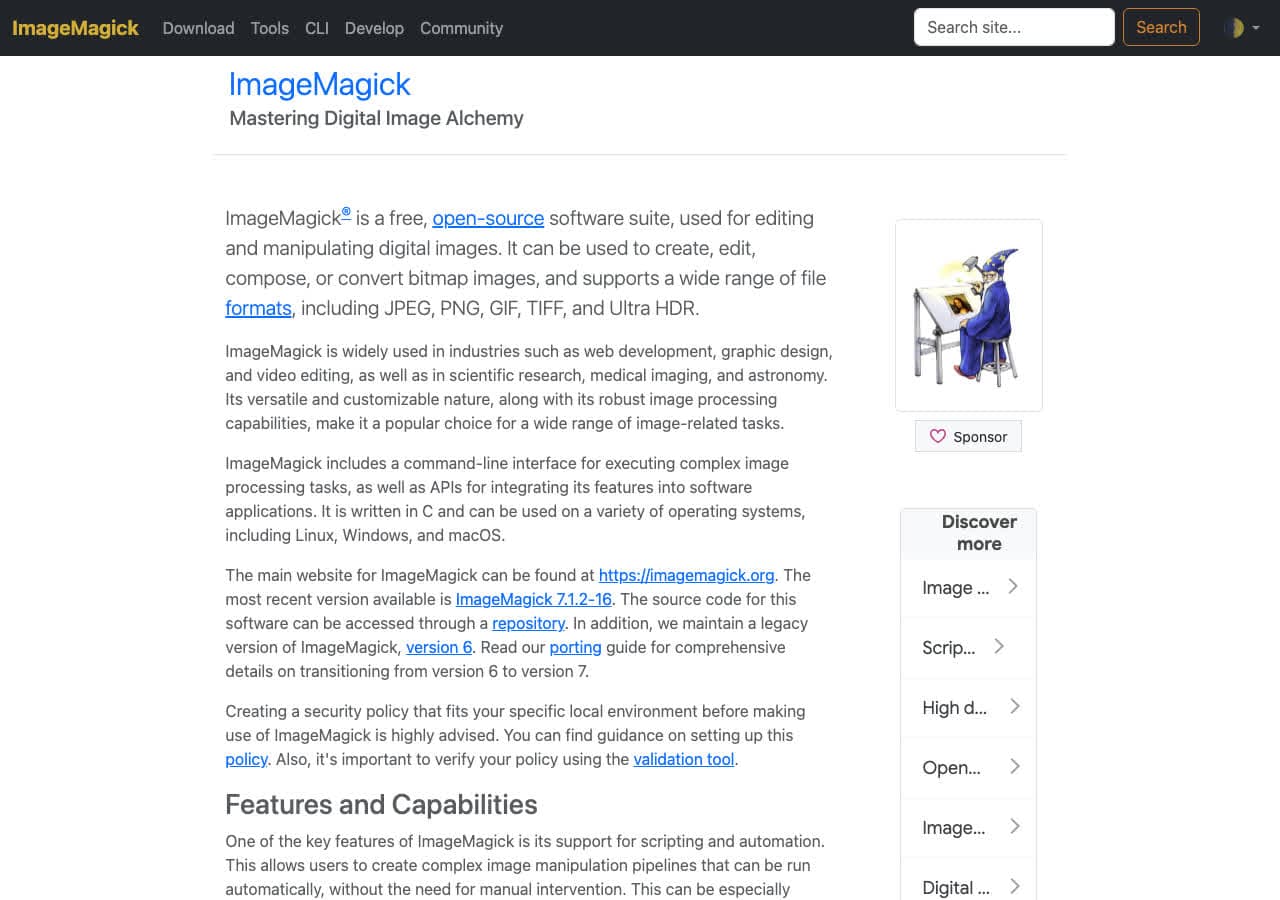
Single file:
magick input.bmp -quality 92 output.jpg
Folder:
for f in *.bmp; do magick "$f" -quality 92 "${f%.bmp}.jpg"; donePricing
- Free, open source.
3. macOS Preview + sips
Preview opens BMP. File → Export → JPEG, quality slider, save.
CLI:
sips -s format jpeg -s formatOptions 92 input.bmp --out output.jpg
Pricing
- Free with macOS.
4. Windows Paint and Photos
Both read BMP natively (Paint is what created most BMPs in the first place). File → Save As → JPEG. Done.
Pricing
- Free with Windows.
5. XnConvert
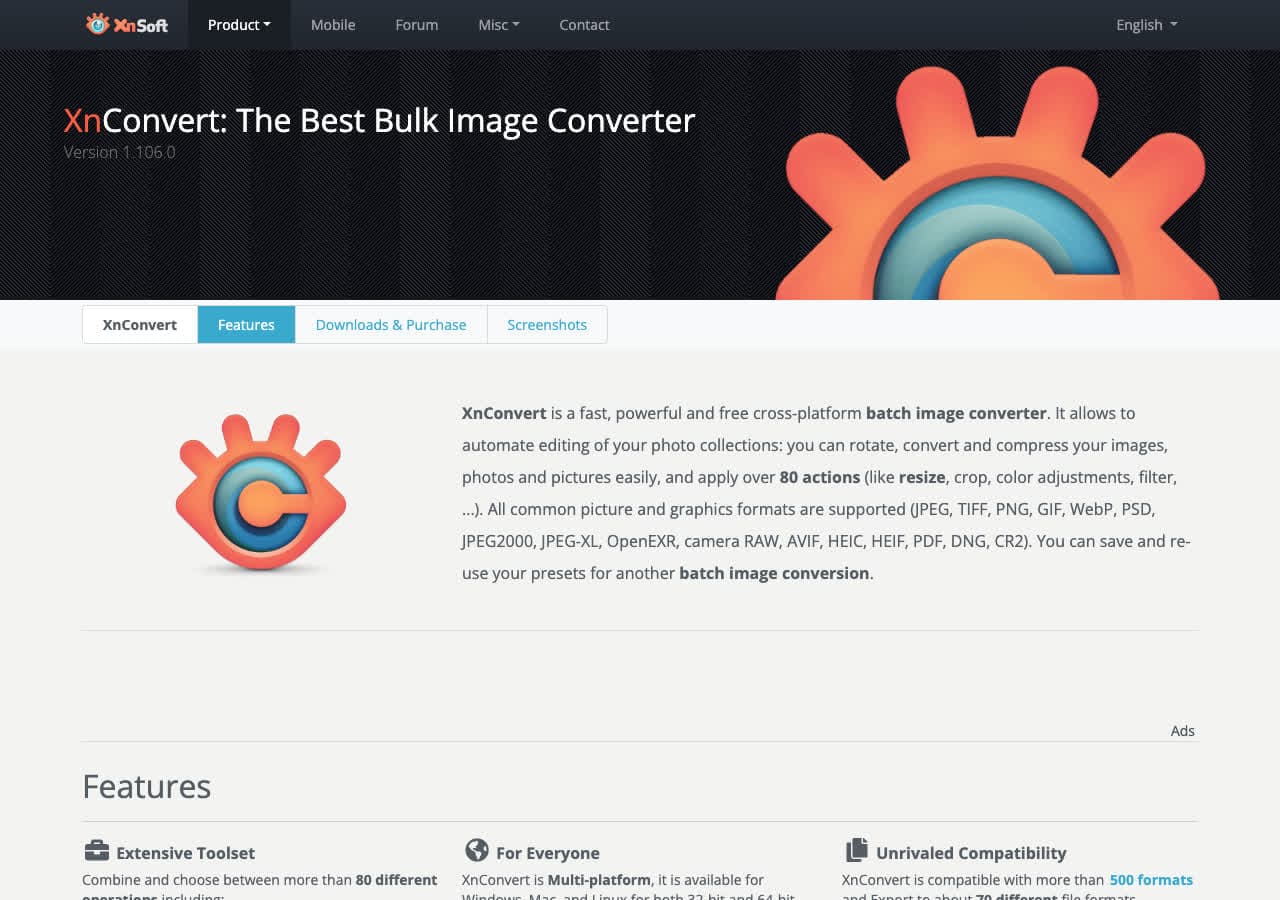
Batch BMP → JPG with quality control. Cross-platform.
Pricing
- Free for personal use.
6. IrfanView
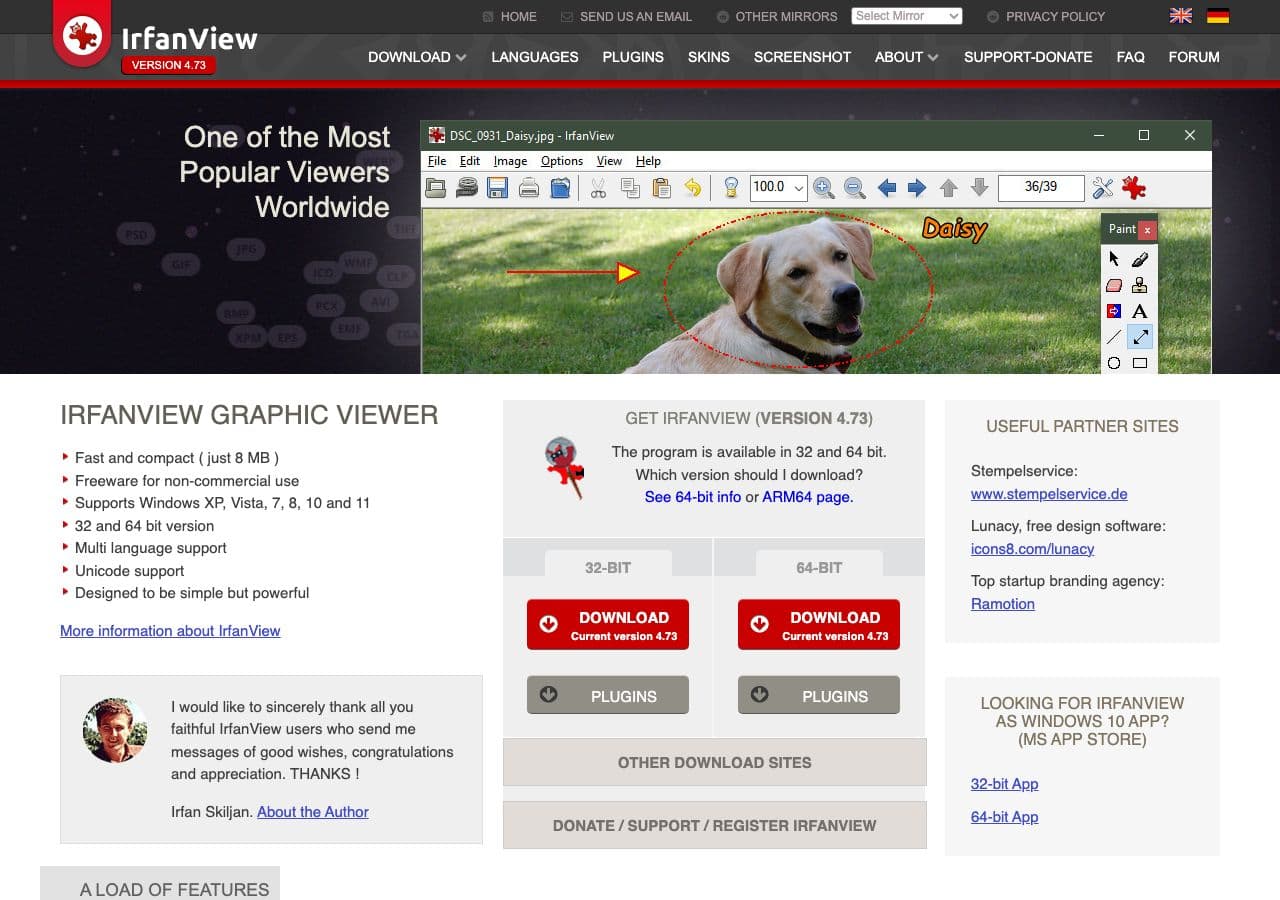
Windows-only. Best free Windows batch converter for legacy BMPs. File → Batch Conversion/Rename → output JPEG.
Pricing
- Free for personal use.
7. Squoosh
Browser converter with quality preview. Files stay client-side. Good for one-off BMPs where you want to see the quality tradeoff.
Pricing
- Free.
8. GIMP
Open BMP, File → Export As → .jpg with detailed JPG options.
Pricing
- Free, open source.
9. Pixelmator Pro

Mac-native. Live JPG export preview.
Pricing
- One-time purchase.
10. Photopea
Browser editor for one-off BMP → JPG with editing in between.
Pricing
- Free with ads; paid premium.
11. FastStone Image Viewer
Free Windows viewer with batch BMP → JPG. Less intimidating than IrfanView.
Pricing
- Free for personal use.
12. FFmpeg
One-liner:
ffmpeg -i input.bmp -q:v 2 output.jpg
Useful inside an FFmpeg pipeline.
Pricing
- Free, open source.
13. Adobe Photoshop
File → Save As → JPEG. Overkill for BMP → JPG.
Pricing
- Subscription.
14. Affinity Photo
Export Persona → JPG. Photoshop alternative with one-time pricing.
Pricing
- One-time purchase.
15. CloudConvert
Web BMP → JPG with quality control.
Pricing
- Free tier; paid above.
16. Convertio
Web converter, clean UI.
Pricing
- Free with caps; paid above.
17. Zamzar
Long-running web converter. Slower; same model.
Pricing
- Free with daily limits; paid above.
18. FreeConvert
Web BMP → JPG with quality slider.
Pricing
- Free with caps; paid above.
How to Choose
- One file: the OS built-in.
- A folder of legacy BMPs: ImageMagick, XnConvert, or IrfanView.
- Want a quality preview: Squoosh.
- Sensitive content: stay local. Most BMPs people convert are mundane, but if it is a scan or screenshot of something private, the web converters upload it.
Final Thoughts
BMP → JPG is one of the boring conversions, in the best way — every tool does it well. The only real choice is quality, and quality 92 is the safe default. The file size win is huge (a 6 MB BMP becomes a 300 KB JPG), which is most of why anyone does this conversion. For legacy archives, scripting ImageMagick over the whole folder is the cleanest path.
How to Convert
The offline file converter for Mac, Windows and Linux.
- Converts video, audio, images, documents, ebooks and more
- Everything runs locally. Your files never leave your device
- Pay once. Access forever
Get the app on Mac, Windows and Linux
