18 Best Word to EPUB Converters in 2026 (Free and Paid)
The best Word to EPUB converters in 2026. Compare offline desktop apps, open-source tools, and online converters for turning Word manuscripts, guides, and documentation into ebooks.
Posted by
 Jake Manger
DOCX to EPUB is the conversion every self-publishing author runs at least once. You wrote the book in Word; Amazon KDP, Apple Books, Kobo, and the rest of the ebook stores expect EPUB. The conversion needs to preserve chapter structure, generate a clean table of contents, embed images, handle footnotes, and survive the validation gauntlet of each retailer's ingest pipeline. The right tool produces an EPUB that uploads cleanly and renders well on every reader; the wrong tool produces an EPUB that gets rejected or displays oddly. This guide compares 18 DOCX to EPUB converters in 2026.
DOCX → EPUB is also one of the conversions where the structure of your source DOCX matters more than the tool — the next section covers it.
Style Your DOCX Well First
Good EPUB output comes from a well-structured DOCX. Before converting:
- Use Word's built-in heading styles (Heading 1 for chapters, Heading 2 for sections, etc.). The TOC generator depends on them.
- Use page breaks between chapters rather than blank paragraphs.
- Avoid manual line breaks within paragraphs — they break reflow on small screens.
- Embed images properly rather than linking to external files.
- Skip fancy fonts — most e-readers substitute them anyway.
Quick Picks for DOCX → EPUB
- Best for self-publishers: Vellum (Mac) or Calibre (cross-platform free).
- Best free: Pandoc or Calibre.
- Best for technical / textbook content: Pandoc with custom CSS.
- Best CLI batch: Pandoc or Calibre's ebook-convert.
- One-shot: How to Convert.
One-shot: DOCX to EPUB converter.
1. How to Convert (I built this one)

Drop DOCXs in, pick EPUB, hit convert. Local — unreleased manuscripts stay on your machine.
Pricing
- One-time purchase; free web demo for single-file conversions.
 How to Convert
The offline file converter for Mac, Windows and Linux.
- Converts video, audio, images, documents, ebooks and more
- Everything runs locally. Your files never leave your device
- Pay once. Access forever
Get the app on Mac, Windows and Linux
2. Vellum (Mac)
Premium Mac-only ebook formatting tool. Produces the cleanest, prettiest EPUBs in the industry. Worth the price for serious self-publishers.
Pricing
- Paid (Mac App Store).
3. Calibre
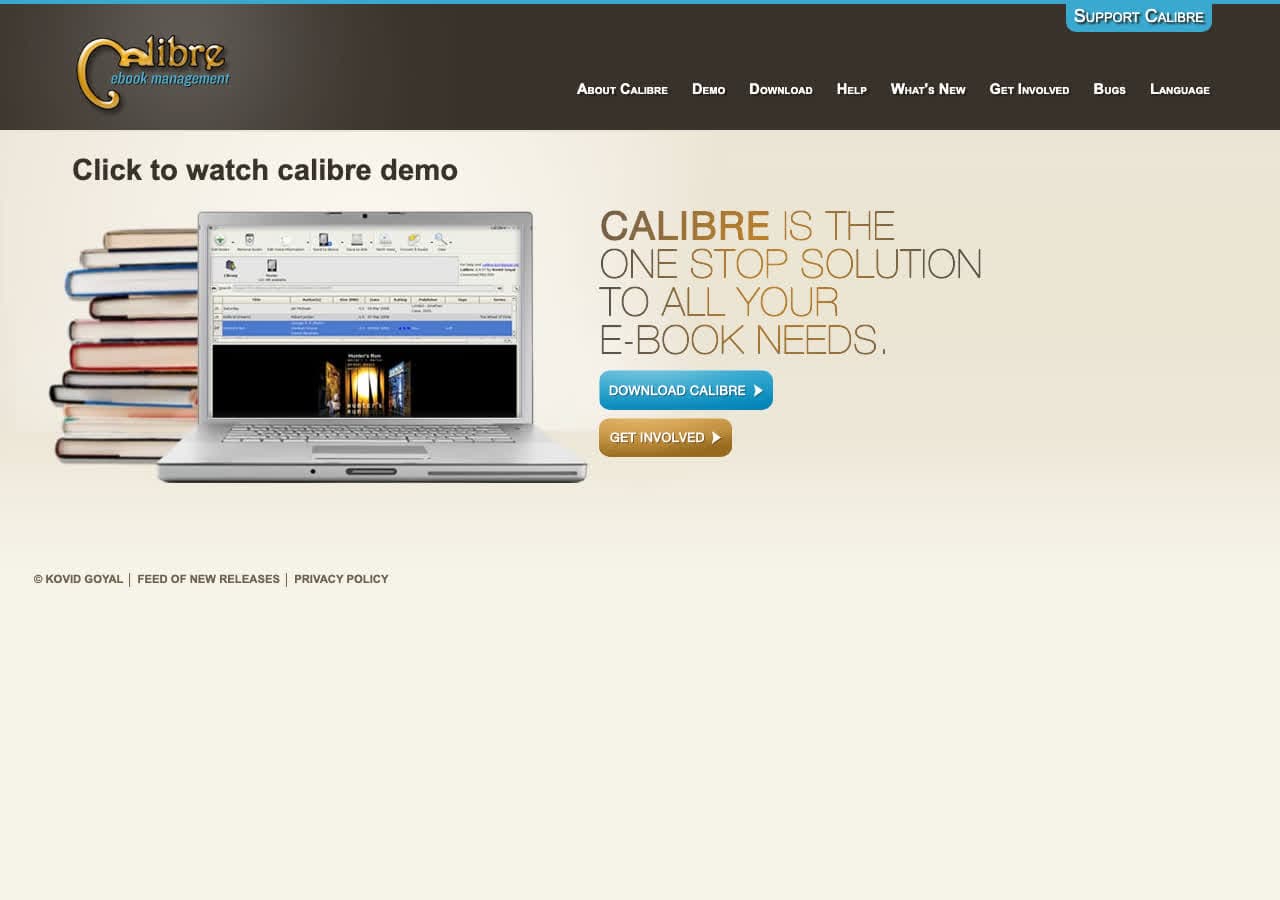
Standard free ebook manager. DOCX → EPUB with extensive options for chapter detection, CSS, embedded metadata, and cover art.
CLI:
ebook-convert input.docx output.epub --authors="Author Name" --title="Book Title"
Pricing
- Free, open source.
4. Pandoc
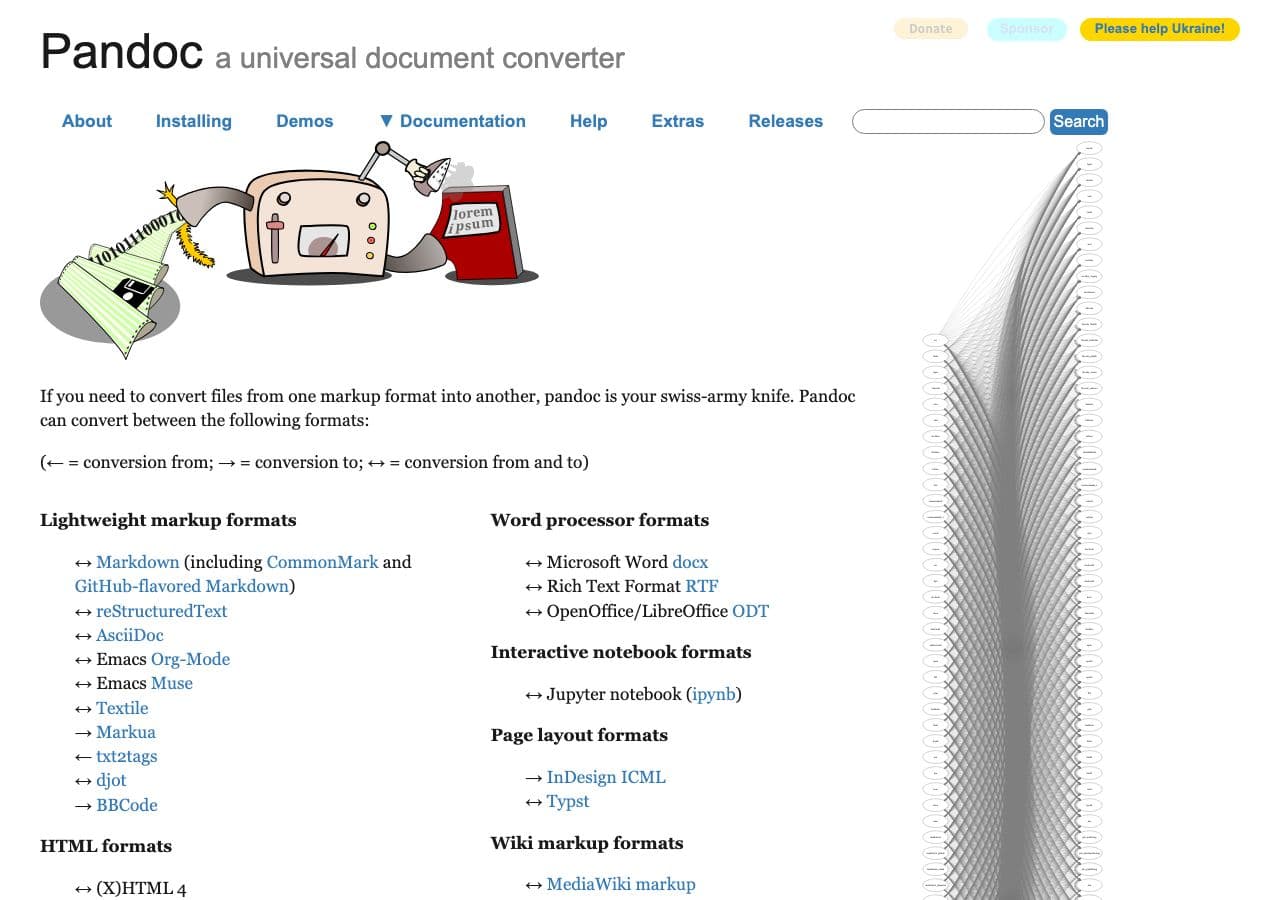
pandoc input.docx -o output.epub
With metadata and custom CSS:
pandoc input.docx -o output.epub --css=book.css --metadata title="Book Title" --metadata author="Author Name"
Cleanest output for technical / textbook content.
Pricing
- Free, open source.
5. Sigil
Free EPUB editor. Use it to clean up after another tool's conversion — fix the TOC, adjust CSS, repair structure.
Pricing
- Free, open source.
6. Microsoft Word + KDP Add-in
KDP's Kindle Add-in for Word produces EPUB-equivalent output. The right path if you write in Word and publish exclusively on KDP.
Pricing
- Add-in free; Word is Microsoft 365.
7. LibreOffice Writer + Writer2ePub
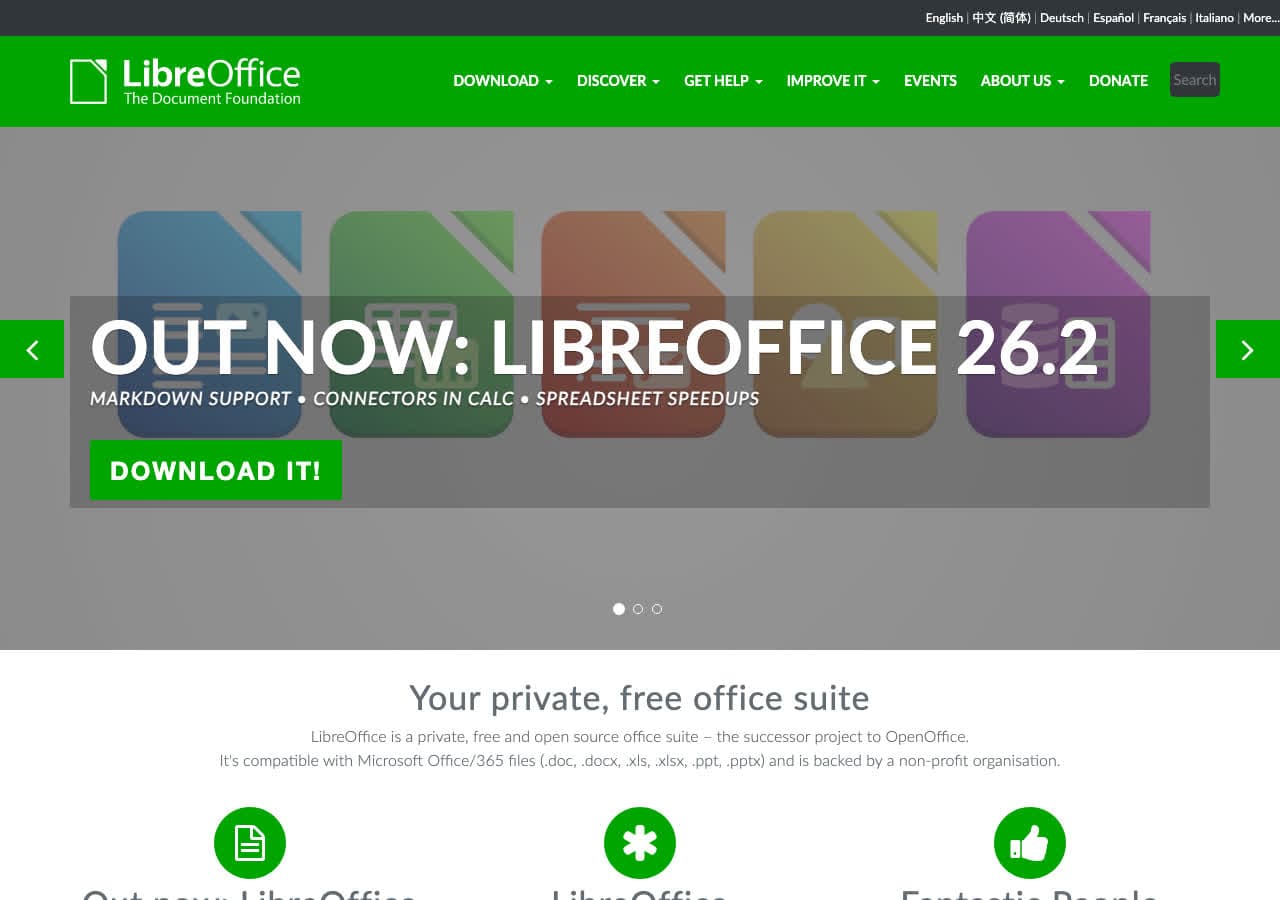
Free Mac/Linux/Windows. Install the Writer2ePub extension for EPUB export.
Pricing
- Free, open source.
8. Scrivener
Long-form writing app with EPUB compile. Right if you wrote the book in Scrivener; less useful if your source is a Word doc.
Pricing
- One-time purchase.
9. Reedsy Book Editor
Free web-based book formatter with DOCX import and EPUB export.
Pricing
- Free.
10. Atticus
Web-based book formatter, alternative to Vellum, cross-platform.
Pricing
- One-time purchase.
11. Apple Pages
Pages reads DOCX and exports EPUB cleanly. File → Export To → EPUB.
Pricing
- Free with macOS.
12. CloudConvert
Web DOCX → EPUB.
Pricing
- Free tier; paid above.
13. Convertio
Web DOCX → EPUB.
Pricing
- Free with caps; paid above.
14. Zamzar
Long-running web converter.
Pricing
- Free with daily limits; paid above.
15. Online-Convert
Web converter with EPUB options.
Pricing
- Free with limits; paid above.
16. FreeConvert
Web converter.
Pricing
- Free with caps; paid above.
17. Epubor Ultimate
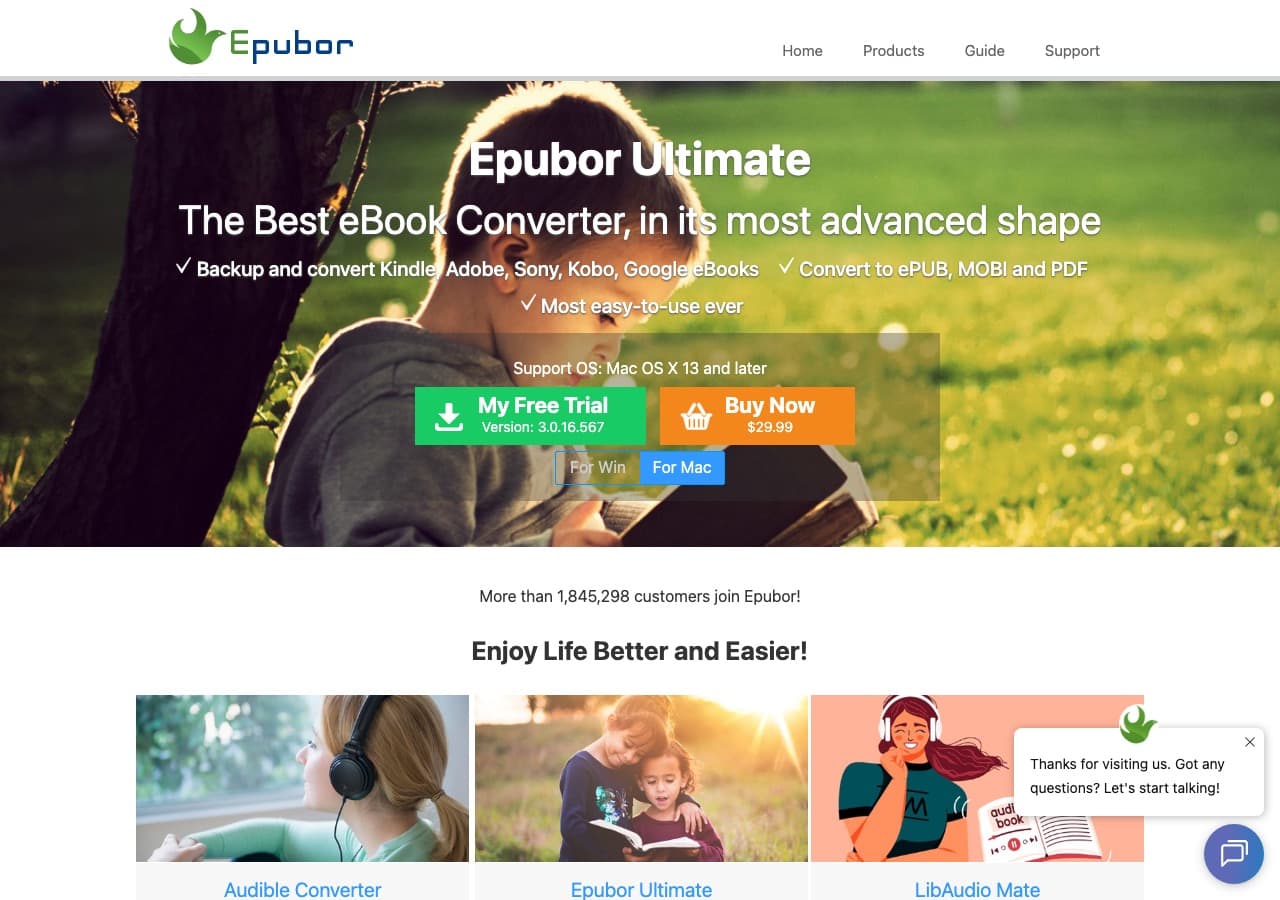
Paid ebook converter.
Pricing
- Paid.
18. Draft2Digital
Free ebook distributor with built-in DOCX → EPUB conversion that targets every store.
Pricing
- Free; takes a cut of book sales.
How to Choose
- Self-publishing on Mac: Vellum.
- Self-publishing cross-platform: Calibre or Atticus.
- Technical / textbook content: Pandoc with custom CSS.
- Free: Calibre, Pandoc, Pages.
- Unreleased manuscript: stay local.
Final Thoughts
DOCX → EPUB is the conversion every self-publishing author runs eventually. Vellum produces the prettiest output on Mac; Calibre and Pandoc are the free standards everywhere. The structure of your DOCX matters more than the tool — use heading styles and proper page breaks before converting, and the output will be much cleaner. For unreleased manuscripts, keep the conversion local.
How to Convert
The offline file converter for Mac, Windows and Linux.
- Converts video, audio, images, documents, ebooks and more
- Everything runs locally. Your files never leave your device
- Pay once. Access forever
Get the app on Mac, Windows and Linux
