18 Best Word to HTML Converters in 2026 (Free and Paid)
The best Word to HTML converters in 2026. Compare offline desktop apps, open-source tools, and online converters for publishing Word content on websites and documentation portals.
Posted by
 Jake Manger
DOCX to HTML is the conversion that turns Word content into something a website can show. The use cases vary — a journalist publishing an article from a Google Docs export, a documentation team converting internal Word specs into a knowledge base, a corporate communications team turning press releases into blog posts, a help desk converting policies into FAQ pages. The conversion has one big choice: clean HTML (semantic, ready for a CMS) or visually faithful HTML (preserves Word's exact look, often with messy inline styles). This guide compares 18 DOCX to HTML converters in 2026.
For web publishing, clean output usually wins — the CMS or website's own CSS will handle the visual styling.
Quick Picks for DOCX → HTML
- Best clean output: Pandoc.
- Best visually faithful: Word's Save as Web Page (HTML Filtered).
- Best for CMS publishing: Pandoc + a CMS-specific filter.
- One-shot: How to Convert.
One-shot: DOCX to HTML converter.
1. How to Convert (I built this one)

Drop DOCXs in, pick HTML, hit convert. Local.
Pricing
- One-time purchase; free web demo for single-file conversions.
 How to Convert
The offline file converter for Mac, Windows and Linux.
- Converts video, audio, images, documents, ebooks and more
- Everything runs locally. Your files never leave your device
- Pay once. Access forever
Get the app on Mac, Windows and Linux
2. Pandoc — best clean HTML
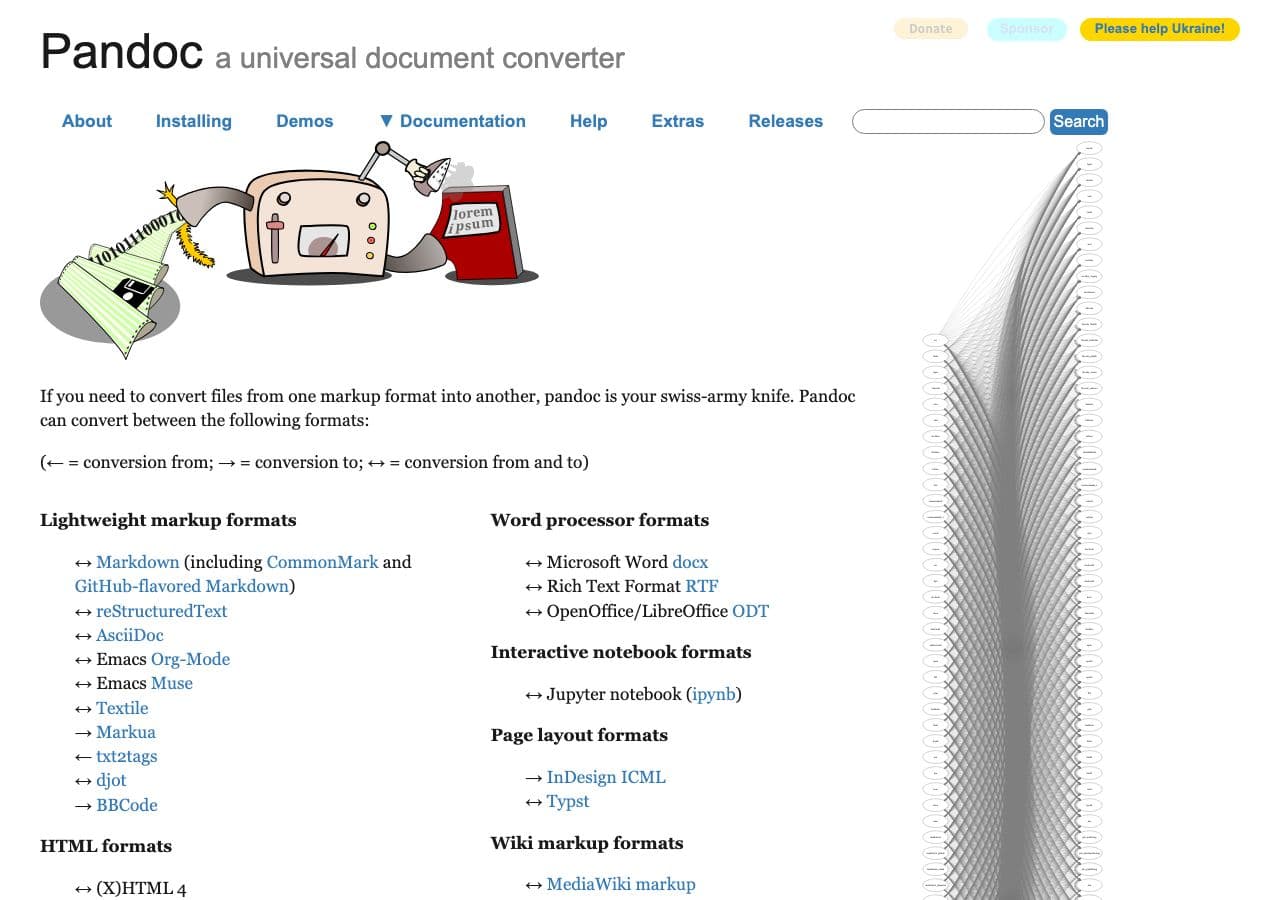
pandoc input.docx -o output.html
With self-contained images (embedded as data URIs):
pandoc input.docx -o output.html --self-contained
With separate image files extracted:
pandoc input.docx -o output.html --extract-media=./images
Produces semantic HTML — proper <h1>, <p>, <ul>— without Word's inline styling. Best for CMS publishing.
Pricing
- Free, open source.
3. Microsoft Word — Save as Web Page (HTML Filtered)
File → Save As → Web Page, Filtered. Produces HTML that preserves layout but with much less Office-specific cruft than the regular “Web Page” option.
Pricing
- Microsoft 365 or perpetual Office.
4. LibreOffice Writer
File → Save As → HTML. Cleaner than Word's default but messier than Pandoc.
CLI:
libreoffice --headless --convert-to html input.docx
Pricing
- Free, open source.
5. Mammoth.js
Node.js library that produces particularly clean HTML from DOCX. Used by many CMS plugins.
import mammoth from "mammoth";
const result = await mammoth.convertToHtml({ path: "input.docx" });
const html = result.value;
Pricing
- Free, open source.
6. Google Docs
Upload DOCX, File → Download → Web Page (.html). Decent clean output.
Pricing
- Free with Google account.
7. python-docx + custom rendering
Python library for fine-grained DOCX manipulation. Right for custom-rendered output when you need specific HTML structure.
Pricing
- Free, open source.
8. WordPress (Block Editor paste)
Paste DOCX content directly into the WordPress Block Editor. The editor cleans most of the cruft. The simplest path for WordPress writers.
Pricing
- Free (WordPress.com) or self-hosted.
9. CloudConvert
Web DOCX → HTML.
Pricing
- Free tier; paid above.
10. Convertio
Web DOCX → HTML.
Pricing
- Free with caps; paid above.
11. Zamzar
Long-running web converter.
Pricing
- Free with daily limits; paid above.
12. Online-Convert
Web converter.
Pricing
- Free with limits; paid above.
13. FreeConvert
Web converter.
Pricing
- Free with caps; paid above.
14. Smallpdf (HTML option)
Web tool with DOCX → HTML.
Pricing
- Free with daily limits; paid above.
15. iLovePDF (limited HTML)
Limited HTML support; better tools above.
Pricing
- Free with limits; paid above.
16. Hypertext (Mac)
Mac-native DOCX → HTML converter focused on clean output for blogs.
Pricing
- One-time purchase.
17. Aspose.Words (commercial library)
Commercial Java / .NET / Python library for high-fidelity DOCX → HTML. Right for enterprise document workflows.
Pricing
- Paid.
18. Markdown-as-intermediate (Pandoc)
Convert DOCX to Markdown first, then Markdown to HTML. Produces the cleanest, most editor-friendly output for blog systems:
pandoc input.docx -o output.md
pandoc output.md -o output.html
Pricing
- Free, open source.
How to Choose
- Web publishing / CMS: Pandoc.
- Node.js pipeline: Mammoth.js.
- Preserve exact look: Word's Save as Web Page (HTML Filtered).
- WordPress workflow: paste directly into the Block Editor.
- Batch: Pandoc or LibreOffice headless.
Final Thoughts
DOCX → HTML for web publishing is best served by tools that produce clean, semantic HTML — your CMS or website's CSS handles the styling. Pandoc is the gold standard; Mammoth.js is the right pick for Node pipelines. Avoid Word's default “Web Page” output (the non-Filtered option) — it includes massive Office-specific markup that breaks most CMS imports.
How to Convert
The offline file converter for Mac, Windows and Linux.
- Converts video, audio, images, documents, ebooks and more
- Everything runs locally. Your files never leave your device
- Pay once. Access forever
Get the app on Mac, Windows and Linux
