18 Best Word to PDF Converters in 2026 (Free and Paid)
The best Word to PDF converters in 2026. Compare offline desktop apps, open-source tools, and online converters for sending Word documents that should preserve layout and be easy to print.
Posted by
 Jake Manger
DOCX to PDF is the most-requested document conversion in the world. You email a contract, submit a resume to a job portal, share a report with a client who is on a different version of Word, send a printable form, or upload a document to a system that demands PDF. The conversion is about preserving layout — fonts, page breaks, tables, headers, footers, footnotes, embedded images — exactly as they appear in Word. The right tool gets this perfectly; the wrong tool reflows everything and breaks tables. This guide compares 18 DOCX to PDF converters in 2026.
The most important thing to know about DOCX → PDF is that Word and LibreOffice produce different PDFs for the same DOCX — different page breaks, different font fallbacks, different hyphenation. For contracts, official documents, and anything where layout matters, use the same tool that created the DOCX.
The Fidelity Problem
- Fonts. If the destination computer (or the converter) does not have the font, it substitutes. Calibri renders differently on Windows vs Mac vs Linux. Embedded fonts (in the DOCX) help; explicitly embedding fonts in the PDF on export prevents drift.
- Tables. Different layout engines paginate tables differently. Word breaks rows; LibreOffice sometimes breaks cells; Google Docs is yet again different.
- Hyphenation and line breaks. Subtle differences in the rendering engine cause text to wrap at different places, which shifts everything down the page.
- Headers / footers / page numbers. Mostly survive intact.
- Tracked changes and comments. By default these end up in the PDF; check the export dialog if you want them stripped.
Quick Picks for DOCX → PDF
- Best fidelity: Microsoft Word itself (Save As PDF). Same engine, identical layout.
- Best free: LibreOffice (Export as PDF). Excellent for documents not originally created in Word.
- Best CLI / batch: LibreOffice in headless mode, or Pandoc with LaTeX backend.
- Mac built-in: Pages → Export to PDF, or use Print → Save as PDF from any app.
- One-shot: How to Convert.
One-shot: DOCX to PDF converter.
1. How to Convert (I built this one)

Drop DOCXs in, pick PDF, hit convert. Uses LibreOffice under the hood for headless conversion. Local — useful for contracts, resumes, and sensitive documents.
Pricing
- One-time purchase; free web demo for single-file conversions.
 How to Convert
The offline file converter for Mac, Windows and Linux.
- Converts video, audio, images, documents, ebooks and more
- Everything runs locally. Your files never leave your device
- Pay once. Access forever
Get the app on Mac, Windows and Linux
2. Microsoft Word
File → Save As → PDF. Same rendering engine that produced the DOCX, so the PDF is layout-identical. The right pick if the DOCX was created in Word and exact fidelity matters.
For batch: the Office365 Power Automate flow, or Word's built-in macros.
Pricing
- Subscription (Microsoft 365) or perpetual (Office).
3. LibreOffice — best free
File → Export As → Export as PDF. Excellent fidelity for documents not specific to Word features. Free and cross-platform.
CLI for batch:
libreoffice --headless --convert-to pdf input.docx
Whole folder:
libreoffice --headless --convert-to pdf *.docx
Pricing
- Free, open source.
4. macOS Pages
Imports DOCX, exports PDF via File → Export To → PDF. Apple's rendering engine; produces slightly different layout from Word but usually clean.
Pricing
- Free with macOS.
5. Google Docs
Upload DOCX to Google Drive, open in Docs, File → Download → PDF. Google's renderer; layout often shifts from the Word original.
Pricing
- Free with Google account.
6. Pandoc
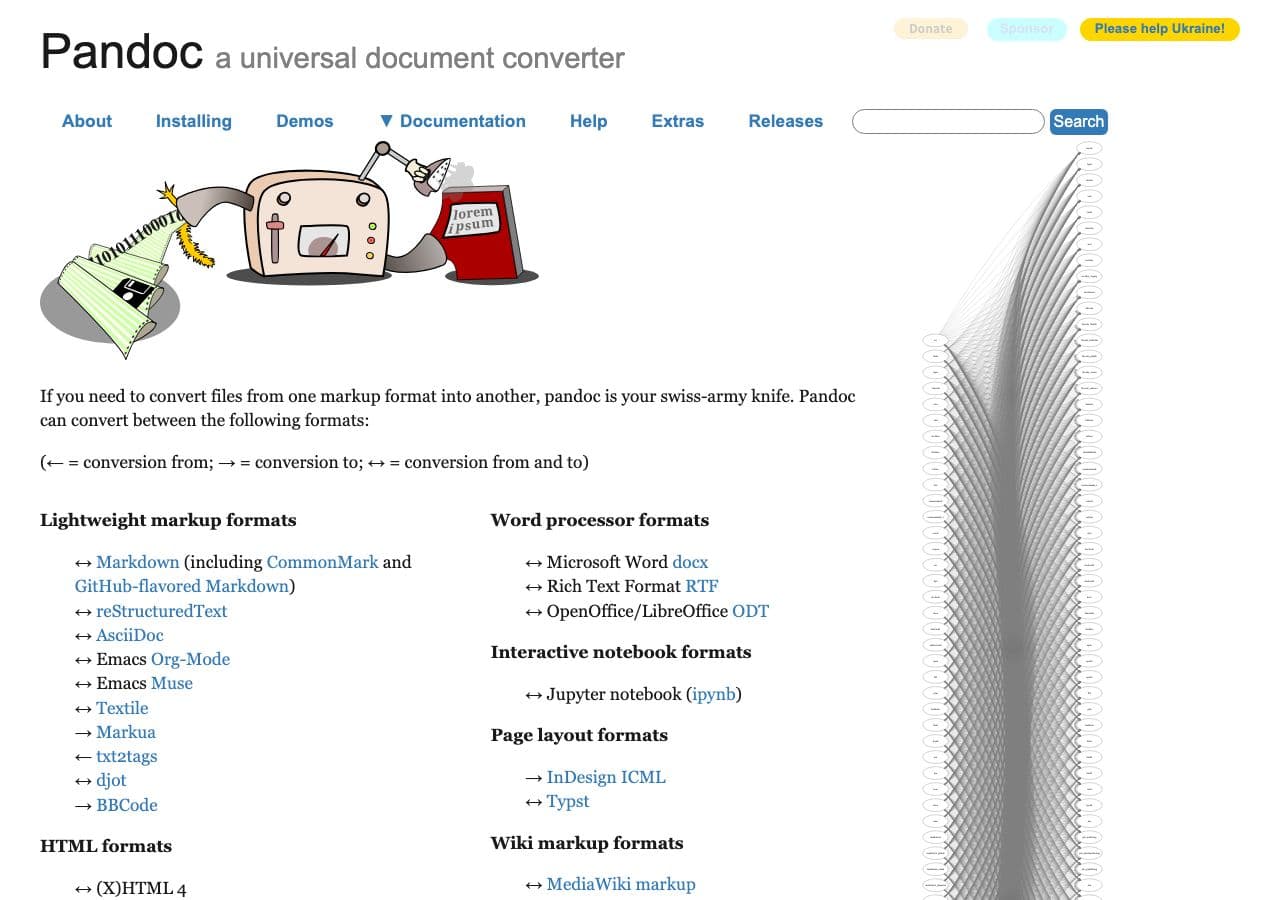
DOCX → PDF via LaTeX (needs a TeX install):
pandoc input.docx -o output.pdf
Best for docs-as-code workflows where the DOCX has minimal complex formatting. Produces beautifully typeset output for academic and technical content.
Pricing
- Free, open source.
7. Adobe Acrobat
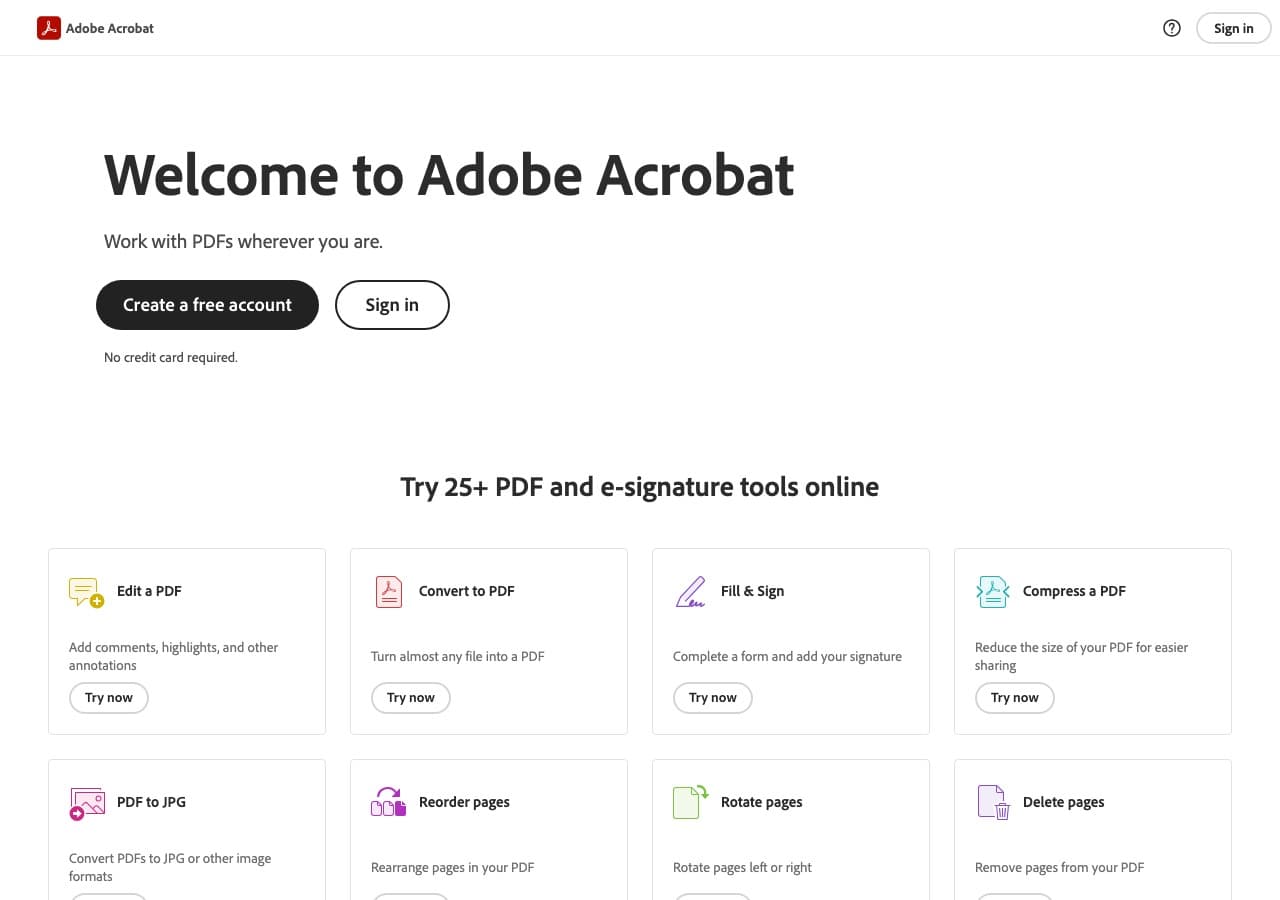
Right-click DOCX in Explorer / Finder → Convert to Adobe PDF. Uses the Word renderer when Word is installed; falls back to Acrobat's engine otherwise. Includes OCR and digital signature options.
Pricing
- Subscription.
8. PDF Expert (Mac)
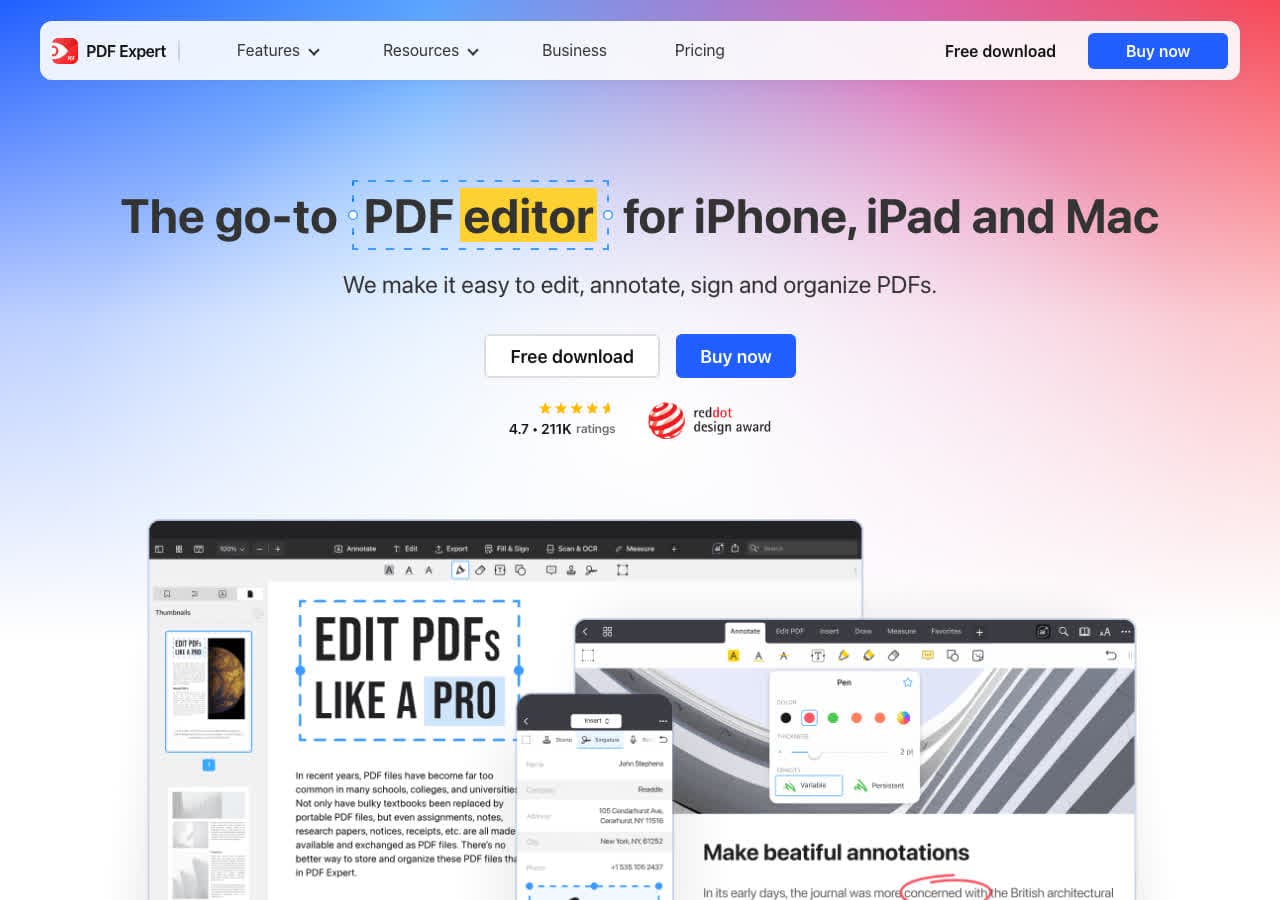
Mac-native PDF editor with DOCX import.
Pricing
- Subscription or one-time.
9. PDF24
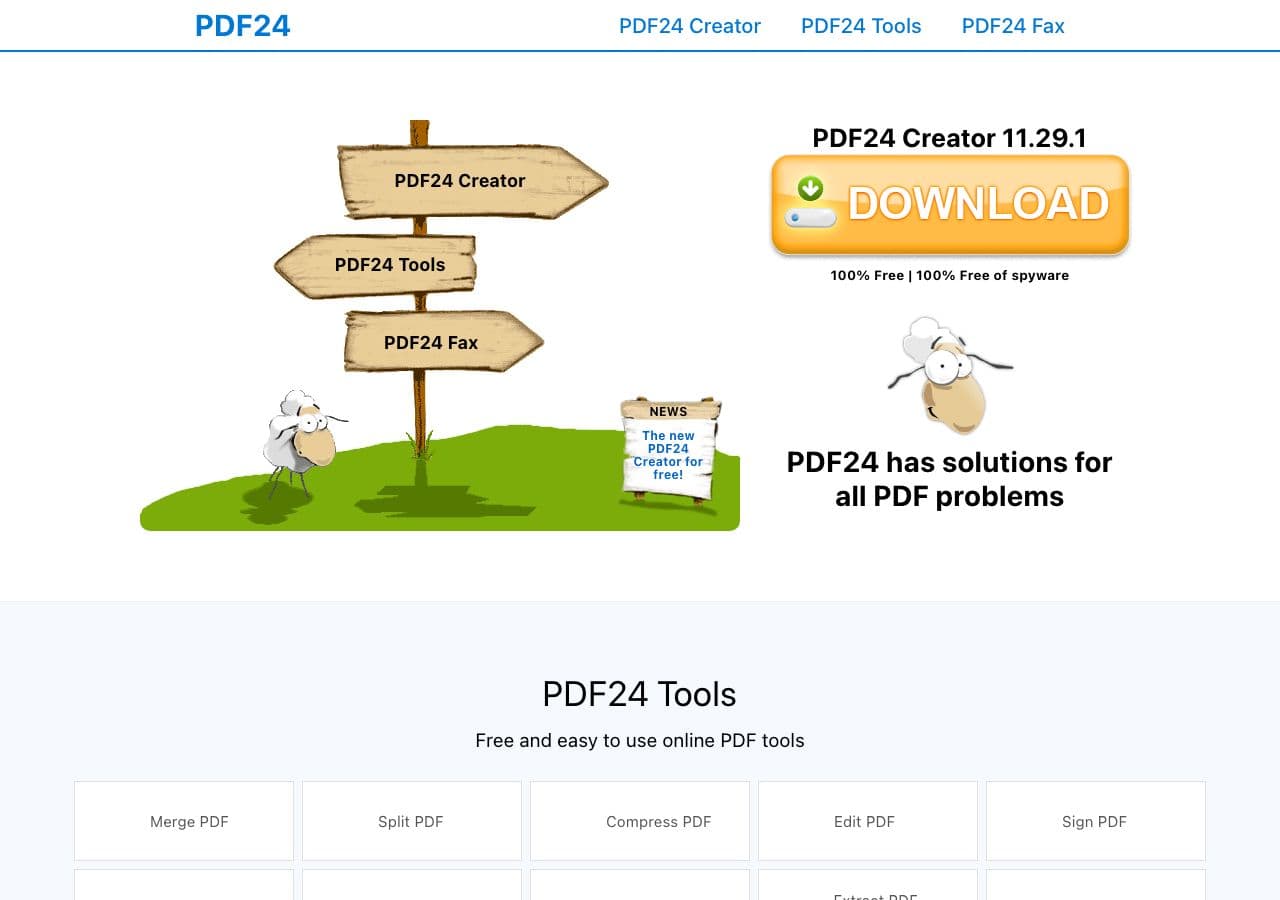
Free Windows PDF toolkit with DOCX → PDF via LibreOffice backend.
Pricing
- Free for personal use.
10. Foxit PDF Editor
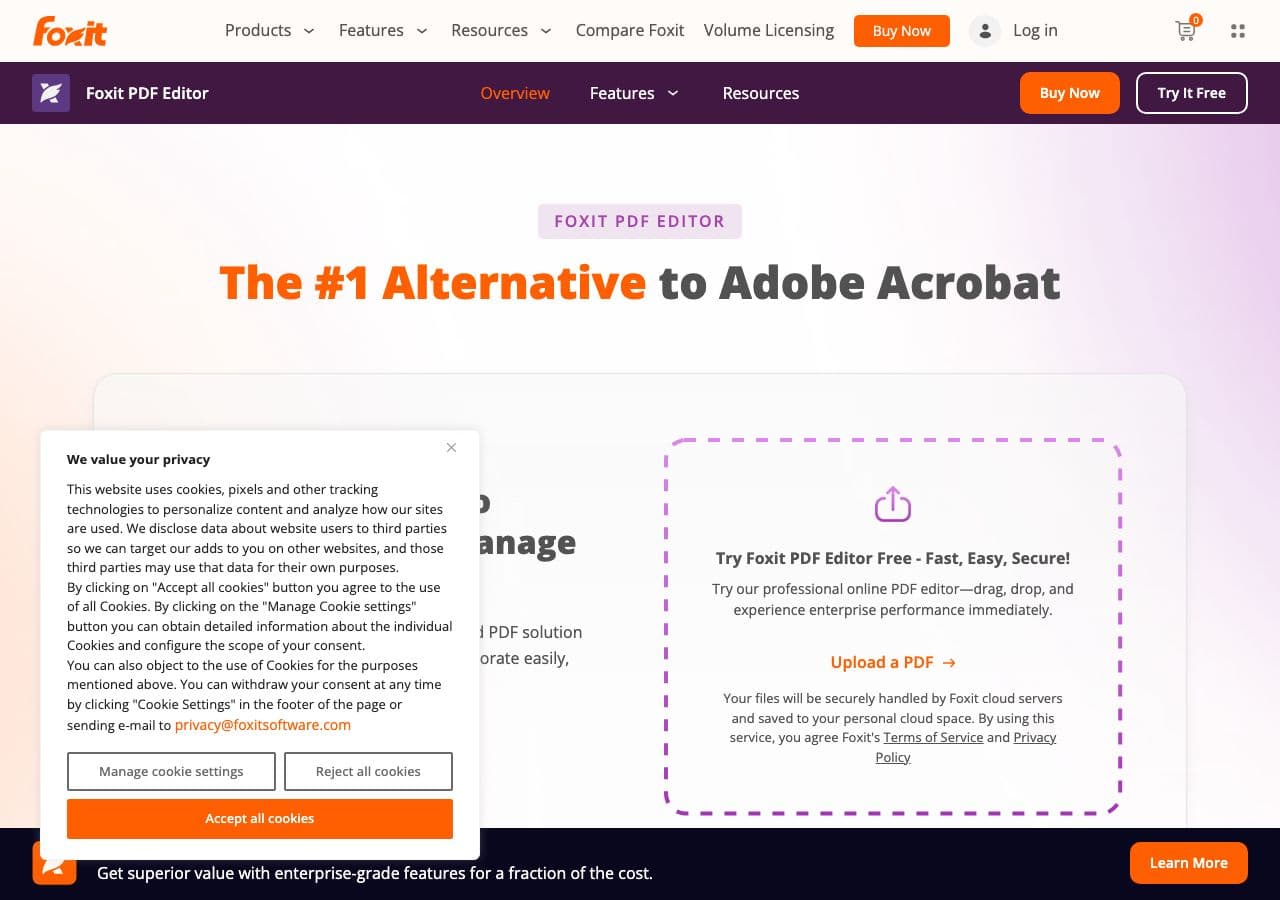
Lighter Acrobat alternative with DOCX → PDF.
Pricing
- Subscription or perpetual.
11. Nitro PDF
Team-focused Adobe alternative.
Pricing
- Subscription.
12. Smallpdf
Web converter. DOCX → PDF with clean UI. Good for non-sensitive one-off documents.
Pricing
- Free with daily limits; paid above.
13. iLovePDF
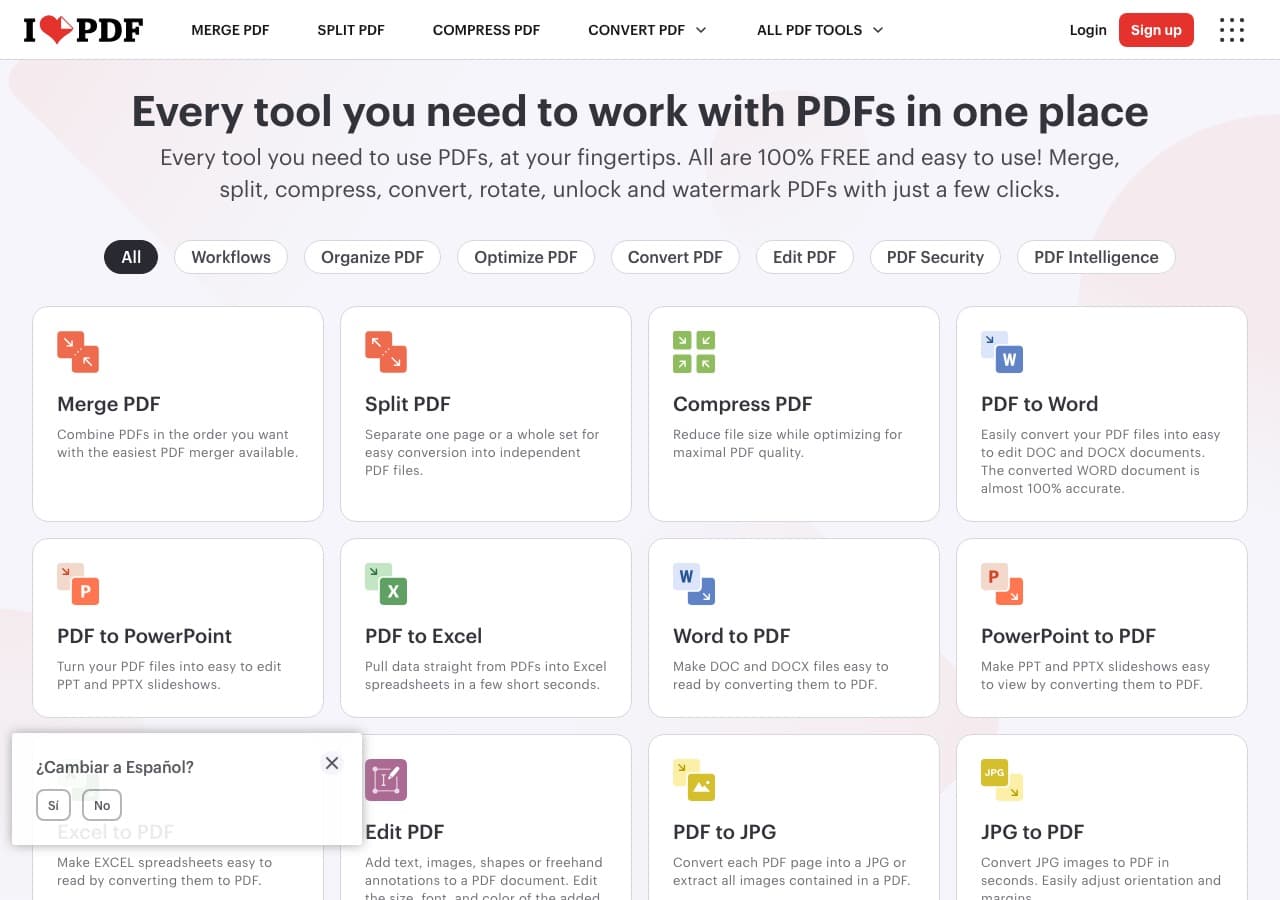
Web batch DOCX → PDF with generous free tier.
Pricing
- Free with limits; paid above.
14. CloudConvert
Web DOCX → PDF with multiple engine options (LibreOffice, Word). API available.
Pricing
- Free tier; paid above.
15. Convertio
Web DOCX → PDF.
Pricing
- Free with caps; paid above.
16. Online-Convert
Web converter.
Pricing
- Free with limits; paid above.
17. FreeConvert
Web converter.
Pricing
- Free with caps; paid above.
18. Zamzar
Long-running web converter. Reliable for one-off DOCX → PDF.
Pricing
- Free with daily limits; paid above.
How to Choose
- DOCX was created in Word, fidelity matters: use Word.
- DOCX is generic, you want free: LibreOffice.
- Batch: LibreOffice in headless mode.
- Academic / technical doc: Pandoc with LaTeX.
- Sensitive contract / resume / report: stay local. Word, LibreOffice, or How to Convert.
Final Thoughts
DOCX → PDF is the most-used document conversion in the world and the one where tool choice has the biggest fidelity impact. For Word-authored documents that need exact layout, use Word's own Save As PDF. For everything else, LibreOffice does the job for free with excellent results. For sensitive content, stay local — there is no reason to upload a contract or resume to a stranger's server when the local tools take three seconds.
How to Convert
The offline file converter for Mac, Windows and Linux.
- Converts video, audio, images, documents, ebooks and more
- Everything runs locally. Your files never leave your device
- Pay once. Access forever
Get the app on Mac, Windows and Linux
