18 Best EPUB to PDF Converters in 2026 (Free and Paid)
The best EPUB to PDF converters in 2026. Compare offline desktop apps, open-source tools, and online converters for printing ebooks, reviewing manuscripts, and sharing fixed-layout reading copies.
Posted by
 Jake Manger
EPUB to PDF is the conversion for sharing, printing, and reviewing ebooks outside of an e-reader. EPUB is reflowable — text adapts to whatever device shows it — which is great for reading on a phone or Kindle but useless for printing or for systems that expect a fixed page layout. PDF gives you that fixed layout. The conversion is common in: self-publishing review workflows (sending a review PDF to a beta reader), academic publishing (turning EPUB drafts into print-ready PDFs), corporate ebook distribution (sharing a fixed-layout copy alongside the EPUB), and personal printing. This guide compares 18 EPUB to PDF converters in 2026.
EPUB → PDF has one key choice: do you want a print-ready layout or a digital review copy? They look very different.
Print-Ready or Digital-Ready?
- Print-ready PDF: 6×9 trim size or similar, tight margins, hyphenation, page numbers, no embedded fonts that the printer might lack. Pandoc + LaTeX is the gold standard here.
- Digital review PDF: US Letter or A4, generous margins, bookmarks for chapters, larger type. Calibre's default output.
Quick Picks for EPUB → PDF
- Best free, full control: Calibre.
- Best print-quality: Pandoc with a LaTeX template.
- Best CLI batch: Calibre's
ebook-convertin a script. - One-shot: How to Convert.
One-shot: EPUB to PDF converter.
1. How to Convert (I built this one)

Drop EPUBs in, pick PDF, hit convert. Local — useful for unreleased manuscripts and review copies.
Pricing
- One-time purchase; free web demo for single-file conversions.
 How to Convert
The offline file converter for Mac, Windows and Linux.
- Converts video, audio, images, documents, ebooks and more
- Everything runs locally. Your files never leave your device
- Pay once. Access forever
Get the app on Mac, Windows and Linux
2. Calibre — best free ebook tool
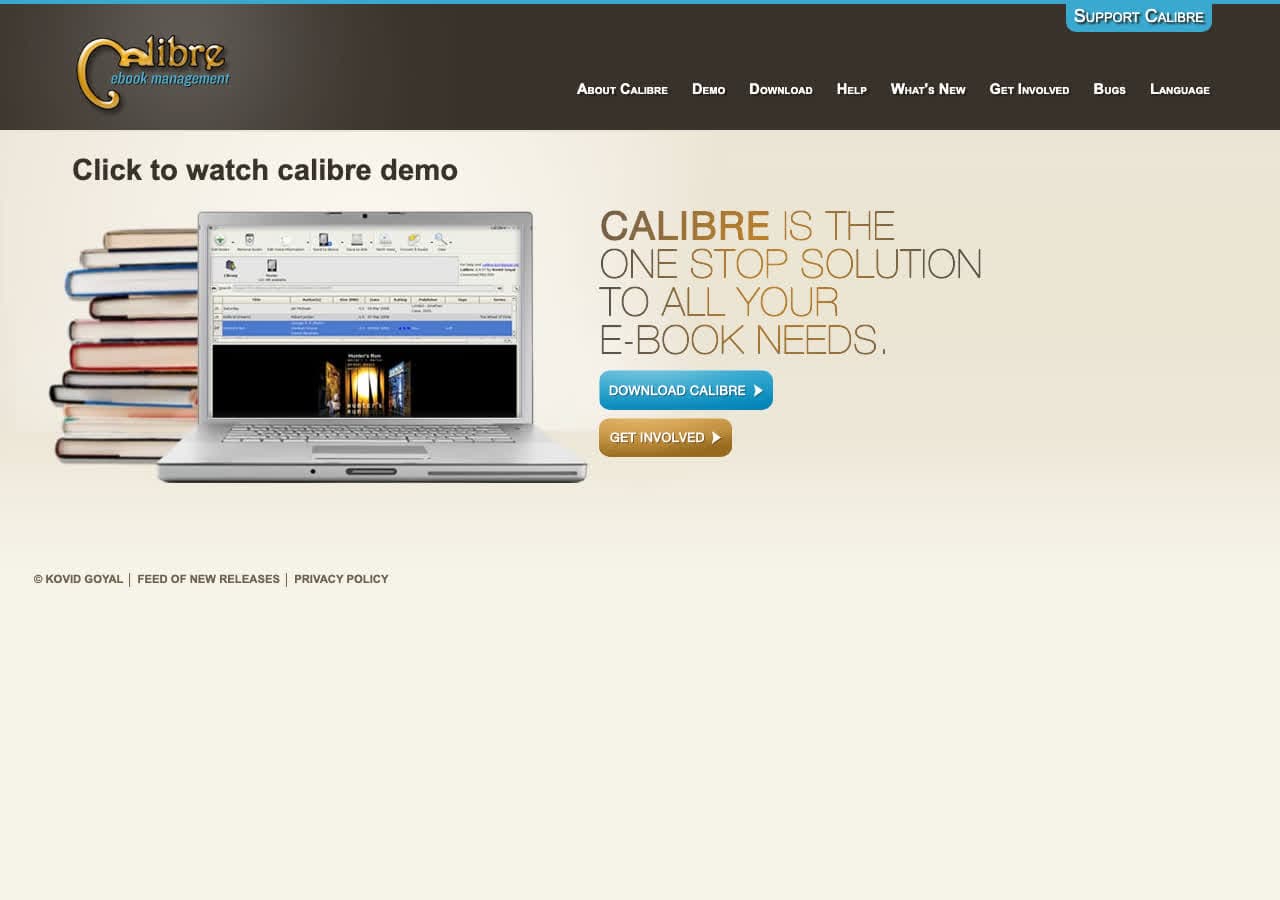
The standard free ebook manager. EPUB → PDF with detailed options for page size, margins, fonts, and table of contents.
CLI for batches:
ebook-convert input.epub output.pdf --paper-size letter --pdf-default-font-size 12
Pricing
- Free, open source.
3. Pandoc with LaTeX
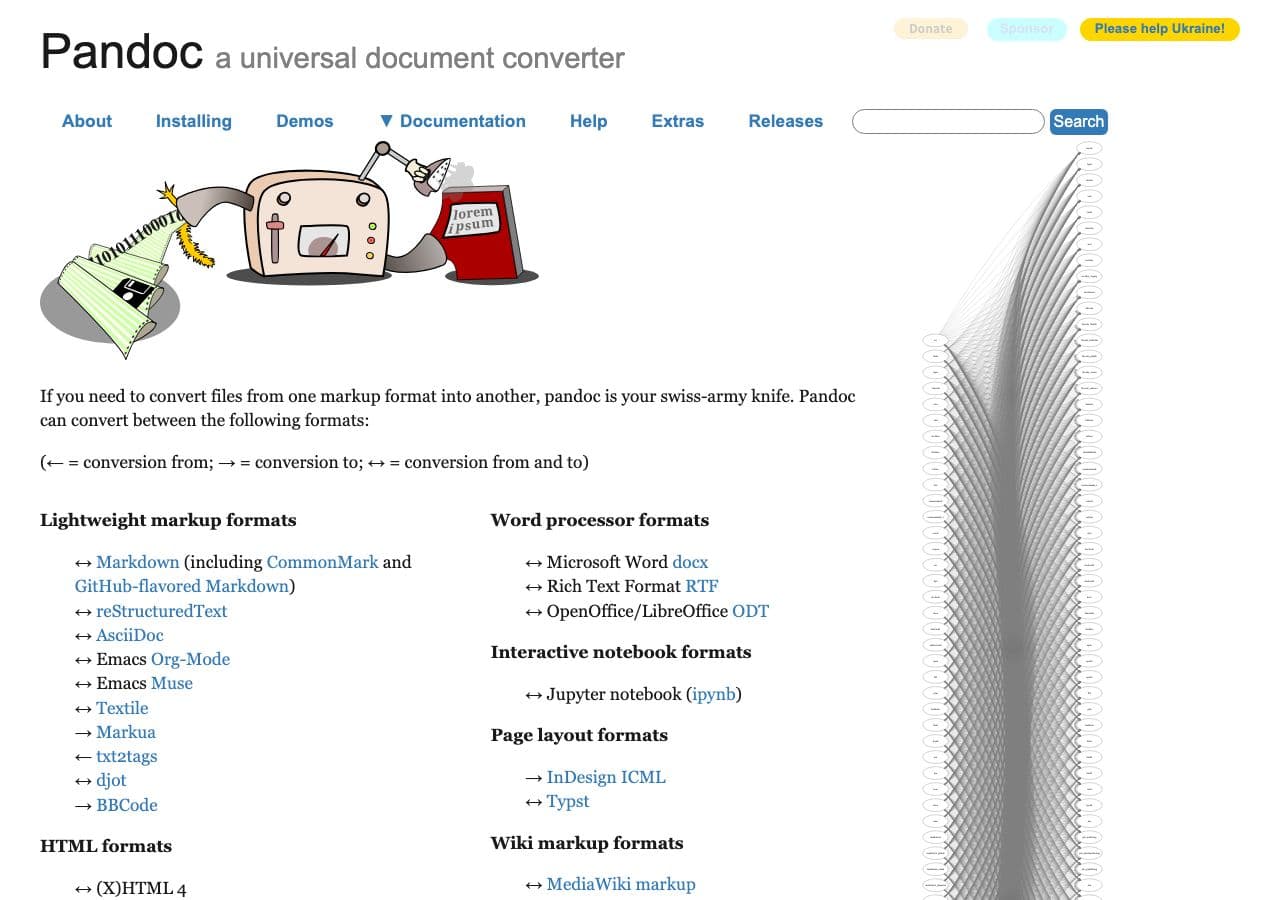
Highest quality print output via LaTeX:
pandoc input.epub -o output.pdf --pdf-engine=xelatex
With a custom book template for proper 6×9 print layout:
pandoc input.epub -o output.pdf --pdf-engine=xelatex --template=book.tex
Pricing
- Free, open source.
4. Sigil + Calibre pipeline
Edit the EPUB in Sigil for last-minute fixes, then convert with Calibre. Right for self-publishing review cycles.
Pricing
- Free, open source.
5. LibreOffice Writer
Open EPUB, File → Export as PDF. Less polished than Calibre but works.
Pricing
- Free, open source.
6. Adobe Acrobat Pro
File → Create → PDF from File → EPUB. Detailed PDF settings.
Pricing
- Subscription.
7. Apple Books export
Import EPUB to Books on Mac, File → Export → PDF. Quick and free for one-off.
Pricing
- Free with macOS.
8. PDF Expert (Mac)
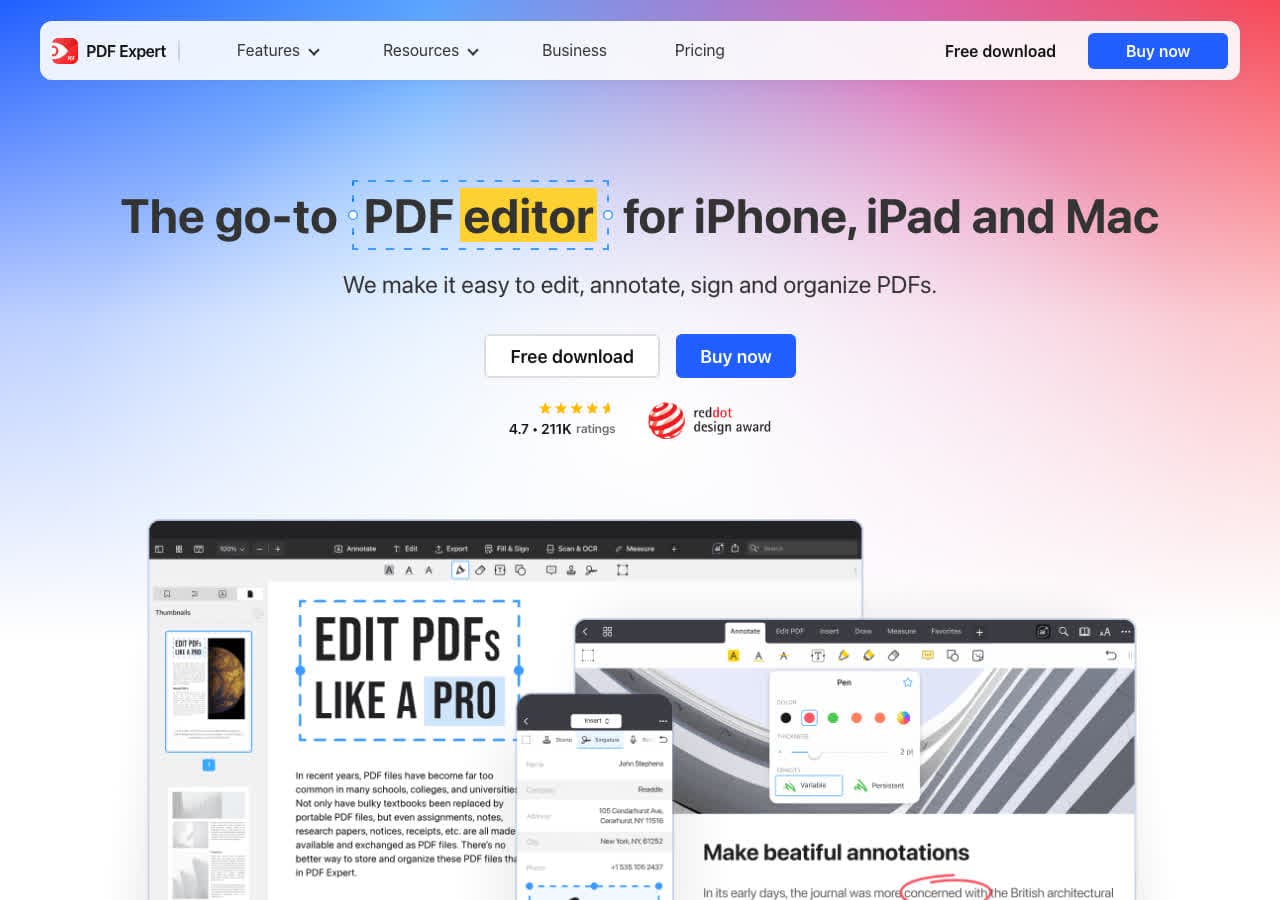
Mac PDF editor with EPUB import.
Pricing
- Subscription or one-time.
9. Foxit PDF Editor
Acrobat alternative.
Pricing
- Subscription or perpetual.
10. Vellum
Premium Mac-only ebook formatting tool. Produces beautiful print-ready PDFs. The right pick for self-publishers.
Pricing
- Paid (Mac App Store).
11. CloudConvert
Web EPUB → PDF.
Pricing
- Free tier; paid above.
12. Convertio
Web EPUB → PDF.
Pricing
- Free with caps; paid above.
13. Online-Convert
Web converter with EPUB options.
Pricing
- Free with limits; paid above.
14. Zamzar
Long-running web converter.
Pricing
- Free with daily limits; paid above.
15. FreeConvert
Web converter.
Pricing
- Free with caps; paid above.
16. iLovePDF
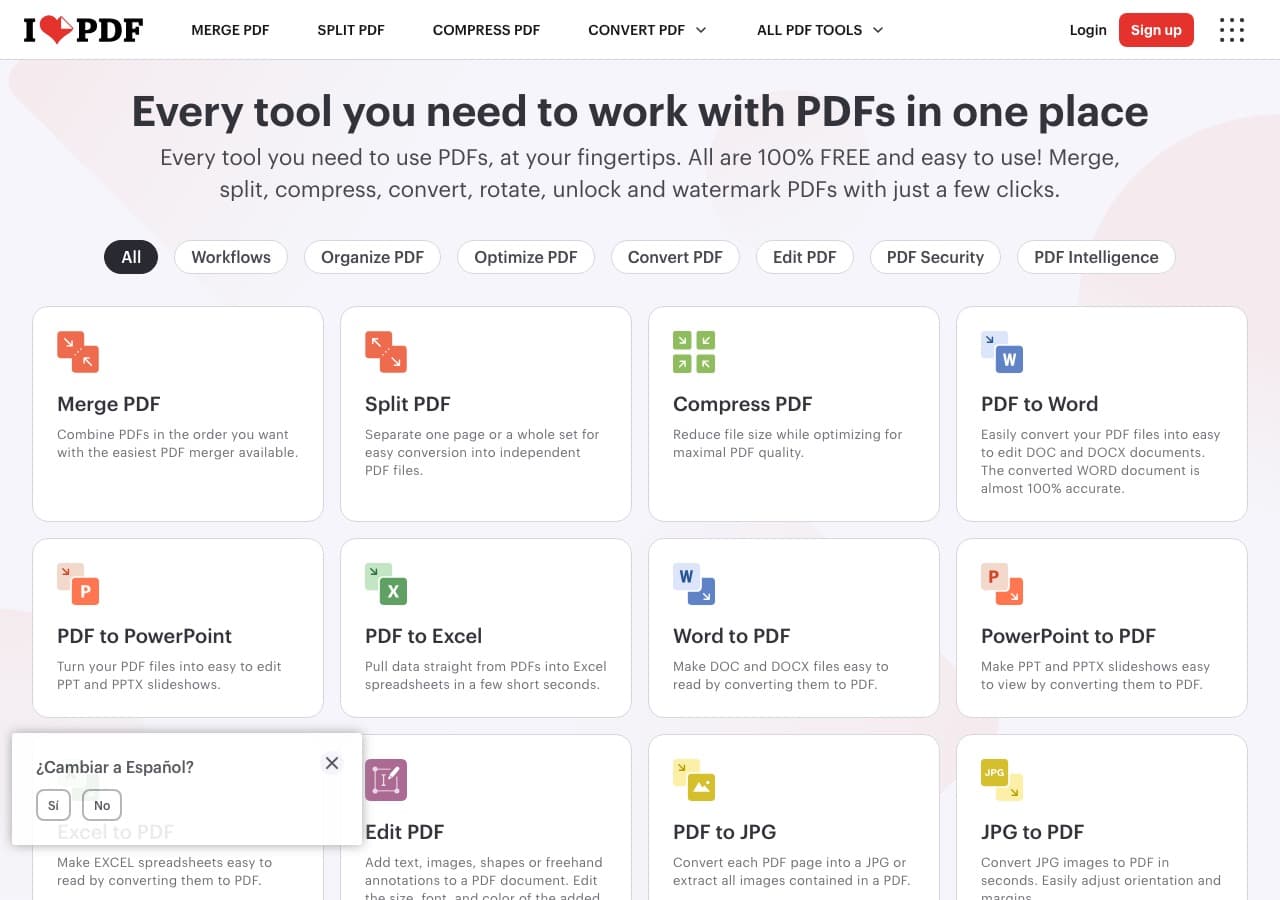
Web converter.
Pricing
- Free with limits; paid above.
17. Smallpdf
Web converter.
Pricing
- Free with daily limits; paid above.
18. Epubor Ultimate
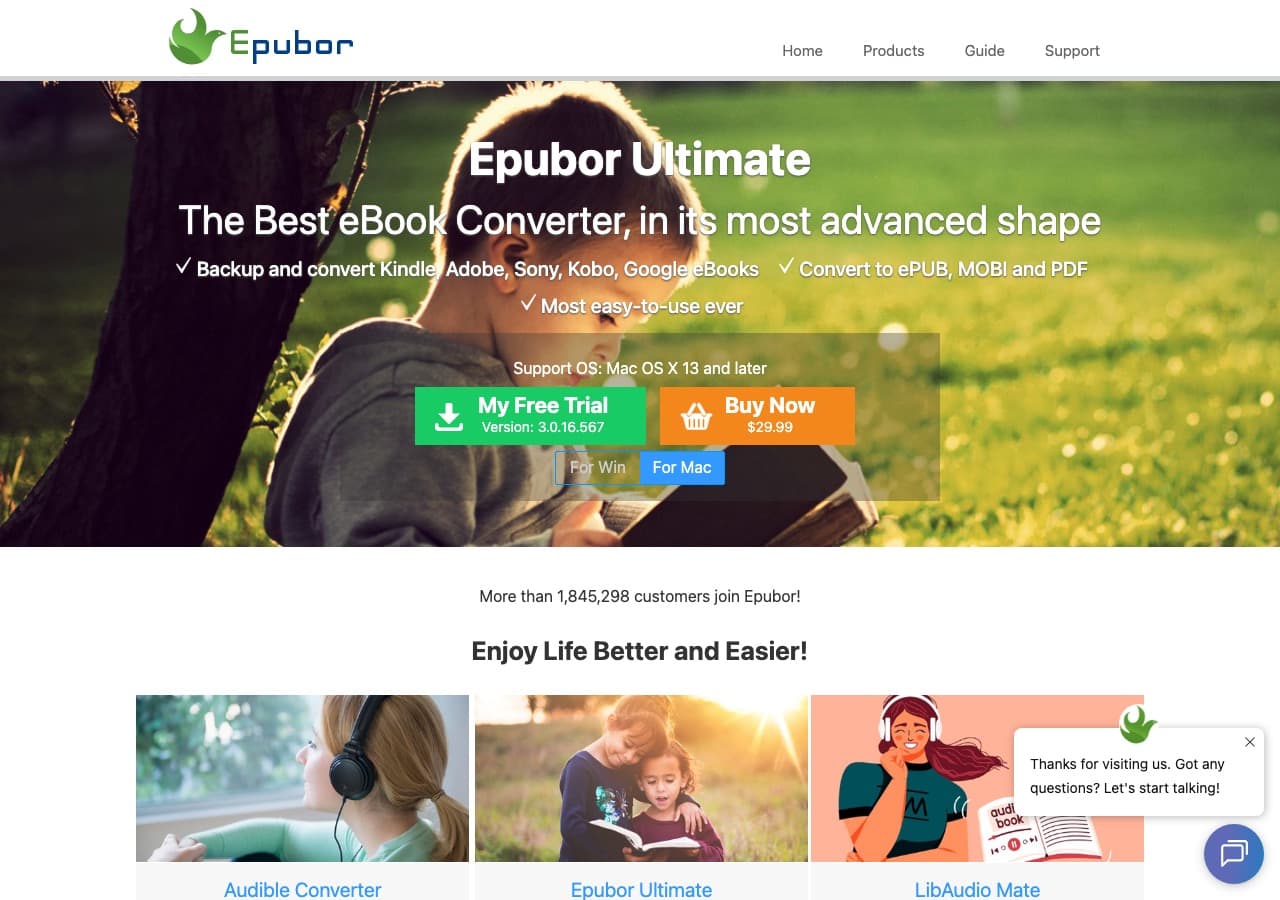
Premium ebook converter with DRM-removal options.
Pricing
- Paid.
How to Choose
- Print-ready PDF: Pandoc + LaTeX or Vellum.
- Quick digital review: Calibre or How to Convert.
- Self-publishing: Vellum on Mac, Calibre cross-platform.
- Batch: Calibre's ebook-convert CLI.
- Unreleased manuscript: stay local.
Final Thoughts
EPUB → PDF turns a reflowable ebook into a fixed-layout document. The choice between print-ready and digital-ready determines which tool to use. For self-publishers, Vellum is the gold standard; for free workflows, Calibre or Pandoc with LaTeX produces excellent results. For unreleased manuscripts, keep the conversion local.
How to Convert
The offline file converter for Mac, Windows and Linux.
- Converts video, audio, images, documents, ebooks and more
- Everything runs locally. Your files never leave your device
- Pay once. Access forever
Get the app on Mac, Windows and Linux
