18 Best FLAC to MP3 Converters in 2026 (Free and Paid)
The best FLAC to MP3 converters in 2026. Compare offline desktop apps, open-source tools, and online converters for turning lossless audio into smaller files for phones, cars, and sharing.
Posted by
 Jake Manger
FLAC to MP3 is the conversion you do to shrink an audiophile-grade music library into something practical for a phone, a car, a Bluetooth speaker, or a tiny old iPod that you still love. FLAC is lossless: it preserves the original CD or studio recording bit-for-bit, at the cost of 5–10x larger file sizes than MP3. MP3 throws data away to shrink the file, but at 320 kbps the loss is genuinely hard to hear on consumer speakers. The conversion is one-way — you cannot get the FLAC quality back from the MP3 — so keeping the FLAC originals on a NAS or external drive is the standard pattern. This guide compares 18 FLAC to MP3 converters in 2026, with attention to library-scale workflows and tag handling.
FLAC → MP3 is the one place in this whole series where audiophile-grade tools (dBpoweramp, XLD, fre:ac) genuinely outperform the casual ones — and where serious users have strong opinions about LAME presets.
The Right MP3 Bitrate for FLAC Sources
You are going from lossless to lossy. Since you cannot get the FLAC quality back, the question is how much loss is acceptable.
- 320 kbps CBR — the highest MP3 quality. Hard to distinguish from FLAC on most playback gear. The default for “I want it to sound good.”
- LAME -V 0 (VBR ~245 kbps avg) — same perceived quality as 320 CBR, slightly smaller files. The audiophile standard.
- LAME -V 2 (VBR ~190 kbps avg) — “transparent” for most listeners, 30% smaller files. The most-recommended general-purpose preset.
- 192 kbps CBR — fine for casual listening on phone/car. The minimum for “does not sound obviously worse.”
- 128 kbps — audible artifacts on most music. Use only for voice content.
A note: a few decades of MP3 benchmarking have established that LAME with the -V presets produces noticeably better sound than other MP3 encoders at the same bitrate. Use LAME (FFmpeg uses it via libmp3lame; dBpoweramp uses it directly; Audacity bundles it). Skip tools that use older MP3 encoders.
Quick Picks for FLAC → MP3
- Best library workflow: dBpoweramp.
- Best free batch tool: fre:ac.
- Best CLI: FFmpeg with
-q:a 0or LAME directly. - Best Mac: XLD.
- Best one-shot, no install: How to Convert.
- Casual: Audacity or VLC.
One-shot: FLAC to MP3 converter.
1. How to Convert (I built this one)

Drop FLACs in, pick MP3, choose 320 CBR or VBR -V 2, hit convert. Tags including album art preserved. Local — useful when ripping your own CDs and you do not want to upload them.
Pricing
- One-time purchase; free web demo for single-file conversions.
 How to Convert
The offline file converter for Mac, Windows and Linux.
- Converts video, audio, images, documents, ebooks and more
- Everything runs locally. Your files never leave your device
- Pay once. Access forever
Get the app on Mac, Windows and Linux
2. dBpoweramp — best for serious music libraries
The standard tool for audiophile music library work. Batch FLAC → MP3 with detailed LAME settings, full tag preservation, replay-gain calculation, and integrity verification. Handles 100,000-file libraries without breaking. Worth the price if music is part of your work.
Pricing
- Paid.
3. fre:ac — best free batch tool
Cross-platform audio converter with proper LAME bindings. Set the LAME preset to V0 or V2, drag in your FLAC folder, hit Convert. Preserves all FLAC tags including album art. Goes up against dBpoweramp on a budget.
Pricing
- Free, open source.
4. FFmpeg
Single file, 320 kbps CBR:
ffmpeg -i input.flac -b:a 320k output.mp3
LAME VBR (the audiophile preset):
ffmpeg -i input.flac -q:a 0 output.mp3
Whole folder, preserving tags:
for f in *.flac; do ffmpeg -i "$f" -q:a 0 -map_metadata 0 "${f%.flac}.mp3"; doneFor album-art preservation, FFmpeg needs -map 0:0 -map 0:1 -id3v2_version 3 in the command. Some FLAC art-encoding edge cases need ffmpeg 7+.
Pricing
- Free, open source.
5. XLD (Mac)
X Lossless Decoder — the Mac-native audiophile batch converter. The cleanest MP3 output on macOS, LAME presets exposed, perfect tag handling. Free.
Pricing
- Free.
6. Foobar2000 (Windows)
The audiophile's Windows player. Tools → Convert → choose LAME output with V0 or V2 preset, point at your FLAC folder. Detailed control, free.
Pricing
- Free.
7. LAME directly
For maximum control:
# Decode FLAC, pipe to LAME with V0 preset
flac -d -c input.flac | lame -V 0 - output.mp3
Tags must be copied separately with a tool like metaflac → id3v2.
Pricing
- Free, open source.
8. Audacity
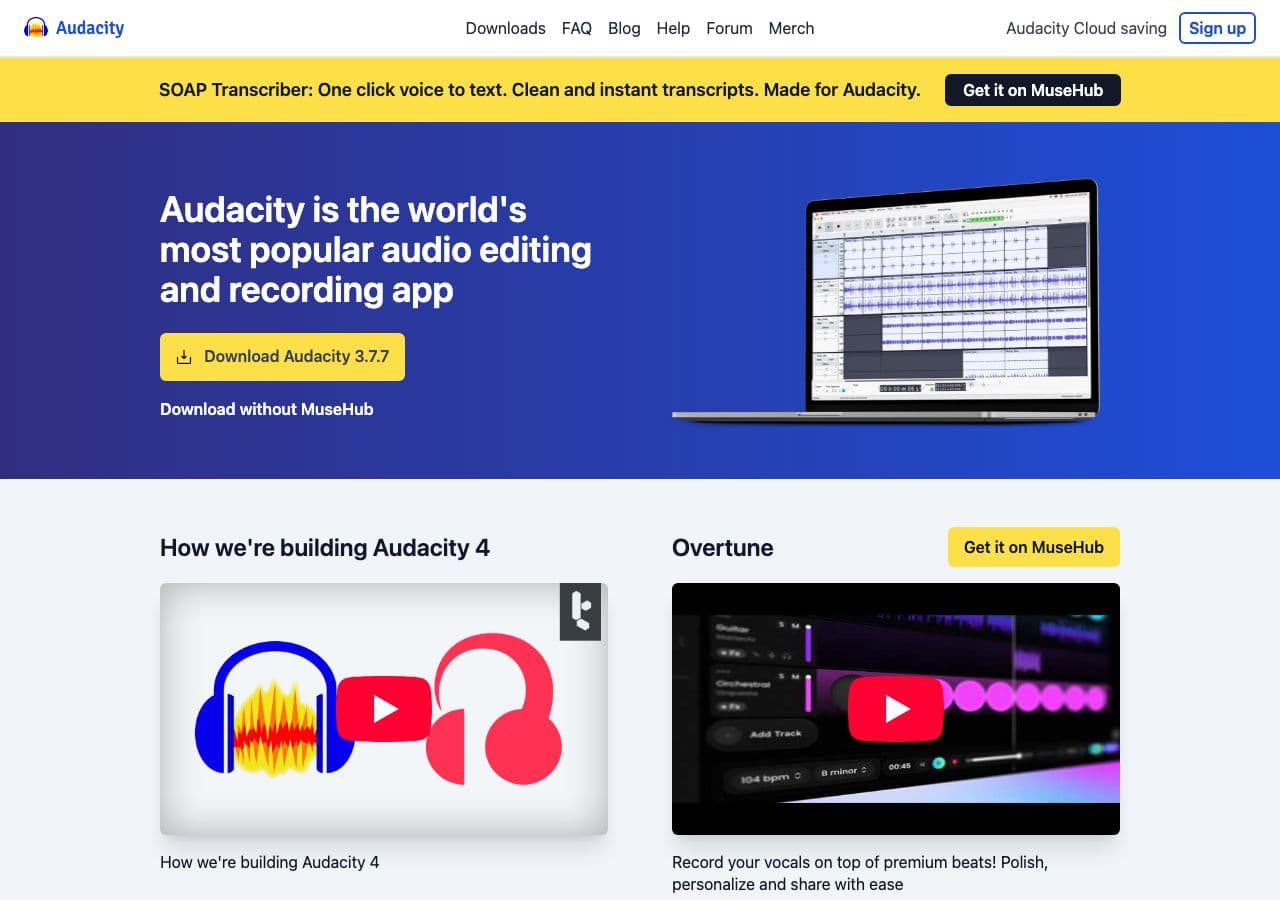
Free audio editor. Open FLAC, File → Export → Export as MP3 with quality preset. Best when you want to clean up the audio (normalize, click removal, fade-ins) before converting.
Pricing
- Free, open source.
9. VLC

Media → Convert / Save. Works for one-off FLAC → MP3. Less control than dedicated audio tools.
Pricing
- Free, open source.
10. MediaHuman Audio Converter
Drag-and-drop batch tool for Mac and Windows. Simpler than fre:ac. Useful for “dump my FLAC folder, give me MP3s.”
Pricing
- Free.
11. SoX
Audio processing toolkit with FLAC input and MP3 output (with LAME installed):
sox input.flac -C 320 output.mp3
Useful when chaining with other audio processing (normalize, resample).
Pricing
- Free, open source.
12. Switch Audio Converter (NCH)
Lightweight Mac/Windows commercial converter. Batch FLAC → MP3.
Pricing
- Free home edition; paid for commercial use.
13. EZ CD Audio Converter
Premium Windows audio converter with good metadata handling. Alternative to dBpoweramp.
Pricing
- Paid.
14. CloudConvert
Web converter. FLAC → MP3 with bitrate control. Slow for big files (FLACs can be 30+ MB per song).
Pricing
- Free tier; paid above.
15. Convertio
Web FLAC → MP3 with bitrate selection.
Pricing
- Free with caps; paid above.
16. Online Audio Converter (123apps)
Web converter with simple UI. Free tier covers most casual conversion.
Pricing
- Free with limits; paid above.
17. FreeConvert
Web converter with quality options.
Pricing
- Free with caps; paid above.
18. Zamzar
Long-running web converter. Slower; reliable.
Pricing
- Free with daily limits; paid above.
How to Choose
- Audiophile library: dBpoweramp or fre:ac with LAME V0.
- Mac: XLD.
- Windows: Foobar2000 with the LAME converter.
- CLI / scripted: FFmpeg with
-q:a 0. - One file, casual: Audacity, VLC, or a web tool.
Final Thoughts
FLAC → MP3 is the conversion where bitrate matters most because the loss is genuinely audible at the wrong settings. LAME V0 or 320 CBR are the “safe” choices for music you care about; V2 is the “balanced” choice for libraries that need to fit on phones. Use a tool that exposes LAME directly — fre:ac, dBpoweramp, XLD, or FFmpeg — and keep the FLAC originals on a separate drive so you can always re-encode at higher quality later.
How to Convert
The offline file converter for Mac, Windows and Linux.
- Converts video, audio, images, documents, ebooks and more
- Everything runs locally. Your files never leave your device
- Pay once. Access forever
Get the app on Mac, Windows and Linux
