18 Best FLAC to WAV Converters in 2026 (Free and Paid)
The best FLAC to WAV converters in 2026. Compare offline desktop apps, open-source tools, and online converters for editing lossless audio in apps that prefer WAV.
Posted by
 Jake Manger
FLAC to WAV is the “unpack my lossless audio into the format every audio tool understands” conversion. FLAC is brilliant for storage — same audio as WAV, 40–60% smaller, with checksums and proper tags. WAV is brilliant for everything that needs to do something with the audio: CD burning software, audio samplers, hardware loopers, scientific analysis tools, some plugins that refuse FLAC. The conversion is bit-identical in both directions — no quality is lost or gained — so the question is just which tool produces a clean WAV with the right sample rate and bit depth. This guide compares 18 FLAC to WAV converters in 2026.
FLAC → WAV is one of the simplest conversions in the audio world — every tool gets it right because FLAC is fully reversible by design.
What to Watch For
- Bit depth. If your FLAC is 24-bit, output a 24-bit WAV. Some tools downconvert silently to 16-bit. Verify with
ffprobeorfile output.wav. - Sample rate. Match the source. 44.1 kHz for CD-style, 48 kHz for video, 96 kHz for high-res audio.
- Tags do not transfer. WAV has very limited metadata support compared to FLAC. Title, artist, and album might transfer (depending on the WAV variant used); embedded album art usually does not.
- WAV files are bigger. A 30 MB FLAC unpacks to a 60–80 MB WAV. Not a problem for editing, a problem for storage.
Quick Picks for FLAC → WAV
- Best CLI: the reference
flac -dtool, or FFmpeg. - Best free batch: fre:ac.
- For DAW import: drop the FLAC in — modern DAWs read it natively. Skip the conversion.
- One file: Audacity or VLC.
One-shot: FLAC to WAV converter.
1. How to Convert (I built this one)

Drop FLACs in, pick WAV, hit convert. Default keeps the source bit depth and sample rate.
Pricing
- One-time purchase; free web demo for single-file conversions.
 How to Convert
The offline file converter for Mac, Windows and Linux.
- Converts video, audio, images, documents, ebooks and more
- Everything runs locally. Your files never leave your device
- Pay once. Access forever
Get the app on Mac, Windows and Linux
2. flac (reference CLI)
Decode FLAC to WAV:
flac -d input.flac
Whole folder:
flac -d *.flac
Cleanest single-purpose tool — bit-identical, preserves source format properties.
Pricing
- Free, open source.
3. FFmpeg
One-liner:
ffmpeg -i input.flac output.wav
Explicit bit depth:
ffmpeg -i input.flac -acodec pcm_s24le output.wav
Batch:
for f in *.flac; do ffmpeg -i "$f" "${f%.flac}.wav"; donePricing
- Free, open source.
4. fre:ac
Cross-platform free batch converter. FLAC → WAV with bit depth and sample rate controls.
Pricing
- Free, open source.
5. Audacity
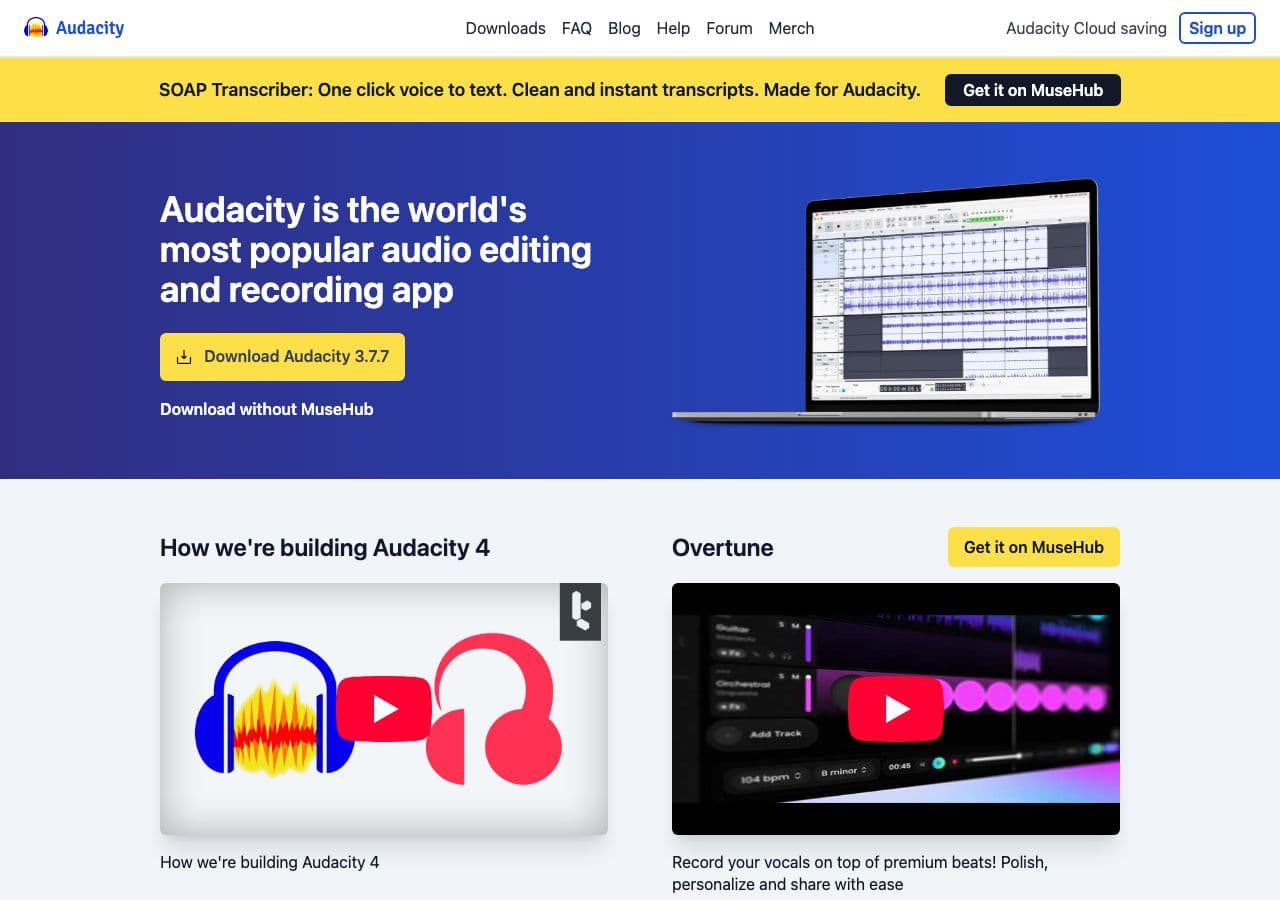
Open FLAC, File → Export → WAV. The right pick when you want to edit during the conversion.
Pricing
- Free, open source.
6. SoX
CLI:
sox input.flac output.wav
With sample rate / bit depth changes:
sox input.flac -b 16 -r 44100 output.wav
Pricing
- Free, open source.
7. XLD (Mac)
Mac batch converter. Clean WAV output with bit depth selection.
Pricing
- Free.
8. Foobar2000 (Windows)
Audiophile Windows player + converter.
Pricing
- Free.
9. macOS afconvert / Music app
CLI:
afconvert -f WAVE -d LEI24 input.flac output.wav
Music app: Settings → Files → Import Settings → WAV, right-click → Create WAV Version.
Pricing
- Free with macOS.
10. dBpoweramp
Premium library tool. FLAC → WAV with audiophile-grade conversion settings.
Pricing
- Paid.
11. VLC

Media → Convert / Save → output WAV.
Pricing
- Free, open source.
12. MediaHuman Audio Converter
Drag-and-drop batch tool.
Pricing
- Free.
13. Switch Audio Converter (NCH)
Lightweight commercial converter.
Pricing
- Free home; paid commercial.
14. Your DAW
Logic, Pro Tools, Ableton, Reaper, FL Studio all read FLAC natively. Skip the conversion and drop the FLAC straight into the DAW.
Pricing
- Whatever your DAW costs.
15. CloudConvert
Web converter. FLAC → WAV with bit depth selection.
Pricing
- Free tier; paid above.
16. Convertio
Web converter.
Pricing
- Free with caps; paid above.
17. Online Audio Converter (123apps)
Browser-based.
Pricing
- Free with limits; paid above.
18. FreeConvert
Web converter.
Pricing
- Free with caps; paid above.
How to Choose
- For DAW import: skip the conversion. Drop the FLAC straight in.
- For a sampler or hardware: flac CLI or FFmpeg with matching bit depth.
- Batch: fre:ac or FFmpeg in a loop.
- Mac: afconvert, XLD, or How to Convert.
- One file: Audacity or VLC.
Final Thoughts
FLAC → WAV is a bit-identical container change. The output is the same audio; just bigger. For DAW work, skip the conversion — every modern DAW reads FLAC. For hardware samplers and CD burning, the flac CLI or FFmpeg produces clean WAV in seconds. The only thing worth checking is that the output bit depth matches your source — some tools silently downconvert 24-bit to 16-bit.
How to Convert
The offline file converter for Mac, Windows and Linux.
- Converts video, audio, images, documents, ebooks and more
- Everything runs locally. Your files never leave your device
- Pay once. Access forever
Get the app on Mac, Windows and Linux
