18 Best JPG to AVIF Converters in 2026 (Free and Paid)
The best JPG to AVIF converters in 2026. Compare offline desktop apps, open-source tools, and online converters for compressing web images with a modern high-efficiency format.
Posted by
 Jake Manger
JPG to AVIF is the conversion you reach for when file size really matters — a site asset folder, a CDN bill, a slow-loading hero image. AVIF is roughly 50% smaller than JPEG at the same perceived quality and 30% smaller than WebP. The catch is that AVIF encoding is slow. A JPG → AVIF batch that takes 30 seconds with WebP takes 5–10 minutes with AVIF at the same quality settings. The encoder settings matter a lot. This guide compares 18 JPG to AVIF converters in 2026 with attention to the speed-vs-quality knobs.
AVIF is also a place where the encoder settings vary wildly between tools — some default to a fast/low setting that produces files almost as big as the JPG, others default to a quality setting most browsers handle fine but file sizes get fat. The next section explains how to think about it.
The AVIF Speed-vs-Quality Knob
AVIF encoders expose two main controls: quality (0–100) and speed / effort (0–10, where lower is slower and better). The defaults vary:
- libavif/cavif: quality 60, speed 6. Reasonable.
- ImageMagick: quality 75, no explicit speed control. Mid-range.
- sharp / Squoosh: quality 50, effort 4. Fast but the output is sometimes visibly worse than the source.
- cwebp-style equivalent: for a sane default, use quality 60 and the slowest effort you can tolerate.
Rule of thumb: AVIF quality 60 is roughly equivalent to JPG quality 85. Both look visually identical to the source on a normal display. The AVIF will be about half the size — but only if you accept the slow encode time. For a one-off conversion, the slowest setting is worth it. For batch jobs over thousands of files, speed 5 or 6 is the right tradeoff.
Quick Picks for JPG → AVIF
- Best quality preview: Squoosh — side-by-side AVIF vs JPG with quality slider.
- Best CLI:
caviforavifenc. - Best batch: sharp in Node, or
avifencin a shell loop. - Best for a one-off: How to Convert with a sensible quality 60 default.
- Site build pipeline: sharp or Next.js's built-in image optimization.
One-shot: JPG to AVIF converter.
1. How to Convert (I built this one)

Drop JPGs in, pick AVIF, set quality (default 60, sensible), pick an encode speed, hit convert. Bundled AV1 encoder; no extension needed. Local.
Pricing
- One-time purchase; free web demo for single-file conversions.
 How to Convert
The offline file converter for Mac, Windows and Linux.
- Converts video, audio, images, documents, ebooks and more
- Everything runs locally. Your files never leave your device
- Pay once. Access forever
Get the app on Mac, Windows and Linux
2. avifenc — reference CLI encoder
From libavif. The most controllable JPG → AVIF tool:
avifenc -q 60 -s 4 input.jpg output.avif
-q 60 is quality; -s 4 is speed (0=slowest/best, 10=fastest). For batches:
for f in *.jpg; do avifenc -q 60 -s 4 "$f" "${f%.jpg}.avif"; doneInstall via Homebrew (brew install libavif).
Pricing
- Free, open source.
3. cavif (Rust-based)
Rust port of an AVIF encoder. Smaller binary than avifenc, often faster:
cavif --quality 60 --speed 4 input.jpg
Same defaults philosophy. Useful in pipelines where install size matters.
Pricing
- Free, open source.
4. Squoosh
Browser converter with AVIF encoder in WebAssembly. Live preview. Best way to find the right quality for a specific image before batch-converting more.
Pricing
- Free.
5. sharp (Node.js)
Build pipelines:
import sharp from "sharp";
await sharp("input.jpg").avif({ quality: 60, effort: 4 }).toFile("output.avif");
The standard pick for Node-based AVIF generation.
Pricing
- Free, open source.
6. ImageMagick
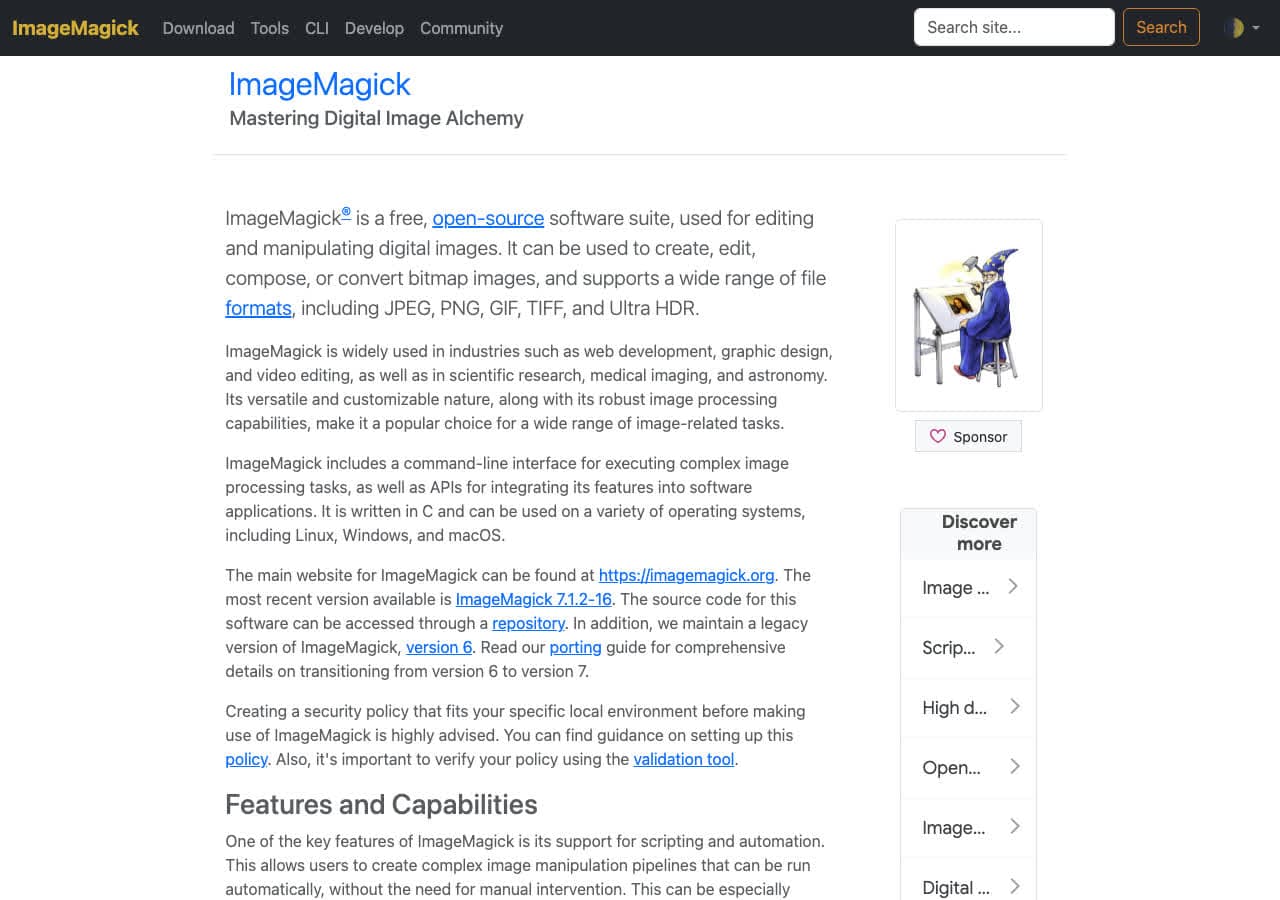
With libavif support:
magick input.jpg -quality 60 output.avif
Less control than avifenc; good for one-pass workflows that include resize and color management.
Pricing
- Free, open source.
7. Next.js Image Optimization
The Next.js Image component can serve AVIF automatically. Enable it via next.config.js:
module.exports = {
  images: { formats: ["image/avif", "image/webp"] }
};
Runtime AVIF generation is slow; for high-traffic sites, pre-generate AVIFs with sharp in a build step.
Pricing
- Free, part of Next.js.
8. XnConvert
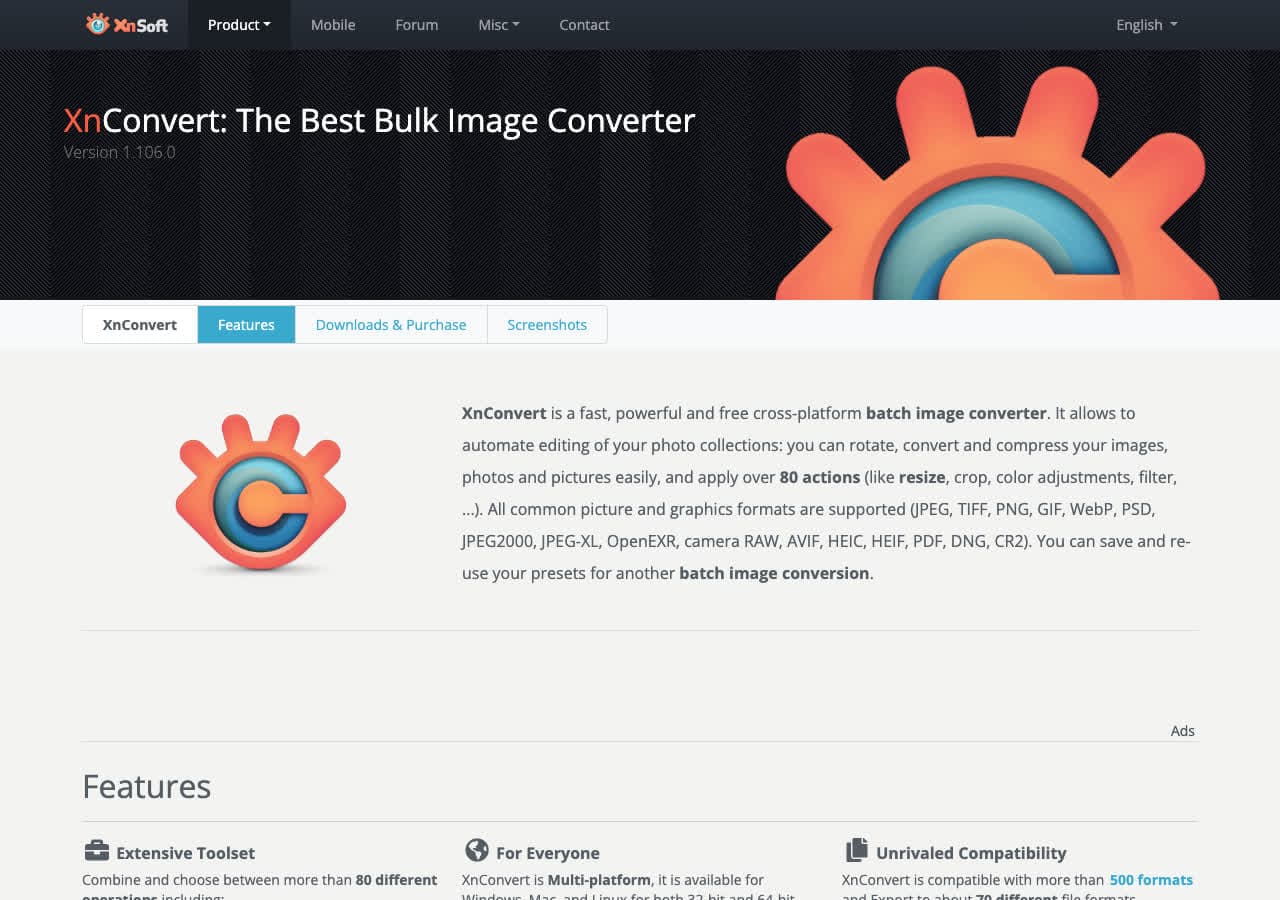
AVIF output in recent versions. Quality slider, batch processing.
Pricing
- Free for personal use.
9. GIMP
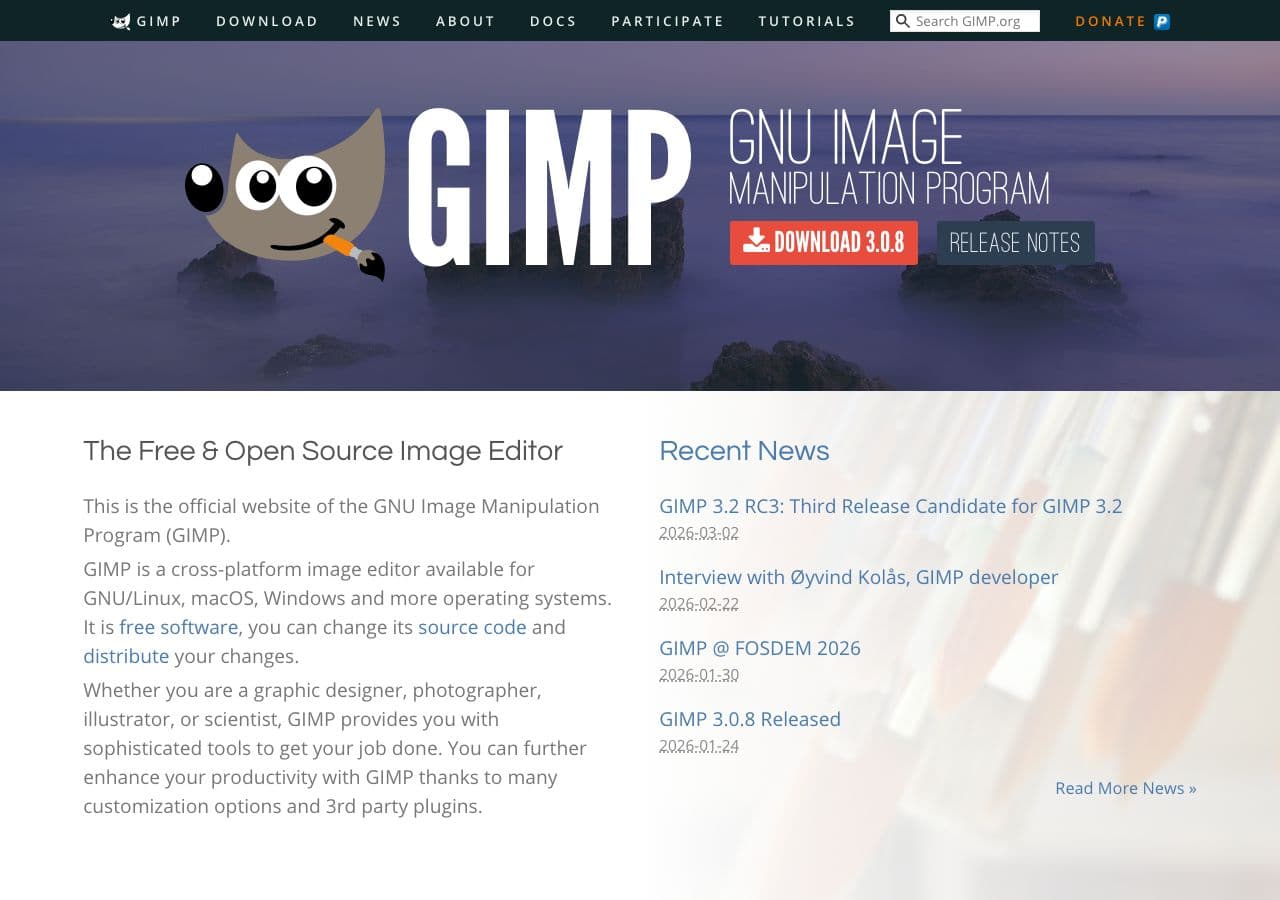
File → Export As → .avif. Quality and speed sliders in the export dialog.
Pricing
- Free, open source.
10. Adobe Photoshop
Reads and writes AVIF since 2023. Export Layers to Files, or File → Save As → AVIF.
Pricing
- Subscription.
11. Affinity Photo
AVIF export via Export Persona.
Pricing
- One-time purchase.
12. Pixelmator Pro

AVIF export with live file-size preview.
Pricing
- One-time purchase, Mac App Store.
13. Photopea
Browser editor with AVIF export. Client-side.
Pricing
- Free with ads; paid premium.
14. FFmpeg
Works because AVIF is an AV1-coded image:
ffmpeg -i input.jpg -c:v libaom-av1 -still-picture 1 -crf 30 output.avif
Useful inside an FFmpeg pipeline. Overkill for single images.
Pricing
- Free, open source.
15. CloudConvert
Web converter with AVIF output options.
Pricing
- Free tier; paid above.
16. Convertio
Web JPG → AVIF batch tool.
Pricing
- Free with caps; paid above.
17. FreeConvert
Web JPG → AVIF with quality slider.
Pricing
- Free with caps; paid above.
18. IrfanView
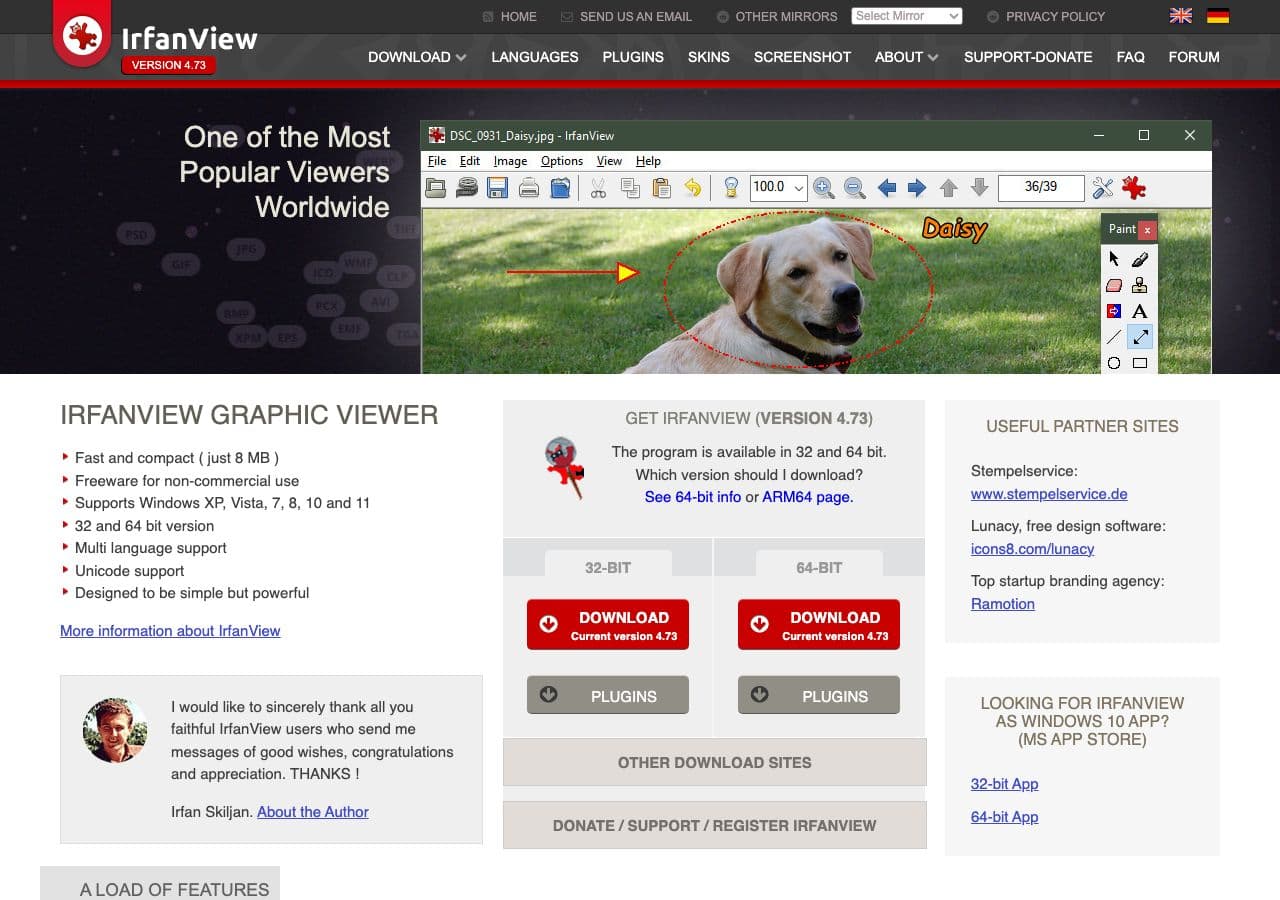
With plugins, IrfanView reads and writes AVIF on Windows.
Pricing
- Free for personal use.
How to Choose
- One file, want a preview: Squoosh.
- Folder, slow but smallest output: avifenc with
-s 0or-s 2. - Folder, fast batch: sharp or avifenc with
-s 6. - Next.js / static site: sharp in a build step, or runtime AVIF on small sites.
- One-shot, no install: Squoosh or How to Convert.
Final Thoughts
JPG → AVIF is the “maximum file-size win” conversion at the cost of encode time. For a website serving lots of photos, the size savings translate directly to faster pages and lower bandwidth. Quality 60 with speed 4 is the sane default for batches. For individual hero images you actually care about, use speed 0 and benchmark — sometimes the slowest setting produces files 20% smaller than speed 6 for the same quality. Browser support is now universal among modern browsers; the rest of the ecosystem is catching up.
How to Convert
The offline file converter for Mac, Windows and Linux.
- Converts video, audio, images, documents, ebooks and more
- Everything runs locally. Your files never leave your device
- Pay once. Access forever
Get the app on Mac, Windows and Linux
