18 Best JPG to WebP Converters in 2026 (Free and Paid)
The best JPG to WebP converters in 2026. Compare offline desktop apps, open-source tools, and online converters for smaller web images, faster pages, and modern site performance work.
Posted by
 Jake Manger
You convert JPG to WebP for one reason: file size. Google designed WebP specifically to beat JPEG at the same perceived quality, and on photographic content it consistently does — typically 25–35% smaller at the quality slider settings most people consider visually identical. For a website, that translates to faster pages and lower bandwidth bills. For a photo archive, it translates to a smaller backup. So this guide compares 18 JPG to WebP converters in 2026, with a slant toward batch tools and ones that expose real quality control.
JPG → WebP is also one of the cases where the “best” tool depends heavily on what comes next: batch site optimization, a one-off conversion, or a step inside a build pipeline.
The JPG → WebP File-Size Math
A quick reality check before you batch-convert a 10,000-photo library. WebP at quality 80 lossy is roughly equivalent to JPEG at quality 90 in perceived quality, and the WebP file is usually 25–35% smaller. WebP at quality 75 starts to show artifacts on tough subjects (faces, smooth gradients, low-light). Quality 90+ shaves less than 10% off the JPG and is barely worth the effort unless you have a specific reason.
The caveat: you are running a lossy encoder over an already-lossy image. The output will not look better than the JPG — it can only look as good or worse. If file size is not actually a constraint for you, the conversion gains you nothing.
Quick Picks for JPG → WebP
- One file, fastest: Squoosh. Browser-based, client-side, best preview slider.
- A whole folder:
cwebp, ImageMagick, XnConvert, or How to Convert. - Site build pipeline:
cwebpin a script, Next.js's built-in image optimization, or thesharpNode library. - You want a quality preset you can trust: WebP quality 80, method 6. Default for most build tools.
- The image is private: stay local — anything but the web converters.
One-shot from the site: JPG to WebP converter.
The 18 Converters
1. How to Convert (I built this one) — best private JPG-to-WebP converter

Drag in JPGs, pick WebP, set quality (default 80), hit convert. Local. The paid desktop app supports batch conversion; practical batch size depends on the files and your computer. For JPG → WebP specifically: the default quality is a sane 80 rather than 75, EXIF is preserved by default, and the encoder is libwebp's method 6 (slowest and best). All three matter for a site image pipeline.
Pros
- Local — files never uploaded.
- Real batch with sensible defaults.
- Same app handles WebP, HEIC, AVIF, RAW, video, audio.
Cons
- Paid desktop app; the free web demo handles one file at a time.
Pricing
- One-time purchase.
 How to Convert
The offline file converter for Mac, Windows and Linux.
- Converts video, audio, images, documents, ebooks and more
- Everything runs locally. Your files never leave your device
- Pay once. Access forever
Get the app on Mac, Windows and Linux
2. cwebp — best command-line JPG-to-WebP
The official WebP encoder from Google. Faster than ImageMagick for WebP-specific work, more options exposed:
cwebp -q 80 -m 6 input.jpg -o output.webp
-q 80 is quality, -m 6 is the slowest / best compression method. For a whole folder:
for f in *.jpg; do cwebp -q 80 -m 6 "$f" -o "${f%.jpg}.webp"; doneFor a site asset pipeline, also generate a small thumbnail in the same pass:
cwebp -q 80 -m 6 -resize 1600 0 input.jpg -o output.webp
Pros
- Smallest output of any tool — it is the reference encoder.
- Many WebP-specific options (target file size, near-lossless, etc.).
- Trivial to script.
Cons
- CLI only.
- Needs installing via Homebrew, apt, or the Google libwebp release.
Pricing
- Free, open source.
3. ImageMagick
Slightly slower than cwebp for WebP-specific work, but you already have it for other reasons:
magick input.jpg -quality 80 -define webp:method=6 output.webp
Use ImageMagick when you also need to resize / crop / strip EXIF in the same pass and want a single command. Use cwebp when WebP is the only thing you are doing.
Pricing
- Free, open source.
4. Squoosh — best in-browser converter
The Chrome team's converter. WebP encoder runs in WebAssembly client-side. The side-by-side slider lets you dial quality and see exactly what you are giving up. Best tool for finding the right quality setting before you batch-convert a folder.
Pricing
- Free.
5. XnConvert — best free batch GUI
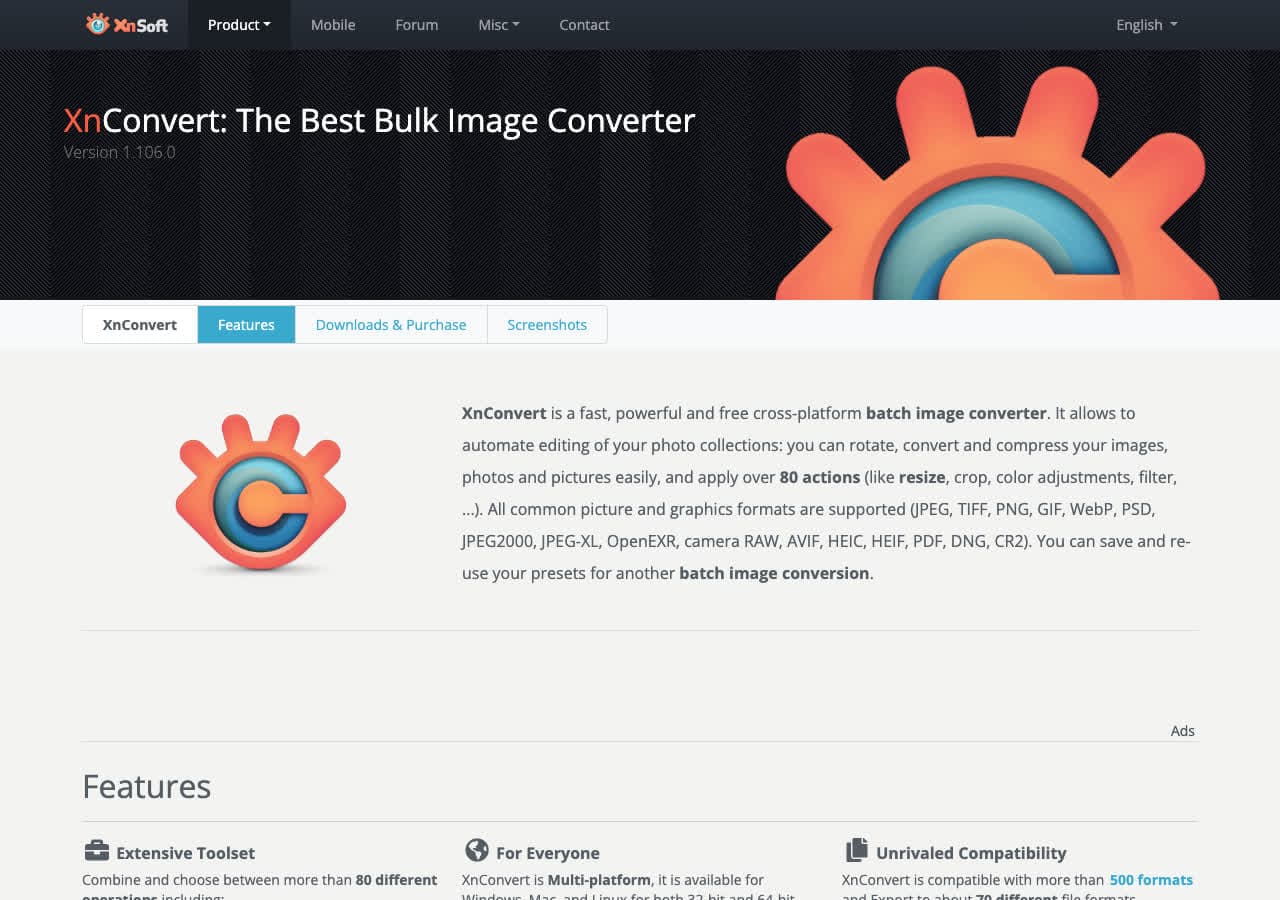
Drag in a folder of JPGs, output WebP, set quality, hit Convert. XnConvert exposes the libwebp method and lossless toggle, and lets you chain a resize in the same job.
Pricing
- Free for personal use.
6. IrfanView
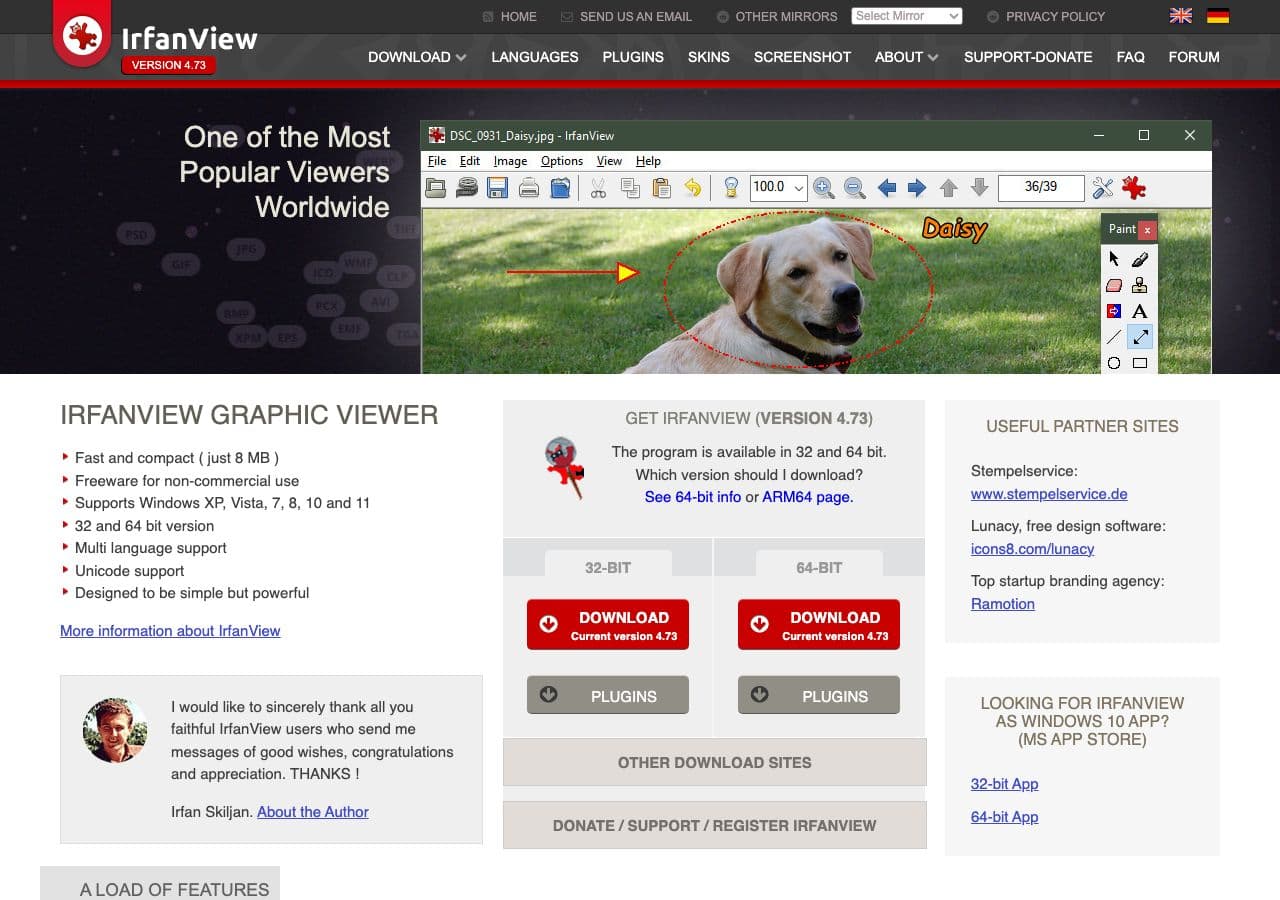
Windows-only batch tool. With the (free) plugin pack, it reads and writes WebP. File → Batch Conversion/Rename → output WebP → quality 80.
Pricing
- Free for personal use.
7. sharp (Node.js)
The standard image library for Node.js. Used by Next.js, Gatsby, and most modern build pipelines. Wraps libwebp:
import sharp from "sharp";
await sharp("input.jpg").webp({ quality: 80, effort: 6 }).toFile("output.webp");
The right pick for build-time image conversion. Compiled native binaries; fast.
Pricing
- Free, open source.
8. Next.js Image Optimization
If your site is on Next.js, the <Image> component automatically serves WebP versions of your JPGs to browsers that support them. You do not need to convert ahead of time; the runtime does it. Fine for sites with a moderate number of images; for big libraries, convert ahead of time and skip the runtime cost.
Pricing
- Free, part of Next.js.
9. GIMP
File → Export As → .webp. The export dialog includes quality, lossless toggle, animation options, and metadata preservation. Good for one-off conversions when you also want to edit.
Pricing
- Free, open source.
10. Adobe Photoshop
File → Export → Save As → WebP. Direct WebP support since 2022. Good if you are already in Photoshop. Do not subscribe to Creative Cloud for this.
Pricing
- Subscription.
11. Affinity Photo
One-time-purchase Photoshop alternative with WebP export in the Export Persona.
Pricing
- One-time purchase.
12. Pixelmator Pro

Mac-native editor with WebP export and a live file-size preview. Useful when you want to tune quality visually.
Pricing
- One-time purchase, Mac App Store.
13. Photopea
Browser-based Photoshop clone. Opens JPGs, exports WebP, files stay client-side. The right pick when you cannot install software.
Pricing
- Free with ads; paid premium.
14. FFmpeg
Works for stills too:
ffmpeg -i input.jpg -c:v libwebp -quality 80 output.webp
Best inside an existing FFmpeg pipeline (frame extraction, animated WebP from video, etc.). Overkill for one image.
Pricing
- Free, open source.
15. CloudConvert
Reputable web converter. Drop JPG, output WebP, download. API available. Web upload — fine for non-sensitive files.
Pricing
- Free tier; paid above.
16. Convertio
Similar shape to CloudConvert. Clean UI, smaller free file-size cap.
Pricing
- Free with caps; paid above.
17. FreeConvert
Web converter with a quality preview slider. Same web upload model. Reasonable for occasional non-sensitive use.
Pricing
- Free with caps; paid above.
18. iLoveIMG
The image side of iLovePDF. Clean batch UI for JPG → WebP via the browser.
Pricing
- Free with limits; paid removes them.
How to Choose
- One file: Squoosh — best preview slider.
- A folder:
cwebp, ImageMagick, XnConvert, or How to Convert. - Build pipeline:
sharp(Node) orcwebpin a script. - Already in Next.js: let the runtime do it. The
<Image>component handles WebP automatically. - Sensitive image: stay local — any tool except the web converters.
Final Thoughts
JPG → WebP is one of the highest-value image conversions on the web — real file-size wins with no visible quality loss at the right settings. The standard quality 80, method 6 default produces files that are 25–35% smaller than the source JPG at the same perceived quality. For a website serving lots of images, that translates directly to faster pages. For a personal archive, the size gain is rarely worth the conversion effort. Pick the right tool for the workflow, leave the quality at 80, and move on.
How to Convert
The offline file converter for Mac, Windows and Linux.
- Converts video, audio, images, documents, ebooks and more
- Everything runs locally. Your files never leave your device
- Pay once. Access forever
Get the app on Mac, Windows and Linux
