5 Best M2TS to MP4 Converters in 2026

If your camera footage or disc backup is in M2TS, an MP4 copy can be easier to watch and share. I’ve rounded up five options for making one, with steps and screenshots for each.
1. How to Convert
Mac, Windows, Linux · $29 once
This is the one I made. How to Convert handles almost any file, so the same app works for video, music, photos and documents. You choose the output and click Convert; it finds and runs the tools for you.
1. Add your files. Drag your M2TS files into How to Convert.
2. Choose the output and convert. Choose MP4 from the output menu and click Convert.
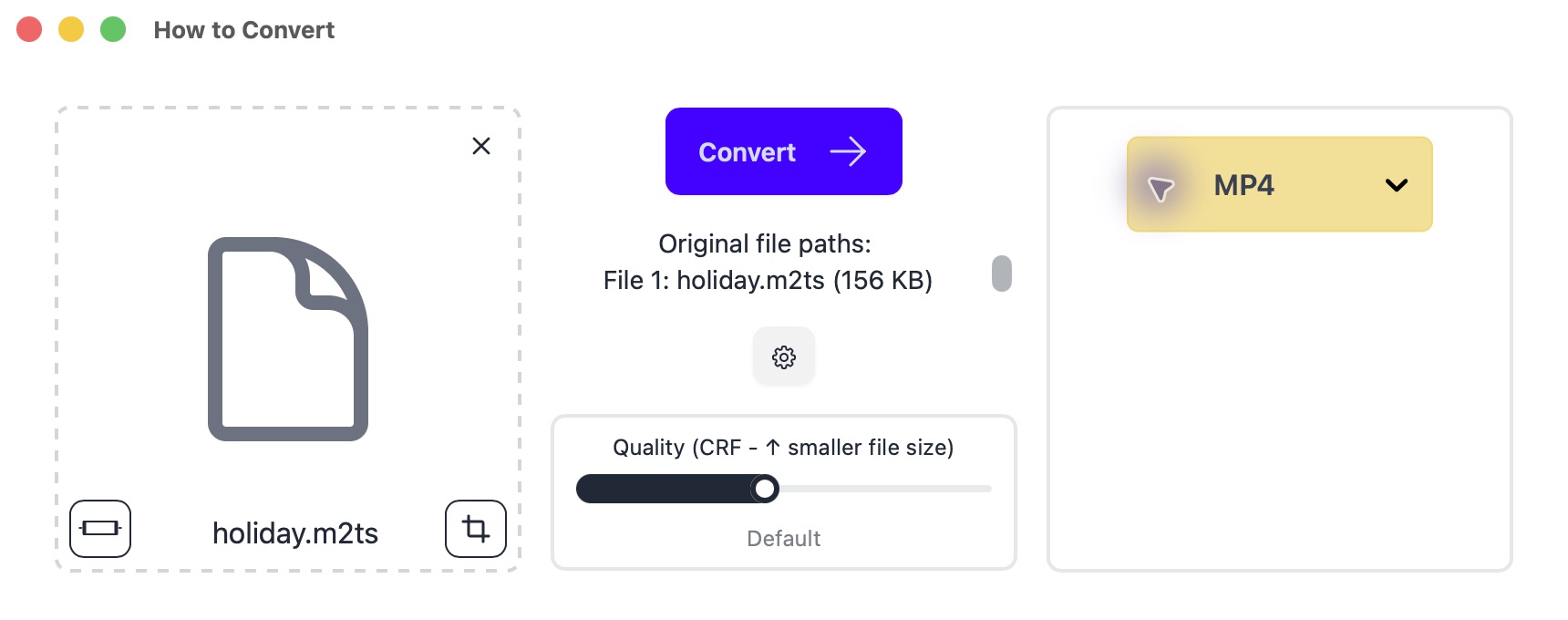
Drop in your file on the left; choose MP4 on the right. Mac app shown.
This makes a new MP4 by re-encoding the video.
Other options
2. HandBrake
Mac, Windows, Linux · Free
Free video conversion with presets and a queue. It re-encodes the picture rather than copying existing video unchanged.
- Click Open Source and select your M2TS file.
- Select General → Fast 1080p30 in Presets and check that Format is MP4. This is a useful starting point for an ordinary sharing copy.
- Choose a filename and destination, then click Start or Start Encode. Play the finished MP4 on the device that needs it.
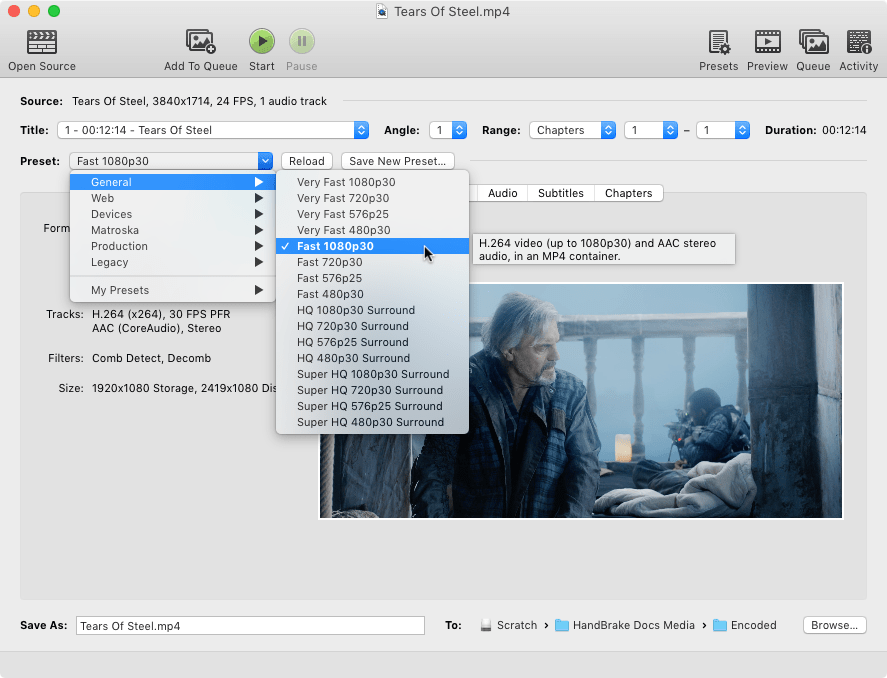
Check the Audio and Subtitles tabs before starting if you need a particular language, surround sound or captions.
3. Shutter Encoder
Mac, Windows, Linux · Free; donations welcome
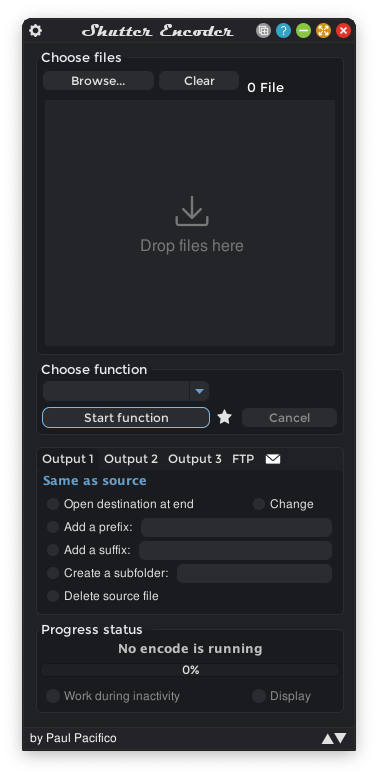
Its Rewrap option can make an MP4 without changing the video, when the video and audio formats are compatible.
- Add your files, choose Rewrap and set the extension to .mp4.
- Choose an output folder and click Start function. If the result will not play, use H.264 conversion instead.
4. Movavi Video Converter
Mac, Windows · Paid; limited trial
A paid option with trimming tools. Trial exports have restrictions.
- Add your video files, choose MP4 in the output formats and pick a preset matching your resolution.
- Choose the save folder and click Convert.
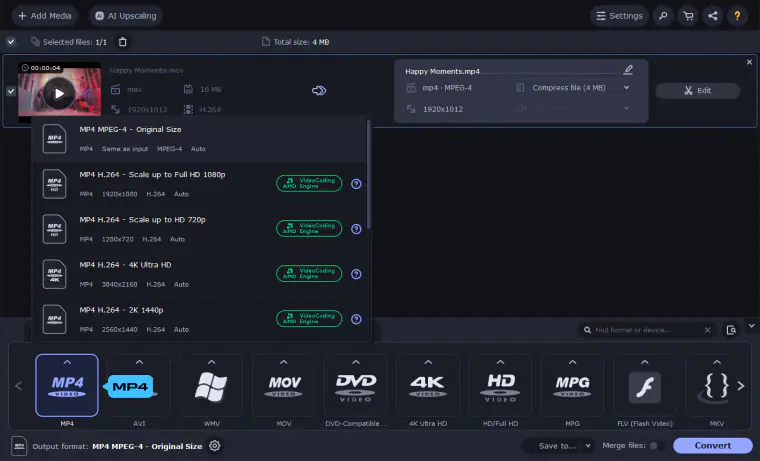
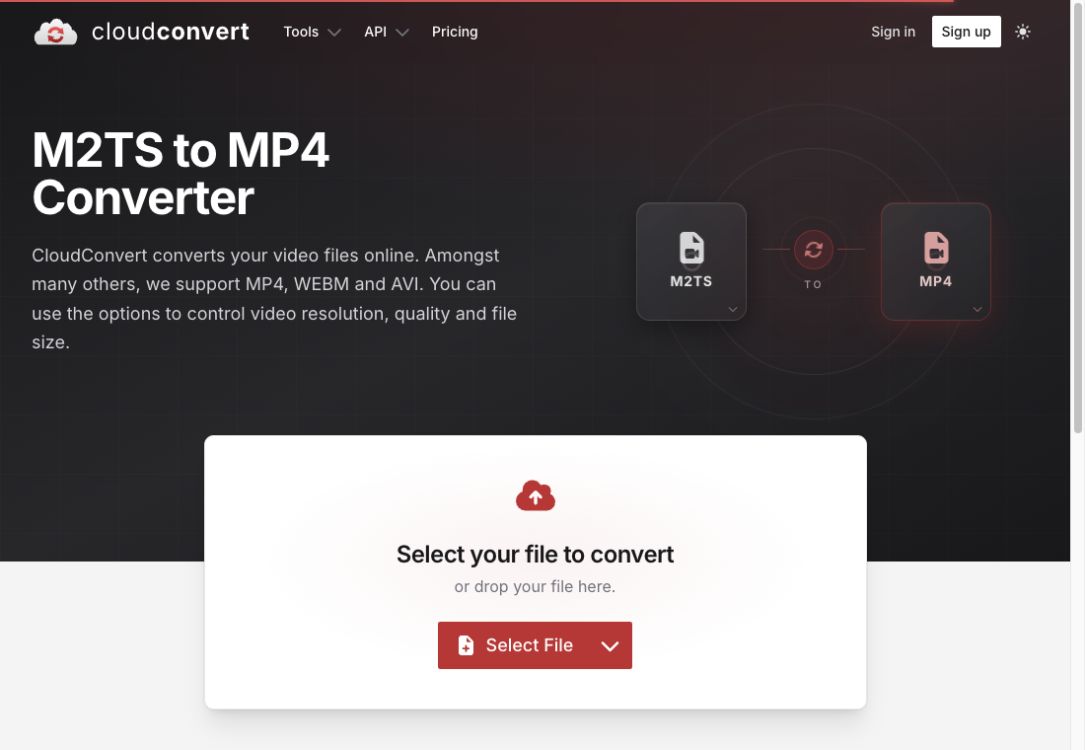
5. CloudConvert
Browser · Limited free tier; paid plans
An occasional conversion without installing an app. Files upload to its servers; free limits apply.
- Click Select File and choose your M2TS file.
- Set the output to MP4, click Convert, then download the result.