18 Best MKV to MP4 Converters in 2026 (Free and Paid)
The best MKV to MP4 converters in 2026. Compare offline desktop apps, open-source tools, and online converters for phones, smart TVs, social platforms, and client delivery.
Posted by
 Jake Manger
MKV to MP4 is the conversion you do to take a media-library file (anime episode, ripped Blu-ray, downloaded movie) into something that plays on phones, smart TVs, and consumer devices that refuse MKV. The Apple ecosystem is the biggest culprit — iPhones, iPads, AirPlay, and most smart TVs do not handle MKV cleanly. The good news is that MKV typically contains the same H.264 or H.265 video that MP4 carries, so the conversion is usually a remux — no re-encoding needed, instant, lossless. The not-so-good news is that MKV often contains tracks (subtitles, multiple audio languages, attached fonts) that MP4 cannot hold. This guide compares 18 MKV to MP4 converters in 2026.
The MKV → MP4 tradeoffs around subtitles and multi-track audio are worth understanding upfront — the next section covers it.
What MP4 Cannot Hold
- PGS / VobSub graphical subtitles. MKV holds them; MP4 does not. Options: drop them, convert to SRT via OCR (lossy but works), or burn them into the video.
- Attached fonts. ASS subtitles in anime MKVs often reference custom fonts attached to the file. MP4 has no font-attachment mechanism. Burning the subs is the only way to preserve styling.
- Multiple subtitle tracks. MP4 supports a few subtitle tracks but with limited format support — usually only mov_text. MKVToolNix can convert SRTs cleanly; PGS / VobSub usually need to be dropped or OCR'd.
- Multiple audio tracks. MP4 handles these fine; pick which to include during conversion.
Quick Picks for MKV → MP4
- Quick remux: FFmpeg with
-c copy. - Best for media-library work: MKVToolNix to inspect tracks, then FFmpeg to remux.
- Best GUI: HandBrake (re-encode) or Permute (remux on Mac).
- One-shot: How to Convert.
One-shot: MKV to MP4 converter.
1. How to Convert (I built this one)

Drop MKVs in, pick MP4, hit convert. Default is remux (no re-encode), with options to burn subs or pick specific audio tracks. Local.
Pricing
- One-time purchase; free web demo for single-file conversions.
 How to Convert
The offline file converter for Mac, Windows and Linux.
- Converts video, audio, images, documents, ebooks and more
- Everything runs locally. Your files never leave your device
- Pay once. Access forever
Get the app on Mac, Windows and Linux
2. FFmpeg
Simple remux:
ffmpeg -i input.mkv -c copy output.mp4
With subtitles converted to mov_text (the MP4-compatible format):
ffmpeg -i input.mkv -c:v copy -c:a copy -c:s mov_text output.mp4
Burn ASS subtitles into the video:
ffmpeg -i input.mkv -vf "ass=input.mkv" -c:a copy output.mp4
Pick a specific audio track (track 1, by ffprobe index):
ffmpeg -i input.mkv -map 0:v:0 -map 0:a:1 -c copy output.mp4
Pricing
- Free, open source.
3. MKVToolNix (mkvinfo + companion conversion)
Use mkvinfo to see what is inside the MKV (subtitle formats, audio languages, attached fonts). Then run FFmpeg with the right track selection. Indispensable when the MKV is complex.
Pricing
- Free, open source.
4. HandBrake
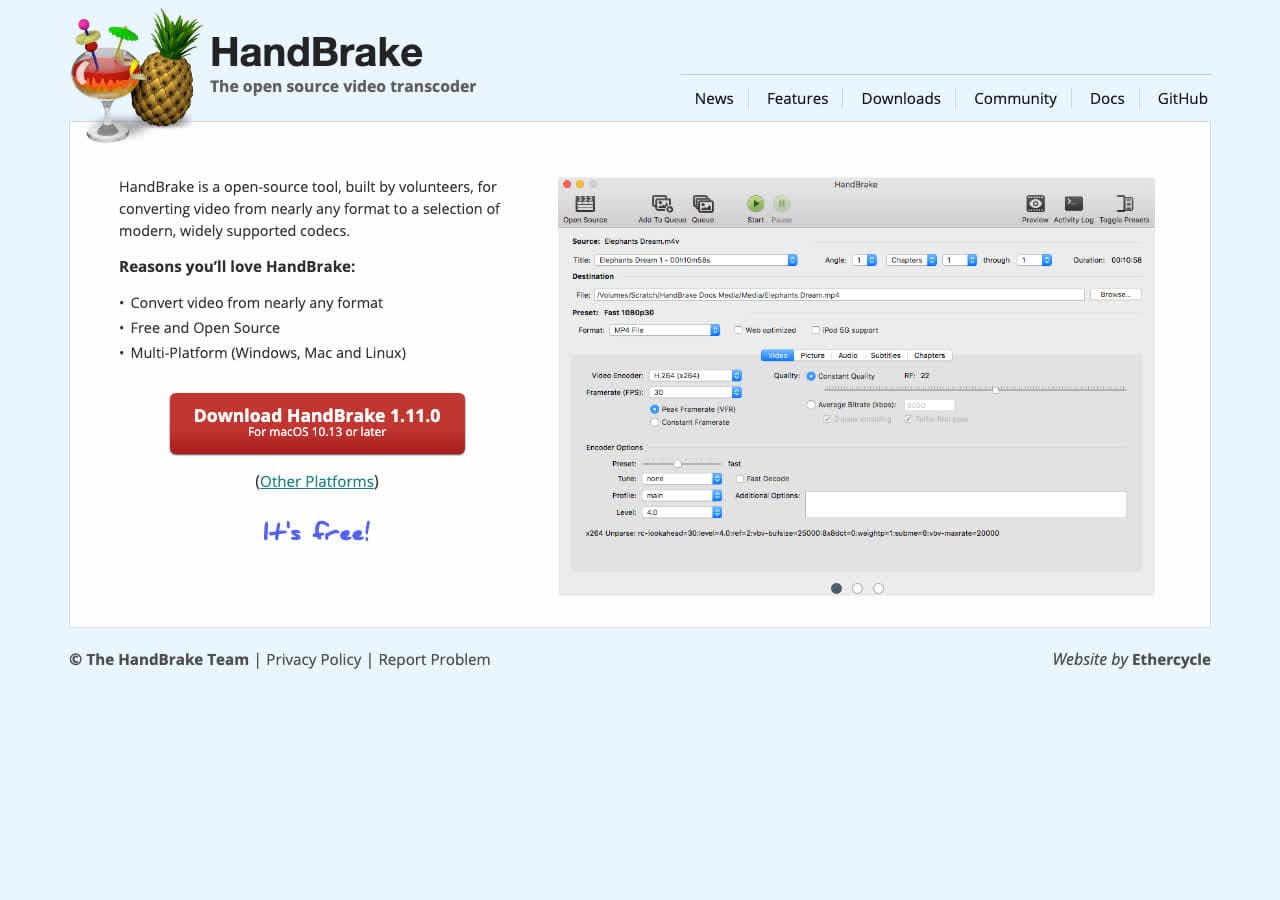
HandBrake always re-encodes. Useful when you also want to compress (H.265 saves 30–50% over H.264) or change resolution. Slower than remux but more control.
Pricing
- Free, open source.
5. Shutter Encoder
FFmpeg GUI with explicit remux option.
Pricing
- Free.
6. Permute (Mac)
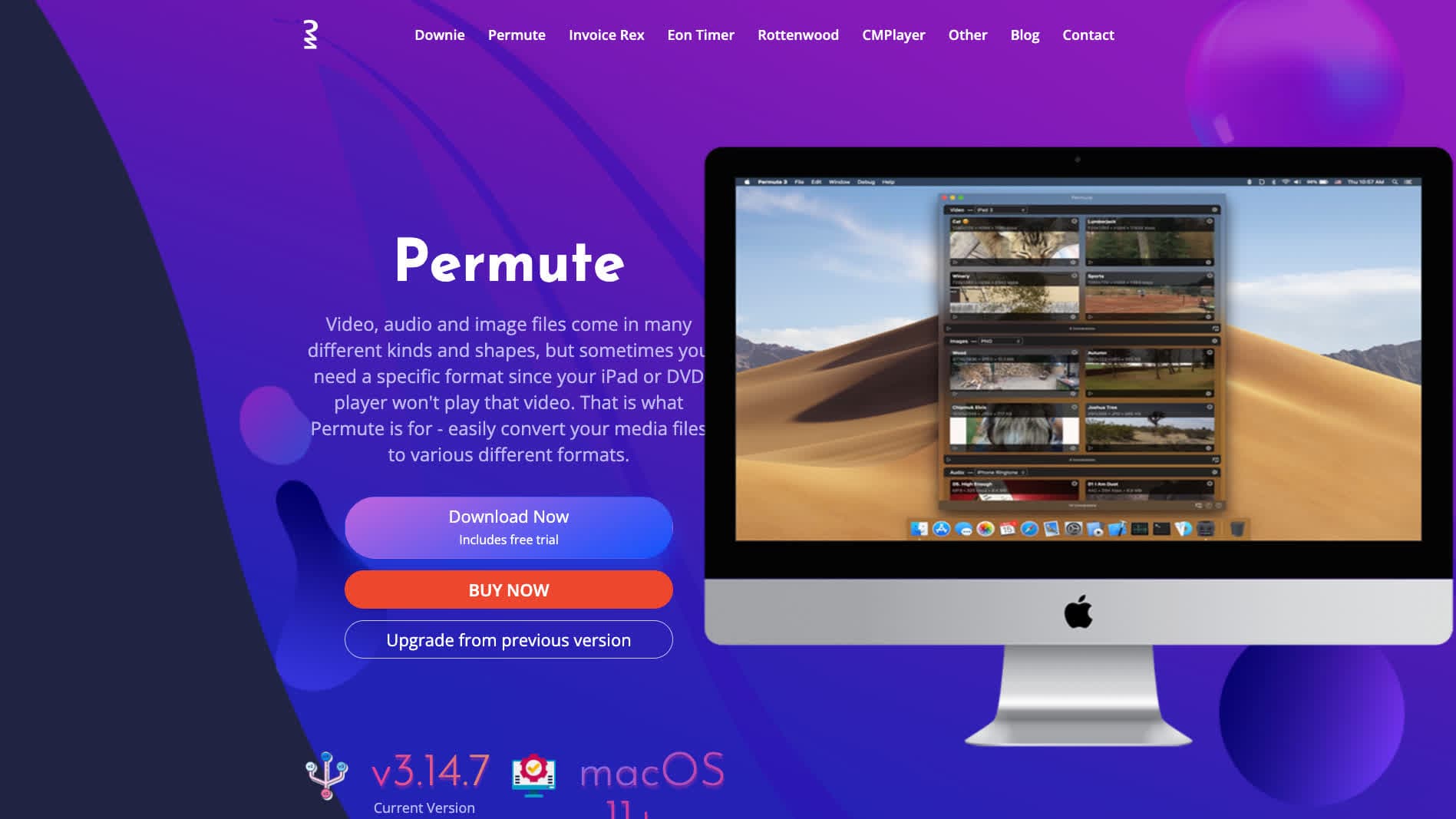
Mac-native converter with remux mode.
Pricing
- One-time purchase.
7. VLC

Media → Convert / Save → MP4. Usually re-encodes; remux mode is finicky.
Pricing
- Free, open source.
8. Any Video Converter
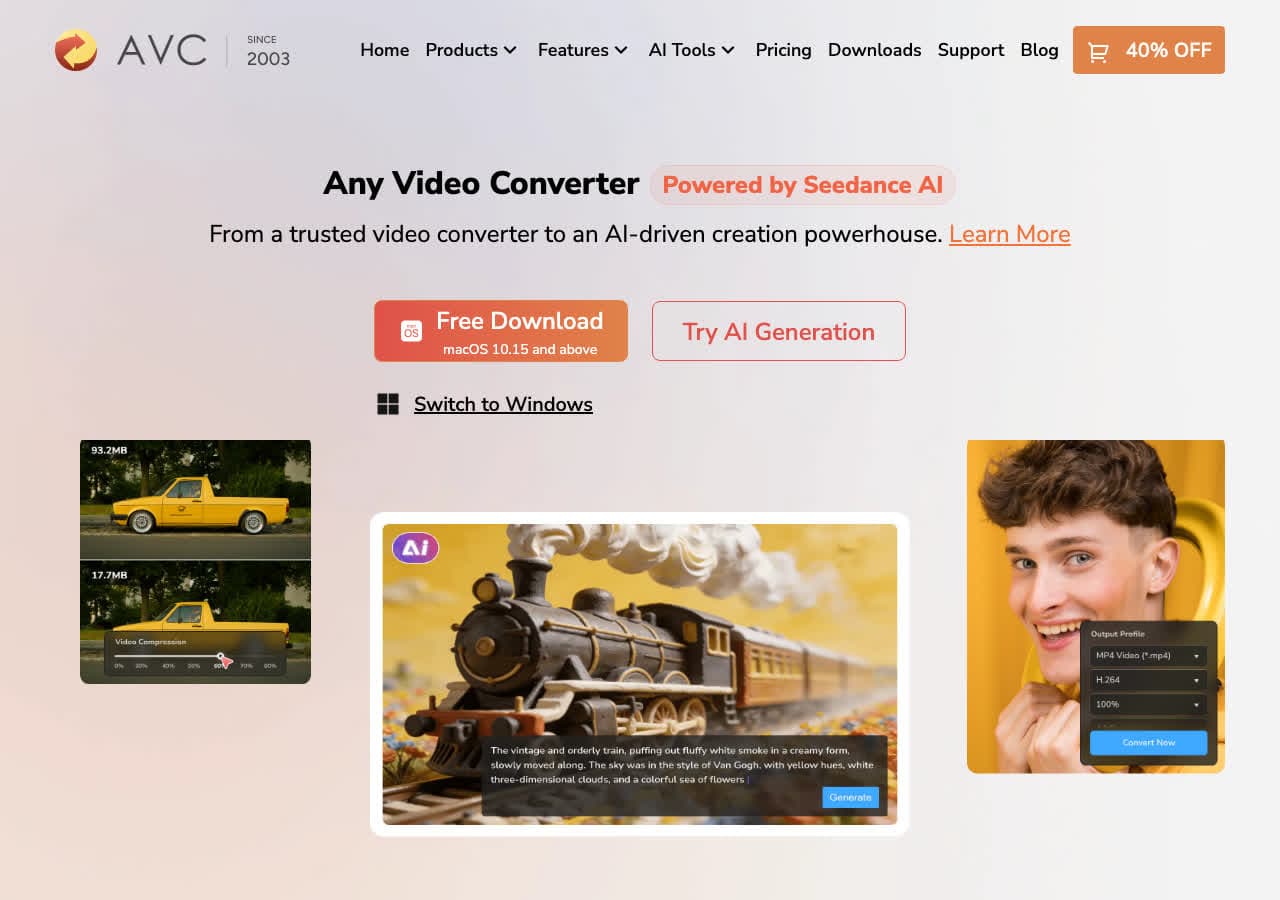
Consumer converter with device-targeted MP4 presets.
Pricing
- Freemium.
9. Wondershare UniConverter
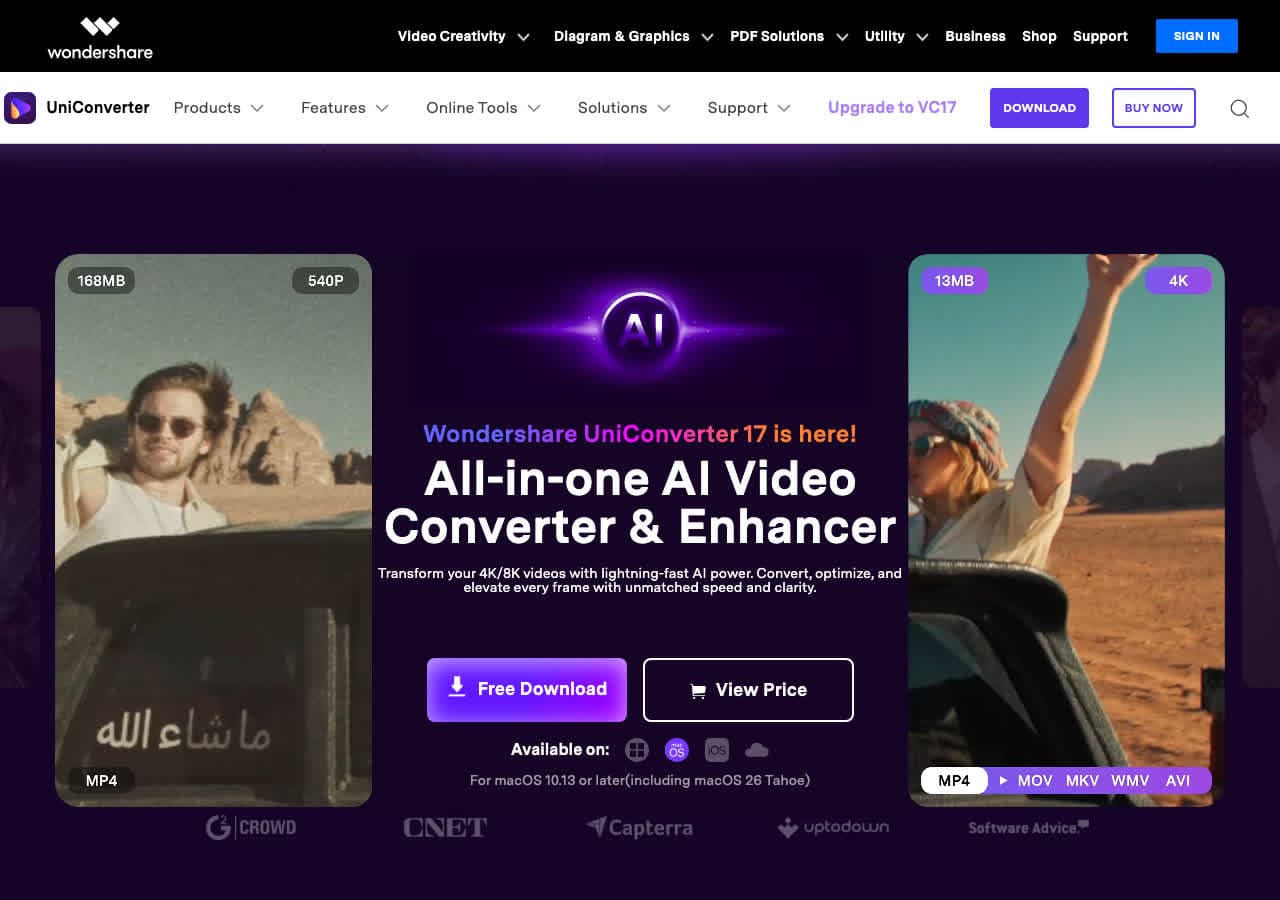
Full media suite with batch MKV → MP4.
Pricing
- Paid.
10. Movavi Video Converter
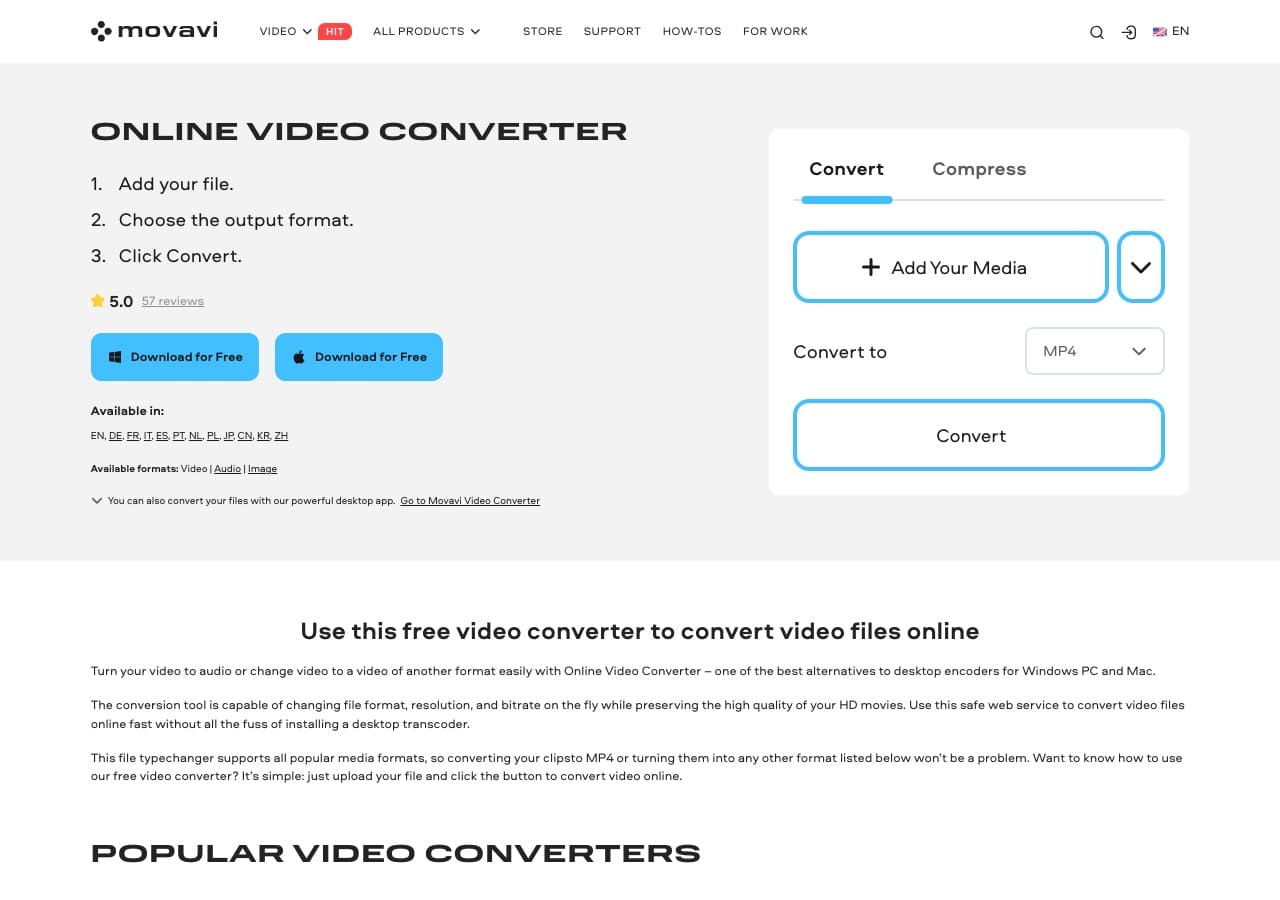
Beginner-friendly paid tool.
Pricing
- Paid.
11. Adapter

Free Mac and Windows tool.
Pricing
- Free.
12. DaVinci Resolve

Pro NLE with MP4 export. Always re-encodes; not the right pick for pure remux.
Pricing
- Free Studio edition; paid Studio.
13. Prism Video Converter
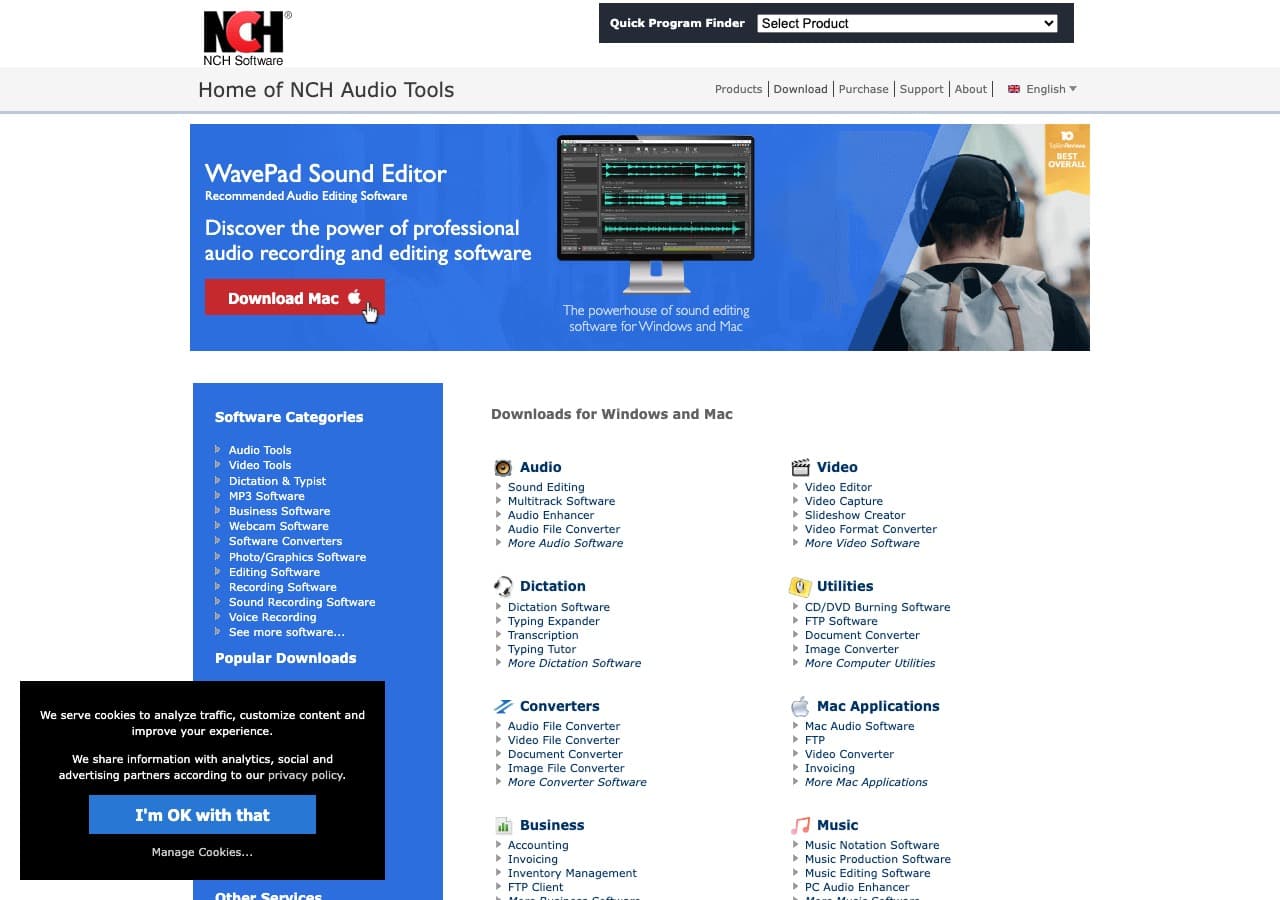
Simple NCH converter.
Pricing
- Free home; paid commercial.
14. CloudConvert
Web MKV → MP4 with remux toggle.
Pricing
- Free tier; paid above.
15. Convertio
Web MKV → MP4.
Pricing
- Free with caps; paid above.
16. Online-Convert
Web converter with subtitle and audio track options.
Pricing
- Free with limits; paid above.
17. FreeConvert
Web converter.
Pricing
- Free with caps; paid above.
18. Zamzar
Long-running web converter.
Pricing
- Free with daily limits; paid above.
How to Choose
- Container change only: FFmpeg
-c copyor How to Convert. Instant. - Anime / styled subs: burn the subs with FFmpeg, accept the re-encode.
- Multi-language audio: remux with explicit track mapping.
- Compress smaller: HandBrake with H.265 / HEVC.
- One-shot: How to Convert or a web tool.
Final Thoughts
MKV → MP4 is usually a fast container swap that takes a media-library file and makes it play on phones and smart TVs. FFmpeg with -c copy is the standard. The tricky cases are graphical subtitles and ASS-with-fonts, which MP4 cannot hold — burn them or drop them. Avoid tools that always re-encode; for a 4 GB file that takes hours of CPU time and gives no benefit if the source codec was already H.264.
How to Convert
The offline file converter for Mac, Windows and Linux.
- Converts video, audio, images, documents, ebooks and more
- Everything runs locally. Your files never leave your device
- Pay once. Access forever
Get the app on Mac, Windows and Linux
