18 Best RTF to Word Converters in 2026 (Free and Paid)
The best RTF to Word converters in 2026. Compare offline desktop apps, open-source tools, and online converters for updating older rich text files into modern Word documents.
Posted by
 Jake Manger
RTF to DOCX is the legacy-upgrade conversion. RTF (Rich Text Format) was Microsoft's cross-platform document format from the 1980s, used heavily through the 1990s and early 2000s before DOCX replaced it. If you are dealing with RTF files now, it is almost certainly because they are old — archived emails, ancient internal docs, files from a legacy system, or output from a paper-form scanner that picked RTF as a generic format. Modern Word, Google Docs, and LibreOffice all read RTF, but for collaborative work and modern formatting, you need DOCX. This guide compares 18 RTF to DOCX converters in 2026.
RTF → DOCX is straightforward — every Office suite handles it, and the structural mapping is well-understood.
Quick Picks for RTF → DOCX
- Best: Microsoft Word — opens RTF directly, saves as DOCX.
- Best free: LibreOffice Writer.
- Best CLI batch: LibreOffice headless or Pandoc.
- One-shot: How to Convert.
One-shot: RTF to DOCX converter.
1. How to Convert (I built this one)

Drop RTFs in, pick DOCX, hit convert. Local — useful for archive batches.
Pricing
- One-time purchase; free web demo for single-file conversions.
 How to Convert
The offline file converter for Mac, Windows and Linux.
- Converts video, audio, images, documents, ebooks and more
- Everything runs locally. Your files never leave your device
- Pay once. Access forever
Get the app on Mac, Windows and Linux
2. Microsoft Word
File → Open RTF → File → Save As → DOCX. Native handling.
Pricing
- Microsoft 365 or perpetual.
3. LibreOffice Writer
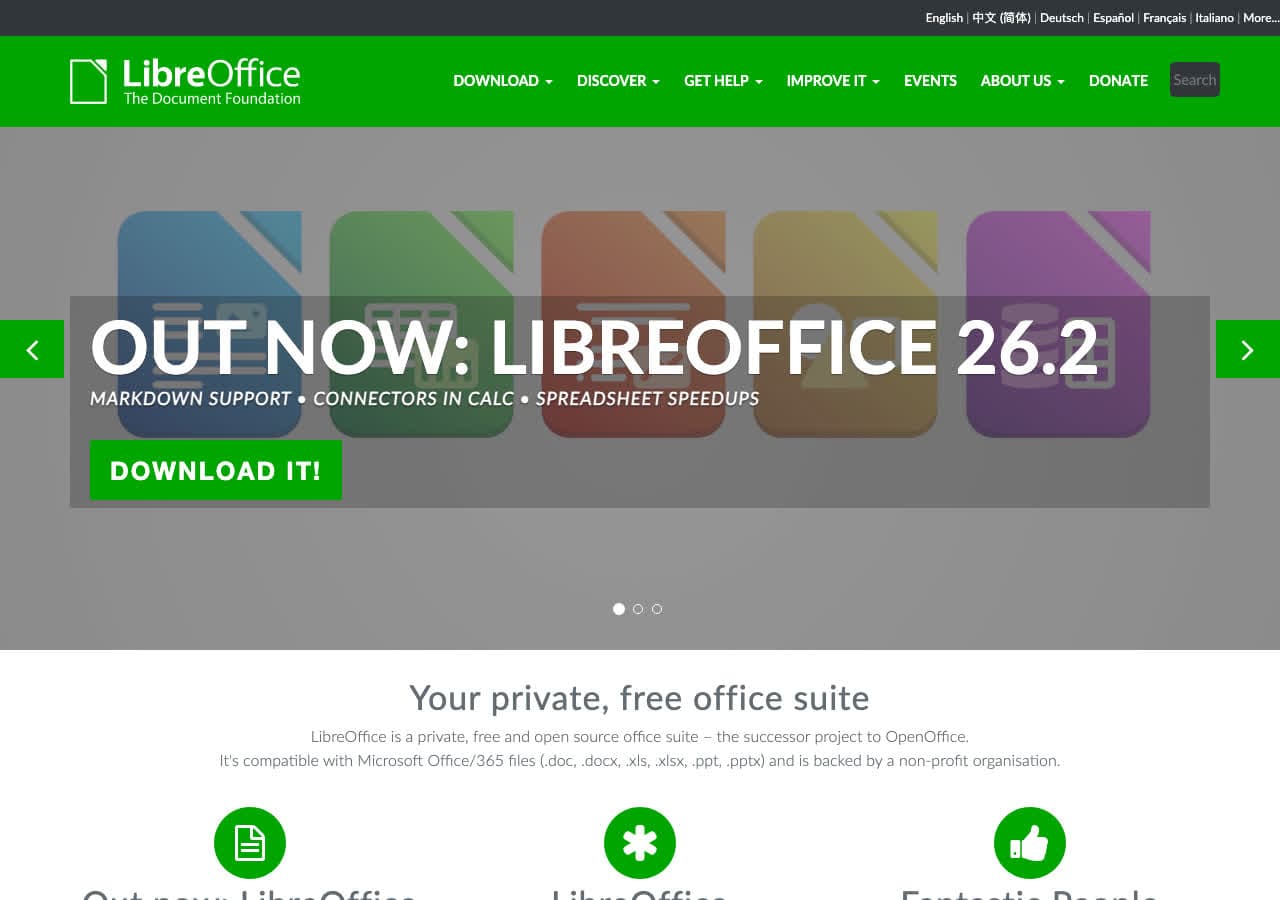
File → Open RTF → Save As → DOCX. Best free option.
CLI batch:
libreoffice --headless --convert-to docx *.rtf
Pricing
- Free, open source.
4. Pandoc
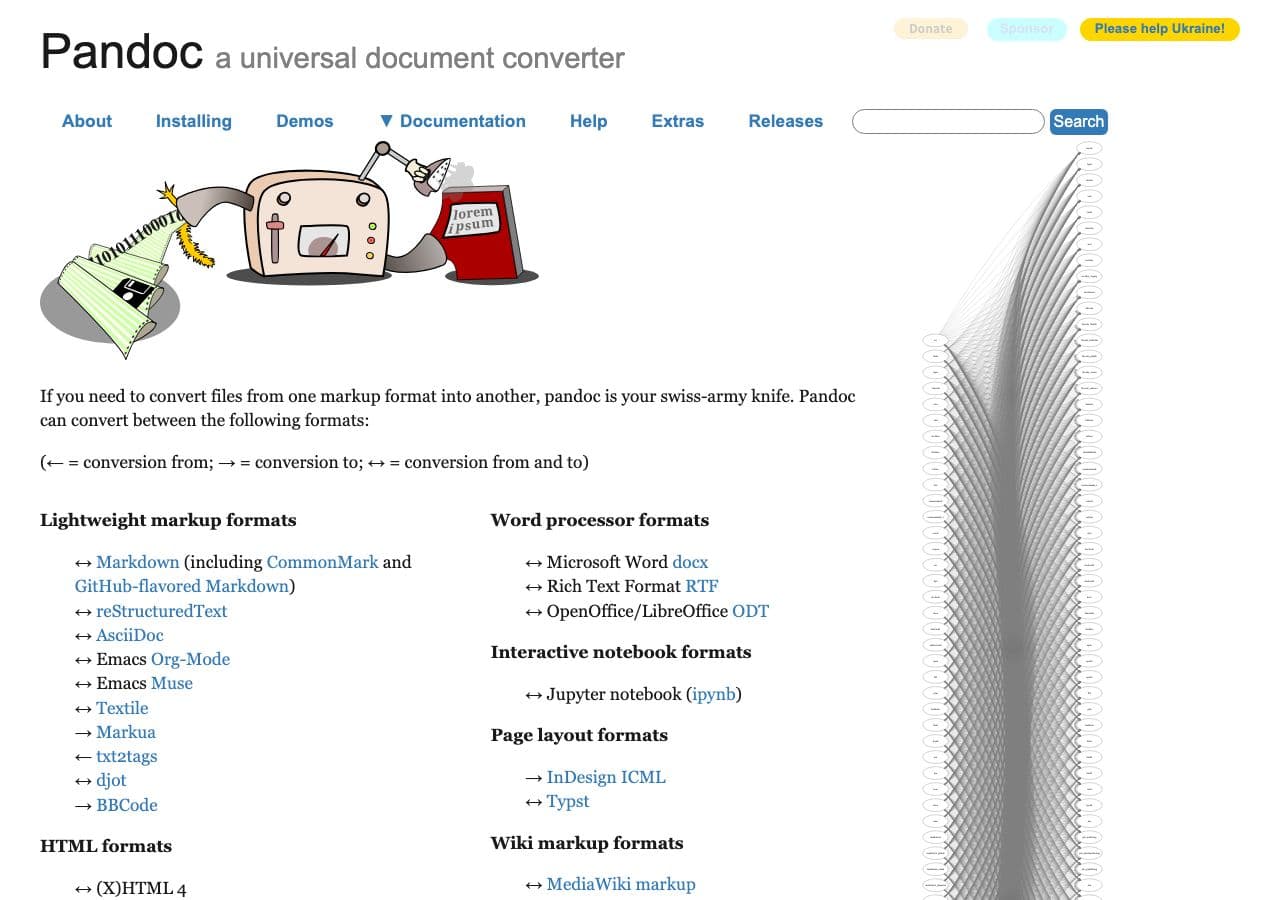
pandoc input.rtf -o output.docx
Pricing
- Free, open source.
5. Apple Pages
Imports RTF, exports DOCX.
Pricing
- Free with macOS.
6. Google Docs
Upload RTF, File → Download → DOCX.
Pricing
- Free with Google account.
7. WPS Office
Office suite alternative.
Pricing
- Free; paid premium.
8. OnlyOffice
Free Office suite alternative.
Pricing
- Free.
9. TextEdit (Mac)
Native RTF support; Save As DOCX with the right export option.
Pricing
- Free with macOS.
10. CloudConvert
Web RTF → DOCX.
Pricing
- Free tier; paid above.
11. Convertio
Web RTF → DOCX.
Pricing
- Free with caps; paid above.
12. Zamzar
Long-running web converter.
Pricing
- Free with daily limits; paid above.
13. Online-Convert
Web converter.
Pricing
- Free with limits; paid above.
14. iLovePDF
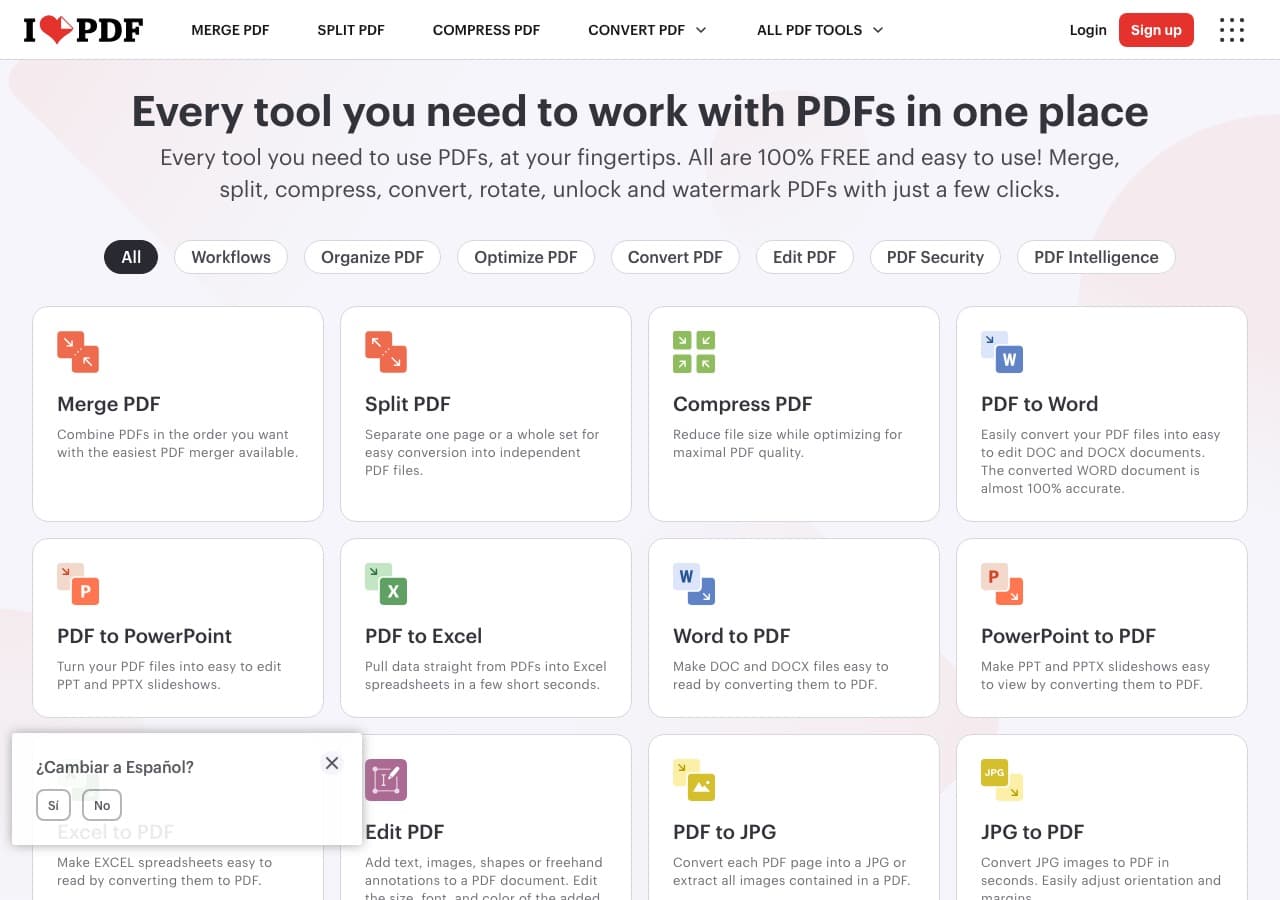
Web converter (DOCX option).
Pricing
- Free with limits; paid above.
15. Smallpdf
Web converter.
Pricing
- Free with daily limits; paid above.
16. FreeConvert
Web converter.
Pricing
- Free with caps; paid above.
17. PDF24
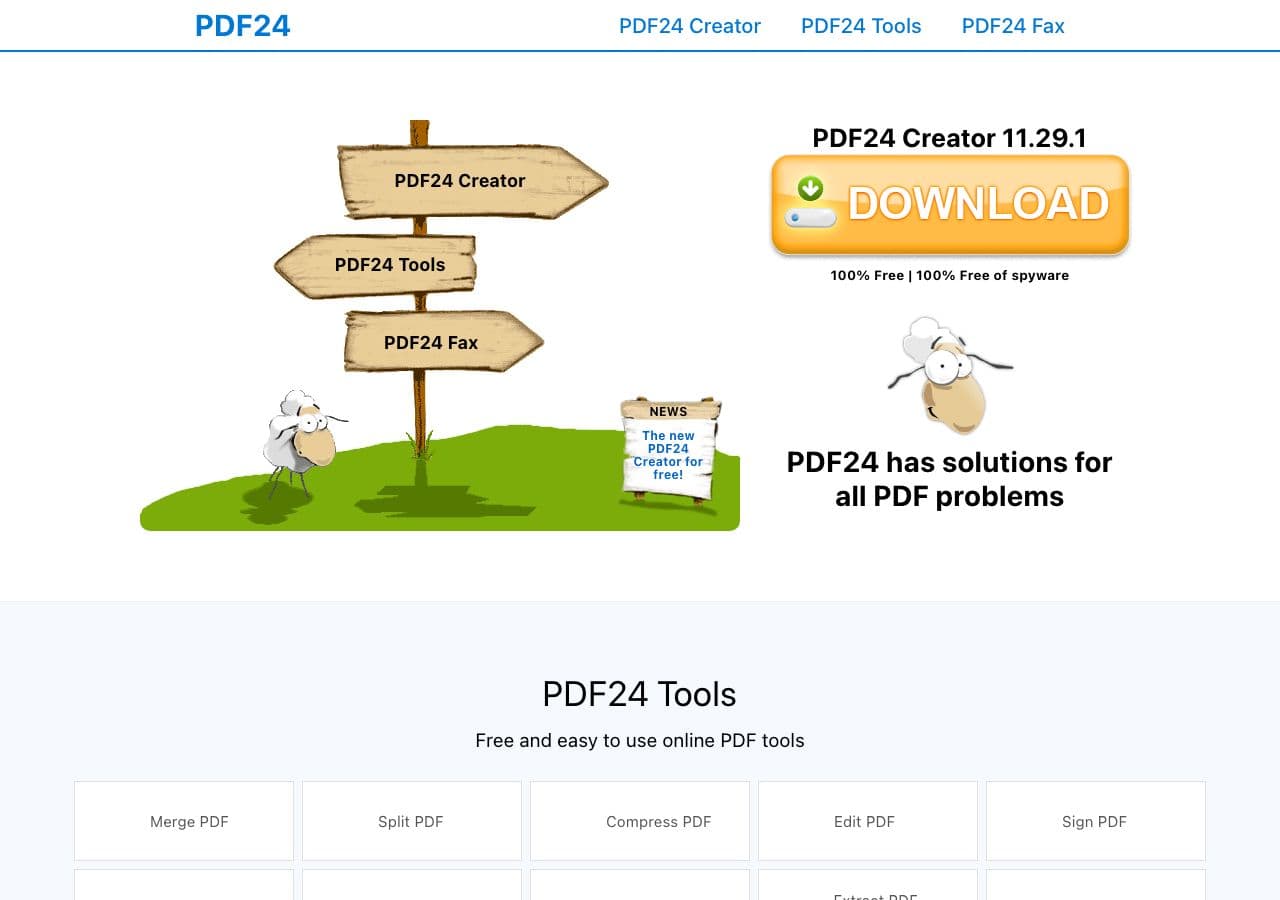
Free Windows toolkit with RTF support.
Pricing
- Free for personal use.
18. Aspose.Words
Commercial library for enterprise document workflows.
Pricing
- Paid.
How to Choose
- Already in Office: Word.
- Free: LibreOffice.
- Batch archive: LibreOffice headless or Pandoc.
- One-shot: any web tool or How to Convert.
Final Thoughts
RTF → DOCX is the easiest document conversion in this guide. Every modern Office suite handles it natively. For archive batches, LibreOffice headless processes hundreds of files in minutes. For occasional one-off conversions, any tool above works. The choice mostly comes down to which app you already have open.
How to Convert
The offline file converter for Mac, Windows and Linux.
- Converts video, audio, images, documents, ebooks and more
- Everything runs locally. Your files never leave your device
- Pay once. Access forever
Get the app on Mac, Windows and Linux
