18 Best Markdown to PDF Converters in 2026 (Free and Paid)
The best Markdown to PDF converters in 2026. Compare offline desktop apps, open-source tools, and online converters for turning Markdown notes, specs, and docs into shareable PDFs.
Posted by
 Jake Manger
Markdown to PDF is the conversion that turns notes, READMEs, specs, design docs, and engineer-written content into something a reviewer, client, or non-technical reader can sign off on. Markdown is for writing; PDF is for sharing. The choice of conversion tool determines the final typography — basic tools produce browser-screenshot-style output; advanced tools (Pandoc with LaTeX) produce print-quality typography that rivals InDesign. This guide compares 18 Markdown to PDF converters in 2026.
For one of the most useful conversions in technical writing, the tool you pick determines whether the PDF looks like a printout from 1998 or a typeset book.
Quick Picks for Markdown → PDF
- Best typography: Pandoc with LaTeX (xelatex).
- Best free GUI: Typora.
- Best Node pipeline: md-to-pdf or Puppeteer.
- One-shot: How to Convert.
One-shot: Markdown to PDF converter.
1. How to Convert (I built this one)

Drop Markdown files in, pick PDF, hit convert. Local — useful for internal specs and unreleased docs.
Pricing
- One-time purchase; free web demo for single-file conversions.
 How to Convert
The offline file converter for Mac, Windows and Linux.
- Converts video, audio, images, documents, ebooks and more
- Everything runs locally. Your files never leave your device
- Pay once. Access forever
Get the app on Mac, Windows and Linux
2. Pandoc with LaTeX — best typography
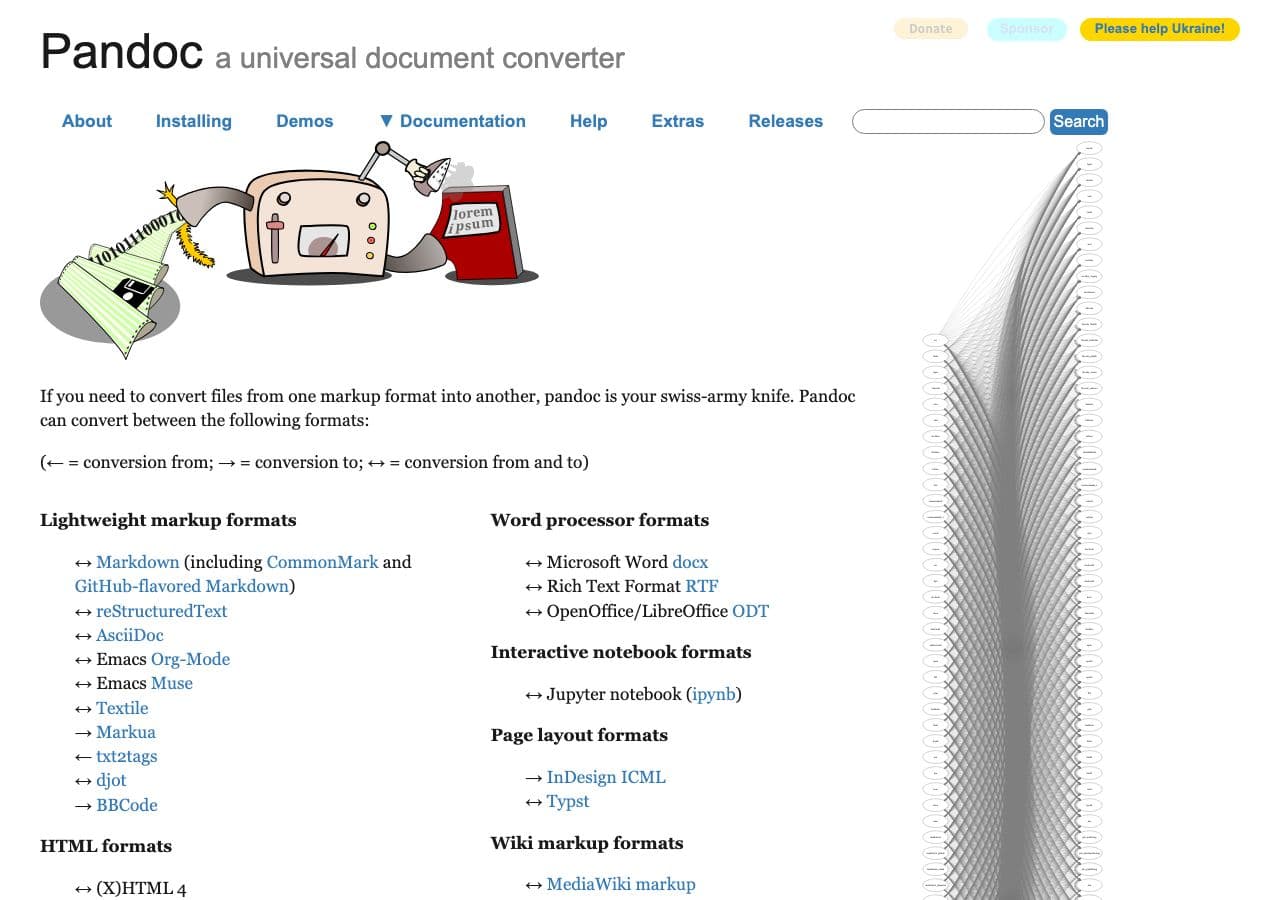
Print-quality output:
pandoc input.md -o output.pdf --pdf-engine=xelatex
With a custom template (for headers, footers, branding):
pandoc input.md -o output.pdf --pdf-engine=xelatex --template=mytemplate.tex
Batch:
for f in *.md; do pandoc "$f" -o "${f%.md}.pdf" --pdf-engine=xelatex; donePricing
- Free, open source.
3. Typora
Polished cross-platform Markdown editor with built-in PDF export.
Pricing
- One-time purchase.
4. md-to-pdf (Node CLI)
Node-based Markdown → PDF using Puppeteer:
npm install -g md-to-pdf
md-to-pdf input.md
Good output, fast, customizable with CSS.
Pricing
- Free, open source.
5. VS Code with Markdown PDF extension
Install the “Markdown PDF” extension by yzane. Open any .md file → Command Palette → Markdown PDF: Export. Right-in-editor workflow.
Pricing
- Free.
6. iA Writer
Premium Markdown editor with PDF export.
Pricing
- One-time purchase.
7. Obsidian (Pandoc plugin)
Obsidian + the Pandoc community plugin produces excellent PDFs.
Pricing
- Free (personal); paid commercial.
8. MarkText
Free open-source Markdown editor with PDF export.
Pricing
- Free.
9. Marked 2 (Mac)
Polished Mac Markdown preview tool with PDF export.
Pricing
- One-time purchase.
10. Notion (export)
Paste Markdown into a Notion page, export as PDF.
Pricing
- Free tier; paid above.
11. GitHub Markdown render + browser Print to PDF
Push the Markdown file to a GitHub repo, view it, use the browser's Print → Save as PDF.
Pricing
- Free.
12. wkhtmltopdf
For scripted Markdown → HTML → PDF:
pandoc input.md -o intermediate.html
wkhtmltopdf intermediate.html output.pdf
Pricing
- Free, open source.
13. CloudConvert
Web Markdown → PDF.
Pricing
- Free tier; paid above.
14. Convertio
Web Markdown → PDF.
Pricing
- Free with caps; paid above.
15. Dillinger.io
Web-based Markdown editor with PDF export.
Pricing
- Free.
16. StackEdit.io
Web Markdown editor with PDF export.
Pricing
- Free.
17. Markdown PDF (Chrome extension)
Browser-based conversion.
Pricing
- Free.
18. Puppeteer (custom script)
For full control over the output, render Markdown to HTML with your CSS, then Puppeteer prints to PDF:
import puppeteer from "puppeteer";
const browser = await puppeteer.launch();
const page = await browser.newPage();
await page.setContent(html);
await page.pdf({ path: "output.pdf", format: "A4" });
await browser.close();
Pricing
- Free, open source.
How to Choose
- Best-looking output: Pandoc with xelatex.
- Quick personal: Typora, MarkText, or VS Code extension.
- CI / build pipeline: md-to-pdf or Puppeteer with custom CSS.
- One-shot: any web tool or How to Convert.
- Sensitive doc: stay local.
Final Thoughts
Markdown → PDF is the conversion that bridges engineering writing and business sharing. For internal specs, a quick Typora or VS Code export is fine. For client-facing or print-quality output, Pandoc with xelatex produces results that genuinely look like a designer was involved. Pick the tool that matches the audience — most do not need print-quality, but the ones who do really appreciate it.
How to Convert
The offline file converter for Mac, Windows and Linux.
- Converts video, audio, images, documents, ebooks and more
- Everything runs locally. Your files never leave your device
- Pay once. Access forever
Get the app on Mac, Windows and Linux
