18 Best Markdown to EPUB Converters in 2026 (Free and Paid)
The best Markdown to EPUB converters in 2026. Compare offline desktop apps, open-source tools, and online converters for publishing Markdown books, guides, and long-form docs as ebooks.
Posted by
 Jake Manger
Markdown to EPUB is the conversion every technical author, docs-as-code publisher, and Markdown-native ebook writer eventually runs. You wrote the book in Markdown — easy to version-control, easy to edit, easy to collaborate on — and now you need to ship it as an EPUB that Amazon KDP, Apple Books, Kobo, and standalone e-readers will accept. The conversion preserves the structure (headings become chapters, lists stay as lists, code blocks render in monospace) while adding the EPUB metadata, cover, and table of contents the stores demand. This guide compares 18 Markdown to EPUB converters in 2026.
Pandoc absolutely dominates this category. Most of the rest of this guide is variations on the theme or alternative writing environments.
Quick Picks for Markdown → EPUB
- Best by far: Pandoc.
- Best free batch: Pandoc CLI or Calibre's ebook-convert.
- Best for self-publishers writing in Markdown: Vellum or Atticus.
- One-shot: How to Convert.
One-shot: Markdown to EPUB converter.
1. How to Convert (I built this one)

Drop Markdown files in, pick EPUB, hit convert. Local.
Pricing
- One-time purchase; free web demo for single-file conversions.
 How to Convert
The offline file converter for Mac, Windows and Linux.
- Converts video, audio, images, documents, ebooks and more
- Everything runs locally. Your files never leave your device
- Pay once. Access forever
Get the app on Mac, Windows and Linux
2. Pandoc — the standard
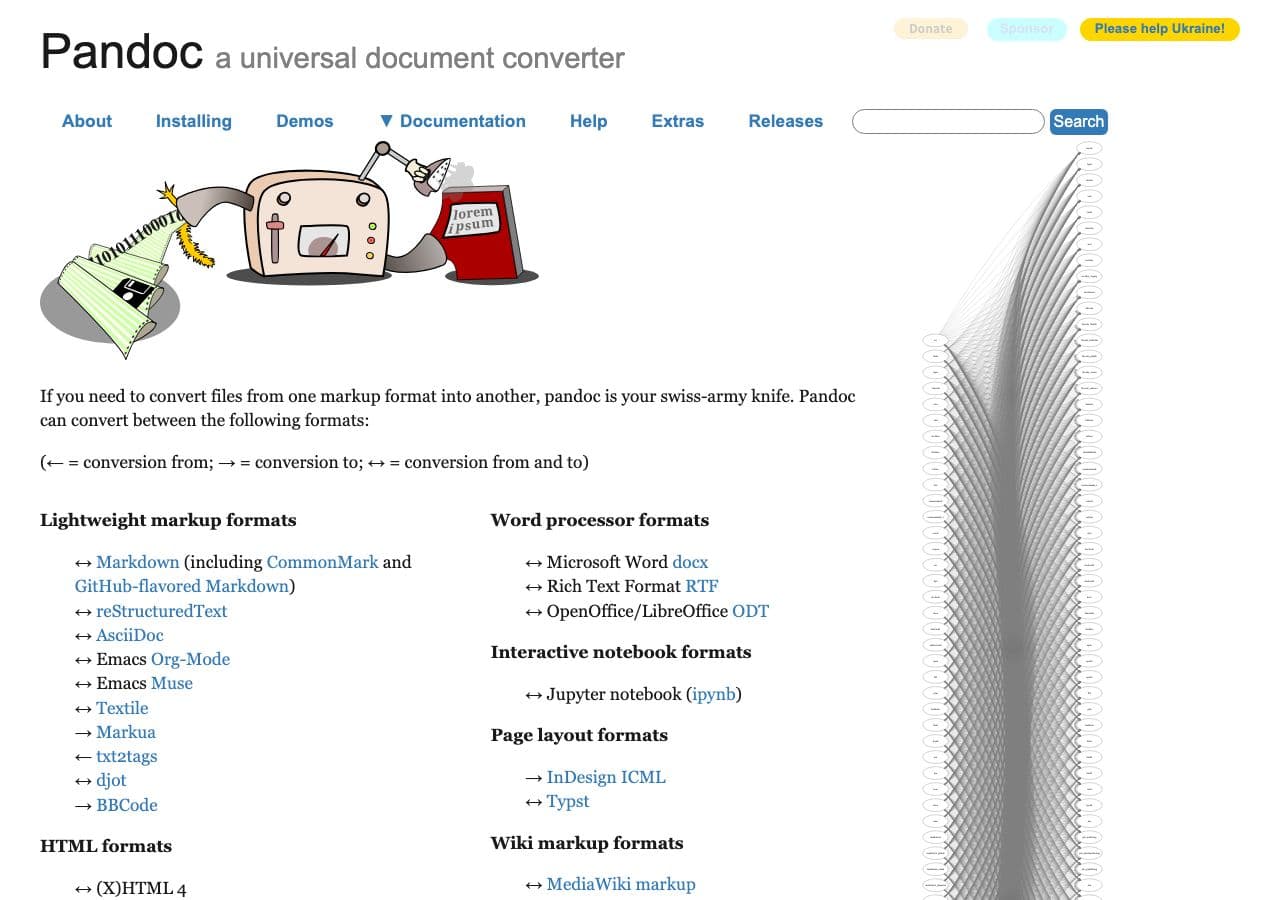
pandoc input.md -o output.epub --metadata title="Book Title" --metadata author="Author Name"
With cover image, table of contents, and custom CSS:
pandoc input.md -o output.epub \
  --epub-cover-image=cover.jpg \
  --toc --toc-depth=2 \
  --css=book.css \
  --metadata title="Book Title" \
  --metadata author="Author Name"
Multi-chapter book from separate Markdown files:
pandoc chapter-01.md chapter-02.md chapter-03.md -o book.epub --toc
Pricing
- Free, open source.
3. Calibre's ebook-convert
ebook-convert input.md output.epub --authors "Author" --title "Title"
Pricing
- Free, open source.
4. Vellum
Mac self-publishing tool with Markdown import via DOCX intermediate.
Pricing
- Paid.
5. Atticus
Cross-platform self-publishing tool. Imports Markdown.
Pricing
- One-time purchase.
6. Sigil + Pandoc pipeline
Pandoc generates the EPUB; Sigil polishes it (TOC tweaks, custom CSS, validation).
Pricing
- Free, open source.
7. mdBook
Rust-based documentation tool that builds books from Markdown with EPUB output via the mdbook-epub plugin.
Pricing
- Free, open source.
8. Typora
Markdown editor with EPUB export via Pandoc backend.
Pricing
- One-time purchase.
9. iA Writer
Premium Markdown editor with EPUB export.
Pricing
- One-time purchase.
10. Asciidoctor (for AsciiDoc, similar workflow)
For AsciiDoc instead of Markdown — produces excellent EPUBs for technical books.
Pricing
- Free, open source.
11. CloudConvert
Web Markdown → EPUB.
Pricing
- Free tier; paid above.
12. Convertio
Web Markdown → EPUB.
Pricing
- Free with caps; paid above.
13. Zamzar
Long-running web converter.
Pricing
- Free with daily limits; paid above.
14. FreeConvert
Web converter.
Pricing
- Free with caps; paid above.
15. Online-Convert
Web converter.
Pricing
- Free with limits; paid above.
16. Markdown EPUB Web (single-purpose)
Various single-purpose web tools.
Pricing
- Free.
17. Reedsy Book Editor
Web-based book formatter with Markdown import and EPUB export.
Pricing
- Free.
18. Custom script (Pandoc + watch + version control)
For serious docs-as-code book projects, set up a Pandoc-based build script triggered on git commits to produce a fresh EPUB on every push. This is the engineering author's endgame.
#!/bin/bash
pandoc chapter-*.md \
  -o book.epub \
  --toc --toc-depth=2 \
  --epub-cover-image=cover.jpg \
  --css=book.css \
  --metadata title="Book Title" \
  --metadata author="Author Name"
Pricing
- Free, open source.
How to Choose
- Anything serious: Pandoc.
- Self-publishing fiction on Mac: Vellum or Atticus.
- Technical / documentation books: Pandoc with custom CSS, possibly mdBook.
- One-shot: How to Convert or a web tool.
- Unreleased manuscript: stay local.
Final Thoughts
Markdown → EPUB is the workflow of choice for technical authors, indie publishers writing in Markdown, and docs-as-code teams shipping ebooks. Pandoc is the indispensable tool — free, infinitely configurable, scriptable into any build pipeline. For self-published fiction on Mac, Vellum produces prettier output but at a price. For everything else, Pandoc plus a thoughtful CSS file produces an EPUB indistinguishable from a professionally typeset one.
How to Convert
The offline file converter for Mac, Windows and Linux.
- Converts video, audio, images, documents, ebooks and more
- Everything runs locally. Your files never leave your device
- Pay once. Access forever
Get the app on Mac, Windows and Linux
