18 Best MKV to MP3 Converters in 2026 (Free and Paid)
The best MKV to MP3 converters for 2026. Extract MP3 audio from MKV (Matroska) video files for lectures, music videos, and any audio you need on the go.
Posted by
 Jake Manger
Want to extract MP3 from your MKV right now?
Use our free single-file MKV to MP3 web demo. It runs locally on your device, so your file never leaves your computer. No uploads, no signup, no waiting in a queue.
Or read on for the 18 best MKV to MP3 converters compared.
MKV (Matroska) is a flexible video container loved by anime fans, archivists, and anyone who wants subtitles, multiple audio tracks, and chapter markers in one file. The downside is reach: phones, music players, car stereos, and most casual playback environments do not handle MKV. When you only want the sound (a music video, a lecture, an interview, a movie soundtrack), converting MKV to MP3 gives you a portable file that plays anywhere.
A good MKV to MP3 converter accepts MKV input cleanly (some general-purpose audio tools do not), gives you control over MP3 bitrate, and handles audio sync correctly. We tested 18 desktop, command-line, and online tools to find the best options.
1. How to Convert (I built this one) - Best Local-First MKV to MP3 Converter
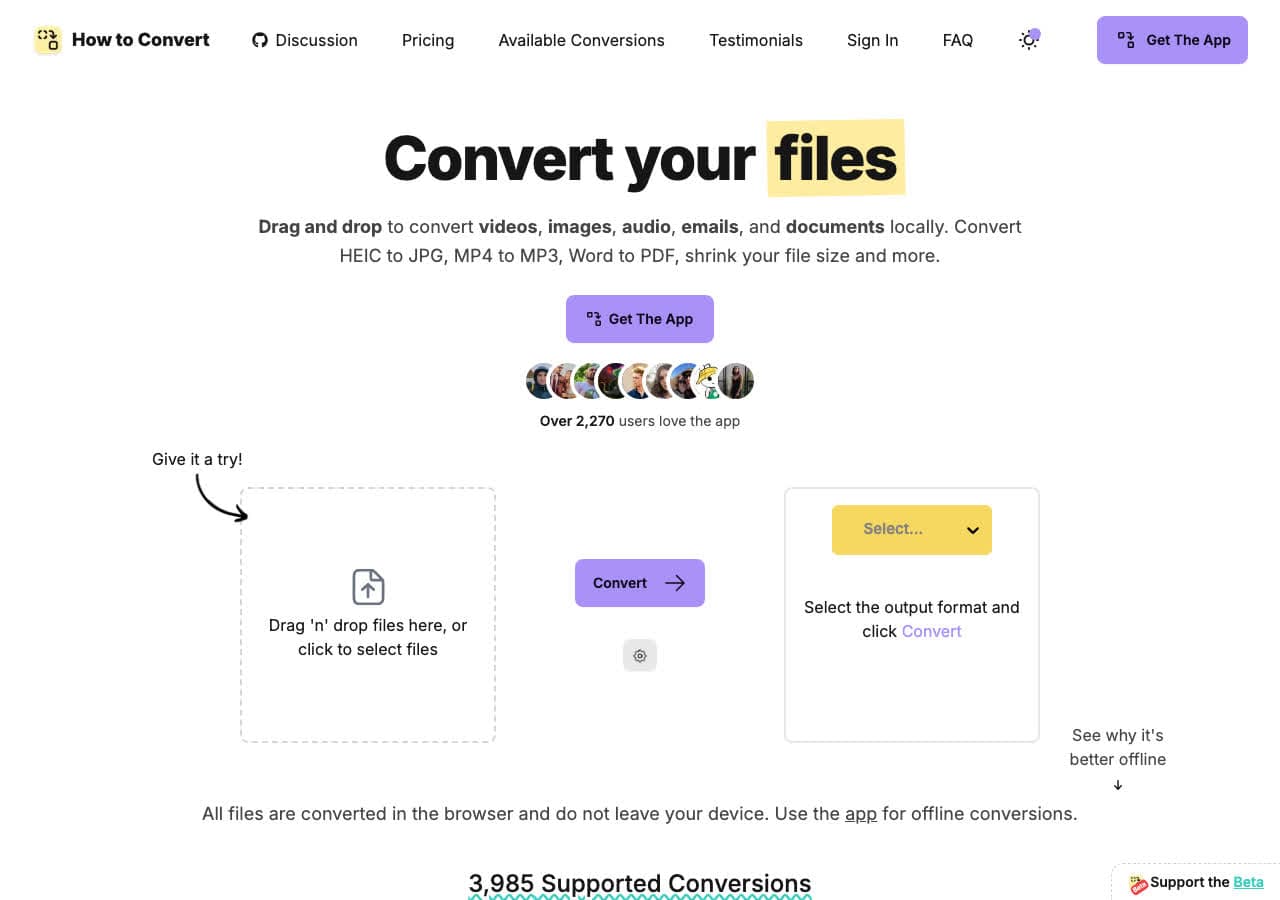
How to Convert extracts MP3 audio from MKV files locally on your device. Drop in the MKV, choose MP3, convert. Batch processing handles as many files as you select. There is also a free browser MKV to MP3 converter for one-off jobs.
Pros
- Local conversion. Files never leave your device.
- Batch convert entire folders.
- One-time purchase. No subscription.
- Mac, Windows, and Linux.
Cons
- Desktop app is a paid one-time purchase.
Pricing
- Free browser converter for common formats.
- Desktop: One-time purchase.
 How to Convert
The offline file converter for Mac, Windows and Linux.
- Converts video, audio, images, documents, ebooks and more
- Everything runs locally. Your files never leave your device
- Pay once. Access forever
Get the app on Mac, Windows and Linux
2. FFmpeg - Best Command-Line MKV to MP3
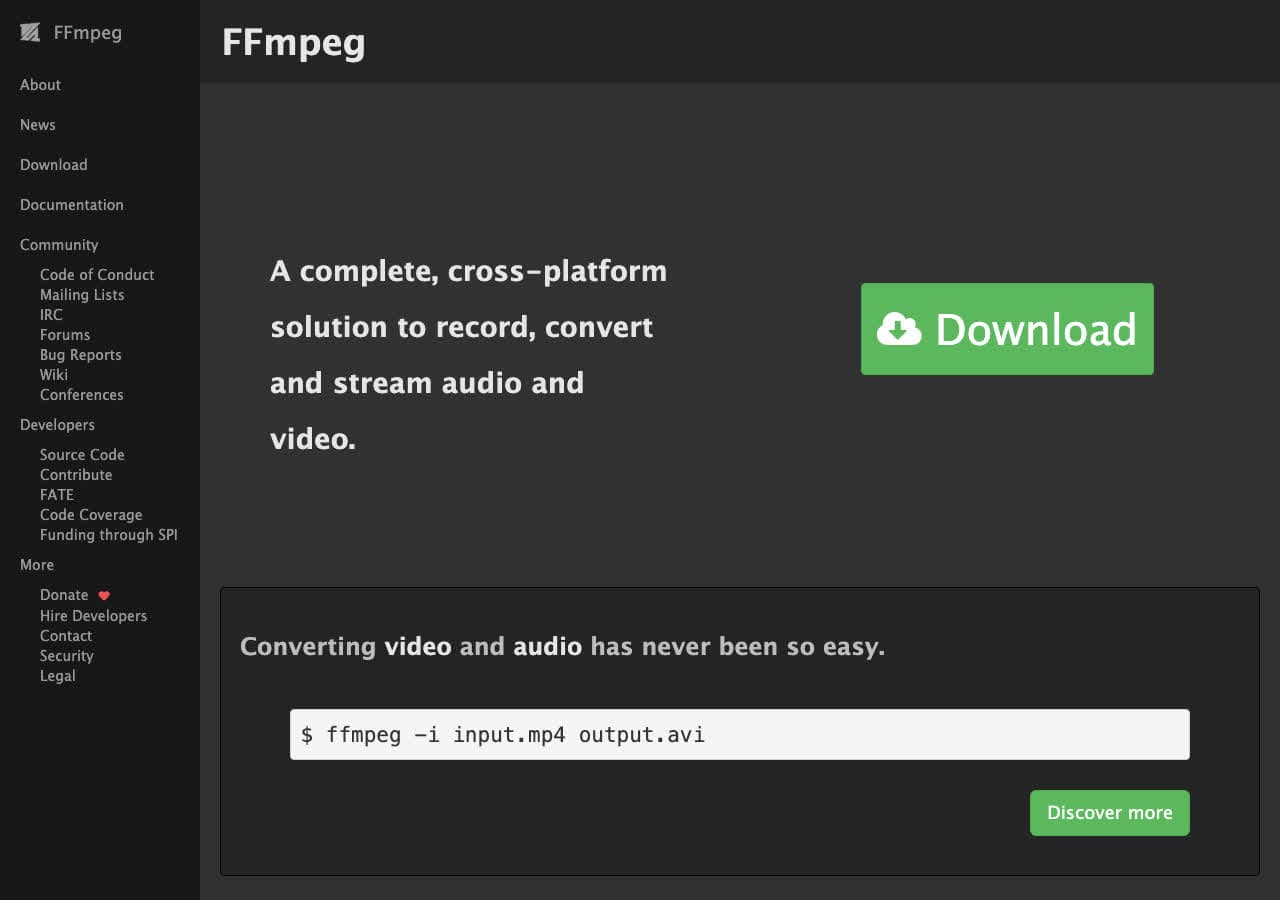
FFmpeg extracts MP3 from MKV with one command: ffmpeg -i input.mkv -vn -c:a libmp3lame -b:a 192k output.mp3. The -vn drops video; -b:a 192k sets MP3 bitrate. If your MKV has multiple audio tracks, add -map 0:a:0 (or 0:a:1) to pick which one.
Pros
- Handles every codec inside MKV.
- Pick specific audio track in multi-track files.
- Free, open source, scriptable.
Cons
- Command-line only.
Pricing
- Free (open source).
3. VLC - Best Already-Installed MKV to MP3 Tool
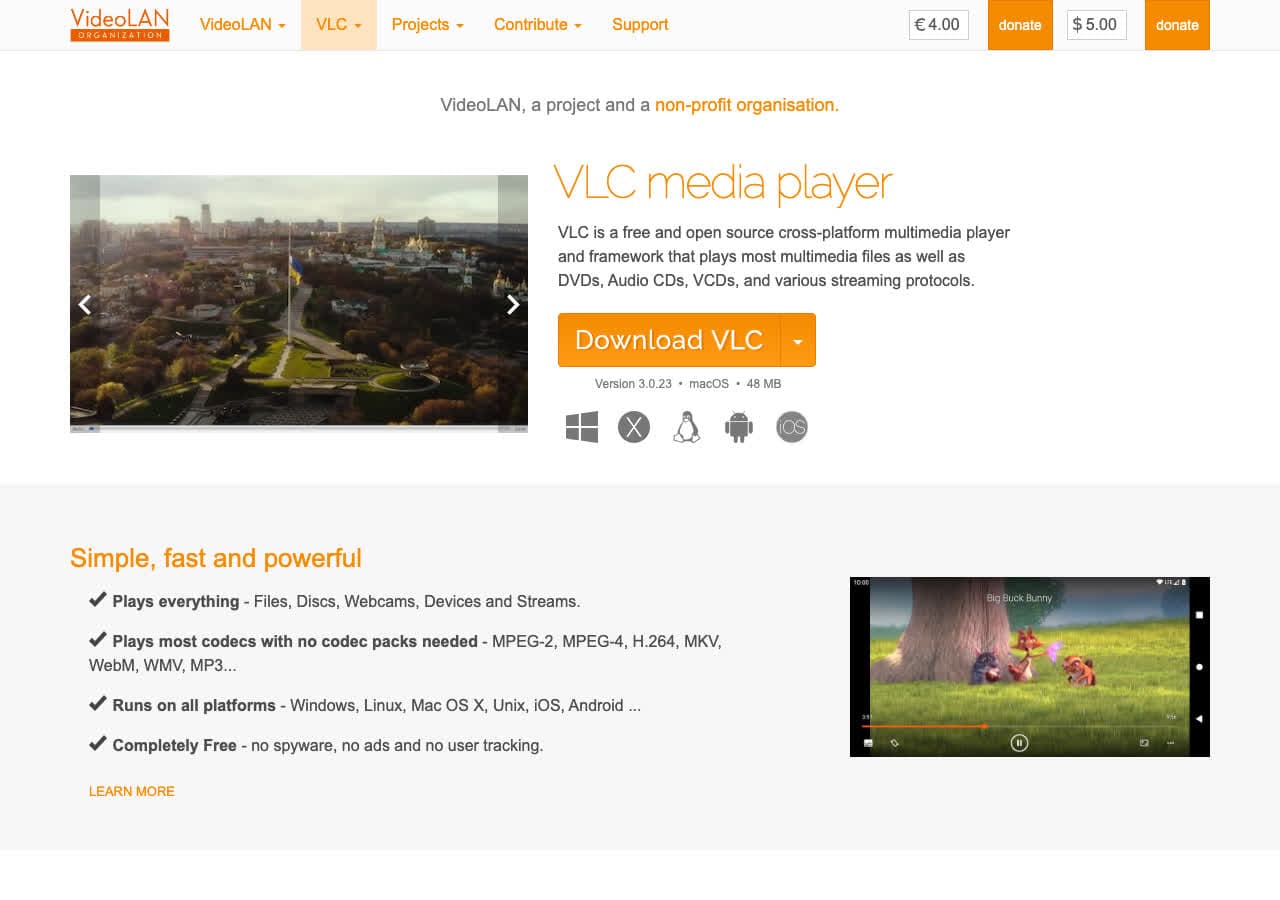
VLC is the canonical Matroska player. Open Media > Convert/Save, add the MKV, pick the "Audio - MP3" profile, save with a .mp3 extension. Best free GUI option for occasional jobs.
Pros
- Excellent native MKV support.
- Free, open source, probably already installed.
- Cross-platform.
Cons
- Conversion menu is buried.
Pricing
- Free (open source, GPL).
4. fre:ac - Best Free Audio Converter for MKV
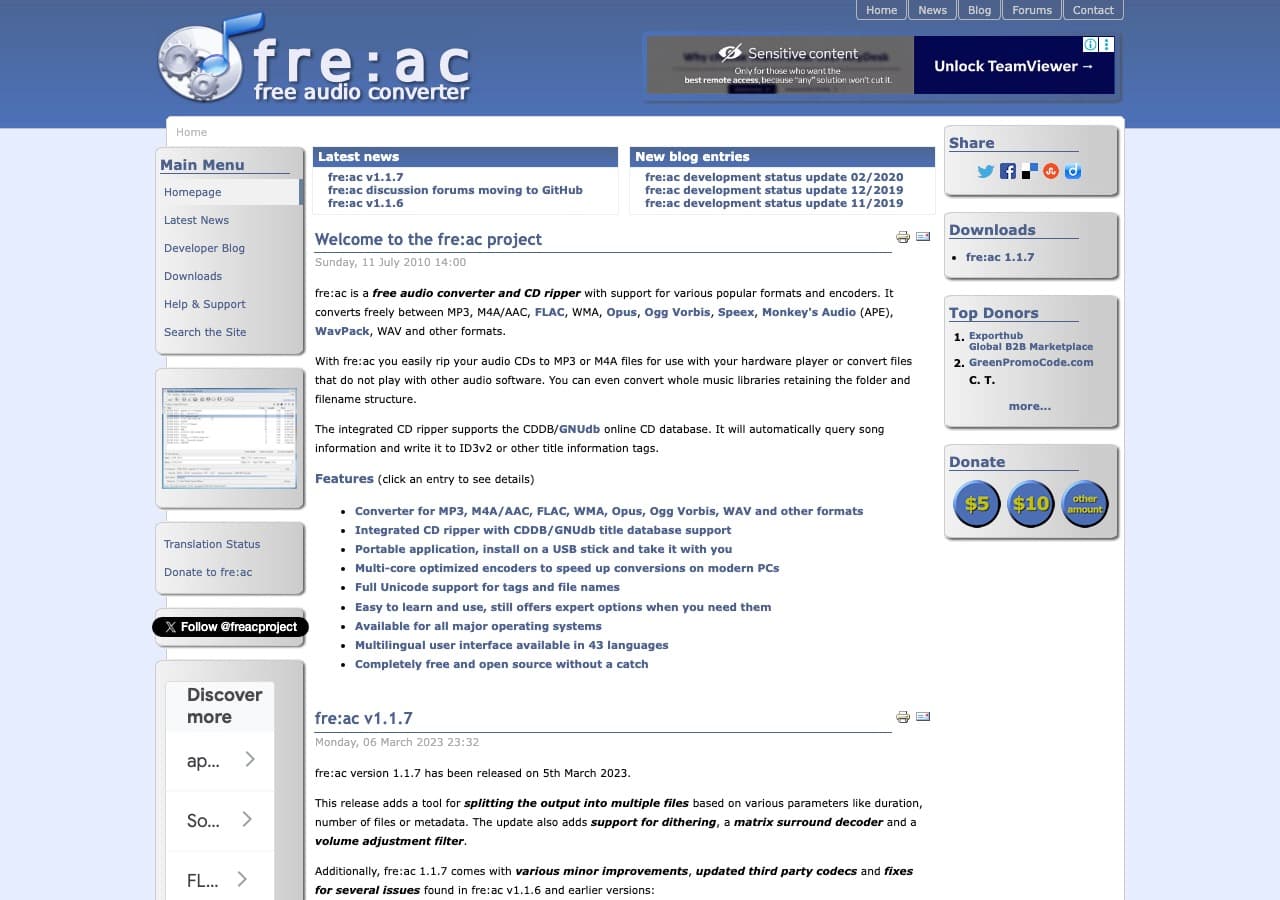
fre:ac accepts MKV input and converts to MP3 in batch with no ads or upsells. Best free pick for converting many MKV files at once.
Pros
- Free, open source, no ads.
- Excellent batch conversion.
- Cross-platform.
Cons
- Older-style interface.
Pricing
- Free (open source, GPL).
5. MediaHuman Audio Converter - Cleanest GUI for MKV to MP3
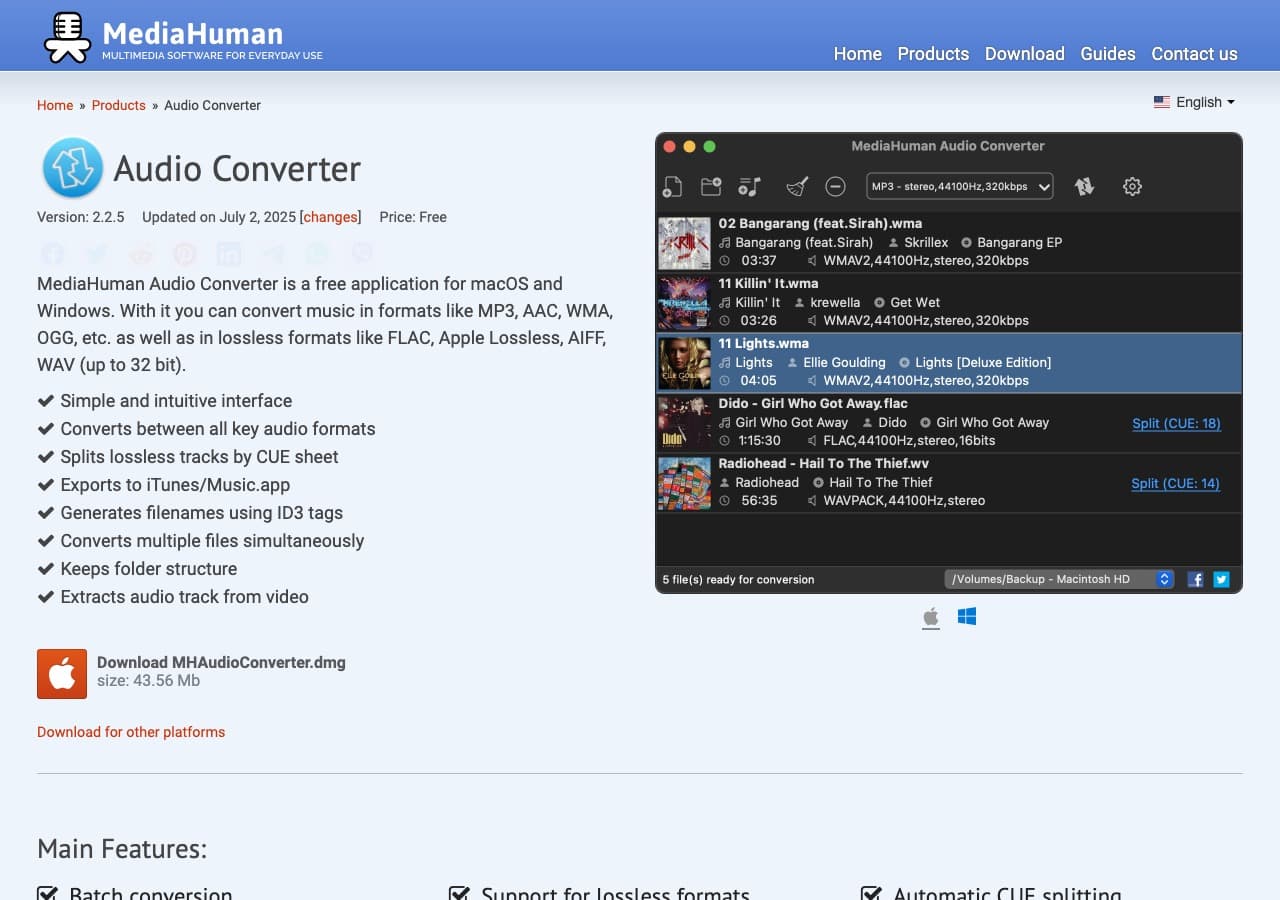
MediaHuman Audio Converter handles MKV input and converts to MP3 with one of the cleanest interfaces in this category. Free for personal use.
Pros
- Clean, modern UI.
- Free for personal use.
- Mac and Windows.
Cons
- No Linux version.
Pricing
- Free for personal use.
6. Audacity - Best for Editing MKV Audio Before Export
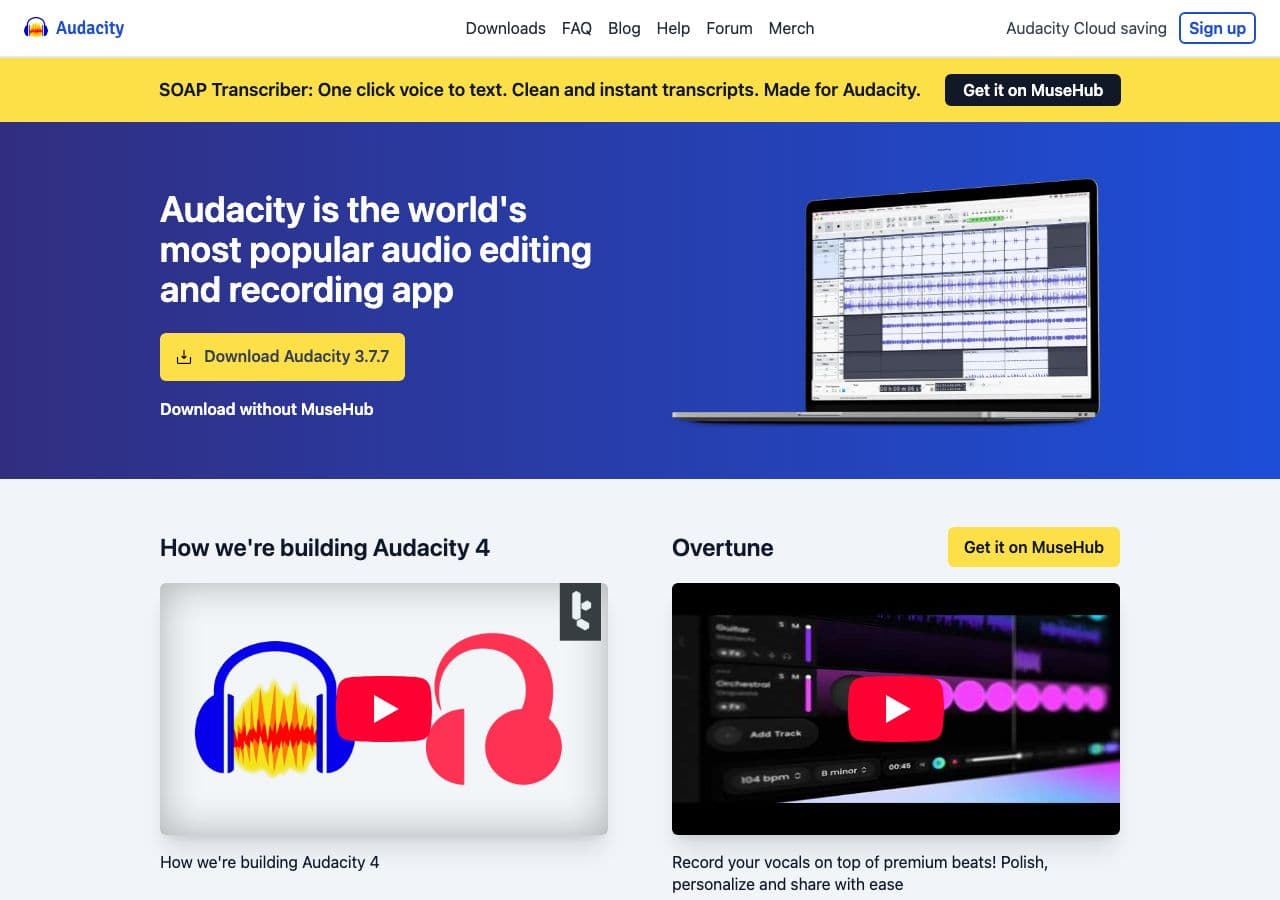
Audacity imports MKV when the FFmpeg plugin is installed. From there you can trim, normalize, denoise, then export MP3. Best free tool when you need to clean up the audio before exporting.
Pros
- Edit before exporting MP3.
- Trim, normalize, denoise.
- Free, open source, cross-platform.
Cons
- Requires FFmpeg add-on for MKV import.
- Overkill for direct conversion.
Pricing
- Free (open source, GPL).
How to Convert
The offline file converter for Mac, Windows and Linux.
- Converts video, audio, images, documents, ebooks and more
- Everything runs locally. Your files never leave your device
- Pay once. Access forever
Get the app on Mac, Windows and Linux
7. Switch by NCH - Reliable Batch MKV to MP3
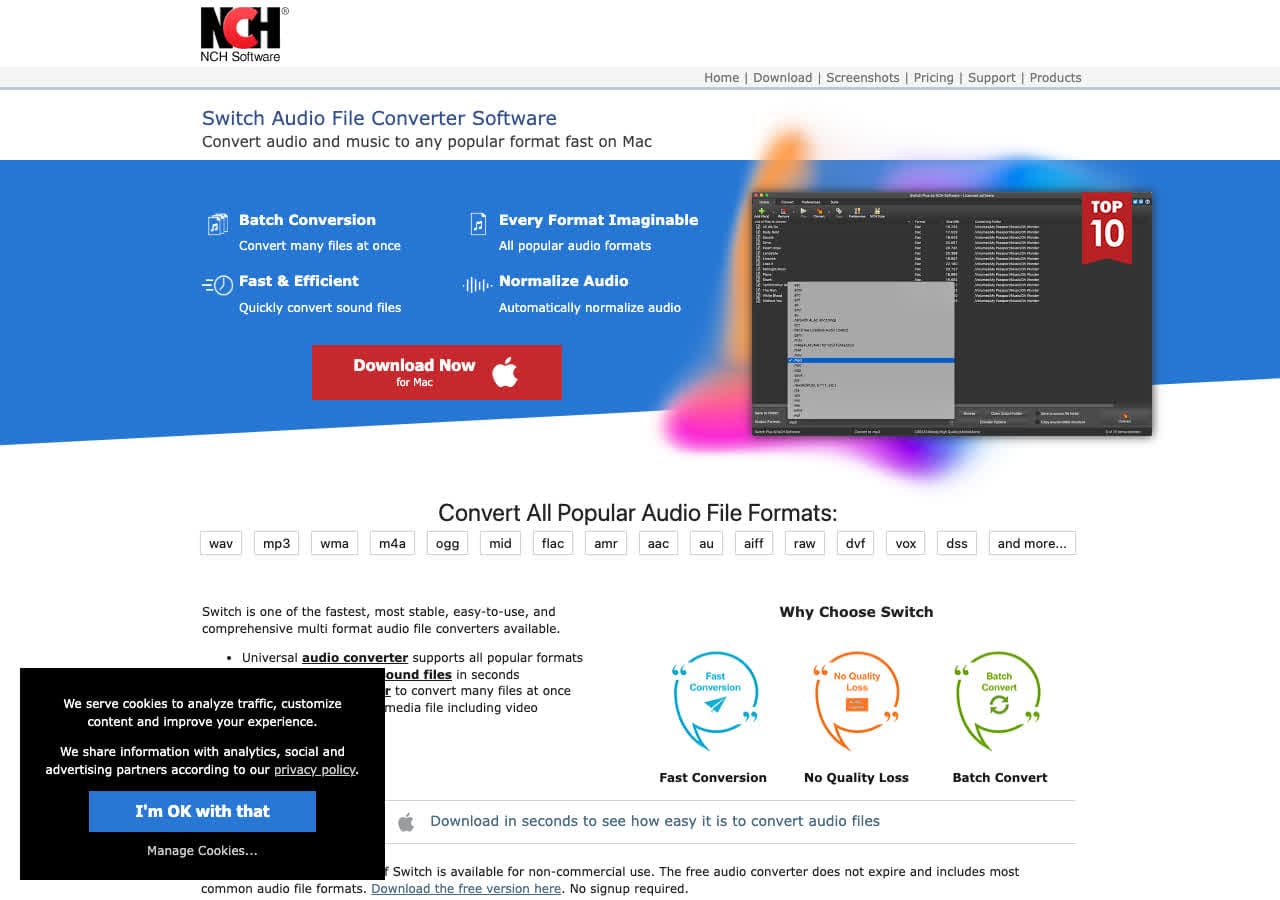
Switch by NCH accepts MKV and outputs MP3 with full bitrate control. Reliable for batch jobs.
Pros
- Reliable batch queue.
- Mac and Windows.
Cons
- Dated UI.
- Personal vs commercial license confusion.
Pricing
- Free for non-commercial use.
- Plus: Around $35 one-time.
8. Wondershare UniConverter - Polished Paid MKV to MP3
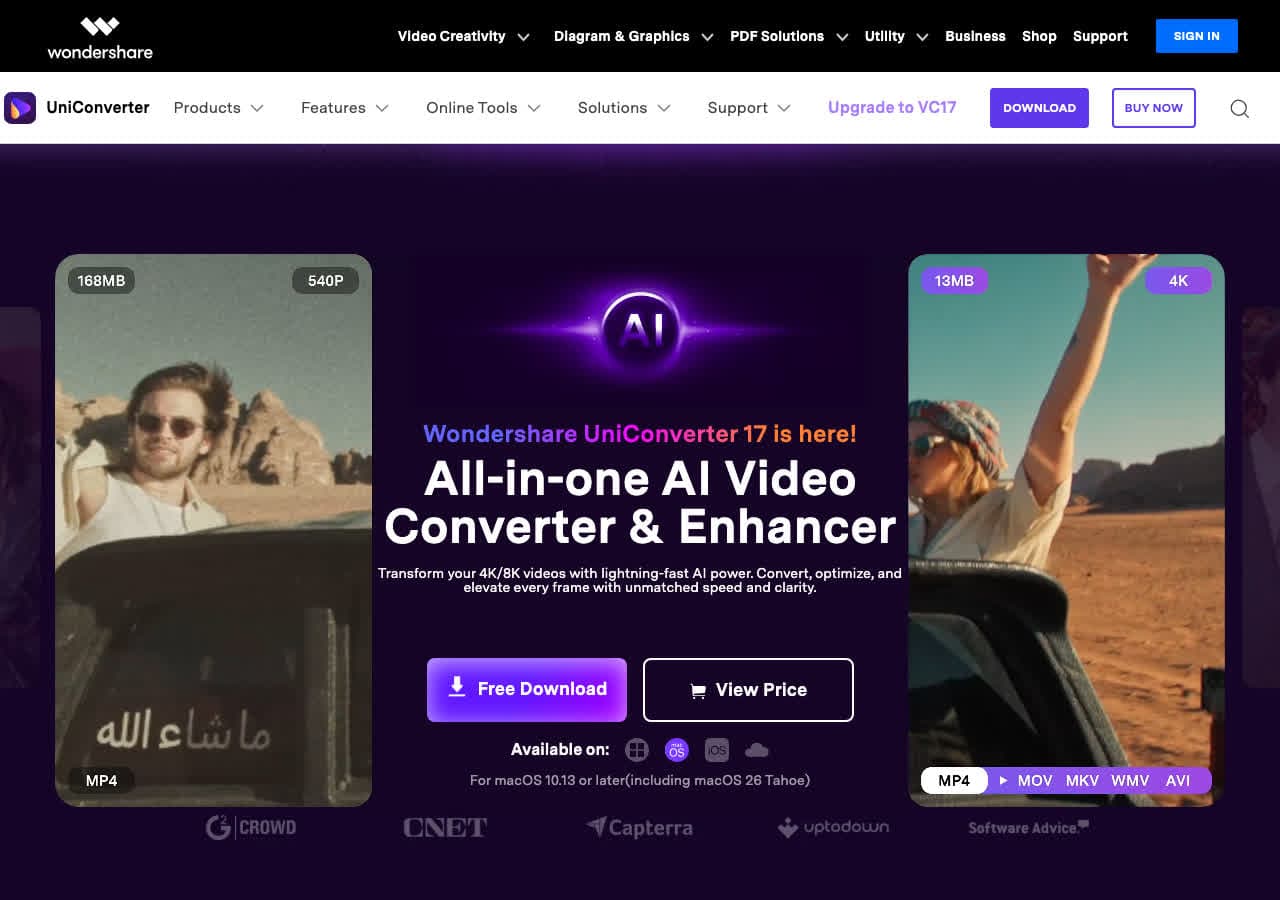
Wondershare UniConverter handles MKV to MP3 with batch processing and hardware-accelerated audio.
Pros
- Polished UI.
- Hardware acceleration.
- Mac and Windows.
Cons
- Paid software.
- Free trial limits output length.
Pricing
- Subscription: From around $40/year.
- Lifetime: Around $80 one-time.
9. Movavi Video Converter - Beginner-Friendly Paid Pick
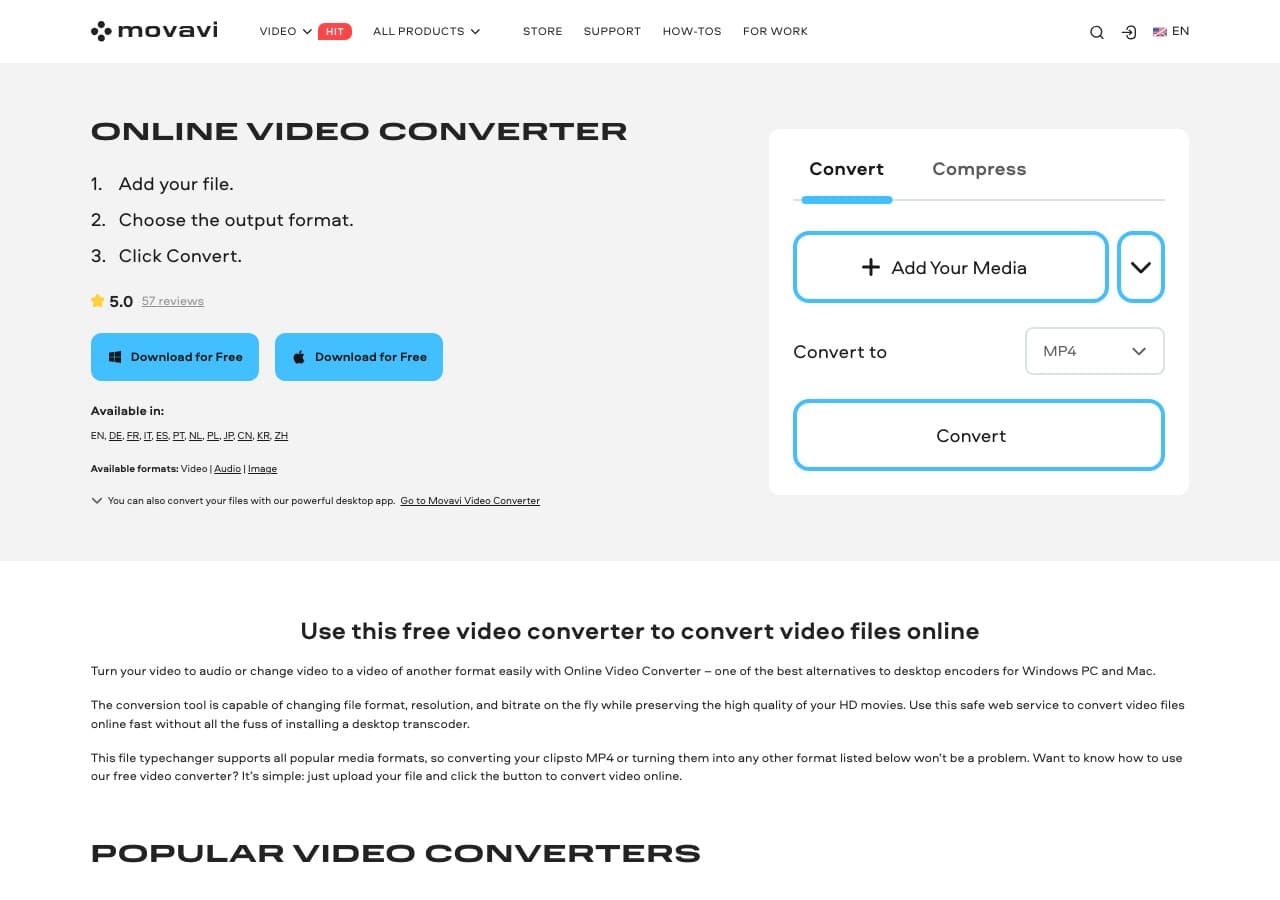
Movavi Video Converter handles MKV input. Drop the file, pick the MP3 audio preset, convert. Batch processing supported.
Pros
- Very beginner-friendly UI.
- Built-in trim and merge.
- Mac and Windows.
Cons
- Paid software.
- Persistent upsell prompts.
Pricing
- Subscription: Around $40/year.
- Lifetime: Around $50 one-time.
10. Any Video Converter - Free Windows MKV to MP3
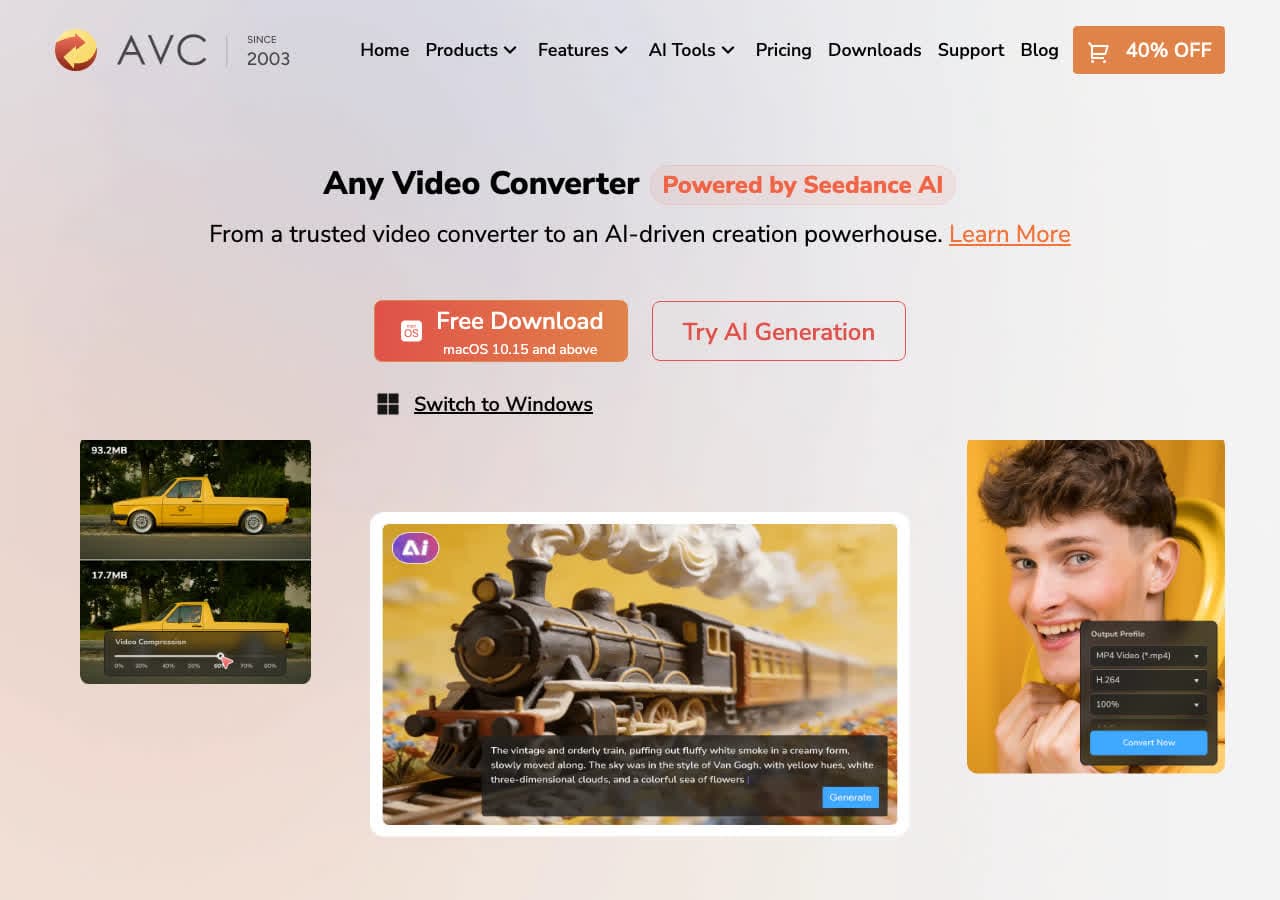
Any Video Converter (Free edition) accepts MKV and converts to MP3 in batches.
Pros
- Free MP3 output.
- Batch friendly.
- Mac and Windows.
Cons
- Installer may bundle offers.
- UI feels dated.
Pricing
- Free edition available.
- Pro: One-time around $50.
11. Freemake Video Converter - Familiar Windows Tool
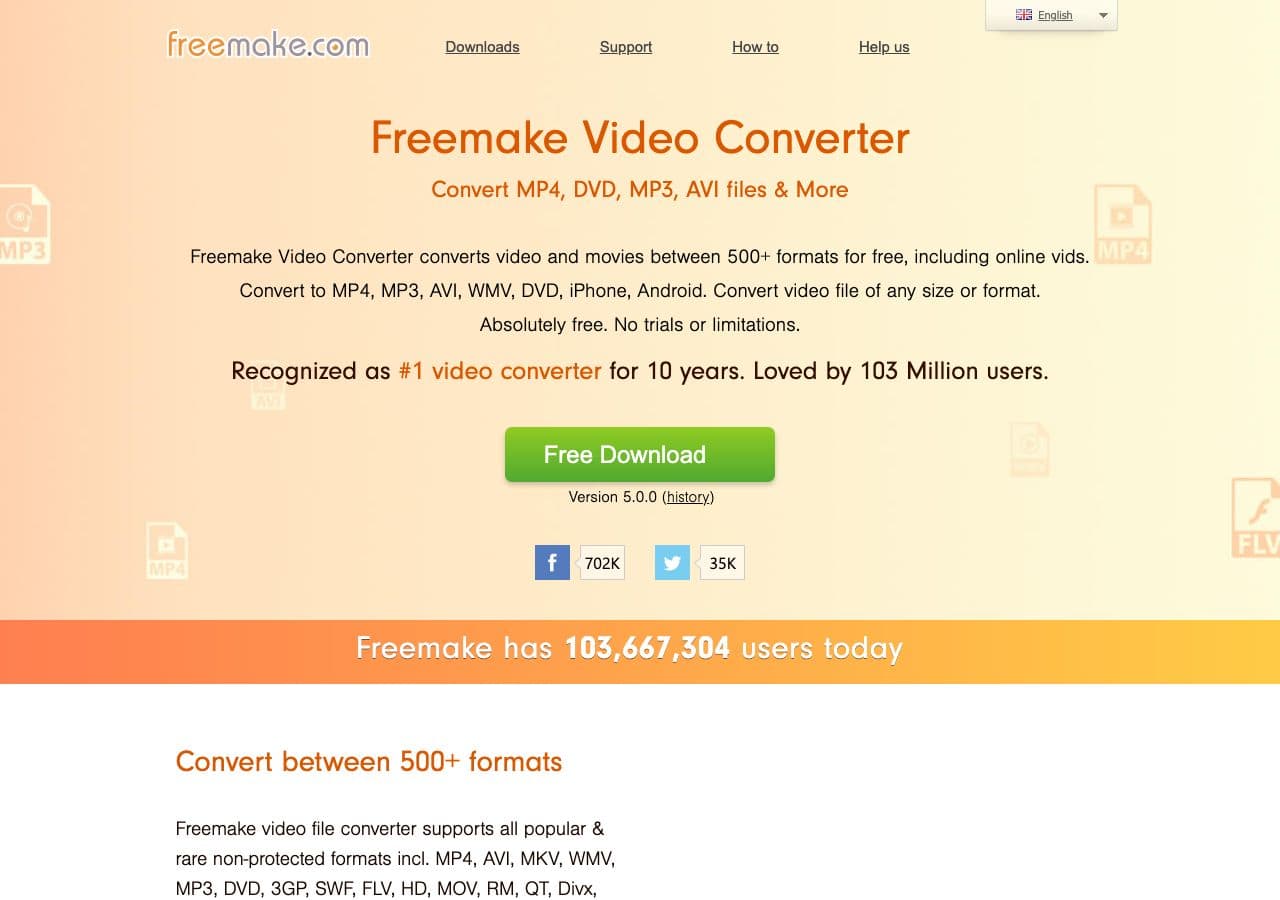
Freemake Video Converter handles MKV input and exports to MP3.
Pros
- Friendly UI.
- Familiar to Windows users.
Cons
- Free version watermark/limits.
- Installer may bundle offers.
- Windows only.
Pricing
- Free with limitations.
- Gold Pack: Around $20 one-time.
12. HandBrake - Use the Audio Track Workflow
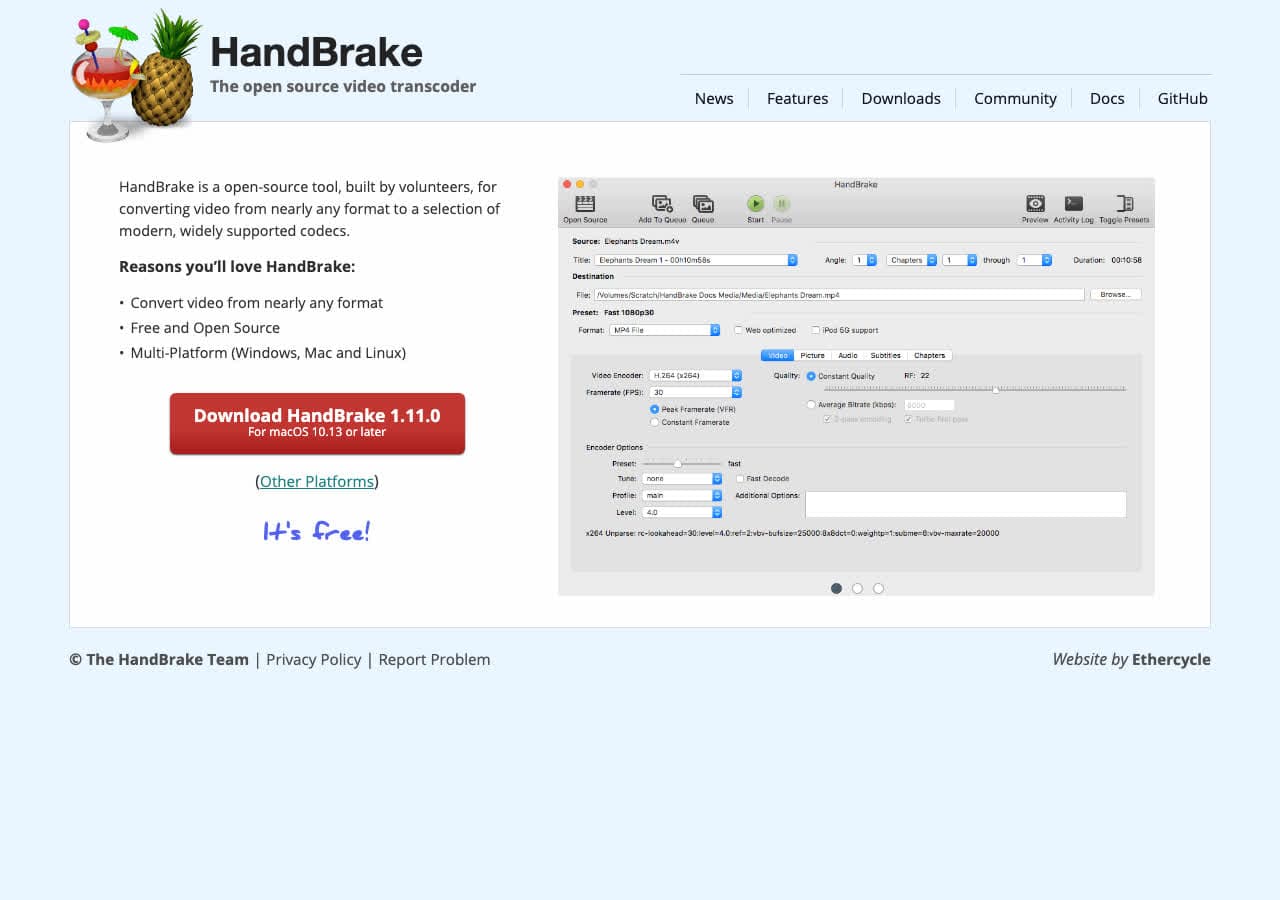
HandBrake does not output .mp3 files directly. For MKV, the workflow is to encode an MP4 with an MP3 audio track, then strip the video. For most cases use FFmpeg, VLC, fre:ac, or our app instead.
Pros
- Familiar to many users.
- Free, open source.
Cons
- Does not output .mp3 directly.
Pricing
- Free (open source).
How to Convert
The offline file converter for Mac, Windows and Linux.
- Converts video, audio, images, documents, ebooks and more
- Everything runs locally. Your files never leave your device
- Pay once. Access forever
Get the app on Mac, Windows and Linux
13. CloudConvert - Best Online MKV to MP3
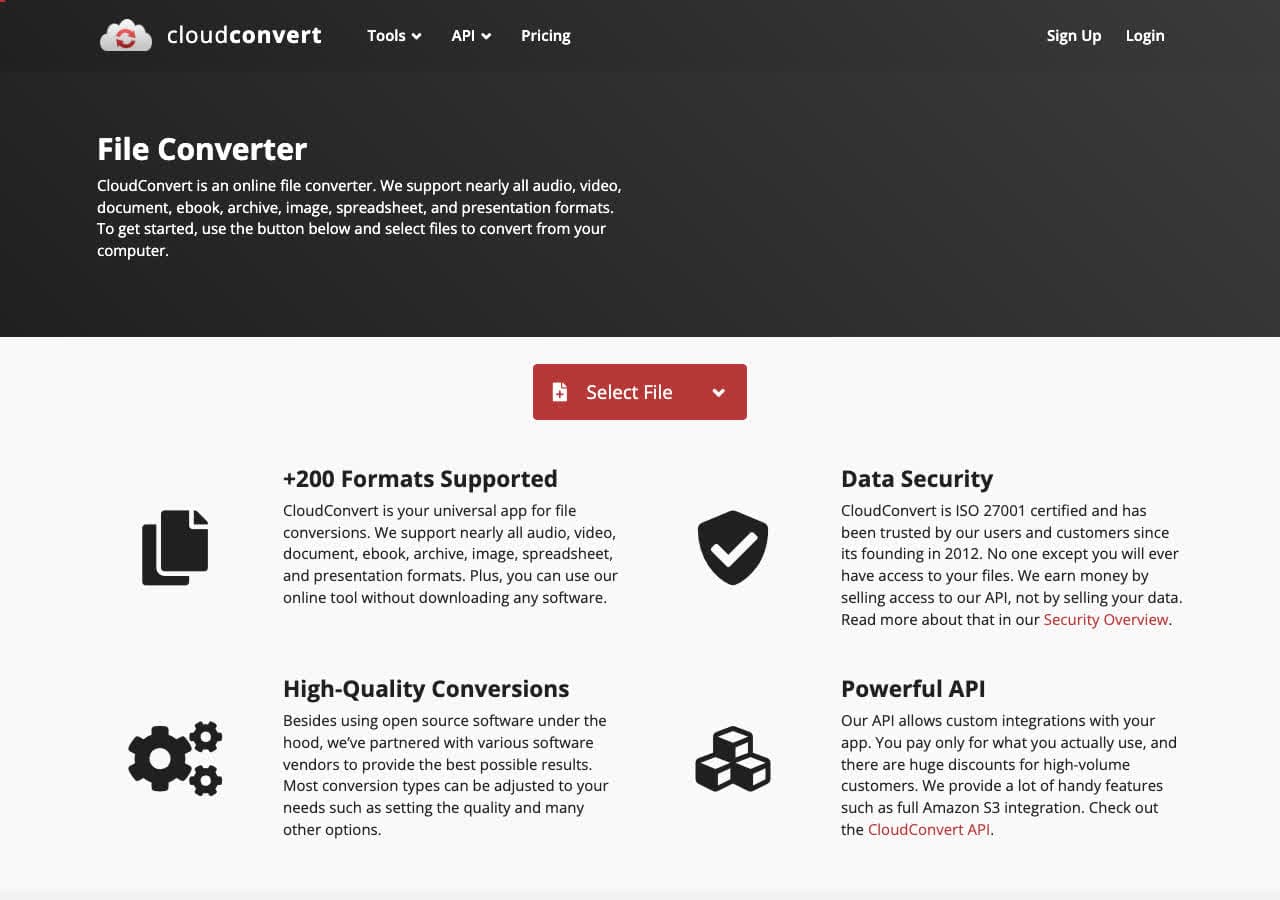
CloudConvert offers a dedicated MKV to MP3 page with bitrate, sample rate, and channel control. Free tier allows 25 minutes per day.
Pros
- No installation required.
- Adjustable bitrate and channels.
- API for automation.
Cons
- Files uploaded to the cloud.
- Free tier limited for large jobs.
Pricing
- Free: 25 minutes per day.
- Paid: From $9 for 500 minutes.
14. Convertio - Simple Online MKV to MP3
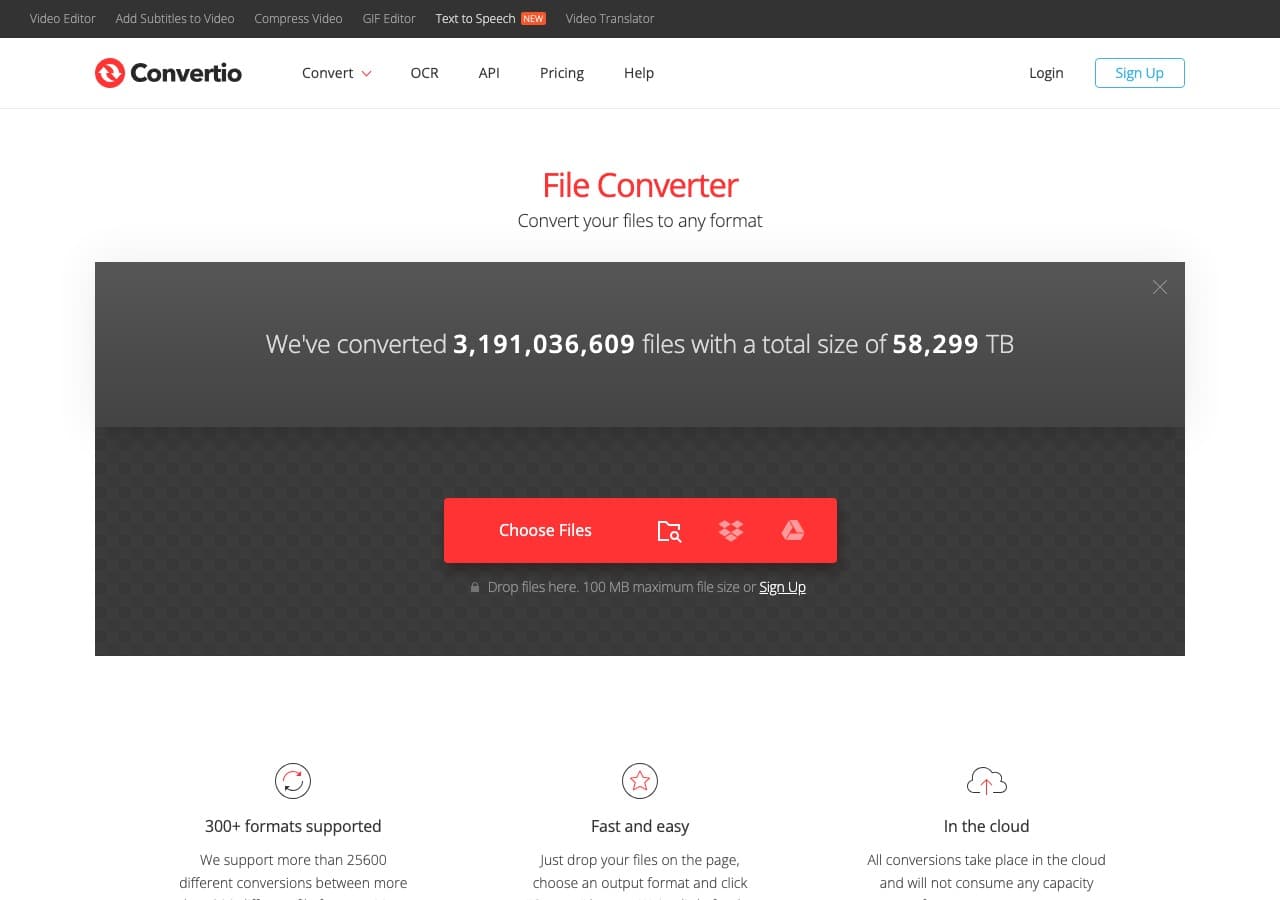
Convertio offers a clean MKV to MP3 flow with cloud storage integration. 100 MB free file size.
Pros
- Clean, simple UI.
- Google Drive and Dropbox integration.
Cons
- Files uploaded to the cloud.
- Free tier limited.
Pricing
- Free: 100 MB, 10 minutes per day.
- Light: From $9.99/month.
15. Zamzar - Easiest Online MKV to MP3
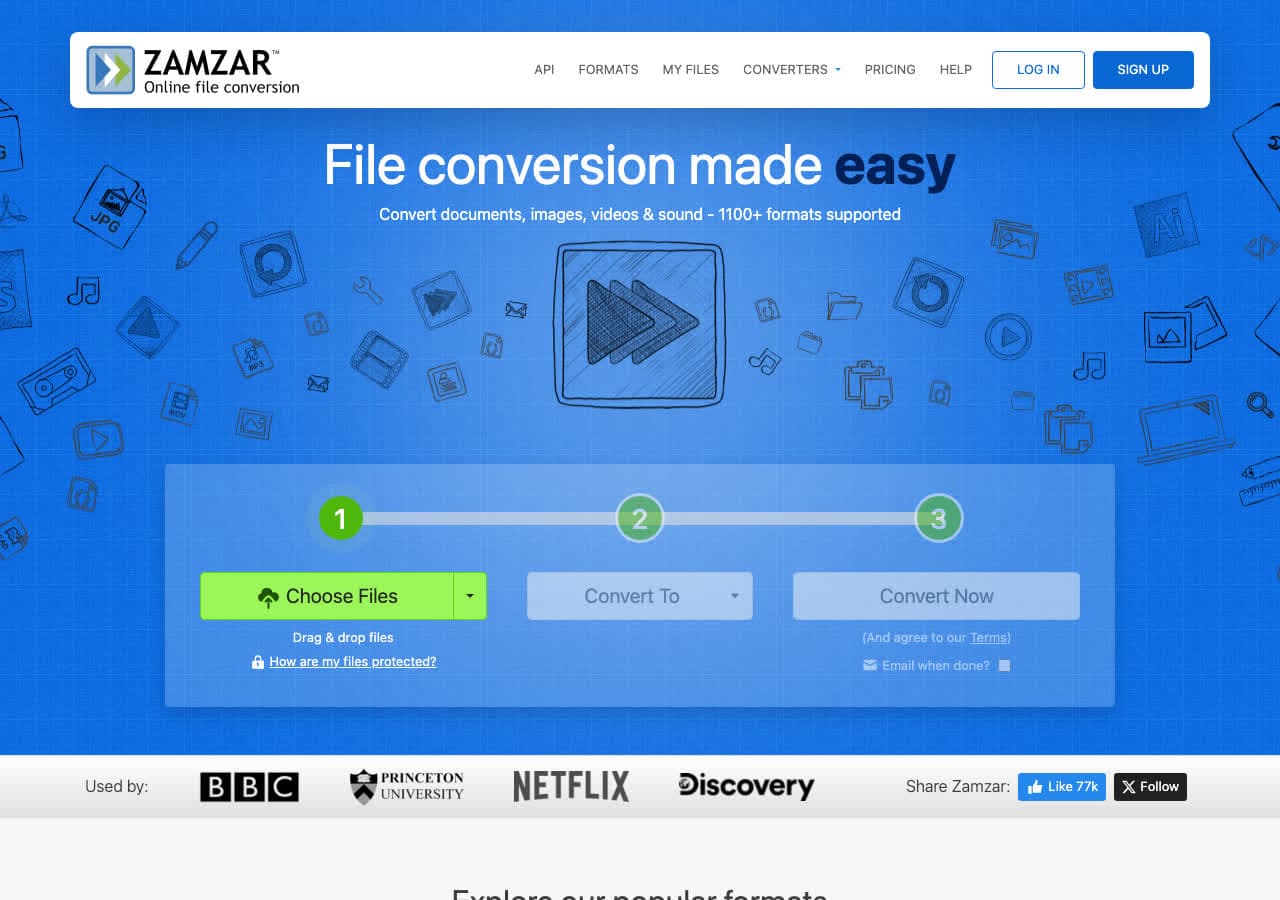
Zamzar is the simplest online MKV to MP3 converter. Free tier allows 2 conversions per day, 50 MB.
Pros
- Dead-simple workflow.
- No account needed.
Cons
- 2 free conversions per day.
- 50 MB free file cap.
Pricing
- Free: 2 conversions per day, 50 MB.
- Basic: From $18/month.
16. FreeConvert - Generous Free Tier
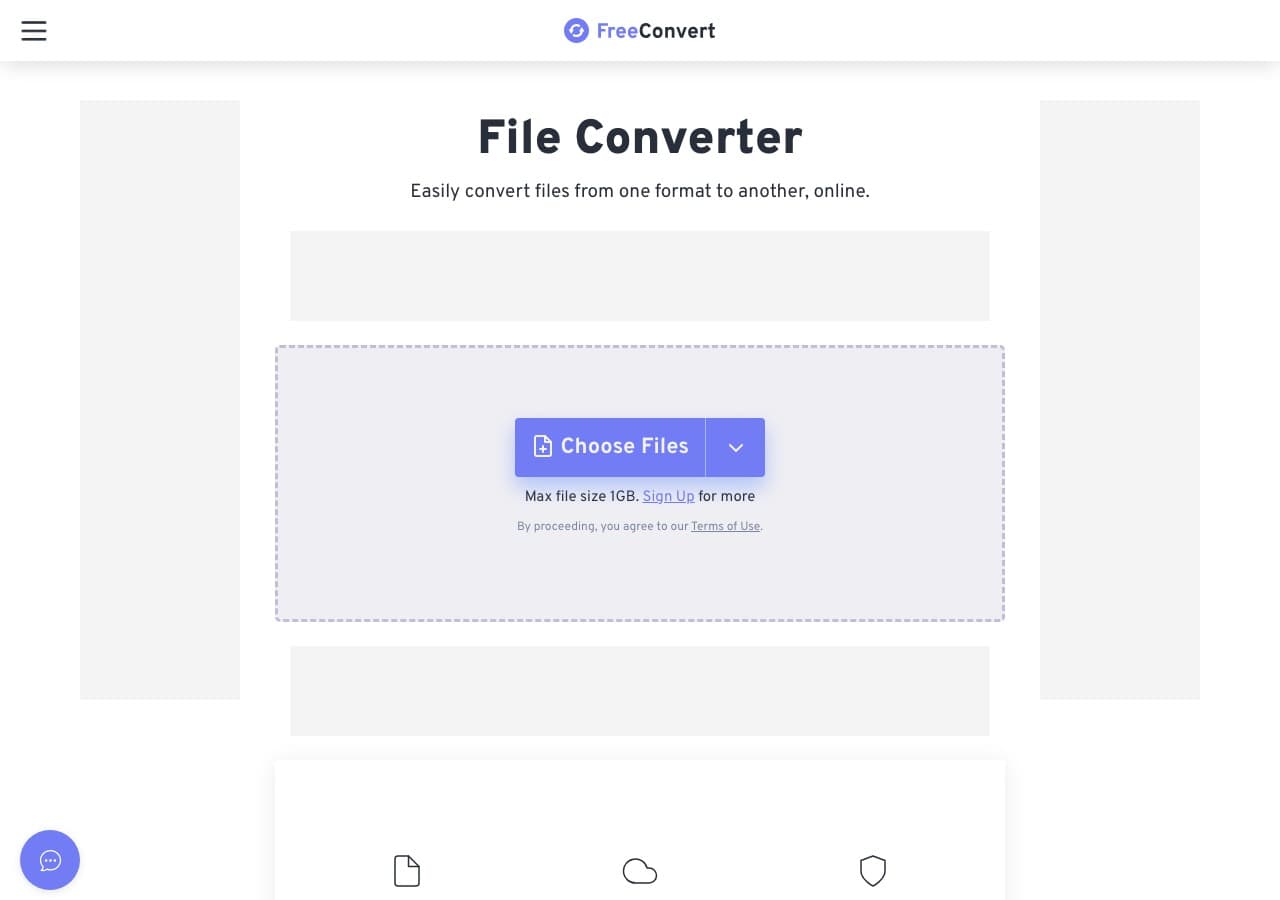
FreeConvert handles MKV to MP3 with a 1 GB free file size limit. Useful for full-length recordings.
Pros
- 1 GB free file size limit.
- Advanced bitrate and codec settings.
Cons
- Files uploaded to servers.
- Daily usage limits on free tier.
Pricing
- Free: 1 GB file size limit.
- Pro: From $9.99/month.
17. Online-Convert - Most Detailed Output Settings
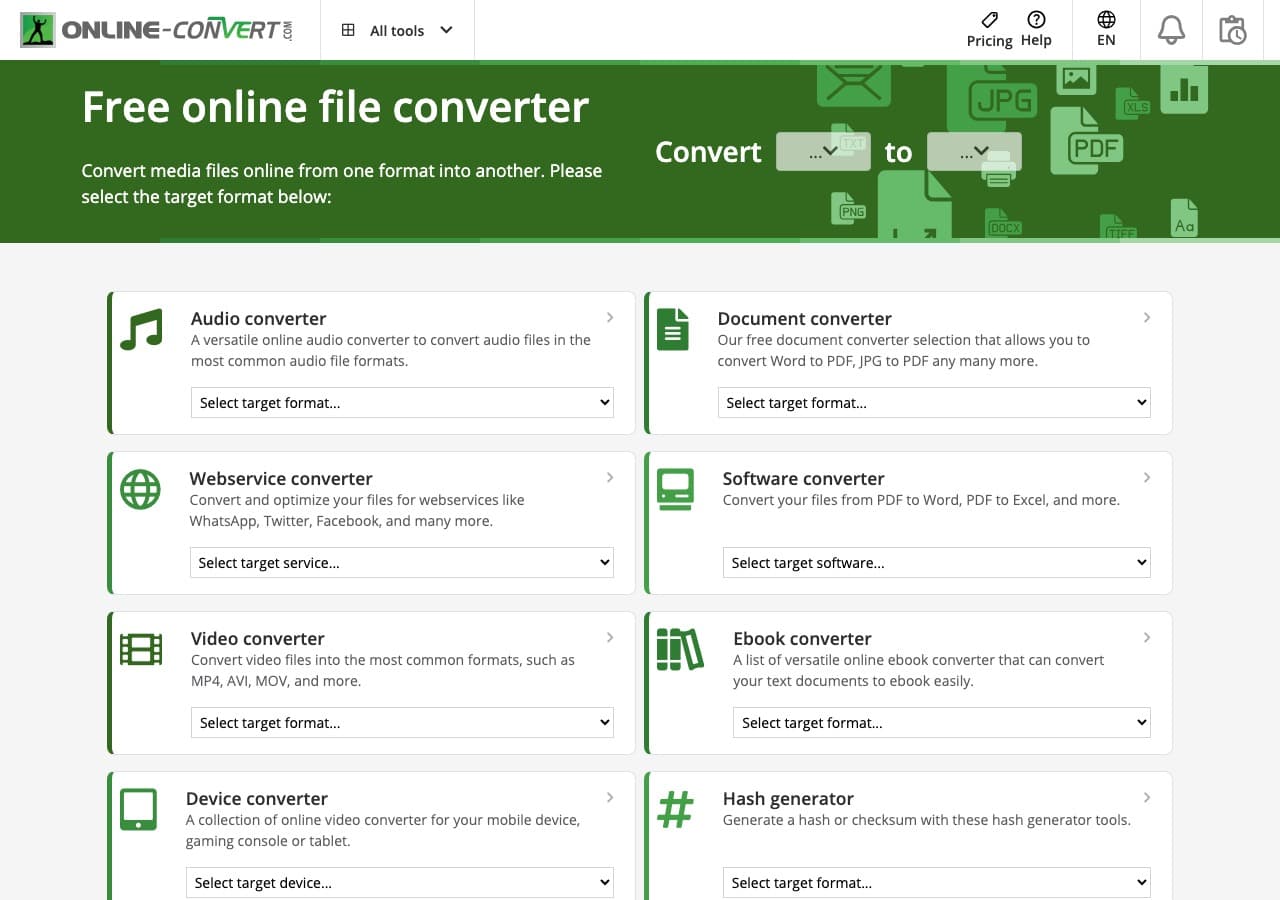
Online-Convert exposes the most detailed audio output controls of any web tool. Includes normalize, trim, and tempo adjustment.
Pros
- Most detailed audio settings of any web tool.
- Built-in normalize, trim, and tempo controls.
Cons
- Cluttered UI with ads.
- 100 MB free file size limit.
Pricing
- Free with ads.
- Paid: From $7.99/month.
18. Adapter - Minimal MKV to MP3 Tool
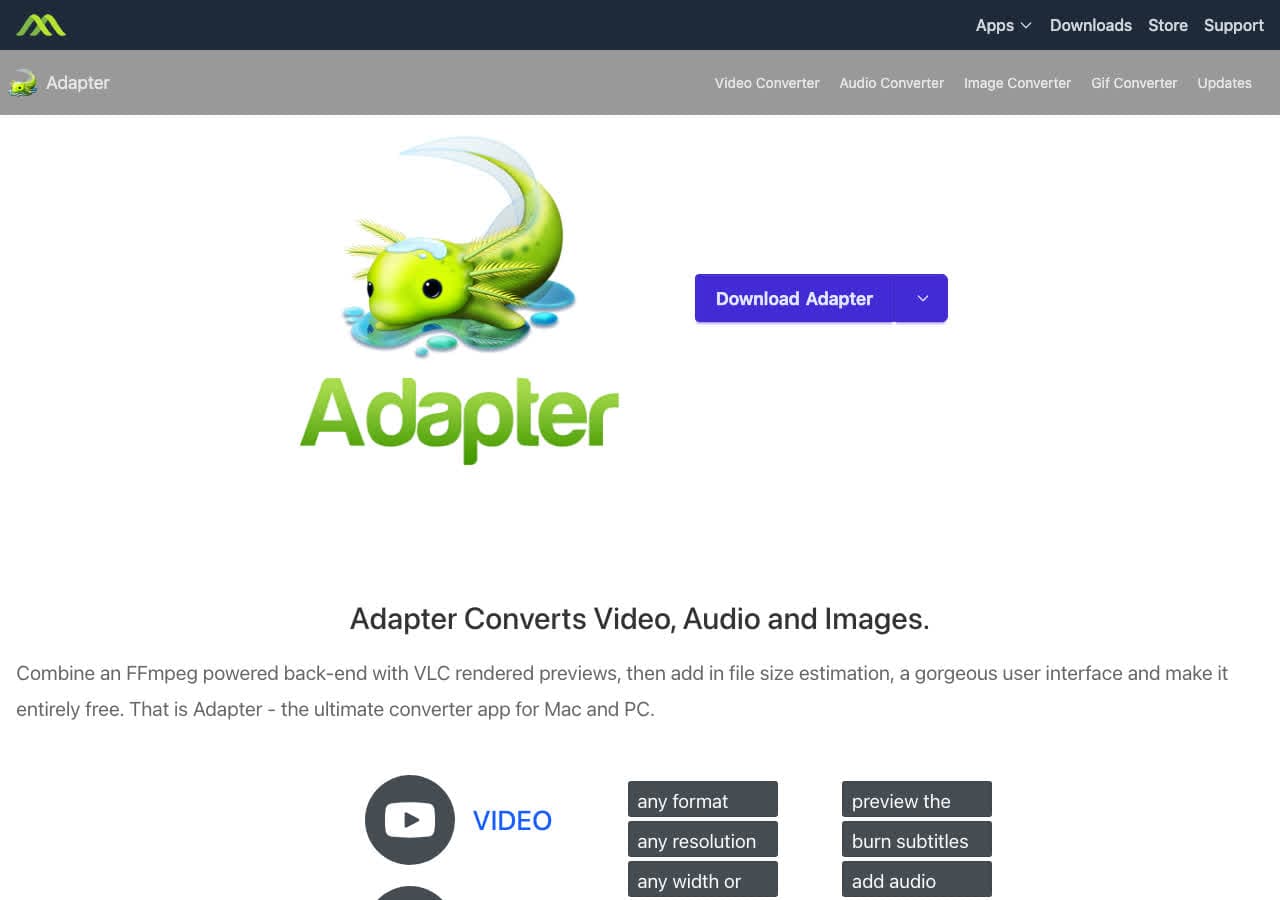
Adapter is a free FFmpeg-based converter on Mac and Windows. Drag the MKV in, pick MP3, convert.
Pros
- Minimal UI.
- Free, FFmpeg-based.
Cons
- Development has slowed.
Pricing
- Free.
Frequently Asked Questions
Why does my phone not play MKV?
MKV is a flexible open-source container, but most phone music apps and many car stereos only support a small set of formats (MP3, AAC, sometimes FLAC). Converting MKV to MP3 produces a portable file that plays anywhere with audio support.
My MKV has multiple audio tracks. How do I pick one?
In FFmpeg, use -map 0:a:0 for the first audio track, -map 0:a:1for the second, and so on. In VLC, look for the "Track Synchronization" or audio profile dropdown when configuring the conversion. Audacity will ask you which streams to import.
What MP3 bitrate should I use?
128 kbps is acceptable for spoken content. 192 kbps is the sweet spot for most music and podcasts. 320 kbps is the highest standard MP3 bitrate when you want maximum quality.
Final Thoughts
For one-off MKV to MP3 conversion in the browser, our free MKV to MP3 converter handles the file locally. For batch jobs, FFmpeg or fre:ac are the strongest free options. For a polished local app that handles MKV alongside every other format, How to Convert is the cross-platform pick.
How to Convert
The offline file converter for Mac, Windows and Linux.
- Converts video, audio, images, documents, ebooks and more
- Everything runs locally. Your files never leave your device
- Pay once. Access forever
Get the app on Mac, Windows and Linux
