18 Best MOV to MP3 Converters in 2026 (Free and Paid)
The best MOV to MP3 converters in 2026. Compare offline desktop apps, open-source tools, and online converters for extracting audio from iPhone videos, lectures, and QuickTime recordings.
Posted by
 Jake Manger
MOV files commonly come from iPhone video, QuickTime screen recordings, cameras, and video-call exports. If you only need the speech, music, or narration, converting the audio to MP3 creates a much smaller file that plays almost anywhere. The audio inside a MOV is often AAC, so this is normally a lossy transcode rather than a lossless extraction. This guide compares 18 MOV to MP3 converters in 2026.
The main choices are whether the recording should stay local, whether you need a batch, and how much quality is sensible for the source.
Bitrate Quick Reference
- Voice / interviews / podcasts: 96–128 kbps mono. Tiny files, clear voice.
- Music or mixed content: 192 kbps stereo. Standard quality.
- Higher-quality music: 256–320 kbps stereo. This cannot restore detail already lost in the source.
Quick Picks for MOV → MP3
- Best desktop app: How to Convert.
- Best browser option: Subclip.
- Best command line: FFmpeg.
- Best built-in Mac workaround: QuickTime → Music app.
- Best free batch: fre:ac.
- Best for cleaning speech first: Audacity.
For a focused one-file route, try the MOV to MP3 converter.
1. How to Convert (I built this one)

Drop one or more MOV files in, choose MP3, set the output quality, and convert locally. It is a practical choice for private recordings or repeat batches where uploading every source file would be slow or inappropriate.
Pricing
- One-time purchase; free web demo for single-file conversions.
 How to Convert
The offline file converter for Mac, Windows and Linux.
- Converts video, audio, images, documents, ebooks and more
- Everything runs locally. Your files never leave your device
- Pay once. Access forever
Get the app on Mac, Windows and Linux
2. FFmpeg
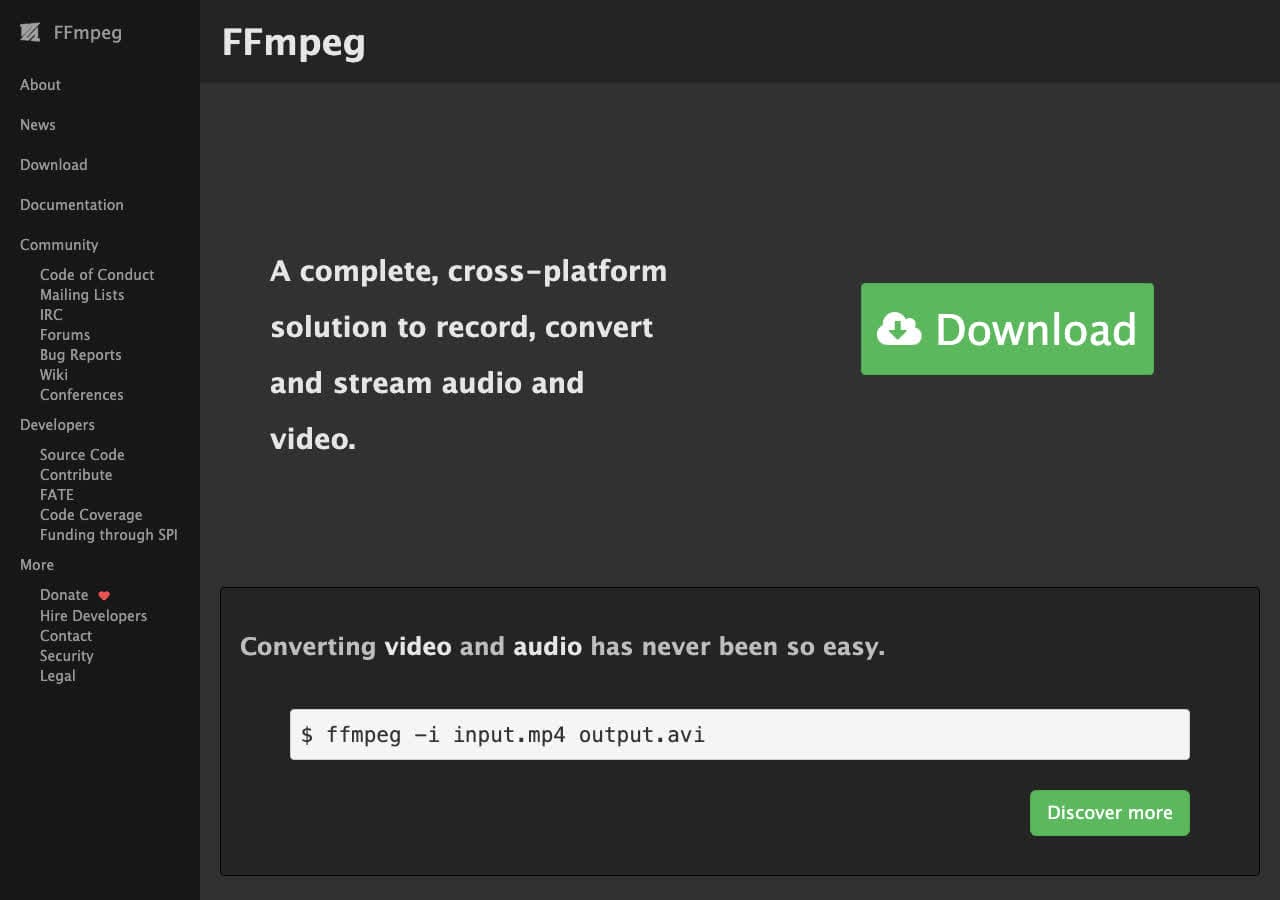
Voice / podcast (mono, 128 kbps):
ffmpeg -i input.mov -vn -ac 1 -b:a 128k output.mp3
Music quality:
ffmpeg -i input.mov -vn -q:a 2 output.mp3
For transcription input:
ffmpeg -i input.mov -vn -ac 1 -ar 16000 output.mp3
Pricing
- Free, open source.
3. macOS QuickTime + Music app
This is a two-step built-in workaround. In QuickTime, choose File → Export As → Audio Only to create an M4A. In Music, set Import Settings to MP3 Encoder, add the M4A, then choose File → Convert → Create MP3 Version. It works without another download, but it is clumsy for more than a few files.
Pricing
- Free with macOS.
4. Subclip — Best Browser Option
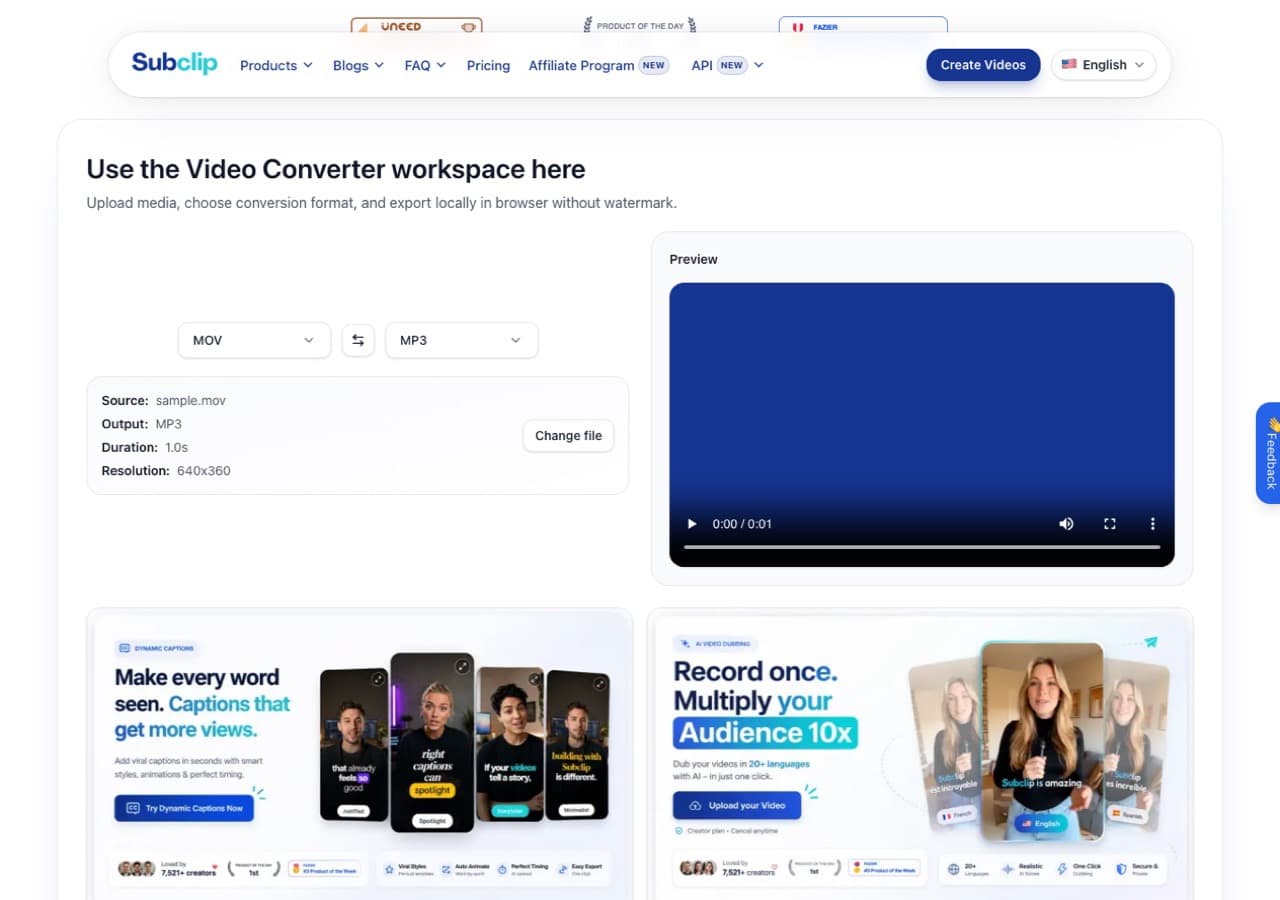
Subclip has a dedicated MOV-to-MP3 workspace that runs in a modern desktop browser. It recognised our sample MOV, showed its duration and resolution, and prepared MP3 output without an install. The converter says processing happens locally and exports are watermark-free; signing in is required when you export.
Pricing
- Free converter; account required to export.
5. Audacity
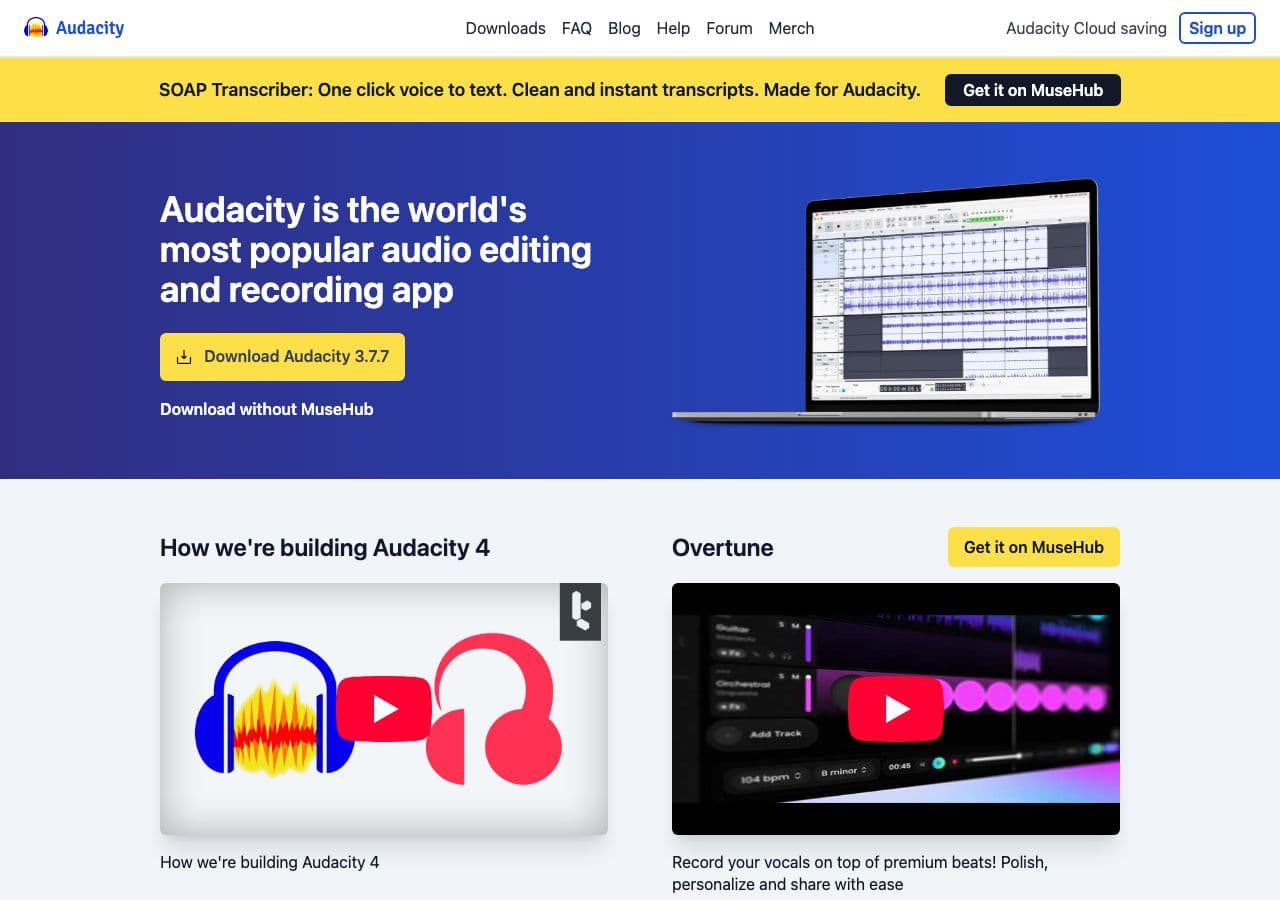
With Audacity's FFmpeg import library installed, open the MOV and export the audio as MP3. This is the right pick when a Zoom call or interview needs noise reduction, trimming, or loudness normalisation before export.
Pricing
- Free, open source.
6. VLC

Media → Convert / Save → MP3.
Pricing
- Free, open source.
7. fre:ac
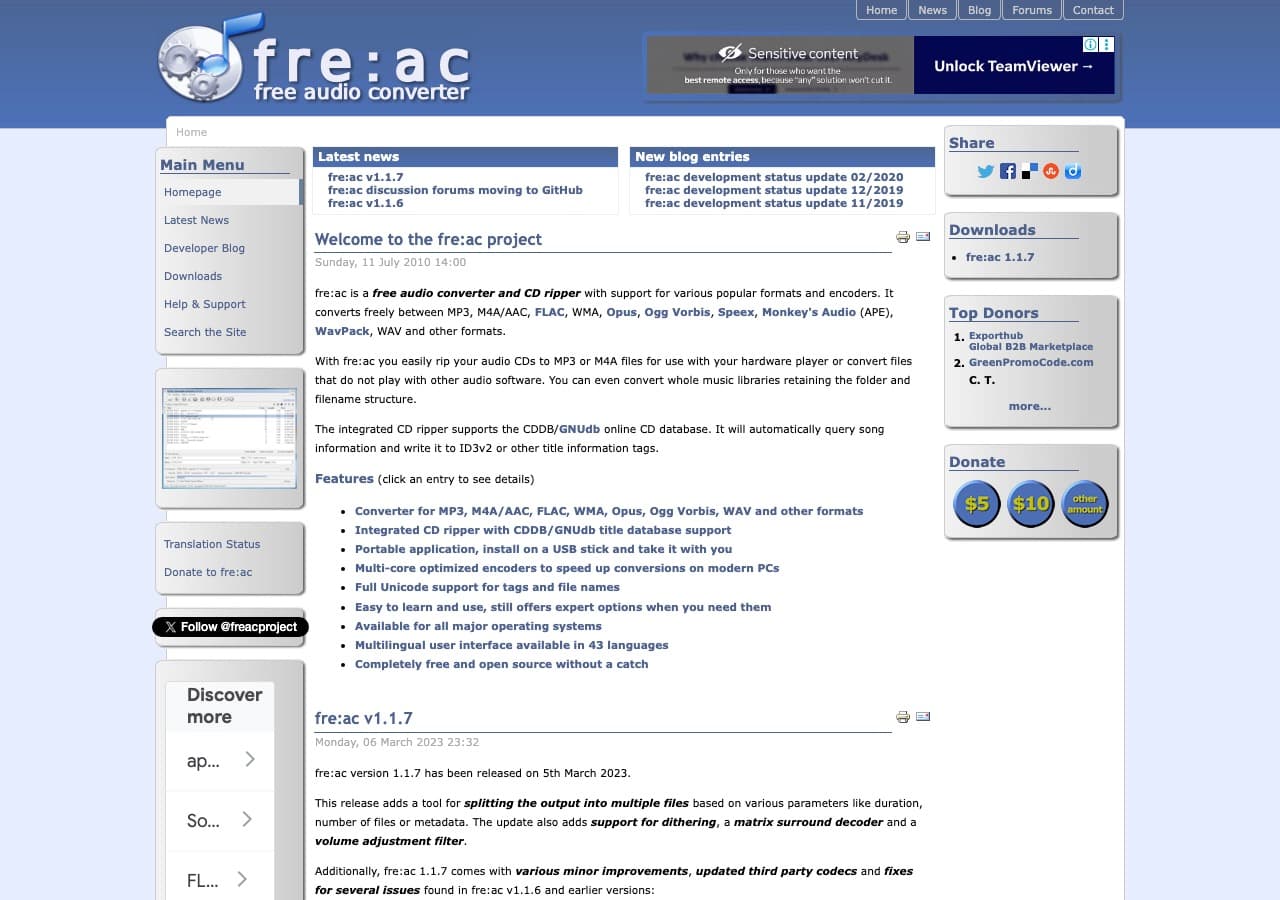
Free cross-platform batch converter with an FFmpeg-based decoder for reading audio from MOV files. It is a better fit than a browser tool when you have a folder of recordings to process with the same MP3 settings.
Pricing
- Free, open source.
8. Any Video Converter
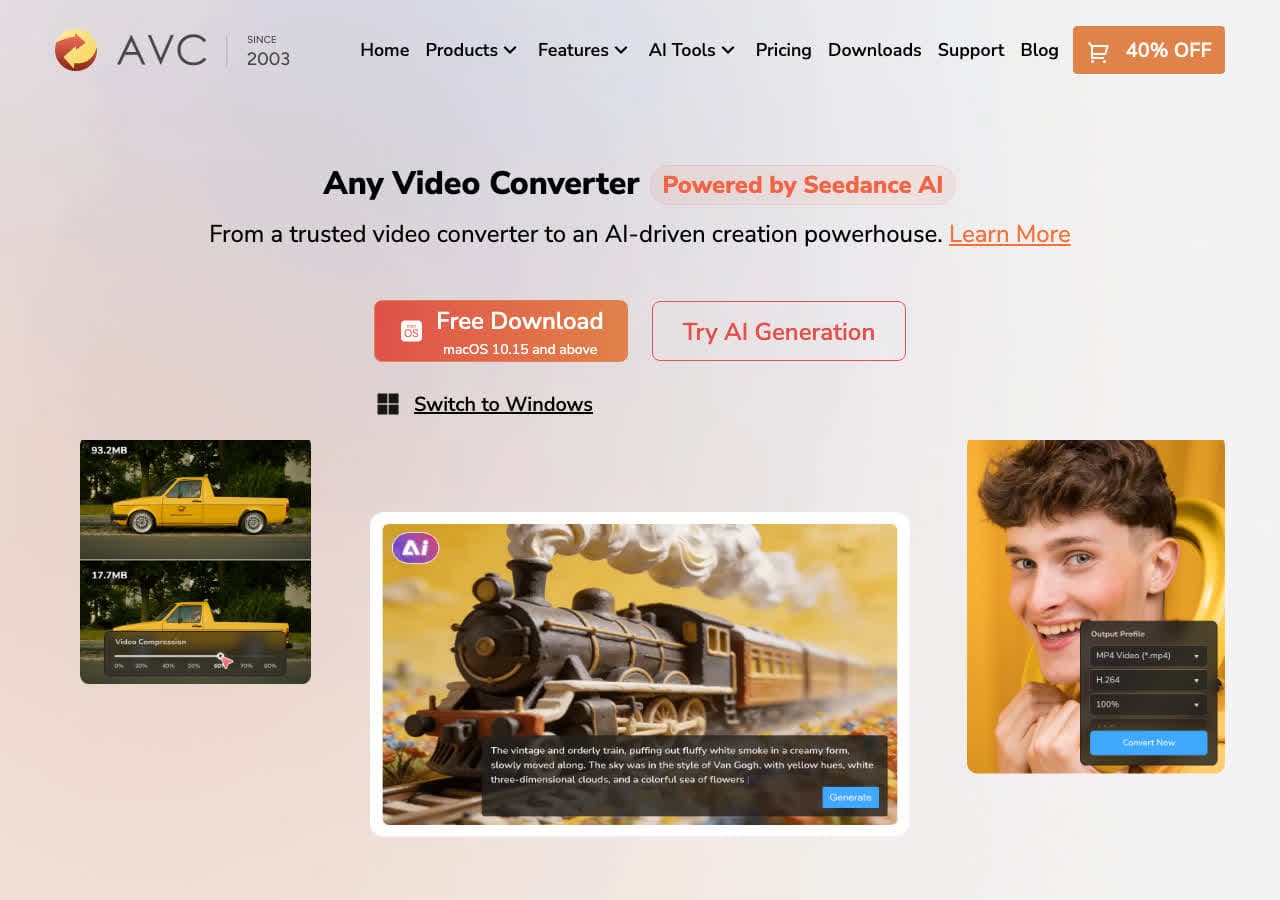
A visual desktop converter for Mac and Windows that can extract MP3 audio from MOV and other video formats. It also supports batch jobs, so it is useful when you want a free GUI instead of an FFmpeg command.
Pricing
- Free version; paid upgrade available.
9. Wondershare UniConverter
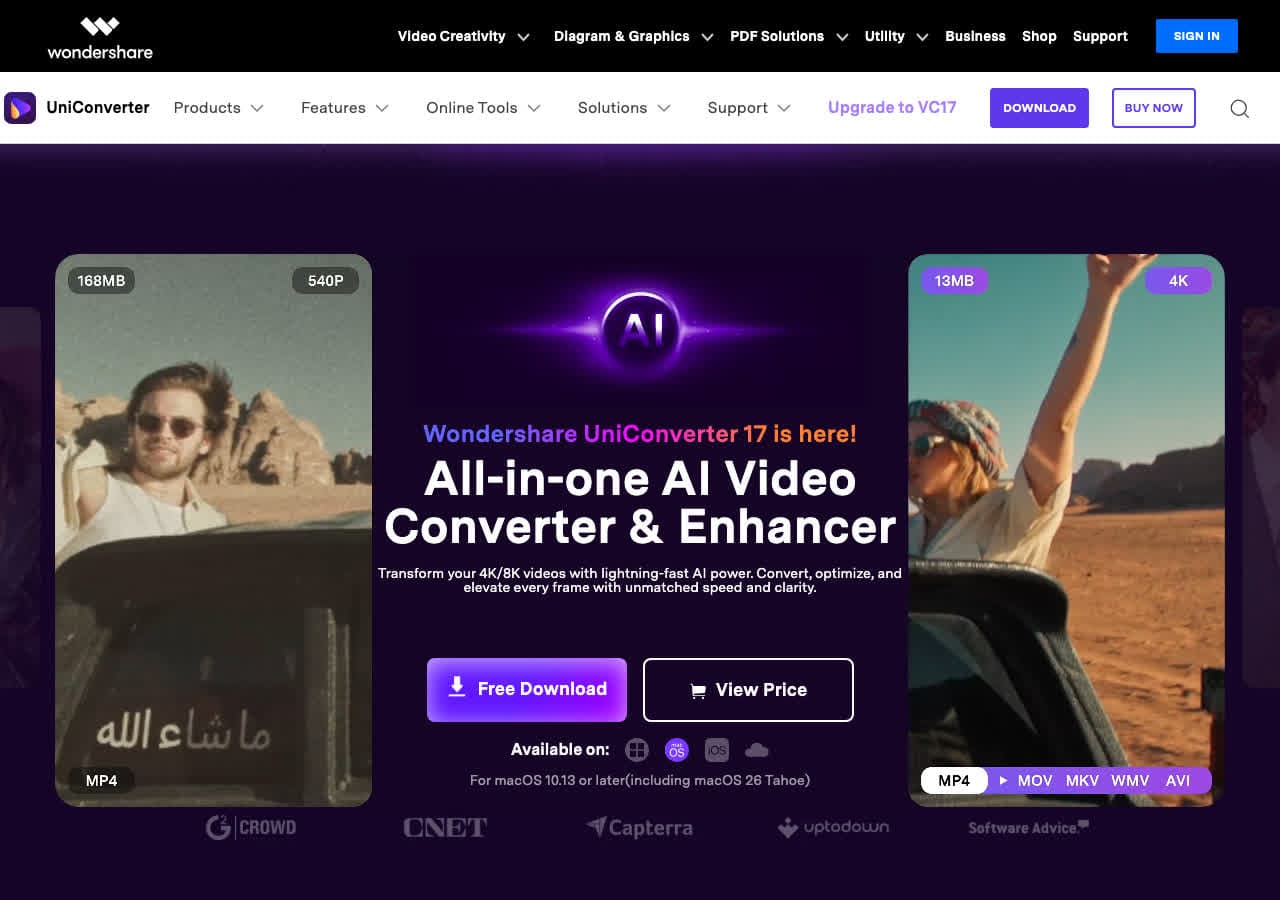
A larger paid media suite that can extract MP3 from MOV, trim the source, and process batches. It is excessive for a single audio extraction, but sensible if you already use its broader video tools.
Pricing
- Paid; trial available.
10. Permute (Mac)
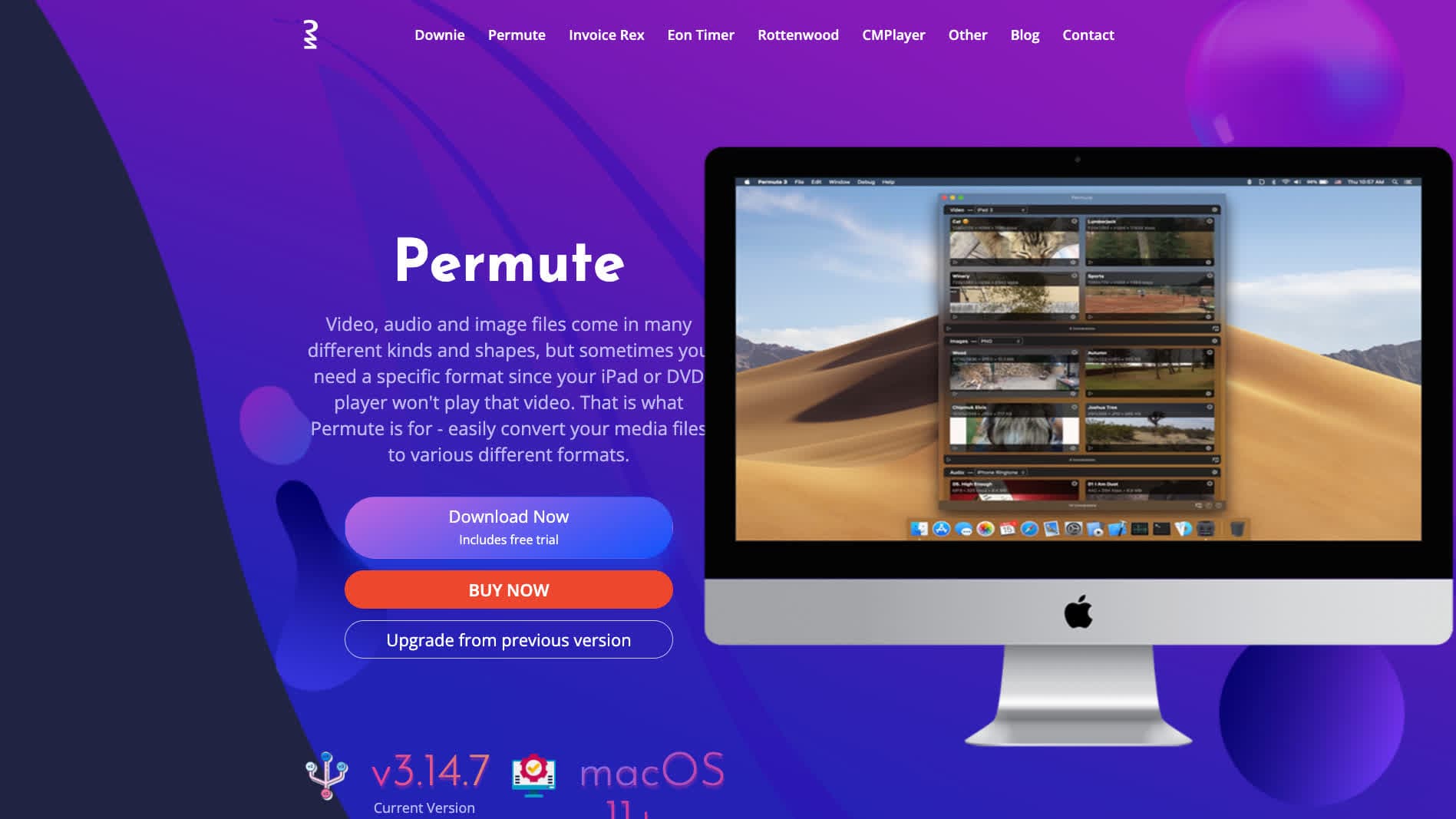
Mac-native media converter with MP3 output.
Pricing
- One-time purchase.
11. Shutter Encoder
FFmpeg GUI with audio extraction preset.
Pricing
- Free.
12. MediaHuman Audio Converter
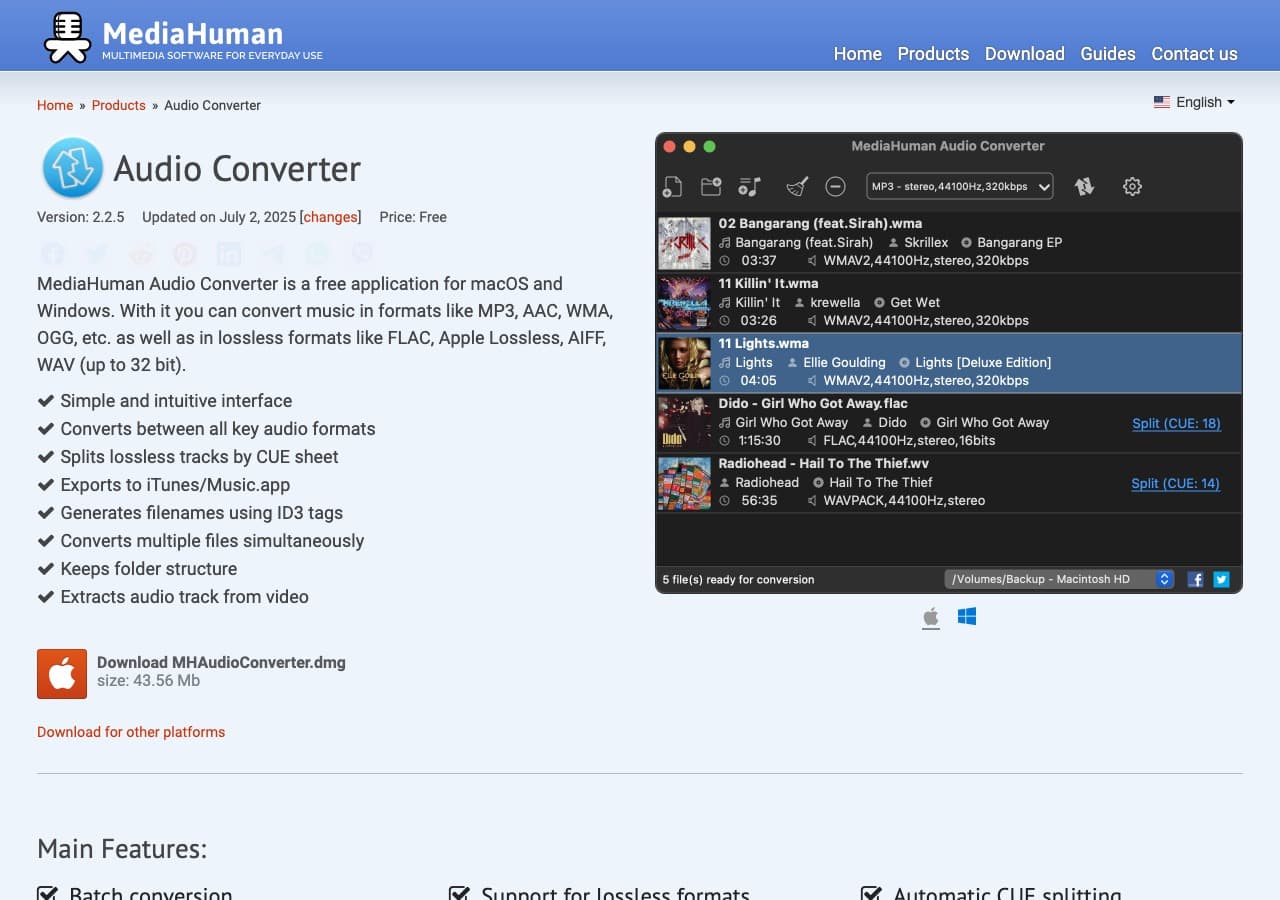
A simple drag-and-drop audio converter for Mac and Windows that can extract audio from video sources. Its strength is an uncluttered batch queue rather than detailed video controls.
Pricing
- Free.
13. Switch Audio Converter (NCH)
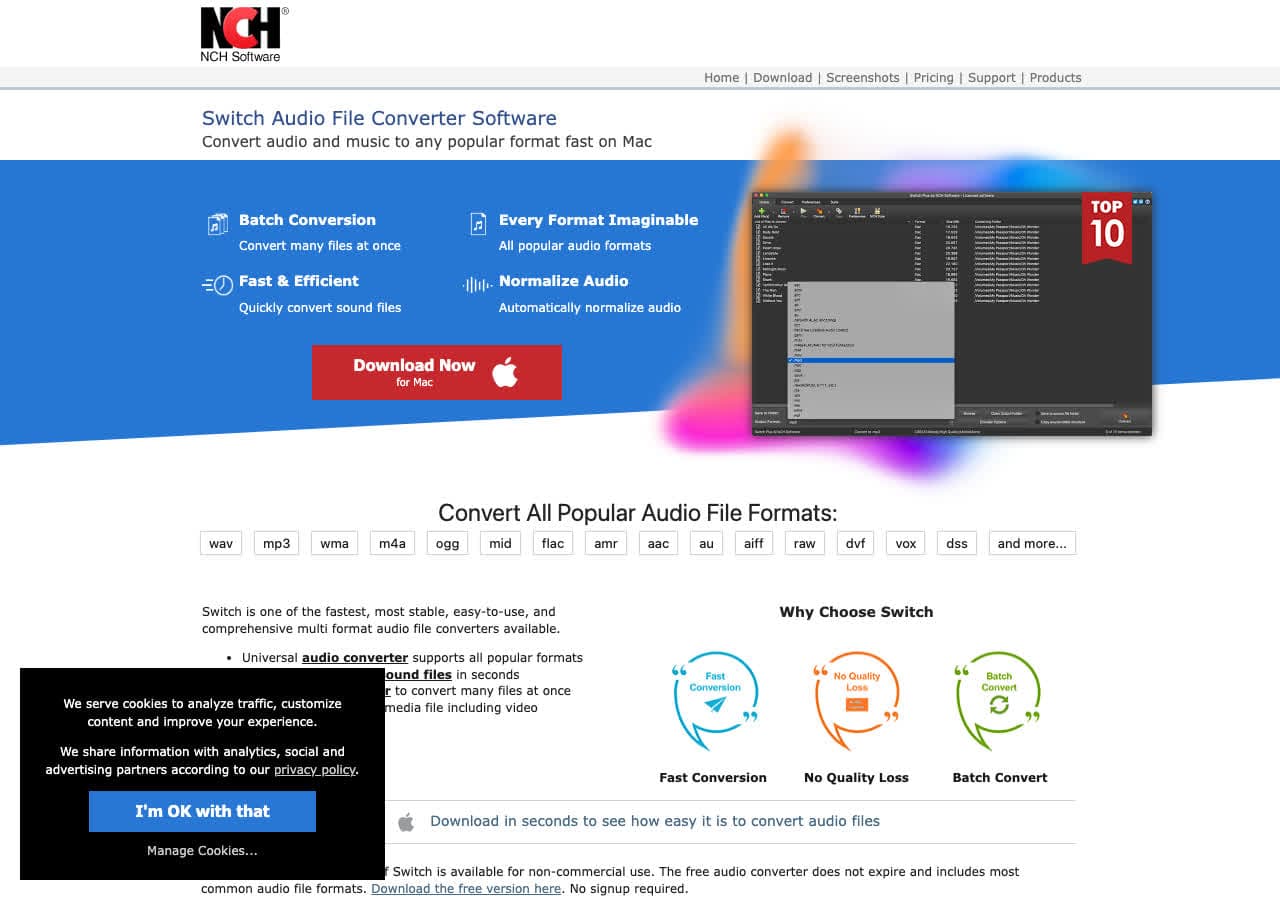
Lightweight desktop converter with batch processing and MP3 quality controls. It is a practical small-business option when audio extraction is part of a repeatable workflow.
Pricing
- Free home; paid commercial.
14. CloudConvert
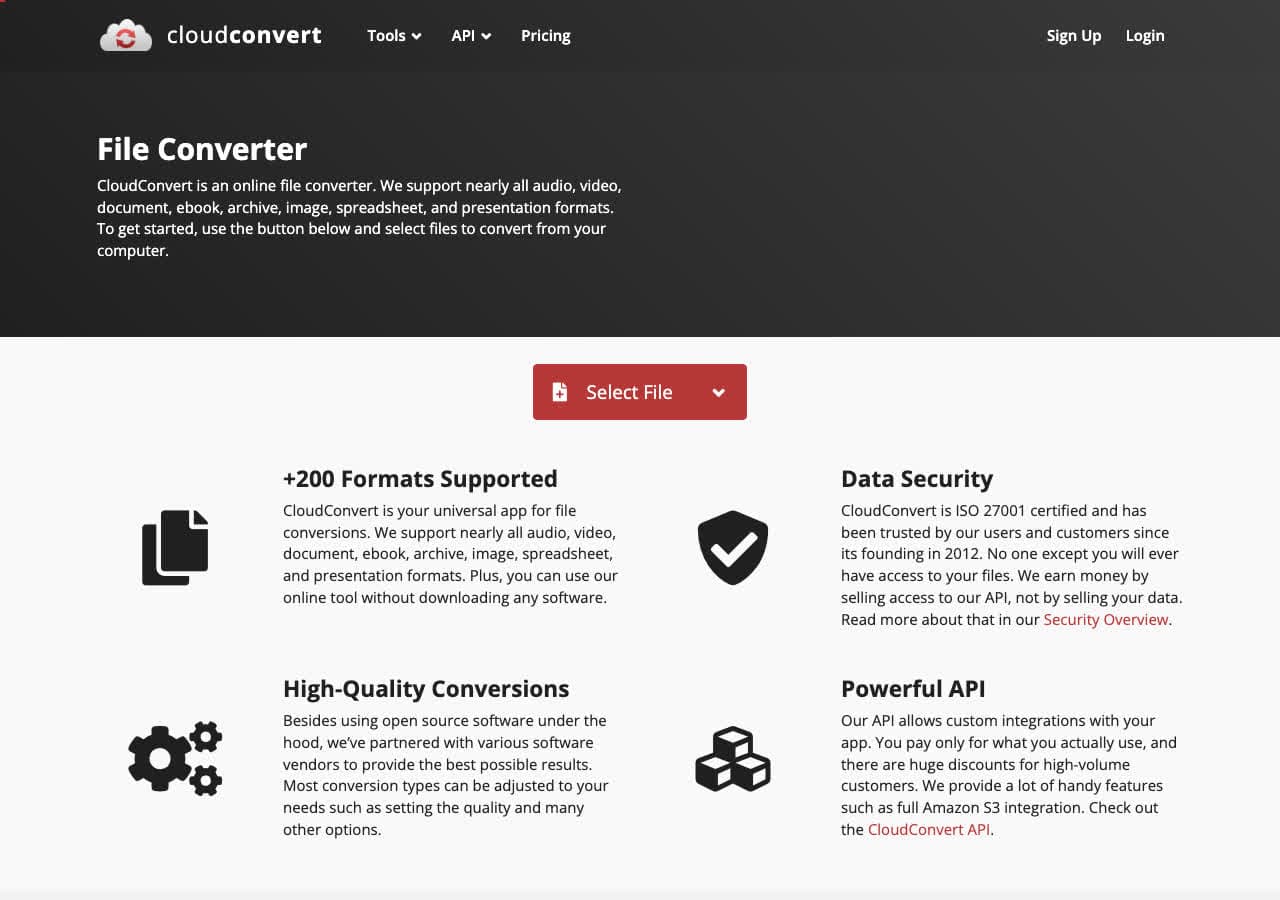
A polished upload-based converter with bitrate, channel, and trimming controls. It is convenient for an occasional non-sensitive MOV, but upload time becomes the bottleneck on large recordings.
Pricing
- Free tier; paid above.
15. Convertio
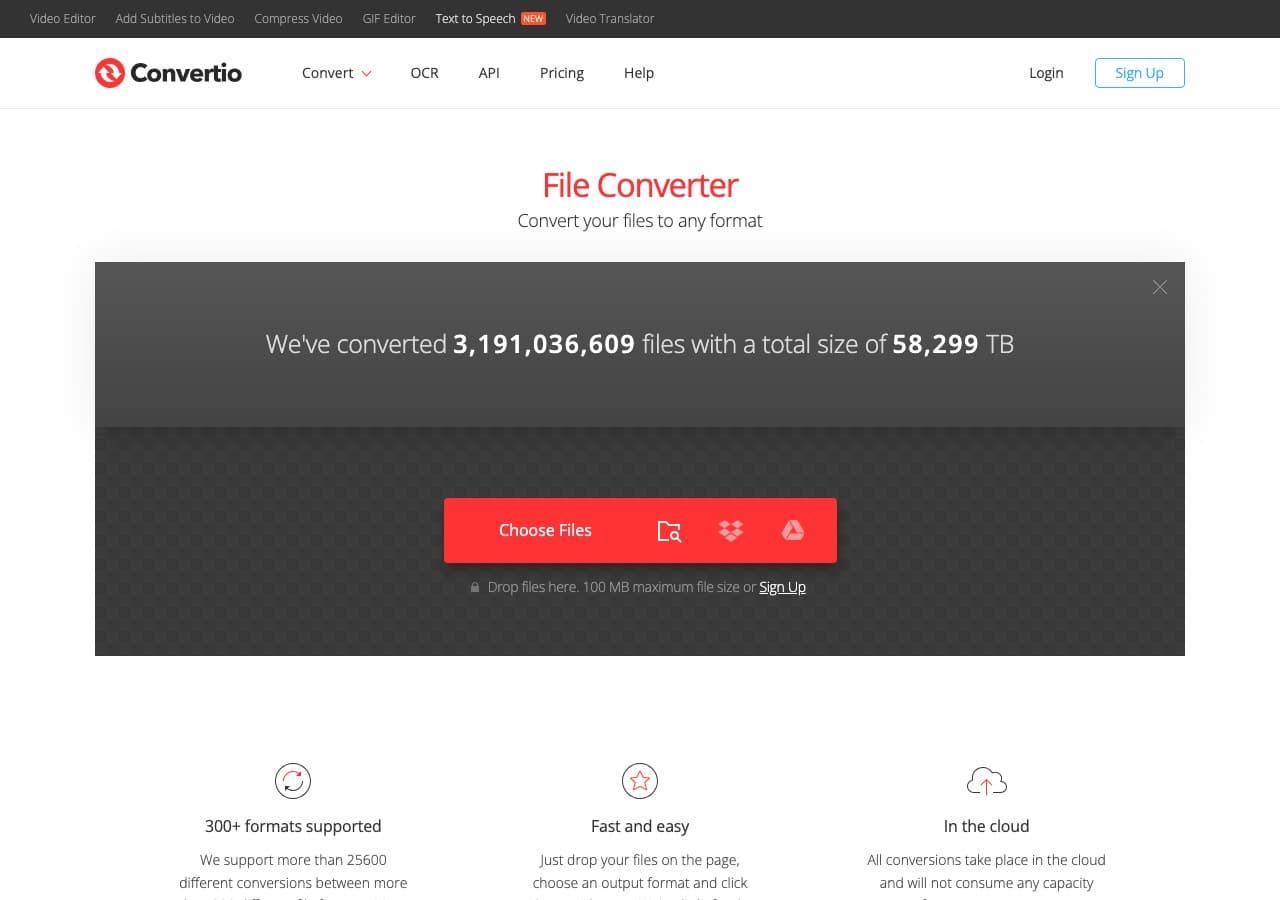
Straightforward browser conversion with cloud-storage import options. The free tier is best suited to smaller files; long MOV recordings can run into its limits quickly.
Pricing
- Free with caps; paid above.
16. Online Audio Converter (123apps)
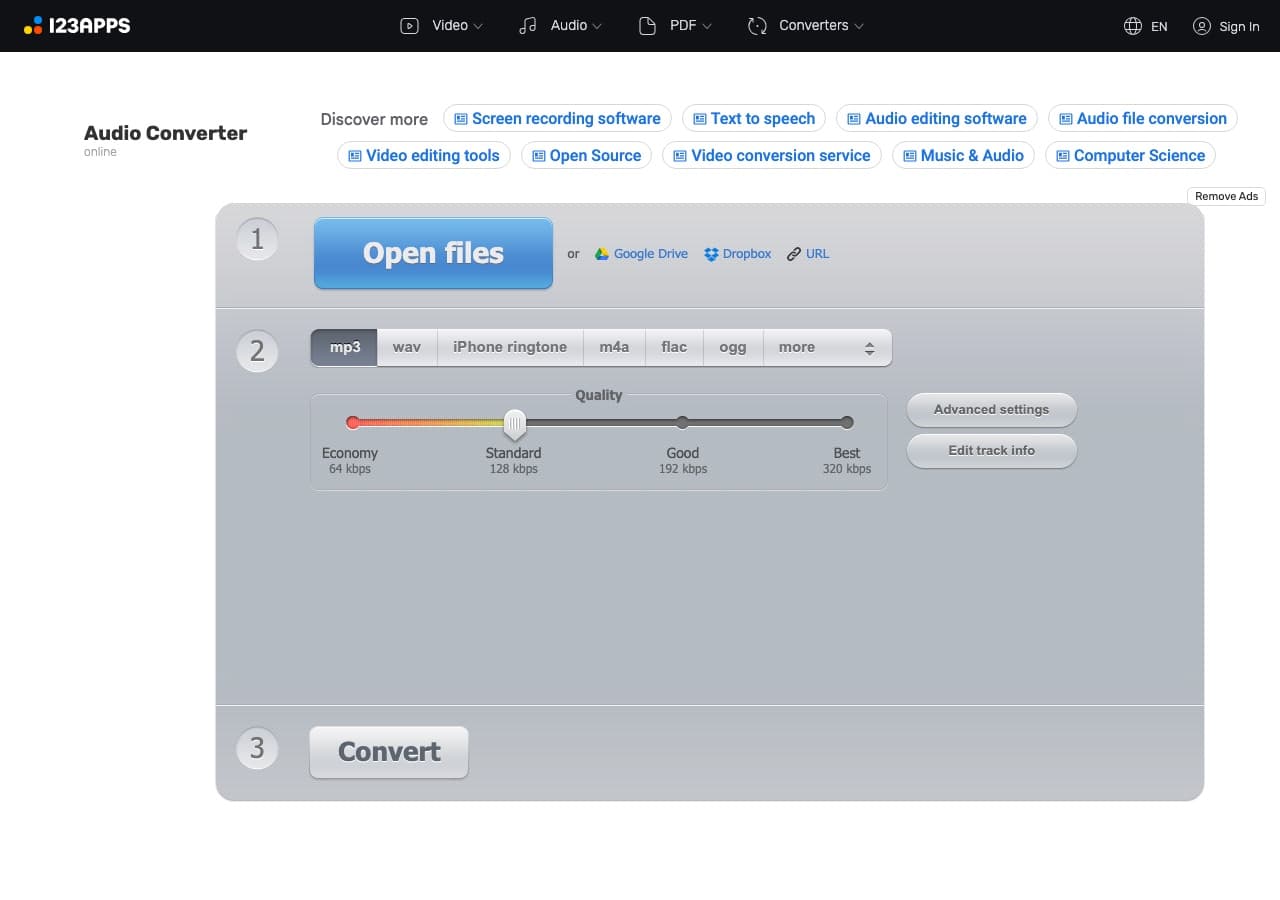
A focused browser audio tool with MP3 bitrate choices and basic track settings. It uploads the MOV for processing, so keep private calls and client recordings in a local workflow.
Pricing
- Free with limits; paid above.
17. FreeConvert
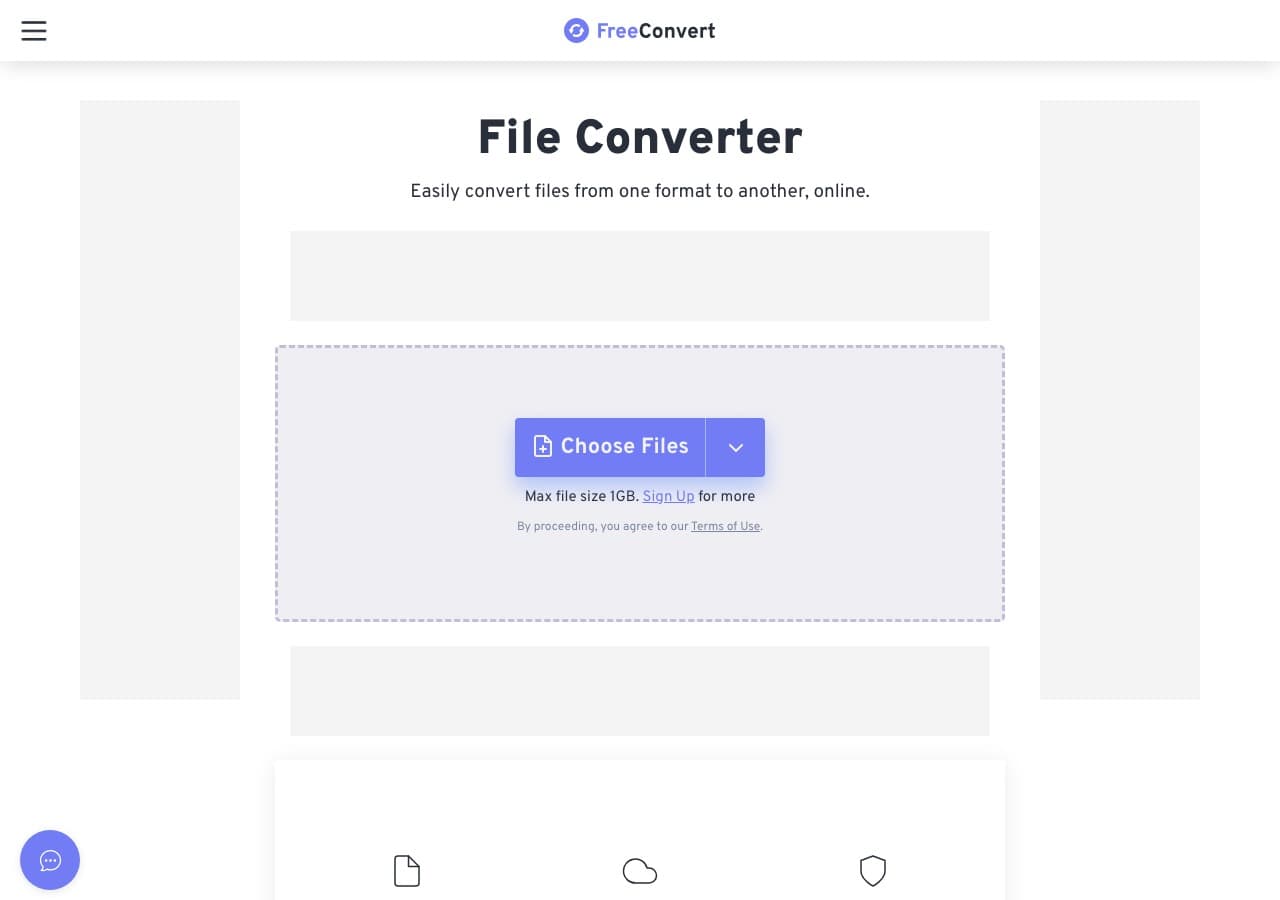
Browser converter with simple audio settings and support for common video inputs. It is easy for a small one-off file, but the free limits and upload step make it less attractive for batches.
Pricing
- Free with caps; paid above.
18. Zamzar
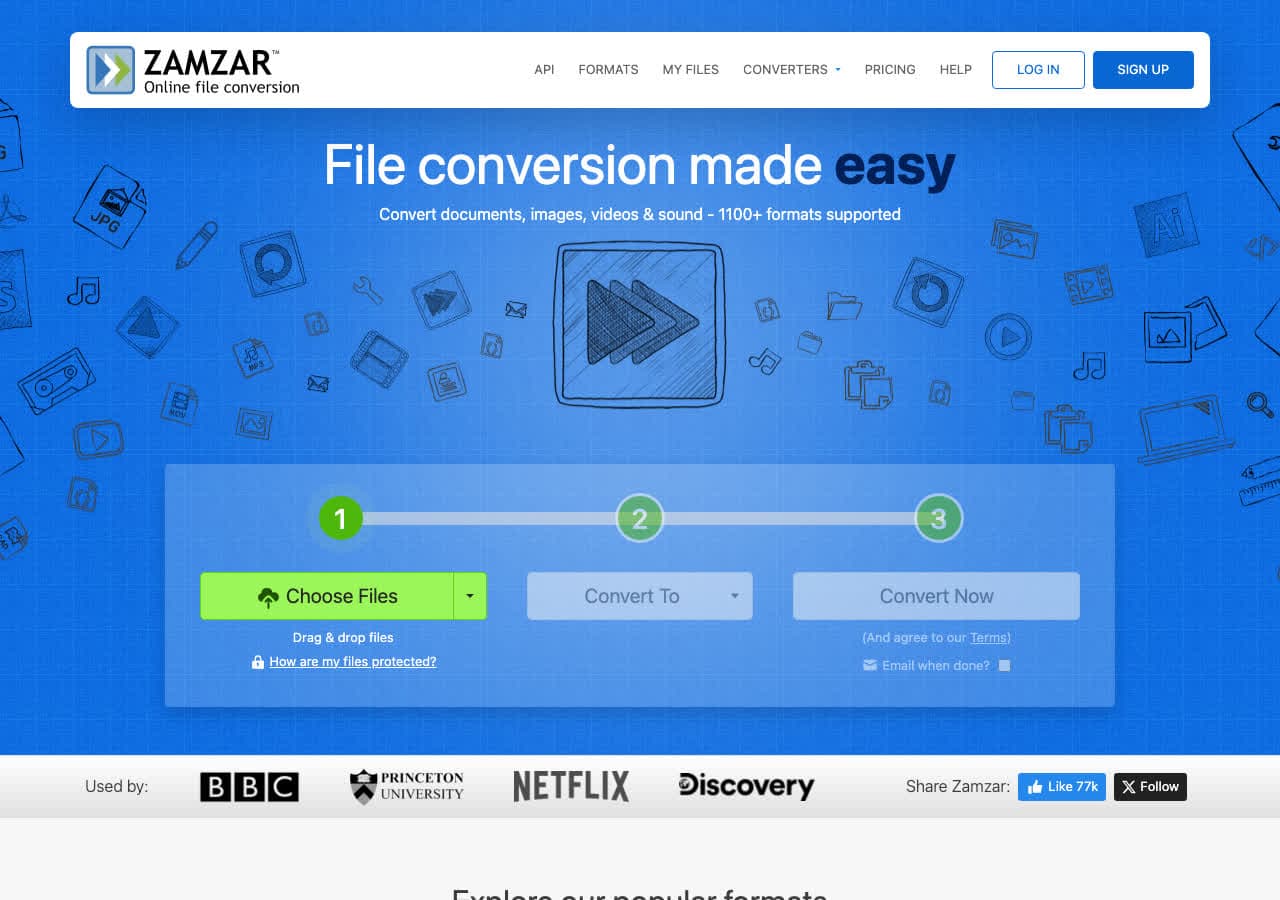
Long-running web converter with a very guided upload-and-download flow. It is approachable for occasional users, although the free limits are restrictive for video-sized source files.
Pricing
- Free with daily limits; paid above.
How to Choose
- Private files and batches: How to Convert or FFmpeg.
- Browser, no install: Subclip for one file.
- Mac built-in: QuickTime + Music app, accepting the two-step workflow.
- Cleanup before MP3 (Zoom, lecture): Audacity.
- Free visual batch tool: fre:ac or Any Video Converter.
- Quick public file: a reputable browser converter is fine.
Final Thoughts
MOV → MP3 is straightforward once you know the destination. The source audio is often AAC, although MOV can also contain PCM and other codecs. Use roughly 96–128 kbps mono for voice and 192 kbps stereo for mixed or music content. FFmpeg is the most flexible, Subclip is the convenient browser route, and QuickTime + Music is the built-in Mac workaround. For sensitive interviews, lectures, or calls, keep the workflow local.
How to Convert
The offline file converter for Mac, Windows and Linux.
- Converts video, audio, images, documents, ebooks and more
- Everything runs locally. Your files never leave your device
- Pay once. Access forever
Get the app on Mac, Windows and Linux
