18 Best MOV to WebM Converters in 2026 (Free and Paid)
The best MOV to WebM converters in 2026. Compare offline desktop apps, open-source tools, and online converters for browser playback and web video publishing.
Posted by
 Jake Manger
MOV to WebM is the conversion you do to take video from the Apple ecosystem (QuickTime, iPhone recordings, Final Cut exports) and put it on the web. WebM's VP9 or AV1 video produces files much smaller than the MOV's H.264 or ProRes, plays in every modern browser, and avoids Safari's historical reluctance to autoplay certain codecs. The catch is that MOV files are often huge (ProRes especially), and the WebM encode is slow. This guide compares 18 MOV to WebM converters in 2026.
Most MOV → WebM conversions are for site hero videos, demo loops, or documentation clips — the next section covers the right settings for each.
Right Settings by Use Case
- Site hero video: VP9, CRF 32, 720p or 1080p, no audio (heroes usually autoplay muted). Target around 1–2 MB for a 5-second loop.
- Documentation clip / product demo: VP9, CRF 30, source resolution, Opus audio at 64 kbps. Target around 5–10 MB per 30 seconds.
- Tutorial video: VP9, CRF 32, downscaled to 720p, Opus audio at 96 kbps.
- Background loop: VP9, CRF 35, 720p, no audio. Smallest possible.
- Highest quality (slow): AV1, CRF 35, source resolution. Smallest files but expect minutes-to-hours of encode.
Quick Picks for MOV → WebM
- Best CLI: FFmpeg with libvpx-vp9.
- Best free GUI: HandBrake or Shutter Encoder.
- For Final Cut workflow: Compressor + custom VP9 setting, or FFmpeg.
- One-shot: How to Convert.
One-shot: MOV to WebM converter.
1. How to Convert (I built this one)

Drop MOVs in, pick WebM, set quality, hit convert. VP9 by default with sensible CRF for site assets.
Pricing
- One-time purchase; free web demo for single-file conversions.
 How to Convert
The offline file converter for Mac, Windows and Linux.
- Converts video, audio, images, documents, ebooks and more
- Everything runs locally. Your files never leave your device
- Pay once. Access forever
Get the app on Mac, Windows and Linux
2. FFmpeg
Site hero video (VP9, no audio):
ffmpeg -i input.mov -c:v libvpx-vp9 -crf 32 -b:v 0 -an output.webm
With Opus audio:
ffmpeg -i input.mov -c:v libvpx-vp9 -crf 32 -b:v 0 -c:a libopus -b:a 96k output.webm
AV1 for smaller files (slow):
ffmpeg -i input.mov -c:v libsvtav1 -crf 35 -c:a libopus -b:a 96k output.webm
Pricing
- Free, open source.
3. HandBrake
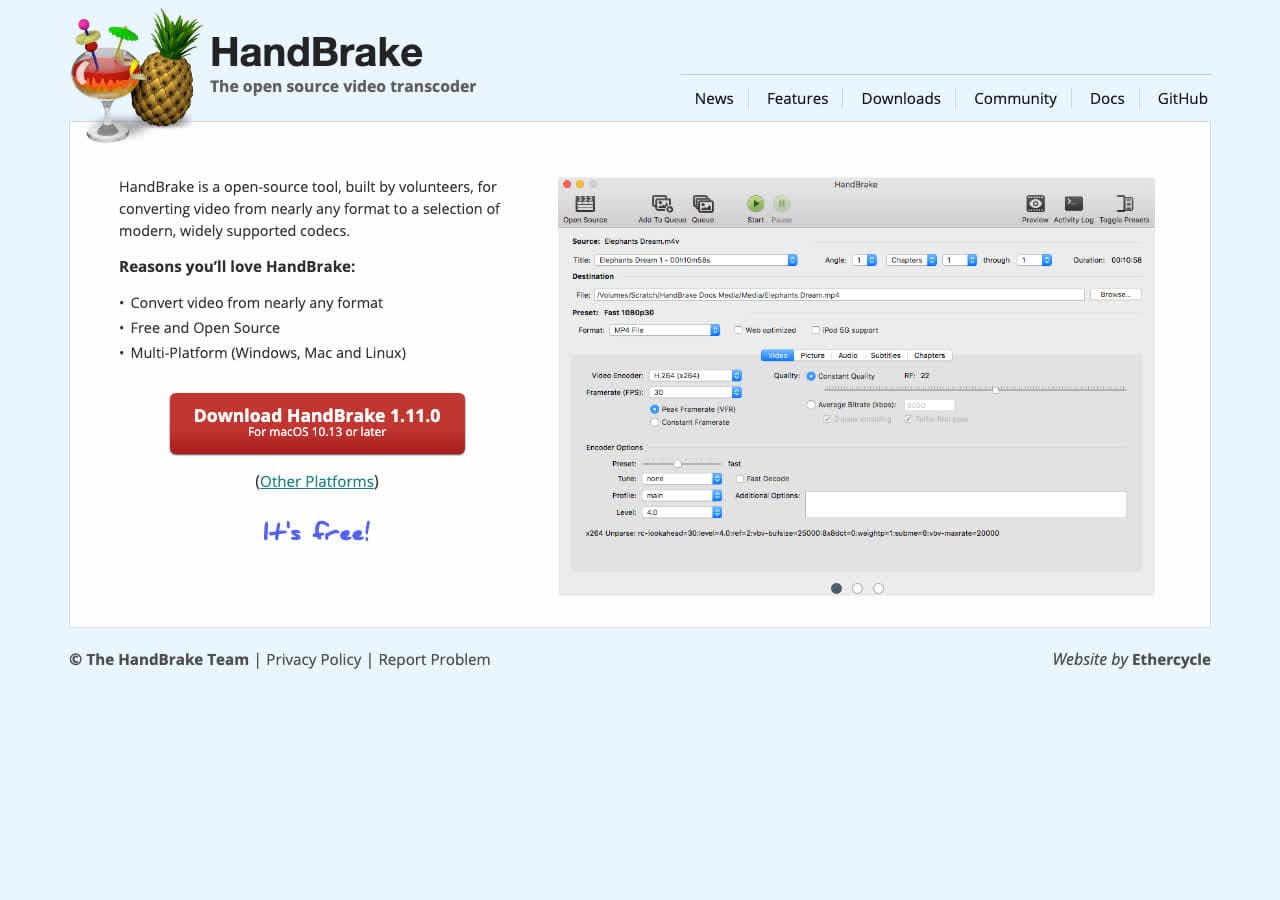
Drop MOV in, pick WebM preset, encode. Friendly GUI for FFmpeg-equivalent settings.
Pricing
- Free, open source.
4. Shutter Encoder
FFmpeg GUI with WebM batch support.
Pricing
- Free.
5. DaVinci Resolve

Pro NLE with WebM export. Useful when editing is part of the workflow.
Pricing
- Free Studio edition; paid Studio.
6. Apple Compressor
Apple's transcoder. WebM support via custom settings. Best when MOV → WebM is the last step of a Final Cut export.
Pricing
- Paid.
7. VLC

Media → Convert / Save → WebM. Functional.
Pricing
- Free, open source.
8. Permute (Mac)
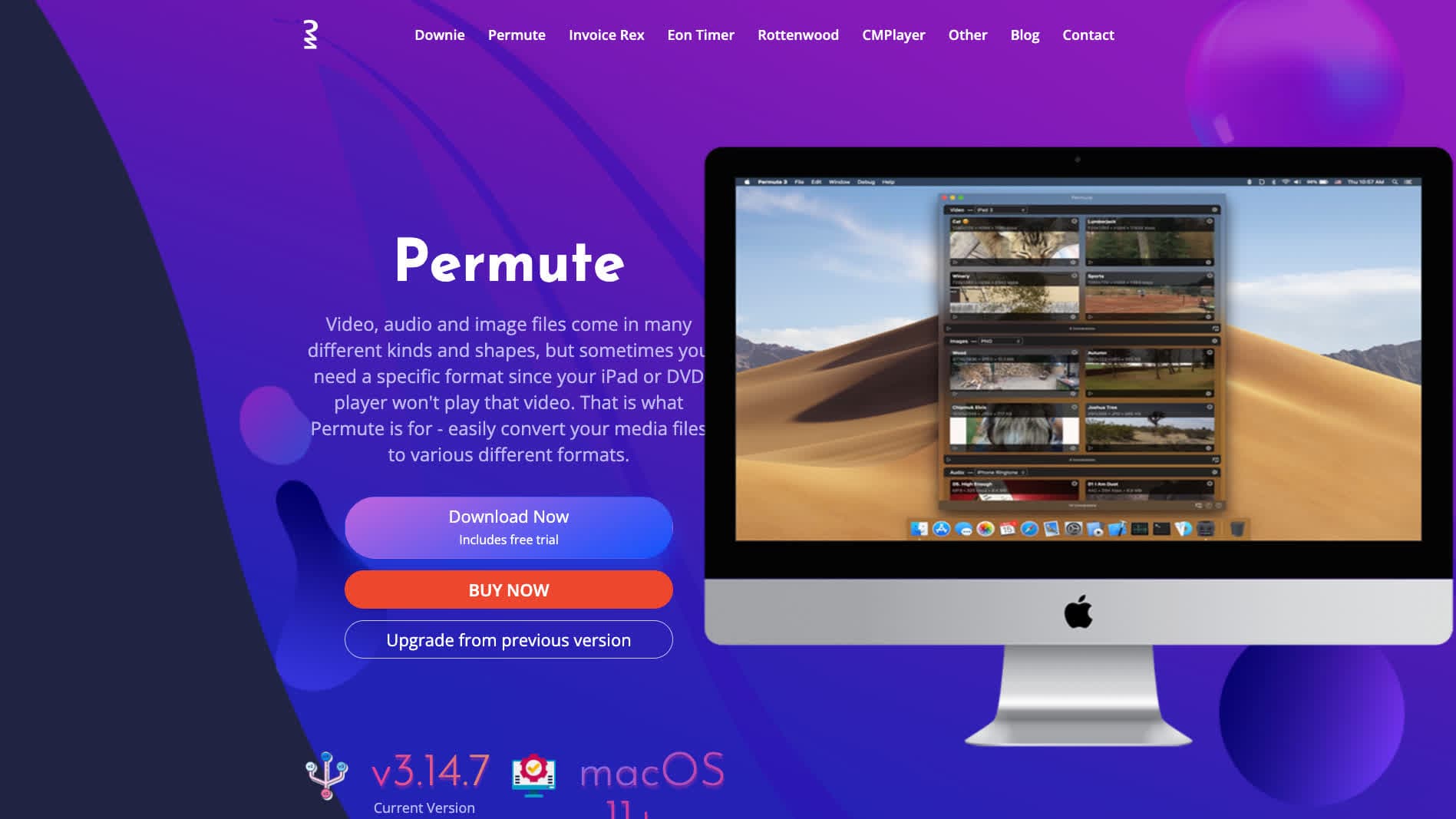
Mac-native converter with WebM presets.
Pricing
- One-time purchase.
9. Any Video Converter
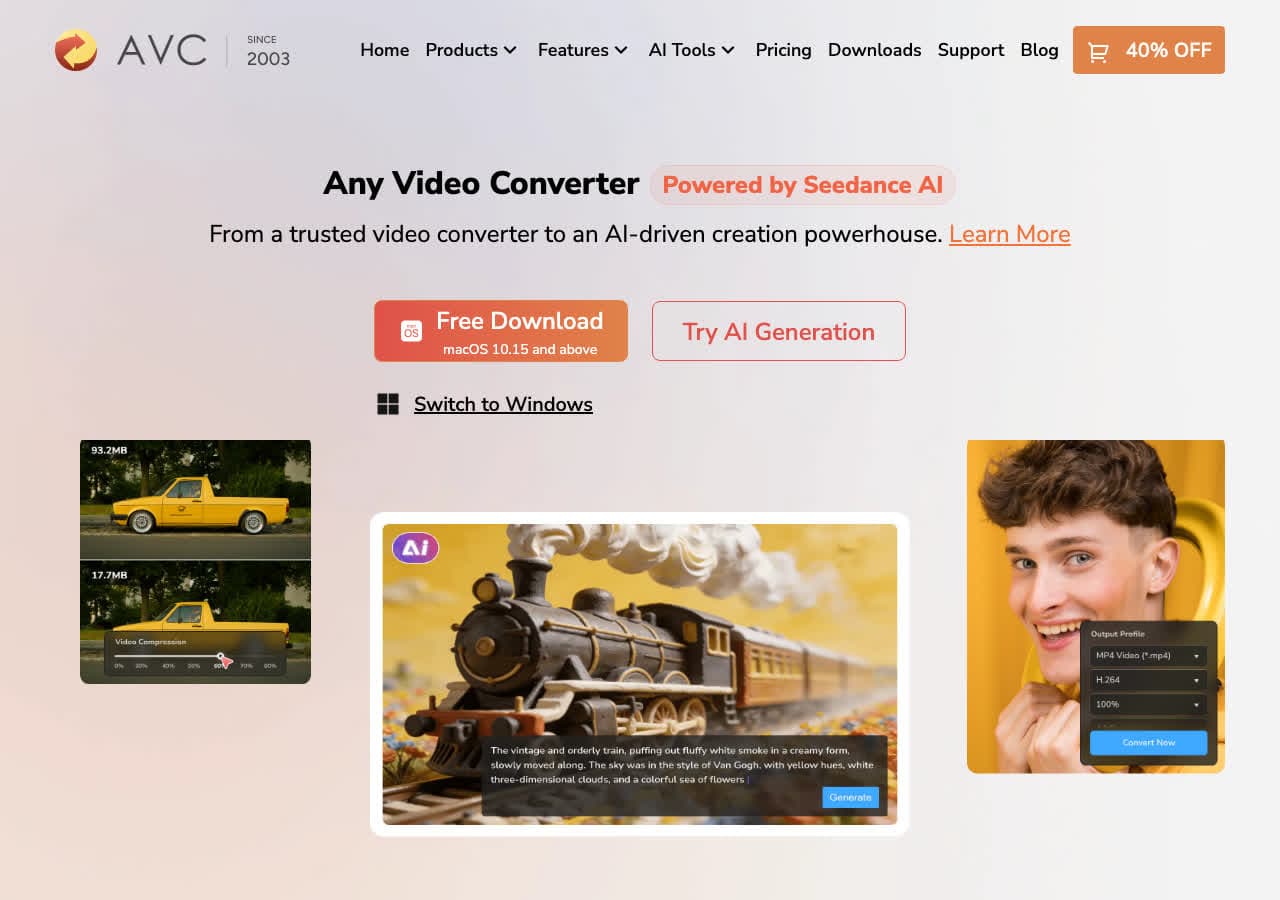
Consumer converter with WebM output.
Pricing
- Freemium.
10. Wondershare UniConverter
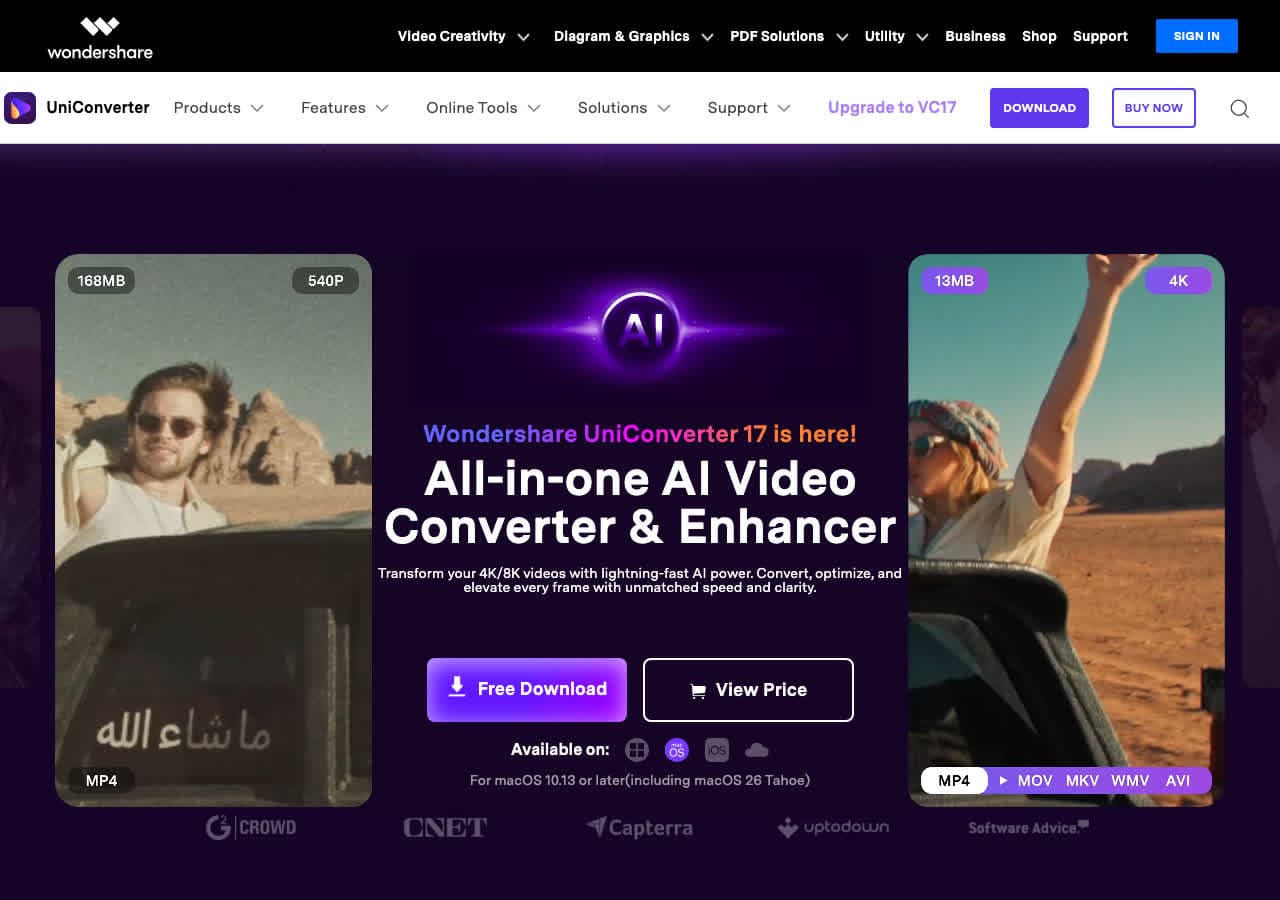
Full media suite with WebM presets.
Pricing
- Paid.
11. Adobe Premiere Pro / Media Encoder
Pro NLE with WebM export.
Pricing
- Subscription.
12. Kdenlive
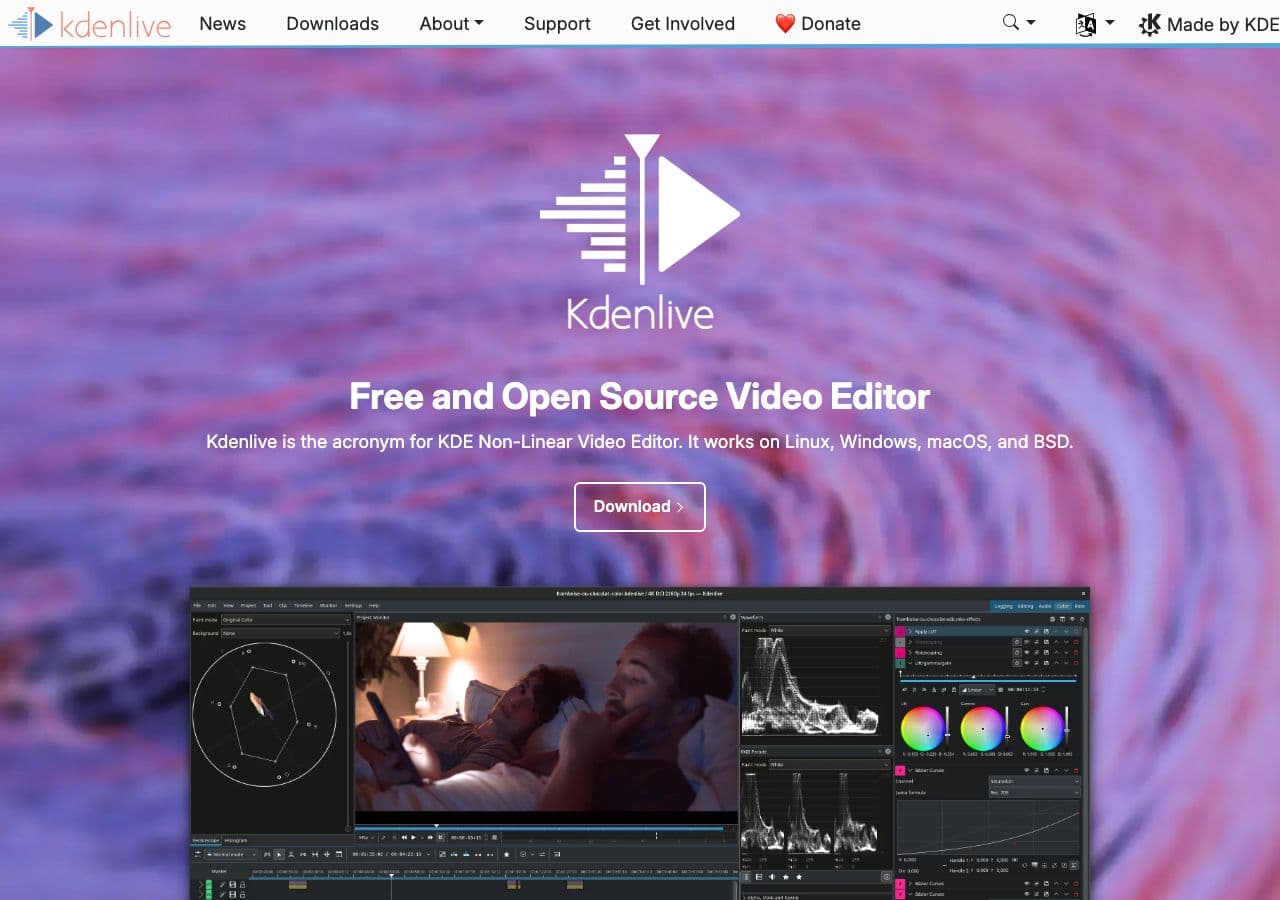
Free open-source video editor with WebM render.
Pricing
- Free, open source.
13. Movavi Video Converter
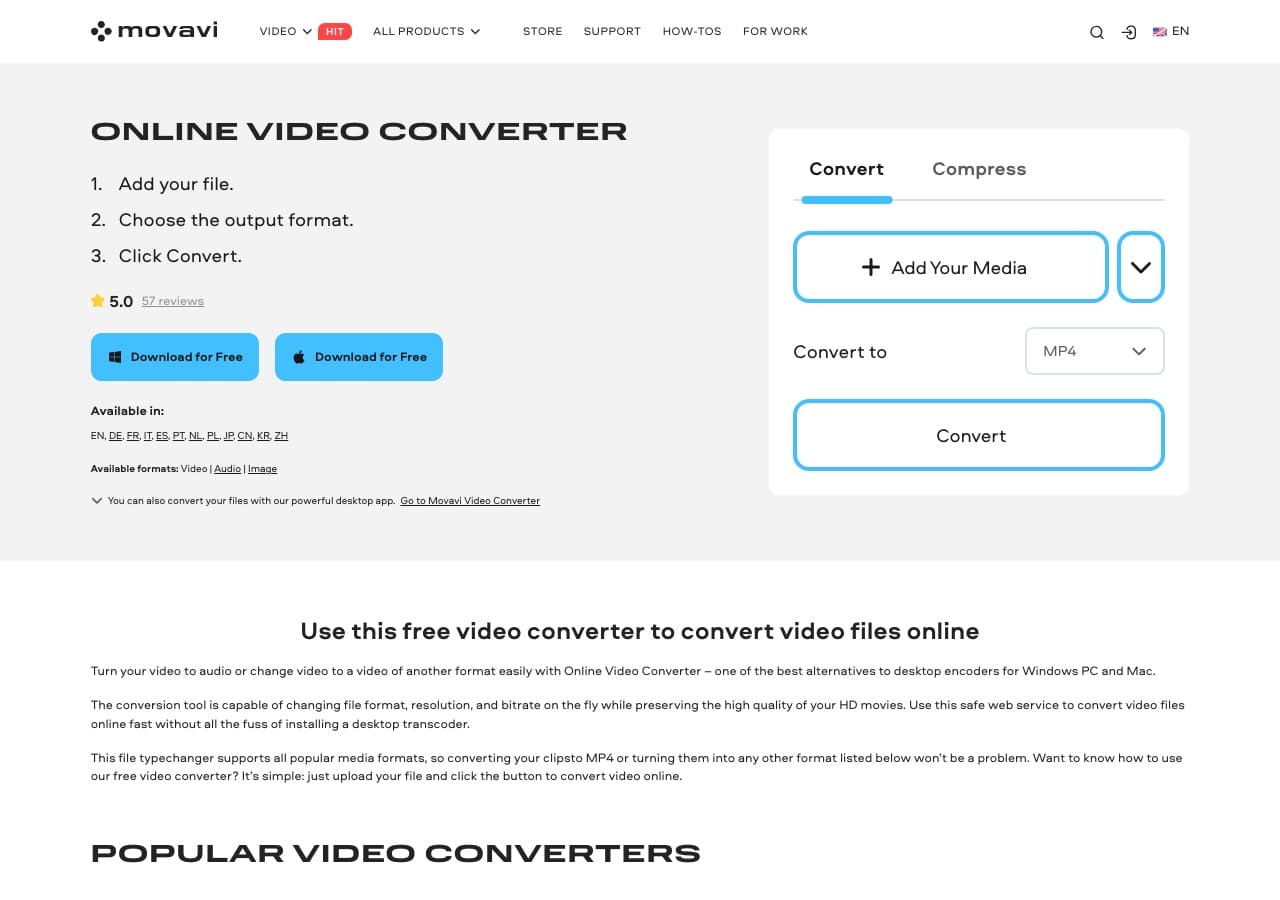
Beginner-friendly paid converter.
Pricing
- Paid.
14. Adapter

Free Mac and Windows tool.
Pricing
- Free.
15. CloudConvert
Web MOV → WebM.
Pricing
- Free tier; paid above.
16. Convertio
Web converter.
Pricing
- Free with caps; paid above.
17. Online-Convert
Web converter with detailed options.
Pricing
- Free with limits; paid above.
18. FreeConvert
Web converter.
Pricing
- Free with caps; paid above.
How to Choose
- Site hero / demo loop: FFmpeg with VP9 CRF 32, audio stripped.
- Documentation / tutorial: HandBrake VP9 with Opus audio.
- Final Cut export pipeline: Compressor or FFmpeg.
- Smallest file (slow): AV1.
- Batch: FFmpeg in a script.
Final Thoughts
MOV → WebM is the conversion that turns Apple-ecosystem video into web-ready assets. The right CRF makes the difference between a 1 MB hero loop and a 5 MB one. VP9 at CRF 32 is the safe default for most site uses; AV1 is the choice when file size really matters and you can afford the encode time. FFmpeg or HandBrake handle the conversion cleanly.
How to Convert
The offline file converter for Mac, Windows and Linux.
- Converts video, audio, images, documents, ebooks and more
- Everything runs locally. Your files never leave your device
- Pay once. Access forever
Get the app on Mac, Windows and Linux
