18 Best MP3 to AAC Converters in 2026 (Free and Paid)
The best MP3 to AAC converters in 2026. Compare offline desktop apps, open-source tools, and online converters for smaller audio files for mobile playback and streaming-style delivery.
Posted by
 Jake Manger
MP3 to AAC is the conversion you do when the destination explicitly wants raw .aac — usually a broadcast pipeline, a streaming server (HLS uses AAC), an embedded device, or a system that prefers ADTS streams. This is different from MP3 → M4A: M4A wraps AAC in an MP4 container with metadata. Raw .aac is just the AAC audio stream with no container, and certain pipelines insist on that. This guide compares 18 MP3 to AAC converters in 2026.
If you are unsure whether you want raw .aac or .m4a, check the destination's docs — broadcast/HLS uses raw .aac; iTunes / Apple Music / Apple Podcasts uses .m4a.
Bitrate Guidance
AAC is more efficient than MP3, so the AAC can be at a lower bitrate than the source MP3 and still sound similar:
- MP3 320 → AAC 256 kbps (music)
- MP3 192 → AAC 128 kbps (general)
- MP3 128 → AAC 96 kbps (voice / streaming)
For HLS streaming, 128 kbps AAC is the de-facto standard for music; 64 kbps mono for voice.
Quick Picks for MP3 → AAC
- Best CLI: FFmpeg.
- Best on Mac: afconvert (uses Apple's AAC encoder, widely considered the best).
- Best batch GUI: fre:ac.
- One-shot: How to Convert.
One-shot: MP3 to AAC converter.
1. How to Convert (I built this one)

Drop MP3s in, pick AAC, set bitrate, hit convert. Outputs raw ADTS .aac (or .m4a if you pick M4A).
Pricing
- One-time purchase; free web demo for single-file conversions.
 How to Convert
The offline file converter for Mac, Windows and Linux.
- Converts video, audio, images, documents, ebooks and more
- Everything runs locally. Your files never leave your device
- Pay once. Access forever
Get the app on Mac, Windows and Linux
2. FFmpeg
MP3 → raw .aac:
ffmpeg -i input.mp3 -c:a aac -b:a 192k output.aac
For HLS-ready ADTS stream:
ffmpeg -i input.mp3 -c:a aac -b:a 128k -f adts output.aac
Pricing
- Free, open source.
3. afconvert (macOS)
Apple's built-in. Uses Apple's native AAC encoder.
afconvert -f adts -d aac@192000 input.mp3 output.aac
Pricing
- Free with macOS.
4. fre:ac
Cross-platform batch converter with AAC output.
Pricing
- Free, open source.
5. XLD (Mac)
Mac batch converter. Uses Apple's AAC encoder.
Pricing
- Free.
6. Foobar2000 (Windows)
Audiophile Windows tool with AAC output via a plug-in.
Pricing
- Free.
7. dBpoweramp
Premium library tool. AAC output with multiple encoder choices.
Pricing
- Paid.
8. MediaHuman Audio Converter
Drag-and-drop batch tool.
Pricing
- Free.
9. Switch Audio Converter (NCH)
Lightweight commercial converter.
Pricing
- Free home; paid commercial.
10. Audacity
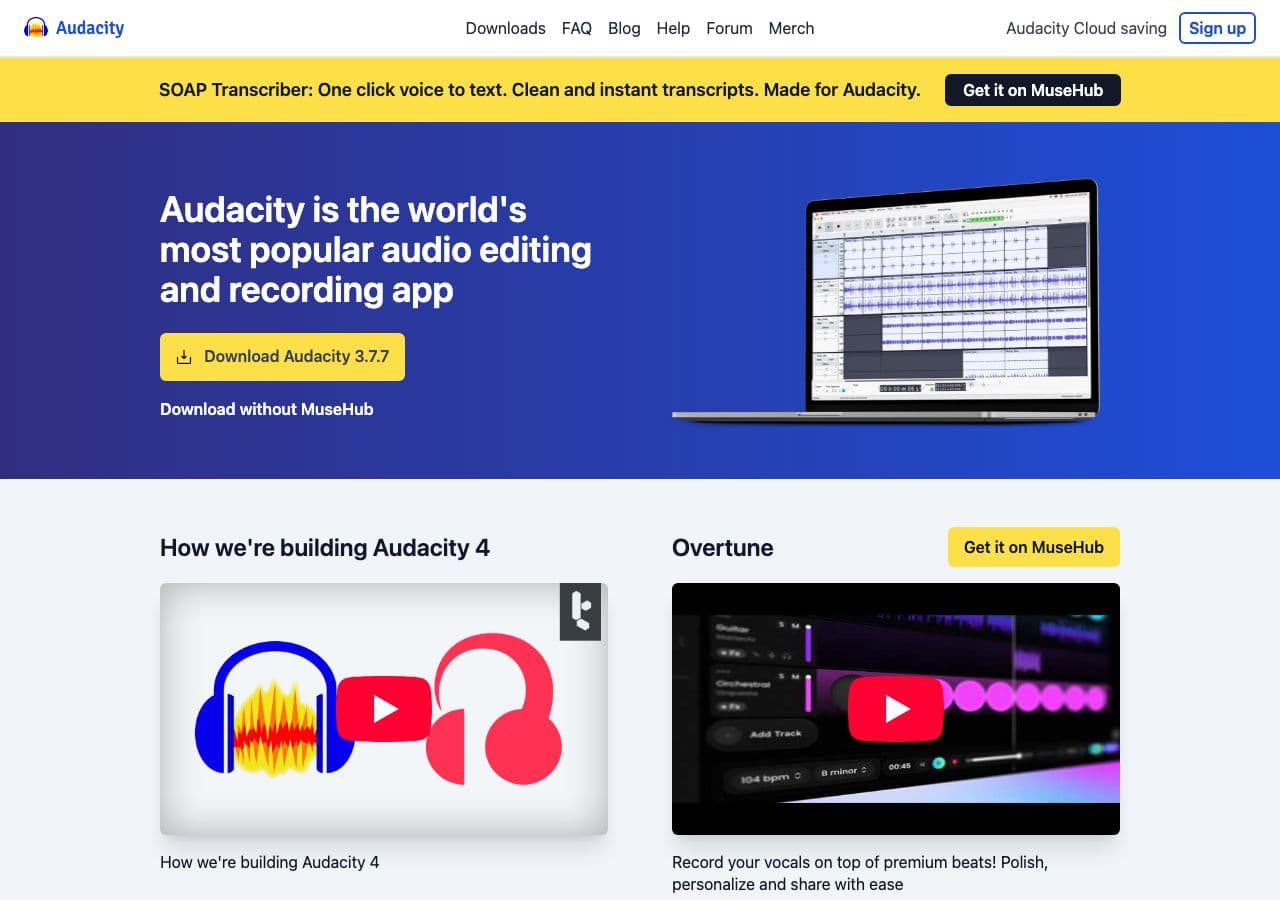
File → Export → AAC. Needs FFmpeg helper library.
Pricing
- Free, open source.
11. VLC

Media → Convert / Save → output AAC.
Pricing
- Free, open source.
12. iTunes / Music app
Outputs .m4a not raw .aac. Use afconvert or FFmpeg for raw .aac.
Pricing
- Free.
13. SoX
Limited AAC support. Use FFmpeg.
Pricing
- Free, open source.
14. CloudConvert
Web converter with AAC output.
Pricing
- Free tier; paid above.
15. Convertio
Web MP3 → AAC.
Pricing
- Free with caps; paid above.
16. Online Audio Converter (123apps)
Browser-based.
Pricing
- Free with limits; paid above.
17. FreeConvert
Web converter.
Pricing
- Free with caps; paid above.
18. Zamzar
Long-running web converter.
Pricing
- Free with daily limits; paid above.
How to Choose
- HLS / streaming: FFmpeg with
-f adts. - Mac, best encoder: afconvert.
- Batch: fre:ac, FFmpeg, or How to Convert.
- If you actually want .m4a: see the MP3 to M4A converters guide.
Final Thoughts
MP3 → AAC (raw .aac) is mostly a streaming-pipeline conversion. FFmpeg handles it cleanly with explicit ADTS output; afconvert is the cleanest on macOS thanks to Apple's AAC encoder. Pick a bitrate one step lower than the source MP3 to take advantage of AAC's better efficiency.
How to Convert
The offline file converter for Mac, Windows and Linux.
- Converts video, audio, images, documents, ebooks and more
- Everything runs locally. Your files never leave your device
- Pay once. Access forever
Get the app on Mac, Windows and Linux
