18 Best MP3 to FLAC Converters in 2026 (Free and Paid)
The best MP3 to FLAC converters in 2026. Compare offline desktop apps, open-source tools, and online converters for archiving MP3 libraries in a lossless container when you need FLAC compatibility.
Posted by
 Jake Manger
MP3 to FLAC is the conversion most people request for the wrong reason — “FLAC is better, so converting to FLAC must improve the file.” It does not. MP3 is lossy. FLAC is lossless. Converting MP3 → FLAC preserves the MP3's artifacts in a larger container without restoring anything. The output FLAC will be 3–8x larger than the source MP3 and sound identical (which means the same MP3 artifacts, just stored lossly). So before this guide lists the 18 best MP3 to FLAC converters, it spends two minutes on when the conversion is actually the right call — because most of the time it is not.
None of the tools below can give you back the data the MP3 encoder threw away. If you want lossless audio of a track, the path is to find the source CD or buy the FLAC, not to convert MP3.
When MP3 → FLAC Is Actually Useful
- Media library that requires FLAC. Some music management systems (Roon, Jellyfin) handle FLAC more gracefully than MP3, especially for metadata and replay-gain.
- Editing workflow that demands lossless input. Some DAWs and analysis tools work better with FLAC than MP3 (though they could just as easily decode MP3 internally).
- Streaming services that accept FLAC for upload. A few platforms now allow FLAC upload for unreleased material.
- Archival policy that mandates lossless. Government, legal, or research archives sometimes require FLAC. Their policies will not care that the input was lossy.
When MP3 → FLAC Is Not Useful
- You think it will improve the quality. It will not. FLAC of an MP3 is the MP3, in a bigger container.
- You want better playback. Modern players handle MP3 fine. FLAC playback uses slightly more CPU and storage.
- You want to “future-proof” your library. The original MP3 is fine. The lossy compression is irreversible.
Quick Picks for MP3 → FLAC
- Best free batch: fre:ac.
- Best CLI: FFmpeg.
- Best music library: dBpoweramp.
- One file: Audacity, VLC, or web converter.
One-shot: MP3 to FLAC converter.
1. How to Convert (I built this one)

Drop MP3s in, pick FLAC, hit convert. Tags preserved. Local.
Pricing
- One-time purchase; free web demo for single-file conversions.
 How to Convert
The offline file converter for Mac, Windows and Linux.
- Converts video, audio, images, documents, ebooks and more
- Everything runs locally. Your files never leave your device
- Pay once. Access forever
Get the app on Mac, Windows and Linux
2. FFmpeg
One-liner:
ffmpeg -i input.mp3 -map_metadata 0 output.flac
Whole folder:
for f in *.mp3; do ffmpeg -i "$f" -map_metadata 0 "${f%.mp3}.flac"; doneFor best FLAC compression (slower, smaller files):
ffmpeg -i input.mp3 -compression_level 12 output.flac
Pricing
- Free, open source.
3. fre:ac
Cross-platform free batch converter. MP3 → FLAC with metadata preservation.
Pricing
- Free, open source.
4. dBpoweramp
Premium library converter. Right tool for “convert my whole 50,000-track MP3 library to FLAC because Roon wants it.”
Pricing
- Paid.
5. XLD (Mac)
Mac batch converter. Clean FLAC output with tag preservation.
Pricing
- Free.
6. Foobar2000 (Windows)
Audiophile Windows player + converter.
Pricing
- Free.
7. Audacity
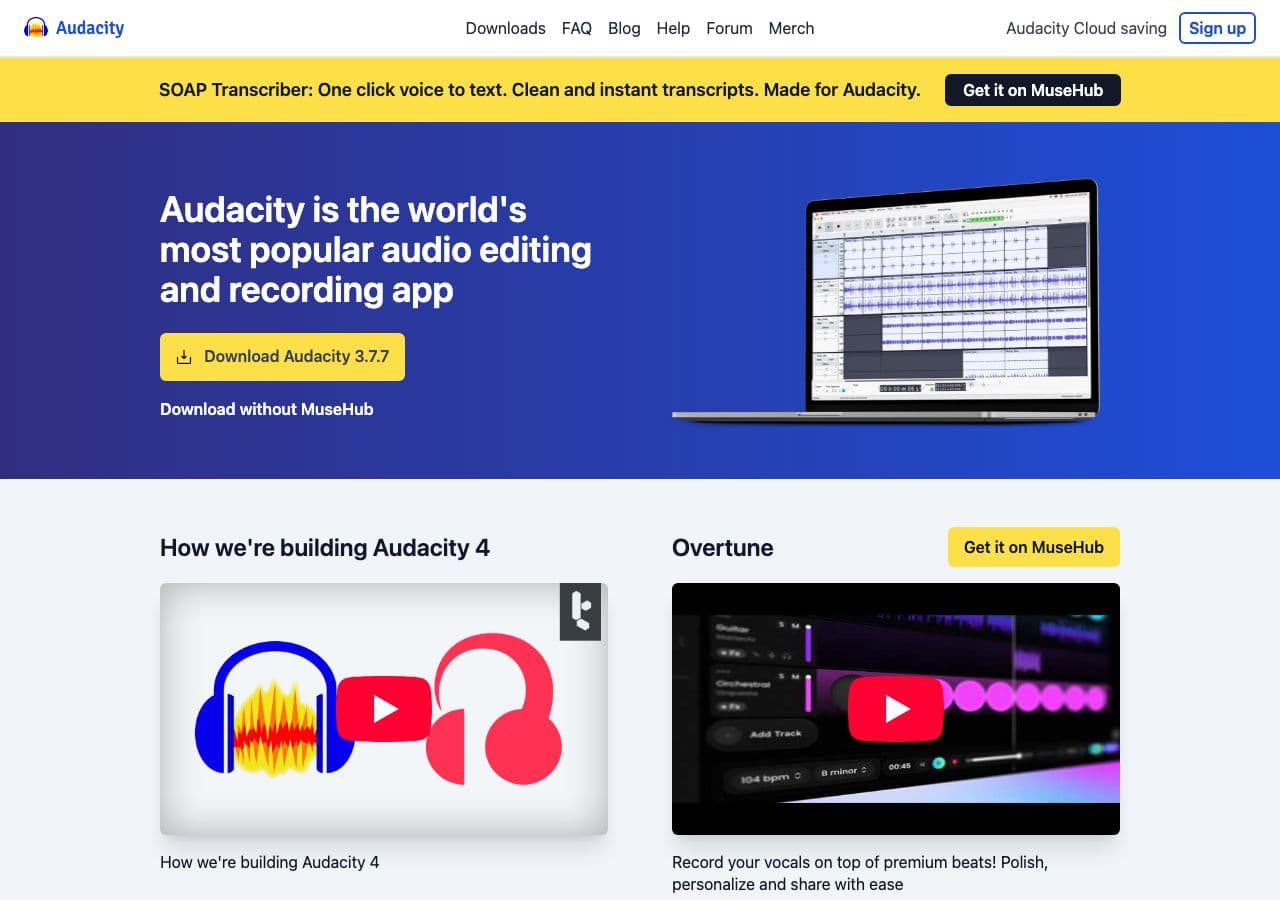
Open MP3, File → Export → FLAC. One-file workflow.
Pricing
- Free, open source.
8. SoX
CLI:
sox input.mp3 output.flac
Pricing
- Free, open source.
9. flac (CLI)
The reference FLAC encoder. Combined with a decoder:
ffmpeg -i input.mp3 -f wav - | flac --best -o output.flac -
Pricing
- Free, open source.
10. VLC

Media → Convert / Save → output FLAC. One-off.
Pricing
- Free, open source.
11. MediaHuman Audio Converter
Drag-and-drop batch converter.
Pricing
- Free.
12. Switch Audio Converter (NCH)
Lightweight commercial converter.
Pricing
- Free home; paid commercial.
13. EZ CD Audio Converter
Premium Windows audio tool.
Pricing
- Paid.
14. CloudConvert
Web converter. MP3 → FLAC with compression options.
Pricing
- Free tier; paid above.
15. Convertio
Web converter.
Pricing
- Free with caps; paid above.
16. Online Audio Converter (123apps)
Browser-based.
Pricing
- Free with limits; paid above.
17. FreeConvert
Web converter.
Pricing
- Free with caps; paid above.
18. macOS Music app
Built-in MP3 → FLAC via the AIFF encoder pipeline. Indirect but works for one-off Mac use.
Pricing
- Free with macOS.
How to Choose
- Need it for a library system: dBpoweramp, fre:ac, or How to Convert.
- One file: Audacity, VLC, or a web tool.
- Scripted: FFmpeg or SoX.
- Thinking it improves quality: it does not. Use the original MP3 or buy the FLAC.
Final Thoughts
MP3 → FLAC is one of the few conversions where the most useful thing this guide can say is “maybe do not do this.” The output is larger than the source and not better. If a system you cannot change requires FLAC, every tool above does the job correctly; pick the one that fits your workflow. If you just like the idea of FLAC, save the disk space and keep the MP3.
How to Convert
The offline file converter for Mac, Windows and Linux.
- Converts video, audio, images, documents, ebooks and more
- Everything runs locally. Your files never leave your device
- Pay once. Access forever
Get the app on Mac, Windows and Linux
