18 Best MP3 to M4A Converters in 2026 (Free and Paid)
The best MP3 to M4A converters in 2026. Compare offline desktop apps, open-source tools, and online converters for Apple devices, podcast workflows, and AAC-based distribution.
Posted by
 Jake Manger
MP3 to M4A is the conversion you do for the Apple ecosystem. M4A (AAC inside an MP4 container) is what iTunes, Apple Music, the Music app, iPhones, iPads, AirPods, and Apple-spec podcast feeds expect. MP3 still works in all of those, but M4A files get nicer metadata handling, slightly better playback fidelity at the same bitrate, and (for podcasters) the chapter markers and embedded transcripts that the Apple Podcasts platform supports. This guide compares 18 MP3 to M4A converters in 2026.
Like all lossy-to-lossy conversions, MP3 → M4A involves a small quality loss — the next section explains how to minimize it.
The Quality Math of MP3 → M4A
AAC (inside M4A) compresses more efficiently than MP3. So at the same bitrate, M4A sounds better than MP3. Specifically:
- MP3 at 128 kbps ≈ AAC at 96 kbps
- MP3 at 192 kbps ≈ AAC at 128 kbps
- MP3 at 320 kbps ≈ AAC at 256 kbps
So you can encode the M4A at a lower bitrate than the source MP3 and end up with a smaller file at similar quality. A reasonable rule: AAC at roughly 75% of the source MP3 bitrate, with a minimum of 96 kbps for music. For voice (podcasts), 64 kbps AAC mono is plenty.
Two caveats:
- You are still doing a lossy-of-lossy conversion. There is no way to recover what MP3 threw away. Lower bitrate just adds more loss.
- For lossy-to-lossy conversions, encoding at the same or higher bitrate than the source is the “safe” choice if you do not want to think about it.
Quick Picks for MP3 → M4A
- One file on a Mac: Music app — built-in MP3 → M4A.
- One file on Windows: iTunes.
- Batch, free: fre:ac or FFmpeg.
- Batch, premium: dBpoweramp.
- One-shot, no install: How to Convert.
One-shot: MP3 to M4A converter.
1. How to Convert (I built this one)

Drop MP3s in, pick M4A, set bitrate, hit convert. Tags including album art transfer. Local.
Pricing
- One-time purchase; free web demo for single-file conversions.
 How to Convert
The offline file converter for Mac, Windows and Linux.
- Converts video, audio, images, documents, ebooks and more
- Everything runs locally. Your files never leave your device
- Pay once. Access forever
Get the app on Mac, Windows and Linux
2. macOS Music app
Music → Settings → Files → Import Settings → AAC Encoder → custom bitrate. Right-click the MP3 → Convert → Create AAC Version.
Pricing
- Free with macOS.
3. iTunes (Windows)
Same workflow as macOS Music app. Edit → Preferences → Import Settings → AAC.
Pricing
- Free.
4. FFmpeg
Single file:
ffmpeg -i input.mp3 -c:a aac -b:a 192k -map_metadata 0 output.m4a
Whole folder:
for f in *.mp3; do ffmpeg -i "$f" -c:a aac -b:a 192k -map_metadata 0 "${f%.mp3}.m4a"; donePricing
- Free, open source.
5. afconvert (macOS)
Apple's built-in CLI:
afconvert -f m4af -d aac@192000 input.mp3 output.m4a
Uses Apple's native AAC encoder, which is widely considered the best AAC encoder available.
Pricing
- Free with macOS.
6. fre:ac
Cross-platform free batch converter. MP3 → M4A with AAC quality control.
Pricing
- Free, open source.
7. dBpoweramp
Premium library tool. Best metadata handling, including chapter markers for podcast workflows.
Pricing
- Paid.
8. XLD (Mac)
Mac batch converter with AAC output.
Pricing
- Free.
9. Foobar2000 (Windows)
Audiophile Windows tool with AAC output.
Pricing
- Free.
10. MediaHuman Audio Converter
Drag-and-drop batch tool.
Pricing
- Free.
11. Switch Audio Converter (NCH)
Lightweight commercial converter.
Pricing
- Free home; paid commercial.
12. Audacity
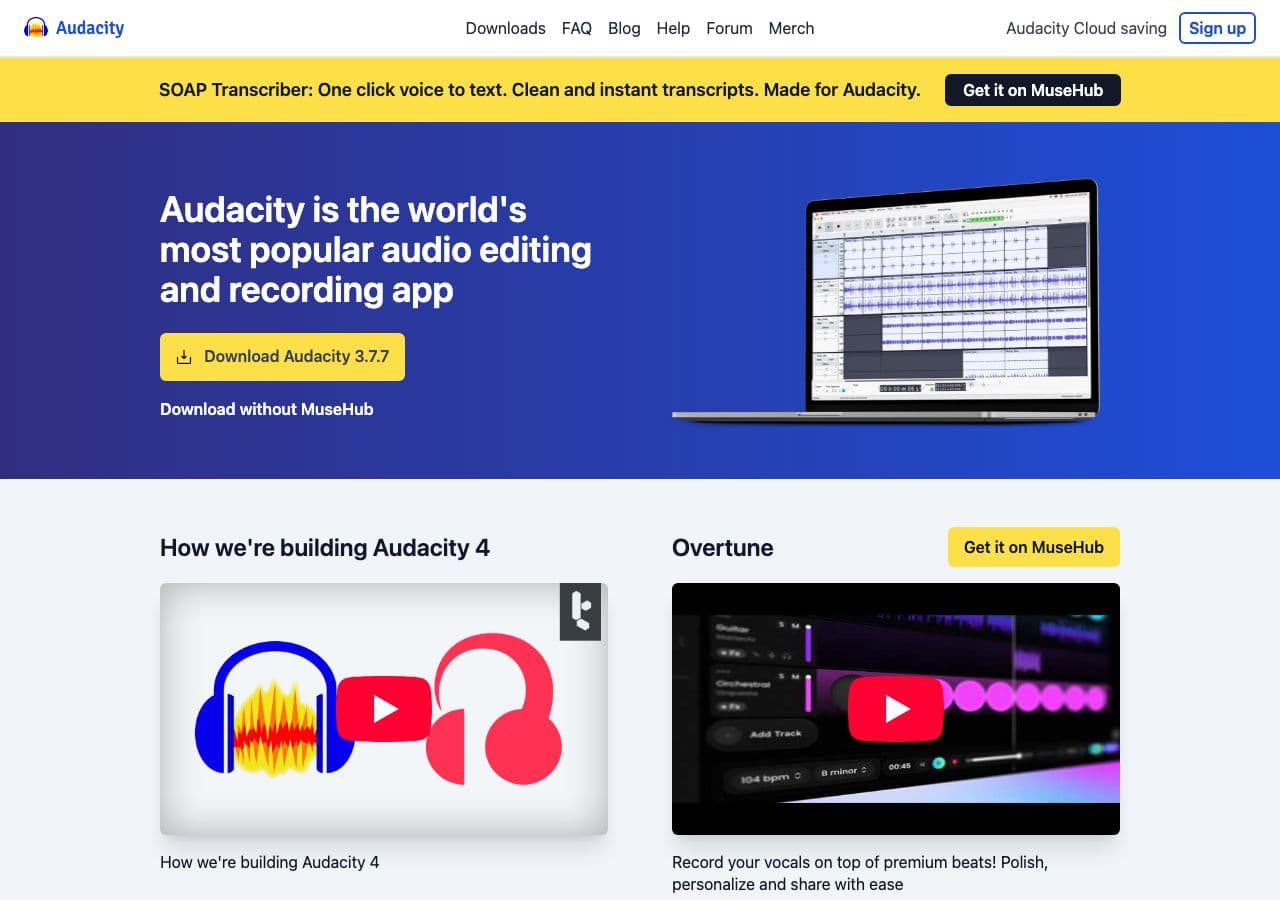
Free editor. File → Export → M4A (AAC). Requires FFmpeg helper library installed.
Pricing
- Free, open source.
13. VLC

Media → Convert / Save → output M4A.
Pricing
- Free, open source.
14. SoX
Limited AAC support; FFmpeg pipeline is more reliable.
Pricing
- Free, open source.
15. CloudConvert
Web converter.
Pricing
- Free tier; paid above.
16. Convertio
Web MP3 → M4A.
Pricing
- Free with caps; paid above.
17. Online Audio Converter (123apps)
Browser-based.
Pricing
- Free with limits; paid above.
18. FreeConvert
Web converter.
Pricing
- Free with caps; paid above.
How to Choose
- Mac: Music app or afconvert. Apple's AAC encoder is the best.
- Windows: iTunes or fre:ac.
- Batch: FFmpeg or fre:ac.
- Podcast distribution: dBpoweramp for chapter markers, or use a podcast platform that handles encoding.
- One-shot: How to Convert or a web tool.
Final Thoughts
MP3 → M4A is a sensible conversion for anyone who lives in the Apple ecosystem. AAC compresses more efficiently than MP3, so you can drop the bitrate a notch without quality loss. Apple's native AAC encoder (used by Music, iTunes, and afconvert) is widely considered the best AAC encoder available; for Mac users, those built-ins are the cleanest path. For cross-platform batch work, FFmpeg and fre:ac are excellent.
How to Convert
The offline file converter for Mac, Windows and Linux.
- Converts video, audio, images, documents, ebooks and more
- Everything runs locally. Your files never leave your device
- Pay once. Access forever
Get the app on Mac, Windows and Linux
