18 Best MP4 to AAC Converters in 2026 (Free and Paid)
The best MP4 to AAC converters in 2026. Compare offline desktop apps, open-source tools, and online converters for extracting AAC audio from MP4 videos without extra editing software.
Posted by
 Jake Manger
MP4 to AAC is the conversion you do when you need just the audio from a video file in its native compressed form. MP4 typically contains AAC audio inside; extracting it as raw .aac (ADTS stream) means no re-encoding and bit-identical quality. The conversion is essentially a stream copy. Useful for: feeding audio into HLS streaming pipelines, archiving the audio track separately, building podcast feeds, or just pulling music tracks out of music video MP4s. This guide compares 18 MP4 to AAC converters in 2026.
The cleanest MP4 → AAC tools simply copy the audio stream out without re-encoding — instant and lossless.
Stream Copy Is the Right Default
ffmpeg -i input.mp4 -vn -c:a copy output.aac
-vn drops video; -c:a copy copies the audio stream without re-encoding. The output AAC is byte-identical to what the MP4 carried.
If you need .m4a (AAC in MP4 container) instead of raw .aac:
ffmpeg -i input.mp4 -vn -c:a copy output.m4a
Quick Picks for MP4 → AAC
- Best CLI: FFmpeg with stream copy.
- Best GUI: fre:ac.
- Mac: afconvert or QuickTime export as Audio Only.
- One-shot: How to Convert.
One-shot: MP4 to AAC converter.
1. How to Convert (I built this one)

Drop MP4s in, pick AAC, hit convert. Stream copy by default — instant, lossless.
Pricing
- One-time purchase; free web demo for single-file conversions.
 How to Convert
The offline file converter for Mac, Windows and Linux.
- Converts video, audio, images, documents, ebooks and more
- Everything runs locally. Your files never leave your device
- Pay once. Access forever
Get the app on Mac, Windows and Linux
2. FFmpeg
See above. Batch:
for f in *.mp4; do ffmpeg -i "$f" -vn -c:a copy "${f%.mp4}.aac"; donePricing
- Free, open source.
3. macOS QuickTime + afconvert
QuickTime: File → Export As → Audio Only (M4A). For raw .aac, use afconvert.
Pricing
- Free with macOS.
4. fre:ac
Cross-platform batch tool.
Pricing
- Free, open source.
5. VLC

Media → Convert / Save → AAC.
Pricing
- Free, open source.
6. Shutter Encoder
FFmpeg GUI.
Pricing
- Free.
7. HandBrake
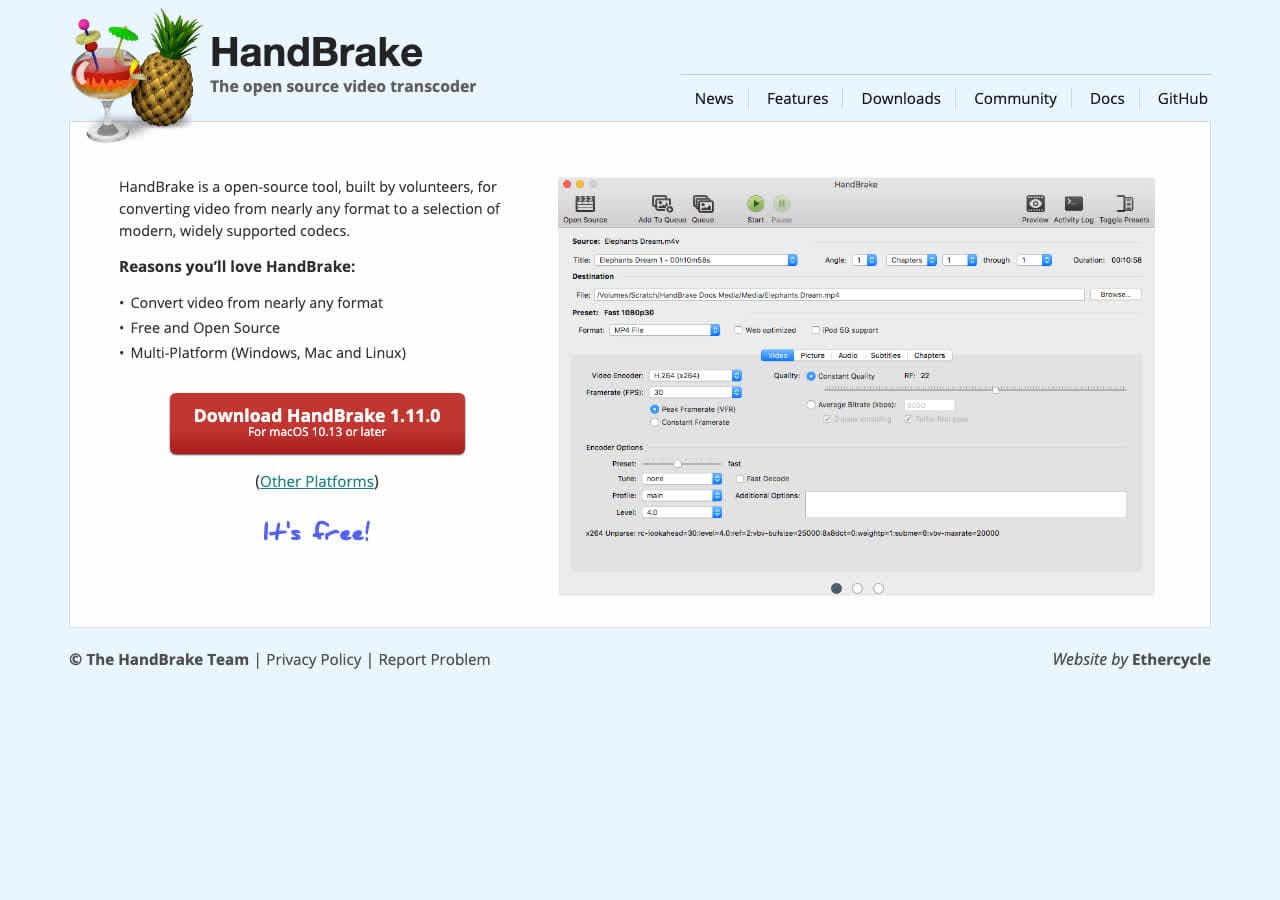
Audio-only mode supports AAC pass-through.
Pricing
- Free, open source.
8. XLD (Mac)
Mac batch converter.
Pricing
- Free.
9. Audacity
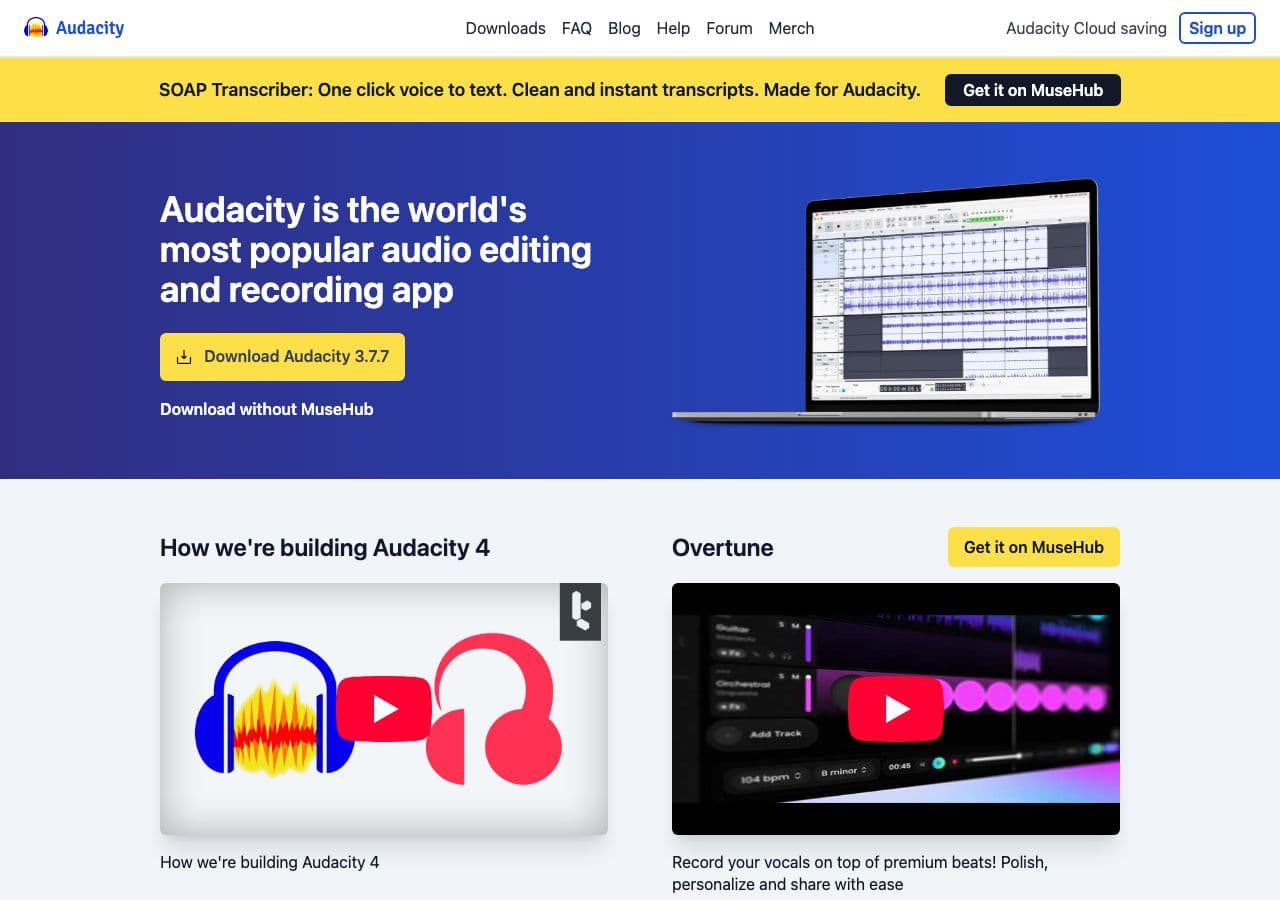
File → Export → AAC. Re-encodes; not stream copy. Useful for editing during the extraction.
Pricing
- Free, open source.
10. Permute (Mac)
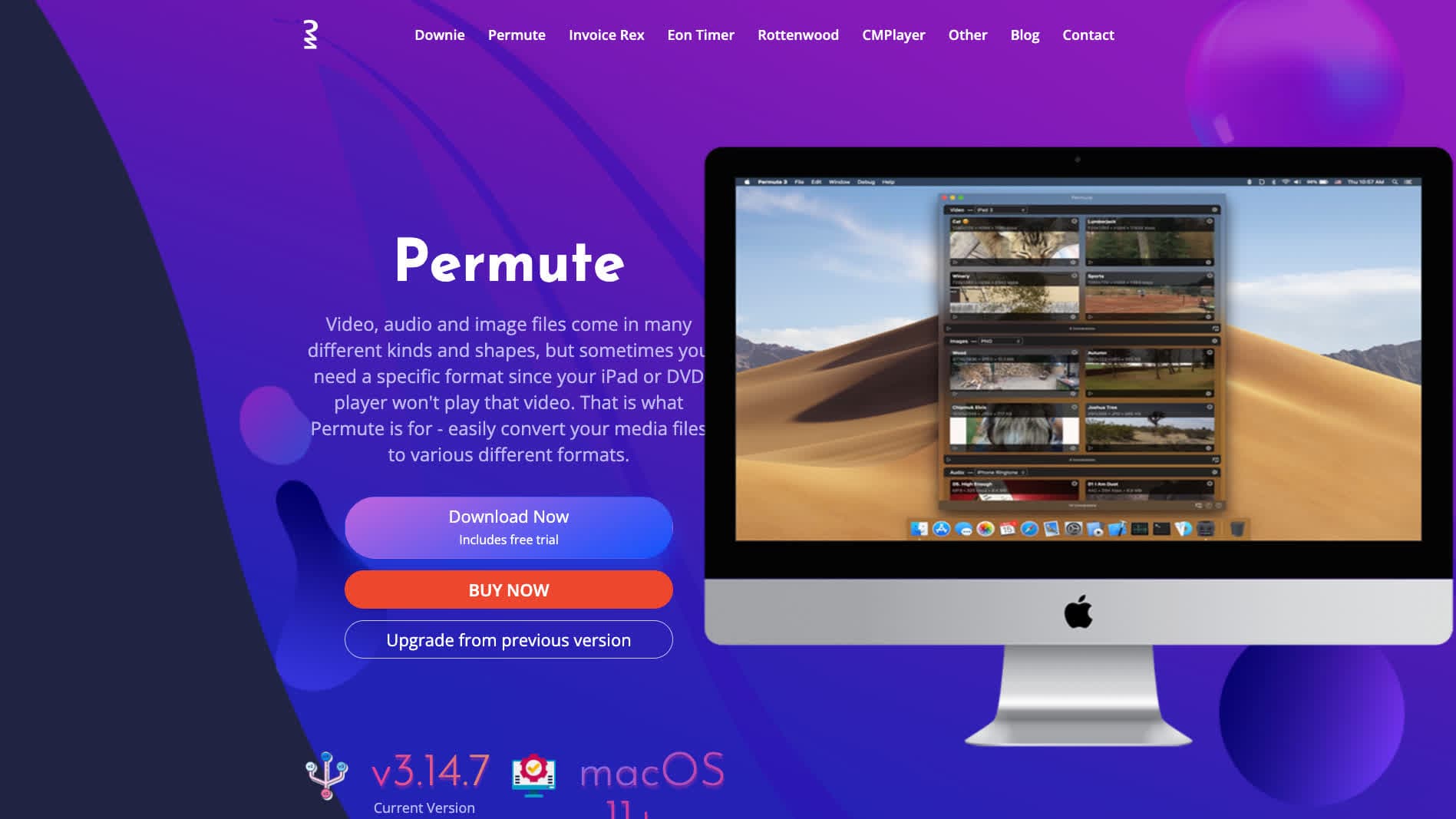
Mac-native converter.
Pricing
- One-time purchase.
11. MediaHuman Audio Converter
Drag-and-drop batch tool.
Pricing
- Free.
12. Foobar2000 (Windows)
Audiophile Windows tool with audio extraction.
Pricing
- Free.
13. Switch Audio Converter (NCH)
Lightweight commercial converter.
Pricing
- Free home; paid commercial.
14. CloudConvert
Web MP4 → AAC.
Pricing
- Free tier; paid above.
15. Convertio
Web MP4 → AAC.
Pricing
- Free with caps; paid above.
16. Online Audio Converter (123apps)
Browser-based.
Pricing
- Free with limits; paid above.
17. FreeConvert
Web converter.
Pricing
- Free with caps; paid above.
18. Zamzar
Long-running web converter.
Pricing
- Free with daily limits; paid above.
How to Choose
- Bit-identical extraction: FFmpeg
-c:a copyor How to Convert. - For streaming pipelines: FFmpeg with explicit ADTS.
- Mac: QuickTime or afconvert.
- Batch: FFmpeg in a script.
Final Thoughts
MP4 → AAC is the cleanest audio extraction in this guide because the MP4 already contains AAC. Stream copy means no quality loss and instant conversion. FFmpeg is the cleanest tool; the GUI options all wrap the same underlying decode. Avoid web tools for large or sensitive video — local extraction takes seconds.
How to Convert
The offline file converter for Mac, Windows and Linux.
- Converts video, audio, images, documents, ebooks and more
- Everything runs locally. Your files never leave your device
- Pay once. Access forever
Get the app on Mac, Windows and Linux
