18 Best MP4 to AVI Converters in 2026 (Free and Paid)
The best MP4 to AVI converters in 2026. Compare offline desktop apps, open-source tools, and online converters for older Windows workflows, legacy players, and compatibility with old software.
Posted by
 Jake Manger
MP4 to AVI is the legacy-compatibility conversion. AVI is a Windows video container from 1992 that refuses to die because so much software, hardware, and embedded media playback still demands it: old DVD players that can read USB sticks, certain hardware video projectors, some industrial control systems, vintage video editing software, and a surprising number of older Windows-only consumer apps. MP4 is the modern standard; AVI is what makes it work in a specific place that should have been retired a decade ago. This guide compares 18 MP4 to AVI converters in 2026.
MP4 → AVI also has a codec gotcha worth knowing about — AVI does not officially support H.264 well, so most tools have to re-encode to MPEG-4 ASP or DivX. The next section explains.
The Codec Wall Inside AVI
MP4 contains H.264 video almost universally. AVI does not handle H.264 well — old players choke on it. So for MP4 → AVI to actually work on the target system, the conversion usually re-encodes the video to an older codec:
- MPEG-4 ASP (Xvid) — the standard for AVI on legacy hardware. Plays in basically anything that reads AVI. File size is similar to or larger than the MP4.
- DivX — proprietary codec, similar profile to Xvid. Same playback support.
- MJPEG — every frame is a JPEG. Plays in everything; files are huge.
- H.264 inside AVI — technically possible, often does not play on the legacy hardware you bought the AVI for.
So MP4 → AVI is almost always a re-encode, and the output is usually larger than the source while sounding/looking slightly worse. Worth knowing.
Quick Picks for MP4 → AVI
- Best CLI: FFmpeg with libxvid.
- Best free GUI: HandBrake (limited AVI support) or Any Video Converter.
- Best for “just make it play in the old player”: Any Video Converter, Movavi.
- One-shot: How to Convert.
One-shot: MP4 to AVI converter.
1. How to Convert (I built this one)

Drop MP4s in, pick AVI, hit convert. Outputs Xvid by default for maximum legacy-player compatibility. Local.
Pricing
- One-time purchase; free web demo for single-file conversions.
 How to Convert
The offline file converter for Mac, Windows and Linux.
- Converts video, audio, images, documents, ebooks and more
- Everything runs locally. Your files never leave your device
- Pay once. Access forever
Get the app on Mac, Windows and Linux
2. FFmpeg
MP4 to Xvid AVI (most compatible):
ffmpeg -i input.mp4 -c:v libxvid -q:v 5 -c:a mp3 -b:a 192k output.avi
With MJPEG video for absolute hardware compatibility:
ffmpeg -i input.mp4 -c:v mjpeg -q:v 5 -c:a mp3 output.avi
Pricing
- Free, open source.
3. HandBrake
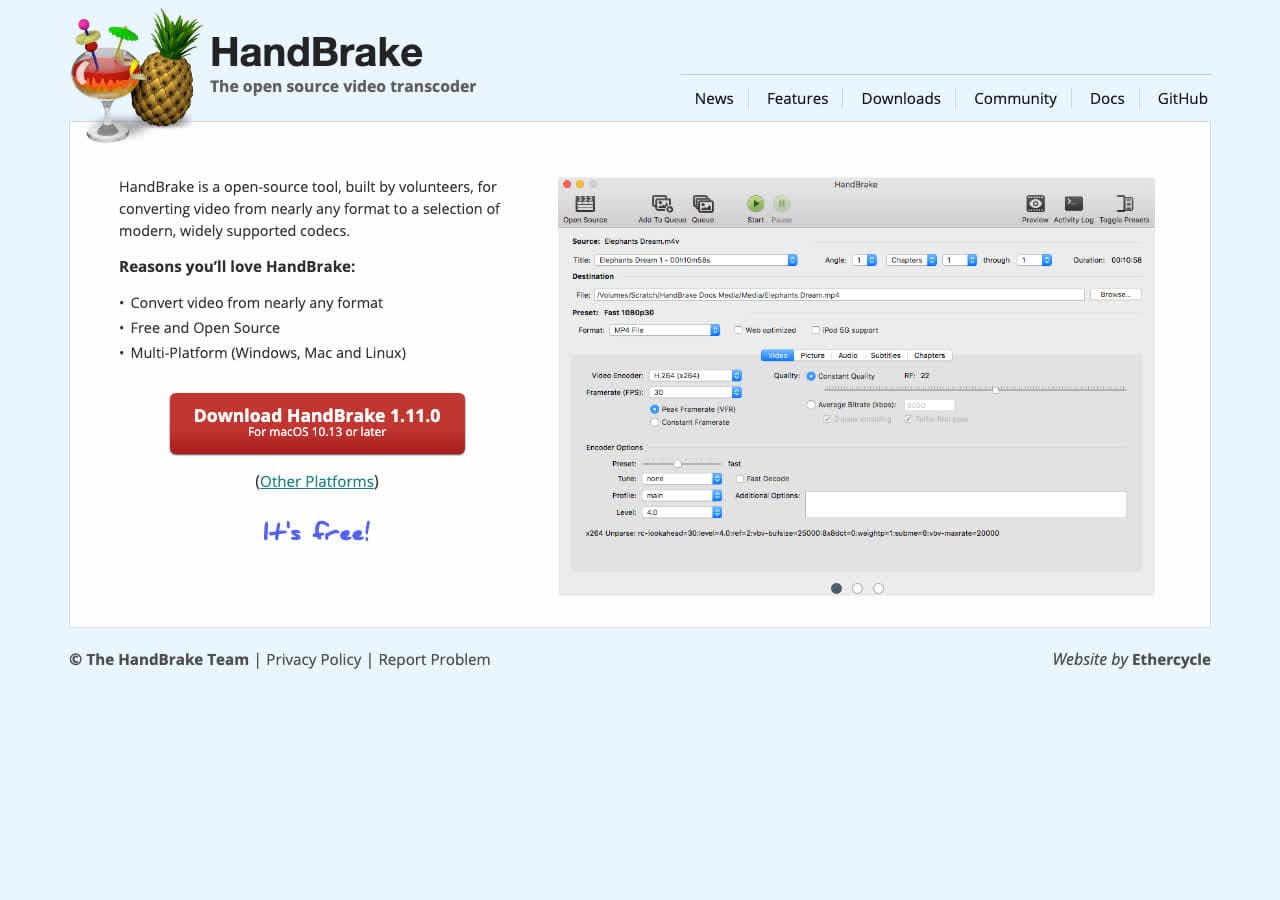
HandBrake dropped AVI as a primary output format some years ago, but you can still get there via an MKV intermediate. For a single output, FFmpeg or Any Video Converter is faster.
Pricing
- Free, open source.
4. Any Video Converter
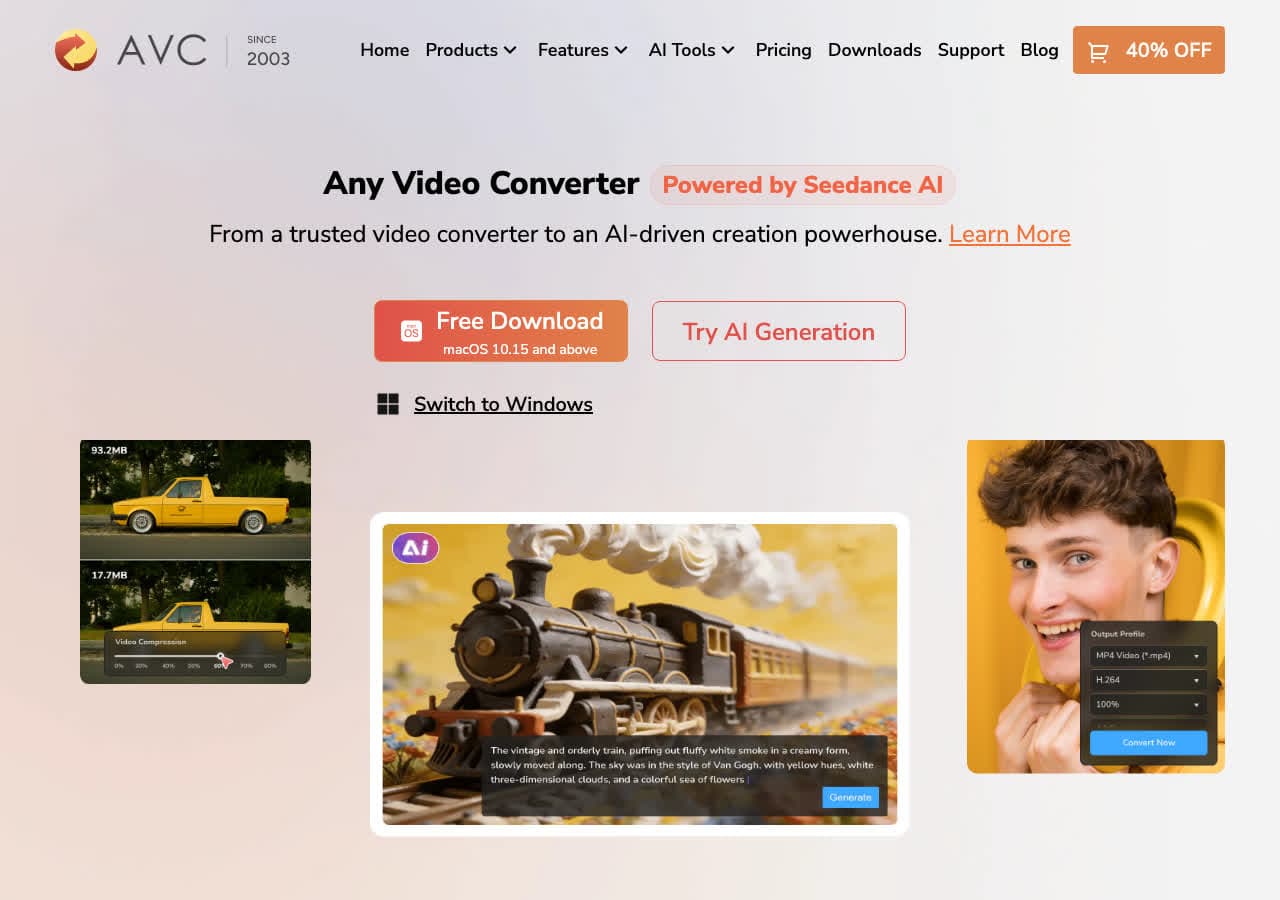
Consumer video converter with AVI presets including hardware-targeted ones (“DVD Player”, “Old TV”).
Pricing
- Freemium.
5. Shutter Encoder
Free FFmpeg GUI with AVI output options.
Pricing
- Free.
6. VLC

Media → Convert / Save → output AVI with a chosen codec. Quick one-off.
Pricing
- Free, open source.
7. Movavi Video Converter
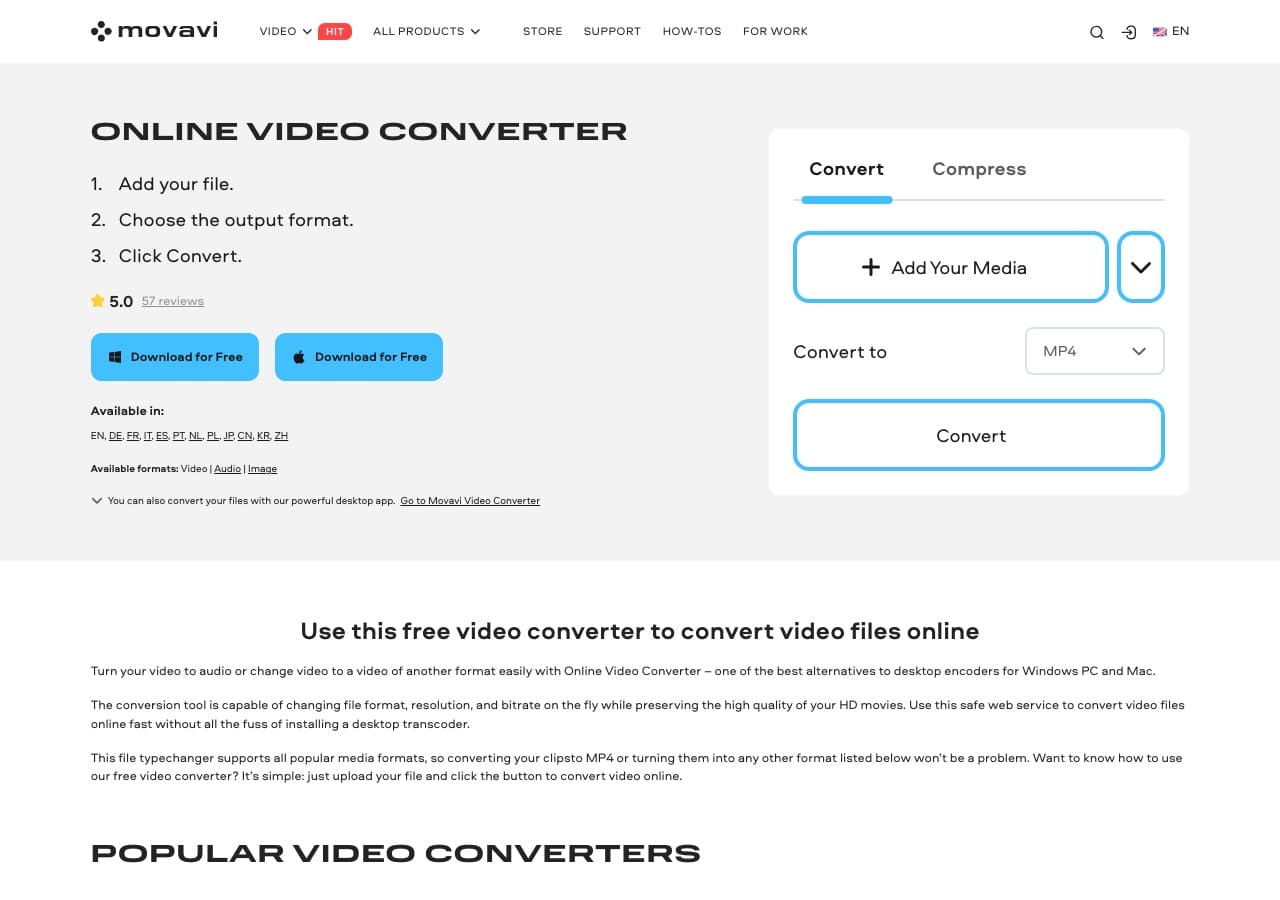
Beginner-friendly paid converter with hardware-specific AVI presets.
Pricing
- Paid.
8. Wondershare UniConverter
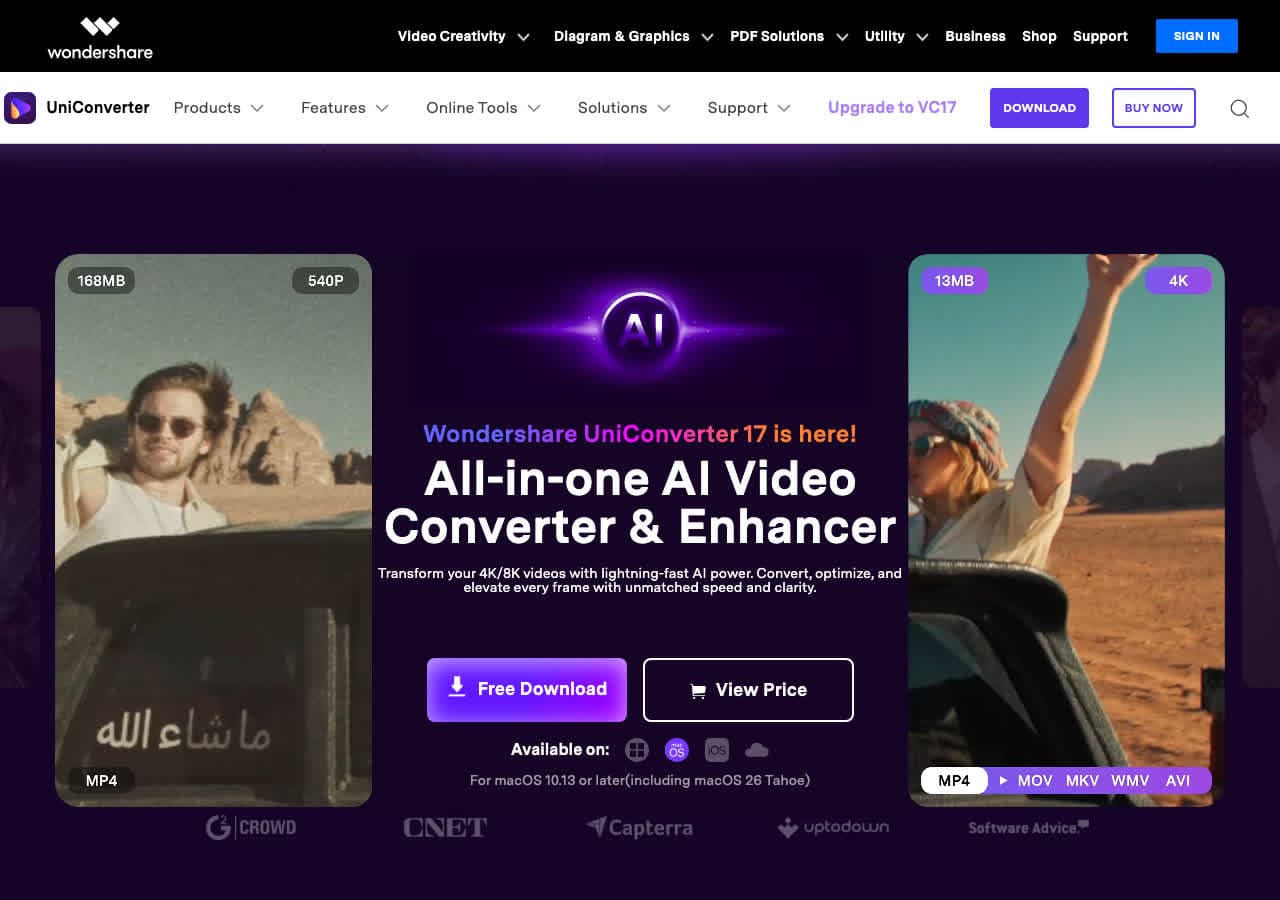
Full media suite with AVI export.
Pricing
- Paid.
9. Prism Video Converter
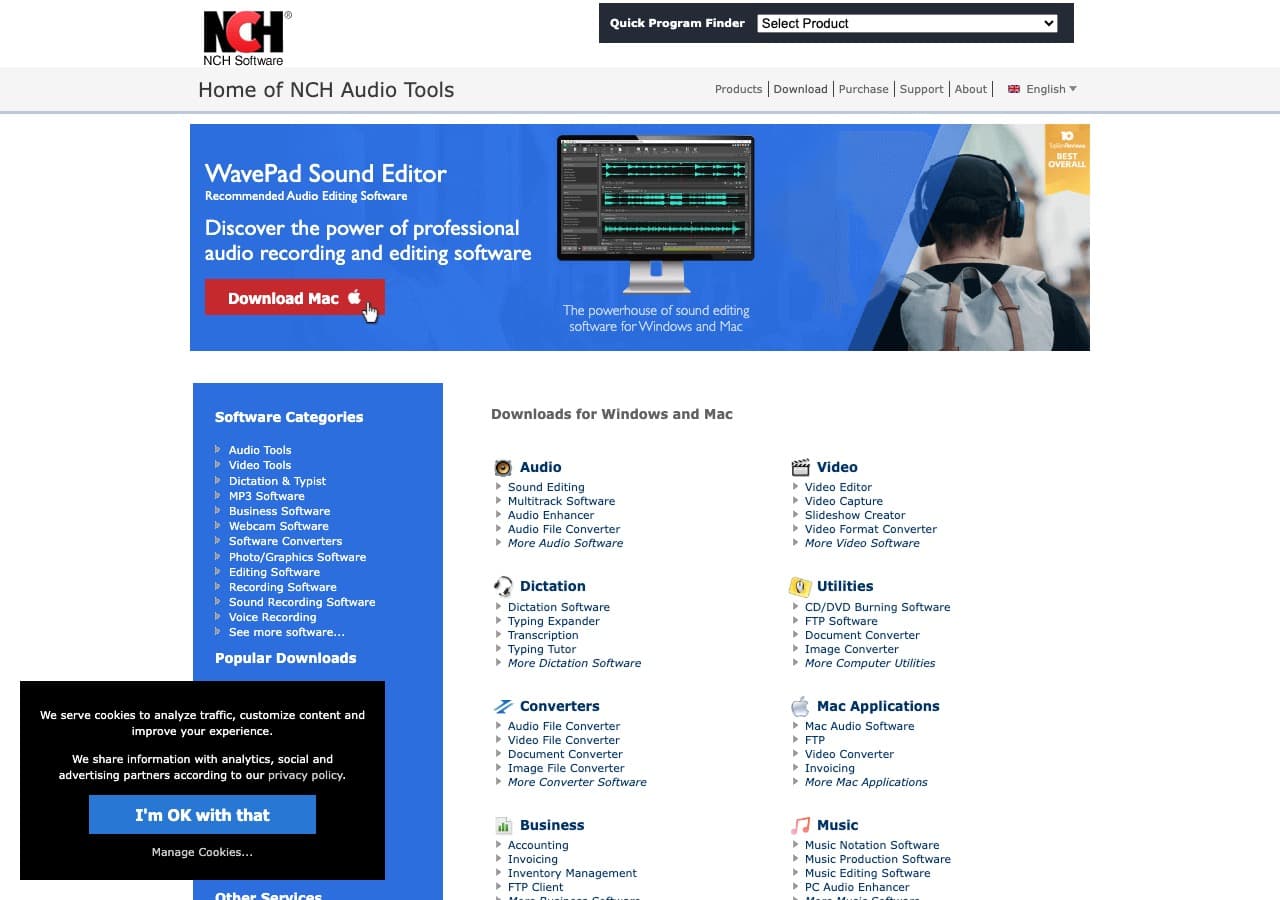
NCH's simple paid converter. AVI output with hardware-target presets.
Pricing
- Free home; paid commercial.
10. Permute (Mac)
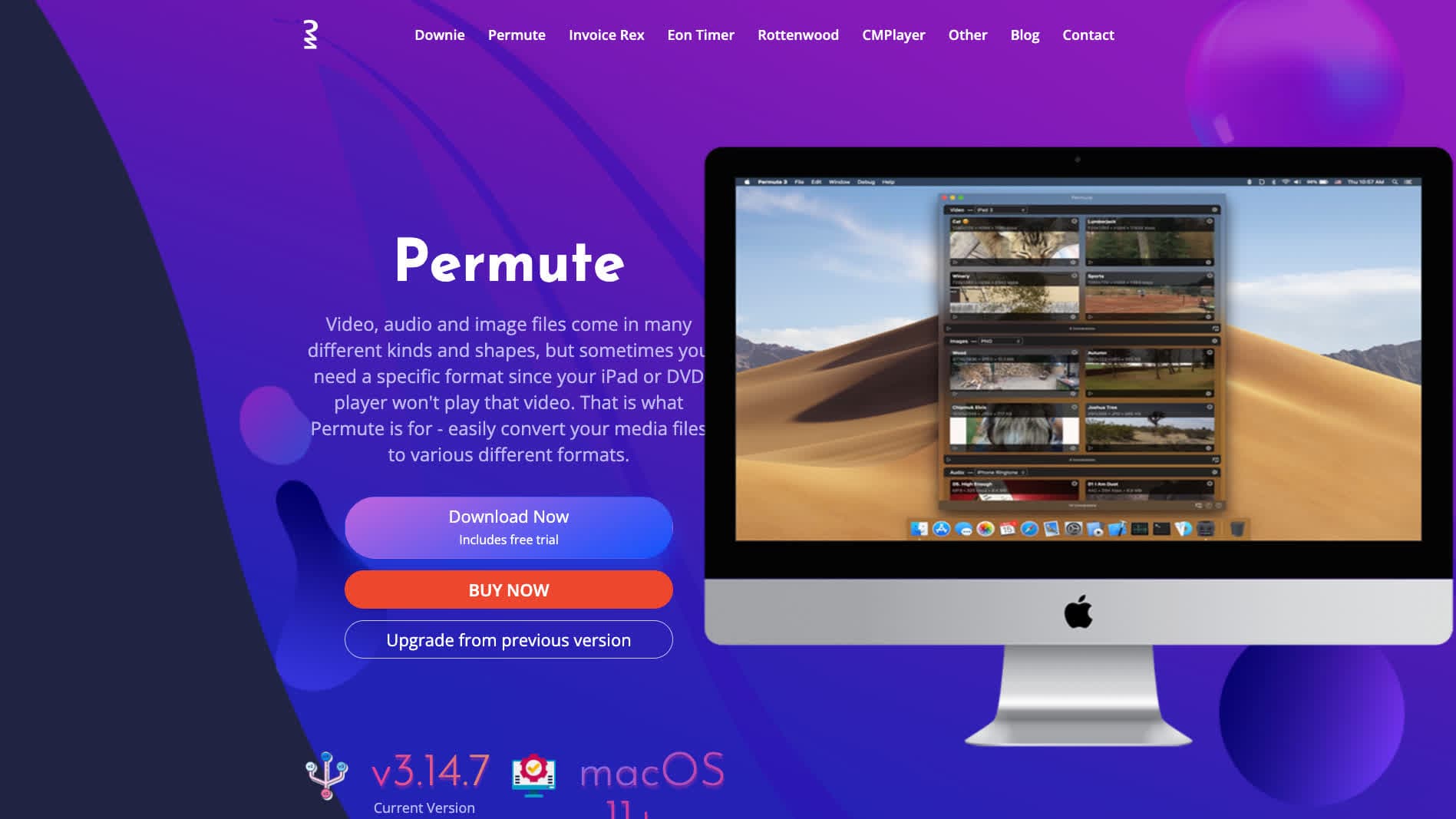
Mac-native media converter with AVI output.
Pricing
- One-time purchase.
11. Adapter

Free Mac and Windows media converter with broad container support.
Pricing
- Free.
12. DaVinci Resolve

AVI output via Deliver page. Use when editing is part of the workflow.
Pricing
- Free Studio edition; paid Studio.
13. CloudConvert
Web MP4 → AVI with codec selection.
Pricing
- Free tier; paid above.
14. Convertio
Web MP4 → AVI.
Pricing
- Free with caps; paid above.
15. Online-Convert
Web converter with detailed AVI codec options.
Pricing
- Free with limits; paid above.
16. FreeConvert
Web converter.
Pricing
- Free with caps; paid above.
17. Zamzar
Long-running web converter. Handles MP4 → AVI reliably.
Pricing
- Free with daily limits; paid above.
18. Free File Converter
Various single-purpose AVI sites. Fine for one-off.
Pricing
- Free.
How to Choose
- Target hardware-specific: Any Video Converter or Movavi for hardware presets.
- Maximum compatibility: Xvid codec via FFmpeg or How to Convert.
- Old DVD player or set-top box: MJPEG inside AVI sometimes works when Xvid does not.
- Batch: FFmpeg in a script.
- One-shot: a web tool or How to Convert.
Final Thoughts
MP4 → AVI is a legacy-compatibility conversion that almost always involves a re-encode and a small quality drop. The output is rarely better than the source — it just plays in places the MP4 does not. For the target hardware to actually play the result, pick Xvid (or MJPEG for the most stubborn players), keep the audio as MP3, and accept that the file will be similar in size or slightly bigger. For modern web or general use, stick with MP4.
How to Convert
The offline file converter for Mac, Windows and Linux.
- Converts video, audio, images, documents, ebooks and more
- Everything runs locally. Your files never leave your device
- Pay once. Access forever
Get the app on Mac, Windows and Linux
