18 Best MP4 to GIF Converters in 2026 (Free and Paid)
The best MP4 to GIF converters in 2026. Compare offline desktop apps, open-source tools, and online converters for short loops, reactions, support docs, and lightweight demos.
Posted by
 Jake Manger
MP4 to GIF is the conversion you do when you have a short video clip and need to put it somewhere that does not autoplay video — a GitHub README, a documentation page, a Slack message, a forum post, an email signature. GIF is the universal “always-playing soundless loop” format. It works in places autoplay video does not, plays without controls, and shows the entire clip without needing a click. The catch is that GIF is hilariously inefficient — a 5-second 1080p clip that is a 2 MB MP4 becomes a 30 MB GIF — so the conversion settings matter a lot. This guide compares 18 MP4 to GIF converters in 2026.
MP4 → GIF is one of the few categories where the right tool produces a 5x smaller file than a careless one — palette generation is the difference, and the next section explains it.
The Palette Trick
GIF supports only 256 colors per frame. The naive FFmpeg conversion picks a generic palette and produces a banded, washed-out result. The good FFmpeg conversion generates a custom palette from the source video and uses it — same 256 colors, but chosen to match this specific clip, producing a much better-looking and often smaller GIF.
The two-step palette command:
ffmpeg -i input.mp4 -vf "fps=15,scale=720:-1:flags=lanczos,palettegen" palette.png
ffmpeg -i input.mp4 -i palette.png -lavfi "fps=15,scale=720:-1:flags=lanczos [x]; [x][1:v] paletteuse" output.gif
The first command analyzes the video and creates a custom palette. The second uses that palette to encode. Result: smaller file, better colors. Good tools do this automatically; bad tools skip it.
Quick Picks for MP4 → GIF
- Best CLI: FFmpeg with the palette trick.
- Best free GUI: Gifski (smallest, best-looking output of any GUI tool).
- Best web tool: ezgif.com.
- One-shot: How to Convert.
- For social posts: consider video instead — even Twitter and Slack now accept short MP4s and play them as loops.
One-shot: MP4 to GIF converter.
1. How to Convert (I built this one)

Drop MP4s in, pick GIF, set frame rate (default 15) and width (default 720), hit convert. Uses the palette trick automatically. Local.
Pricing
- One-time purchase; free web demo for single-file conversions.
 How to Convert
The offline file converter for Mac, Windows and Linux.
- Converts video, audio, images, documents, ebooks and more
- Everything runs locally. Your files never leave your device
- Pay once. Access forever
Get the app on Mac, Windows and Linux
2. Gifski — best free quality
Single-purpose GIF encoder using better-than-libgif color quantization. CLI and GUI versions for Mac and Windows.
# Extract frames with FFmpeg, then pass to Gifski
ffmpeg -i input.mp4 -vf "fps=15,scale=720:-1" frames/%04d.png
gifski -o output.gif frames/*.png
Files are noticeably smaller than FFmpeg-direct output at the same visual quality.
Pricing
- Free, open source.
3. FFmpeg
Quick single-pass GIF (worse quality but fastest):
ffmpeg -i input.mp4 -vf "fps=15,scale=720:-1:flags=lanczos" output.gif
Two-pass with palette (best results — see the palette section above for the full command):
ffmpeg -i input.mp4 -vf "fps=15,scale=720:-1:flags=lanczos,palettegen" palette.png
ffmpeg -i input.mp4 -i palette.png -lavfi "fps=15,scale=720:-1:flags=lanczos [x]; [x][1:v] paletteuse" output.gif
Pricing
- Free, open source.
4. ezgif.com
The standard web GIF tool. Convert MP4 to GIF, then trim, crop, resize, optimize, and add text in the same site. Good for tweaking after the conversion.
Pricing
- Free.
5. HandBrake
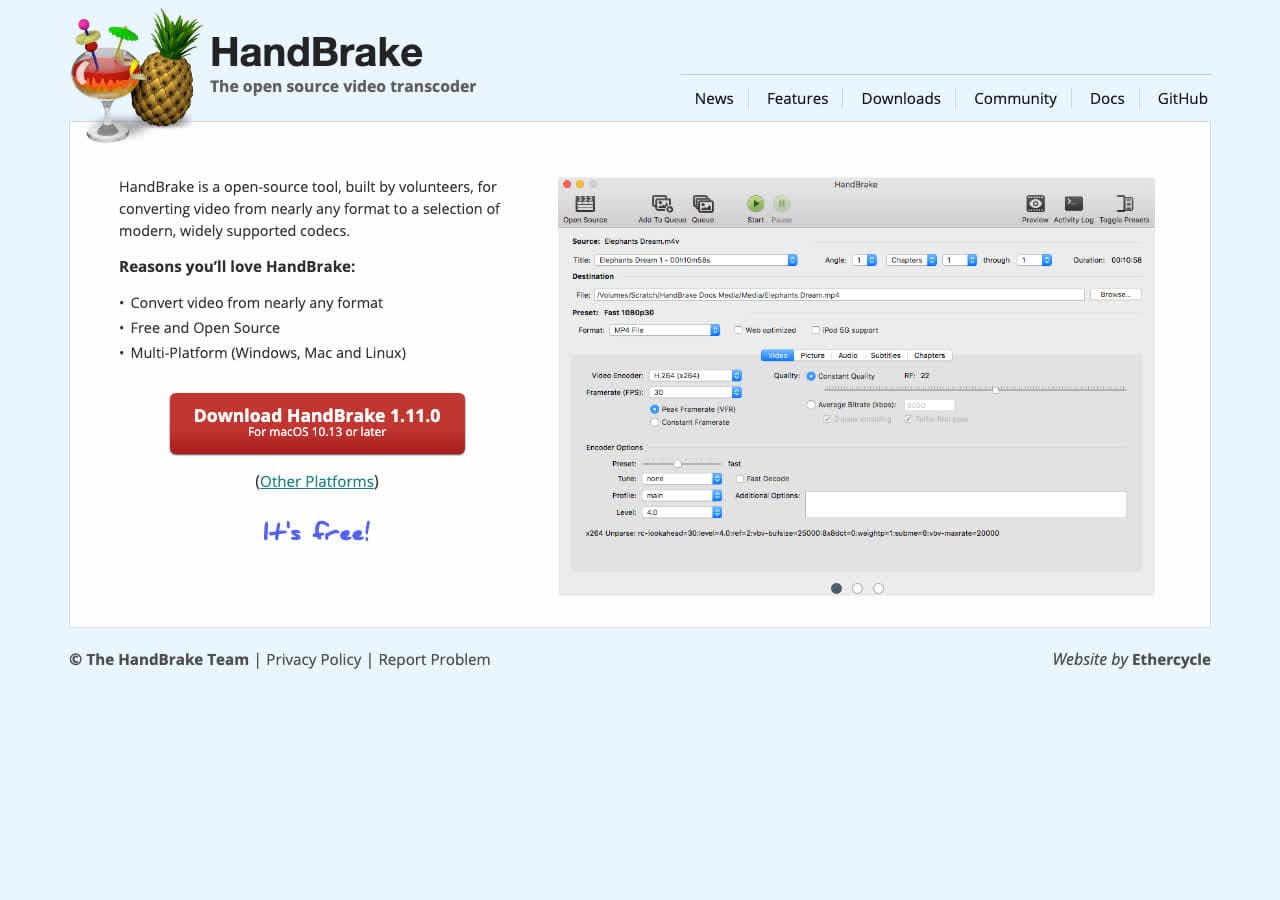
HandBrake does not output GIF directly. Use it to trim the MP4 first, then convert with FFmpeg or Gifski.
Pricing
- Free, open source.
6. Shutter Encoder
FFmpeg GUI with GIF output preset.
Pricing
- Free.
7. Permute (Mac)
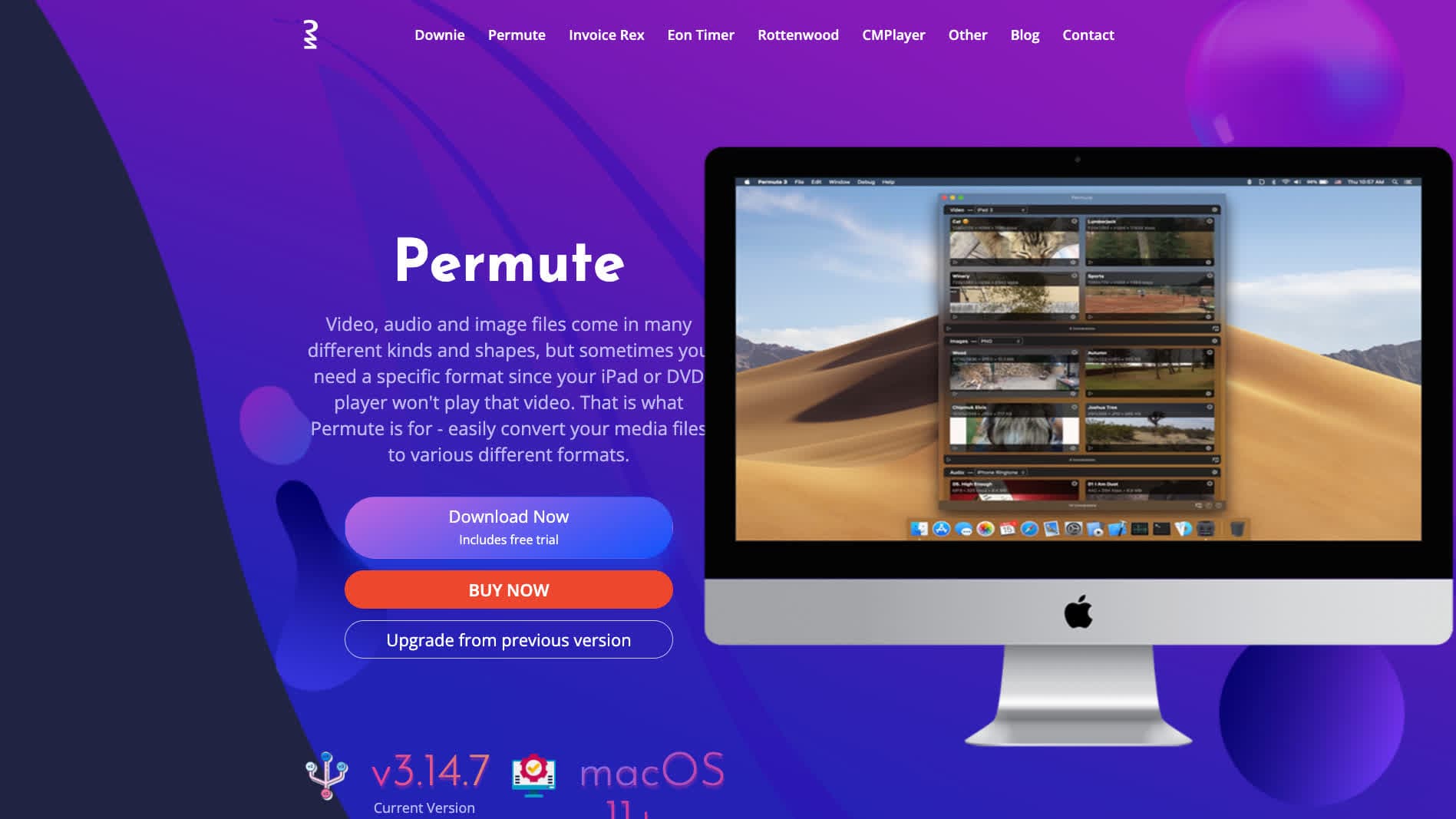
Mac-native converter with GIF output.
Pricing
- One-time purchase.
8. ScreenToGif (Windows)
Single-purpose Windows tool focused on screen recording → GIF. Also imports MP4. Polished UI.
Pricing
- Free, open source.
9. GIPHY Capture (Mac)
Free Mac GIF maker from GIPHY. Drop in MP4, trim, export.
Pricing
- Free.
10. ImageMagick
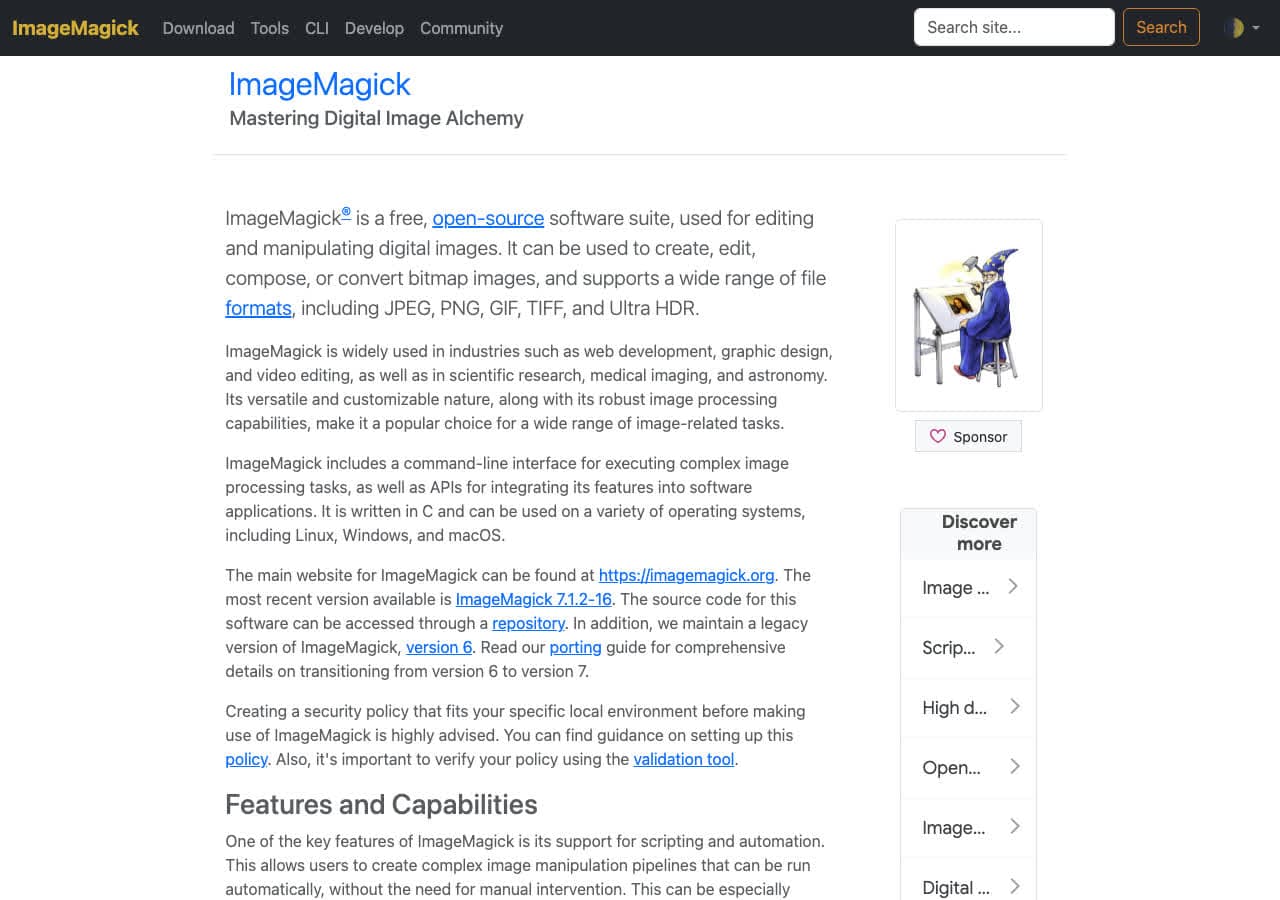
Limited MP4 input but useful for post-processing the GIF (resize, optimize):
magick output.gif -layers Optimize optimized.gif
Pricing
- Free, open source.
11. Photoshop
File → Import → Video Frames to Layers, then Export → Save for Web → GIF. Best for manual frame-level edits but slow for batch.
Pricing
- Subscription.
12. VLC

Media → Convert / Save → output GIF. Limited control, but free and present everywhere.
Pricing
- Free, open source.
13. Any Video Converter
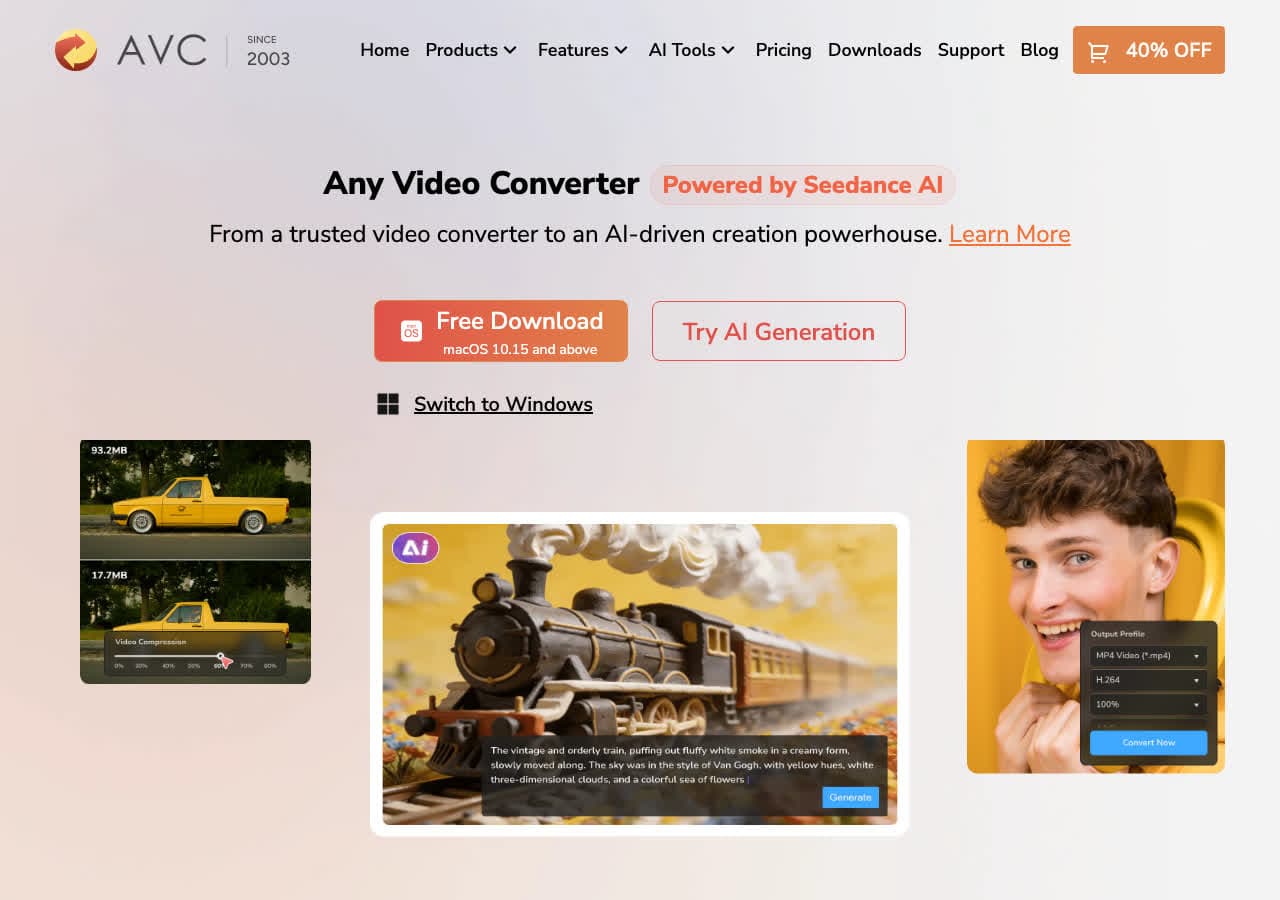
Consumer converter with GIF output.
Pricing
- Freemium.
14. CloudConvert
Web MP4 → GIF with FPS and size options.
Pricing
- Free tier; paid above.
15. Convertio
Web MP4 → GIF.
Pricing
- Free with caps; paid above.
16. Online-Convert
Web converter with detailed GIF options.
Pricing
- Free with limits; paid above.
17. FreeConvert
Web converter.
Pricing
- Free with caps; paid above.
18. Make a Loop in Slack / Twitter / GitHub directly
A reminder: most modern platforms accept short MP4s and play them as auto-looping silent video. Slack, Twitter/X, GitHub Issues, Discord, and Notion all do this. For a 5-second clip, you get better quality, smaller file, and the same visual effect — no GIF conversion needed.
Pricing
- Free.
How to Choose
- Highest quality GIF: Gifski.
- Scriptable: FFmpeg with the palette trick.
- Trim and tweak in browser: ezgif.com.
- One-shot: How to Convert.
- Quality at small size: drop FPS to 12, width to 600.
- Consider not converting: use MP4 directly where the platform supports auto-loop.
Final Thoughts
MP4 → GIF is the conversion where careful settings produce a 5x smaller and better-looking result. The palette trick (FFmpeg or Gifski) is the difference. For most uses in 2026, consider whether you need GIF at all — modern platforms loop MP4s natively, and the quality and file size are vastly better. When you do need GIF, Gifski produces the best output of any free tool; FFmpeg with palette is the best CLI; ezgif is the best web tool for fine-tuning.
How to Convert
The offline file converter for Mac, Windows and Linux.
- Converts video, audio, images, documents, ebooks and more
- Everything runs locally. Your files never leave your device
- Pay once. Access forever
Get the app on Mac, Windows and Linux
