18 Best MP4 to MOV Converters in 2026 (Free and Paid)
The best MP4 to MOV converters in 2026. Compare offline desktop apps, open-source tools, and online converters for editing workflows, Apple apps, and clients who request QuickTime files.
Posted by
 Jake Manger
MP4 to MOV is a near-trivial conversion that exists for one reason: Apple's ecosystem expects MOV in specific places. Final Cut Pro's native timeline format is MOV. ProRes (the broadcast / film-post standard) lives in a MOV container. QuickTime Player is happier with MOV than with MP4 in some workflows. The interesting thing is that MP4 and MOV are almost the same format — both are MPEG-4 base, both can hold H.264 and AAC. So MP4 → MOV is usually a remux, no re-encoding needed. This guide compares 18 MP4 to MOV converters in 2026.
MP4 → MOV is also a place where the “why” matters more than the “how” — for editing in Final Cut you usually want to re-encode to ProRes; for everything else, a remux works.
Remux or Re-encode to ProRes?
- Remux (no re-encode) — for QuickTime playback, Final Cut import that does not need ProRes optimization, or just renaming the container. Instant, lossless.
- Re-encode to ProRes — for Final Cut Pro editing performance, color grading workflows, or broadcast delivery. Takes time, file is much bigger (ProRes 422 is roughly 10–20x the size of H.264 at the same resolution).
A quick remux command:
ffmpeg -i input.mp4 -c copy output.mov
ProRes 422 re-encode (for FCP edit):
ffmpeg -i input.mp4 -c:v prores_ks -profile:v 2 -c:a pcm_s16le output.mov
Quick Picks for MP4 → MOV
- Quick remux: FFmpeg with
-c copy. - For Final Cut Pro: Compressor or FFmpeg with ProRes.
- GUI: HandBrake or Permute on Mac.
- One-shot: How to Convert.
One-shot: MP4 to MOV converter.
1. How to Convert (I built this one)

Drop MP4s in, pick MOV, hit convert. Defaults to remux for instant lossless container change.
Pricing
- One-time purchase; free web demo for single-file conversions.
 How to Convert
The offline file converter for Mac, Windows and Linux.
- Converts video, audio, images, documents, ebooks and more
- Everything runs locally. Your files never leave your device
- Pay once. Access forever
Get the app on Mac, Windows and Linux
2. FFmpeg
Remux:
ffmpeg -i input.mp4 -c copy output.mov
Batch:
for f in *.mp4; do ffmpeg -i "$f" -c copy "${f%.mp4}.mov"; doneProRes 422 (for FCP):
ffmpeg -i input.mp4 -c:v prores_ks -profile:v 2 -c:a pcm_s16le output.mov
Pricing
- Free, open source.
3. macOS QuickTime Player
Open the MP4 in QuickTime, File → Export As → 1080p / 4K / Audio Only — output is MOV. Limited control over codec but fine for casual MP4 → MOV.
Pricing
- Free with macOS.
4. Apple Compressor
Apple's dedicated transcoder for Final Cut workflows. Best for ProRes encoding with FCP-friendly metadata.
Pricing
- Paid.
5. HandBrake
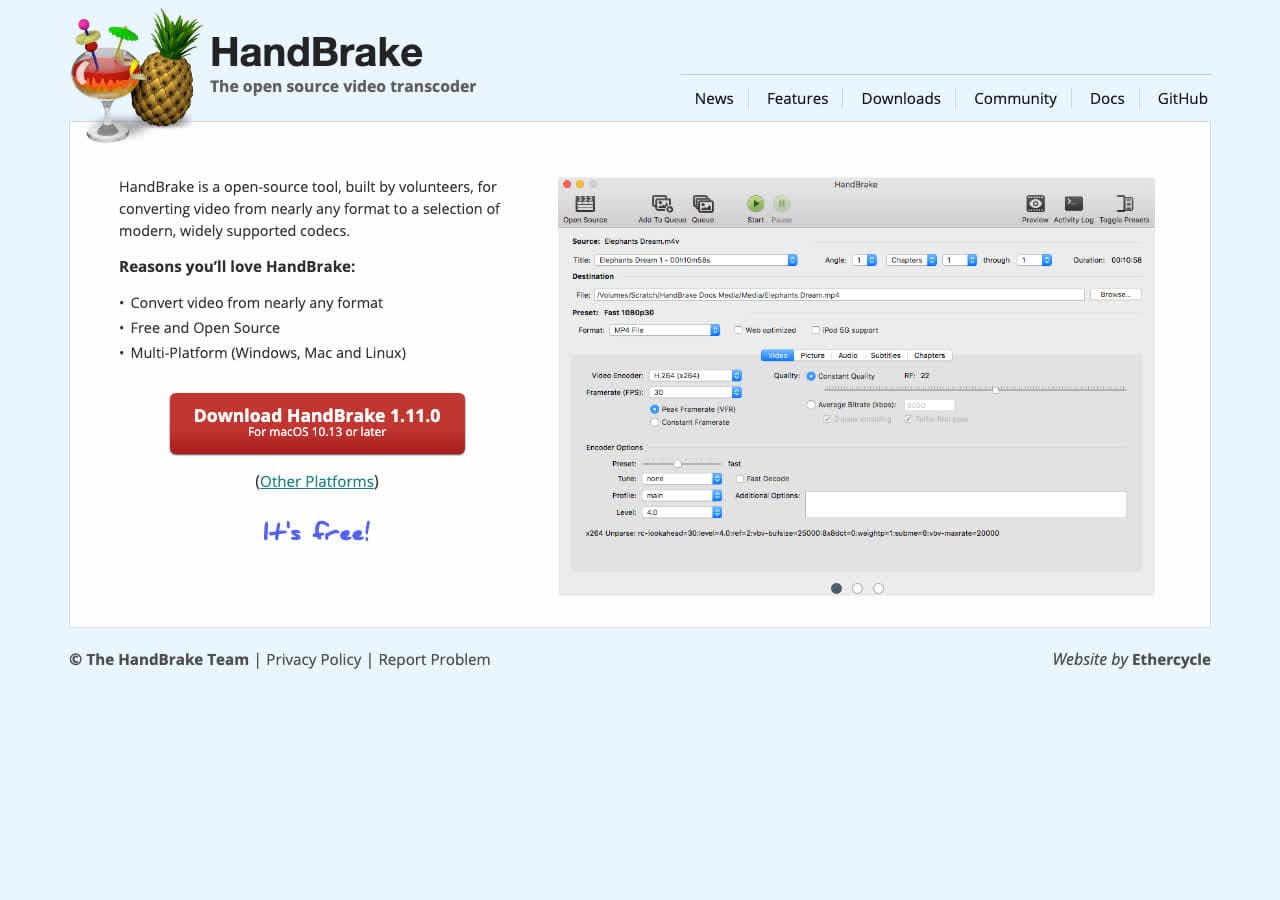
MOV via the MP4 container output (HandBrake calls it “MP4” but it works as MOV). Always re-encodes; useful for quality control.
Pricing
- Free, open source.
6. Permute (Mac)
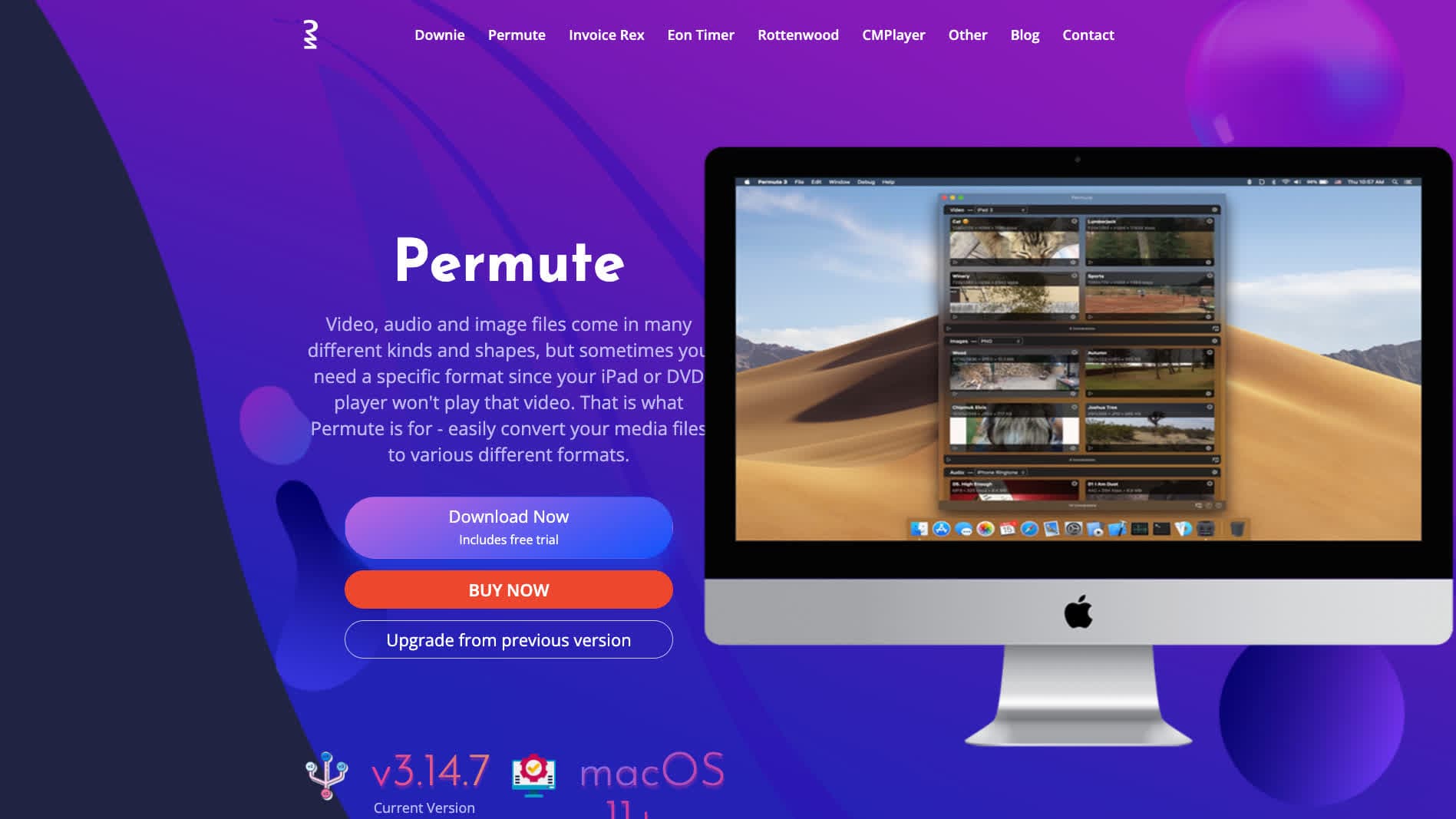
Polished Mac converter. Drag MP4 in, pick MOV, done.
Pricing
- One-time purchase.
7. Shutter Encoder
Free FFmpeg GUI with remux and ProRes options.
Pricing
- Free.
8. DaVinci Resolve

MOV output via Deliver page with ProRes options. Right for color-graded delivery.
Pricing
- Free Studio edition; paid Studio.
9. Adobe Premiere Pro / Media Encoder
Pro NLE with MOV export via Adobe Media Encoder. Strong on Mac and Windows.
Pricing
- Subscription.
10. VLC

Media → Convert / Save → MOV. Functional but limited.
Pricing
- Free, open source.
11. Any Video Converter

Consumer converter with MOV output.
Pricing
- Freemium.
12. Wondershare UniConverter

Full media suite.
Pricing
- Paid.
13. Movavi Video Converter
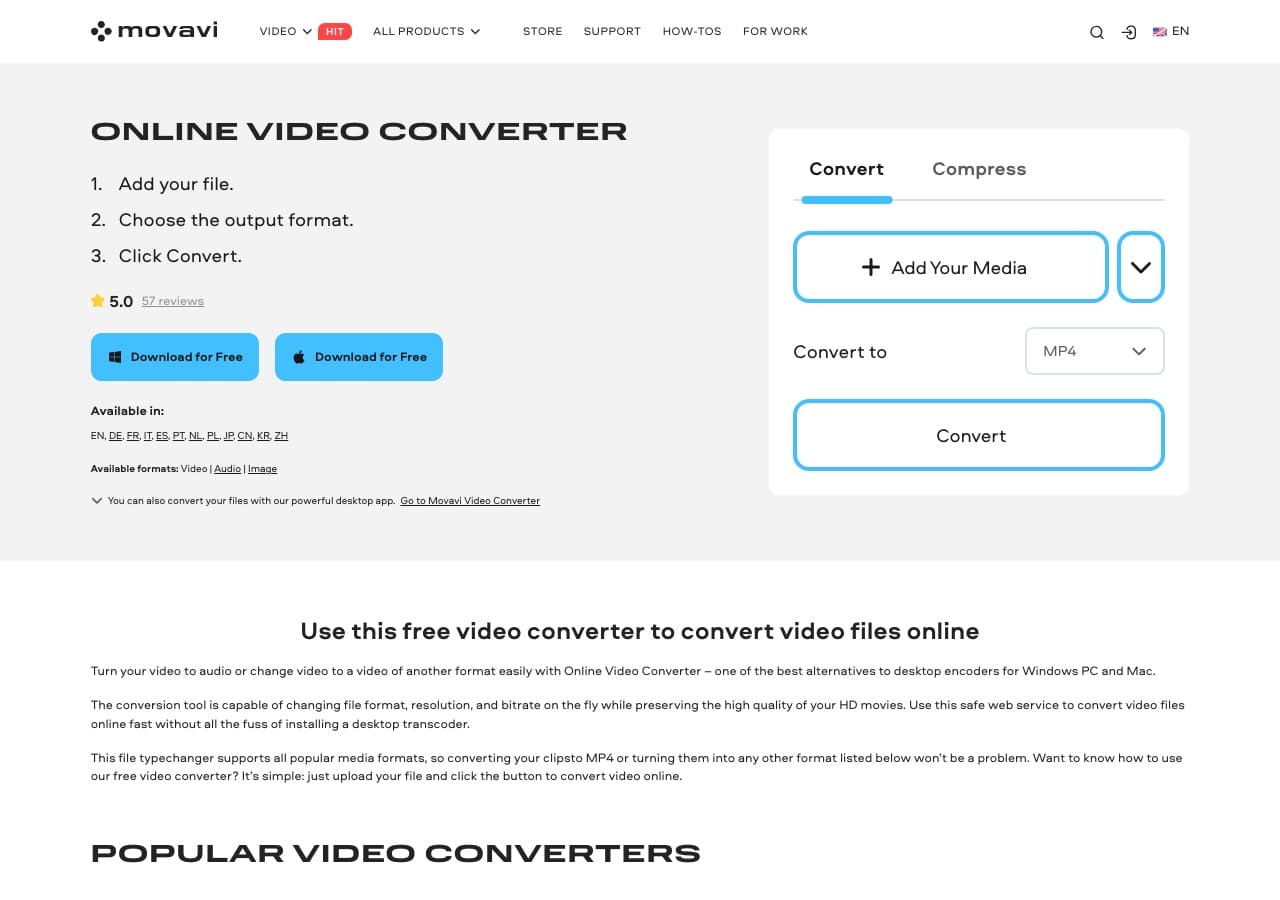
Beginner-friendly paid converter.
Pricing
- Paid.
14. Adapter

Free Mac and Windows media converter.
Pricing
- Free.
15. CloudConvert
Web MP4 → MOV.
Pricing
- Free tier; paid above.
16. Convertio
Web MP4 → MOV.
Pricing
- Free with caps; paid above.
17. Online-Convert
Web converter with codec options.
Pricing
- Free with limits; paid above.
18. FreeConvert
Web converter.
Pricing
- Free with caps; paid above.
How to Choose
- Just need a MOV: FFmpeg remux or How to Convert. Instant.
- For Final Cut Pro: Compressor (ProRes), or FFmpeg with the prores_ks command.
- Pro color delivery: DaVinci Resolve.
- Mac GUI: Permute or QuickTime Player.
- Batch: FFmpeg in a script.
Final Thoughts
MP4 → MOV is usually a container change with no actual quality involvement. For QuickTime playback or simple Final Cut import, remux is instant and lossless. For real Final Cut editing performance, re-encoding to ProRes 422 is the standard step. FFmpeg handles both; the GUI tools wrap the same encoders. There is no good reason to upload MP4s to a web converter for this — the local tools are fast and lossless.
How to Convert
The offline file converter for Mac, Windows and Linux.
- Converts video, audio, images, documents, ebooks and more
- Everything runs locally. Your files never leave your device
- Pay once. Access forever
Get the app on Mac, Windows and Linux
