18 Best MP4 to WAV Converters in 2026 (Free and Paid)
The best MP4 to WAV converters in 2026. Compare offline desktop apps, open-source tools, and online converters for extracting full-quality audio from videos, interviews, lectures, and screen recordings.
Posted by
 Jake Manger
MP4 to WAV is the audio-extraction conversion. You have a video file with audio you want to use elsewhere — a podcast guest interview that was recorded on Zoom, a lecture you want to transcribe, music from a concert recording, voice-over for a video edit. WAV is the lossless target that every audio tool reads. The MP4 contains compressed AAC audio inside it; extracting that into a WAV unpacks it for further processing in a DAW, transcription service, or analysis tool. This guide compares 18 MP4 to WAV converters in 2026.
MP4 → WAV is also the conversion where it really pays to keep the audio quality intact — the MP4's embedded audio is already compressed, and a careful conversion preserves it; a careless one re-encodes it twice.
The “Lossless Extraction” Trick
The MP4's audio track is typically AAC. WAV is PCM. The conversion is: decode AAC → PCM → write as WAV. That decode is lossless on the AAC side (modulo the original AAC encoder's loss, which already happened). So the resulting WAV is bit-equivalent to what the AAC inside the MP4 decodes to — no extra loss.
A few practical notes:
- Sample rate. Most MP4 audio is 48 kHz (video) or 44.1 kHz (music). Match it in the WAV unless you have a reason to resample.
- Bit depth. 16-bit is fine for everything CD-quality. 24-bit gives more headroom for DAW work.
- Multiple audio tracks. MP4 can have several (English audio + commentary, for example). Extract by track index if needed.
Quick Picks for MP4 → WAV
- Best CLI: FFmpeg.
- One file, GUI: Audacity (drag MP4 in, export WAV) or VLC.
- For transcription: FFmpeg with mono downmix for smaller file sizes that Whisper / other STT tools prefer.
- For DAW import: drop the MP4 directly into Logic, Pro Tools, Ableton, or Reaper — they extract audio automatically.
One-shot: MP4 to WAV converter.
1. How to Convert (I built this one)

Drop MP4s in, pick WAV, hit convert. Local — useful for Zoom interview recordings, lecture audio, or anything containing private speech.
Pricing
- One-time purchase; free web demo for single-file conversions.
 How to Convert
The offline file converter for Mac, Windows and Linux.
- Converts video, audio, images, documents, ebooks and more
- Everything runs locally. Your files never leave your device
- Pay once. Access forever
Get the app on Mac, Windows and Linux
2. FFmpeg
Extract audio at 16-bit:
ffmpeg -i input.mp4 -vn -acodec pcm_s16le output.wav
24-bit for DAW work:
ffmpeg -i input.mp4 -vn -acodec pcm_s24le output.wav
For transcription — mono, 16 kHz (Whisper's preferred input):
ffmpeg -i input.mp4 -vn -ac 1 -ar 16000 output.wav
Extract the second audio track (commentary, etc.):
ffmpeg -i input.mp4 -map 0:a:1 -vn -acodec pcm_s16le track2.wav
Pricing
- Free, open source.
3. Audacity
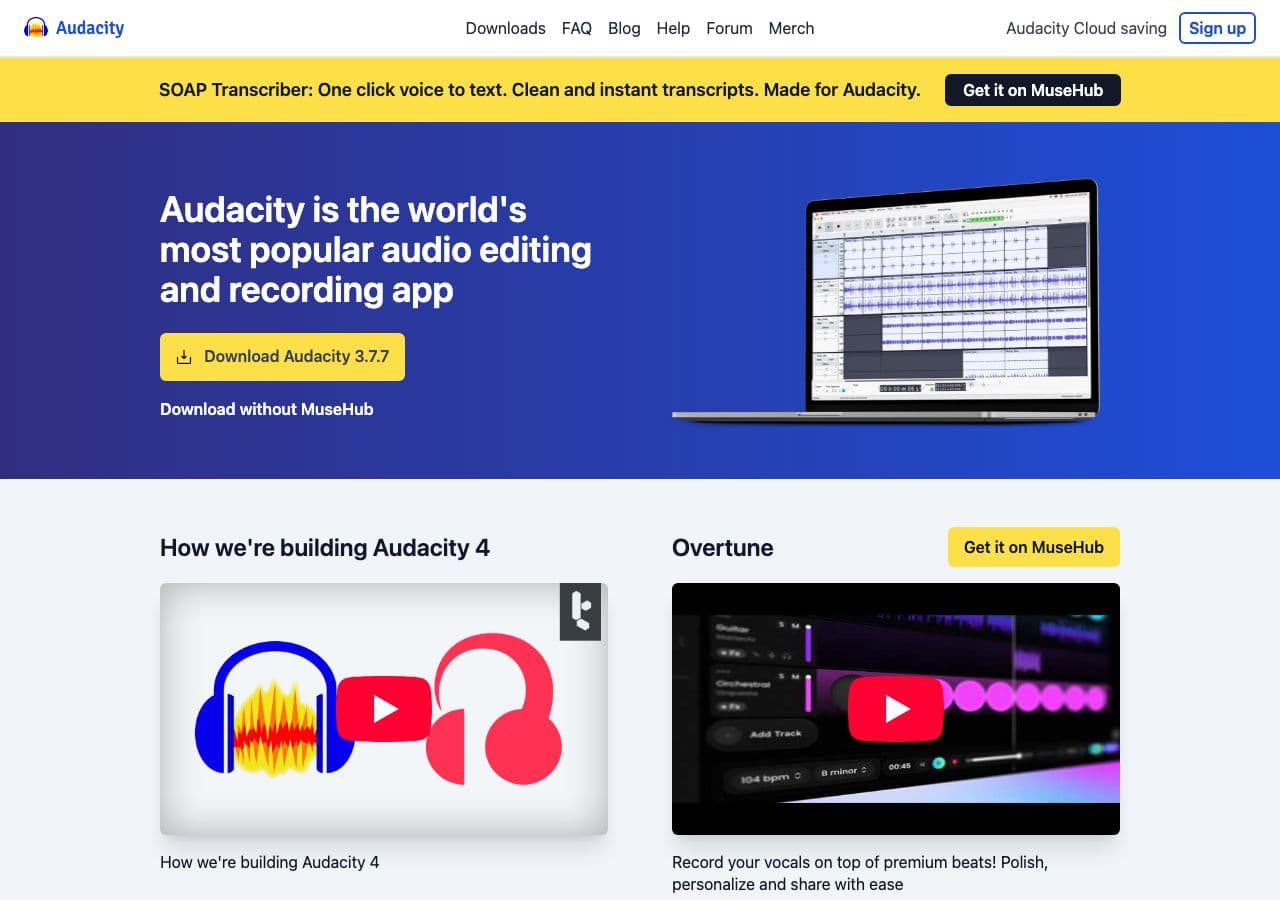
Open MP4 (Audacity reads the audio track via FFmpeg), File → Export → WAV. Useful when you want to trim or clean up before exporting.
Pricing
- Free, open source.
4. VLC

Media → Convert / Save → output as WAV. Strip video, keep audio.
Pricing
- Free, open source.
5. HandBrake
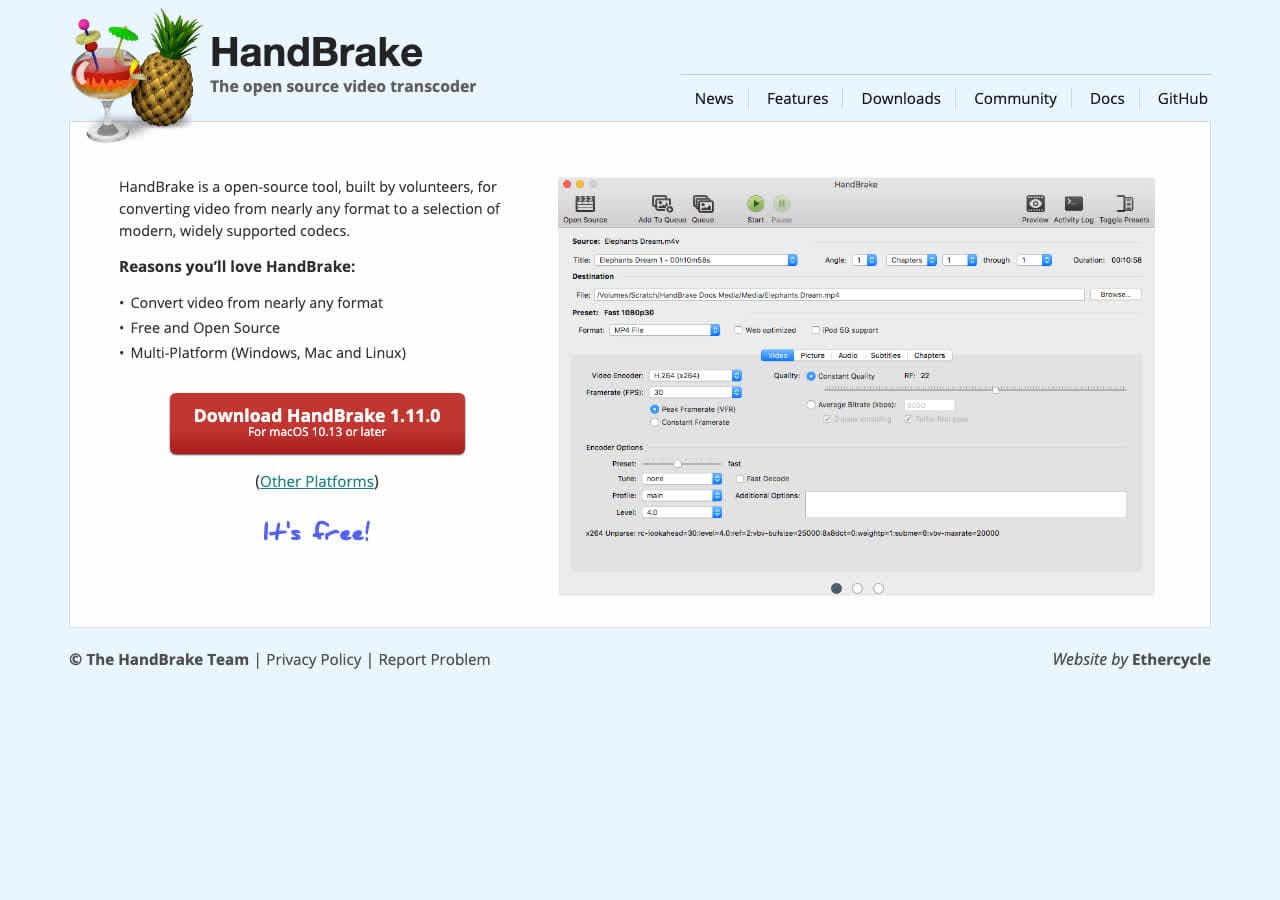
Video-focused but supports audio-only output. Useful when you want to batch-extract audio from many MP4s.
Pricing
- Free, open source.
6. Shutter Encoder
Free FFmpeg GUI. WAV extraction in two clicks.
Pricing
- Free.
7. macOS afconvert / QuickTime
QuickTime: File → Export As → Audio Only (M4A). Then convert to WAV with afconvert if needed.
Direct CLI:
afconvert -f WAVE -d LEI16 input.mp4 output.wav
Pricing
- Free with macOS.
8. Your DAW
Logic, Pro Tools, Ableton, Reaper, FL Studio — all read MP4 and extract audio internally. For DAW work, skip the second tool.
Pricing
- Whatever your DAW costs.
9. DaVinci Resolve

Pro video editor with WAV export via the Deliver page. Useful when MP4 → WAV is part of a video editing workflow.
Pricing
- Free Studio edition for most users; paid Studio for advanced features.
10. fre:ac
Cross-platform batch tool. Handles MP4 input via FFmpeg, outputs WAV.
Pricing
- Free, open source.
11. Permute (Mac)
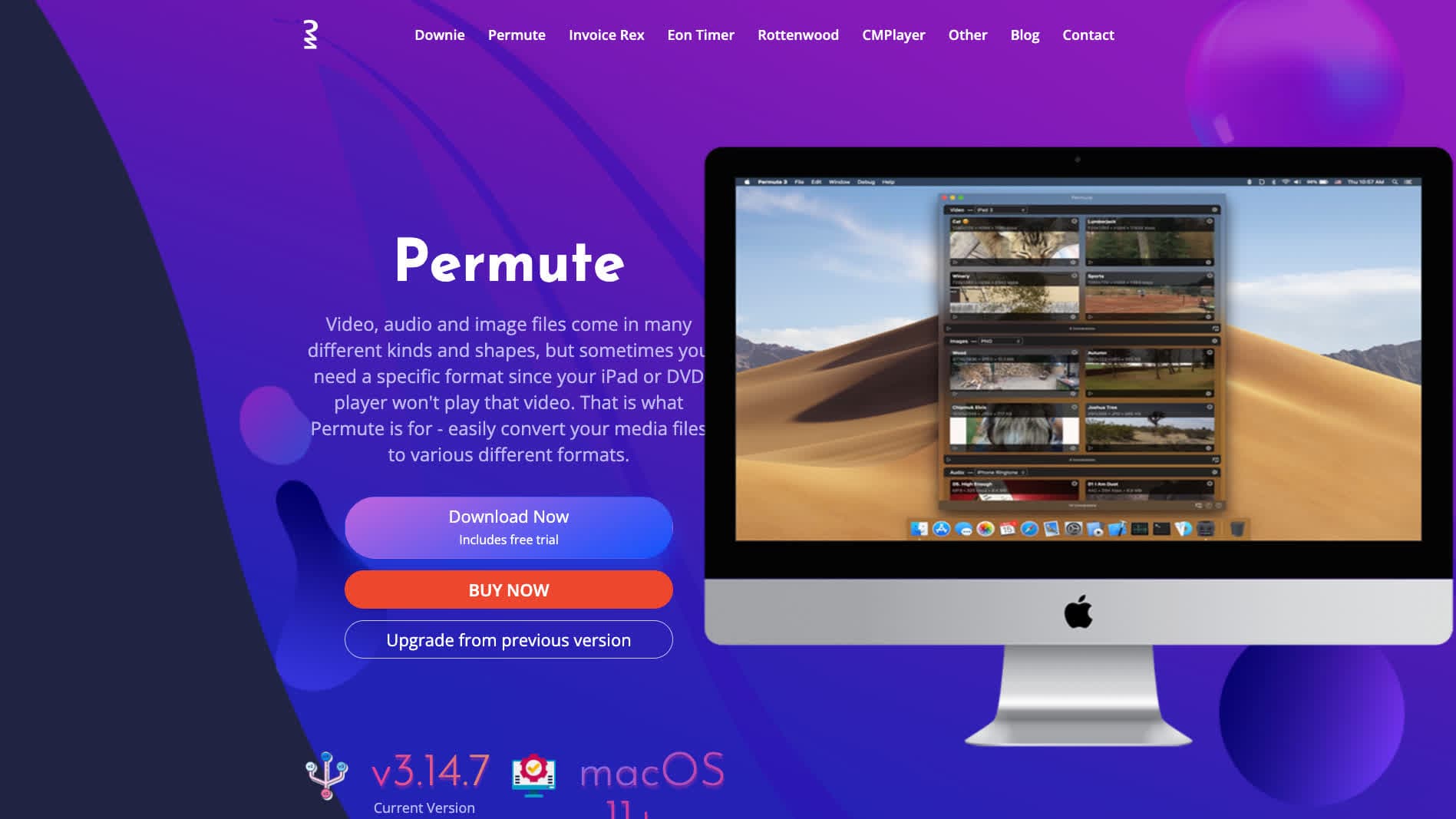
Polished Mac media converter. Drag MP4 in, pick WAV, done.
Pricing
- One-time purchase.
12. Any Video Converter
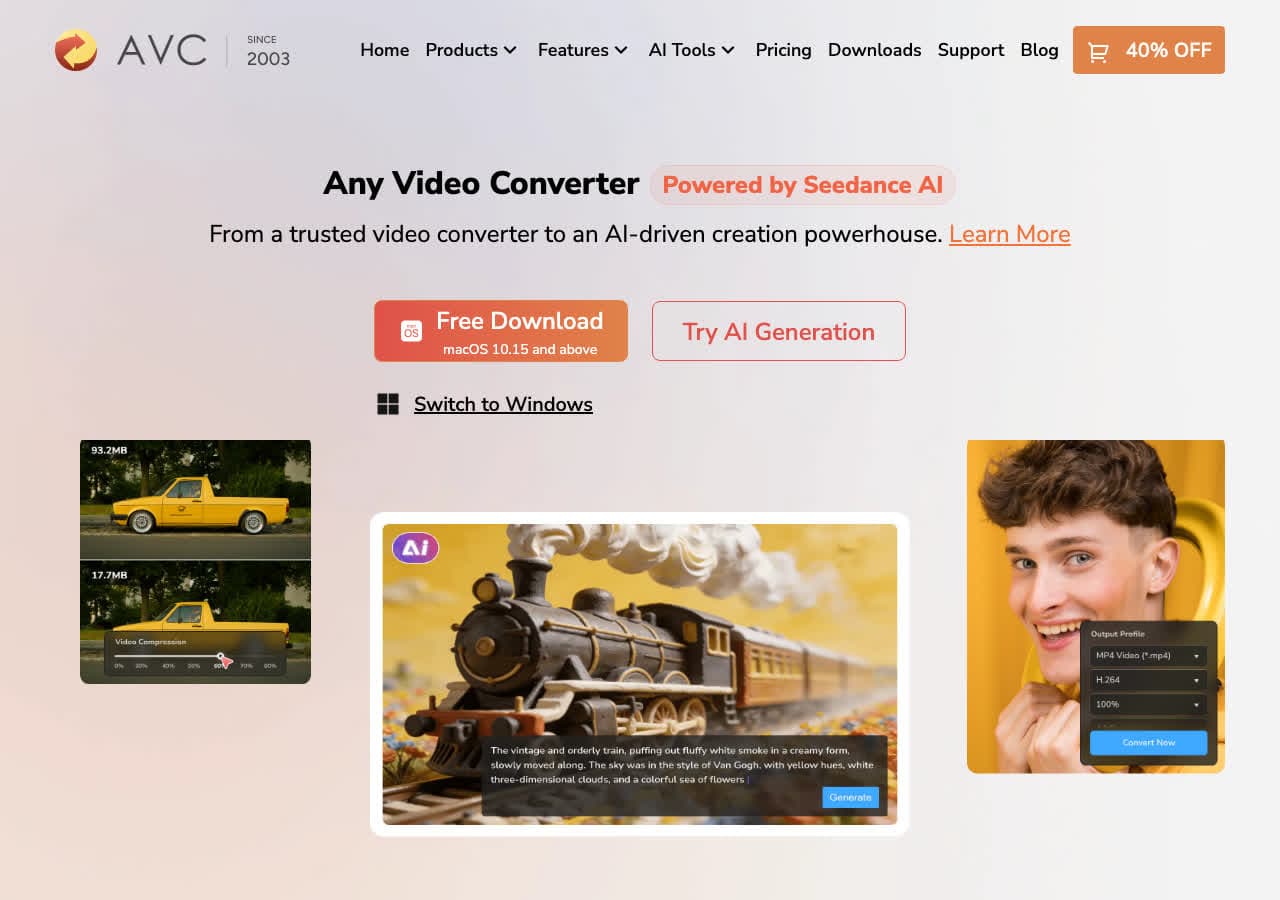
Consumer video converter with audio extraction.
Pricing
- Freemium.
13. Switch Audio Converter (NCH)
Lightweight commercial converter.
Pricing
- Free home; paid commercial.
14. Wondershare UniConverter
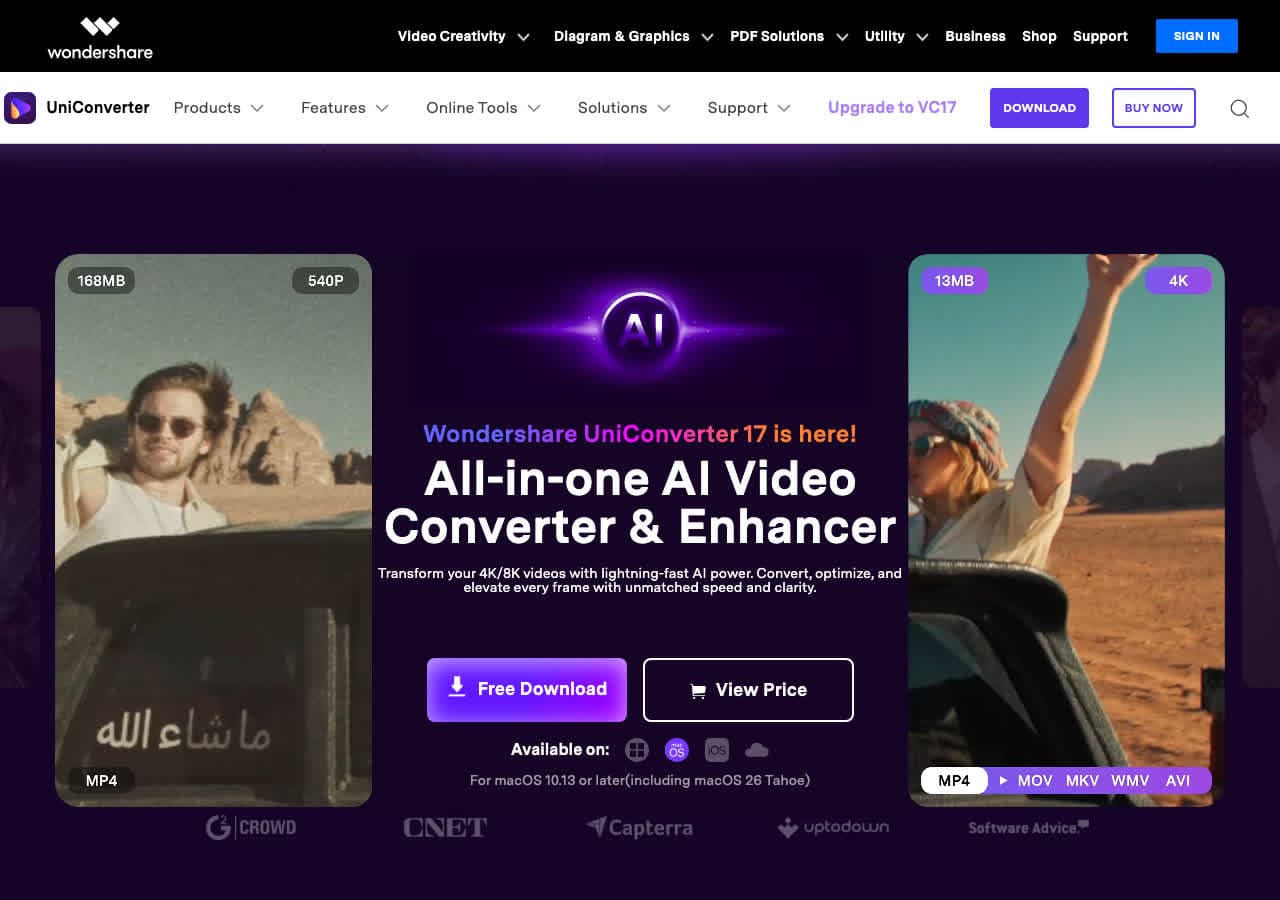
Full media suite with audio extraction.
Pricing
- Paid.
15. CloudConvert
Web converter. Slow for big MP4s. Stay local for sensitive recordings (Zoom calls, interviews).
Pricing
- Free tier; paid above.
16. Convertio
Web MP4 → WAV.
Pricing
- Free with caps; paid above.
17. Online Audio Converter (123apps)
Browser-based extraction.
Pricing
- Free with limits; paid above.
18. FreeConvert
Web MP4 → WAV.
Pricing
- Free with caps; paid above.
How to Choose
- Audio editing / DAW: drop MP4 directly into the DAW.
- Transcription: FFmpeg with mono 16 kHz output.
- One file: Audacity, VLC, or QuickTime + afconvert.
- Batch: FFmpeg, fre:ac, or How to Convert.
- Sensitive recording: stay local. Zoom calls, interviews, lectures.
Final Thoughts
MP4 → WAV is the standard “rip the audio out of a video” conversion. The audio inside the MP4 is already compressed, and proper extraction preserves it bit-equivalent in PCM. FFmpeg is the cleanest CLI tool; the OS built-ins handle one-off cases; for DAW work, skip the conversion and import the MP4 directly. For transcription, mono 16 kHz is the most useful target format for modern STT tools.
How to Convert
The offline file converter for Mac, Windows and Linux.
- Converts video, audio, images, documents, ebooks and more
- Everything runs locally. Your files never leave your device
- Pay once. Access forever
Get the app on Mac, Windows and Linux
