18 Best MP4 to WebM Converters in 2026 (Free and Paid)
The best MP4 to WebM converters in 2026. Compare offline desktop apps, open-source tools, and online converters for web publishing, HTML5 video, and smaller browser-friendly exports.
Posted by
 Jake Manger
MP4 to WebM is the conversion you do when you need video specifically for the web — a landing page hero, a documentation walkthrough, a GitHub README clip, a project demo. WebM (VP9 video + Opus audio, or AV1 video + Opus) was designed by Google for the web. It gets smaller file sizes than MP4 at the same quality, plays in every modern browser without a plug-in, and avoids the patent licensing issues that haunt H.264 in some commercial contexts. The catch is that WebM encoding is slow, and the encoder settings matter a lot. This guide compares 18 MP4 to WebM converters in 2026.
WebM is also one of those cases where the tool you pick determines whether the file ends up 30% smaller or 30% bigger than the source MP4 — encoder choice and settings really do matter.
VP9 or AV1? Which Codec to Pick
- VP9 — the older WebM video codec. Supported in every modern browser (Chrome since 2013, Safari since 14, Firefox always). Encoder is slow but mature. The default for most WebM tools.
- AV1 — the newer WebM video codec. Supported in Chrome, Firefox, Edge, and Safari (since 17). Files are 30–50% smaller than VP9 at the same quality. Encoder is much slower — 10–50x slower than VP9 in software, fast in hardware-accelerated encoders.
For most uses, VP9 is the right pick — universal browser support, reasonable encode time. Use AV1 only if file size really matters and you have time to encode.
Quick Picks for MP4 → WebM
- Best CLI: FFmpeg with libvpx-vp9 (VP9) or libsvtav1 (AV1).
- Best free GUI: HandBrake.
- Best for site assets: sharp / Next.js's pipeline, or a script.
- One-shot: How to Convert.
- Sensitive video: stay local.
One-shot: MP4 to WebM converter.
1. How to Convert (I built this one)

Drop MP4s in, pick WebM, choose VP9 or AV1, set quality, hit convert. Local.
Pricing
- One-time purchase; free web demo for single-file conversions.
 How to Convert
The offline file converter for Mac, Windows and Linux.
- Converts video, audio, images, documents, ebooks and more
- Everything runs locally. Your files never leave your device
- Pay once. Access forever
Get the app on Mac, Windows and Linux
2. FFmpeg
VP9 (recommended default):
ffmpeg -i input.mp4 -c:v libvpx-vp9 -crf 32 -b:v 0 -c:a libopus -b:a 128k output.webm
AV1 (newer, smaller files, slower):
ffmpeg -i input.mp4 -c:v libsvtav1 -crf 35 -c:a libopus -b:a 128k output.webm
Two-pass VP9 for highest quality at a given file size:
ffmpeg -i input.mp4 -c:v libvpx-vp9 -b:v 2M -pass 1 -an -f null /dev/null
ffmpeg -i input.mp4 -c:v libvpx-vp9 -b:v 2M -pass 2 -c:a libopus -b:a 128k output.webm
Pricing
- Free, open source.
3. HandBrake
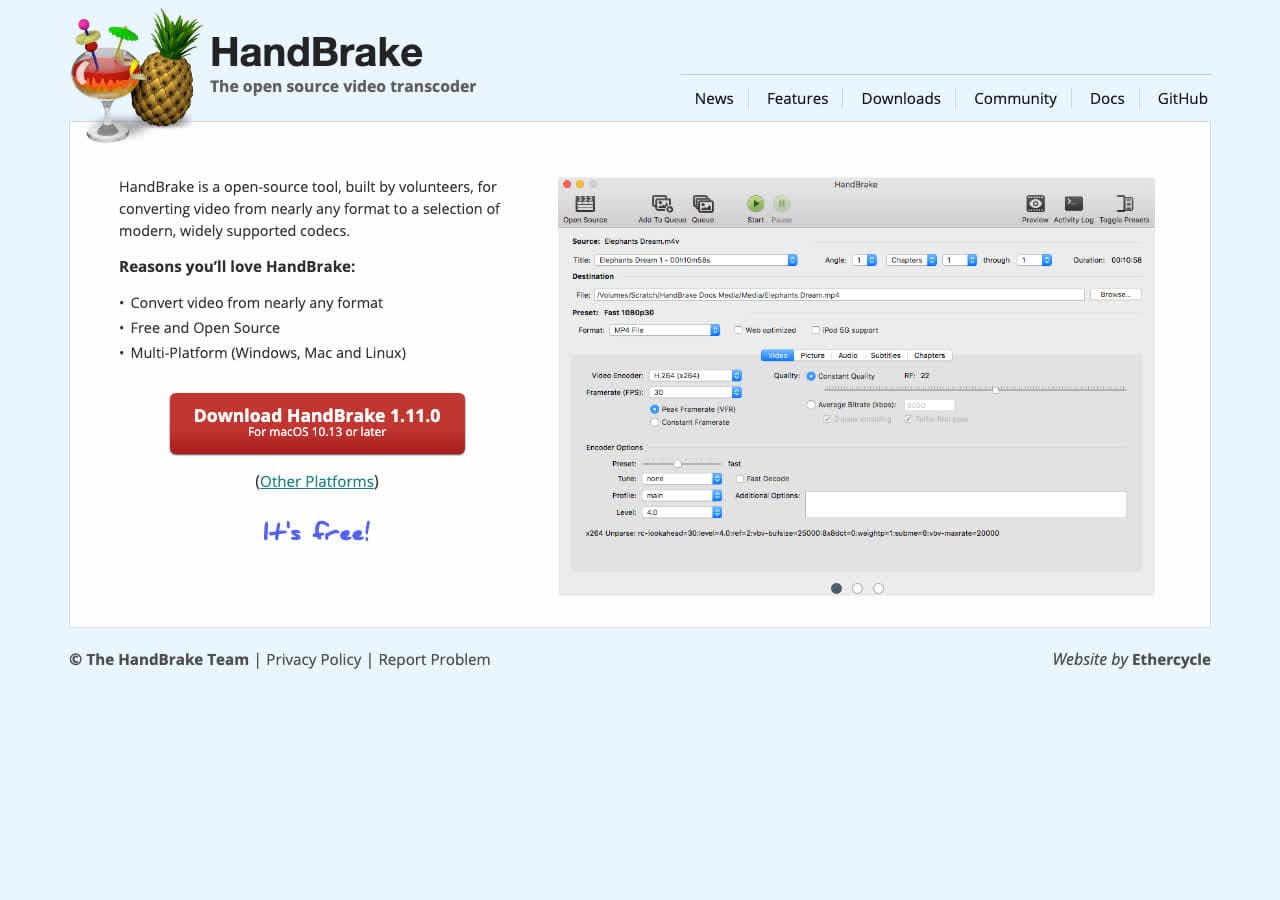
Free cross-platform video transcoder. WebM output preset includes VP9 and AV1. The friendly GUI for FFmpeg-equivalent settings.
Pricing
- Free, open source.
4. Shutter Encoder
Free FFmpeg GUI with batch WebM support. Cleaner workflow than running FFmpeg in a loop.
Pricing
- Free.
5. DaVinci Resolve

Pro video editor with WebM export in the Deliver page (Studio edition). The right pick when MP4 → WebM is part of a finishing workflow.
Pricing
- Free Studio edition; paid Studio for hardware-accelerated AV1.
6. VLC

Media → Convert / Save → WebM. Functional but less control than HandBrake.
Pricing
- Free, open source.
7. Any Video Converter
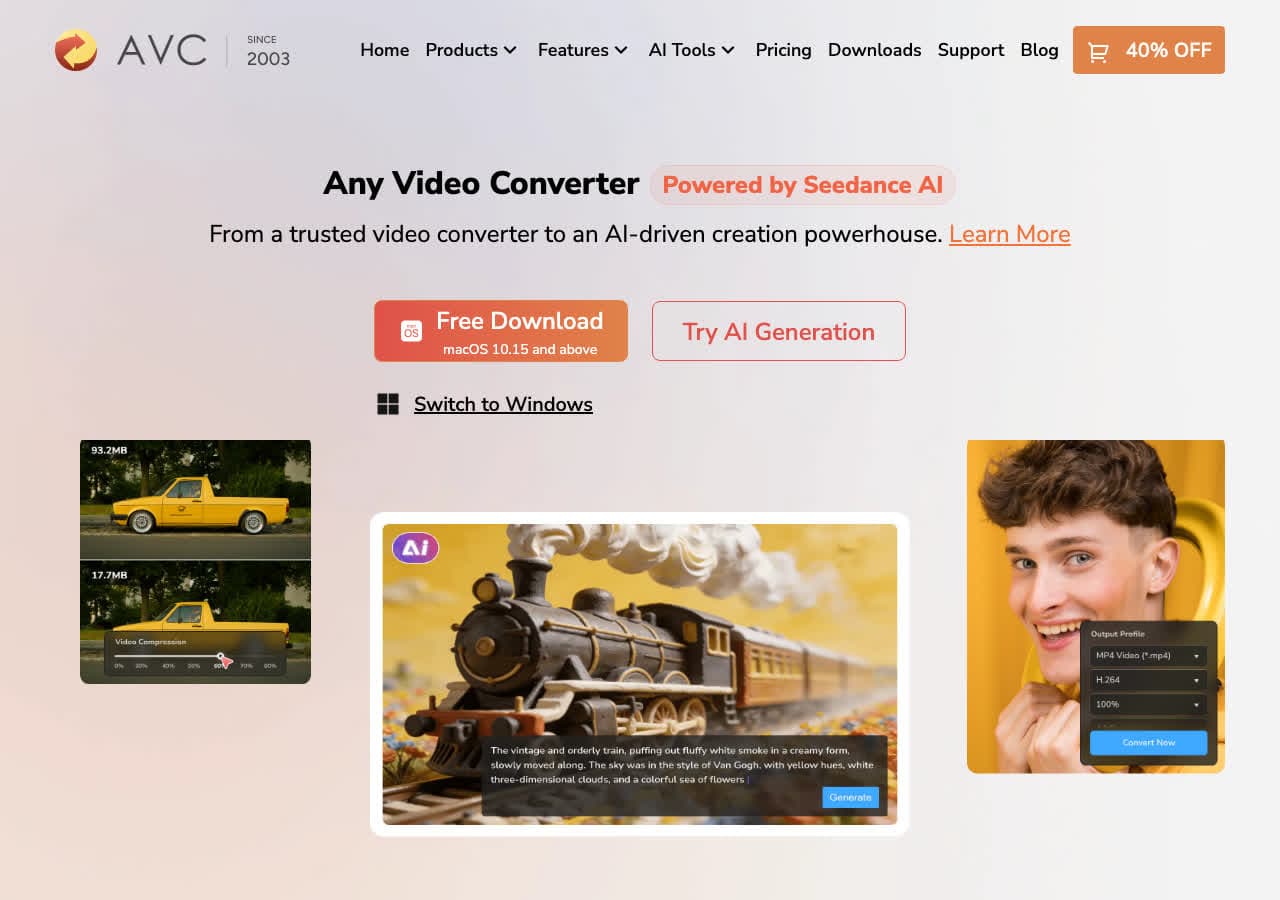
Consumer video converter with WebM output.
Pricing
- Freemium.
8. Permute (Mac)
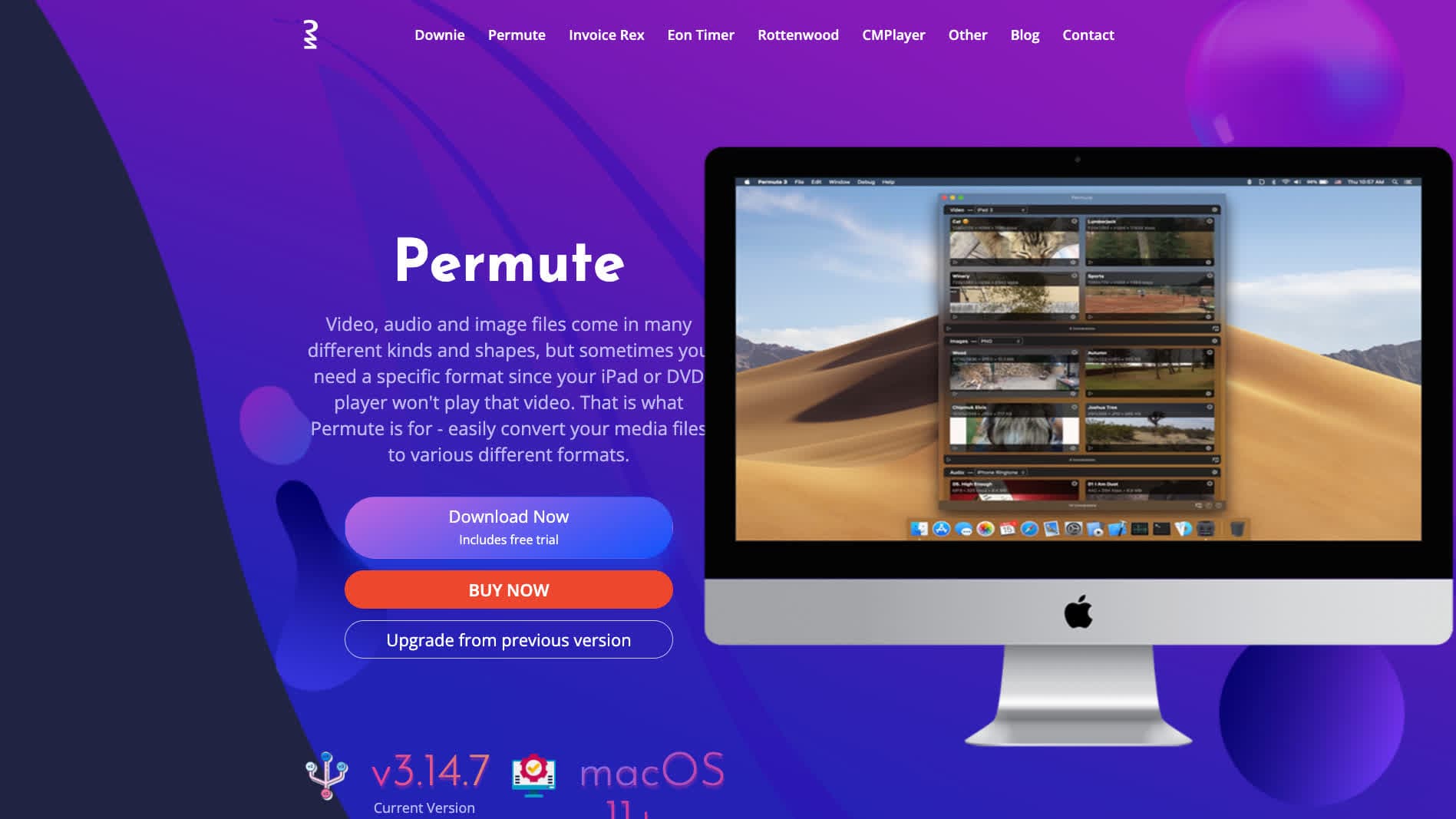
Polished Mac media converter. Drag MP4 in, pick WebM, done.
Pricing
- One-time purchase.
9. Wondershare UniConverter
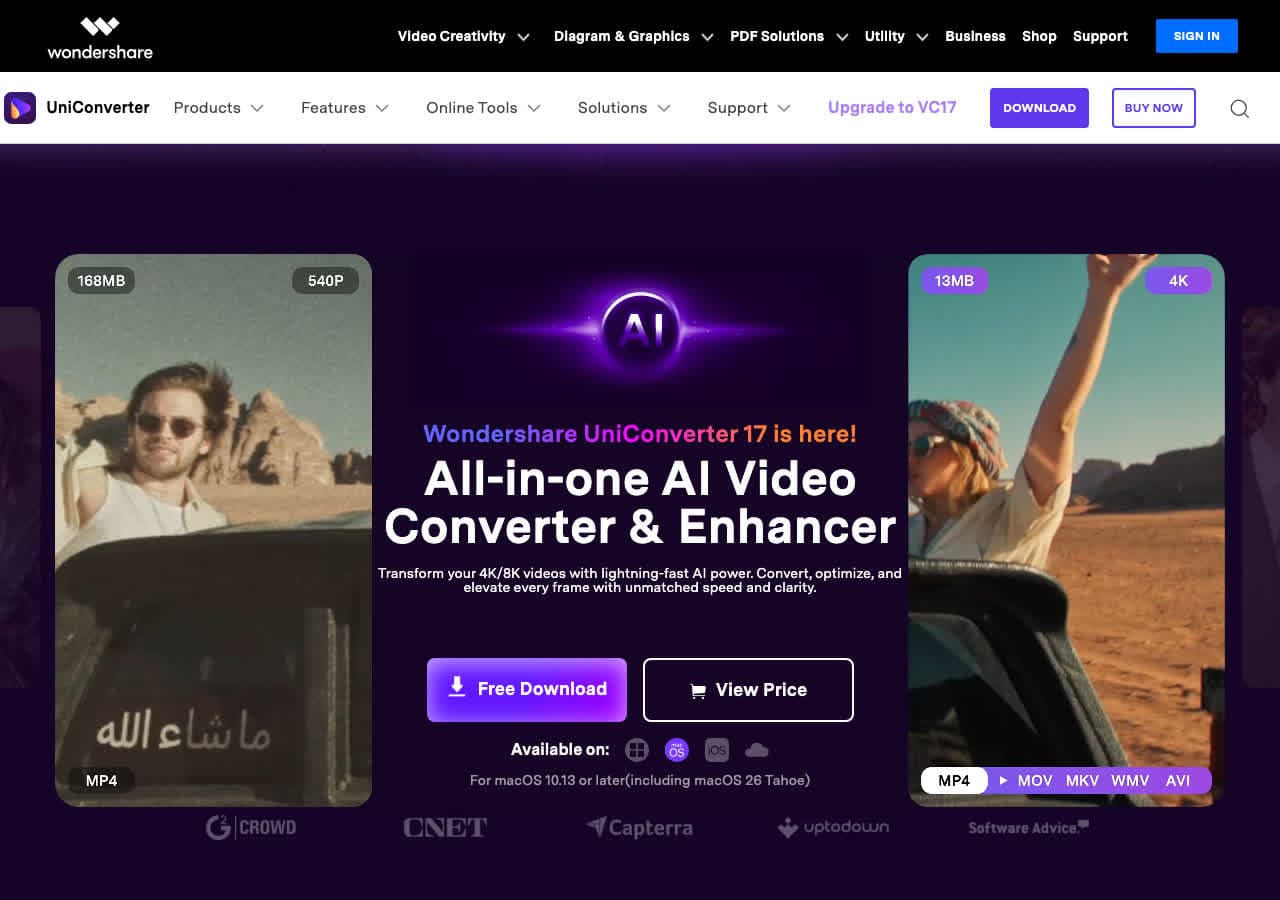
Full media suite with WebM presets.
Pricing
- Paid.
10. Movavi Video Converter
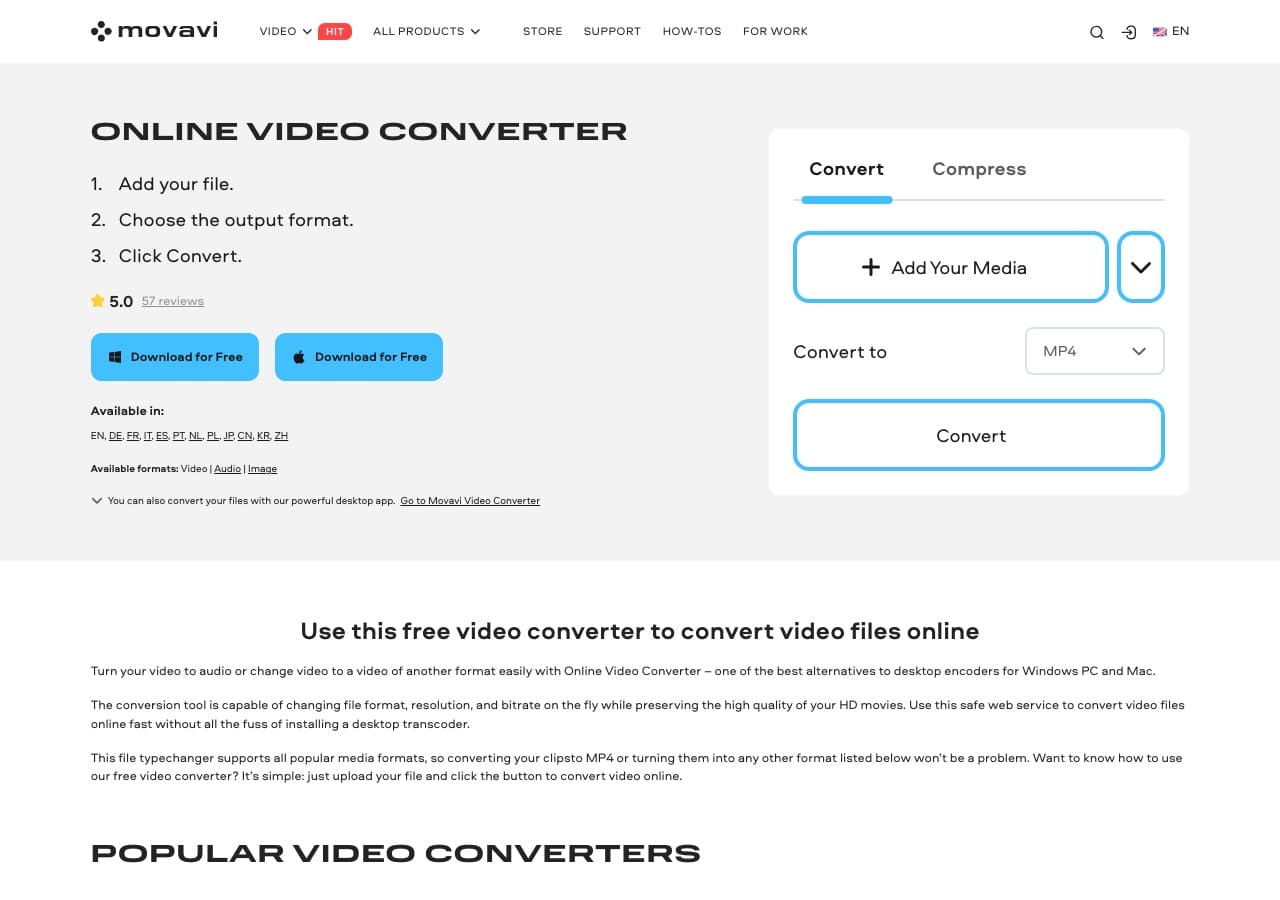
Beginner-friendly paid converter with WebM output.
Pricing
- Paid.
11. Prism Video Converter
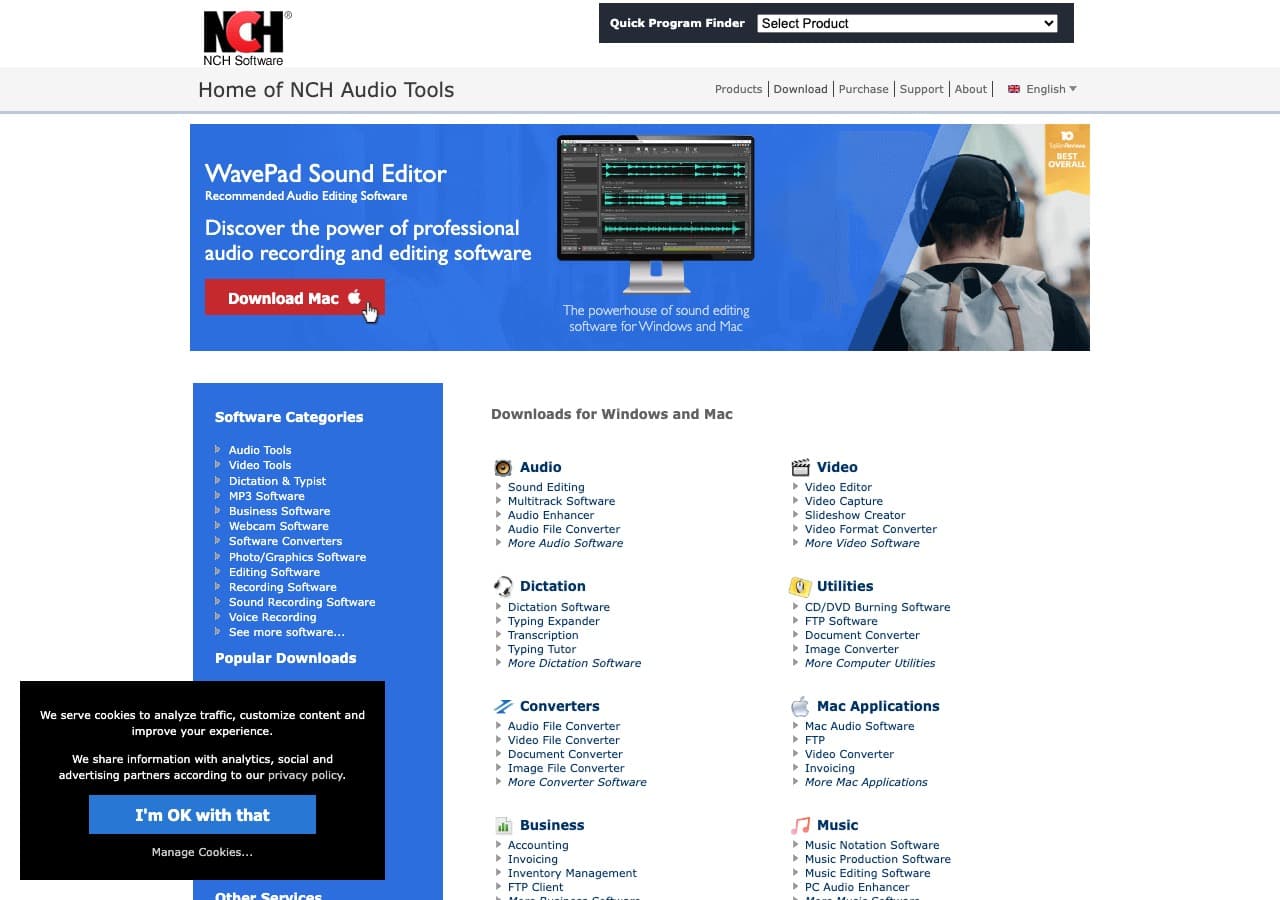
Simple paid video converter from NCH with WebM support.
Pricing
- Free home; paid commercial.
12. Kdenlive
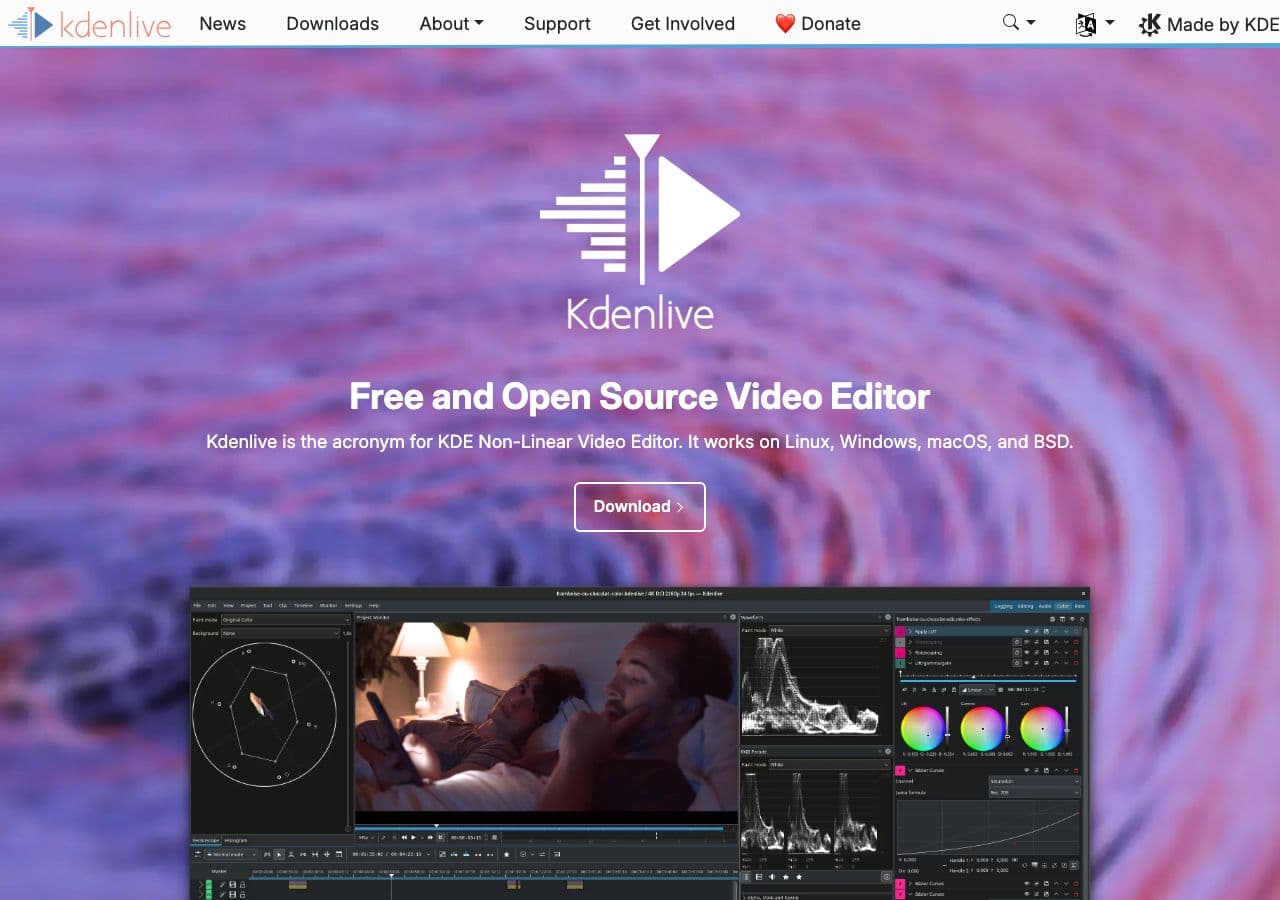
Free open-source video editor with WebM render targets.
Pricing
- Free, open source.
13. Adobe Premiere Pro
Pro video editor. WebM export via the Media Encoder.
Pricing
- Subscription.
14. CloudConvert
Web converter. Slow for big MP4s. Stay local for sensitive video.
Pricing
- Free tier; paid above.
15. Convertio
Web MP4 → WebM.
Pricing
- Free with caps; paid above.
16. Online-Convert
Web converter with detailed WebM options including resolution and bitrate.
Pricing
- Free with limits; paid above.
17. FreeConvert
Web converter with quality slider.
Pricing
- Free with caps; paid above.
18. Zamzar
Long-running web converter.
Pricing
- Free with daily limits; paid above.
How to Choose
- Web hero / asset: FFmpeg with VP9, CRF 32. Standard quality, universal browser support.
- Smallest possible file: AV1 if you have encode time.
- GUI: HandBrake or Shutter Encoder.
- Pro pipeline: DaVinci Resolve or Premiere.
- Batch: FFmpeg in a script or How to Convert.
- Sensitive video: stay local.
Final Thoughts
MP4 → WebM is the right conversion when video is for the web specifically — smaller files, no licensing concerns, native browser playback. VP9 is the safe default for compatibility and encode time; AV1 is the choice when you have minutes-to-hours of encode time available and want the smallest possible file. FFmpeg or HandBrake handle the conversion cleanly; everything else is wrappers around the same encoders.
How to Convert
The offline file converter for Mac, Windows and Linux.
- Converts video, audio, images, documents, ebooks and more
- Everything runs locally. Your files never leave your device
- Pay once. Access forever
Get the app on Mac, Windows and Linux
