5 Best MSG to EML Converters in 2026

An Outlook MSG file isn’t much use if your mail app won’t open it. I’ve rounded up five options for converting it to EML, including my own app and a free browser tool.
1. How to Convert
Mac, Windows, Linux · $29 once
This is the one I made. How to Convert handles email alongside documents, photos, audio and video: almost any file in one app. You choose the output; it finds the tools needed and runs them for you.
1. Add the MSG. Save the message to your computer and add it to the How to Convert desktop app.
2. Choose EML. Select EML from the output menu and click Convert.
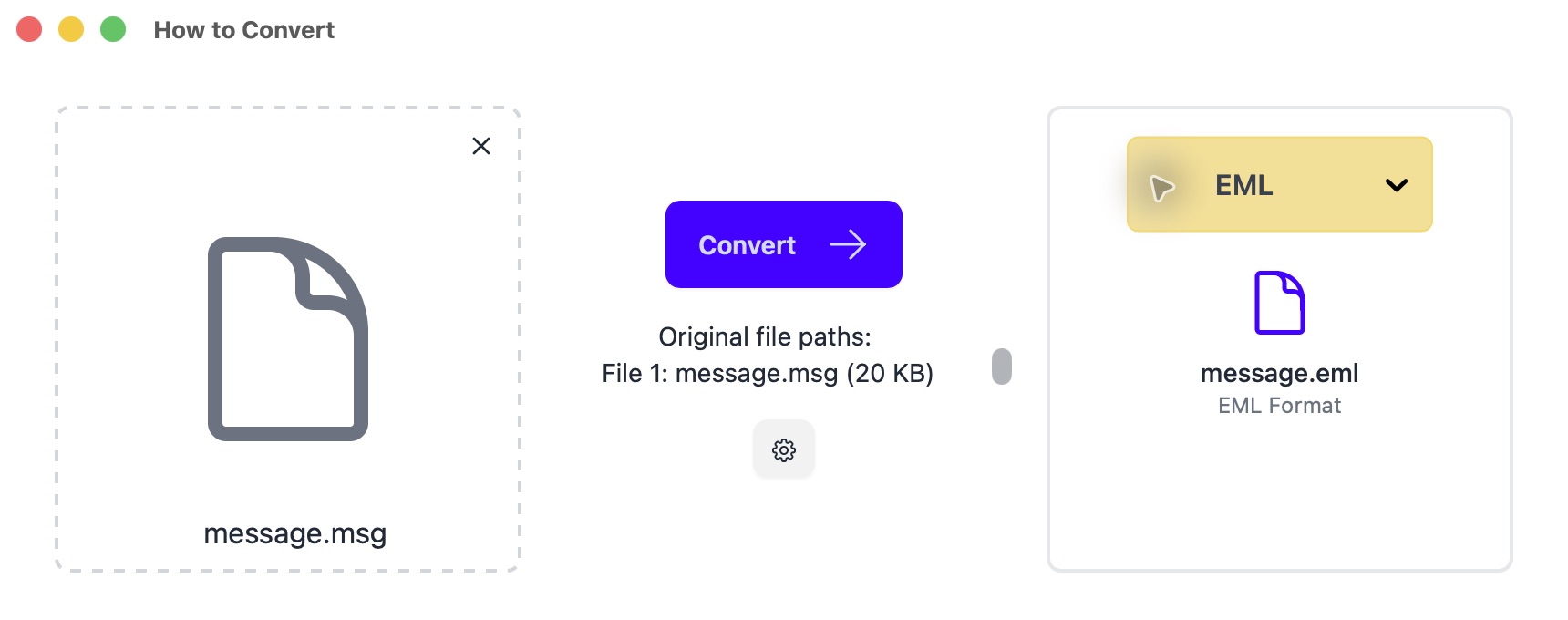
Select EML on the right, then Convert. Mac desktop app shown. 3. Open the email. Open the EML in your mail app. Check the sender, date, body and an attachment before converting a whole archive.
Attachments are carried into the EML, but unusual Outlook fields may not translate. Email conversion is desktop-only.
Other options
2. MailRaider
Mac · Paid editions
A Mac email viewer with export built in. Bulk processing requires the Pro edition.
- Open the MSG in MailRaider and choose File → Export.
- Select EML, choose where to save and export the message.
3. Total Mail Converter
Windows · Paid; trial available
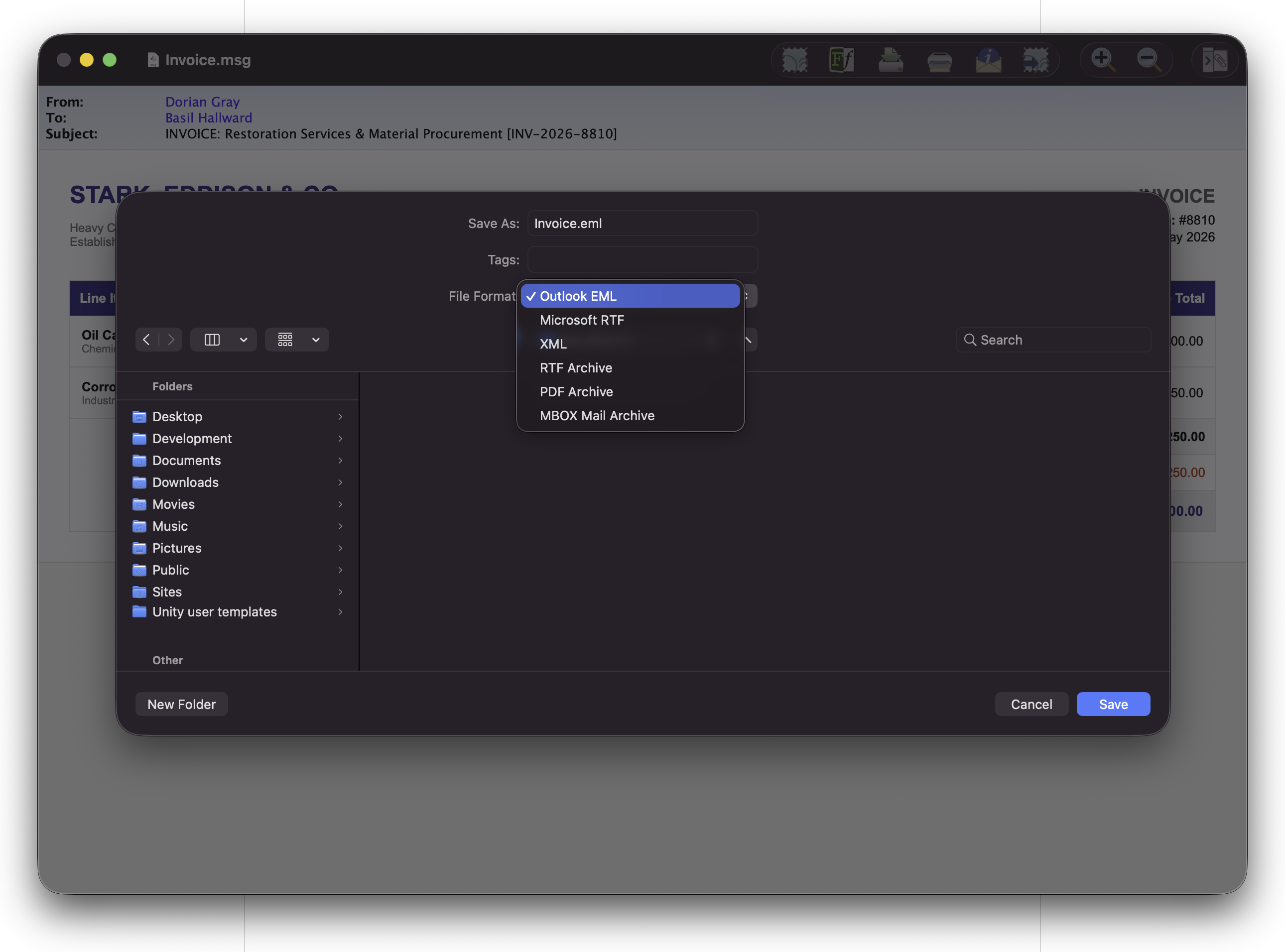
A Windows option for folders of emails. Attachment handling depends on the edition.
- Browse to your MSG folder and tick the messages you want.
- Click EML in the format toolbar, choose a destination and complete the conversion wizard.
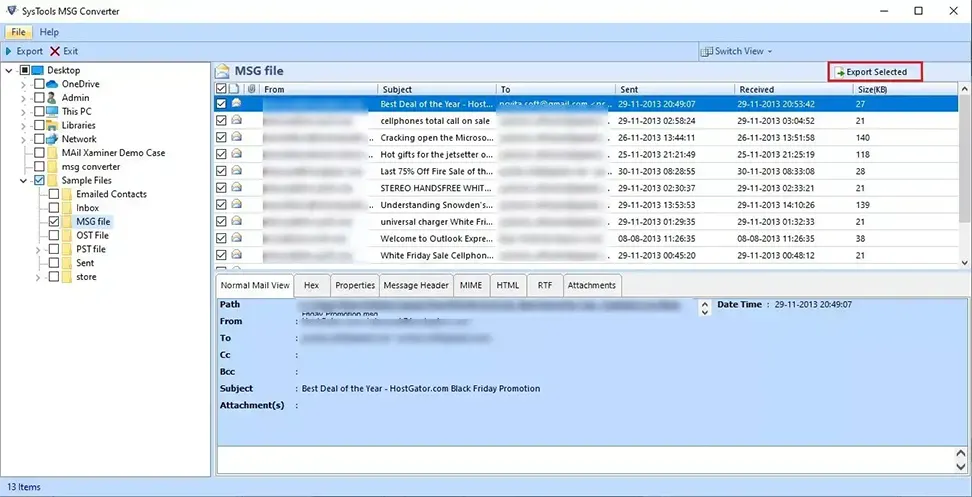
4. SysTools MSG Converter
Mac, Windows · Paid; limited demo
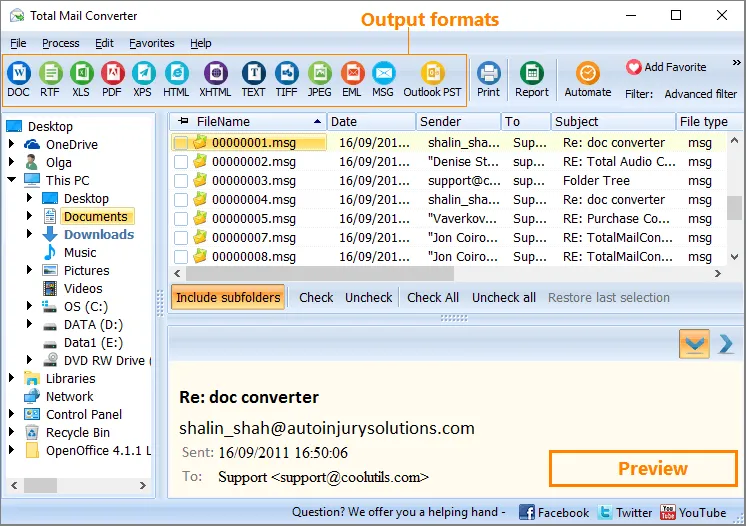
For batches on Mac or Windows; the free demo limits how much you can export.
- Add your MSG files or folder and select the messages to export.
- Choose EML, set the destination folder and start the export.
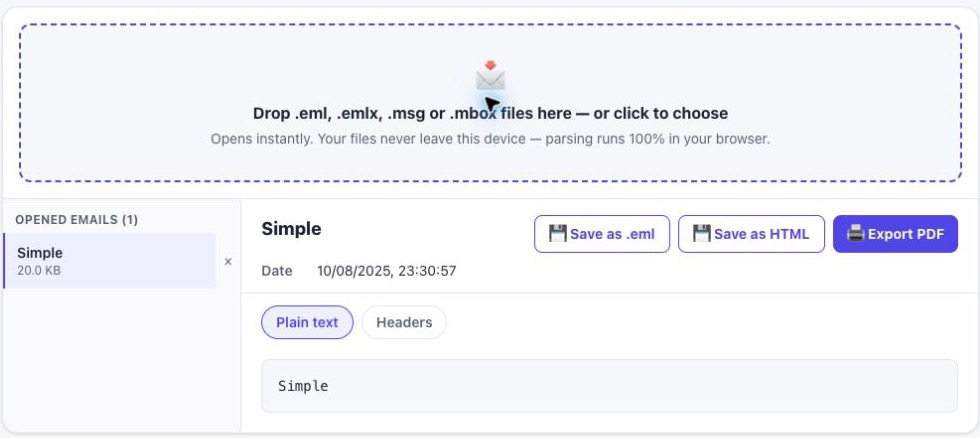
5. EML Tool
Browser · Free web tool
A free browser option that processes messages locally on your device.
- Open the MSG in EML Tool and check the message preview.
- Export as EML, then open the download in your mail app and check its attachments.