5 Best MSG to PDF Converters in 2026

A PDF makes a saved Outlook message easier to read and share. I’ve rounded up five ways to make one, including my own app. They handle attachments differently, so I’ve noted what each saves.
1. How to Convert
Mac, Windows, Linux · $29 once
This is the one I made. How to Convert handles email alongside documents, photos, audio and video: almost any file in one app. You choose the output; it finds the tools needed and runs them for you.
1. Add your files. Drag your MSG file into How to Convert.
2. Choose the output and convert. Choose PDF from the output menu and click Convert.
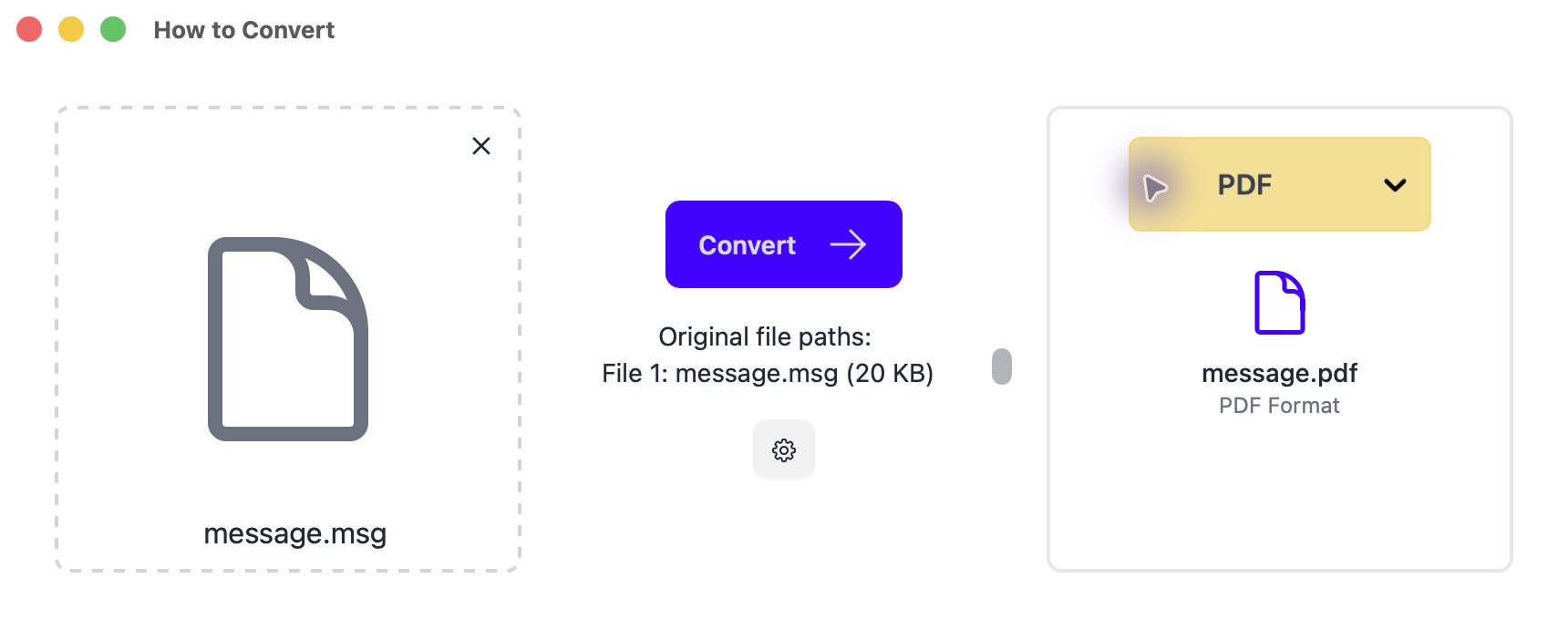
Drop in your file on the left; choose PDF on the right. Mac app shown.
This saves the email body as image-based PDF pages: text is not searchable, and attachments are omitted.
Other options
2. Microsoft Outlook
Windows · Requires Outlook
Convenient for a message Outlook already opens. Print to PDF for the visible message and save attachments separately.
- Open the MSG in Outlook and check that its text and inline images display correctly.
- Choose Print. On Windows, select Microsoft Print to PDF; on Mac, use the PDF menu in the print dialog.
- Save the PDF, then open it to check page breaks and missing images. Save any important attachments separately.
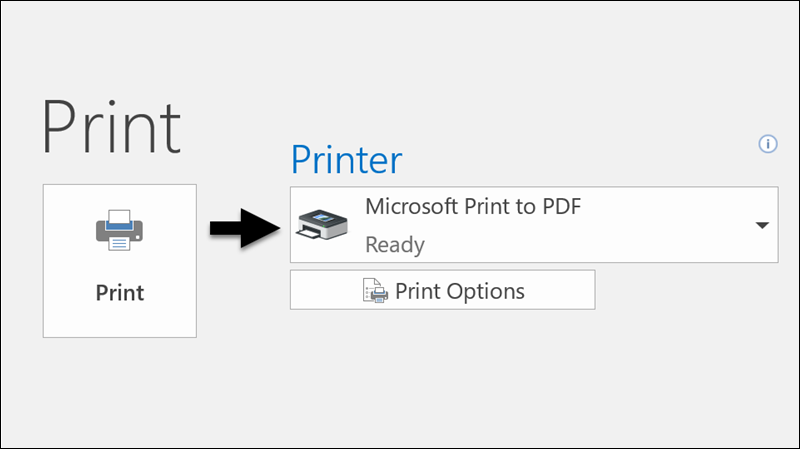
Printing the message does not include the contents of its attachments.
3. Total Mail Converter
Windows · Paid; trial available
A Windows option for folders of emails. Attachment handling depends on the edition.
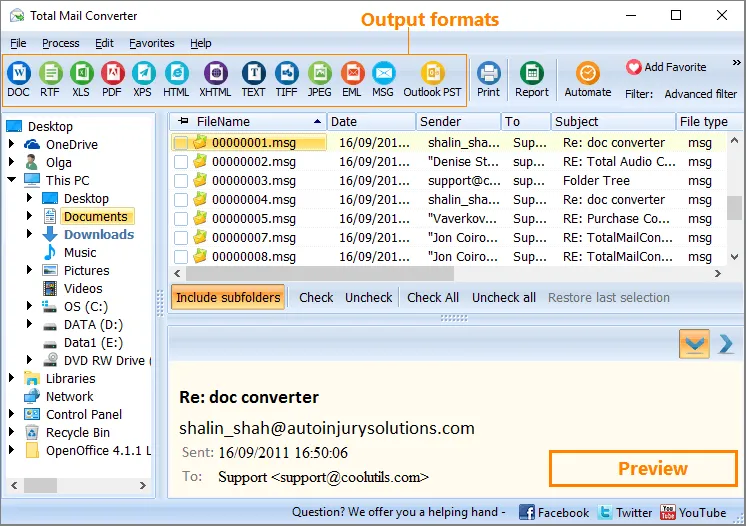
- Browse to your MSG folder and tick the messages you want.
- Click PDF in the format toolbar, choose a destination and complete the conversion wizard.
4. PstViewer Pro
Windows · Paid; trial available
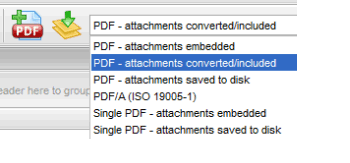
For Windows email archives, with several PDF attachment options.
- Open the MSG folder and select your messages.
- Choose a PDF export profile, check how it handles attachments, and export to your chosen folder.
5. MailRaider
Mac · Paid editions
A Mac email viewer with export built in. Bulk processing requires the Pro edition.
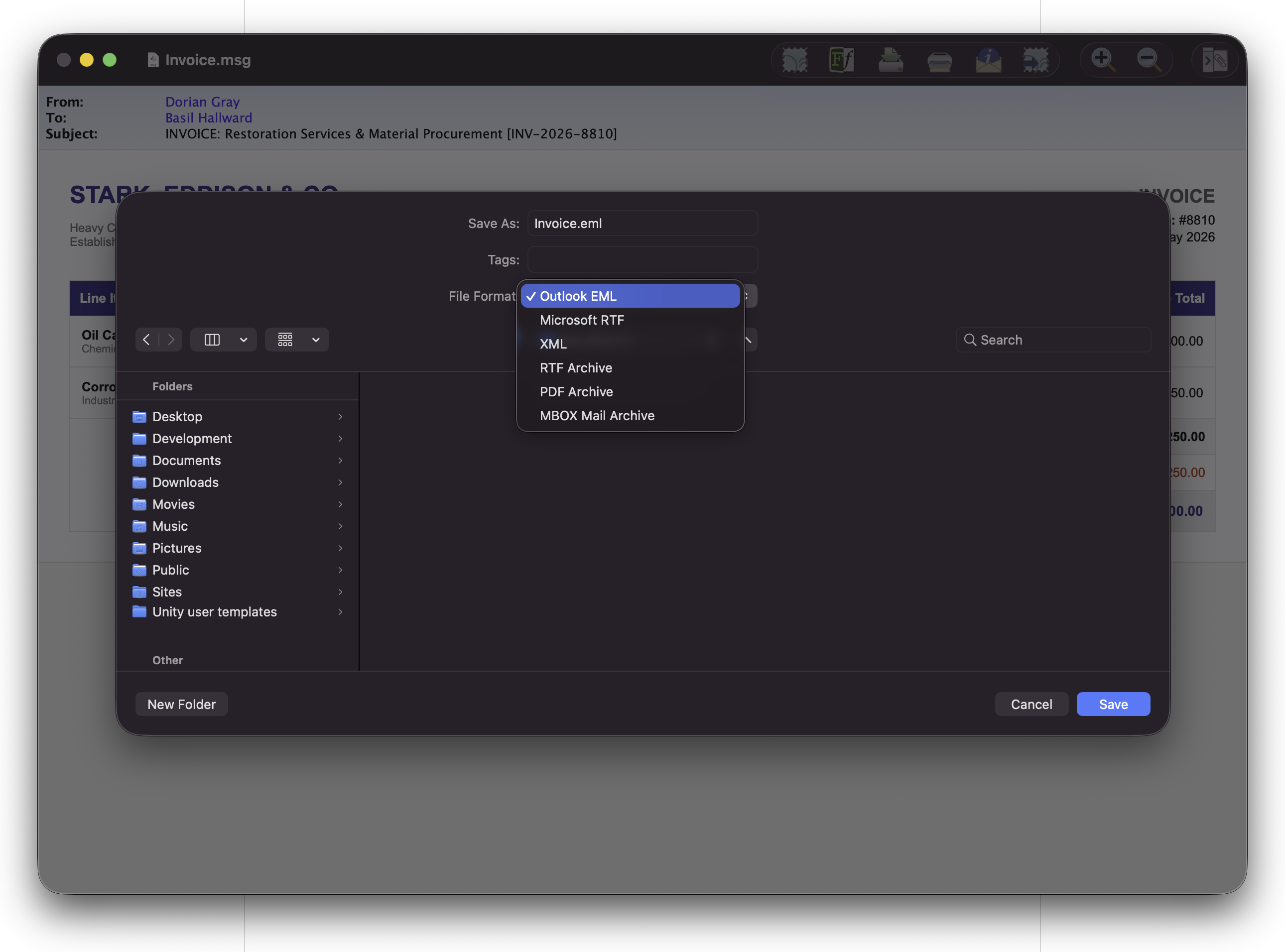
- Open the MSG in MailRaider and choose File → Export.
- Select PDF, choose where to save and export the message.