18 Best PDF to ODT Converters in 2026 (Free and Paid)
The best PDF to ODT converters in 2026. Compare offline desktop apps, open-source tools, and online converters for editing PDF content in open document workflows.
Posted by
 Jake Manger
PDF to ODT is the conversion for the LibreOffice / OpenOffice ecosystem. ODT is the OpenDocument Text format used by LibreOffice Writer, OpenOffice, and several government / academic systems that mandate open document standards. Converting PDF to ODT lets you edit the content in Writer with proper structure (paragraphs, headings, tables) rather than treating the PDF as flat text. This guide compares 18 PDF to ODT converters in 2026.
PDF → ODT has the same fundamental challenge as PDF → DOCX or PDF → PPTX — reconstructing structured content from a print-layout source.
Quick Picks for PDF → ODT
- Best: LibreOffice Writer itself — open the PDF in Draw, copy content into Writer.
- Best CLI: LibreOffice headless mode, or Pandoc.
- Best for scanned PDFs: a tool with OCR (Adobe Acrobat, ABBYY FineReader).
- One-shot: How to Convert.
One-shot: PDF to ODT converter.
1. How to Convert (I built this one)

Drop PDFs in, pick ODT, hit convert. Uses LibreOffice headless under the hood. Local.
Pricing
- One-time purchase; free web demo for single-file conversions.
 How to Convert
The offline file converter for Mac, Windows and Linux.
- Converts video, audio, images, documents, ebooks and more
- Everything runs locally. Your files never leave your device
- Pay once. Access forever
Get the app on Mac, Windows and Linux
2. LibreOffice (CLI + GUI)
Best free option. CLI:
libreoffice --headless --infilter="writer_pdf_import" --convert-to odt input.pdf
GUI: open PDF in Draw (which keeps layout fidelity), then File → Send → Outline to Writer for editable text.
Pricing
- Free, open source.
3. Pandoc
pandoc input.pdf -o output.odt
Best for clean text content; struggles with complex layout PDFs.
Pricing
- Free, open source.
4. Adobe Acrobat Pro
Export to Word DOCX, then open in Writer and Save As ODT. Best OCR for scanned PDFs.
Pricing
- Subscription.
5. ABBYY FineReader
Best OCR engine on the market. Exports to ODT directly. Right for scanned documents or PDFs of physical books.
Pricing
- Paid.
6. PDF24
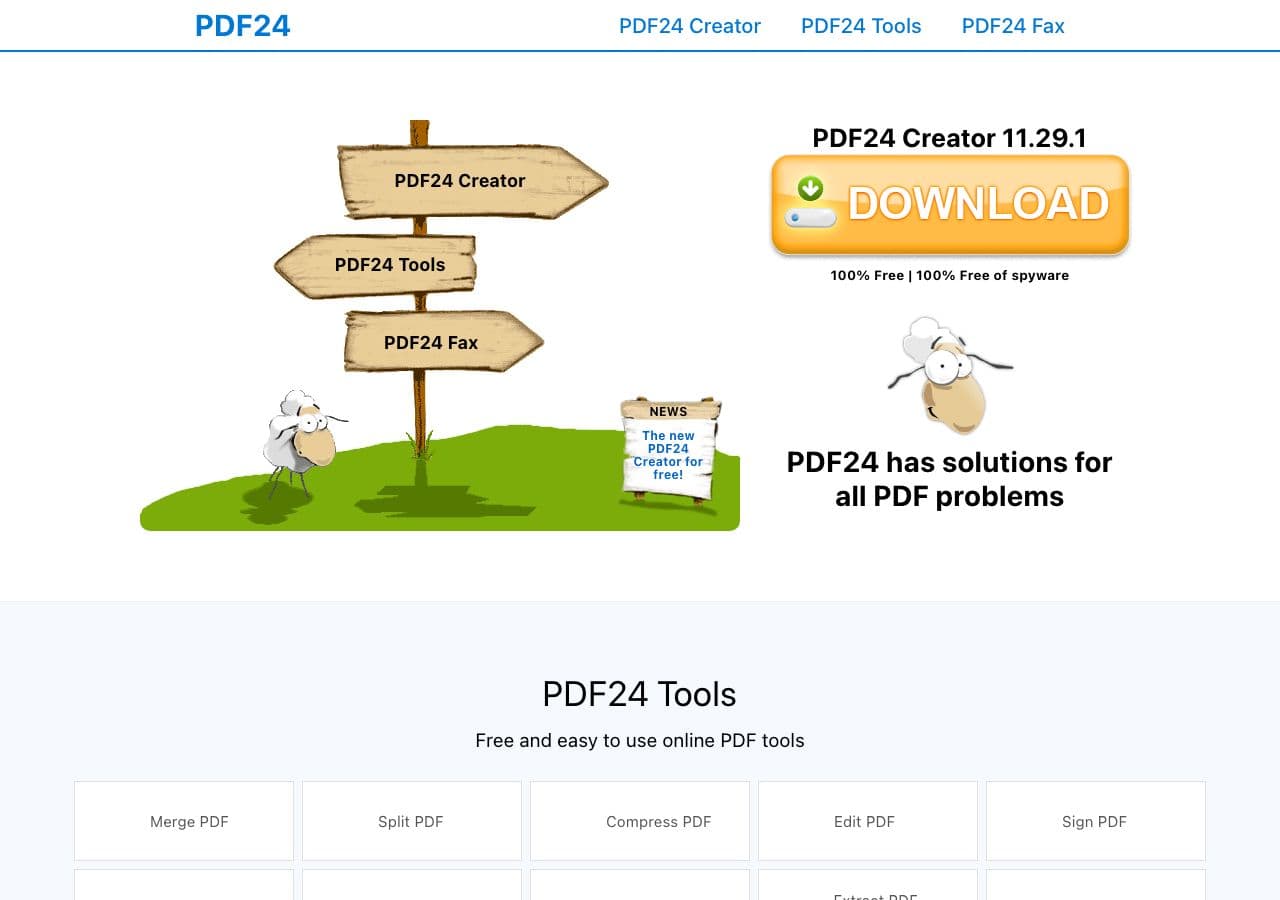
Free Windows toolkit with PDF → ODT via LibreOffice backend.
Pricing
- Free for personal use.
7. CloudConvert
Web PDF → ODT.
Pricing
- Free tier; paid above.
8. Convertio
Web PDF → ODT.
Pricing
- Free with caps; paid above.
9. Zamzar
Long-running web converter.
Pricing
- Free with daily limits; paid above.
10. Online-Convert
Web converter.
Pricing
- Free with limits; paid above.
11. FreeConvert
Web converter.
Pricing
- Free with caps; paid above.
12. Smallpdf
Limited ODT support; better to convert PDF → DOCX → ODT.
Pricing
- Free with daily limits; paid above.
13. iLovePDF
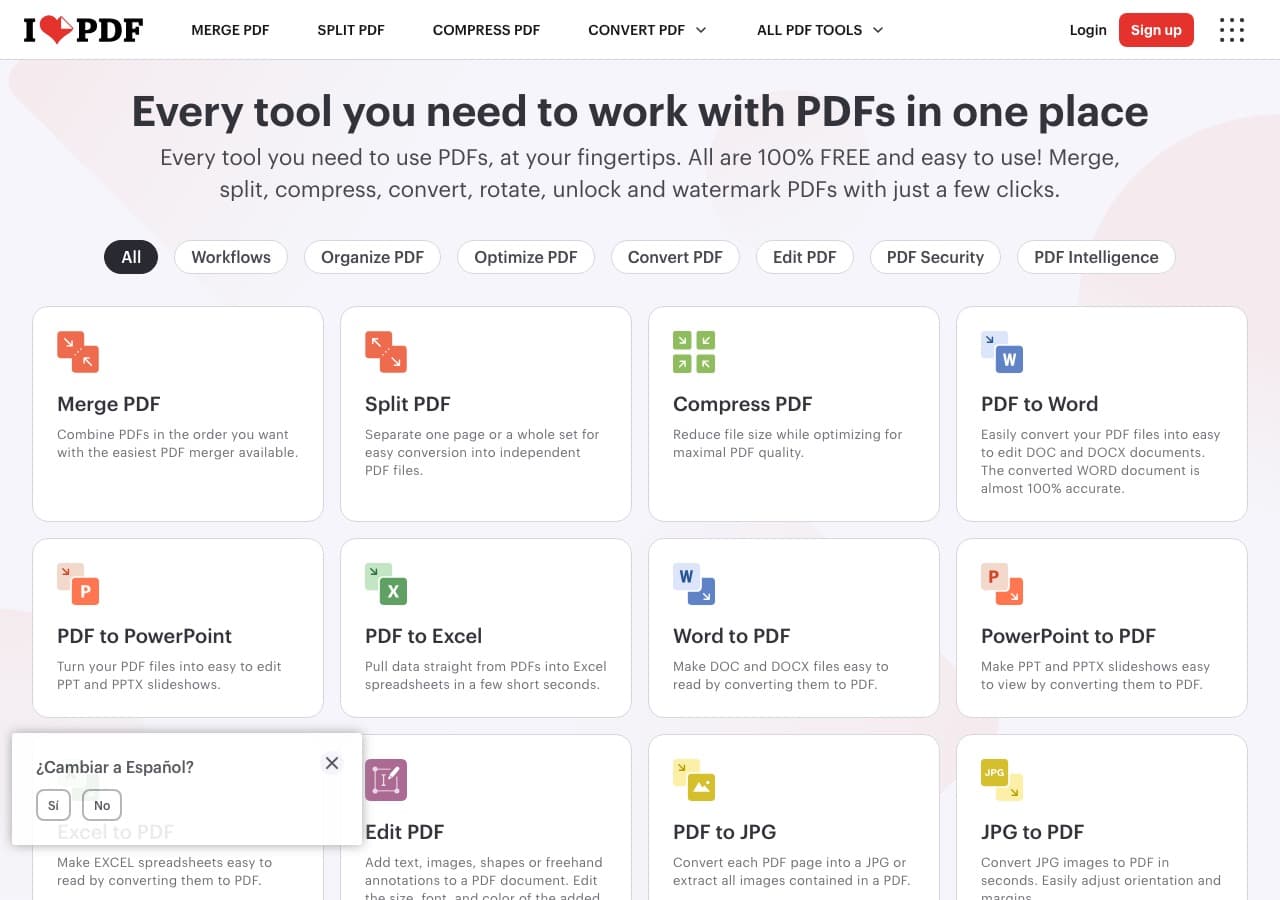
PDF → DOCX is offered; open the DOCX in Writer and Save As ODT.
Pricing
- Free with limits; paid above.
14. Foxit PDF Editor
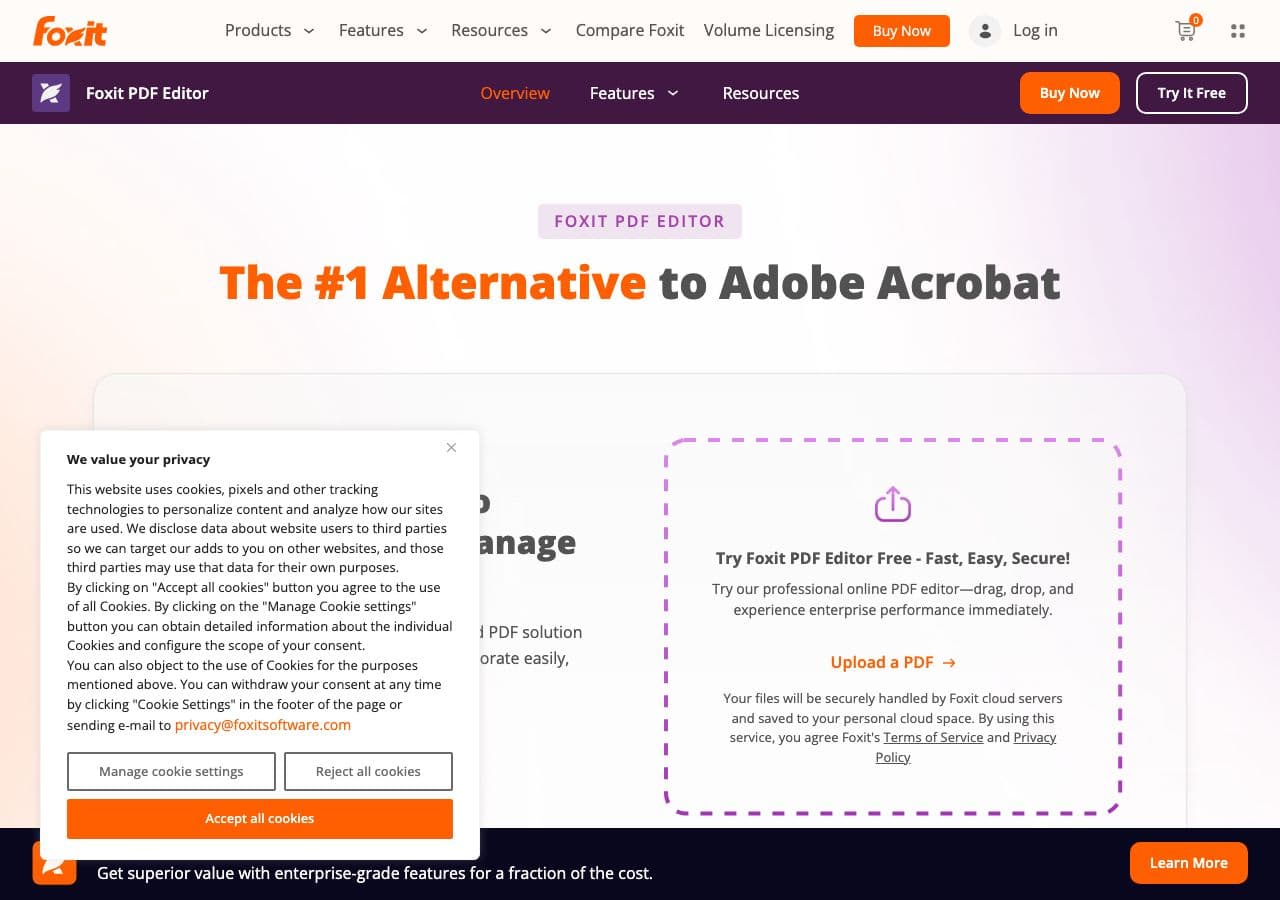
Acrobat alternative. Exports to DOCX; open in Writer and save as ODT.
Pricing
- Subscription or perpetual.
15. Nitro PDF
Team Adobe alternative.
Pricing
- Subscription.
16. PDFelement
Wondershare's PDF editor.
Pricing
- Paid.
17. PDF Expert (Mac)
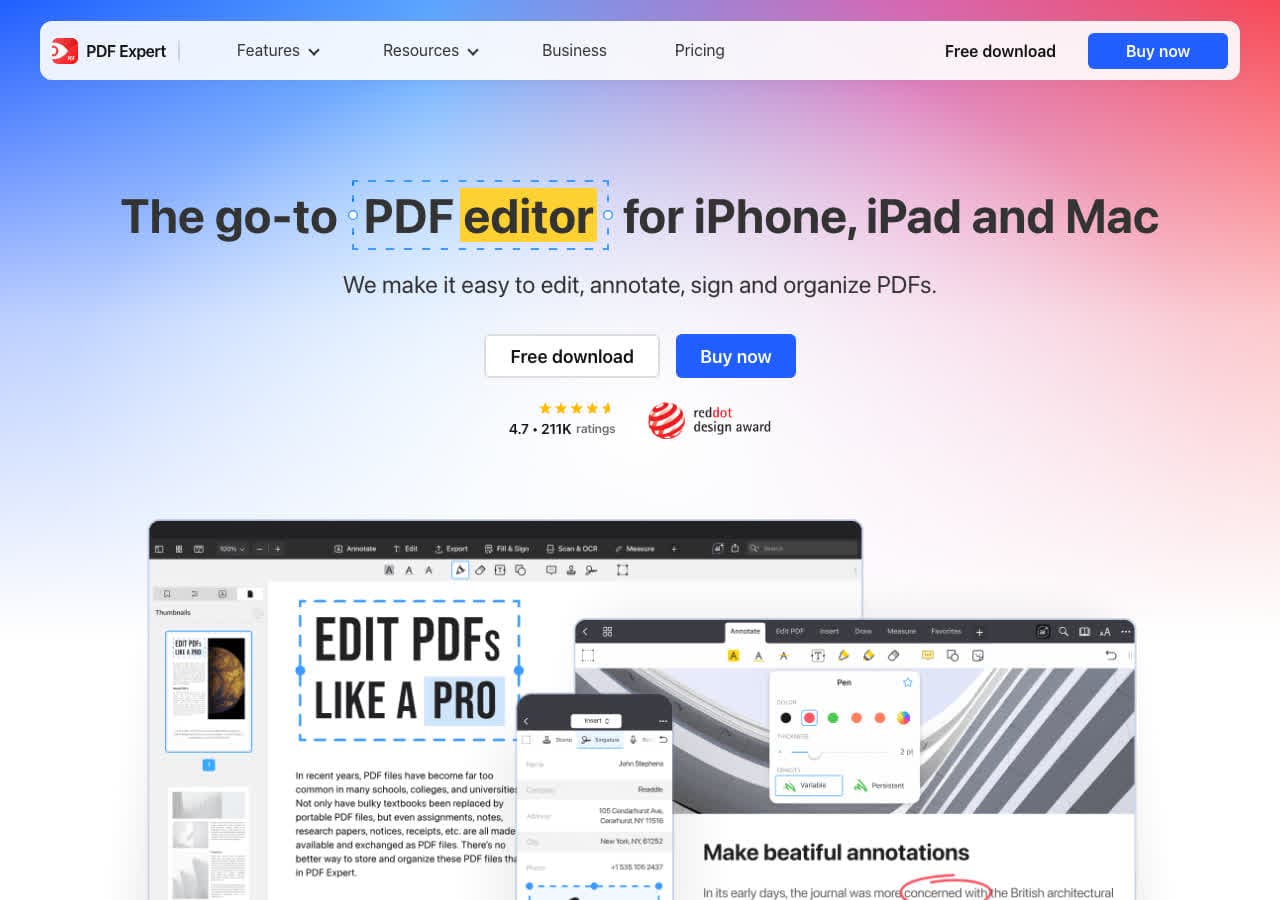
Mac-native; exports to DOCX which you then save as ODT.
Pricing
- Subscription or one-time.
18. Google Docs (DOCX intermediate)
Upload PDF to Drive, open in Docs, download as DOCX, then open in Writer and save as ODT.
Pricing
- Free with Google account.
How to Choose
- Free, direct: LibreOffice or How to Convert.
- Scanned PDF: Acrobat or ABBYY FineReader for OCR.
- Batch: LibreOffice headless.
- Clean text content: Pandoc.
Final Thoughts
PDF → ODT is most useful in the LibreOffice ecosystem and for institutions that mandate open document formats. LibreOffice itself handles the conversion best because it understands its own format. For scanned PDFs, OCR matters more than the converter — pair Acrobat or ABBYY with LibreOffice. For sensitive documents, stay local.
How to Convert
The offline file converter for Mac, Windows and Linux.
- Converts video, audio, images, documents, ebooks and more
- Everything runs locally. Your files never leave your device
- Pay once. Access forever
Get the app on Mac, Windows and Linux
