18 Best PDF to PPTX Converters in 2026 (Free and Paid)
The best PDF to PPTX converters in 2026. Compare offline desktop apps, open-source tools, and online converters for turning reports, handouts, and slide PDFs back into PowerPoint decks.
Posted by
 Jake Manger
PDF to PPTX is the conversion you do when you need to edit a presentation that someone else already shared as a PDF. Maybe the original PowerPoint is lost. Maybe the client wants you to update slides you only have as a PDF export. Maybe a report needs to be turned into a deck. The conversion is genuinely hard — PDF was designed to be a printable archive; PPTX is a structured editable format. Reconstructing the structure requires interpreting layout, fonts, and shapes. This guide compares 18 PDF to PPTX converters in 2026.
The honest take: PDF → PPTX never produces a perfectly editable PPTX. Every tool produces something — usually a slide per page with the content as text or images — and you finish by hand. The next section explains what to expect.
What “Good” Looks Like
- Slide-per-page mapping. Every tool does this. PDF page 1 becomes slide 1, etc.
- Text as editable text. Good tools detect text runs and put them in editable text boxes. Bad tools dump the whole slide as one image.
- Images preserved. Good tools extract embedded images and keep them as separate objects. Bad tools rasterize the whole page.
- Vector shapes. Charts and diagrams in PDF are usually vectors. Few tools preserve them as PowerPoint shapes; most rasterize.
- Fonts. Tools either embed the original font or substitute; substitution shifts layout.
Quick Picks for PDF → PPTX
- Best fidelity: Adobe Acrobat Pro's Export → Microsoft PowerPoint.
- Best free: Smallpdf or iLovePDF.
- Best for editing afterwards: PowerPoint Online (free) which has decent built-in PDF import.
- One-shot: How to Convert.
One-shot: PDF to PPTX converter.
1. How to Convert (I built this one)

Drop PDFs in, pick PPTX, hit convert. Slide-per-page output with editable text where possible. Local.
Pricing
- One-time purchase; free web demo for single-file conversions.
 How to Convert
The offline file converter for Mac, Windows and Linux.
- Converts video, audio, images, documents, ebooks and more
- Everything runs locally. Your files never leave your device
- Pay once. Access forever
Get the app on Mac, Windows and Linux
2. Adobe Acrobat Pro
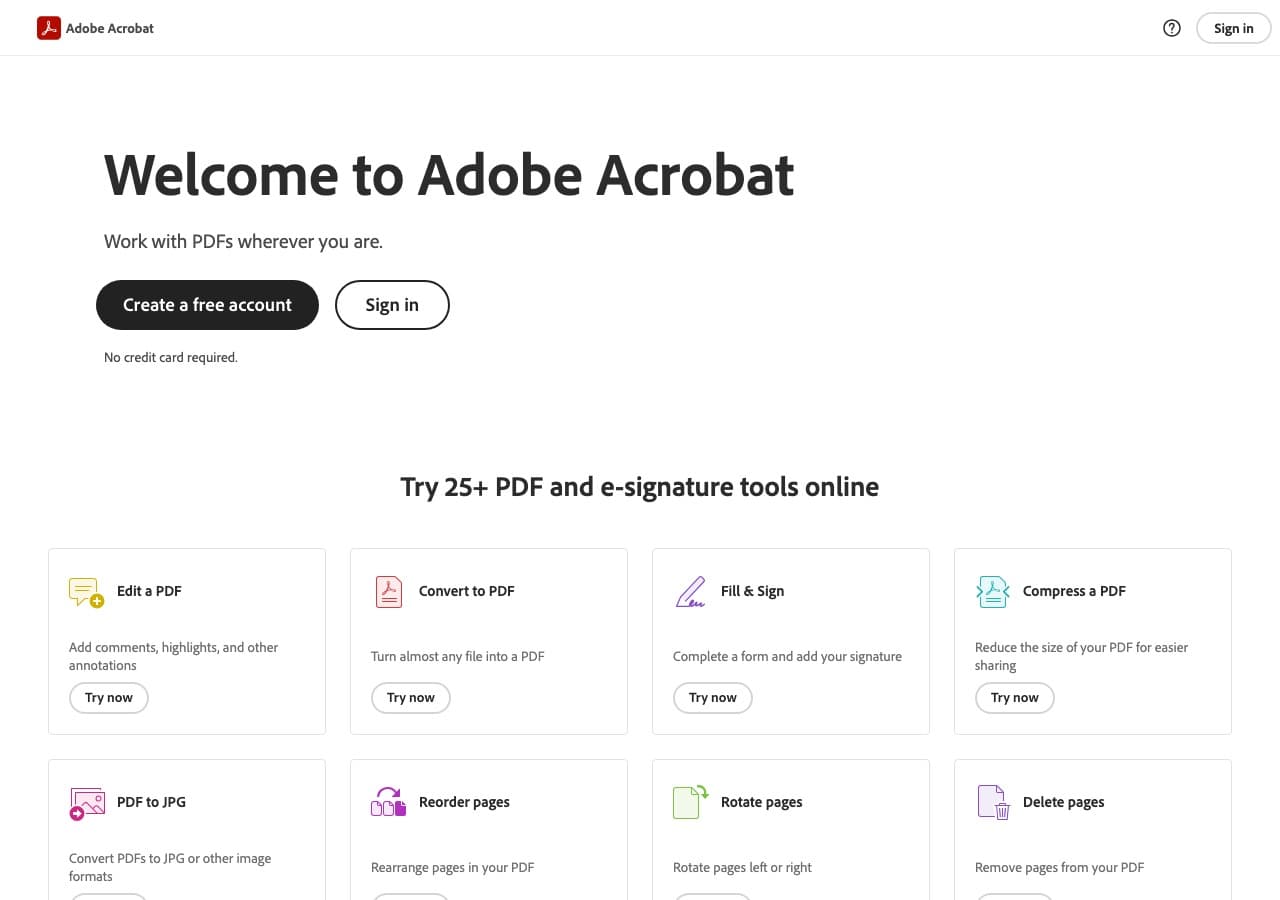
File → Export → Microsoft PowerPoint. Most polished PDF → PPTX of any tool — text remains editable, images are extracted as separate objects.
Pricing
- Subscription.
3. PowerPoint Online
Microsoft 365 Word/PowerPoint apps have built-in PDF import (varying quality by year). Try it before paying for a converter.
Pricing
- Free tier; subscription for full features.
4. LibreOffice Impress
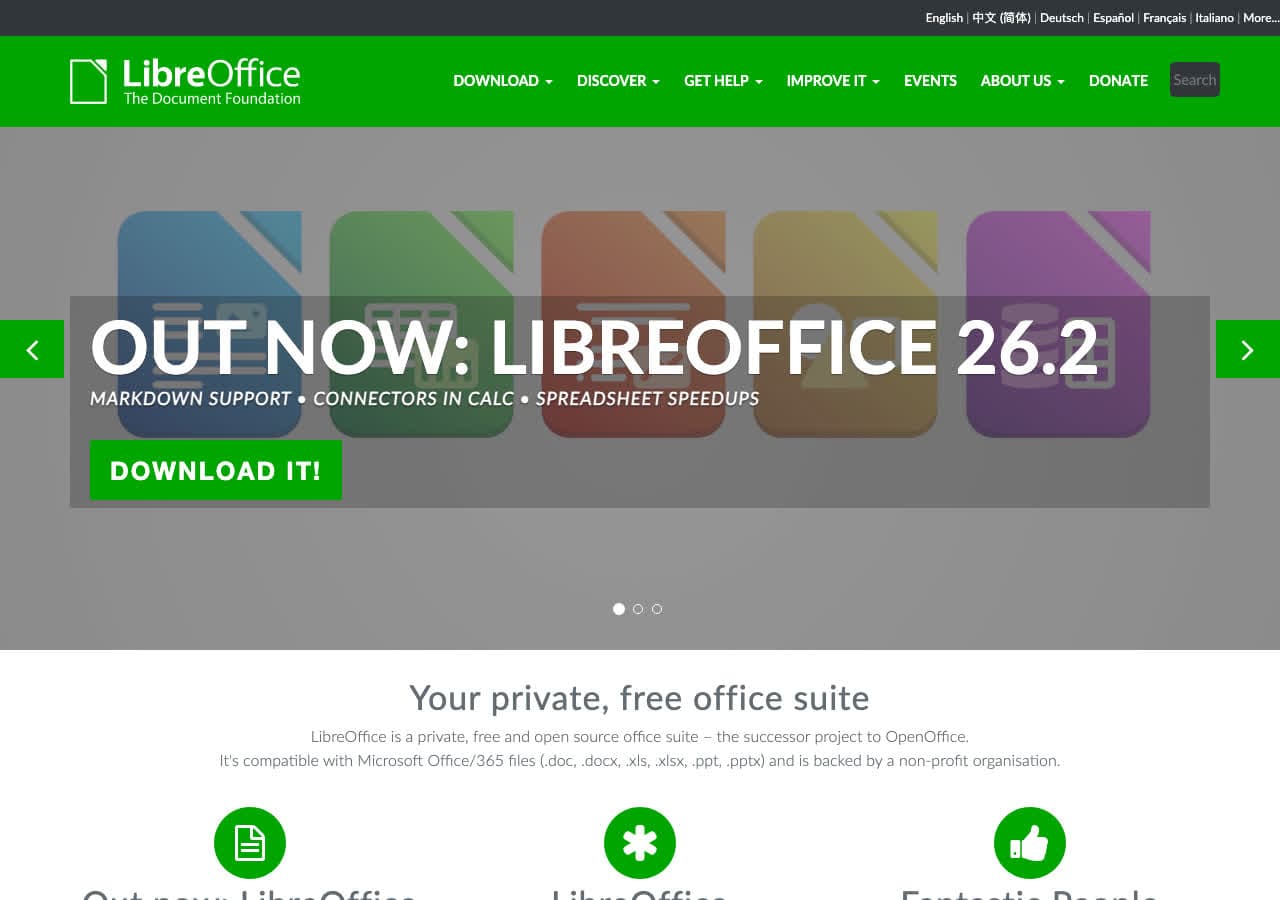
Open PDF in Impress (treats each page as a slide), File → Save As → PPTX. Free, decent fidelity for text-heavy slides.
Pricing
- Free, open source.
5. Smallpdf
Web PDF → PPTX with clean UI.
Pricing
- Free with daily limits; paid above.
6. iLovePDF
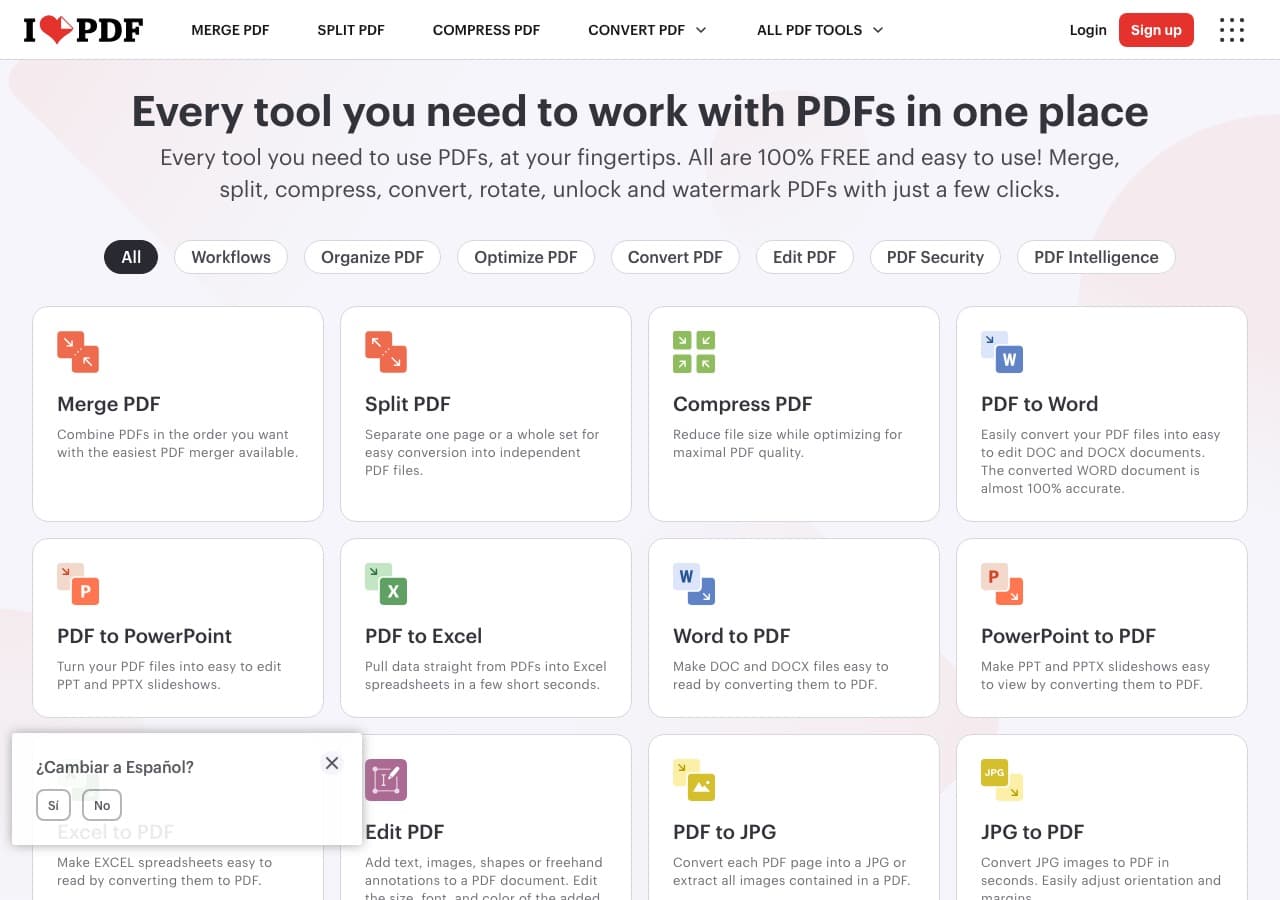
Web PDF → PPTX.
Pricing
- Free with limits; paid above.
7. CloudConvert
Web PDF → PPTX with engine options.
Pricing
- Free tier; paid above.
8. Foxit PDF Editor
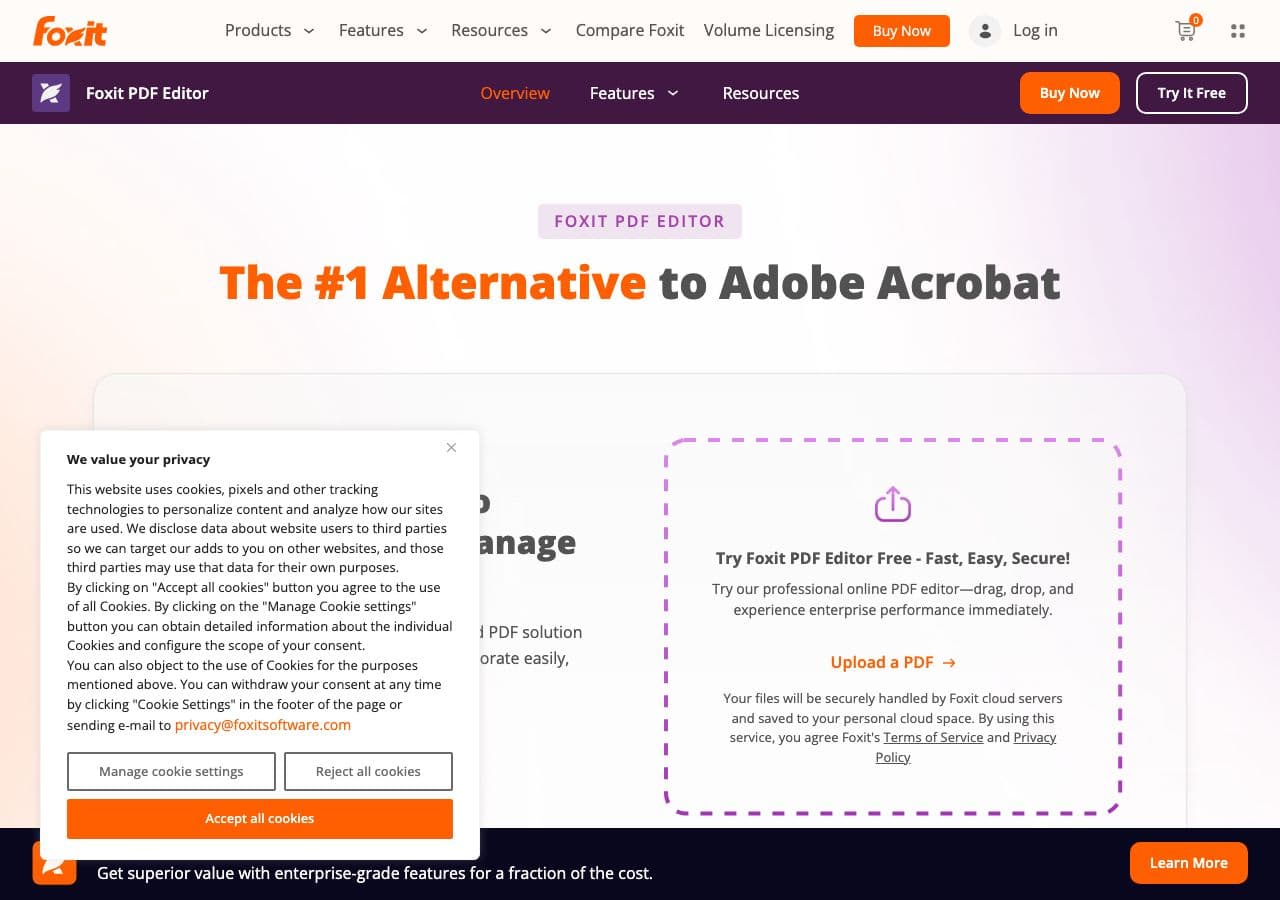
Lighter Acrobat alternative with PDF → PPTX.
Pricing
- Subscription or perpetual.
9. Nitro PDF
Team-focused Adobe alternative.
Pricing
- Subscription.
10. PDF Expert (Mac)
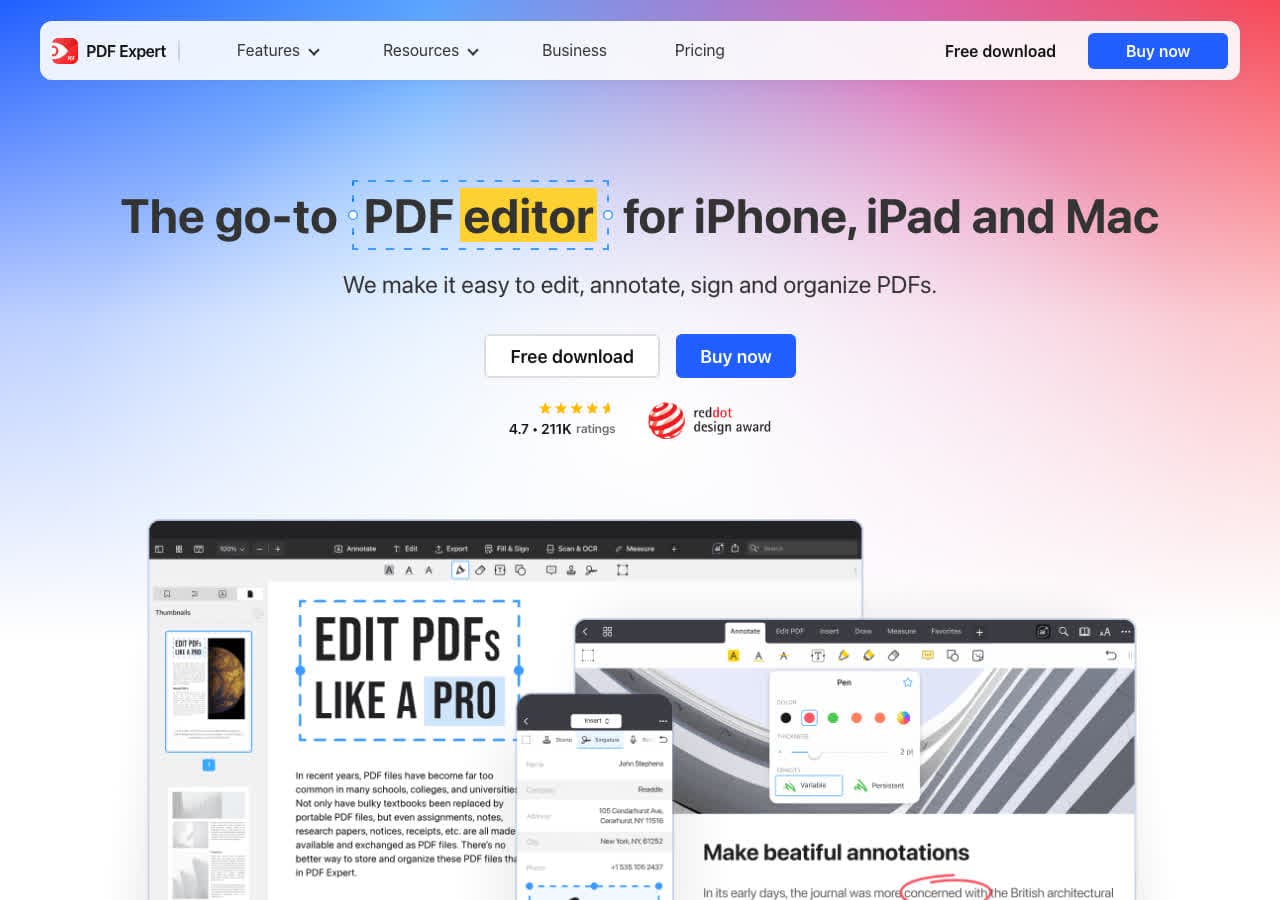
Mac-native with PDF → PPTX export.
Pricing
- Subscription or one-time.
11. PDF24
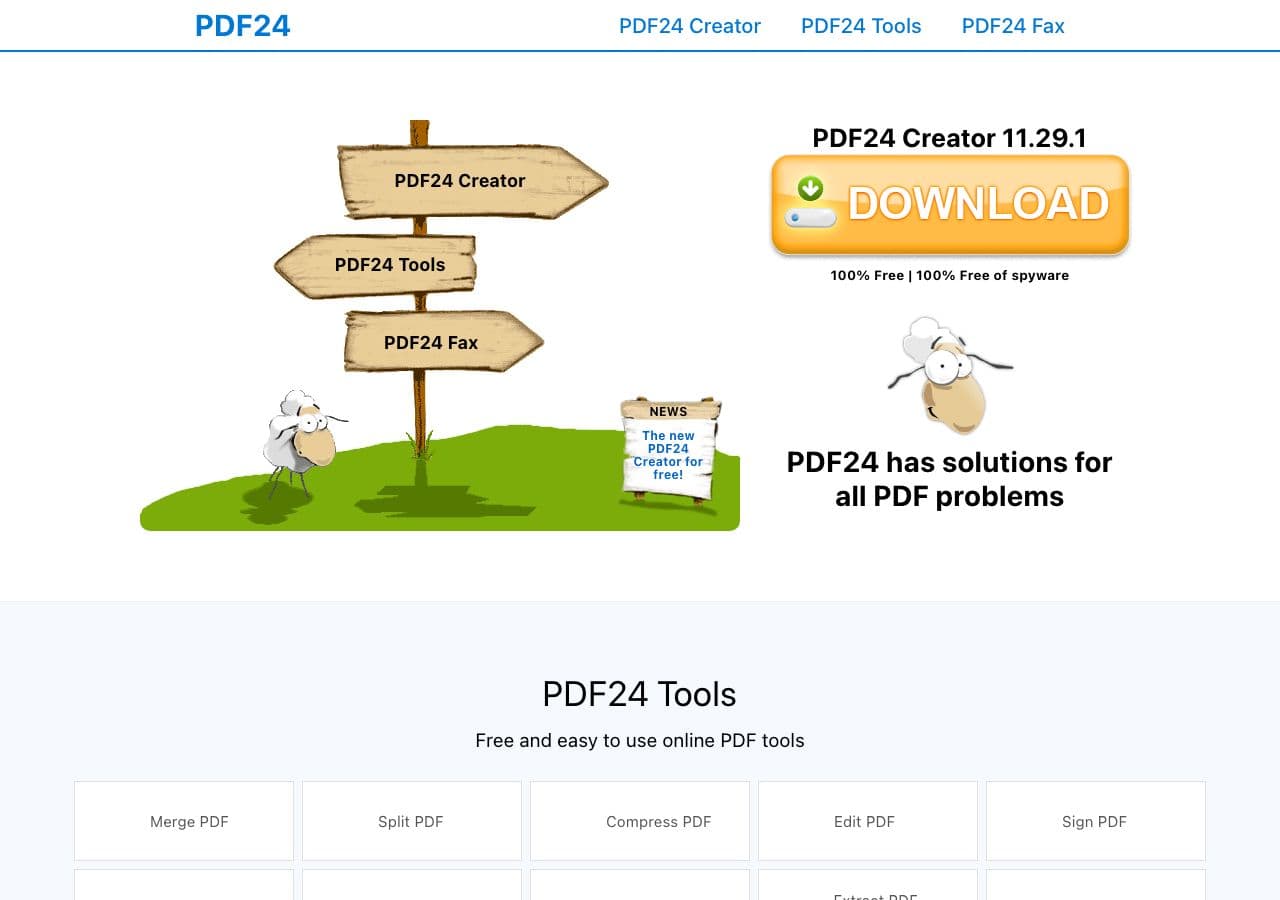
Free Windows PDF toolkit with PPTX export.
Pricing
- Free for personal use.
12. Convertio
Web PDF → PPTX.
Pricing
- Free with caps; paid above.
13. Online-Convert
Web converter.
Pricing
- Free with limits; paid above.
14. Zamzar
Long-running web converter.
Pricing
- Free with daily limits; paid above.
15. FreeConvert
Web converter.
Pricing
- Free with caps; paid above.
16. PDFelement
Wondershare's PDF editor with PPTX export.
Pricing
- Paid.
17. Google Slides (manual)
For best fidelity, sometimes the answer is manual — recreate the deck. Tedious but produces the cleanest result for one important deck.
Pricing
- Free.
18. PDF to PowerPoint (web single-purpose)
Various single-purpose web sites. Quality varies.
Pricing
- Free.
How to Choose
- Best automated fidelity: Adobe Acrobat Pro.
- Free, good enough for most: Smallpdf or iLovePDF.
- Critical deck: manual rebuild in PowerPoint or Google Slides.
- Sensitive content: stay local. How to Convert, Acrobat, LibreOffice.
Final Thoughts
PDF → PPTX is the messiest conversion in this guide. Every tool produces something usable but rarely something polished. Adobe Acrobat Pro is the best automated tool by a wide margin; free tools (Smallpdf, iLovePDF) handle most cases acceptably; for high-stakes decks, manual rebuild is sometimes the right answer. Plan time for cleanup after conversion no matter which tool you pick.
How to Convert
The offline file converter for Mac, Windows and Linux.
- Converts video, audio, images, documents, ebooks and more
- Everything runs locally. Your files never leave your device
- Pay once. Access forever
Get the app on Mac, Windows and Linux
