18 Best PDF to Text Converters in 2026 (Free and Paid)
The best PDF to Text converters in 2026. Compare offline desktop apps, open-source tools, and online converters for extracting searchable plain text from reports, invoices, and archived files.
Posted by
 Jake Manger
PDF to TXT is the simplest document conversion in this whole guide and the one that quietly powers a lot of modern infrastructure. Search engines extract text from PDFs to index them. Analytics tools scrape PDF reports for numbers. LLMs are fed PDF content as plain text for summarization. Researchers extract quotes from archived journal papers. The conversion strips everything that is not text — fonts, layout, images, formatting — and leaves the raw words. The catch is that PDFs come in two flavors: text PDFs (with selectable text) and scanned PDFs (images of pages). The first kind extracts in milliseconds; the second needs OCR. This guide compares 18 PDF to TXT converters in 2026.
The single most important question for PDF → TXT is “does this PDF have a text layer?” The next section explains how to tell and what to do in each case.
Text PDF or Scanned PDF?
Open the PDF in any viewer and try to select text. If you can highlight individual words, it has a text layer — extraction is instant and lossless. If your selection only highlights rectangles, it is a scanned image — you need OCR.
For text PDFs, every tool in this guide works in milliseconds. For scanned PDFs, you need a tool that bundles OCR: Tesseract (free, CLI), Adobe Acrobat (best for typical documents), ABBYY FineReader (best for academic / printed sources), or one of the cloud OCR services.
Quick Picks for PDF → TXT
- Best CLI for text PDFs:
pdftotext(from Poppler). - Best CLI for scanned PDFs: Tesseract + pdftoppm pipeline, or OCRmyPDF.
- Best GUI: Adobe Acrobat or LibreOffice.
- For data pipelines: pdfplumber (Python).
- One-shot: How to Convert.
One-shot: PDF to TXT converter.
1. How to Convert (I built this one)

Drop PDFs in, pick TXT, hit convert. Local — useful for sensitive documents you do not want on a stranger's server.
Pricing
- One-time purchase; free web demo for single-file conversions.
 How to Convert
The offline file converter for Mac, Windows and Linux.
- Converts video, audio, images, documents, ebooks and more
- Everything runs locally. Your files never leave your device
- Pay once. Access forever
Get the app on Mac, Windows and Linux
2. pdftotext — best CLI
Part of the Poppler utilities. Fastest pure PDF → TXT tool.
pdftotext input.pdf output.txt
Preserve layout (columns, spacing):
pdftotext -layout input.pdf output.txt
Batch:
for f in *.pdf; do pdftotext "$f" "${f%.pdf}.txt"; donePricing
- Free, open source.
3. Tesseract + pdftoppm — best free OCR
For scanned PDFs:
pdftoppm -r 300 input.pdf page
for f in page-*.ppm; do tesseract "$f" - >> output.txt; done
Or use OCRmyPDF which combines both:
ocrmypdf input.pdf output.pdf
pdftotext output.pdf output.txt
Pricing
- Free, open source.
4. pdfplumber (Python)
For pipelines that need to extract tables, columns, or specific page regions:
import pdfplumber
with pdfplumber.open("input.pdf") as pdf:
    text = "\n".join(p.extract_text() for p in pdf.pages)
with open("output.txt", "w") as f:
    f.write(text)
Pricing
- Free, open source.
5. PyMuPDF (Python)
Faster Python PDF library:
import fitz
text = "\n".join(p.get_text() for p in fitz.open("input.pdf"))
open("output.txt", "w").write(text)
Pricing
- Free, open source.
6. Adobe Acrobat
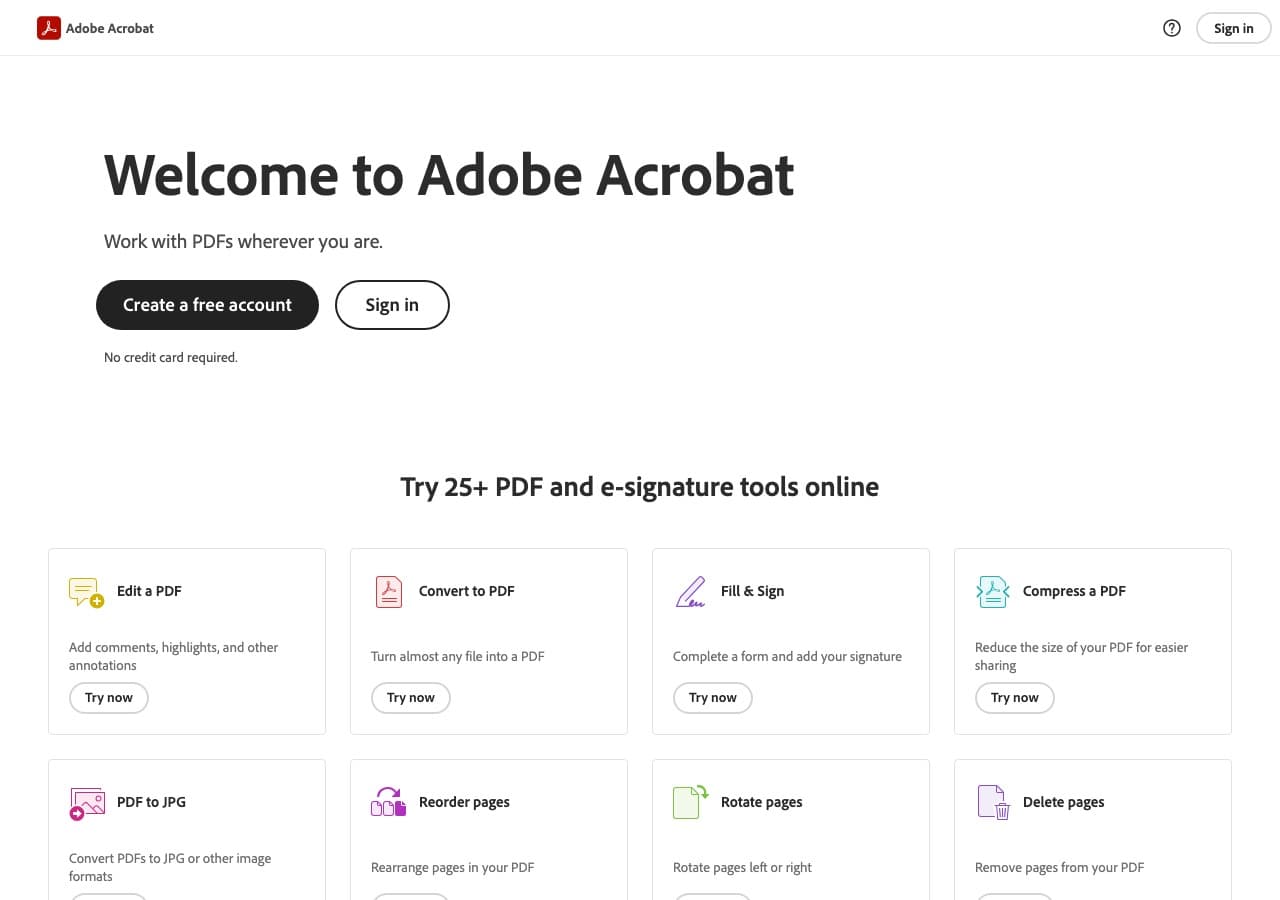
File → Export → Text. Includes OCR for scanned PDFs.
Pricing
- Subscription.
7. LibreOffice
File → Open PDF → File → Save As → Text (TXT). Quick GUI workflow.
Pricing
- Free, open source.
8. Preview (Mac)
Open PDF, select all text, copy, paste into a text editor. Quick for one page; tedious for documents.
Pricing
- Free with macOS.
9. PDF24
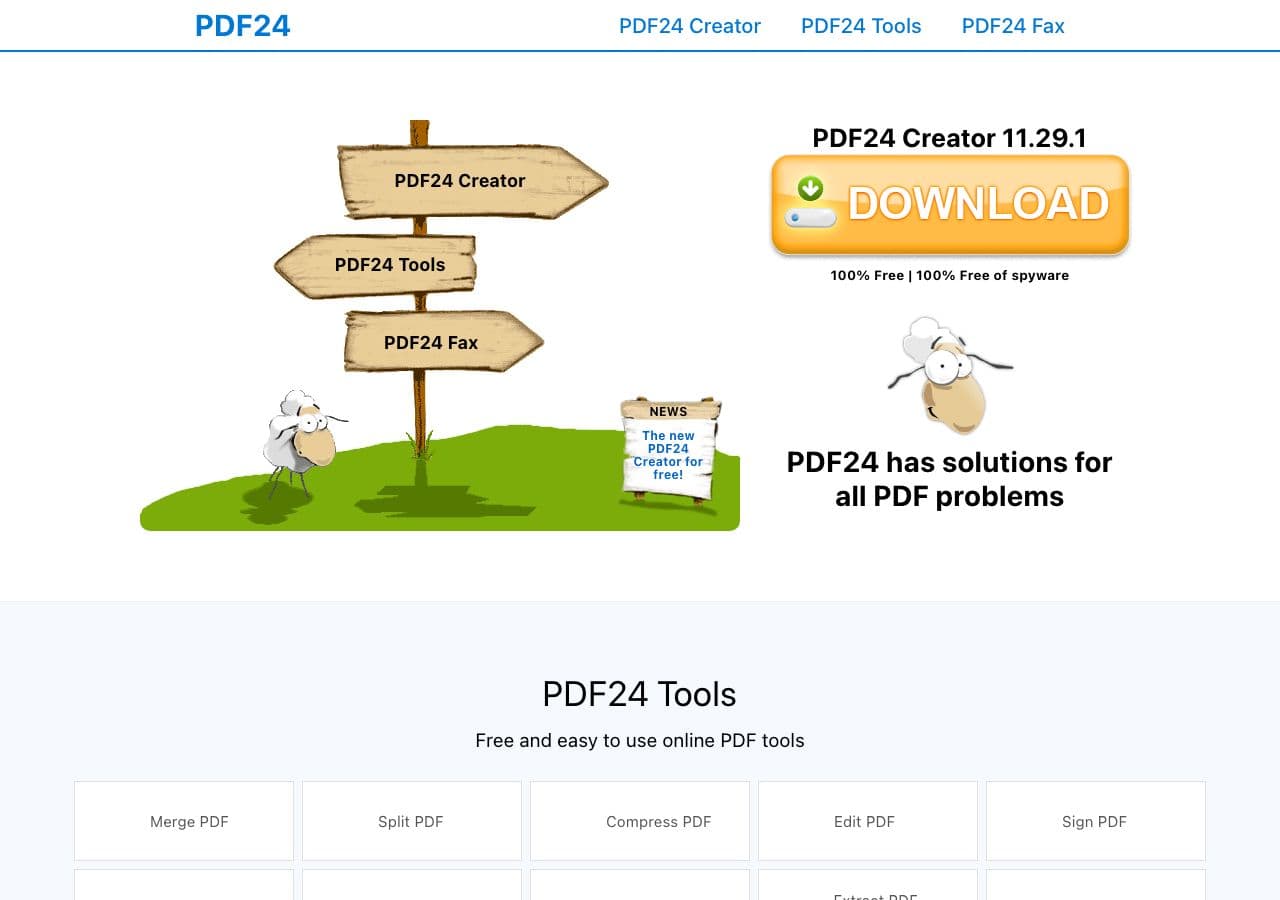
Free Windows toolkit with PDF → TXT.
Pricing
- Free for personal use.
10. ABBYY FineReader
Best OCR for academic and printed material. Right for journal PDFs.
Pricing
- Paid.
11. Foxit PDF Editor
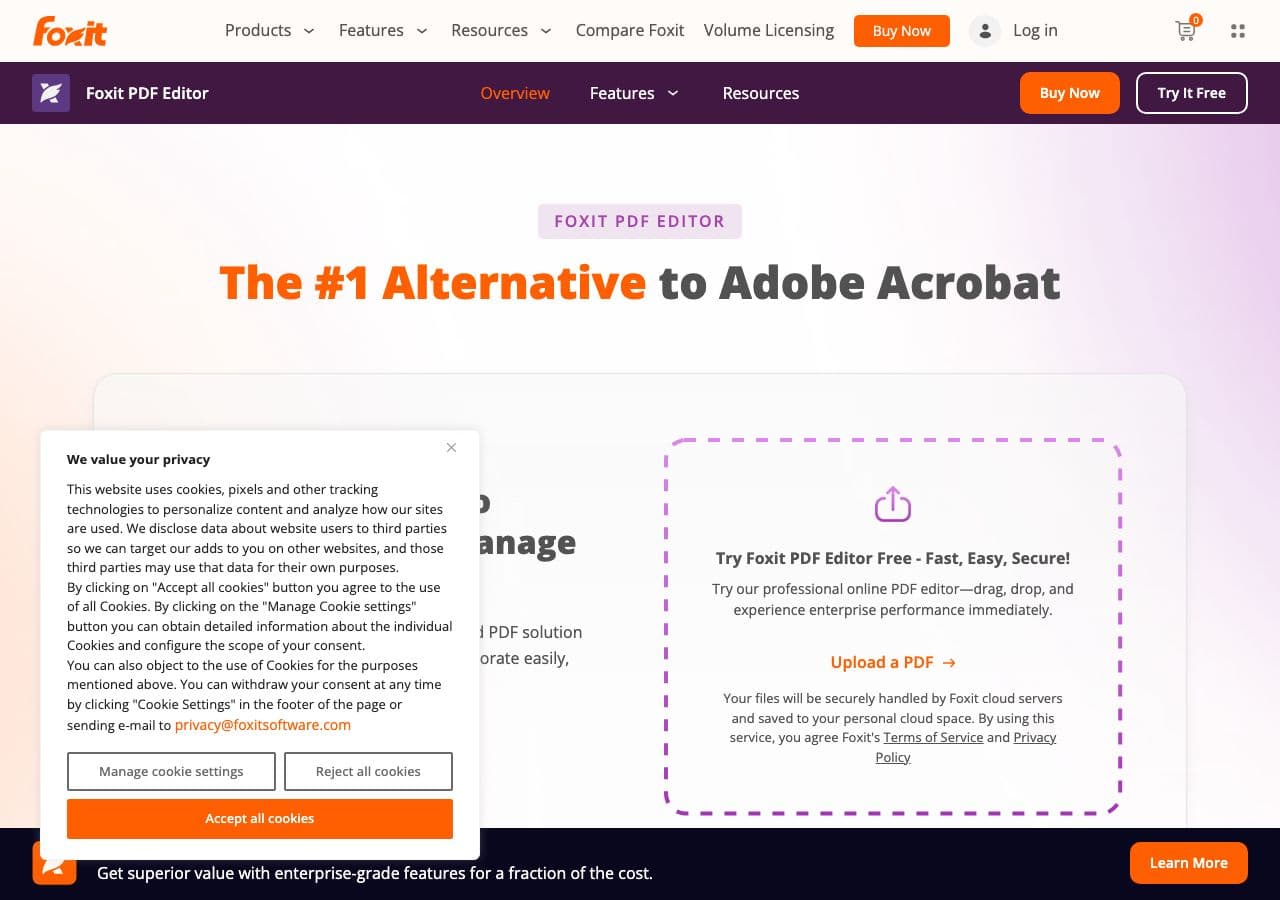
Acrobat alternative with TXT export and OCR.
Pricing
- Subscription or perpetual.
12. CloudConvert
Web converter with optional OCR.
Pricing
- Free tier; paid above.
13. Convertio
Web PDF → TXT with OCR option.
Pricing
- Free with caps; paid above.
14. Smallpdf
Web converter.
Pricing
- Free with daily limits; paid above.
15. iLovePDF
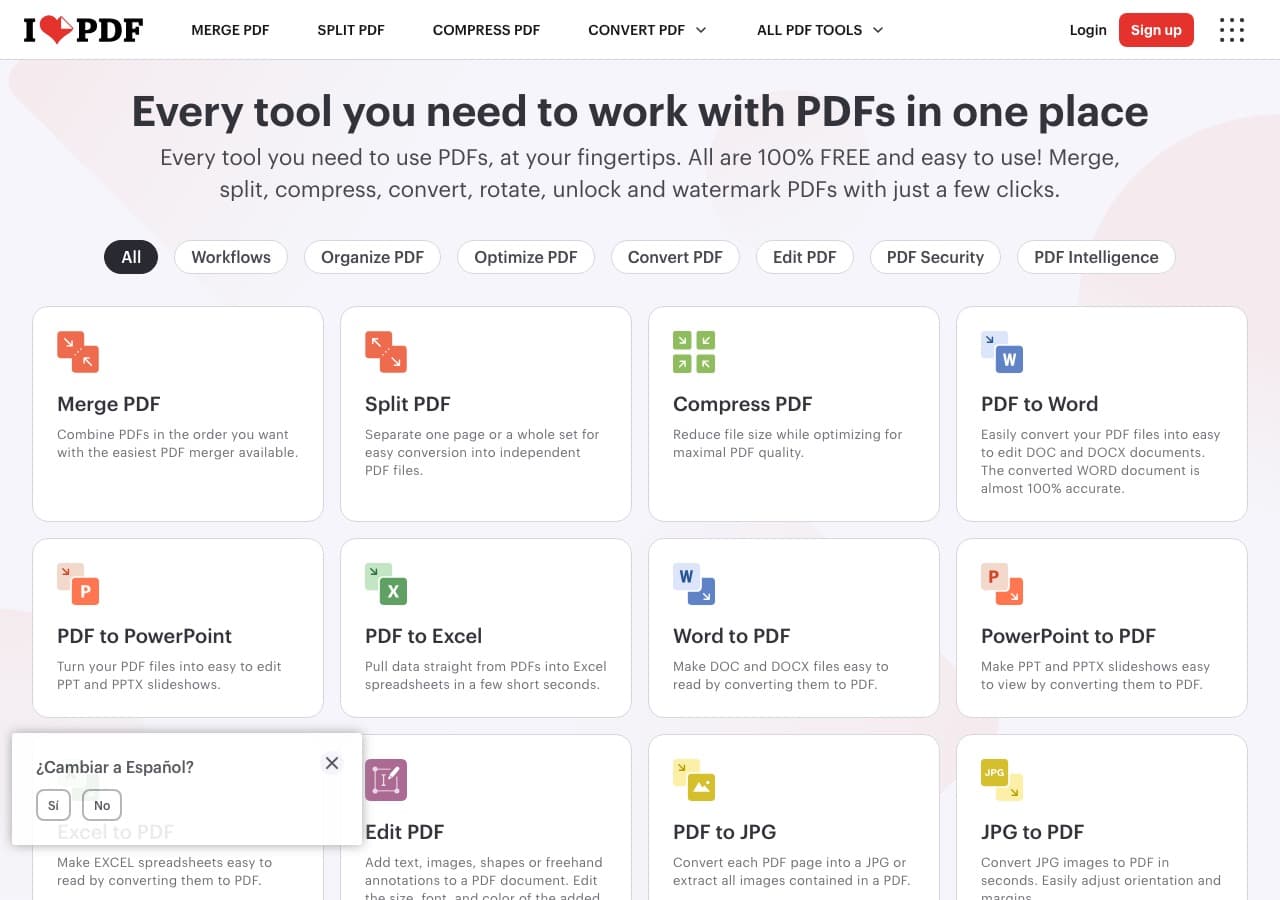
Web PDF → TXT.
Pricing
- Free with limits; paid above.
16. Zamzar
Long-running web converter.
Pricing
- Free with daily limits; paid above.
17. Online-Convert
Web converter with OCR options.
Pricing
- Free with limits; paid above.
18. FreeConvert
Web converter.
Pricing
- Free with caps; paid above.
How to Choose
- Text PDF, CLI: pdftotext.
- Text PDF, GUI: LibreOffice or Acrobat.
- Scanned PDF, free: Tesseract or OCRmyPDF.
- Scanned PDF, premium quality: Adobe Acrobat or ABBYY FineReader.
- Data pipeline (Python): pdfplumber or PyMuPDF.
- Sensitive content: stay local. Contracts, medical, financial.
Final Thoughts
PDF → TXT is fast and reliable for text PDFs and surprisingly involved for scanned ones. The right tool depends on which kind you have and what comes next. For most text PDFs, pdftotext is the fastest path. For scanned PDFs and pipelines that need accurate OCR on printed material, ABBYY FineReader is the gold standard; Tesseract is the free standard. For sensitive documents, stay local.
How to Convert
The offline file converter for Mac, Windows and Linux.
- Converts video, audio, images, documents, ebooks and more
- Everything runs locally. Your files never leave your device
- Pay once. Access forever
Get the app on Mac, Windows and Linux
