18 Best PNG to ICO Converters in 2026 (Free and Paid)
The best PNG to ICO converters in 2026. Compare offline desktop apps, open-source tools, and online converters for creating Windows icons, favicons, and multi-size desktop assets.
Posted by
 Jake Manger
PNG to ICO is the conversion you do when you need a Windows icon — for a desktop app, a folder customization, a Windows installer, a browser favicon, or a Visual Studio project. ICO is a Windows-specific container format that holds multiple images at different sizes in one file: typically 16×16, 32×32, 48×48, and 256×256, so Windows can pick the right size for the context. The trick to a good PNG → ICO is generating those sizes correctly, with proper sharpening at small sizes so the 16×16 does not look like fuzz. This guide compares 18 PNG to ICO converters in 2026.
PNG → ICO is also a place where the cheap tools cut corners — most online converters just dump the PNG into an ICO container at one size, which gives a blurry icon at any size other than the original. The list below filters for tools that produce proper multi-size icons.
What Makes a Good ICO File
- Multiple sizes in one file. 16, 32, 48, and 256 cover almost every Windows context. Some include 24 and 64 too.
- Each size optimized individually. A 16×16 generated by downscaling a 256×256 looks blurry. The best icons are hand-drawn or carefully sharpened per size. Good converters apply per-size sharpening.
- Transparency preserved. ICO supports alpha. Tools should preserve the PNG transparency.
- The 256×256 size uses PNG compression internally. ICO files for Windows Vista and later use a PNG stream for the 256 slot to keep file size reasonable. Older tools sometimes emit a raw 256×256 bitmap (1 MB+) instead.
Quick Picks for PNG → ICO
- One file, easiest: any good web converter (ICO Convert, Convertio).
- Real control over per-size icons: IcoFX, GIMP, or Greenfish Icon Editor.
- CLI: ImageMagick or
png2ico. - Mac, building Windows app icons: How to Convert or ImageMagick. (Most Mac-native tools focus on ICNS, not ICO.)
- Building a favicon for a website: RealFaviconGenerator (covers ICO + PNG fallbacks + Apple touch icons + manifest).
One-shot: PNG to ICO converter.
1. How to Convert (I built this one)

Drop a PNG in, pick ICO, choose which sizes to include (16/32/48/256 by default), hit convert. Proper multi-size output with PNG compression for the 256 slot. Local, works the same on Mac as on Windows.
Pricing
- One-time purchase; free web demo for single-file conversions.
 How to Convert
The offline file converter for Mac, Windows and Linux.
- Converts video, audio, images, documents, ebooks and more
- Everything runs locally. Your files never leave your device
- Pay once. Access forever
Get the app on Mac, Windows and Linux
2. ImageMagick
Generate a multi-size ICO from a single high-res PNG:
magick input.png -define icon:auto-resize=16,32,48,256 output.ico
This produces an ICO with all four sizes, each downscaled from the source. For best results, start from a 512×512 or larger PNG so the downscale to 16 is clean.
For better per-size sharpening, create each size manually and combine:
magick input.png -resize 16x16 -unsharp 0x0.75 16.png
magick input.png -resize 32x32 -unsharp 0x0.75 32.png
magick input.png -resize 48x48 48.png
magick input.png -resize 256x256 256.png
magick 16.png 32.png 48.png 256.png output.ico
Pricing
- Free, open source.
3. GIMP
GIMP exports ICO with per-size layers. Open the PNG, scale-to-layer for each target size, File → Export As → .ico. The export dialog asks which layers to include and at what bit depth.
Best free tool for hand-tuned icons because you can sharpen each size individually.
Pricing
- Free, open source.
4. IcoFX
Dedicated Windows ICO editor. Imports PNG, generates all standard sizes with per-size tuning, exports to ICO. Best UI for hand-tuned icon design.
Pricing
- Free version available; paid Pro for more features.
5. Greenfish Icon Editor
Free Windows ICO editor. Imports PNG, builds multi-size ICOs, includes basic pixel-art editing for small sizes.
Pricing
- Free.
6. RealFaviconGenerator
Web service specifically for favicons. Upload a PNG (or SVG), get back a ZIP containing favicon.ico, PNG fallbacks, Apple touch icons, Android icons, and a web manifest. The right pick if PNG → ICO is part of a website build.
Pricing
- Free.
7. ICO Convert
Single-purpose web converter focused on PNG → ICO. Multi-size output, transparent backgrounds preserved. Decent for casual use.
Pricing
- Free.
8. Visual Studio
If you are building a Windows app, Visual Studio's built-in icon editor opens ICO files, lets you paste in PNGs per size, and saves. Useful at the IDE level rather than chasing external converters.
Pricing
- Free Community Edition.
9. png2ico (CLI)
Single-purpose CLI tool:
png2ico output.ico --colors 256 16.png 32.png 48.png 256.png
Useful when you have pre-prepared per-size PNGs and just want to combine them.
Pricing
- Free, open source.
10. Inkscape
If the source is actually an SVG, Inkscape can export multiple PNGs at different sizes which you then combine into an ICO with ImageMagick or png2ico. Best workflow for vector-based icons.
Pricing
- Free, open source.
11. Adobe Photoshop (with ICO plugin)
Photoshop does not natively export ICO; with the free Telegraphics ICO plugin, it can. Useful if you are already in Photoshop for the design work.
Pricing
- Subscription (Photoshop); plugin free.
12. Affinity Designer / Photo
Exports ICO via Export Persona. Good for icon design workflows.
Pricing
- One-time purchase.
13. XnConvert
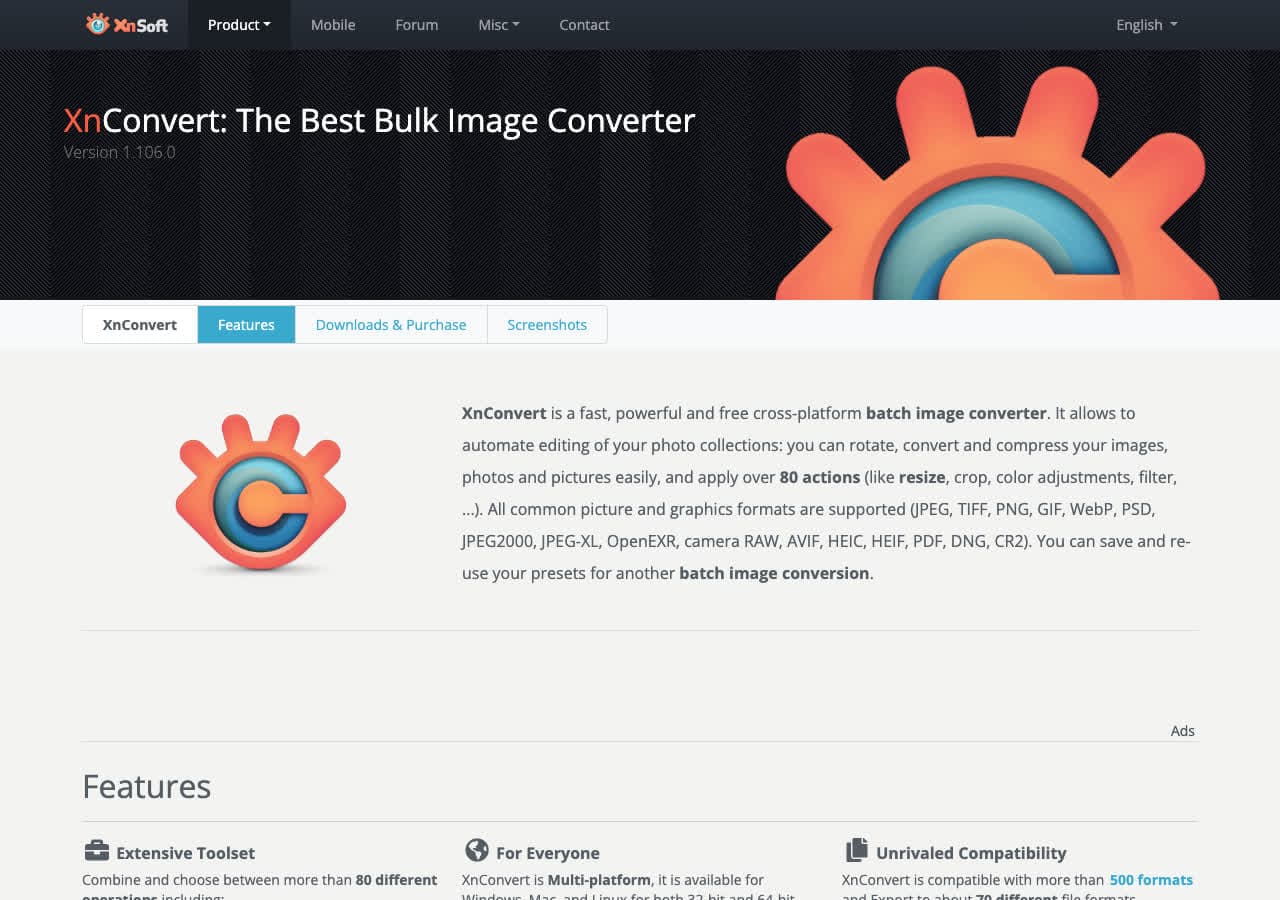
Cross-platform batch tool. PNG → ICO with size selection.
Pricing
- Free for personal use.
14. IrfanView
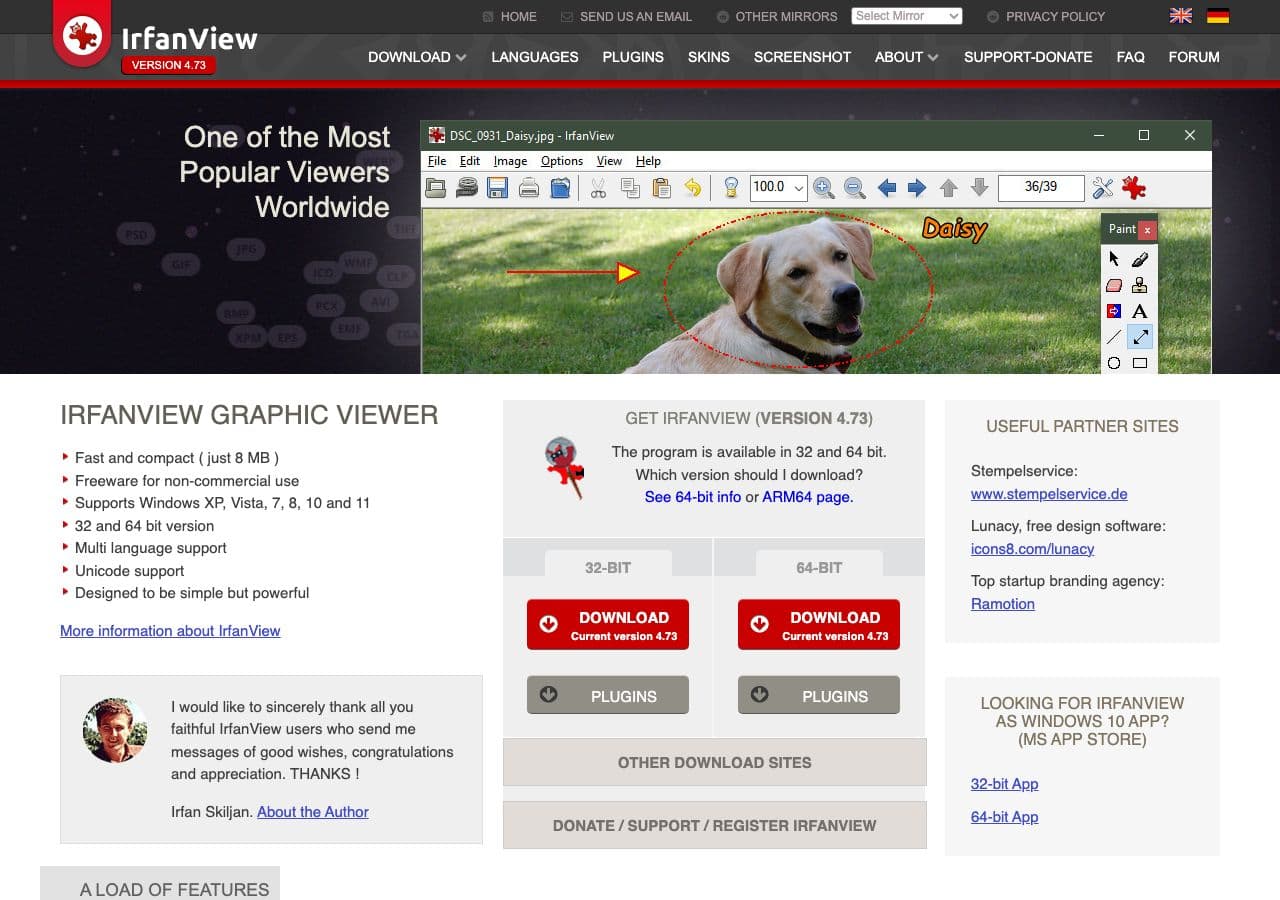
Windows-only. Reads PNG, writes ICO via File → Save As → ICO. Single-size by default; multi-size with the right plugin.
Pricing
- Free for personal use.
15. Convertio
Web converter. PNG → ICO with size selection.
Pricing
- Free with caps; paid above.
16. CloudConvert
Web converter with PNG → ICO including size options.
Pricing
- Free tier; paid above.
17. Favicon.io
Web tool for favicons specifically. Generates ICO + PNG fallbacks from a PNG, text, or emoji input. Quick for website use.
Pricing
- Free.
18. Pillow (Python)
For scripted icon generation:
from PIL import Image
img = Image.open("input.png")
img.save("output.ico", sizes=[(16,16), (32,32), (48,48), (256,256)])
Good for build pipelines that generate icons at release time.
Pricing
- Free, open source.
How to Choose
- Quick, one icon: ICO Convert or a similar web tool, or How to Convert.
- Hand-tuned per-size pixel art: IcoFX, Greenfish, or GIMP.
- Website favicon: RealFaviconGenerator covers ICO and every fallback in one shot.
- CLI / build script: ImageMagick or Pillow.
- App development: Visual Studio (Windows) or your IDE's built-in icon editor.
Final Thoughts
PNG → ICO is the conversion most people get wrong because they treat ICO as “a PNG with a different extension.” A real ICO has multiple sizes, each tuned for its target display context. ImageMagick with icon:auto-resize is the fastest path to a correct multi-size ICO from a single high-res PNG. For favicons, RealFaviconGenerator saves you a lot of fiddly work. For pixel-art icons, hand-tune in IcoFX or GIMP — the 16×16 always looks better with a human touch.
How to Convert
The offline file converter for Mac, Windows and Linux.
- Converts video, audio, images, documents, ebooks and more
- Everything runs locally. Your files never leave your device
- Pay once. Access forever
Get the app on Mac, Windows and Linux
