18 Best SVG to PNG Converters in 2026 (Free and Paid)
The best SVG to PNG converters in 2026. Compare offline desktop apps, open-source tools, and online converters for turning vector artwork into upload-ready raster images.
Posted by
 Jake Manger
SVG to PNG is the conversion that takes scalable vector graphics — logos, icons, illustrations, exported designs from Figma or Illustrator — and turns them into fixed-size raster images that work in places SVG does not: Twitter, Instagram, email signatures, app stores, slide decks, app icons, and the dozens of platforms that still reject SVG uploads. The key word in that conversion is “fixed-size.” You have to pick an output resolution; pick wrong and you either get a tiny pixelated PNG or a needlessly massive file. This guide compares 18 SVG to PNG converters in 2026 with attention to what each handles well.
SVG → PNG also has a couple of common gotchas worth knowing upfront: font rendering, transparency, and what happens when the SVG references external images or fonts.
The SVG → PNG Gotchas
- Output resolution. SVG is resolution-independent. PNG is not. Most tools default to the SVG's “viewBox” size, which is often a tiny 24×24 for icons. Bump it to 2× or 4× for retina-quality output, or specify a target size like 1024×1024.
- Fonts. SVGs that reference system fonts render differently on machines that do not have those fonts. The conversion tool will substitute, and your text will look wrong. Either convert text to paths in the source (Illustrator: Type → Create Outlines; Inkscape: Path → Object to Path) before exporting, or use a tool that bundles the fonts.
- Transparency. Most SVGs have transparent backgrounds. PNG supports alpha, so this transfers cleanly. A few tools default to filling the background with white — check the first output.
- External references. Some SVGs link to raster images or external CSS. Those references break during conversion if the converter does not fetch them or if they live on a different server.
- CSS-only effects. Filters, masks, and certain CSS animations work in browsers but not all converters. If the output looks flat, the tool probably skipped a filter.
Quick Picks for SVG → PNG
- One file, want control: Inkscape — exports at any size with the most reliable font rendering.
- One quick file, no install: CloudConvert or any browser tool.
- Batch: ImageMagick (with rsvg), Inkscape CLI, or How to Convert.
- App icon set (multiple sizes): Inkscape CLI in a loop, or a dedicated tool like Bakery (Mac).
- Web build pipeline: sharp in Node — handles SVG → PNG fast and at any resolution.
One-shot: SVG to PNG converter.
1. How to Convert (I built this one)

Drag SVGs in, pick PNG, set output dimensions or scale factor (2x, 4x, etc.), hit convert. Local — useful when your SVGs are unreleased brand assets. Transparent backgrounds preserved by default.
Pricing
- One-time purchase; free web demo for single-file conversions.
 How to Convert
The offline file converter for Mac, Windows and Linux.
- Converts video, audio, images, documents, ebooks and more
- Everything runs locally. Your files never leave your device
- Pay once. Access forever
Get the app on Mac, Windows and Linux
2. Inkscape — best free SVG-to-PNG
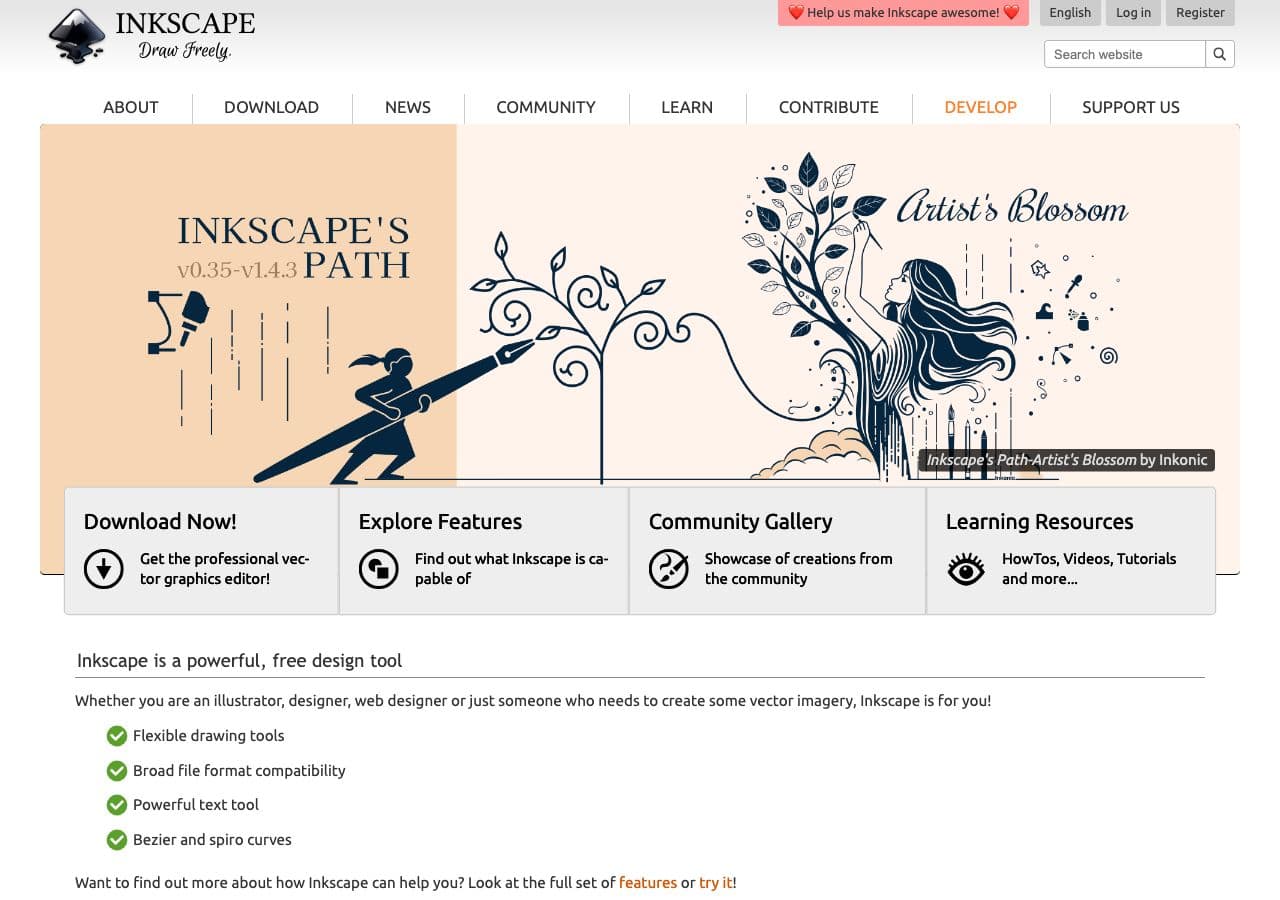
Inkscape is the reference open-source SVG editor; its renderer is the most accurate of any free tool. File → Export → PNG, set output size or DPI, click Export.
CLI version, useful for batches:
inkscape input.svg --export-type=png --export-filename=output.png -w 1024
Multiple sizes for an icon set:
for size in 16 32 64 128 256 512 1024; do
  inkscape icon.svg --export-type=png --export-filename=icon-${size}.png -w $size
done
Pricing
- Free, open source.
3. ImageMagick (with rsvg)
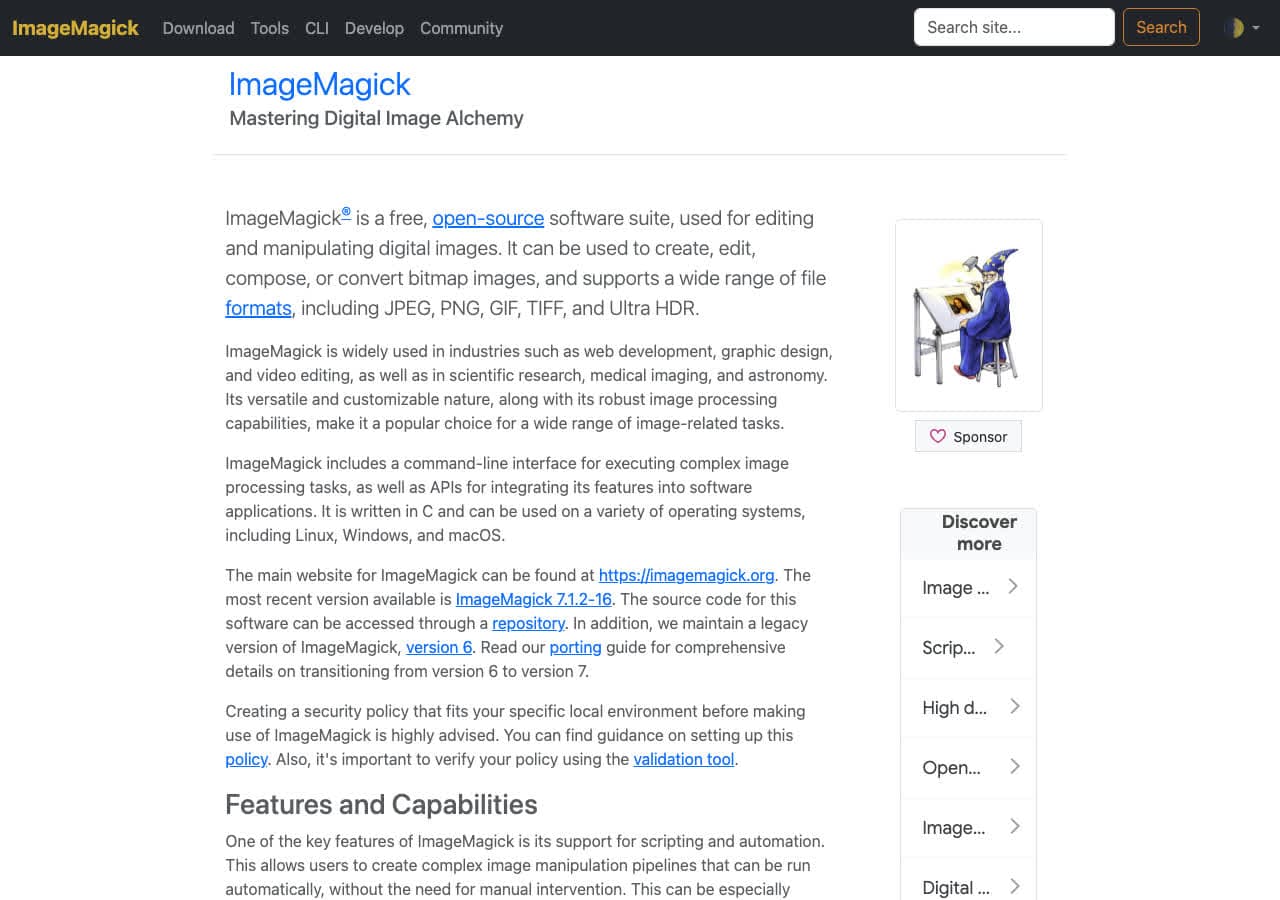
ImageMagick can convert SVG → PNG, but the quality depends on which SVG renderer it uses. By default it falls back to MSVG (its built-in, weak renderer). Install librsvg and ImageMagick picks it up:
brew install librsvg
magick input.svg -resize 1024x1024 output.png
With a transparent background preserved (default behavior, but explicit):
magick -background none input.svg -resize 1024x1024 output.png
Pricing
- Free, open source.
4. rsvg-convert (librsvg CLI)
The reference SVG renderer used by GNOME, Firefox, and ImageMagick. Single-purpose CLI:
rsvg-convert -w 1024 -h 1024 input.svg -o output.png
Fastest pure SVG-to-PNG tool. Tiny install. Available via Homebrew (brew install librsvg) and most Linux package managers.
Pricing
- Free, open source.
5. sharp (Node.js)
For build pipelines:
import sharp from "sharp";
await sharp("icon.svg")
  .resize(1024, 1024)
  .png()
  .toFile("icon.png");
sharp uses librsvg under the hood. Fast, scriptable, and the standard pick for Node-based static site generation.
Pricing
- Free, open source.
6. Affinity Designer
Vector editor with strong SVG handling and a clean PNG export. The Export Persona lets you set multiple output sizes in one pass — useful for app icon assets. One-time price.
Pricing
- One-time purchase.
7. Adobe Illustrator
File → Open the SVG, File → Export → Export As → PNG. The Asset Export panel produces multi-size PNGs in one pass. Best font handling because Illustrator can outline text before export.
Pricing
- Subscription.
8. Figma
Paste the SVG into Figma, select the frame, click Export in the right panel, choose PNG and a scale (2x, 4x). Useful when the SVG came from Figma anyway, or when you want to reorganize before exporting.
Pricing
- Free tier covers casual use.
9. GIMP
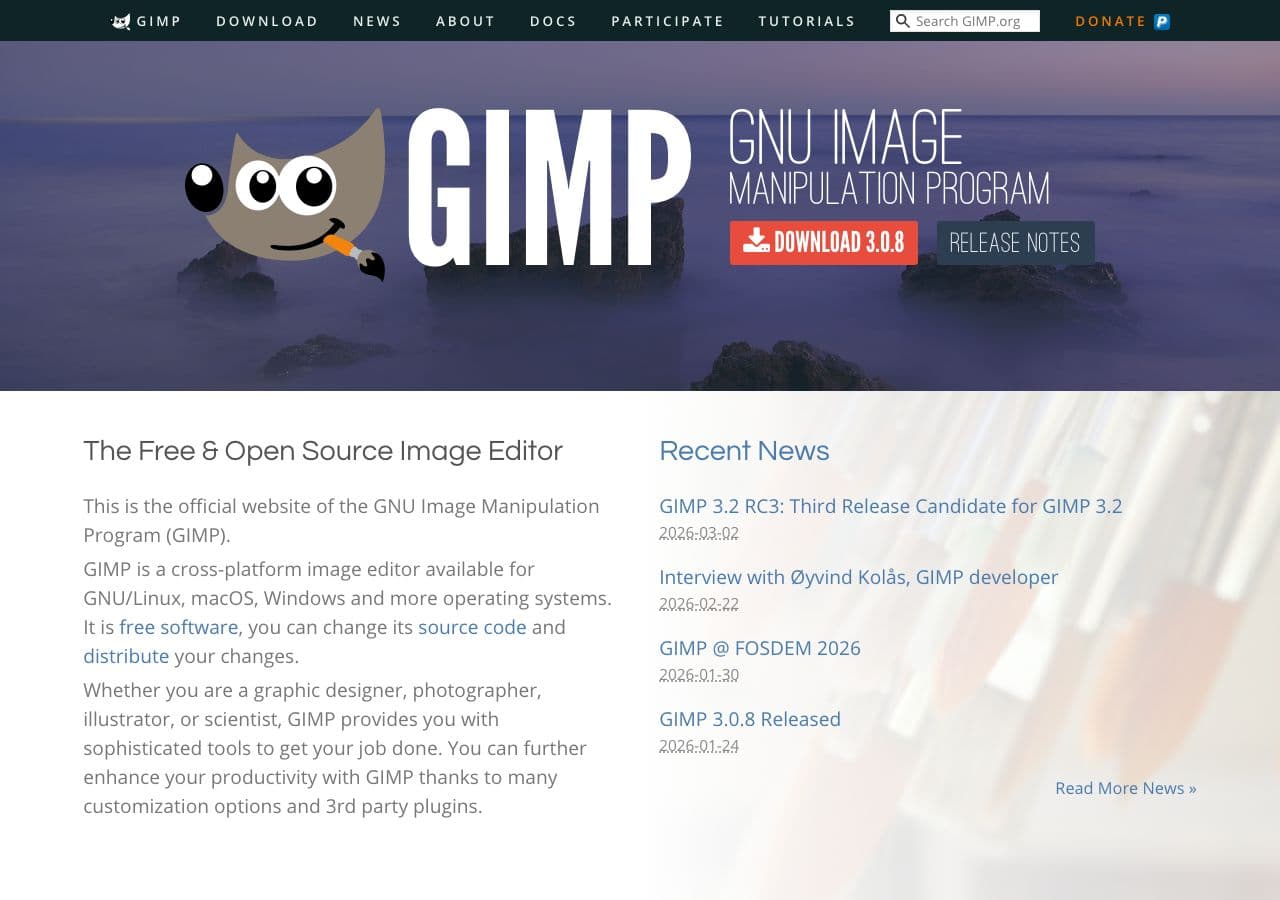
File → Open the SVG, pick width / height in the import dialog (GIMP rasterizes at import), File → Export As → .png. Single-file workflow; weak for batches.
Pricing
- Free, open source.
10. Pixelmator Pro
Mac-native. Opens SVG, exports PNG with size control. Live size preview.
Pricing
- One-time purchase, Mac App Store.
11. Photopea
Browser-based editor. Opens SVG, exports PNG at any size, client-side. Useful when you cannot install software.
Pricing
- Free with ads; paid premium.
12. Boxy SVG
Browser-based and Mac SVG editor with PNG export. Lighter than Inkscape, runs everywhere.
Pricing
- One-time purchase.
13. CloudConvert
Web converter. SVG → PNG with width / height / DPI controls and font embedding options.
Pricing
- Free tier; paid above.
14. Convertio
Web SVG → PNG with batch upload. Clean UI.
Pricing
- Free with caps; paid above.
15. Vector Magic / Online vector tools
Single-purpose web tools focused on vector conversion. Useful for one-off jobs; same upload caveat.
Pricing
- Free or paid depending on tool.
16. svg2png.com / similar single-purpose sites
Dozens of free single-purpose sites. Quick for unimportant icons. Skip for sensitive brand assets.
Pricing
- Free.
17. FreeConvert
Web converter with width / height inputs. Same upload model.
Pricing
- Free with caps; paid above.
18. Headless Chrome / Playwright
For tricky SVGs with CSS effects or filters, render in headless Chrome which has perfect SVG support:
import { chromium } from "playwright";
const browser = await chromium.launch();
const page = await browser.newPage({ viewport: { width: 1024, height: 1024 } });
await page.goto("file://" + path.resolve("input.svg"));
await page.screenshot({ path: "output.png", omitBackground: true });
await browser.close();
The most reliable renderer for complex SVGs because it is what designers tested in. Heavyweight install.
Pricing
- Free, open source.
How to Choose
- Icons or simple SVGs: rsvg-convert or sharp. Fast and faithful.
- One file with text or complex effects: Inkscape or Headless Chrome.
- App icon set (multi-size): Inkscape CLI loop or Affinity Designer's Export Persona.
- Build pipeline: sharp in Node.
- Brand asset, sensitive: stay local. How to Convert, Inkscape, Affinity, Illustrator.
- SVG with custom fonts: outline text in Illustrator/Inkscape first, or use Headless Chrome.
Final Thoughts
SVG → PNG is the rasterization step that takes scalable artwork into the world of fixed-size image formats. Pick your output size on purpose, watch out for fonts, and verify the first output before batch-converting. Inkscape and rsvg-convert are the strongest free options; sharp is the right pick for Node build pipelines; and for SVGs that really exercise the spec, headless Chrome is the only renderer that matches what the designer saw.
How to Convert
The offline file converter for Mac, Windows and Linux.
- Converts video, audio, images, documents, ebooks and more
- Everything runs locally. Your files never leave your device
- Pay once. Access forever
Get the app on Mac, Windows and Linux
