5 Best WAV to AIFF Converters in 2026

If an audio app asks for AIFF and you have a WAV, you just need a compatible copy. Here are five options I found for making one, with the steps for each.
1. How to Convert
Mac, Windows, Linux · $29 once
This is the one I made. It handles almost any file, so you can convert a recording here and use the same app for photos, video and documents. It finds and runs the conversion tools for you.
1. Add your files. Drag your WAV files into How to Convert.
2. Choose the output and convert. Choose AIFF from the output menu and click Convert.
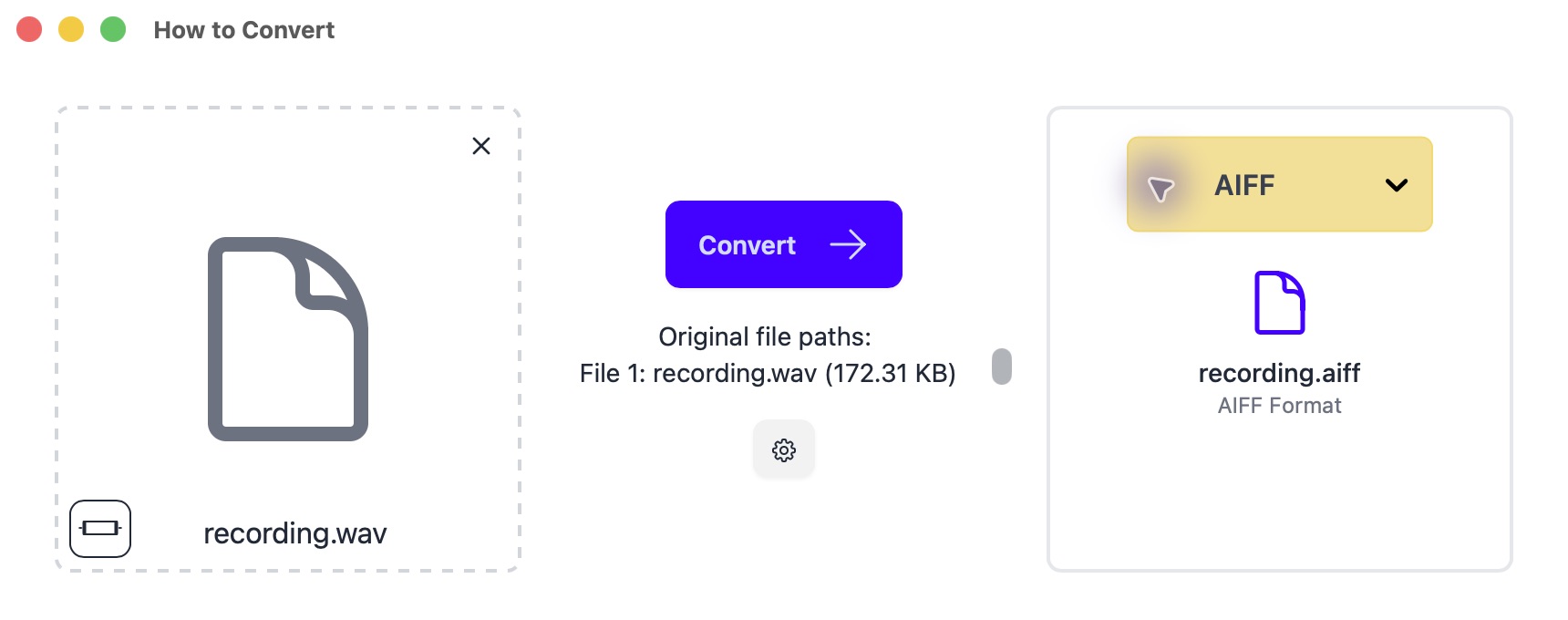
Drop in your file on the left; choose AIFF on the right. Mac app shown.
AIFF defaults to 16-bit. For a 24-bit recording, select 24-bit in the conversion settings.
Other options
2. MediaHuman Audio Converter
Mac, Windows, Linux · Free
A free, focused audio converter with a format menu and batch queue. A good fit when you do not need editing tools.
- Download MediaHuman Audio Converter using its link above, open it and drag in your WAV files.
- Click the format menu in the toolbar and select AIFF. Use the matching 24-bit option for a 24-bit recording, and keep the original sample rate.
- Choose an output folder and click the start-conversion button. Open one finished file in the app you need it for before converting the rest.
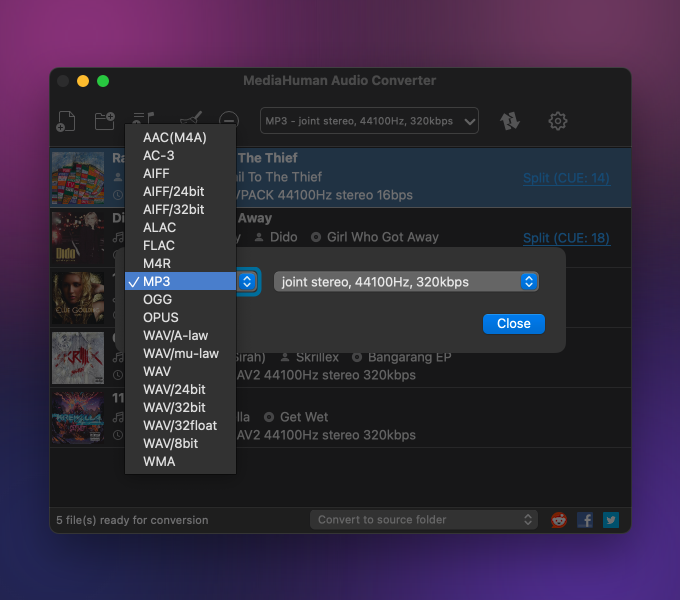
Keep the original recording. If you need 24-bit audio, choose AIFF/24bit; the plain AIFF option is 16-bit.
3. XLD
Mac · Free
A free Mac option for lossless music libraries.
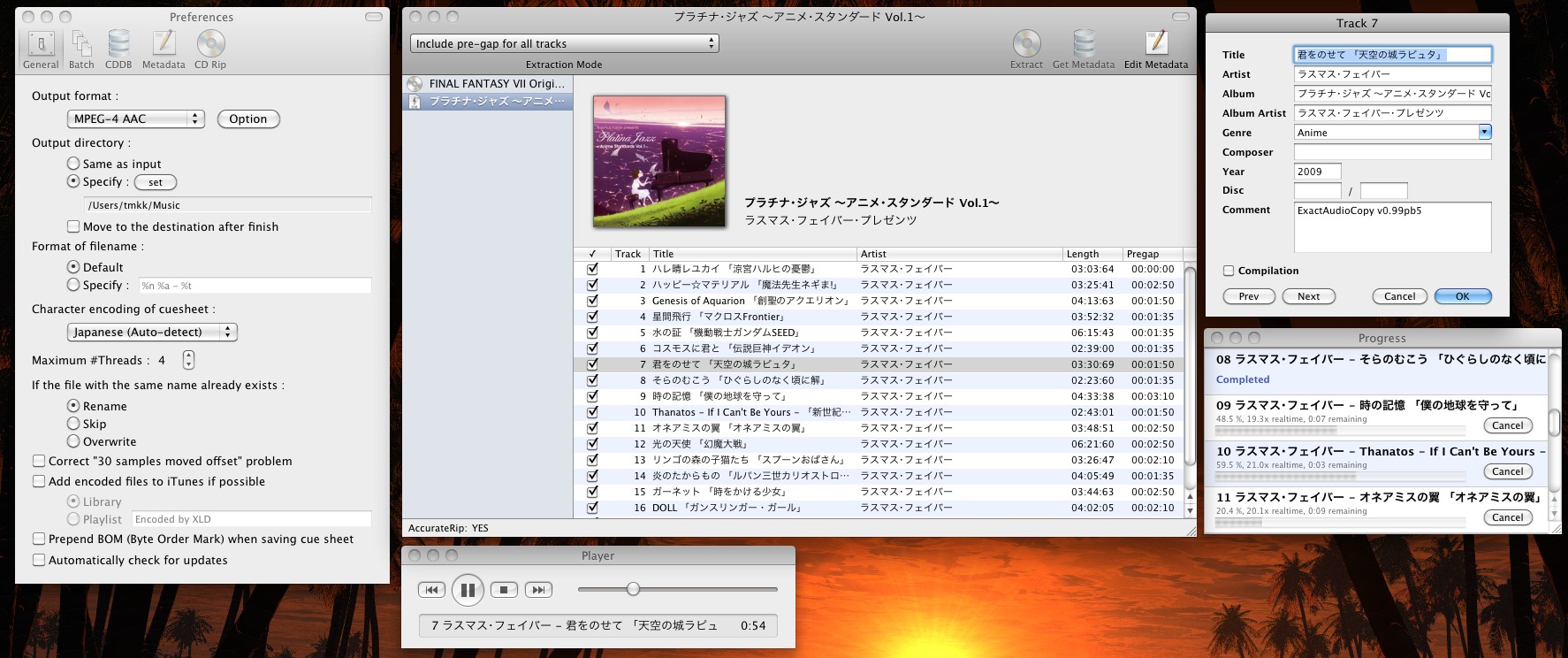
- In XLD → Preferences, choose AIFF as the output format.
- Open your audio files in XLD, choose a destination if prompted, and let the batch finish.
4. dBpoweramp
Mac, Windows · Paid; free trial
Useful for large music libraries and keeping track information with your files.
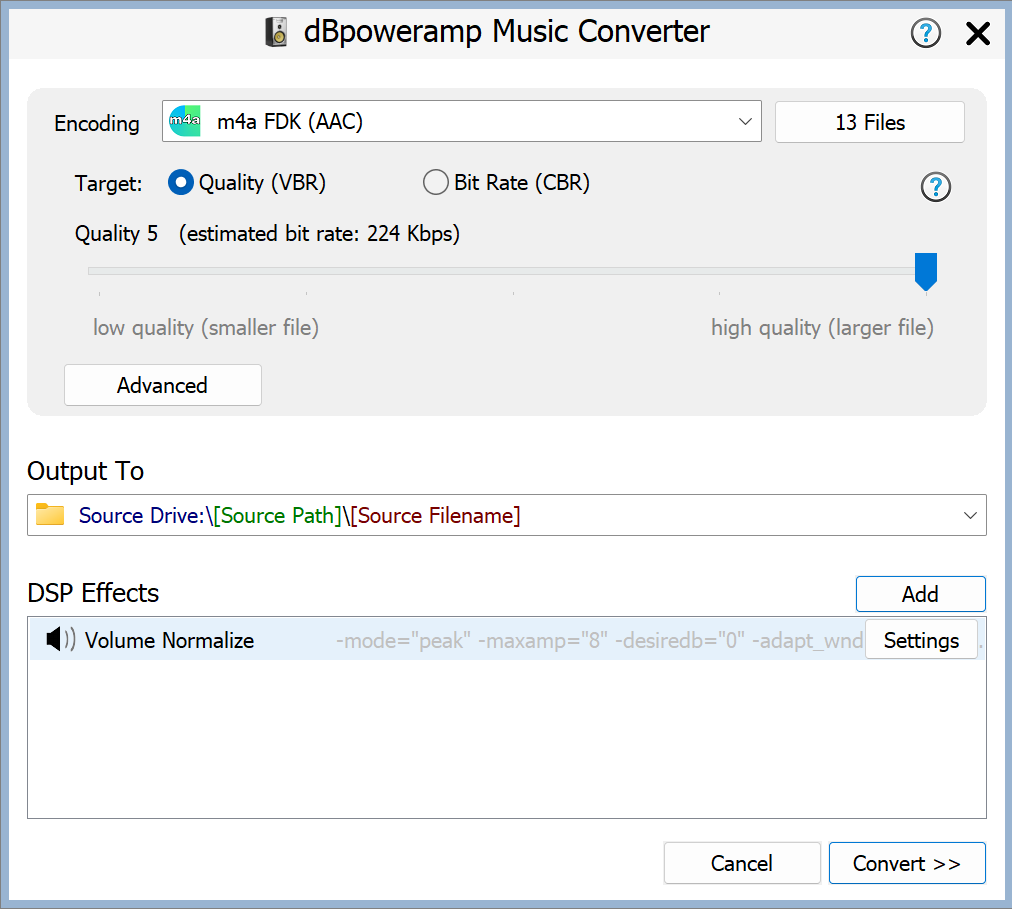
- Open Music Converter and select your recordings; use Batch Converter for folders.
- Choose AIFF, keep the original sample rate and bit depth, select a destination and click Convert.
5. CloudConvert
Browser · Limited free tier; paid plans
An occasional conversion without installing an app. Files upload to its servers; free limits apply.
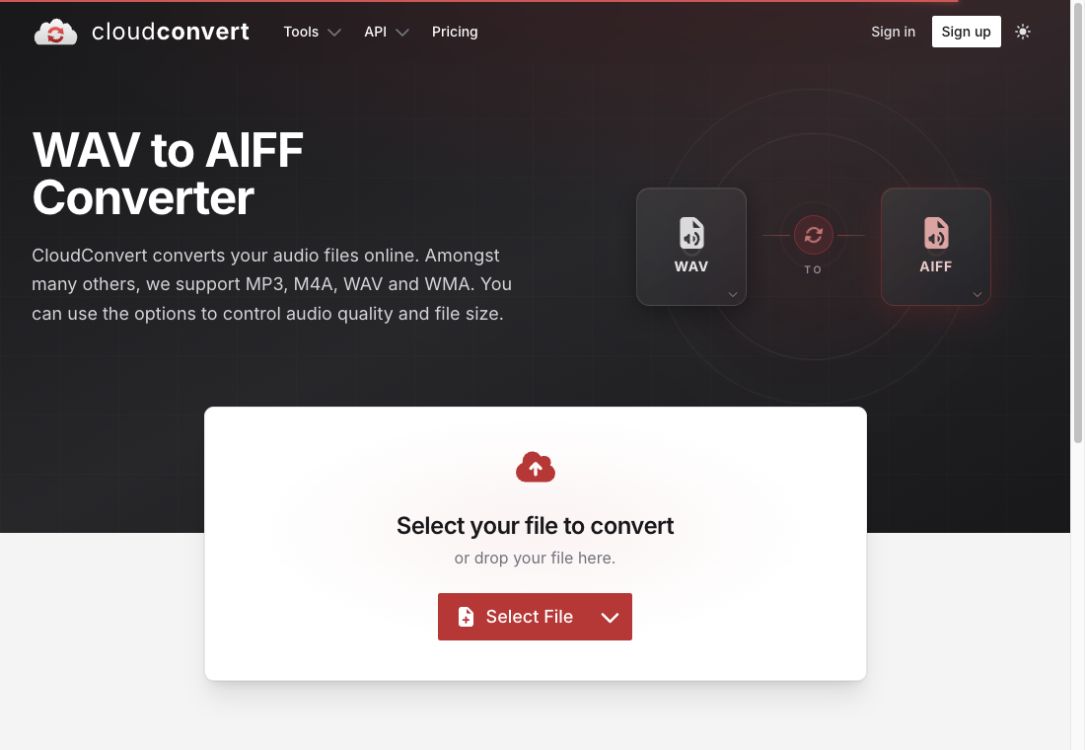
- Click Select File and choose your WAV file.
- Set the output to AIFF, click Convert, then download the result.