18 Best WAV to FLAC Converters in 2026 (Free and Paid)
The best WAV to FLAC converters in 2026. Compare offline desktop apps, open-source tools, and online converters for lossless compression, archiving, and keeping audio quality intact.
Posted by
 Jake Manger
WAV to FLAC is one of the rare conversions where there is no quality tradeoff at all. Both are lossless. FLAC just stores the same audio in 40–60% of the space. For anyone keeping a music archive, recording session backups, ripped CDs, or a sample library, the disk-space savings are huge and the quality is bit-identical. FLAC also has built-in checksums (so you can detect file corruption later), proper metadata tags, and lossless conversion back to WAV any time you need it. This guide compares 18 WAV to FLAC converters in 2026.
WAV → FLAC is one of the cleanest conversions in this series — every tool handles it, the encoding is well-understood, and the only choice is how aggressive the compression should be.
FLAC Compression Level — Does It Matter?
FLAC encoders take a compression-level parameter from 0 (fastest, biggest files) to 8 (slowest, smallest files). All of them produce bit-identical output when decoded — the difference is only in encoding speed and file size.
- Level 5 — the default for the reference FLAC encoder. Good balance.
- Level 8 — the slowest, with files about 1–2% smaller than level 5. Worth it for archival.
- Level 0 — almost as fast as plain copying. Useful for live-recording flows where CPU is constrained.
For most users, level 5 (the default) is fine. Bump to 8 if you are archiving and have CPU time to spare.
Quick Picks for WAV → FLAC
- Best CLI: the reference
flactool. - Best free batch GUI: fre:ac.
- Best library workflow: dBpoweramp.
- One file: any tool below works.
- For archival: use level 8 compression and verify the file after.
One-shot: WAV to FLAC converter.
1. How to Convert (I built this one)

Drop WAVs in, pick FLAC, hit convert. Default level 5, optional level 8 for archive jobs. Local — useful for unreleased recordings.
Pricing
- One-time purchase; free web demo for single-file conversions.
 How to Convert
The offline file converter for Mac, Windows and Linux.
- Converts video, audio, images, documents, ebooks and more
- Everything runs locally. Your files never leave your device
- Pay once. Access forever
Get the app on Mac, Windows and Linux
2. flac (reference CLI)
The reference encoder from Xiph. Install via Homebrew or your distro's package manager.
flac input.wav
With maximum compression:
flac --best input.wav
Whole folder:
flac --best *.wav
With verification (re-decode and compare to source, catches encode errors):
flac --best --verify input.wav
Pricing
- Free, open source.
3. FFmpeg
One-liner with maximum compression:
ffmpeg -i input.wav -compression_level 12 output.flac
Whole folder:
for f in *.wav; do ffmpeg -i "$f" -compression_level 12 "${f%.wav}.flac"; doneFFmpeg's compression scale goes 0–12 (the reference flac tool goes 0–8); 12 in FFmpeg is roughly equivalent to level 8 with extra tuning.
Pricing
- Free, open source.
4. fre:ac
Cross-platform free batch converter with FLAC output. Compression level exposed.
Pricing
- Free, open source.
5. dBpoweramp
Premium library converter. AccurateRip integration, full metadata preservation, FLAC verification. The audiophile's standard for big-library work.
Pricing
- Paid.
6. XLD (Mac)
Mac batch converter. FLAC output with full tag support and verification.
Pricing
- Free.
7. Foobar2000 (Windows)
Windows audiophile player + converter with FLAC output.
Pricing
- Free.
8. Audacity
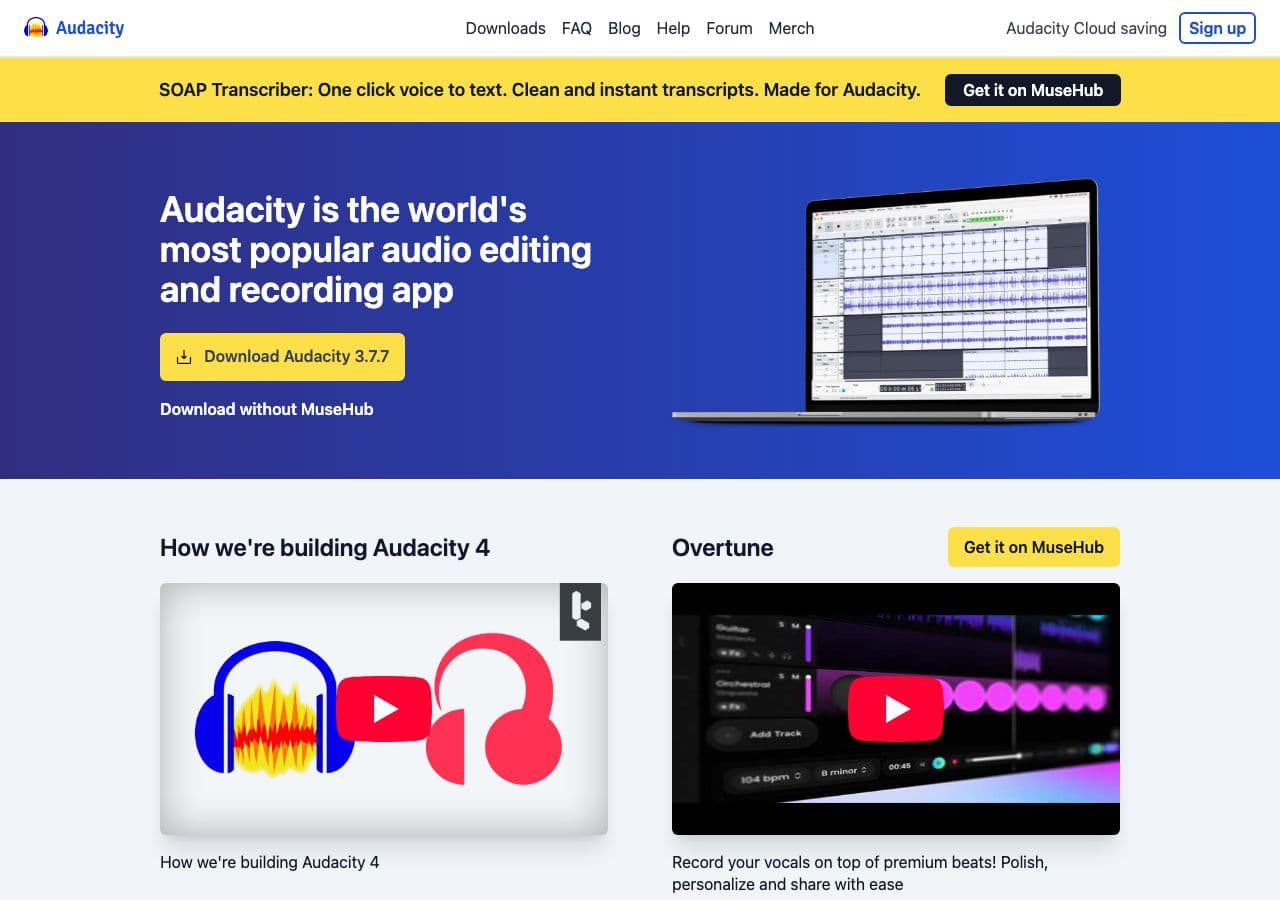
Open WAV, File → Export → FLAC. Useful for editing before encoding.
Pricing
- Free, open source.
9. SoX
CLI:
sox input.wav -C 8 output.flac
Compression level via -C 0–8.
Pricing
- Free, open source.
10. VLC

Media → Convert / Save → output FLAC. Works for one-off.
Pricing
- Free, open source.
11. macOS Music app / afconvert
Music app does not natively export FLAC; use afconvert from Terminal:
afconvert -f flac -d 0 input.wav output.flac
Pricing
- Free with macOS.
12. MediaHuman Audio Converter
Drag-and-drop batch converter.
Pricing
- Free.
13. Switch Audio Converter (NCH)
Lightweight commercial converter.
Pricing
- Free home; paid commercial.
14. EZ CD Audio Converter
Premium Windows tool.
Pricing
- Paid.
15. CloudConvert
Web converter. WAV → FLAC with compression options.
Pricing
- Free tier; paid above.
16. Convertio
Web converter.
Pricing
- Free with caps; paid above.
17. Online Audio Converter (123apps)
Browser-based.
Pricing
- Free with limits; paid above.
18. FreeConvert
Web converter.
Pricing
- Free with caps; paid above.
How to Choose
- Library archive: dBpoweramp or flac CLI with --best --verify.
- Cross-platform batch: fre:ac, FFmpeg, or How to Convert.
- Mac: XLD or afconvert.
- Windows: Foobar2000 or fre:ac.
- One file: Audacity or VLC.
- Sensitive recordings: stay local. Audio sessions often contain private material.
Final Thoughts
WAV → FLAC is the conversion you should run on every WAV file in your archive. Bit-identical quality, 40–60% smaller, built-in error checking, full tag support. The reference flac CLI with --best --verify is the gold standard for archival jobs; fre:ac and How to Convert handle the same job with a GUI; dBpoweramp adds metadata polish for big libraries. Whichever tool you pick, you keep all the audio quality and reclaim half the disk space.
How to Convert
The offline file converter for Mac, Windows and Linux.
- Converts video, audio, images, documents, ebooks and more
- Everything runs locally. Your files never leave your device
- Pay once. Access forever
Get the app on Mac, Windows and Linux
