18 Best WAV to OGG Converters in 2026 (Free and Paid)
The best WAV to OGG converters in 2026. Compare offline desktop apps, open-source tools, and online converters for open web audio, game assets, and smaller voice recordings.
Posted by
 Jake Manger
WAV to OGG is the conversion that matters most for game development, Linux audio workflows, and a small set of open-source-only environments. OGG (Vorbis or Opus) is a high-quality lossy format with no licensing baggage — the reason Unity, Unreal, Godot, and most indie game engines default to it for streamed music. WAV is the lossless intermediate you start with; OGG is the shipped output. This guide compares 18 WAV to OGG converters in 2026.
WAV → OGG is also one of the few categories where the codec choice (Vorbis vs Opus) matters more than the tool — the next section covers it.
Vorbis or Opus? Pick the Codec First
- Vorbis — the original Ogg codec. Compatible with anything that says “OGG support” (Unity, Unreal, Godot, all major game engines). Default for most game audio.
- Opus — newer, much more efficient codec. Better quality per byte. Used in WhatsApp, Discord, modern web audio. Not yet supported in some older game engines.
For game audio, default to Vorbis at quality 6 (~192 kbps). For modern web or messaging audio, default to Opus at 96 kbps. For voice content, Opus at 64 kbps is excellent.
Quick Picks for WAV → OGG
- Best CLI for Vorbis:
oggenc(from vorbis-tools). - Best CLI for Opus:
opusenc(from opus-tools). - Best free batch GUI: fre:ac.
- Best for game audio pipelines: FFmpeg with libvorbis.
- One file: Audacity.
One-shot: WAV to OGG converter.
1. How to Convert (I built this one)

Drop WAVs in, pick OGG (Vorbis or Opus), set quality, hit convert. Local.
Pricing
- One-time purchase; free web demo for single-file conversions.
 How to Convert
The offline file converter for Mac, Windows and Linux.
- Converts video, audio, images, documents, ebooks and more
- Everything runs locally. Your files never leave your device
- Pay once. Access forever
Get the app on Mac, Windows and Linux
2. oggenc — best Vorbis CLI
The reference Vorbis encoder. Install via brew install vorbis-toolsor your distro's package manager.
oggenc -q 6 input.wav -o output.ogg
-q is quality on a 0–10 scale. 6 is the standard for game audio (~192 kbps).
Whole folder:
for f in *.wav; do oggenc -q 6 "$f" -o "${f%.wav}.ogg"; donePricing
- Free, open source.
3. opusenc — best Opus CLI
Reference Opus encoder. brew install opus-tools.
opusenc --bitrate 96 input.wav output.opus
For voice (mono, low bitrate):
opusenc --bitrate 32 --downmix-mono input.wav output.opus
Pricing
- Free, open source.
4. FFmpeg
Vorbis with quality preset:
ffmpeg -i input.wav -c:a libvorbis -q:a 6 output.ogg
Opus:
ffmpeg -i input.wav -c:a libopus -b:a 96k output.opus
Batch:
for f in *.wav; do ffmpeg -i "$f" -c:a libvorbis -q:a 6 "${f%.wav}.ogg"; donePricing
- Free, open source.
5. fre:ac
Cross-platform free batch converter with Vorbis and Opus output.
Pricing
- Free, open source.
6. Audacity
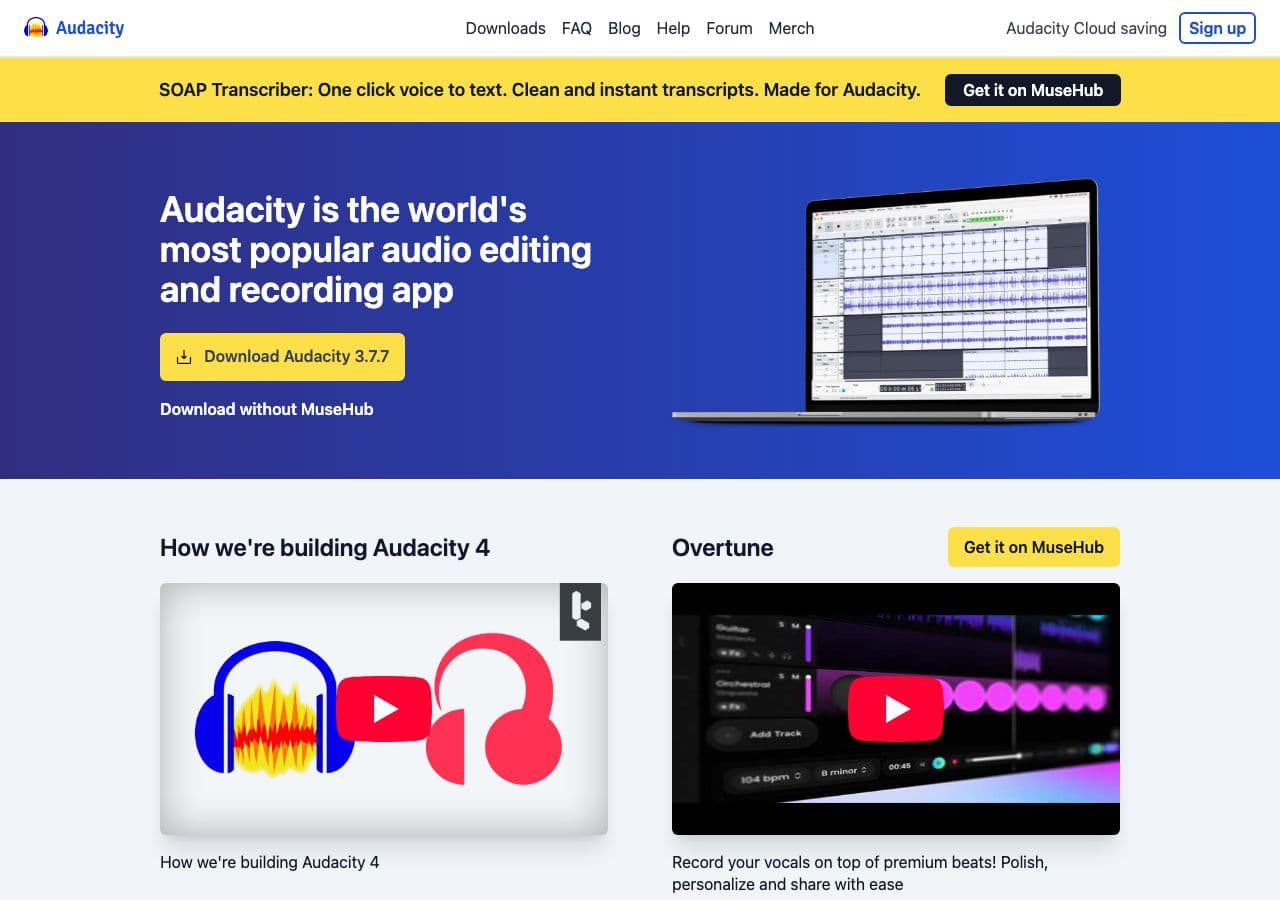
Open WAV, File → Export → Ogg Vorbis. Good for one-off conversions and game audio iteration.
Pricing
- Free, open source.
7. SoX
CLI:
sox input.wav -C 6 output.ogg
Pricing
- Free, open source.
8. XLD (Mac)
Mac batch converter with Vorbis output.
Pricing
- Free.
9. Foobar2000 (Windows)
Windows audiophile player + converter with Vorbis output.
Pricing
- Free.
10. MediaHuman Audio Converter
Drag-and-drop batch tool.
Pricing
- Free.
11. VLC

Media → Convert / Save → output OGG.
Pricing
- Free, open source.
12. Switch Audio Converter (NCH)
Lightweight commercial converter.
Pricing
- Free home; paid commercial.
13. dBpoweramp
Premium library converter. Overkill for game audio; useful for music library conversion to OGG.
Pricing
- Paid.
14. Unity / Unreal / Godot built-in pipelines
Each game engine imports WAVs and re-encodes them at runtime or build time. Unity has the Audio Importer; Unreal has the Sound Cue system; Godot uses ogg files natively. Often easier to drop the WAV into the engine and let it produce the OGG/runtime asset.
Pricing
- Free tier in each engine.
15. CloudConvert
Web converter. WAV → OGG with quality control.
Pricing
- Free tier; paid above.
16. Convertio
Web converter.
Pricing
- Free with caps; paid above.
17. Online Audio Converter (123apps)
Browser-based.
Pricing
- Free with limits; paid above.
18. FreeConvert
Web converter.
Pricing
- Free with caps; paid above.
How to Choose
- Game audio assets: oggenc or FFmpeg with Vorbis at -q 6.
- Voice / messaging: opusenc at 32–64 kbps.
- Modern web audio: Opus at 96 kbps.
- Batch: fre:ac, FFmpeg, or How to Convert.
- Game engine pipeline: let the engine handle it.
Final Thoughts
WAV → OGG is the conversion that ships your audio at a fraction of the file size. For game audio, Vorbis at quality 6 is the de-facto standard. For modern voice or web audio, Opus is the better codec by a comfortable margin. The reference encoders (oggenc, opusenc) produce the smallest, cleanest output; FFmpeg and fre:ac are equally good for batch jobs.
How to Convert
The offline file converter for Mac, Windows and Linux.
- Converts video, audio, images, documents, ebooks and more
- Everything runs locally. Your files never leave your device
- Pay once. Access forever
Get the app on Mac, Windows and Linux
