18 Best WebM to MP4 Converters in 2026 (Free and Paid)
The best WebM to MP4 converters in 2026. Compare offline desktop apps, open-source tools, and online converters for sharing browser video with apps and devices that expect MP4.
Posted by
 Jake Manger
WebM to MP4 is the conversion for everything that is not the modern web. WebM is brilliant inside a browser tab — small files, native playback, no plug-ins. The moment you step outside the browser, support thins out fast. Mobile apps that use the system video player often refuse WebM. Slack uploads do not preview it. Final Cut, Premiere, and Resolve do not import it cleanly. iOS Photos does not show WebMs. MP4 with H.264 plays everywhere. This guide compares 18 WebM to MP4 converters in 2026.
WebM → MP4 is always a re-encode because WebM's VP9 or AV1 video does not live inside an MP4 container.
Quick Picks for WebM → MP4
- Best CLI: FFmpeg.
- Best free GUI: HandBrake.
- Best for editing import (FCP / Premiere): Shutter Encoder with ProRes output, or FFmpeg directly.
- One-shot: How to Convert.
One-shot: WebM to MP4 converter.
1. How to Convert (I built this one)

Drop WebMs in, pick MP4, hit convert. Default H.264 CRF 20 / AAC. Local.
Pricing
- One-time purchase; free web demo for single-file conversions.
 How to Convert
The offline file converter for Mac, Windows and Linux.
- Converts video, audio, images, documents, ebooks and more
- Everything runs locally. Your files never leave your device
- Pay once. Access forever
Get the app on Mac, Windows and Linux
2. FFmpeg
One-liner:
ffmpeg -i input.webm -c:v libx264 -preset slow -crf 20 -c:a aac -b:a 192k output.mp4
Batch:
for f in *.webm; do ffmpeg -i "$f" -c:v libx264 -preset slow -crf 20 -c:a aac "${f%.webm}.mp4"; donePricing
- Free, open source.
3. HandBrake
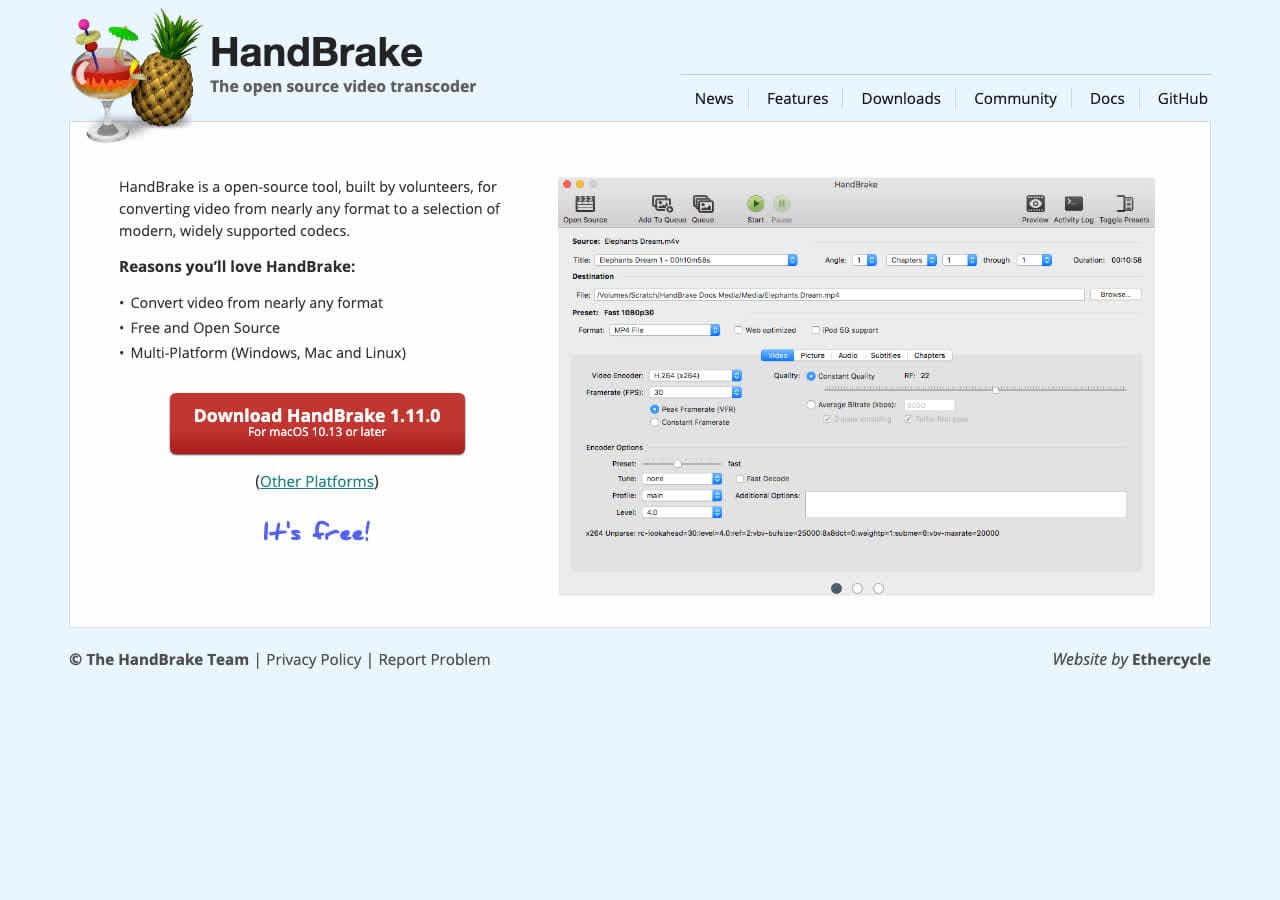
Drag WebM in, pick MP4 / H.264 preset, click Encode.
Pricing
- Free, open source.
4. Shutter Encoder
FFmpeg GUI with H.264 and ProRes outputs.
Pricing
- Free.
5. VLC

Media → Convert / Save → MP4 H.264.
Pricing
- Free, open source.
6. Permute (Mac)
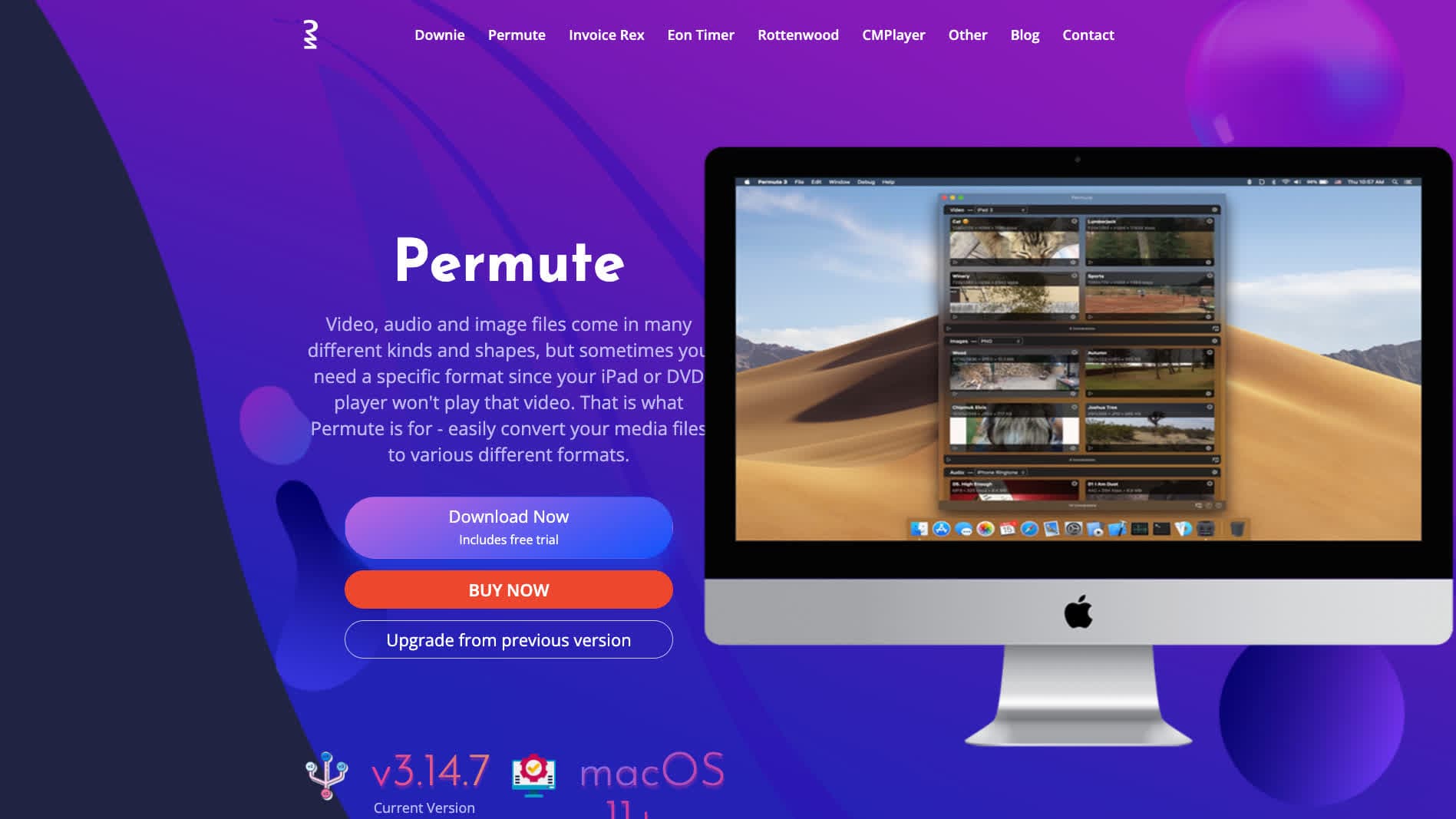
Mac-native converter.
Pricing
- One-time purchase.
7. Any Video Converter
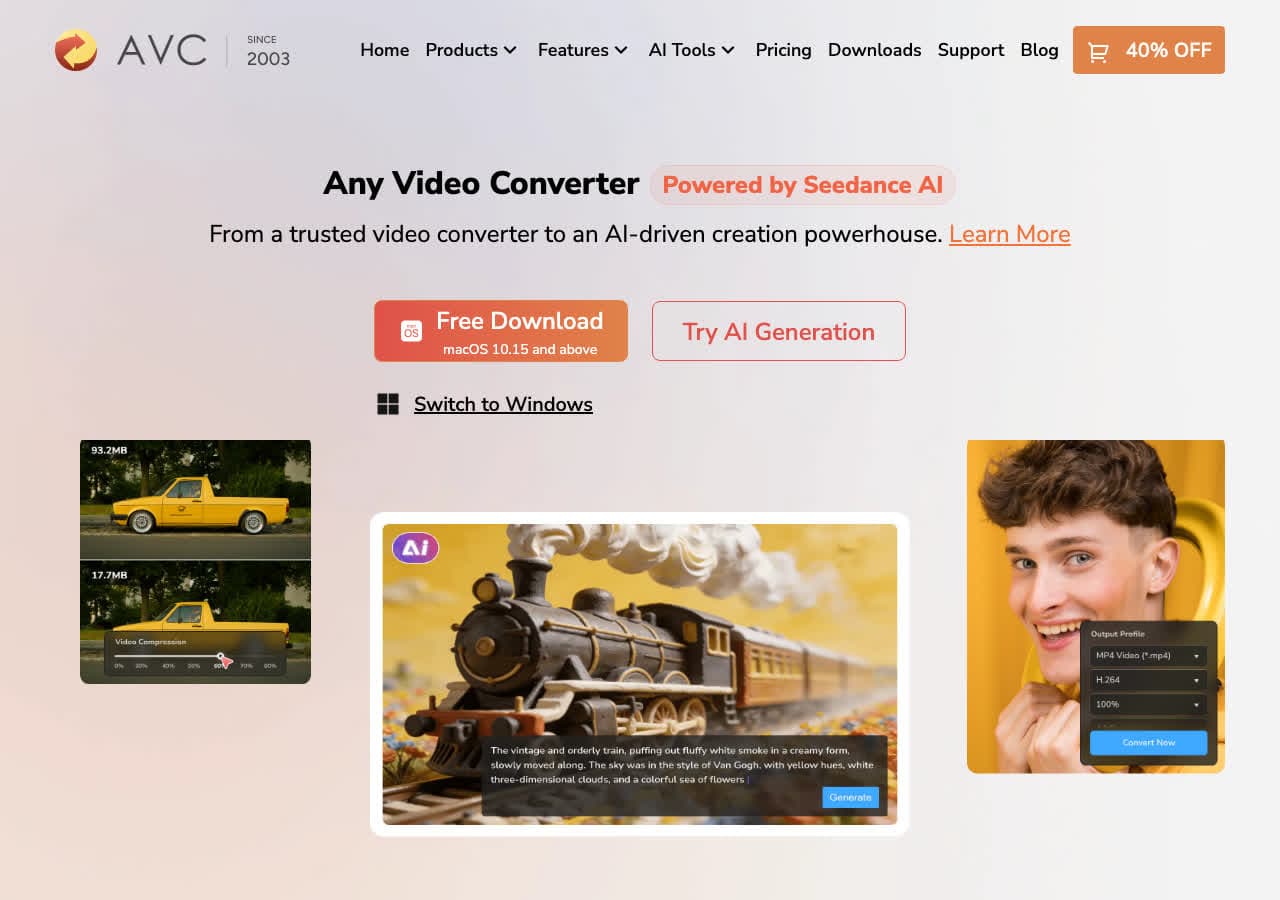
Consumer converter with device-specific MP4 presets.
Pricing
- Freemium.
8. Wondershare UniConverter
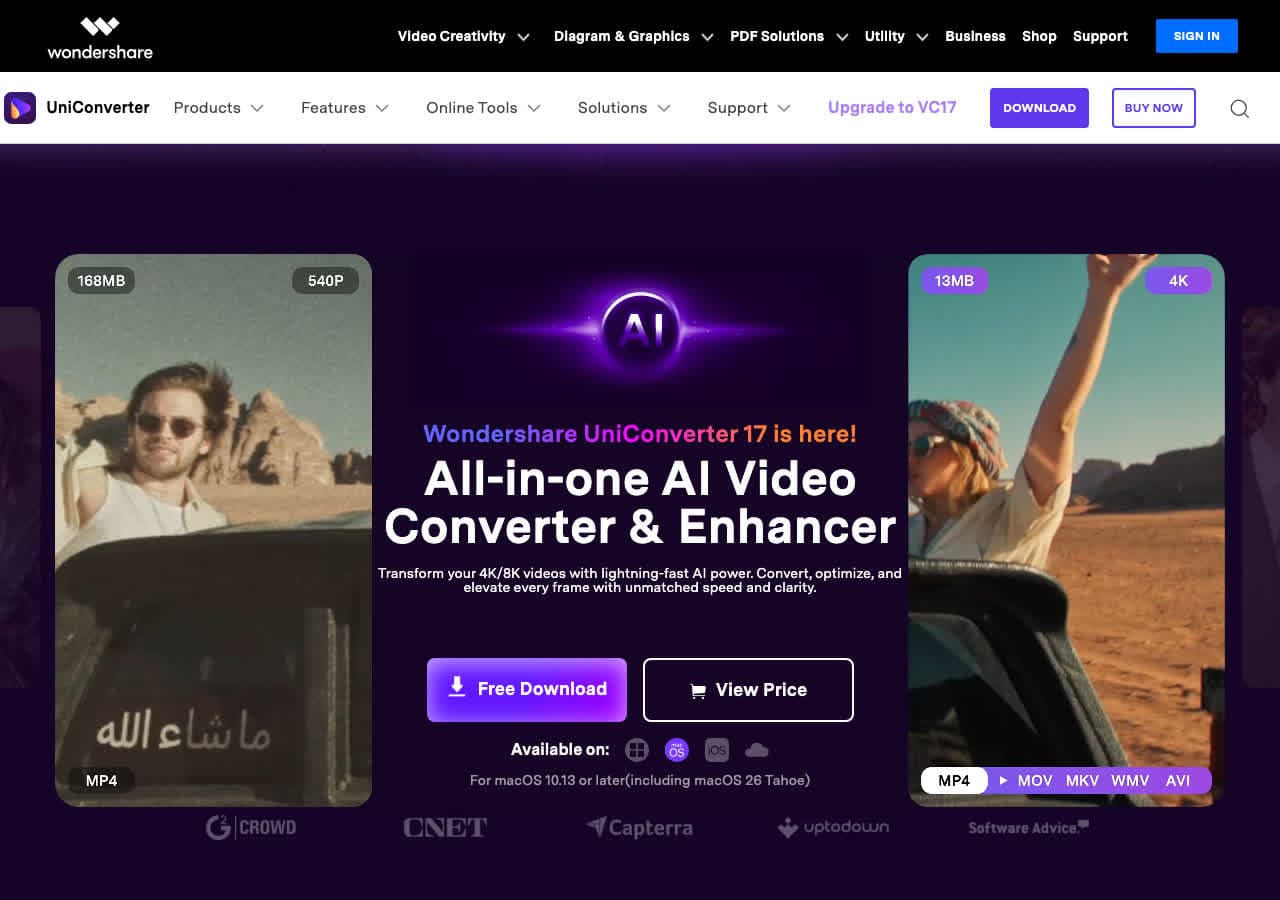
Full media suite.
Pricing
- Paid.
9. Movavi Video Converter
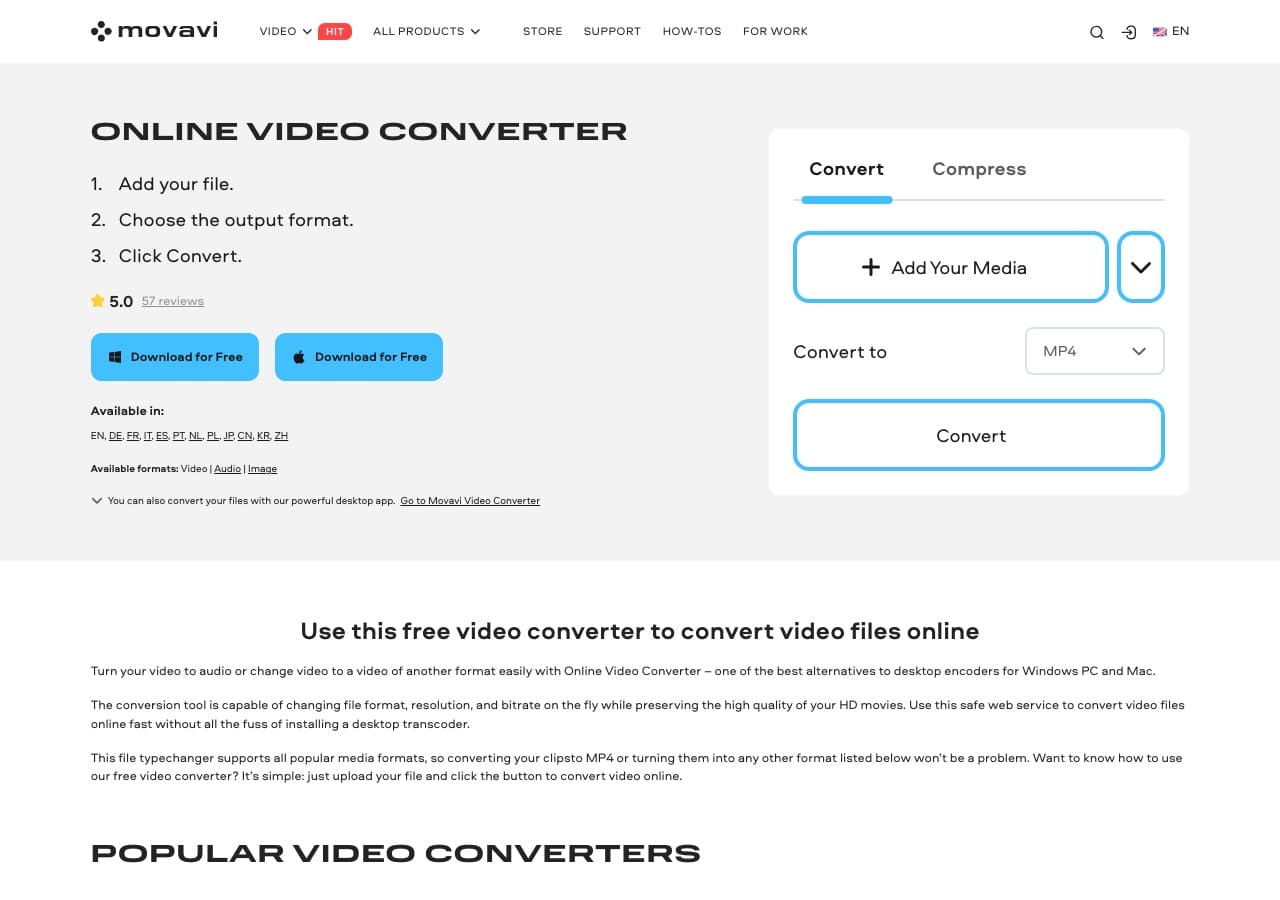
Beginner-friendly paid tool.
Pricing
- Paid.
10. Adapter

Free Mac and Windows tool.
Pricing
- Free.
11. DaVinci Resolve

Pro NLE with MP4 export.
Pricing
- Free Studio edition; paid Studio.
12. Adobe Premiere Pro
Pro NLE with MP4 export via Media Encoder.
Pricing
- Subscription.
13. Prism Video Converter
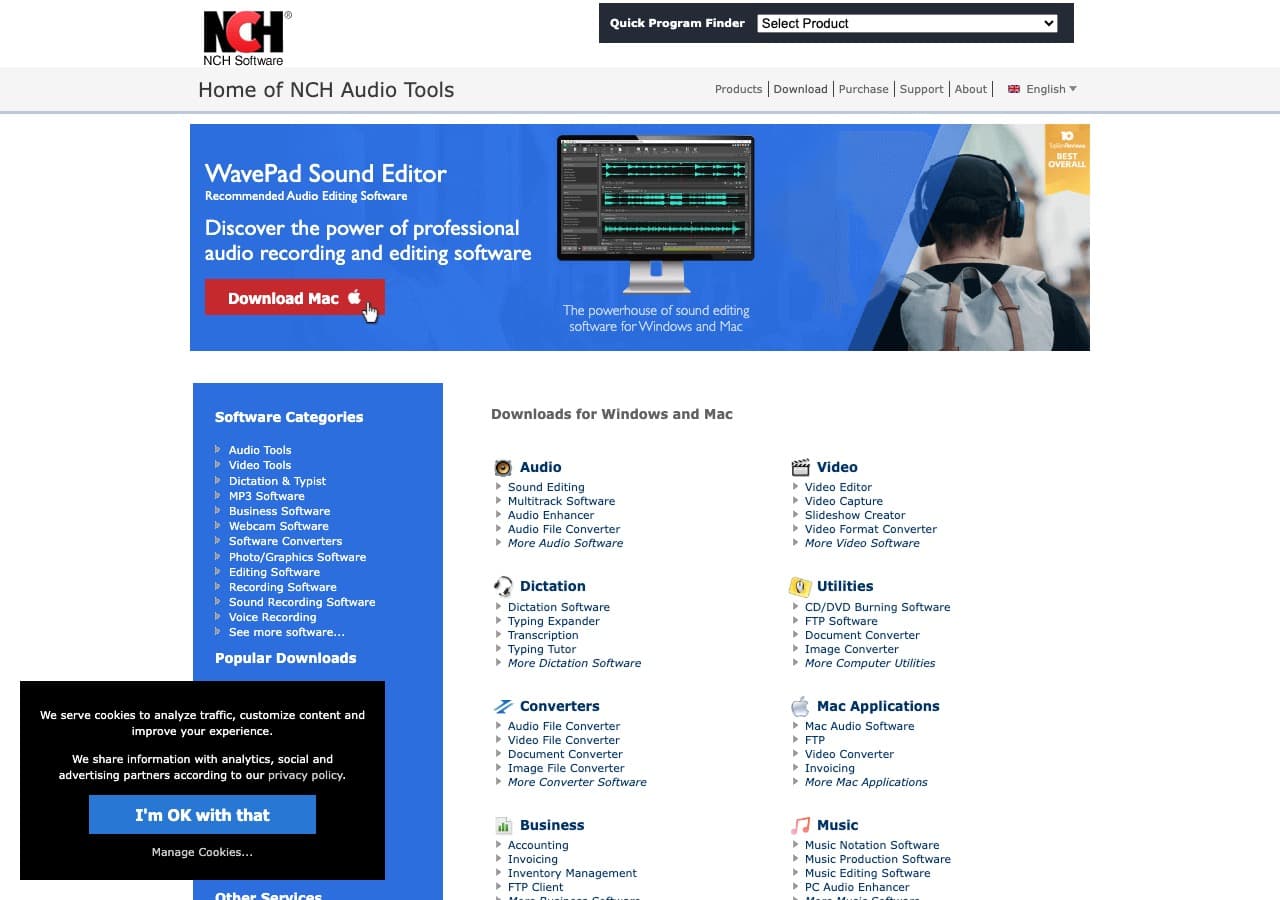
NCH's simple paid tool.
Pricing
- Free home; paid commercial.
14. CloudConvert
Web WebM → MP4.
Pricing
- Free tier; paid above.
15. Convertio
Web WebM → MP4.
Pricing
- Free with caps; paid above.
16. Online-Convert
Web converter with detailed options.
Pricing
- Free with limits; paid above.
17. FreeConvert
Web converter.
Pricing
- Free with caps; paid above.
18. Zamzar
Long-running web converter.
Pricing
- Free with daily limits; paid above.
How to Choose
- Standard re-encode: HandBrake or FFmpeg.
- For editing: Shutter Encoder with ProRes output, or FCP / Premiere with native import.
- Batch: FFmpeg in a script.
- One-shot: How to Convert or a web tool.
Final Thoughts
WebM → MP4 is the “take this out of the browser” conversion. The re-encode is required, but with H.264 at CRF 20, quality holds up. HandBrake or FFmpeg handle it cleanly; the file size will be slightly larger than the source WebM in most cases — that is the cost of H.264 vs VP9/AV1.
How to Convert
The offline file converter for Mac, Windows and Linux.
- Converts video, audio, images, documents, ebooks and more
- Everything runs locally. Your files never leave your device
- Pay once. Access forever
Get the app on Mac, Windows and Linux
