18 Best WMA to MP3 Converters in 2026 (Free and Paid)
The best WMA to MP3 converters in 2026. Compare offline desktop apps, open-source tools, and online converters for modernizing older Windows audio libraries.
Posted by
 Jake Manger
WMA to MP3 is the conversion that comes up almost exclusively when you are dealing with legacy files. Windows Media Audio was Microsoft's answer to MP3 — the default format Windows Media Player ripped CDs into from around 2000 through 2012. If you ripped a CD library in that window, you have a folder full of .wma files that work on basically nothing modern. iPhones do not play them. Android sometimes does, sometimes does not. Bluetooth speakers vary. The Sonos in your living room refuses outright. MP3 still works everywhere, so the conversion is “rescue this old music library.” This guide compares 18 WMA to MP3 converters in 2026.
WMA has one extra wrinkle worth knowing about: DRM-protected WMA files from the Plays-for-Sure / Zune Marketplace era will not convert with any of the tools below. The next section explains how to spot them.
DRM-Protected WMA — How to Spot It
Between about 2003 and 2012, Microsoft sold music through the Plays-for-Sure program, the Zune Marketplace, and various third-party music stores. Those files were WMA wrapped in DRM. Today:
- The license servers are largely shut down.
- The files often will not play at all in 2026, let alone convert.
- If they do play, every tool below refuses to convert them.
To check: right-click the file → Properties → Details tab. If you see “Protected: Yes” you have DRM. The only practical recovery is to play the file in Windows Media Player and record the audio with a tool like Audacity in real time — a frustrating but legal-for-personal-use workaround.
For unprotected WMA — CDs you ripped yourself with WMP — conversion is straightforward.
Quick Picks for WMA → MP3
- Best free batch tool: fre:ac.
- Best CLI: FFmpeg.
- Big music library on Windows: dBpoweramp.
- One file: any tool below works.
- DRM-protected WMA: none of the tools below can. Use audio capture.
One-shot: WMA to MP3 converter.
1. How to Convert (I built this one)

Drop WMAs in, pick MP3, set bitrate, hit convert. Tags transferred (artist, album, track number, art). Local. The right pick on a Mac specifically — most other Mac tools struggle with WMA.
Pricing
- One-time purchase; free web demo for single-file conversions.
 How to Convert
The offline file converter for Mac, Windows and Linux.
- Converts video, audio, images, documents, ebooks and more
- Everything runs locally. Your files never leave your device
- Pay once. Access forever
Get the app on Mac, Windows and Linux
2. FFmpeg
Single file:
ffmpeg -i input.wma -q:a 2 output.mp3
Whole folder, preserving tags:
for f in *.wma; do ffmpeg -i "$f" -q:a 2 -map_metadata 0 "${f%.wma}.mp3"; doneThe right pick for a one-shot “convert this whole library overnight” job.
Pricing
- Free, open source.
3. fre:ac
Cross-platform free batch audio converter. Handles WMA cleanly, outputs MP3 via LAME, preserves tags including album art. Best free GUI option.
Pricing
- Free, open source.
4. Windows Media Player
Yes, the original. WMP can rip a CD as MP3 if you set the import format. For converting an existing WMA library to MP3, change Tools → Options → Rip Music → Format to MP3, then re-import the library. Not the cleanest workflow but uses no extra software.
Pricing
- Free with Windows.
5. dBpoweramp
Premium library converter. Best metadata handling. Right-click WMAs in Windows Explorer → Convert To → MP3. Worth the price for serious library work.
Pricing
- Paid.
6. Foobar2000 (Windows)
The Windows audiophile's player. Tools → Convert with LAME presets. Preserves tags. Powerful but the UI rewards learning it.
Pricing
- Free.
7. MediaHuman Audio Converter
Simple drag-and-drop converter. WMA → MP3 with batch.
Pricing
- Free.
8. Switch Audio Converter (NCH)
Lightweight commercial converter for Mac and Windows.
Pricing
- Free home edition; paid for commercial use.
9. VLC

Media → Convert / Save. Handles WMA, outputs MP3. One-off use.
Pricing
- Free, open source.
10. Audacity
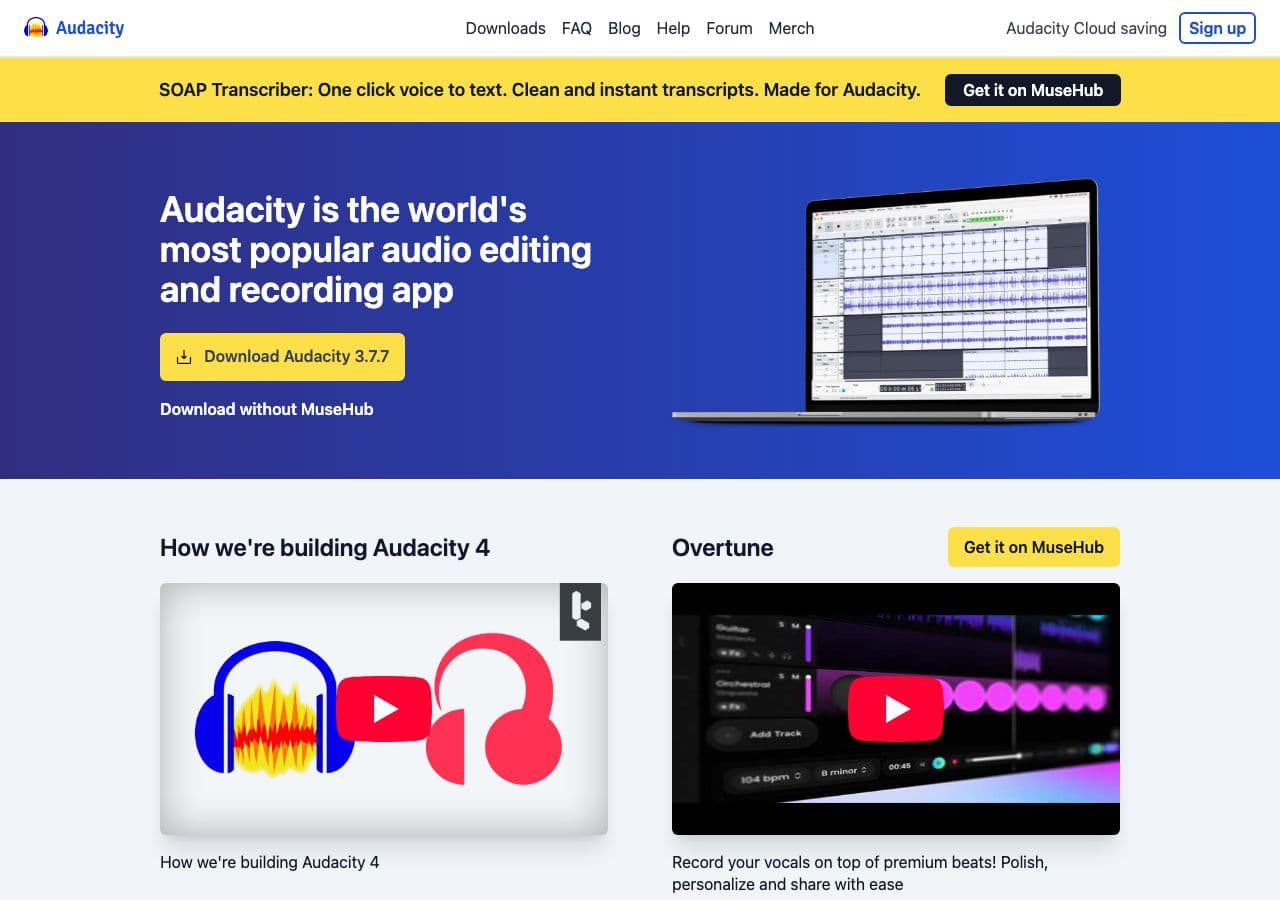
Open WMA, File → Export → MP3. Useful when you also want to clean up the audio (de-clip, normalize).
On Windows, Audacity also serves as the audio capture tool for DRM-WMA workaround: play the WMA in WMP, record system audio in Audacity, save as MP3.
Pricing
- Free, open source.
11. XLD (Mac)
Mac audiophile converter. Handles WMA via FFmpeg backend; clean LAME output.
Pricing
- Free.
12. SoX
WMA support varies by build; FFmpeg pipeline is more reliable. Use SoX when you want to chain effects:
ffmpeg -i input.wma -f wav - | sox - -C 192 output.mp3 norm
Pricing
- Free, open source.
13. CloudConvert
Web WMA → MP3 with bitrate selection. Old music libraries are usually not sensitive, so a web tool is fine.
Pricing
- Free tier; paid above.
14. Convertio
Web WMA → MP3.
Pricing
- Free with caps; paid above.
15. Online Audio Converter (123apps)
Browser-based, batch upload.
Pricing
- Free with limits; paid above.
16. FreeConvert
Web converter with quality options.
Pricing
- Free with caps; paid above.
17. Zamzar
Long-running web converter. Reliable for WMA → MP3.
Pricing
- Free with daily limits; paid above.
18. iTunes (Windows)
iTunes can import WMA (unprotected only) and re-encode to MP3 via the import settings. Useful if iTunes is already your library tool.
Pricing
- Free.
How to Choose
- Whole library, free: fre:ac or FFmpeg in a loop.
- Library, premium: dBpoweramp.
- Mac (most tools struggle with WMA): How to Convert, fre:ac, or FFmpeg.
- One file: VLC, Audacity, or a web tool.
- DRM-protected WMA: Audacity with system audio capture is the only path.
Final Thoughts
WMA → MP3 is mostly a library-rescue conversion in 2026. The files come from a Microsoft ecosystem that has largely moved on, and converting them to MP3 puts the music back in a format every modern device understands. For an unprotected library, FFmpeg or fre:ac in batch mode handles thousands of files cleanly. For DRM-protected files, you are stuck with audio capture or re-purchasing — the original DRM scheme was never designed to outlive its license servers.
How to Convert
The offline file converter for Mac, Windows and Linux.
- Converts video, audio, images, documents, ebooks and more
- Everything runs locally. Your files never leave your device
- Pay once. Access forever
Get the app on Mac, Windows and Linux
