18 Best AVI to MP4 Converters in 2026 (Free and Paid)
The best AVI to MP4 converters in 2026. Compare offline desktop apps, open-source tools, and online converters for modern playback, web uploads, and smaller video files.
Posted by
 Jake Manger
AVI to MP4 is the reverse of MP4 to AVI — and far more common, because AVI is the legacy format and MP4 is the everything-format. You usually do this conversion to rescue old AVIs (camcorder rips, downloaded files from the early 2000s, archival recordings) into a format that plays in modern phones, browsers, and TVs. The AVI almost certainly contains Xvid, DivX, or MJPEG video; the MP4 will contain H.264. So unlike MP4 → MKV, this is almost always a re-encode, not a remux. This guide compares 18 AVI to MP4 converters in 2026.
The next section explains how to avoid quality loss during the re-encode.
Keeping Quality During the Re-encode
The source AVI is probably already lossy (Xvid or DivX). Re-encoding adds another lossy step. To keep the loss small:
- Use H.264 with CRF 18–22. CRF (Constant Rate Factor) is the quality scale; lower is better. CRF 18 is “visually lossless” for the second-generation encode.
- Use the slow preset. Better compression efficiency, same visual quality, smaller file. Faster presets are fine if encode time matters.
- Keep the audio as-is when possible. If the AVI's audio is MP3 (most common), copy it directly into the MP4 without re-encoding.
Quick Picks for AVI → MP4
- Best CLI: FFmpeg.
- Best free GUI: HandBrake.
- Best for legacy archive batch: HandBrake's queue mode.
- One-shot: How to Convert.
One-shot: AVI to MP4 converter.
1. How to Convert (I built this one)

Drop AVIs in, pick MP4, choose quality, hit convert. Default H.264 CRF 20 with audio copy where possible. Local.
Pricing
- One-time purchase; free web demo for single-file conversions.
 How to Convert
The offline file converter for Mac, Windows and Linux.
- Converts video, audio, images, documents, ebooks and more
- Everything runs locally. Your files never leave your device
- Pay once. Access forever
Get the app on Mac, Windows and Linux
2. FFmpeg
High-quality re-encode:
ffmpeg -i input.avi -c:v libx264 -preset slow -crf 20 -c:a copy output.mp4
If the audio codec is incompatible, re-encode it too:
ffmpeg -i input.avi -c:v libx264 -preset slow -crf 20 -c:a aac -b:a 192k output.mp4
Batch:
for f in *.avi; do ffmpeg -i "$f" -c:v libx264 -preset slow -crf 20 -c:a copy "${f%.avi}.mp4"; donePricing
- Free, open source.
3. HandBrake
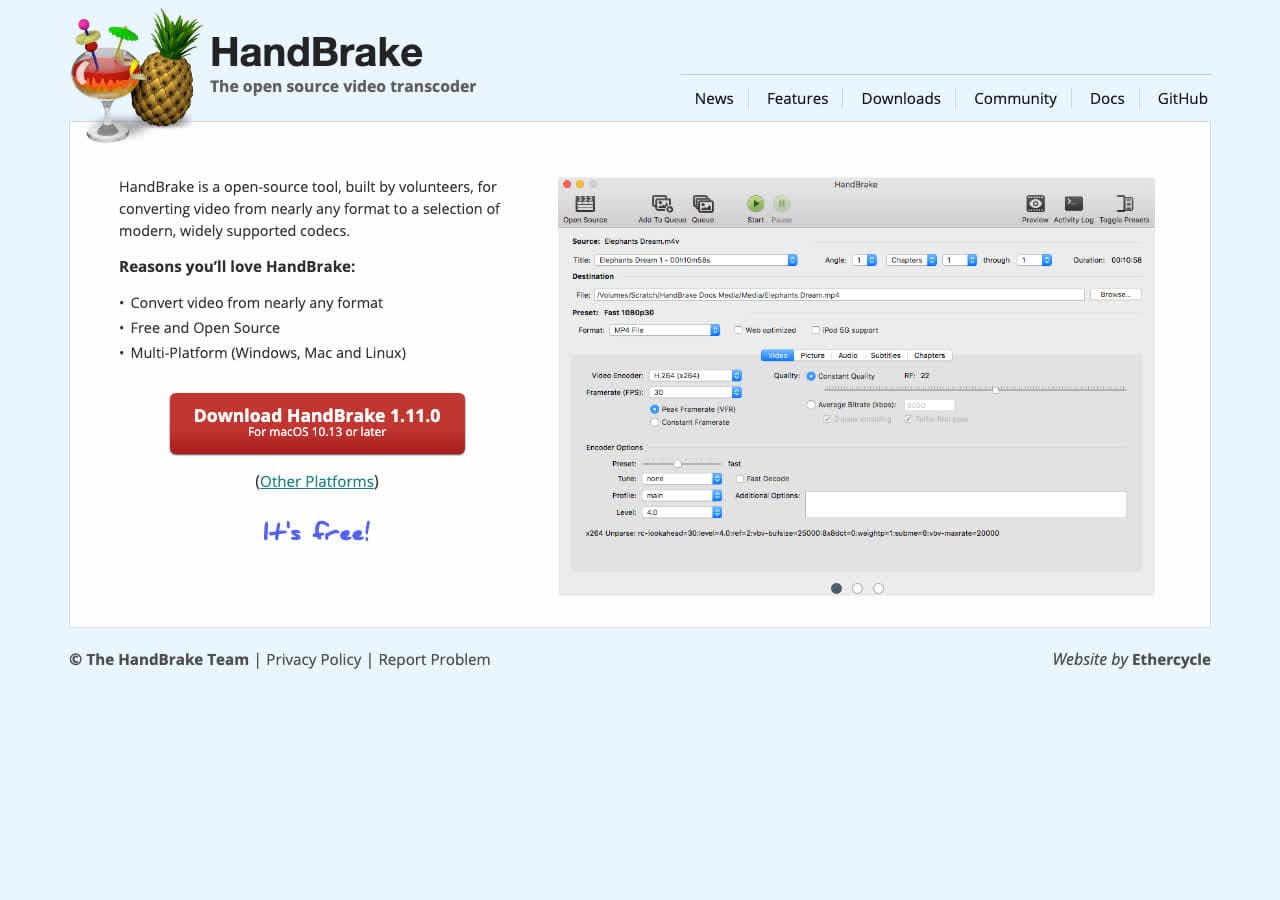
Free GUI for the same H.264 encoder FFmpeg uses. Drag in AVI, pick the “Fast 1080p30” or “HQ 1080p30 Surround” preset, click Start Encode. Best free GUI workflow for batch.
Pricing
- Free, open source.
4. Shutter Encoder
FFmpeg GUI with explicit AVI input support.
Pricing
- Free.
5. VLC

Media → Convert / Save → MP4 H.264. Functional, less control than HandBrake.
Pricing
- Free, open source.
6. Any Video Converter
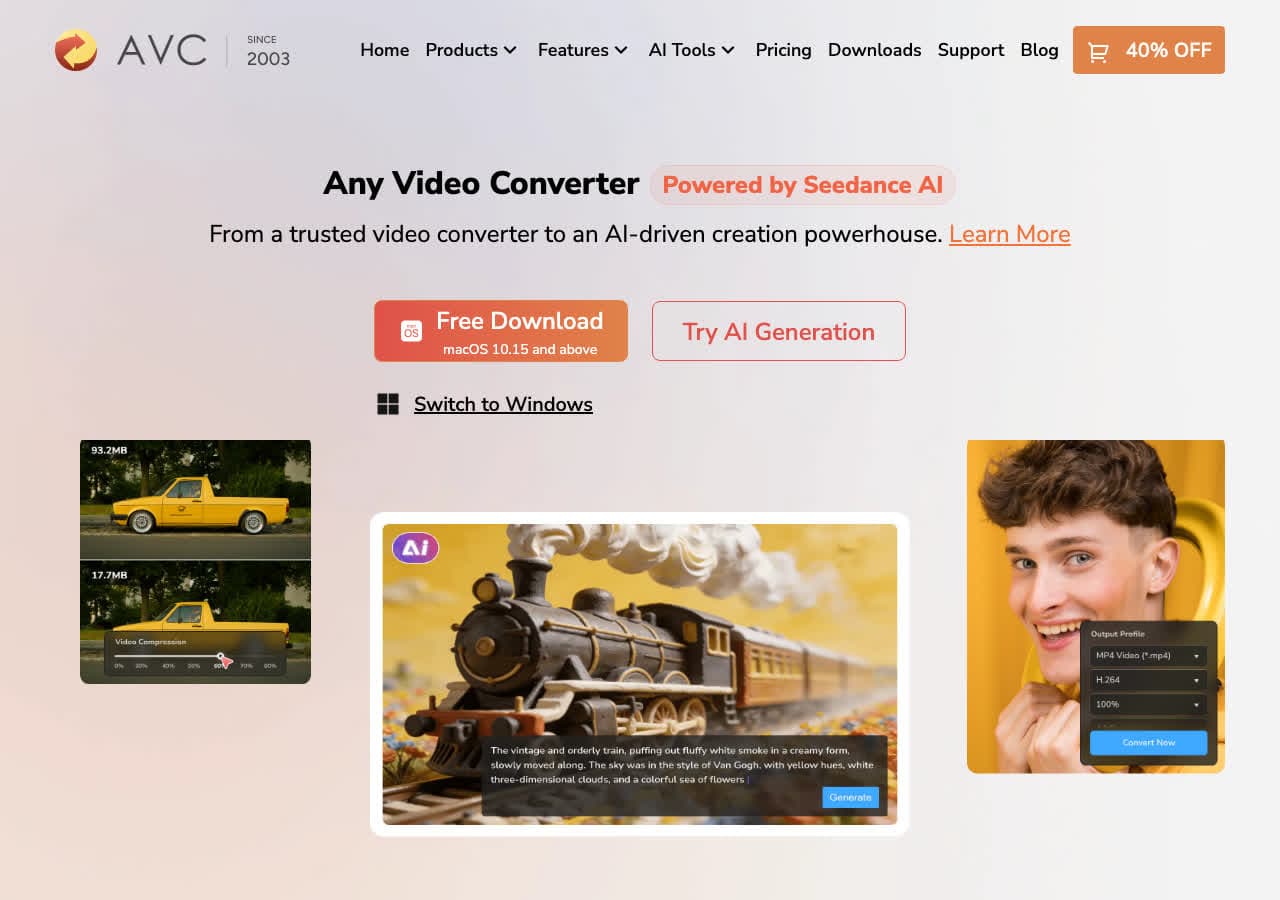
Consumer converter with MP4 device presets (iPhone, Apple TV, etc.).
Pricing
- Freemium.
7. Permute (Mac)
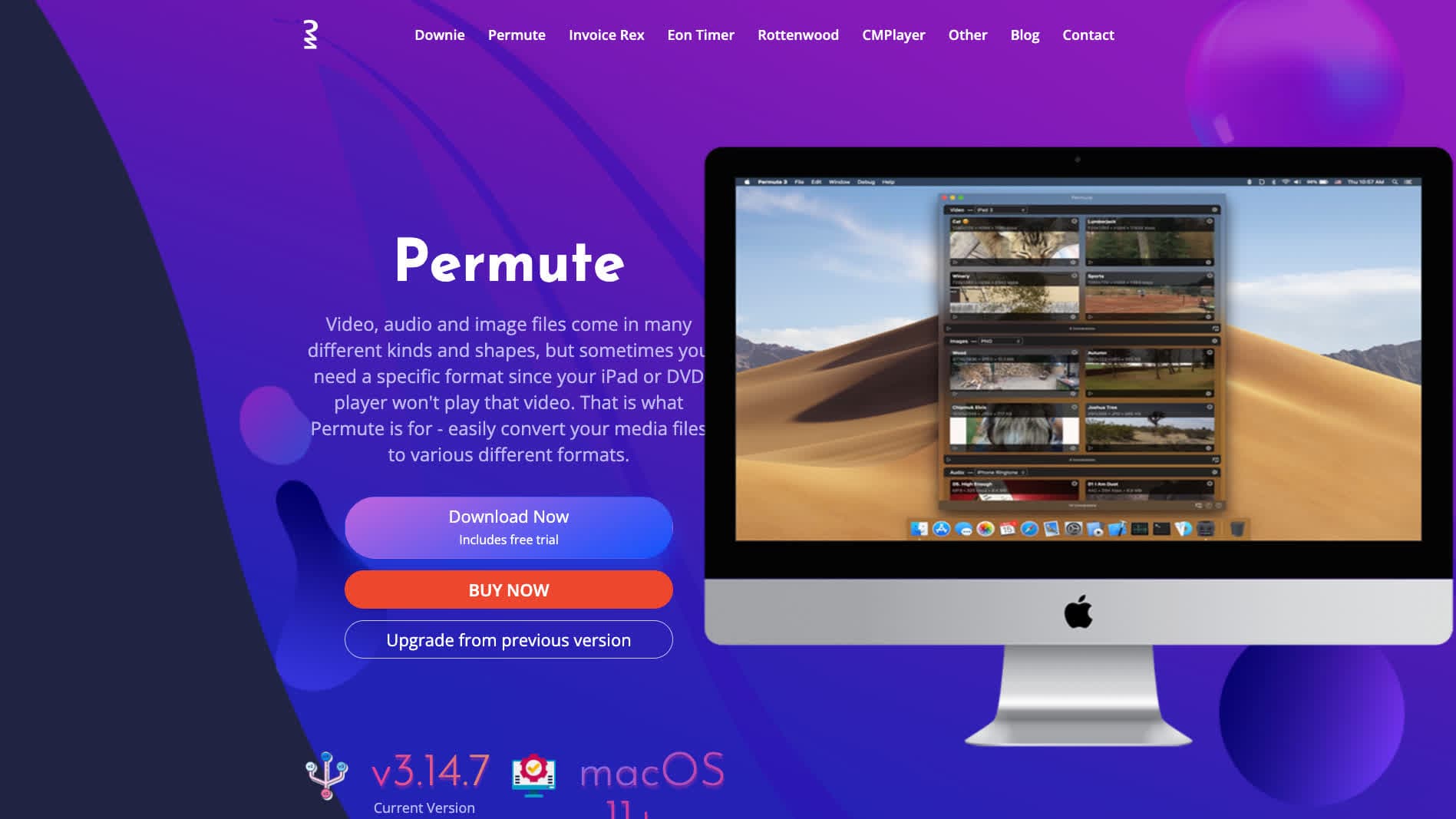
Mac-native converter.
Pricing
- One-time purchase.
8. Wondershare UniConverter
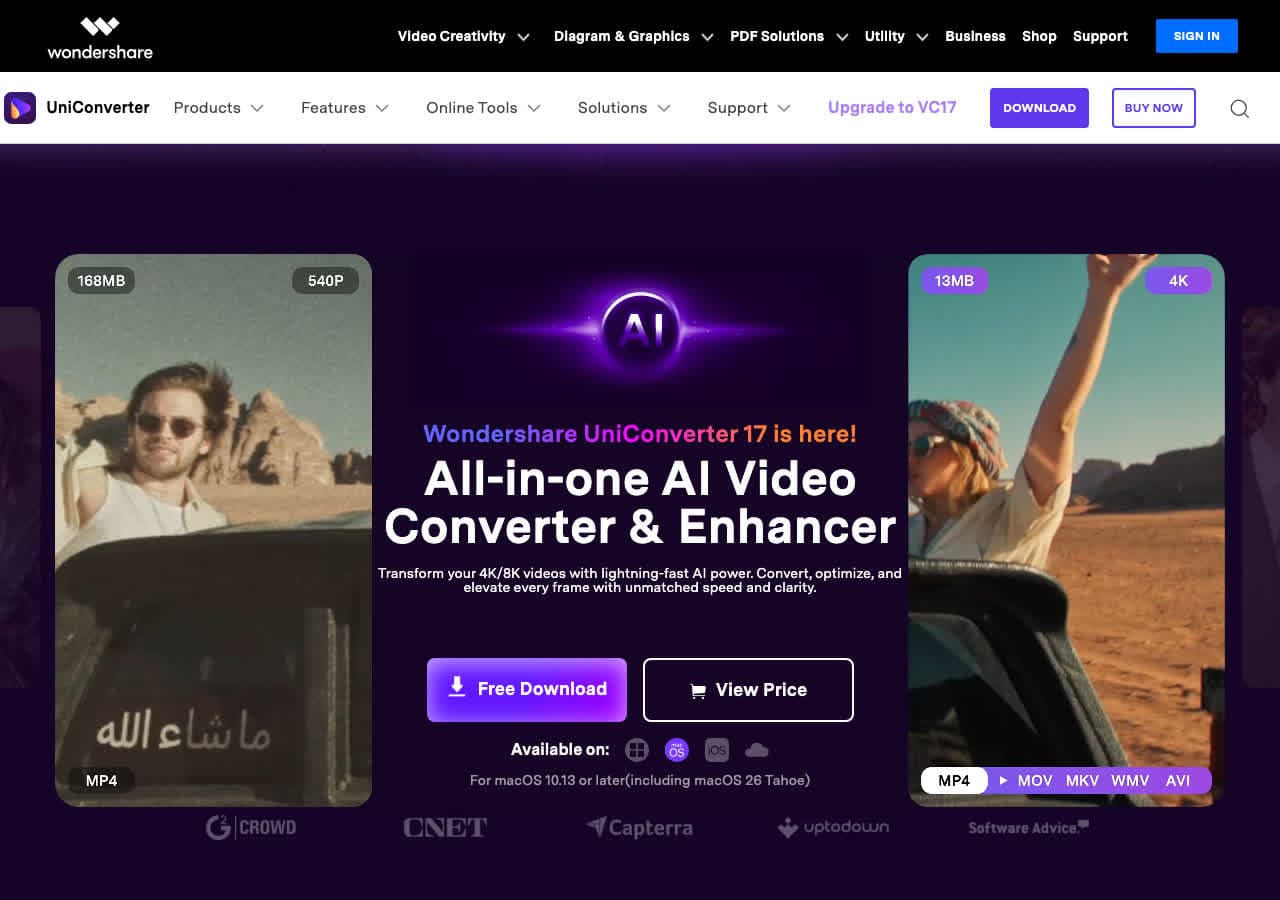
Full media suite with batch AVI → MP4.
Pricing
- Paid.
9. Movavi Video Converter
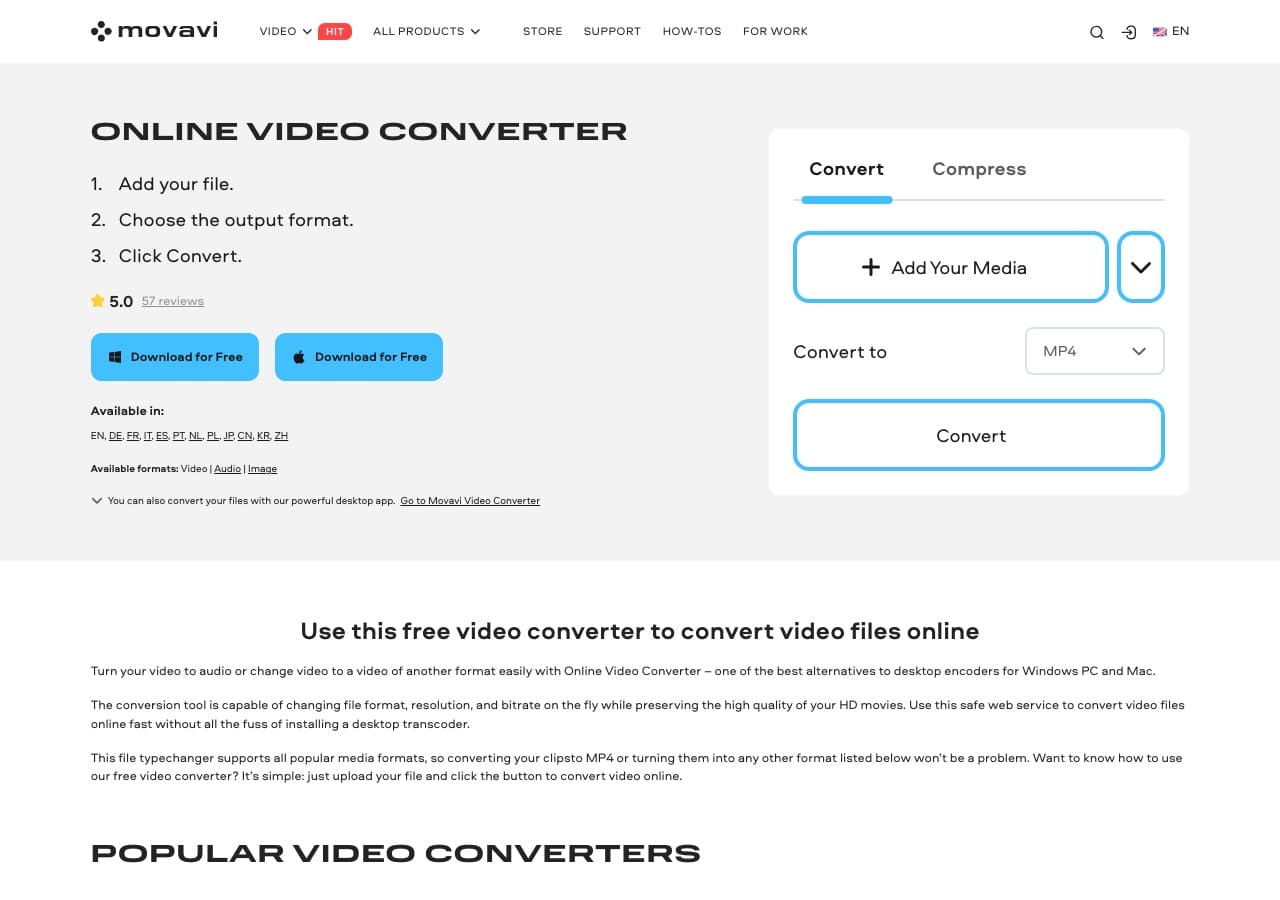
Beginner-friendly paid converter.
Pricing
- Paid.
10. Prism Video Converter
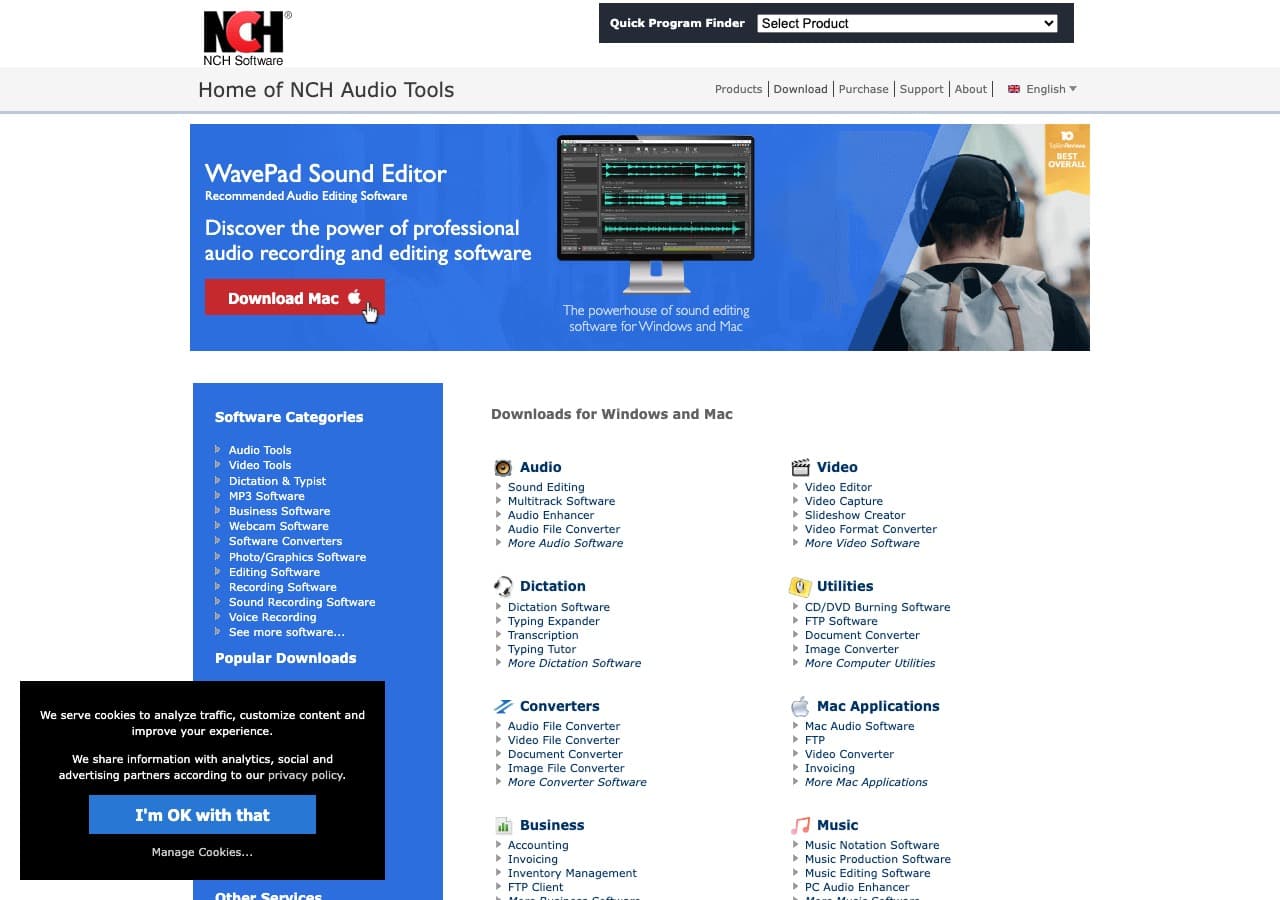
NCH's simple paid converter.
Pricing
- Free home; paid commercial.
11. Adapter

Free Mac and Windows converter.
Pricing
- Free.
12. DaVinci Resolve

Pro NLE with MP4 export. Right when editing is part of the workflow.
Pricing
- Free Studio edition; paid Studio.
13. Kdenlive
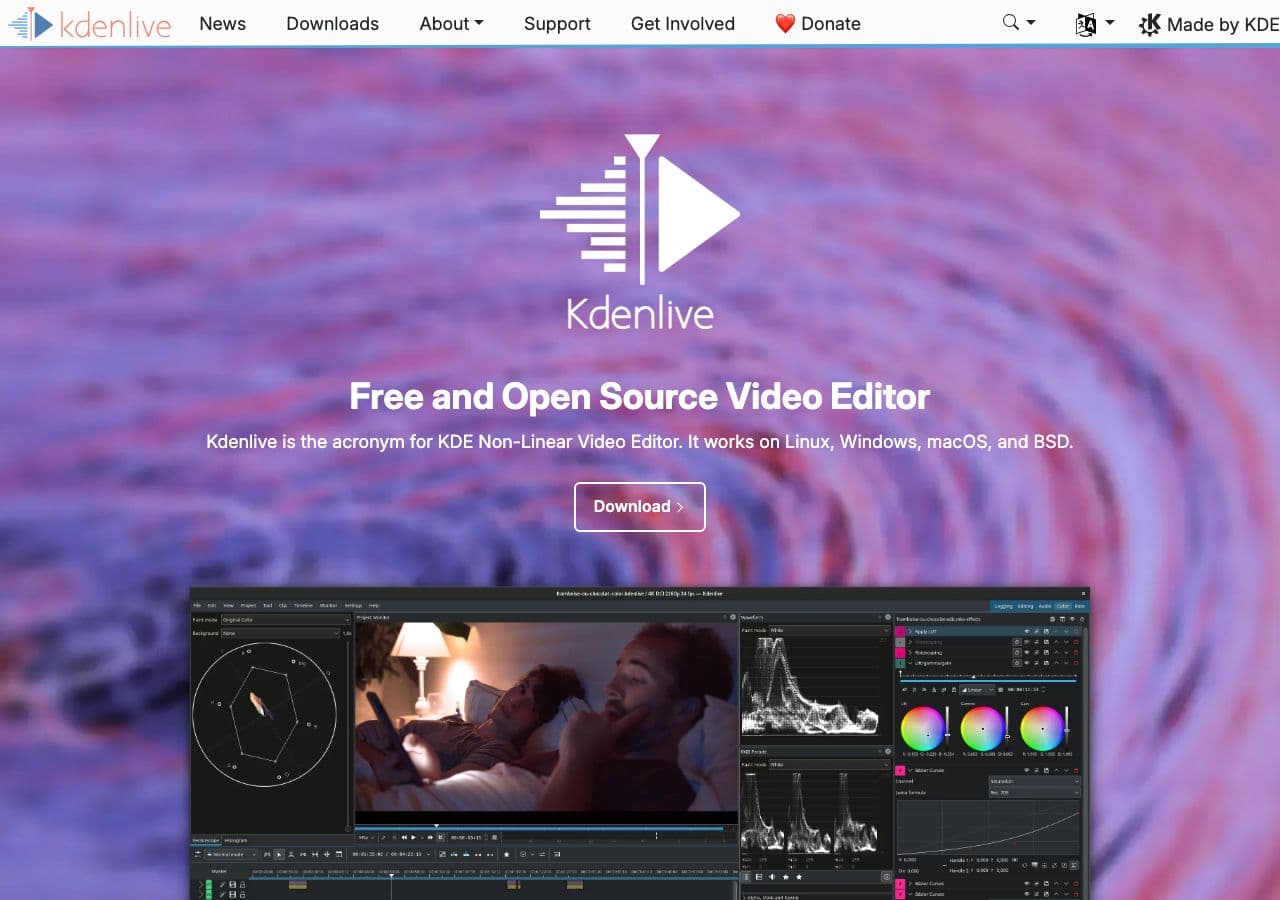
Free open-source video editor with MP4 render.
Pricing
- Free, open source.
14. CloudConvert
Web AVI → MP4 with H.264 settings.
Pricing
- Free tier; paid above.
15. Convertio
Web AVI → MP4.
Pricing
- Free with caps; paid above.
16. Online-Convert
Web converter with detailed options.
Pricing
- Free with limits; paid above.
17. FreeConvert
Web converter.
Pricing
- Free with caps; paid above.
18. Zamzar
Long-running web converter.
Pricing
- Free with daily limits; paid above.
How to Choose
- Single AVI: HandBrake or FFmpeg one-liner.
- Large archive batch: FFmpeg in a script or HandBrake's queue.
- Want device-specific: Any Video Converter or Movavi.
- Editing in between: DaVinci Resolve or Kdenlive.
Final Thoughts
AVI → MP4 is the legacy-to-modern conversion that makes old recordings playable everywhere. The re-encode is unavoidable; pick CRF 18–22 with H.264 to keep quality high. HandBrake is the most foolproof GUI; FFmpeg is the most flexible CLI. For batch archive work, queue everything overnight and accept the file size will be similar to (or slightly larger than) the source AVI.
How to Convert
The offline file converter for Mac, Windows and Linux.
- Converts video, audio, images, documents, ebooks and more
- Everything runs locally. Your files never leave your device
- Pay once. Access forever
Get the app on Mac, Windows and Linux
