18 Best Word to Markdown Converters in 2026 (Free and Paid)
The best Word to Markdown converters in 2026. Compare offline desktop apps, open-source tools, and online converters for moving Word drafts into GitHub, docs-as-code, and static site workflows.
Posted by
 Jake Manger
DOCX to Markdown is the conversion for engineers who got handed a Word document and need to put it into a GitHub repo, a docs-as-code site, a static site generator, or a wiki that uses Markdown. Internal specs, vendor documentation, contract templates, onboarding docs — all of these tend to live in Word and then need to move into version control. The conversion strips formatting nuance but preserves structure: headings, lists, links, code blocks, tables, images. This guide compares 18 DOCX to Markdown converters in 2026.
For DOCX → Markdown, one tool dominates the category — Pandoc — and most of the rest of this guide explains when to reach for the alternatives.
Quick Picks for DOCX → Markdown
- Best: Pandoc, by a wide margin.
- Best for Node pipelines: Mammoth.js with Markdown converter.
- Best one-shot: How to Convert.
One-shot: DOCX to Markdown converter.
1. How to Convert (I built this one)

Drop DOCXs in, pick Markdown, hit convert. Local — internal specs stay on your machine.
Pricing
- One-time purchase; free web demo for single-file conversions.
 How to Convert
The offline file converter for Mac, Windows and Linux.
- Converts video, audio, images, documents, ebooks and more
- Everything runs locally. Your files never leave your device
- Pay once. Access forever
Get the app on Mac, Windows and Linux
2. Pandoc — by far the best
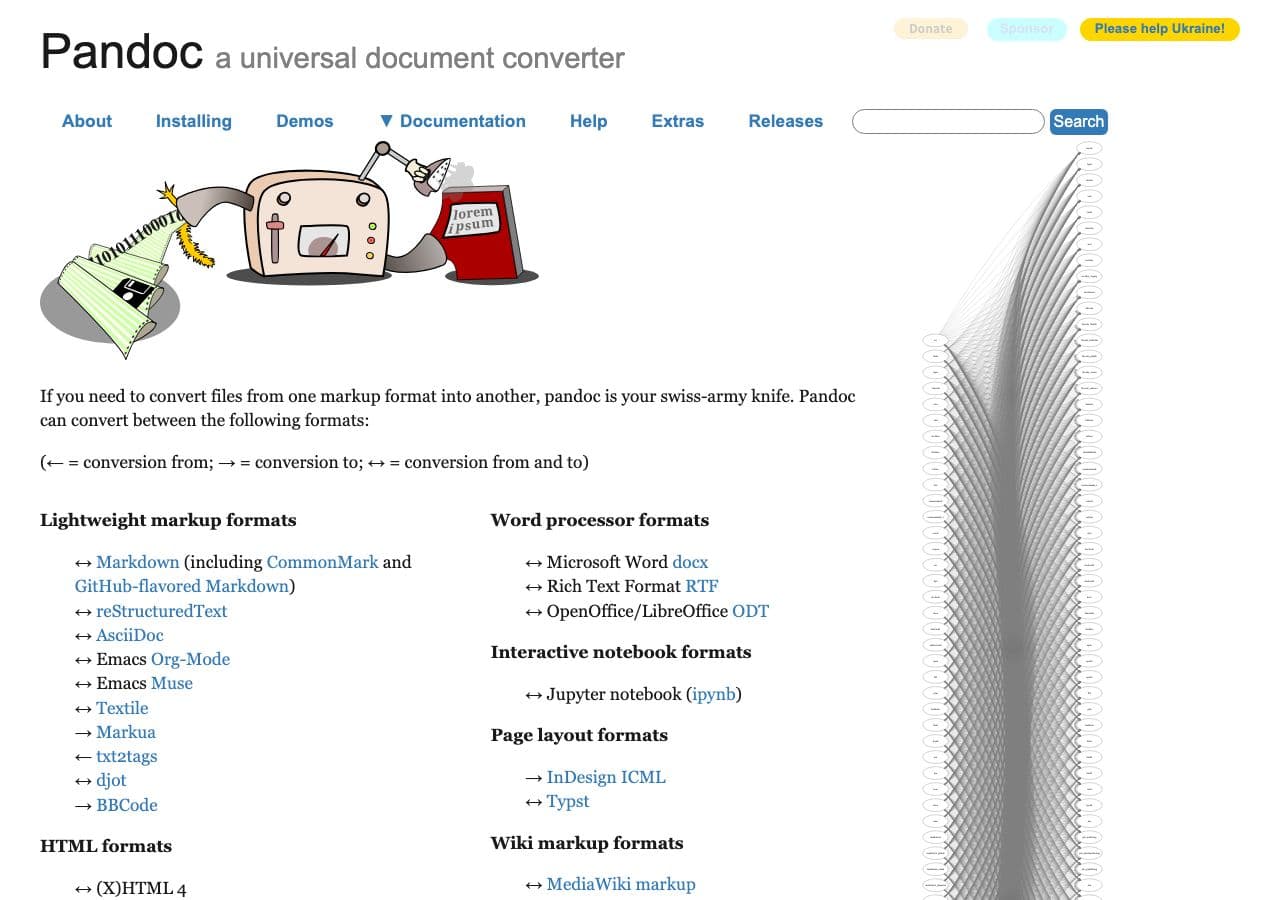
The gold standard for DOCX → Markdown.
pandoc input.docx -o output.md
With image extraction:
pandoc input.docx -o output.md --extract-media=./images
GitHub-flavored Markdown specifically:
pandoc input.docx -o output.md -t gfm
Batch:
for f in *.docx; do pandoc "$f" -o "${f%.docx}.md" -t gfm --extract-media=./images; donePricing
- Free, open source.
3. Mammoth.js
Node library that produces markdown output.
import mammoth from "mammoth";
const result = await mammoth.convertToMarkdown({ path: "input.docx" });
const md = result.value;
Pricing
- Free, open source.
4. docx2md (Python)
Python library for DOCX → Markdown conversion.
Pricing
- Free, open source.
5. Word → HTML → Pandoc (intermediate)
For complex DOCX, sometimes converting to HTML first (in Word) then HTML to Markdown (in Pandoc) produces cleaner output than the direct conversion.
Pricing
- Free, open source.
6. Google Docs → Markdown
Upload DOCX to Google Docs, then use a Markdown export add-on (several free options).
Pricing
- Free.
7. Typora (Word import)
Polished Markdown editor that imports DOCX with reasonable results.
Pricing
- One-time purchase.
8. CloudConvert
Web DOCX → Markdown.
Pricing
- Free tier; paid above.
9. Convertio
Web DOCX → Markdown.
Pricing
- Free with caps; paid above.
10. word-to-markdown.herokuapp.com
Free single-purpose web tool. Decent for one-off conversions.
Pricing
- Free.
11. Online-Convert
Web converter.
Pricing
- Free with limits; paid above.
12. FreeConvert
Web converter.
Pricing
- Free with caps; paid above.
13. Zamzar
Long-running web converter.
Pricing
- Free with daily limits; paid above.
14. Aspose.Words
Commercial library for high-fidelity DOCX conversions.
Pricing
- Paid.
15. iA Writer (DOCX import)
Premium Markdown writing app with DOCX import.
Pricing
- One-time purchase.
16. Obsidian + Pandoc plugin
Obsidian for organization, Pandoc for the conversion. Good docs-as-code workflow.
Pricing
- Free (personal); paid commercial.
17. Notion (DOCX import then export Markdown)
Notion imports DOCX and exports the page as Markdown.
Pricing
- Free tier; paid above.
18. VS Code + Markdown All In One + Pandoc
VS Code extensions wrap Pandoc for in-editor DOCX → Markdown conversion. Right for developer workflows.
Pricing
- Free.
How to Choose
- Anything more than one file: Pandoc. It is the standard.
- Node pipeline: Mammoth.js.
- One-shot, no install: word-to-markdown.herokuapp.com or How to Convert.
- Sensitive internal spec: stay local.
Final Thoughts
DOCX → Markdown is the conversion that moves content from a closed Word ecosystem into the open docs-as-code world. Pandoc dominates the category — it produces the cleanest, most reliable output of any tool, free, and scriptable. The alternatives are mostly variations on the theme. For internal specs and sensitive documents, keep the conversion local.
How to Convert
The offline file converter for Mac, Windows and Linux.
- Converts video, audio, images, documents, ebooks and more
- Everything runs locally. Your files never leave your device
- Pay once. Access forever
Get the app on Mac, Windows and Linux
