18 Best Ebook Converter Apps in 2026 (Free and Paid)
The best ebook converter apps for 2026. Convert EPUB, MOBI, PDF, AZW, and more with these free and paid tools.
Posted by
 Jake Manger
Ebook formats are a mess. Amazon uses AZW and KFX. Apple Books uses EPUB. Kobo uses EPUB but with DRM. Older Kindles need MOBI. Your self-published manuscript is a Word document that needs to become an EPUB. A textbook PDF needs to work on your e-reader. Without a good ebook converter, you are locked into one ecosystem or stuck with files your device cannot read.
We tested ebook converters across Mac, Windows, and Linux to find the 18 best options in 2026. This list includes dedicated ebook tools, general-purpose converters that handle ebook formats, and online services for quick conversions. Whether you are managing a large ebook library or just need to convert a single file for your Kindle, one of these tools will do the job.
1. How to Convert (I built this one) - Best All-in-One Desktop Ebook Converter
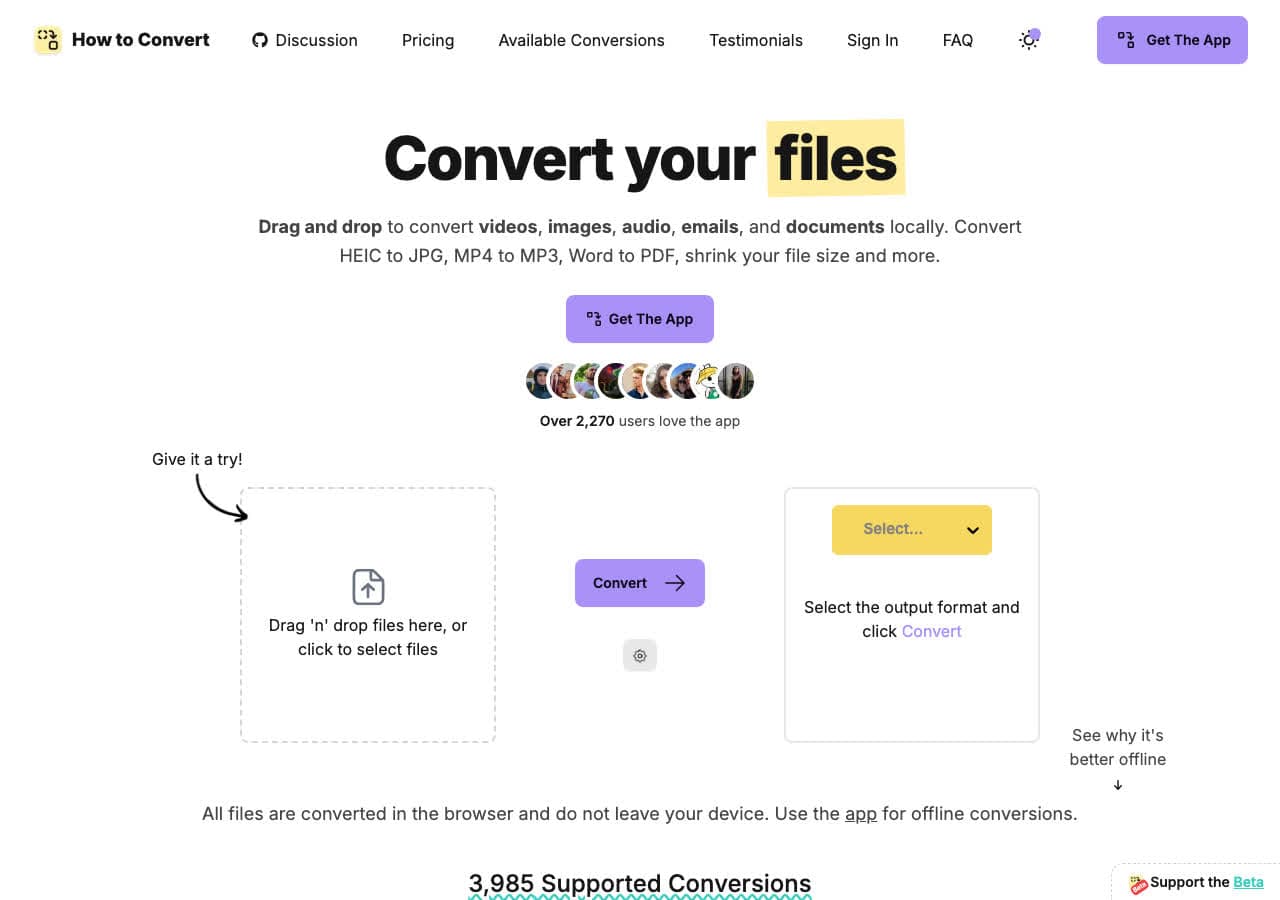
How to Convert is a privacy-first file converter that handles ebook conversion alongside hundreds of other formats. Convert between EPUB, MOBI, PDF, and other ebook formats without uploading anything to the cloud. Everything processes locally on your machine, keeping your ebook collection private.
What makes How to Convert useful for ebook conversion is its breadth. Need to convert an EPUB to MOBI for your Kindle, then convert some images and a video in the same session? One app handles everything. The desktop version works on Mac, Windows, and Linux, with a free web demo for single-file conversions.
Pros
- All conversions happen locally. Your files stay private.
- Handles ebooks alongside video, audio, images, and documents.
- One-time purchase. No subscription.
- Free web demo for single-file conversions.
- Works on Mac, Windows, and Linux.
Cons
- Desktop app is a paid one-time purchase; the web demo converts one file at a time.
- Not a dedicated ebook manager like Calibre.
Pricing
- Free: Web demo for single-file conversions.
- Desktop app: One-time purchase, all platforms.
 How to Convert
The offline file converter for Mac, Windows and Linux.
- Converts video, audio, images, documents, ebooks and more
- Everything runs locally. Your files never leave your device
- Pay once. Access forever
Get the app on Mac, Windows and Linux
2. Calibre - Best Free Open Source Ebook Manager and Converter
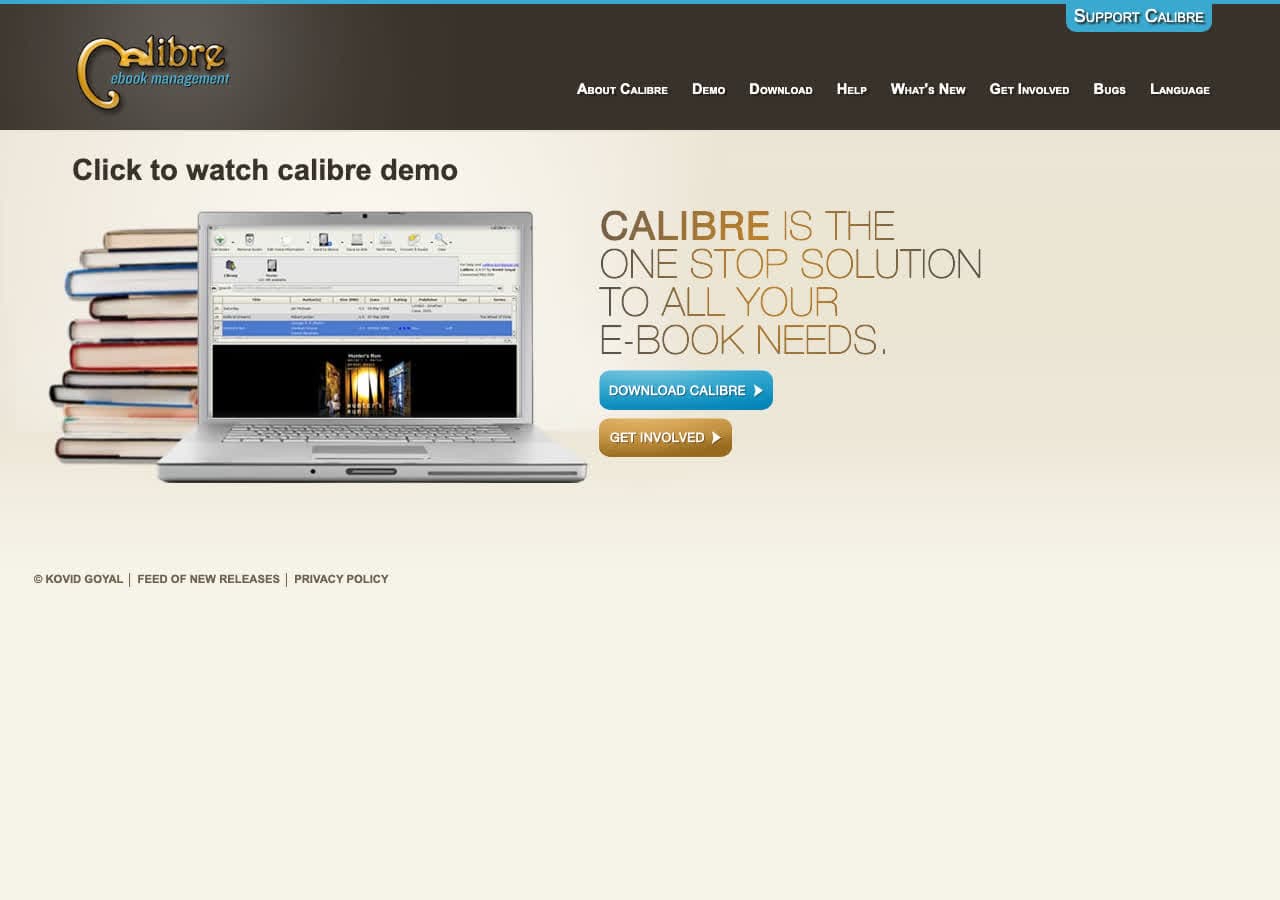
Calibre is the undisputed champion of ebook conversion. It converts between EPUB, MOBI, AZW3, PDF, DOCX, HTML, TXT, RTF, LIT, PDB, and many more formats with extensive control over the output. You can customize fonts, margins, page breaks, table of contents structure, metadata, and cover images during conversion.
Beyond conversion, Calibre is a full ebook library manager. It organizes your collection, syncs with e-readers, downloads metadata and covers from the internet, and includes a built-in ebook viewer. The conversion engine handles even complex formatting well, making it the go-to tool for anyone who regularly works with ebooks. It is free, open source, and runs on every platform.
Pros
- The most comprehensive ebook converter available.
- Free and open source with no limits.
- Full library management alongside conversion.
- Extensive output customization.
- Cross-platform (Mac, Windows, Linux).
Cons
- Interface is cluttered and overwhelming for new users.
- PDF output quality is limited compared to dedicated PDF tools.
Pricing
- Free (open source, GPL licensed).
3. Pandoc - Best Universal Document and Ebook Converter
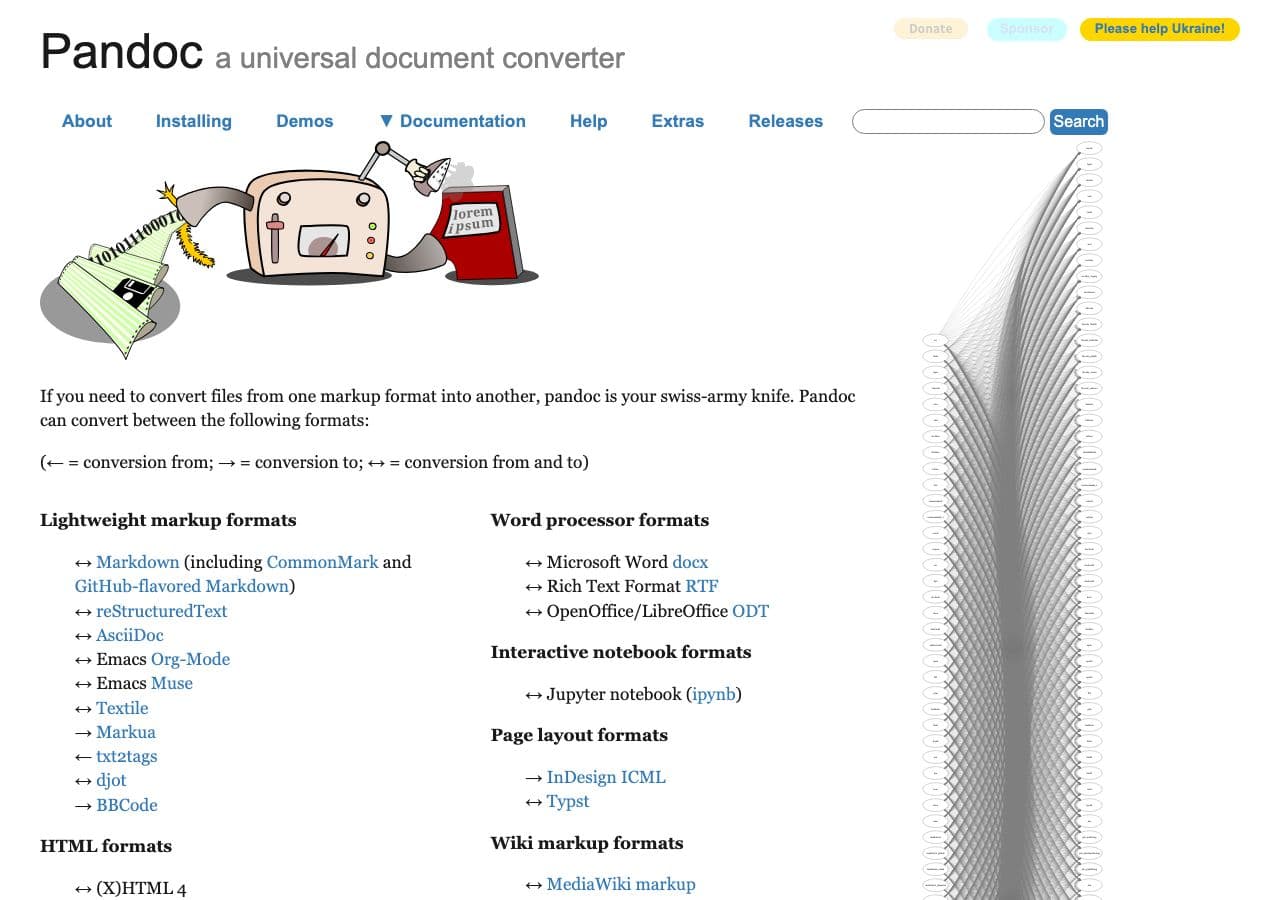
Pandoc is a command-line document converter that creates EPUB files from Markdown, HTML, DOCX, LaTeX, and dozens of other text formats. For self-published authors who write in Markdown or Word, Pandoc generates clean, well-structured EPUB output with proper metadata, table of contents, and cover images.
Pandoc is particularly popular for technical ebooks and documentation. The command pandoc input.md -o output.epub --toccreates an EPUB with automatic table of contents. Custom CSS stylesheets control the ebook's appearance. For developers and technical writers who want to generate ebooks from plain text sources, Pandoc is the standard tool.
Pros
- Creates EPUB from Markdown, HTML, DOCX, and more.
- Free and open source.
- Custom CSS for ebook styling.
- Automatic table of contents generation.
Cons
- Command-line only.
- Does not convert between ebook formats (EPUB to MOBI).
- Learning curve for advanced features.
Pricing
- Free (open source, GPL licensed).
4. Sigil - Best Free EPUB Editor and Converter
Sigil is a free, open-source EPUB editor that lets you create and edit EPUB files at the code level. It provides both a WYSIWYG editor and direct HTML/CSS editing, giving you complete control over your ebook's structure and appearance. You can import HTML files and convert them into properly structured EPUBs.
Sigil is the best tool for authors and publishers who need precise control over EPUB formatting. It validates EPUB files against the standard, catches errors, and includes tools for managing metadata, table of contents, and internal links. For creating professional-quality EPUBs from scratch or fixing formatting issues in existing ones, Sigil is indispensable.
Pros
- Free and open source.
- Full EPUB editing at the code level.
- EPUB validation against standards.
- WYSIWYG and code view editing.
Cons
- EPUB format only. No MOBI, AZW, or PDF conversion.
- Technical knowledge helpful for advanced editing.
Pricing
- Free (open source, GPL licensed).
5. Epubor - Best for DRM Removal and Ebook Conversion
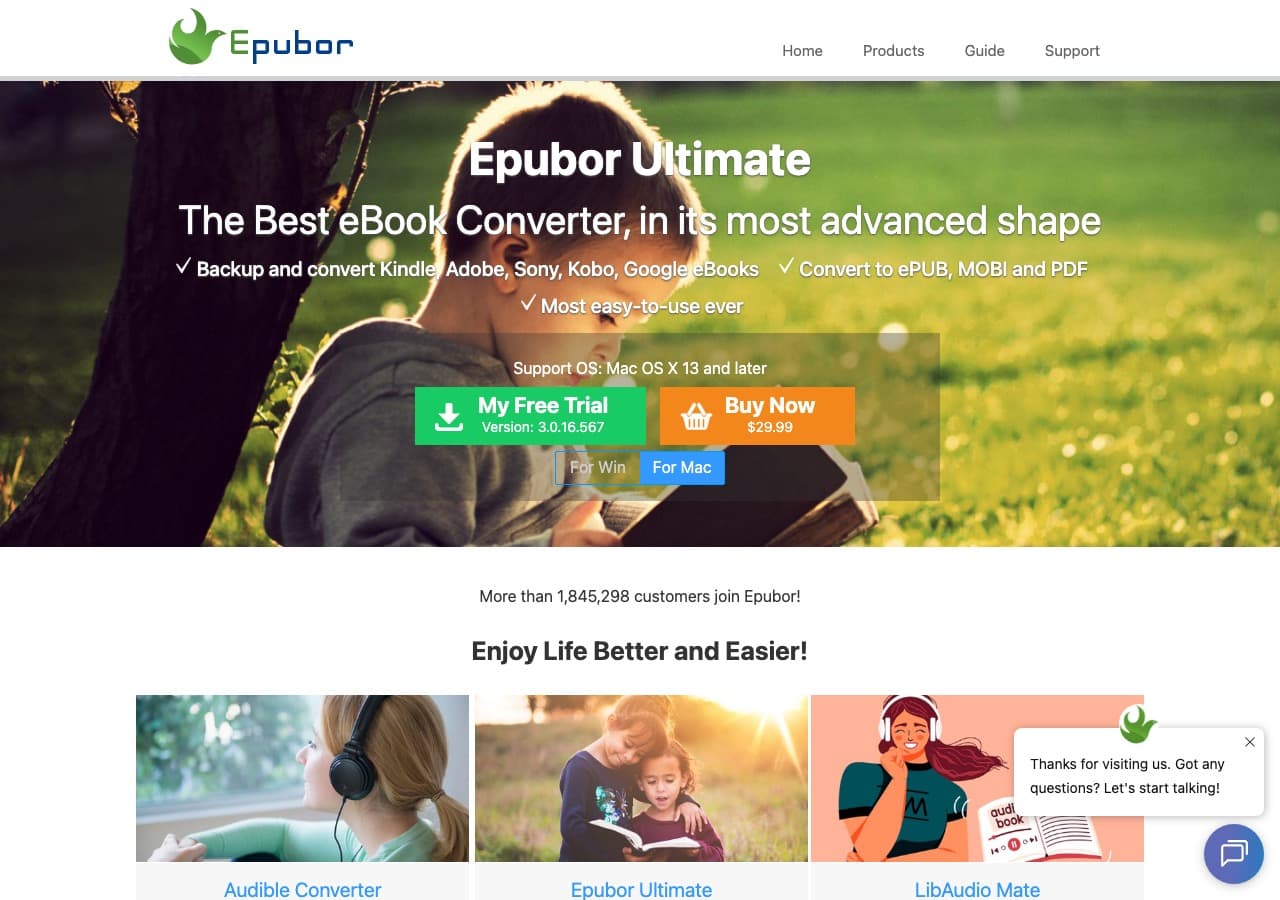
Epubor specializes in ebook conversion with tools for converting between EPUB, MOBI, AZW, PDF, and other formats. Epubor Ultimate is its flagship product, combining format conversion with DRM removal for ebooks purchased from Amazon, Kobo, Google Play, and other stores. This lets you read ebooks you purchased on any device.
Epubor's conversion quality is solid, handling formatting, images, and metadata well. It automatically detects ebooks on your computer and connected e-readers. For people who buy ebooks from multiple stores and want to read them on any device without format restrictions, Epubor simplifies the process.
Pros
- Converts between all major ebook formats.
- Handles DRM removal for purchased ebooks.
- Automatic ebook detection.
- Batch conversion.
Cons
- Paid software. Free trial is limited.
- DRM removal legality varies by jurisdiction.
Pricing
- $49.99: Lifetime license.
6. Adobe Acrobat - Best for PDF Ebook Conversion
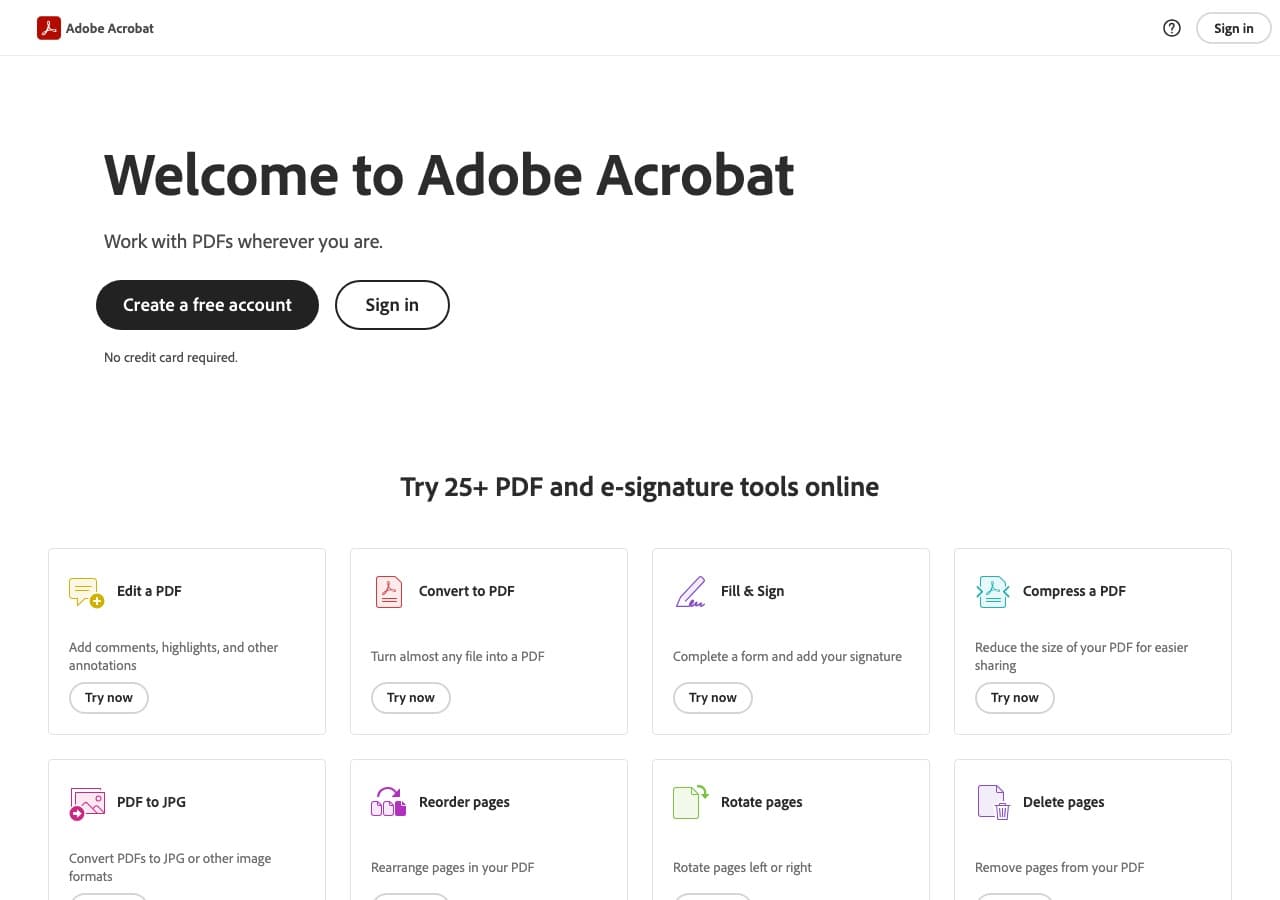
Adobe Acrobat is the best tool for working with PDF ebooks. It converts PDF to Word for editing, optimizes PDF file sizes for distribution, and creates PDF/A files for long-term archiving. If you receive ebooks as PDFs and need to convert them or work with them, Acrobat handles it with the best formatting retention.
Acrobat's OCR engine converts scanned book pages into searchable text PDFs. For publishers and librarians who work extensively with PDF ebooks, Acrobat's precision is unmatched. The main barrier is the subscription price, which is steep for casual use.
Pros
- Best PDF handling available.
- OCR for scanned books.
- PDF optimization and archiving.
Cons
- Expensive subscription ($22.99/month).
- Does not convert to EPUB or MOBI.
Pricing
- $22.99/month: Acrobat Pro.
How to Convert
The offline file converter for Mac, Windows and Linux.
- Converts video, audio, images, documents, ebooks and more
- Everything runs locally. Your files never leave your device
- Pay once. Access forever
Get the app on Mac, Windows and Linux
7. LibreOffice - Best Free Office Suite for Ebook Export
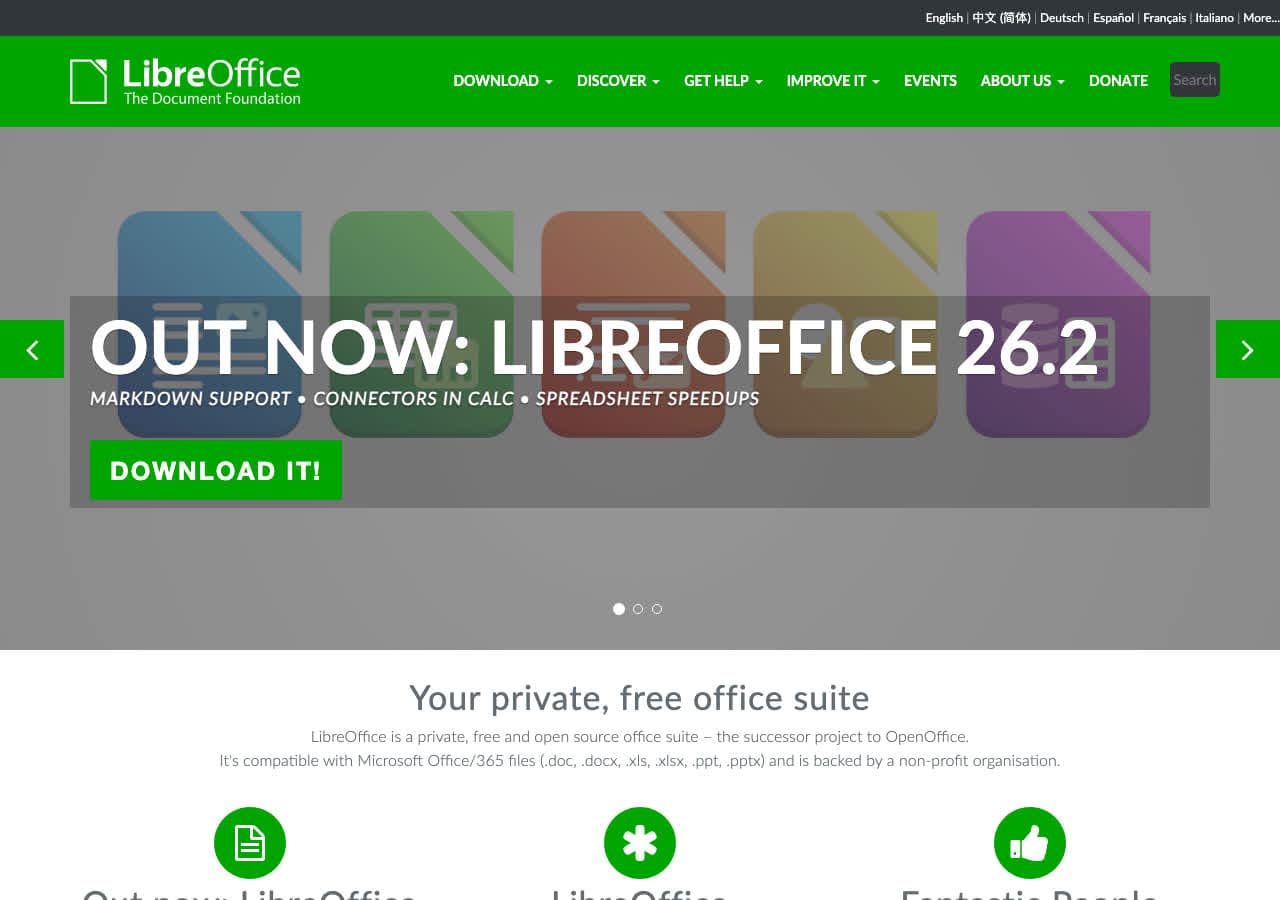
LibreOffice Writer can export documents directly to EPUB format, making it a free option for authors who write in a word processor. Open your manuscript in Writer, use File, Export as EPUB, and get a properly formatted ebook. It also exports to PDF with detailed quality controls.
LibreOffice's EPUB export is basic but functional. It handles text, images, and basic formatting. For simple ebooks without complex layout requirements, it eliminates the need for separate conversion tools. Writers who already use LibreOffice can skip the Markdown or HTML intermediate step entirely.
Pros
- Free and open source.
- Direct EPUB export from word processor.
- PDF export with quality controls.
- Cross-platform.
Cons
- EPUB export is basic with limited formatting.
- No MOBI or AZW output.
Pricing
- Free (open source).
8. PDF Expert - Best Mac PDF Reader With Ebook Export
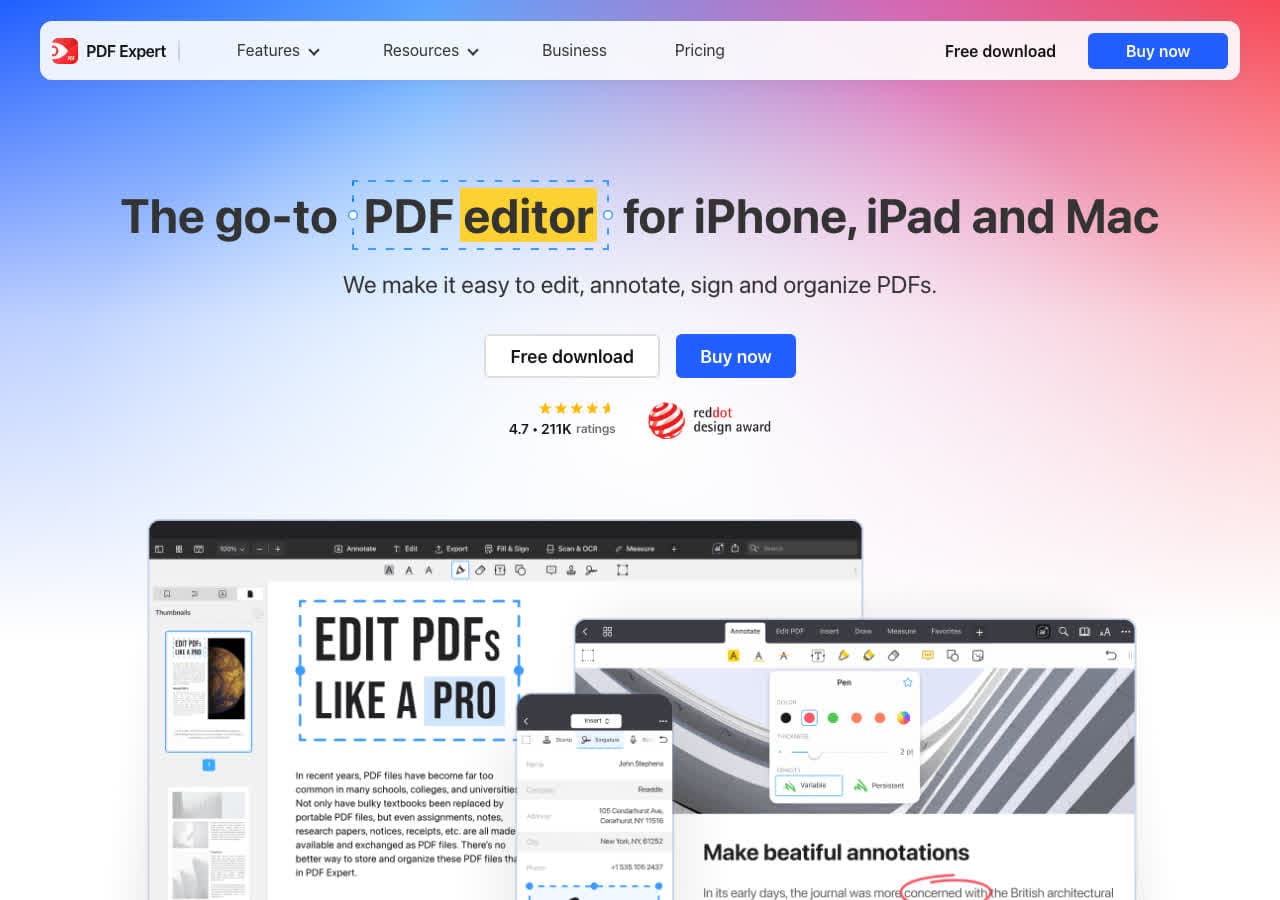
PDF Expert is a polished Mac PDF editor that works well as a PDF ebook reader and converter. It converts PDFs to Word, images, and text, and provides an excellent reading experience for PDF ebooks with smooth scrolling, night mode, and annotation tools.
While PDF Expert does not create EPUB files, it handles PDF ebooks beautifully. If your ebook collection is primarily PDFs, PDF Expert offers the best reading and annotation experience on Mac. Converting PDF ebooks to editable formats for reformatting is handled well.
Pros
- Excellent PDF reading experience.
- Good PDF to Word conversion.
- Night mode and annotation tools.
Cons
- Apple platforms only.
- No EPUB or MOBI support.
Pricing
- $79.99: One-time purchase.
9. Smallpdf - Best Online PDF to Ebook Converter
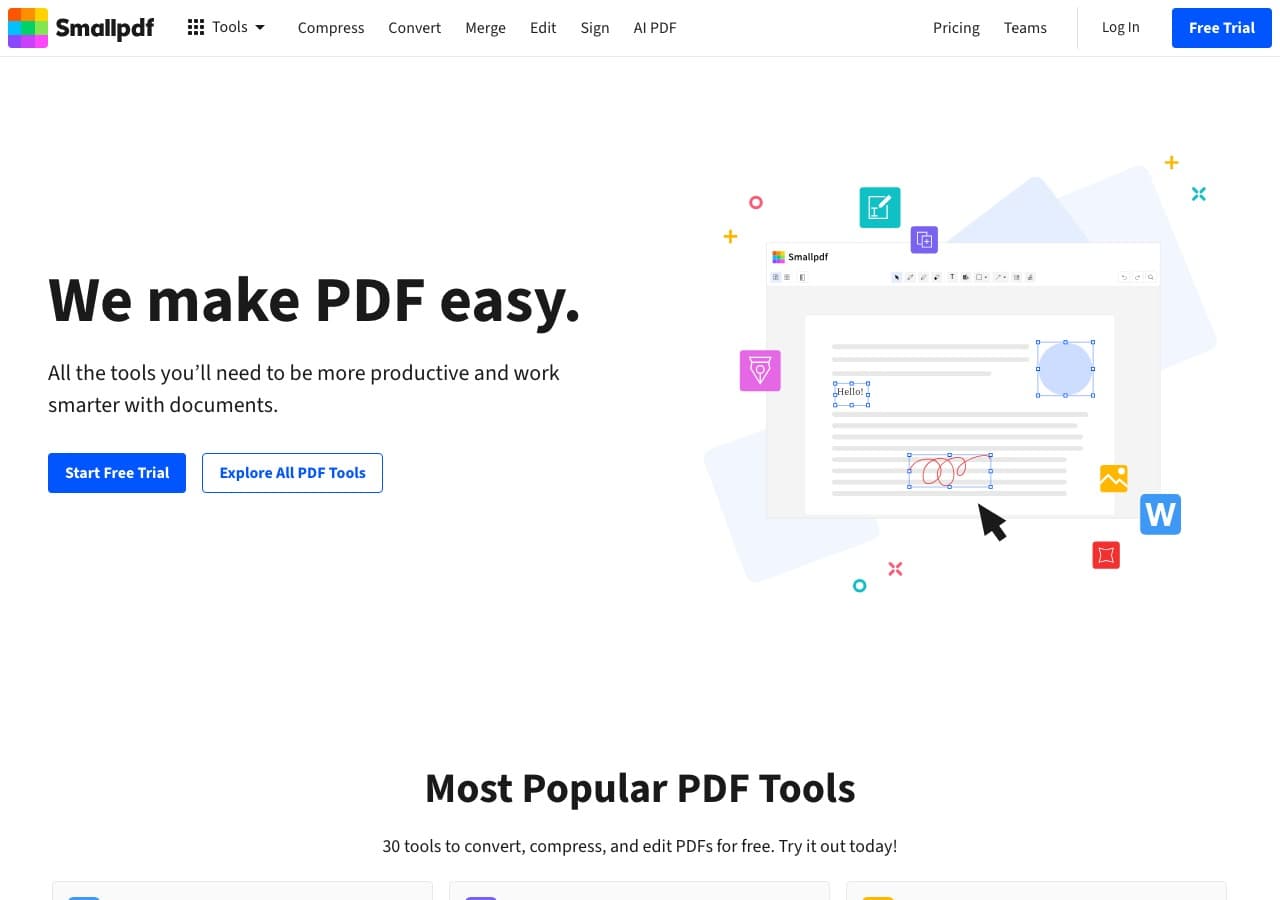
Smallpdf handles PDF ebook conversion online, converting PDFs to Word, images, and other formats. While it does not convert to EPUB directly, it is useful for extracting content from PDF ebooks for reformatting in other tools like Calibre or Pandoc.
Smallpdf's clean interface and reliable conversion quality make it a good first step in PDF ebook processing workflows. Convert your PDF to Word, clean up the formatting, then use Calibre to create EPUB or MOBI. The free tier handles 2 tasks per day.
Pros
- Clean, reliable PDF conversion.
- No software to install.
- Good first step for PDF to ebook workflows.
Cons
- No direct EPUB or MOBI output.
- 2 free tasks/day.
Pricing
- Free: 2 tasks/day.
- $12/month: Pro.
10. CloudConvert - Best Online Ebook Converter
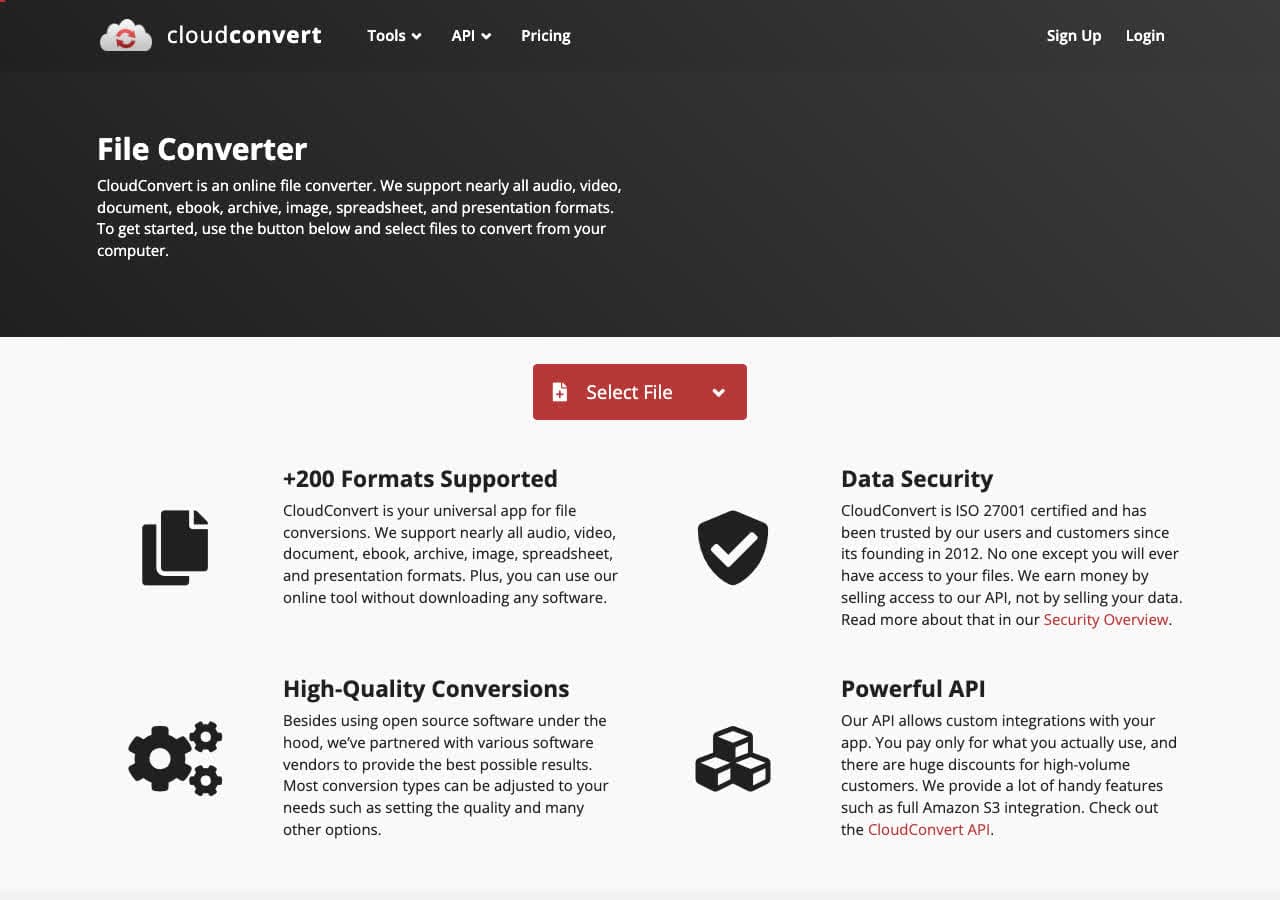
CloudConvert is one of the few online converters that handles ebook formats directly. It converts between EPUB, MOBI, AZW, PDF, and other ebook formats without installing software. The 25 free conversions per day and advanced output settings make it the best online option for ebook conversion.
CloudConvert's ebook conversion quality is reasonable for straightforward files. Complex ebooks with heavy formatting may lose some layout details. For quick conversions of simple ebooks, it is the most convenient online option. The developer API enables automated ebook processing workflows.
Pros
- Converts between EPUB, MOBI, AZW, PDF online.
- 25 free conversions/day.
- No software to install.
- Developer API.
Cons
- Complex ebook formatting may be lost.
- Files uploaded to servers.
Pricing
- Free: 25 conversions/day.
- From $8/month: Higher limits.
11. Zamzar - Best for Quick No-Install Ebook Conversions
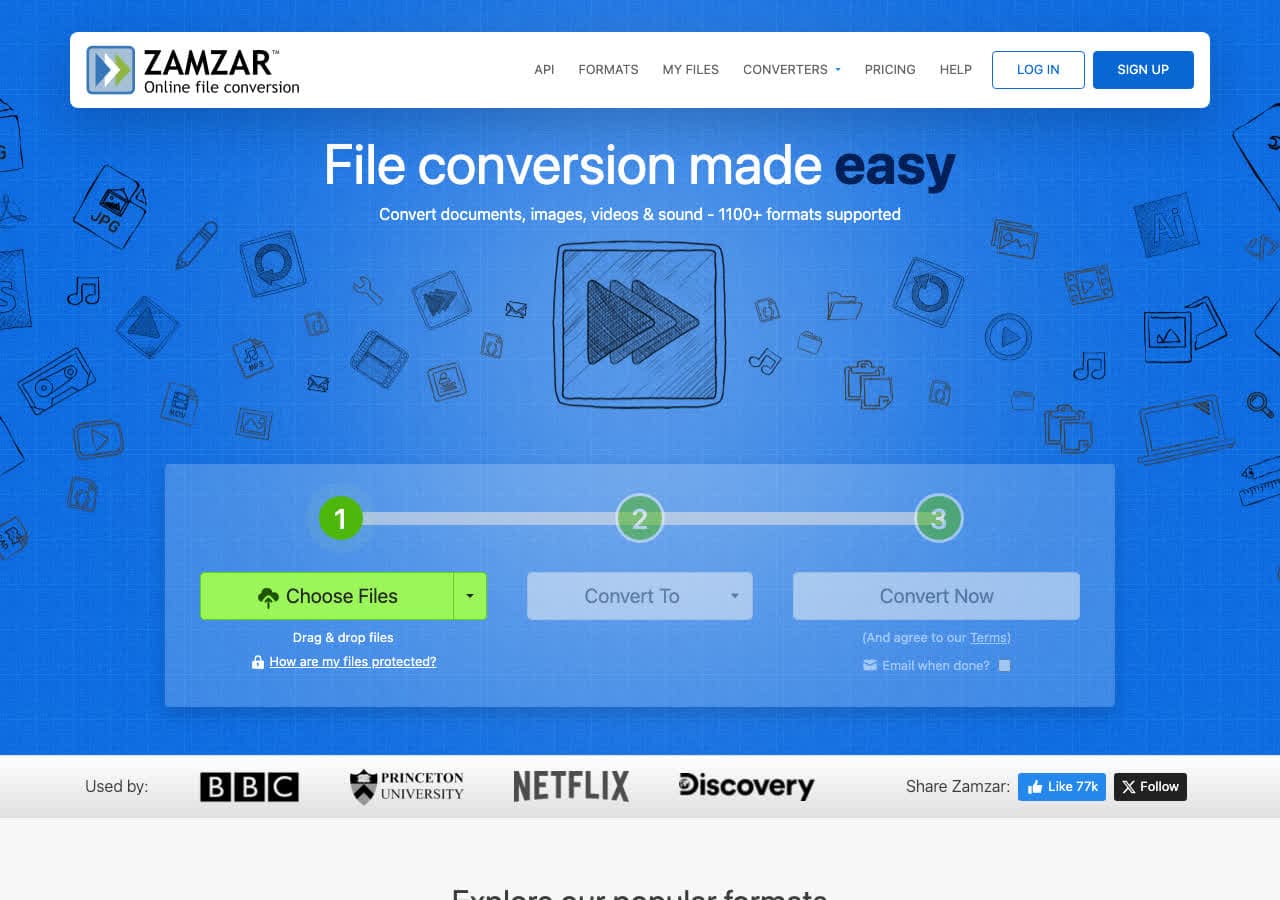
Zamzar converts ebook files online with its trademark simplicity: upload, choose format, download. No account needed. It handles EPUB, MOBI, PDF, and other ebook formats. The free tier limits you to 2 files per day with a 50MB cap, which is fine for most ebooks.
Zamzar is not the most feature-rich ebook converter, but for quick one-off conversions it does the job. Since 2006, it has been a trusted name in online file conversion. When you need to convert an EPUB to MOBI quickly and do not want to install Calibre, Zamzar handles it.
Pros
- Simple, trusted service since 2006.
- No account needed.
- 50MB limit is fine for ebooks.
Cons
- 2 files/day on free tier.
- Basic conversion with limited formatting control.
Pricing
- Free: 2 files/day, 50MB.
- From $18/month: Higher limits.
12. Convertio - Best Online Converter for Ebook Format Variety
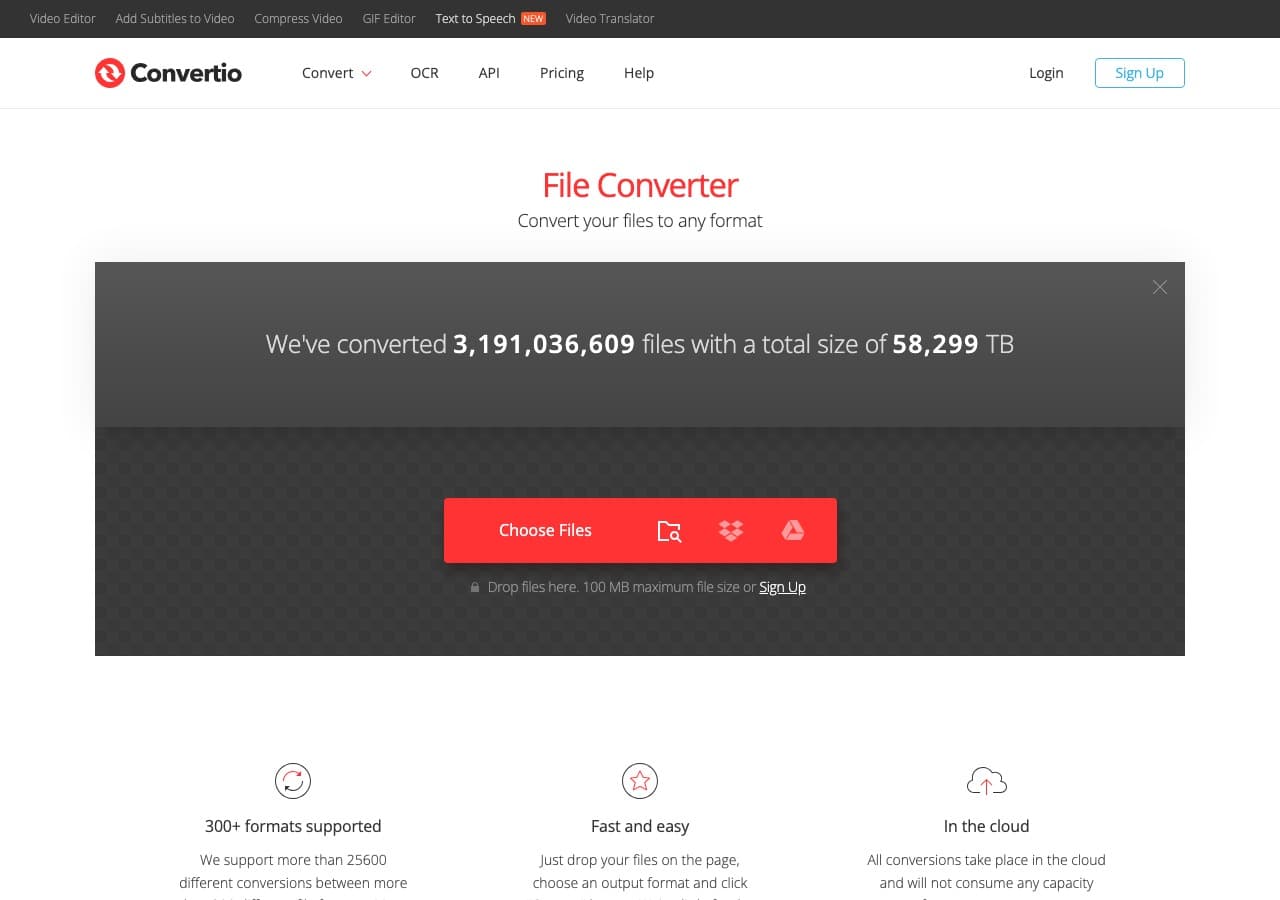
Convertio supports over 300 formats including ebook types like EPUB, MOBI, AZW3, FB2, LRF, and PDF. The clean interface and Google Drive/Dropbox integration make it convenient for cloud-based ebook workflows. The 100MB free limit handles most ebooks comfortably.
Convertio handles more ebook format combinations than most online converters. If you need to convert an obscure ebook format that other online tools do not support, Convertio is worth trying. Paid plans add batch processing for converting multiple ebooks at once.
Pros
- Wide ebook format support including obscure types.
- Google Drive and Dropbox integration.
- 100MB limit is fine for ebooks.
Cons
- 10 free conversions/day.
- Files uploaded to servers.
Pricing
- Free: 100MB, 10 conversions/day.
- From $9.99/month: More conversions.
How to Convert
The offline file converter for Mac, Windows and Linux.
- Converts video, audio, images, documents, ebooks and more
- Everything runs locally. Your files never leave your device
- Pay once. Access forever
Get the app on Mac, Windows and Linux
13. FreeConvert - Best Free Online Ebook Converter
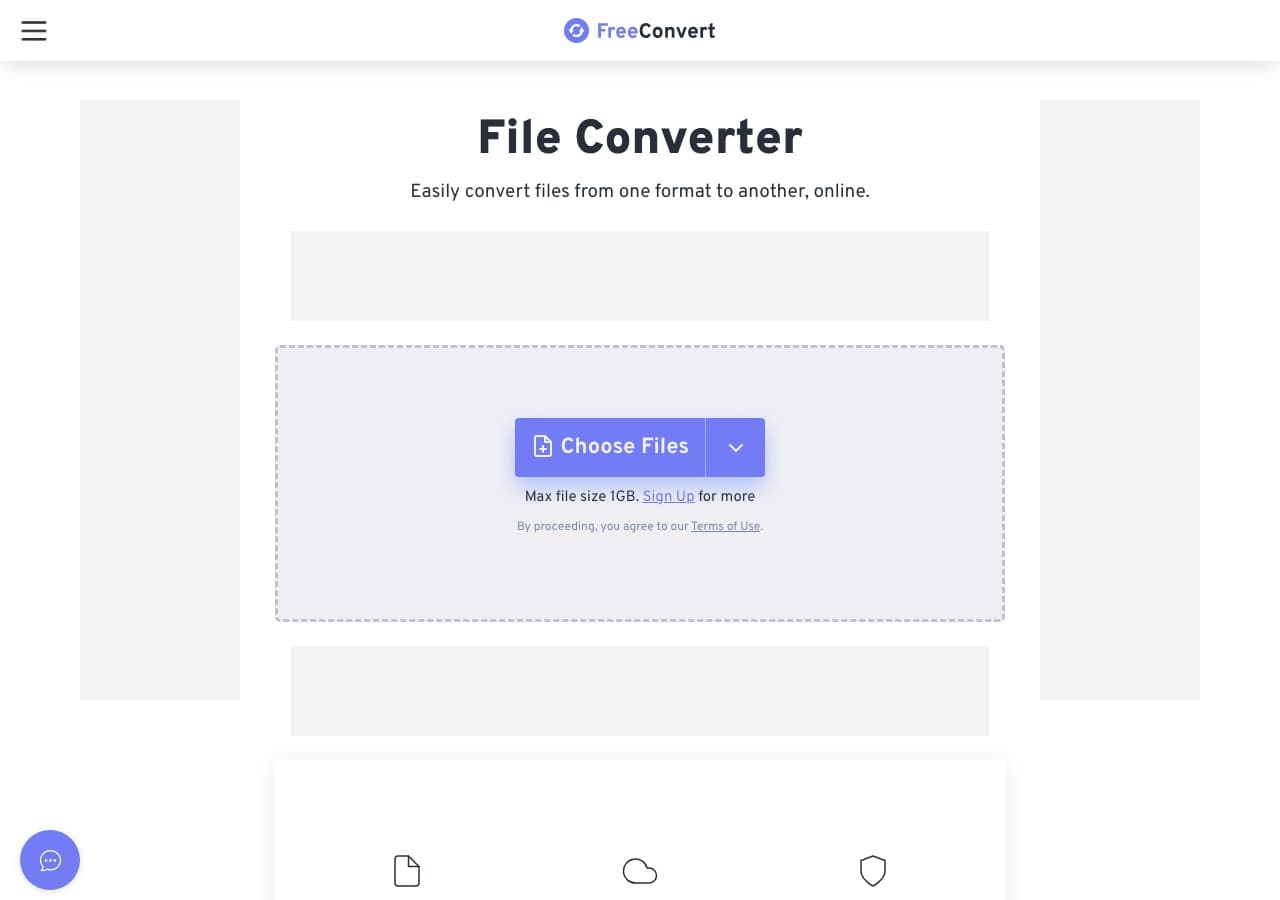
FreeConvert offers a 1GB free file size limit and 25 free conversions per day, the most generous of any online ebook converter. It handles EPUB, MOBI, PDF, and other ebook formats. No account is required for free use.
While 1GB is excessive for most ebooks, the generous daily limit is useful if you need to convert multiple files. FreeConvert includes some output settings that other online tools lack. For free online ebook conversion with the fewest restrictions, it is the top choice.
Pros
- 1GB free file limit and 25 conversions/day.
- No account required.
Cons
- Free conversions are slower.
- Files uploaded to servers.
Pricing
- Free: 1GB, 25 conversions/day.
- From $9.99/month: Faster processing.
14. Online-Convert - Best Online Ebook Converter With Advanced Settings
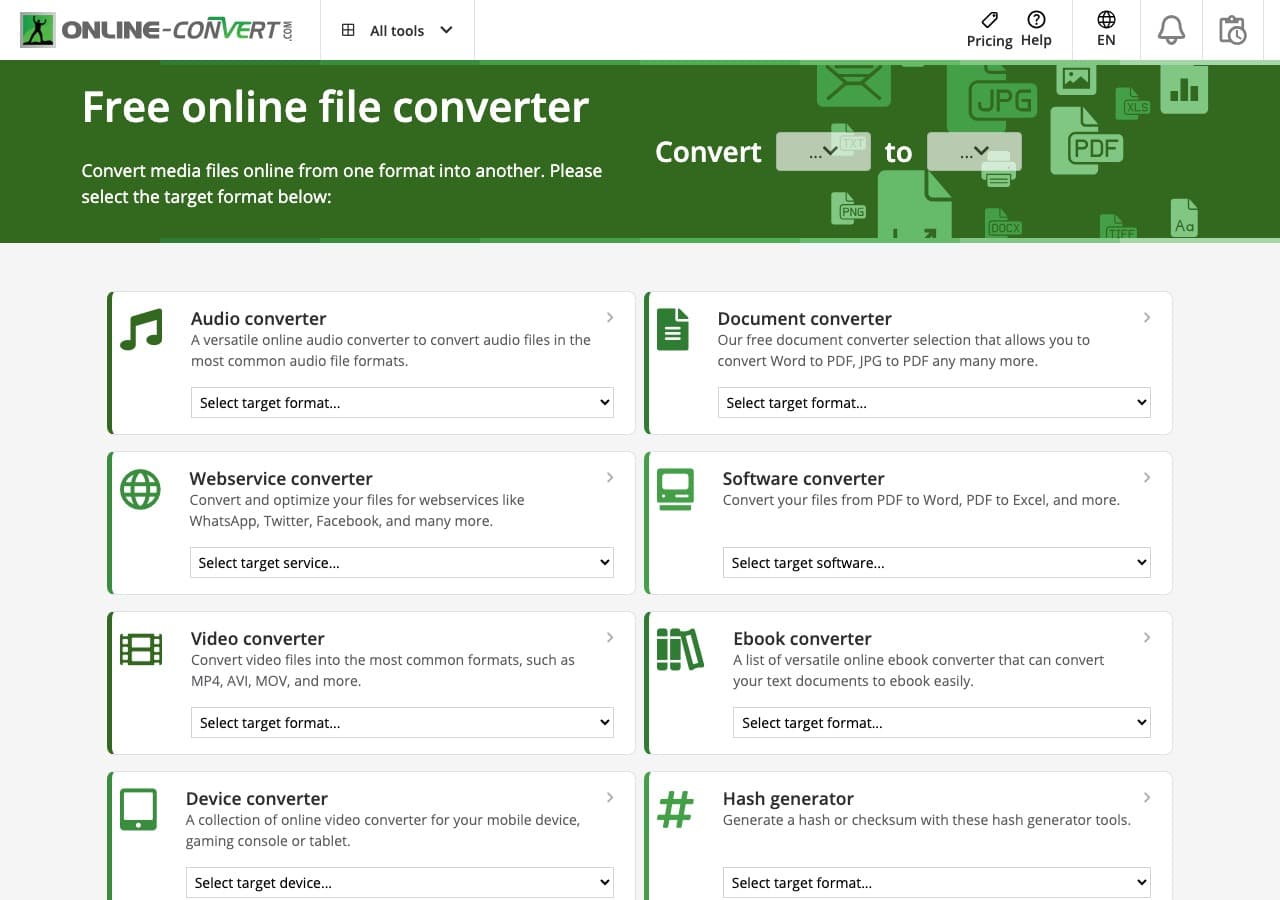
Online-Convert provides the most detailed output controls of any online ebook converter. When converting to EPUB, you can set the ebook title, author, font size, and margins. Most online tools just give you a format dropdown. Online-Convert gives you the controls that matter for readable ebooks.
The site handles EPUB, MOBI, AZW, PDF, and other ebook formats. It accepts files from your computer, URL, Google Drive, or Dropbox. For online ebook conversions where you need specific output settings, Online-Convert provides the most control.
Pros
- Detailed output settings (title, author, font, margins).
- Multiple input sources.
- Good ebook format support.
Cons
- Free tier has limits.
- Ads on free tier.
Pricing
- Free: Limited conversions.
- From $6.99/month: Higher limits.
15. Wondershare UniConverter - Best Premium All-in-One With Ebook Support
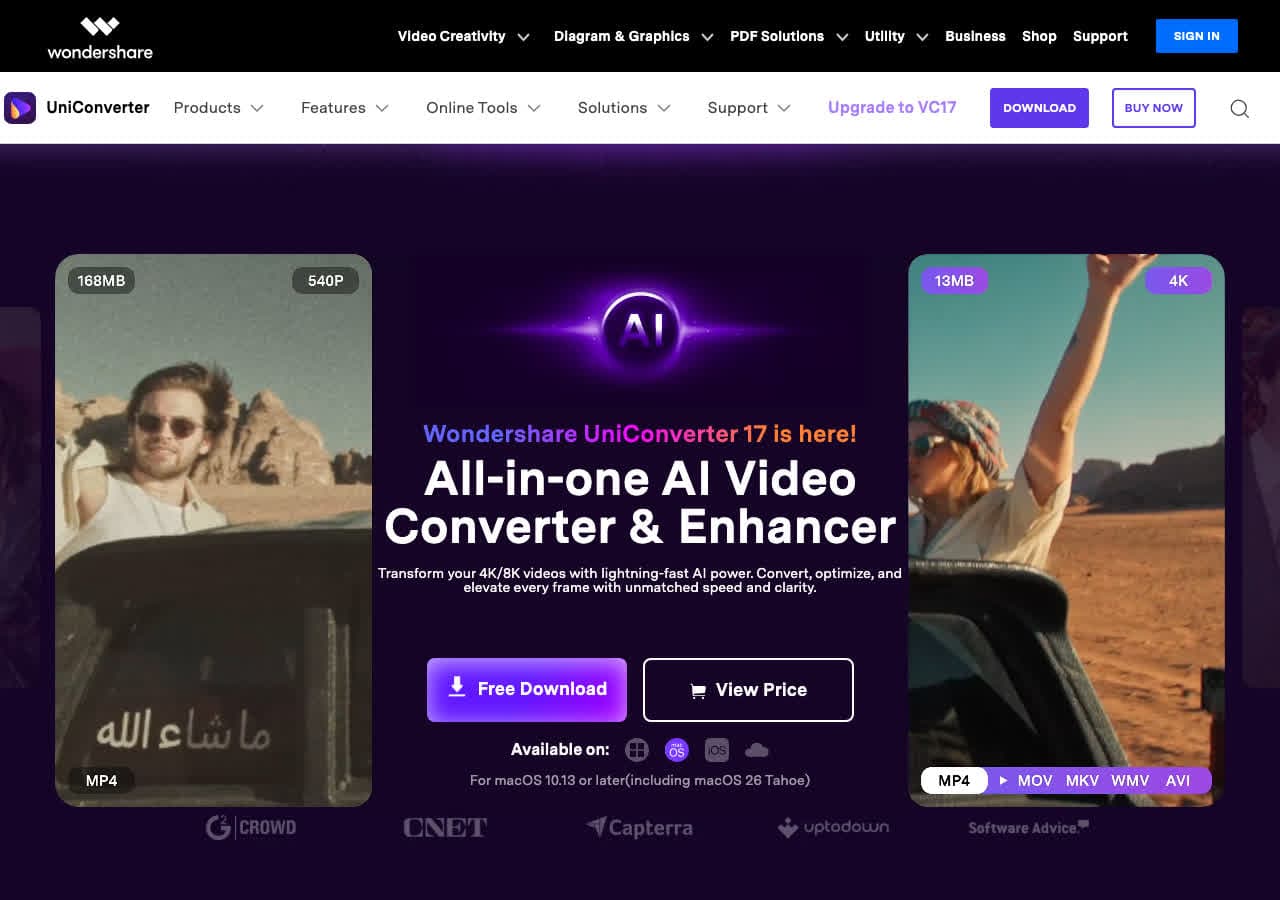
Wondershare UniConverter is a premium all-in-one converter supporting over 1000 formats including some ebook types. While primarily known for video conversion, it handles PDF conversion and some document formats that overlap with ebook workflows.
Wondershare is best for users who need a single app for all file types and occasionally need to convert ebook-related formats. The polished interface and batch processing are nice, but dedicated ebook tools like Calibre are better for regular ebook conversion work.
Pros
- 1000+ format support across all file types.
- Clean interface with batch processing.
Cons
- Ebook support is limited compared to dedicated tools.
- Expensive subscription ($49.99/year).
Pricing
- $49.99/year subscription.
- $79.99: Lifetime license.
16. Ghostscript - Best Open Source PDF Engine for Ebook Processing
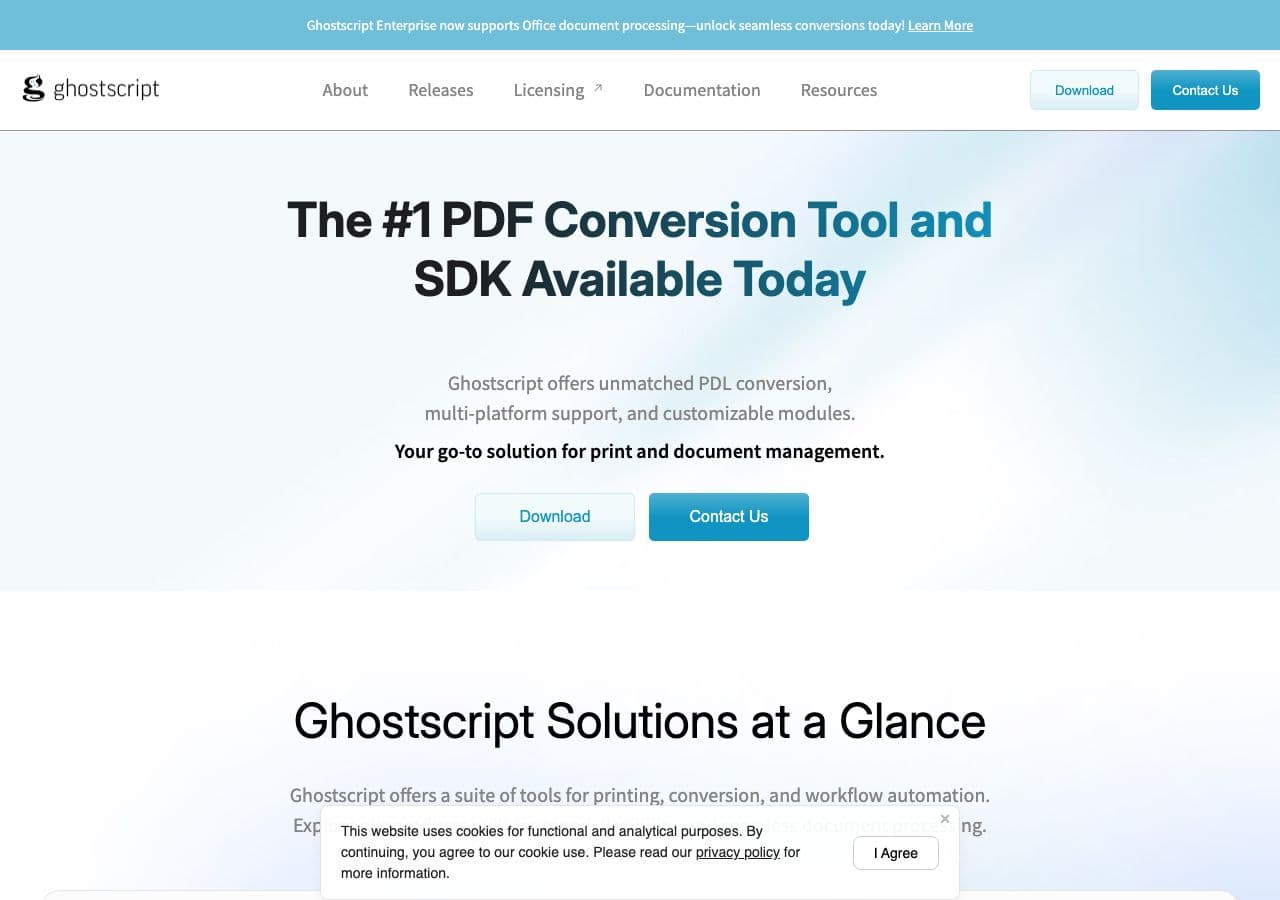
Ghostscript processes and converts PDF files, which is relevant for ebook workflows involving PDF format. It optimizes PDF ebooks for smaller file sizes, converts PDFs to images for processing, and handles PostScript to PDF conversion.
Ghostscript is a developer tool, not a consumer ebook converter. But for automated workflows that process PDF ebooks at scale, such as compressing a library of PDF ebooks or converting PostScript documents to PDF, Ghostscript is the most reliable open-source engine.
Pros
- Free and open source.
- PDF optimization and compression.
- Reliable PostScript to PDF conversion.
Cons
- PDF only. No EPUB, MOBI, or other ebook formats.
- Command-line only.
Pricing
- Free (open source).
17. ImageMagick - Best for Image-Heavy Ebook Processing
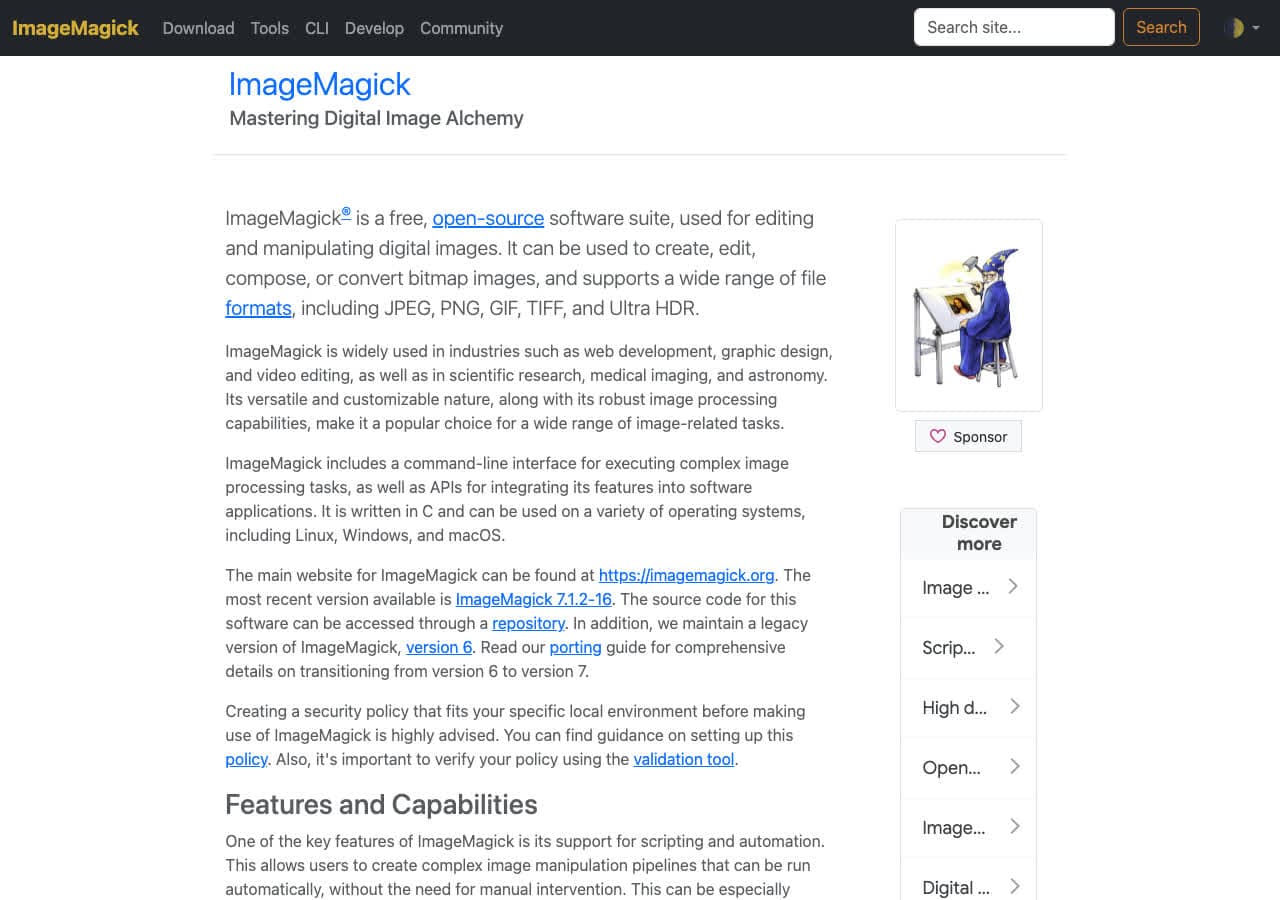
ImageMagick is relevant to ebook workflows for processing images that go into ebooks. It batch-resizes cover images, optimizes illustrations for smaller file sizes, converts image formats for ebook compatibility, and combines scanned pages into PDF ebooks.
ImageMagick is not an ebook converter itself, but it is useful in ebook production pipelines. Creating PDF ebooks from scanned images, resizing cover art to ebook store specifications, and optimizing interior illustrations are all ImageMagick tasks. For publishers and self-published authors, it is a useful supporting tool.
Pros
- Free and open source.
- Batch image processing for ebook illustrations.
- Creates PDFs from image sequences.
Cons
- Not an ebook converter. Image processing only.
- Command-line only.
Pricing
- Free (open source).
18. PDF24 - Best Free Windows PDF Tool for Ebook Tasks
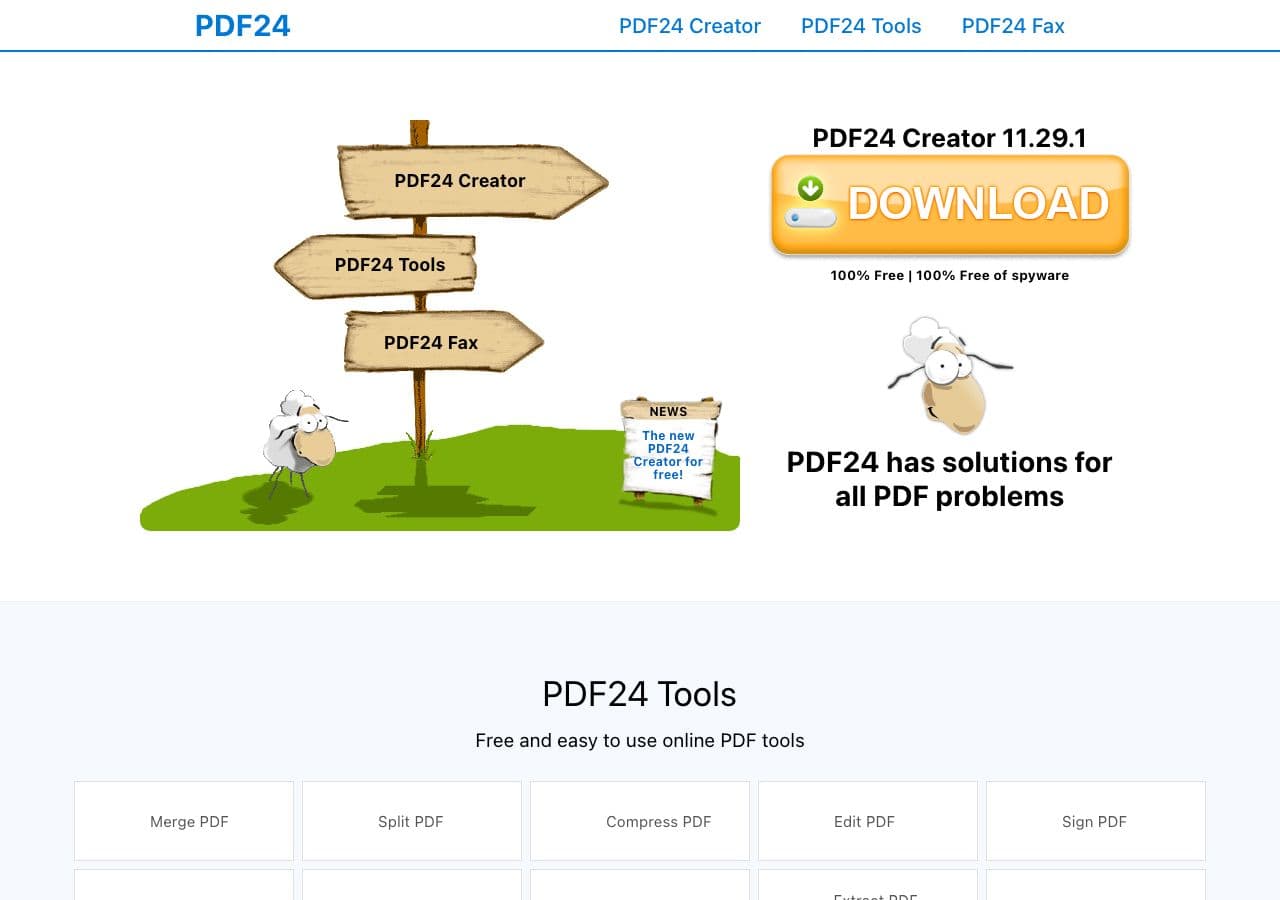
PDF24 is a completely free PDF toolkit that handles ebook-related PDF tasks on Windows. It creates PDFs from any document, merges multiple PDFs into one, splits PDFs into chapters, compresses large PDF ebooks for sharing, and converts PDFs to images and text.
PDF24 is useful in ebook workflows when you need to manipulate PDF ebooks: merge chapters, extract sections, compress for email, or convert to images. It is completely free with no watermarks or limits, making it the best free Windows tool for PDF ebook processing.
Pros
- Completely free, no limits.
- Merge, split, compress PDFs.
- Online tools for cross-platform use.
Cons
- PDF only. No EPUB or MOBI support.
- Desktop app is Windows only.
Pricing
- Free (no restrictions).
How to Convert
The offline file converter for Mac, Windows and Linux.
- Converts video, audio, images, documents, ebooks and more
- Everything runs locally. Your files never leave your device
- Pay once. Access forever
Get the app on Mac, Windows and Linux
Frequently Asked Questions
What is the best free ebook converter?
Calibre is the best free ebook converter by a wide margin. It converts between all major ebook formats (EPUB, MOBI, AZW3, PDF, DOCX, HTML), offers extensive output customization, and includes a full ebook library manager. It is free, open source, and runs on Mac, Windows, and Linux.
How do I convert EPUB to MOBI for Kindle?
The easiest way is to use Calibre. Add your EPUB file to Calibre, select it, click Convert Books, choose MOBI as output format, and click OK. Calibre handles the conversion with metadata and formatting preservation. Note that newer Kindles also support EPUB, so conversion may not be necessary.
Can I convert PDF to EPUB?
Yes, but quality varies significantly. Calibre can convert PDF to EPUB, but the result depends on the PDF's structure. Text-based PDFs with simple layouts convert reasonably well. Scanned PDFs or complex layouts with multiple columns, tables, and images often produce poor results. For best quality, convert from the original source document (Word, HTML) rather than from PDF.
What ebook format should I use?
EPUB is the universal standard, supported by Apple Books, Kobo, Google Play Books, and most e-readers except older Kindles. MOBI and AZW3 are Amazon Kindle formats. PDF preserves exact page layout but does not reflow text on different screen sizes. For maximum compatibility, create your ebook in EPUB and convert to MOBI/AZW3 for Kindle using Calibre.
Final Thoughts
For ebook conversion, Calibre is the clear winner for anyone who works with ebooks regularly. It is free, handles every format, and includes library management. For offline all-in-one conversion that includes ebooks alongside other file types, How to Convert handles everything for a one-time purchase. Authors who write in Markdown should try Pandoc for clean EPUB generation. And for quick online conversions without installing anything, CloudConvert and Convertio handle ebook formats directly from your browser.
How to Convert
The offline file converter for Mac, Windows and Linux.
- Converts video, audio, images, documents, ebooks and more
- Everything runs locally. Your files never leave your device
- Pay once. Access forever
Get the app on Mac, Windows and Linux
