18 Best MKA to MP3 Converters in 2026 (Free and Paid)
The best MKA to MP3 converters for 2026. Convert Matroska Audio (MKA) files to MP3 for universal device playback with these free and paid tools.
Posted by
 Jake Manger
Want to convert your MKA to MP3 right now?
Use our free single-file MKA to MP3 web demo. It runs locally on your device, so your audio file never leaves your computer. No uploads, no signup, no waiting in a queue.
Or read on for the 18 best MKA to MP3 converters compared.
MKA (Matroska Audio) is the audio-only sibling of the MKV video container. It is technically excellent: it can hold lossless FLAC, lossy AAC or Vorbis, multiple language tracks, chapters, and metadata, all in one open-source file format. The problem is reach. Most music players, phones, car stereos, and casual listening apps do not natively play MKA. MP3 is the universal fallback that plays everywhere.
A good MKA to MP3 converter does two things well: it actually accepts MKA as input (some apps quietly do not), and it gives you control over MP3 bitrate so you can balance quality and file size. We tested 18 desktop, command-line, and online tools to find the best options. If your goal is a portable MP3 file you can play anywhere, one of these will work.
1. How to Convert (I built this one) - Best Local-First MKA to MP3 Converter
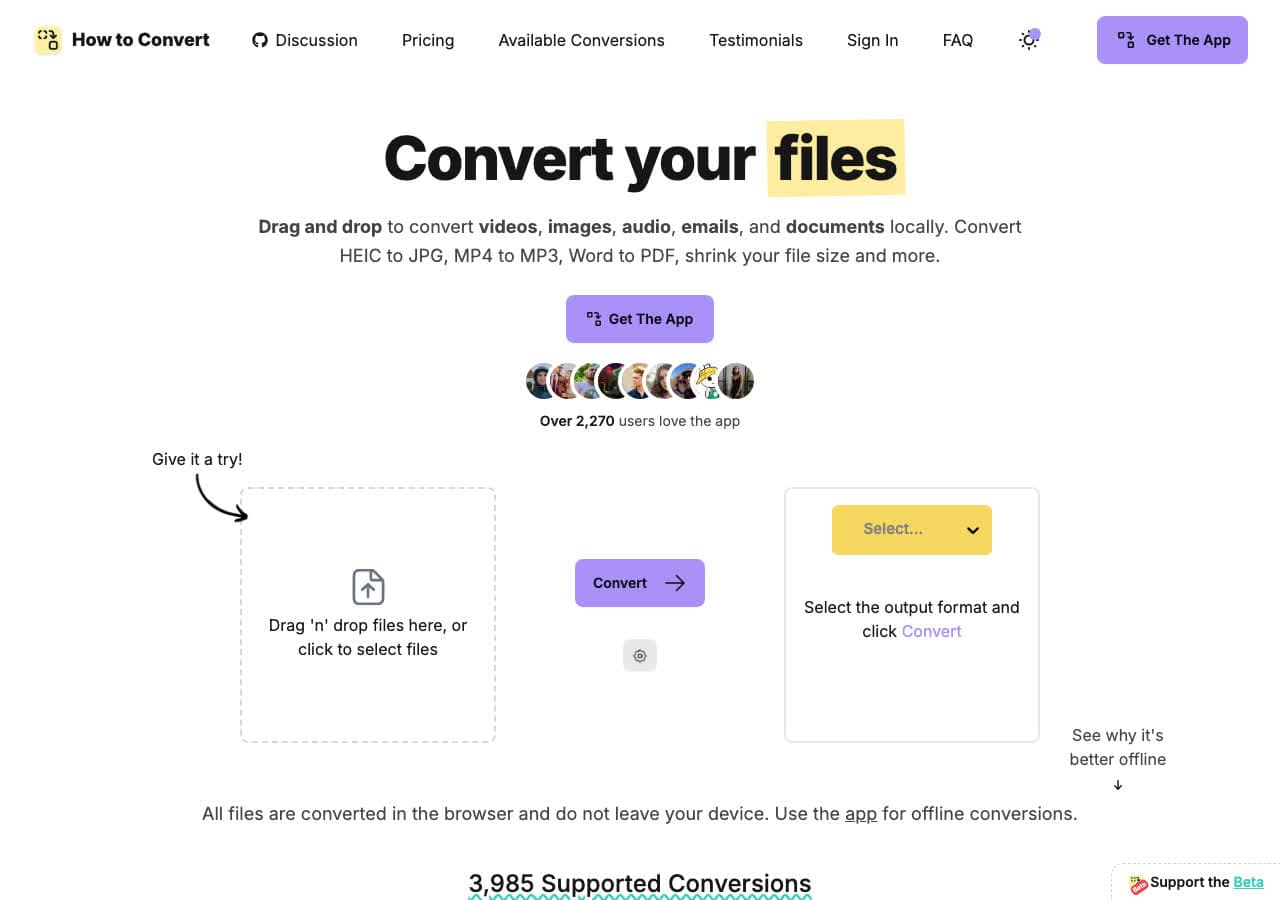
How to Convert converts MKA to MP3 locally on your computer. Drop the MKA file into the app, choose MP3, and convert. Nothing is uploaded. The desktop app handles batches, so you can select as many MKA files as you like, drag them in, and convert them all at once. There is also a free browser MKA to MP3 converter for one-off jobs.
For private recordings or large MKA archives, local-first conversion matters. Your files never leave your device. The desktop app also handles MKA to FLAC, MKA to AAC, MKA to OGG, and dozens of other format combinations from the same interface.
Pros
- Local conversion. Files never leave your device.
- Batch convert entire folders of MKA to MP3.
- Handles every audio and video format you are likely to need.
- One-time purchase. No subscription.
- Works on Mac, Windows, and Linux.
Cons
- Desktop app is a paid one-time purchase.
- Web demo handles one file at a time.
Pricing
- Free: Browser converter for common formats.
- Desktop app: One-time purchase, all platforms.
 How to Convert
The offline file converter for Mac, Windows and Linux.
- Converts video, audio, images, documents, ebooks and more
- Everything runs locally. Your files never leave your device
- Pay once. Access forever
Get the app on Mac, Windows and Linux
2. FFmpeg - Best Command-Line MKA to MP3 Converter
FFmpeg converts MKA to MP3 with one command: ffmpeg -i input.mka -c:a libmp3lame -b:a 192k output.mp3. The -b:a 192k flag sets the MP3 bitrate. For batch conversion: for f in *.mka; do ffmpeg -i "$f" -c:a libmp3lame -b:a 192k "${f%.mka}.mp3"; done.
FFmpeg understands every codec that can live inside an MKA container (FLAC, AAC, Vorbis, Opus, etc.) and re-encodes them to MP3 cleanly. It is the most reliable choice for batch MKA to MP3 work, and it is what nearly every other tool in this list uses under the hood.
Pros
- Handles every codec inside the MKA container.
- Precise control over MP3 bitrate.
- Scriptable for batches.
- Free, open source, runs everywhere.
Cons
- Command line only.
- Need libmp3lame compiled in for MP3 output.
Pricing
- Free (open source, LGPL/GPL).
3. VLC - Best Already-Installed MKA to MP3 Tool
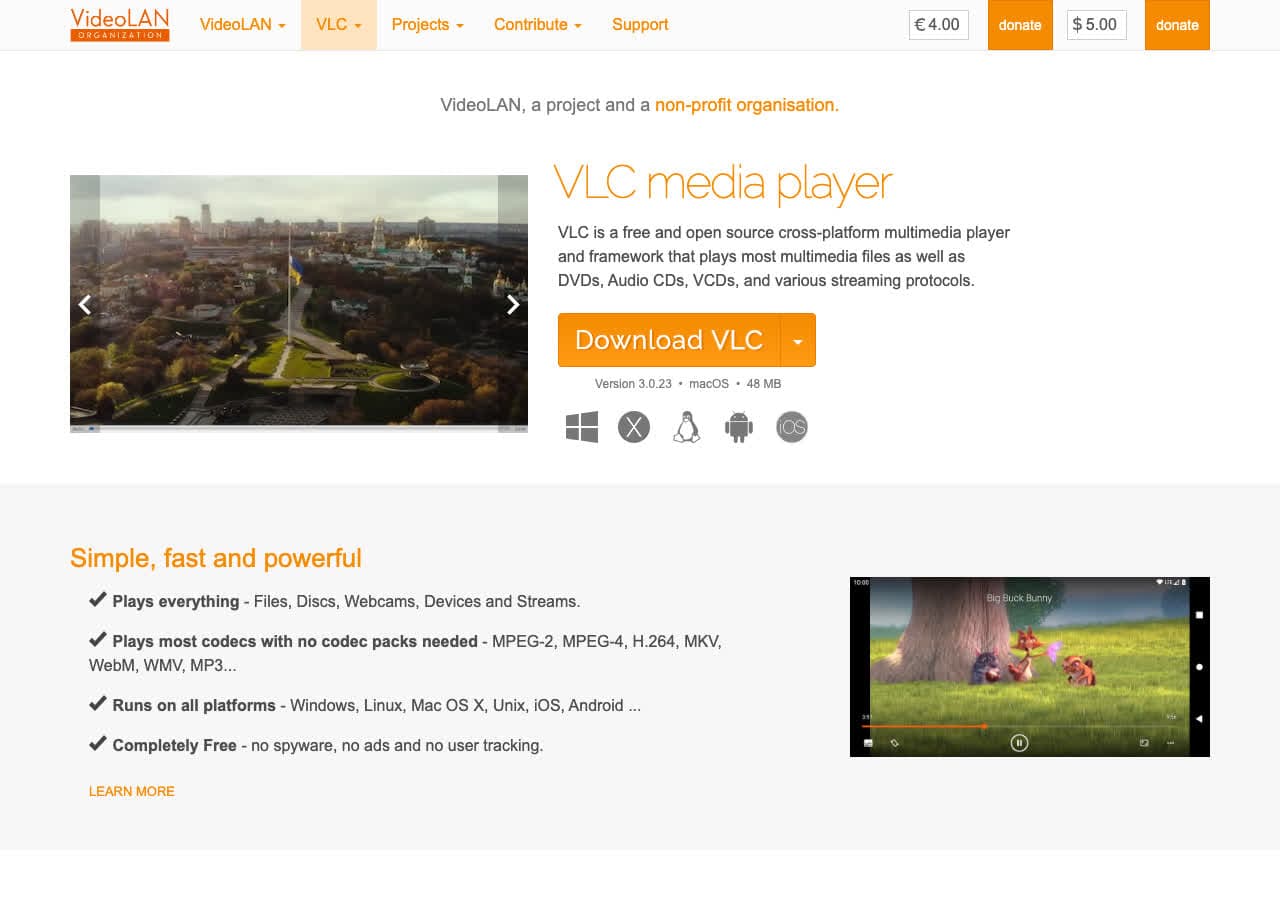
VLC is the canonical Matroska player, and that includes MKA. Open Media > Convert/Save, add the MKA file, choose the "Audio - MP3" profile, save the output as .mp3. VLC strips the Matroska container, decodes the audio, and re-encodes to MP3 in one pass.
VLC handles MKA more reliably than most general-purpose audio converters because Matroska is part of its native pedigree. It is the best free pick when you want a GUI tool for occasional MKA to MP3 work.
Pros
- Excellent native Matroska/MKA support.
- Free, open source, probably already installed.
- Works offline.
- Cross-platform.
Cons
- Conversion menu is buried.
- Less control over MP3 settings than dedicated tools.
Pricing
- Free (open source, GPL).
4. fre:ac - Best Free Audio Converter for MKA
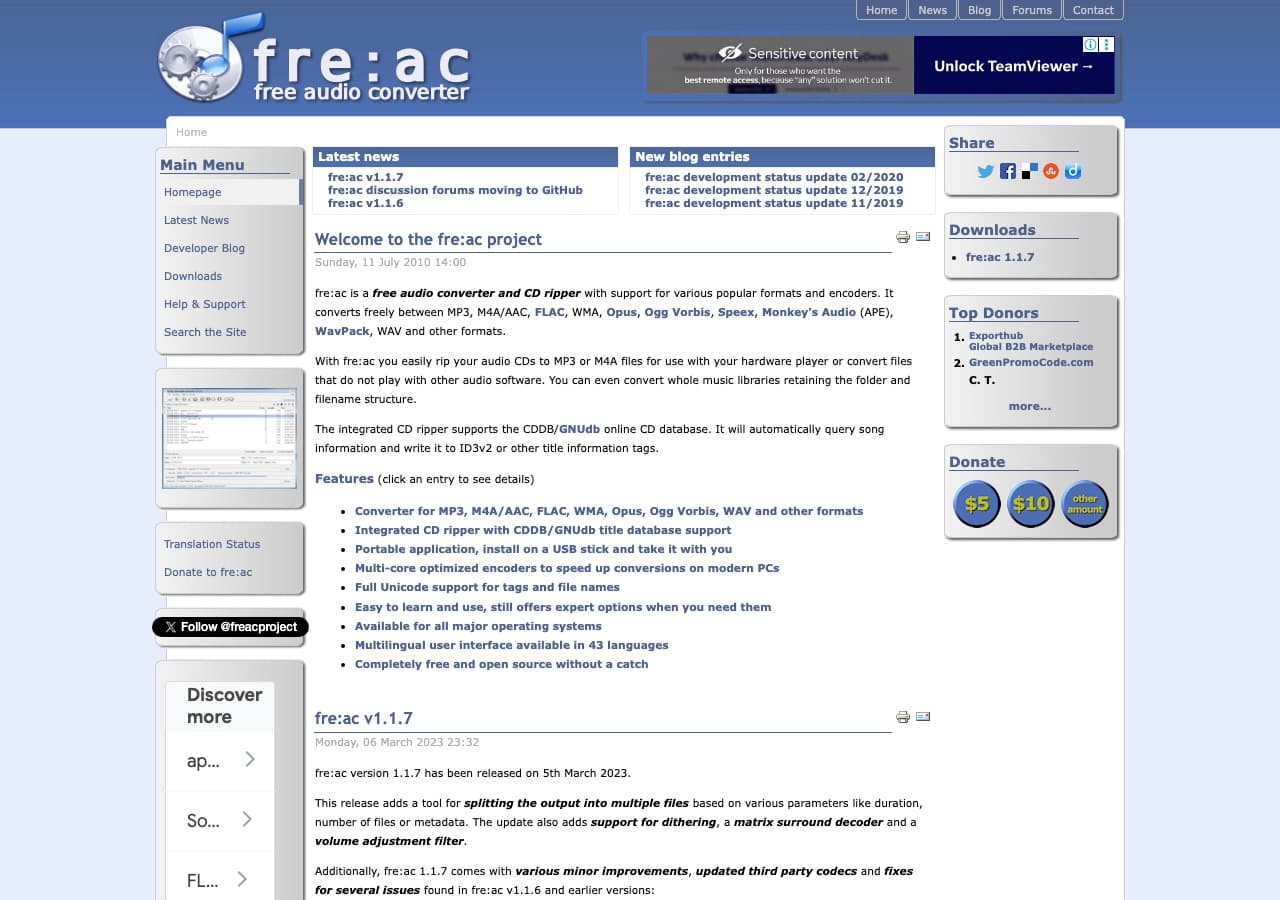
fre:ac is a free, open source audio converter that supports MKA input out of the box. Drop MKA files into the queue, pick MP3 with your bitrate of choice, and convert. fre:ac is built around batches, so it handles dozens of MKA files in one pass without complaint.
For pure batch MKA to MP3 work without ads, watermarks, or upsells, fre:ac is the best free pick. It runs on Mac, Windows, and Linux and preserves metadata when present in the source.
Pros
- Free, open source, no ads.
- Excellent batch conversion.
- Preserves metadata.
- Cross-platform.
Cons
- Older-style interface.
- Less polished than commercial alternatives.
Pricing
- Free (open source, GPL).
5. MediaHuman Audio Converter - Cleanest MKA to MP3 GUI
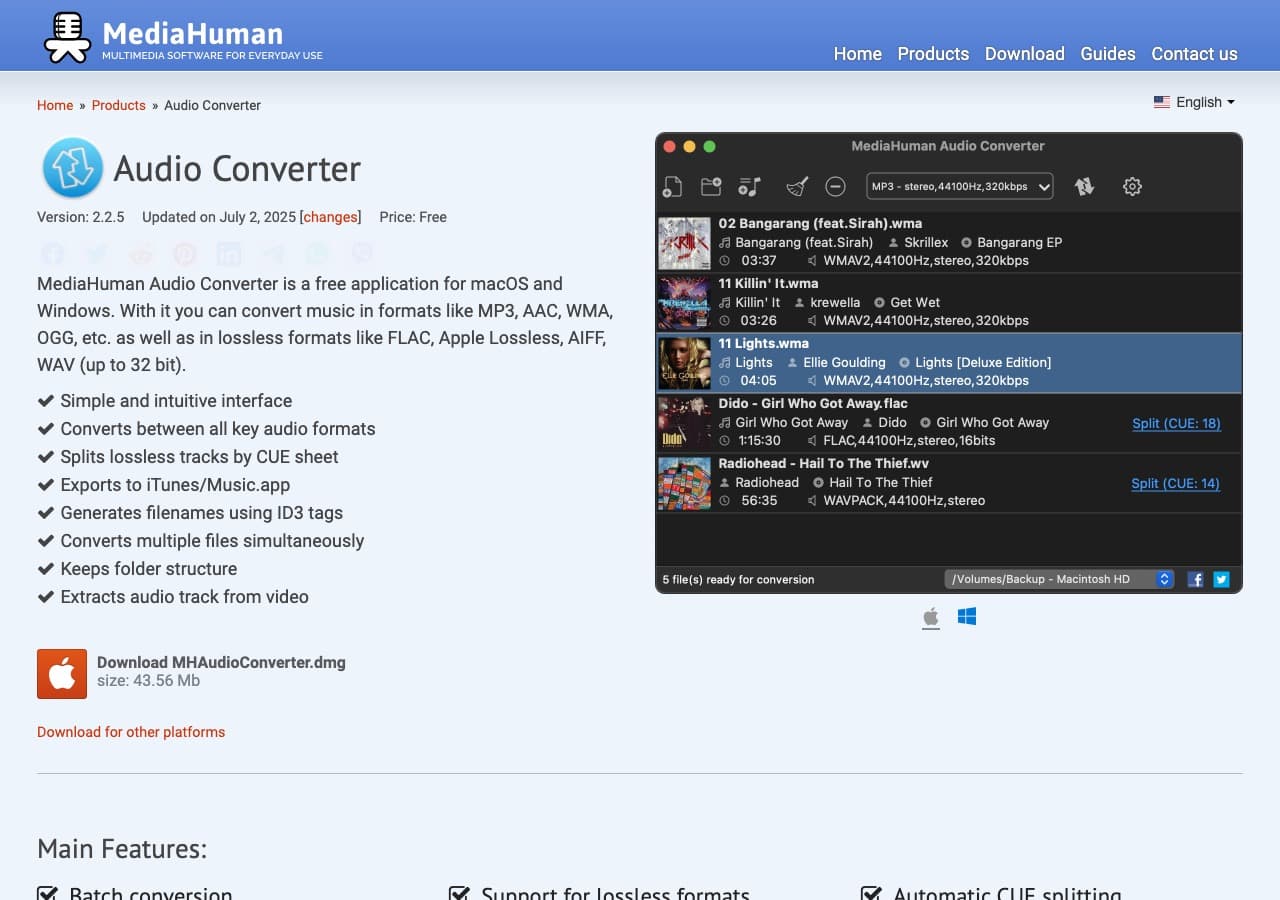
MediaHuman Audio Converter has one of the cleanest interfaces in this category. Drag MKA files in, pick MP3, set bitrate, start. It correctly handles the audio codecs typically found inside an MKA container and preserves tags during conversion.
MediaHuman is free for personal use. For Mac and Windows users who want a polished, native-feeling app, this is the best free pick. There is no Linux version.
Pros
- Clean, modern UI.
- Free for personal use.
- Preserves metadata.
- Mac and Windows.
Cons
- No Linux version.
- Free version has occasional reminder dialogs.
Pricing
- Free for personal use.
- Donations and paid bundles available.
6. Audacity - Best for Editing MKA Audio Before Export
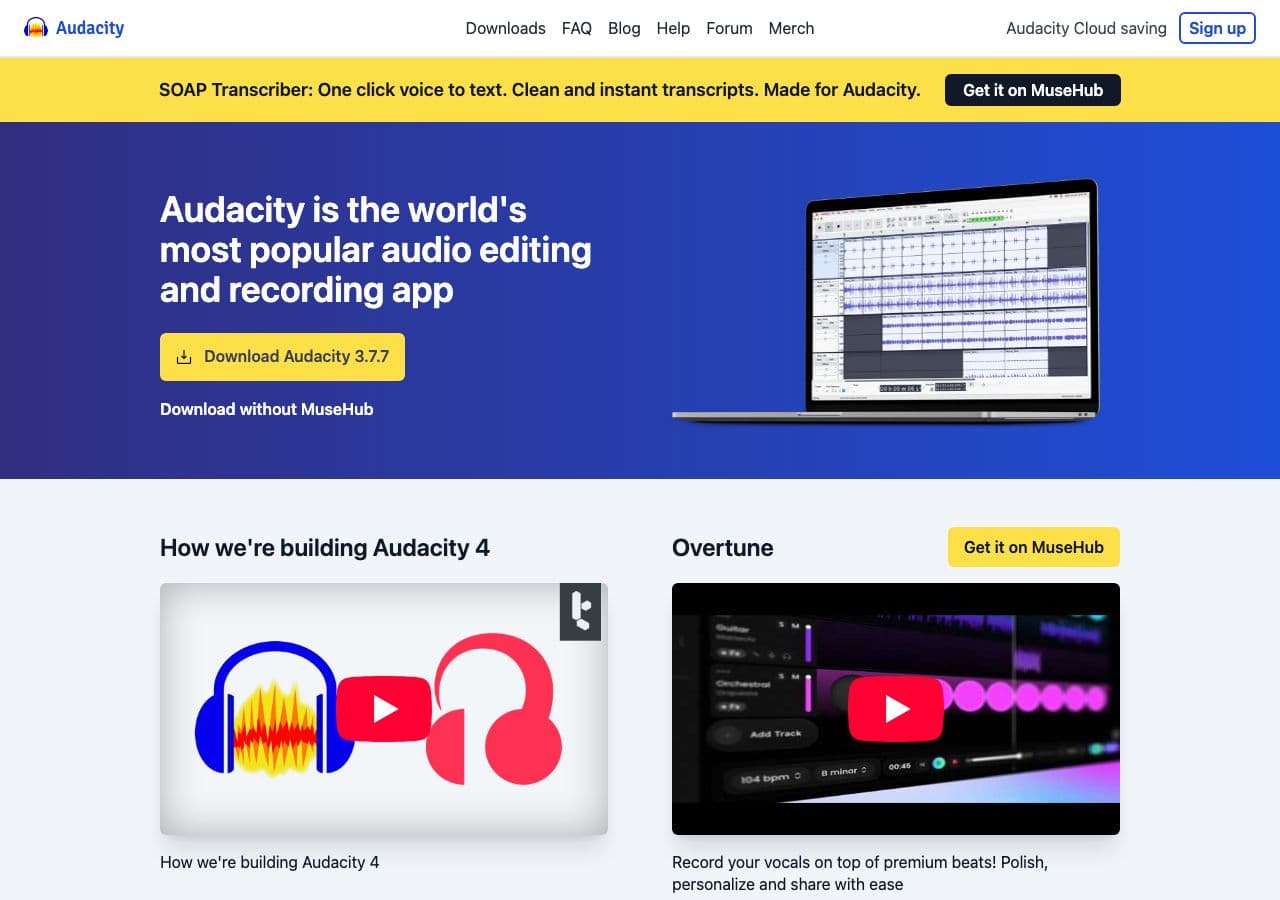
Audacity imports MKA when the FFmpeg plugin is installed. From there you can trim, normalize, denoise, or remove silence before exporting MP3. This is ideal when the MKA file is a long recording and you only need a clean section of it as MP3.
Audacity is overkill for a direct MKA to MP3 conversion with no editing. But for MKA recordings that need cleanup (interviews, lectures, podcasts), it is the best free option.
Pros
- Edit before exporting MP3.
- Trim, normalize, denoise.
- Free, open source, cross-platform.
Cons
- Requires FFmpeg add-on for MKA import.
- Overkill for direct conversion.
Pricing
- Free (open source, GPL).
How to Convert
The offline file converter for Mac, Windows and Linux.
- Converts video, audio, images, documents, ebooks and more
- Everything runs locally. Your files never leave your device
- Pay once. Access forever
Get the app on Mac, Windows and Linux
7. Switch by NCH - Reliable Batch MKA to MP3 Tool
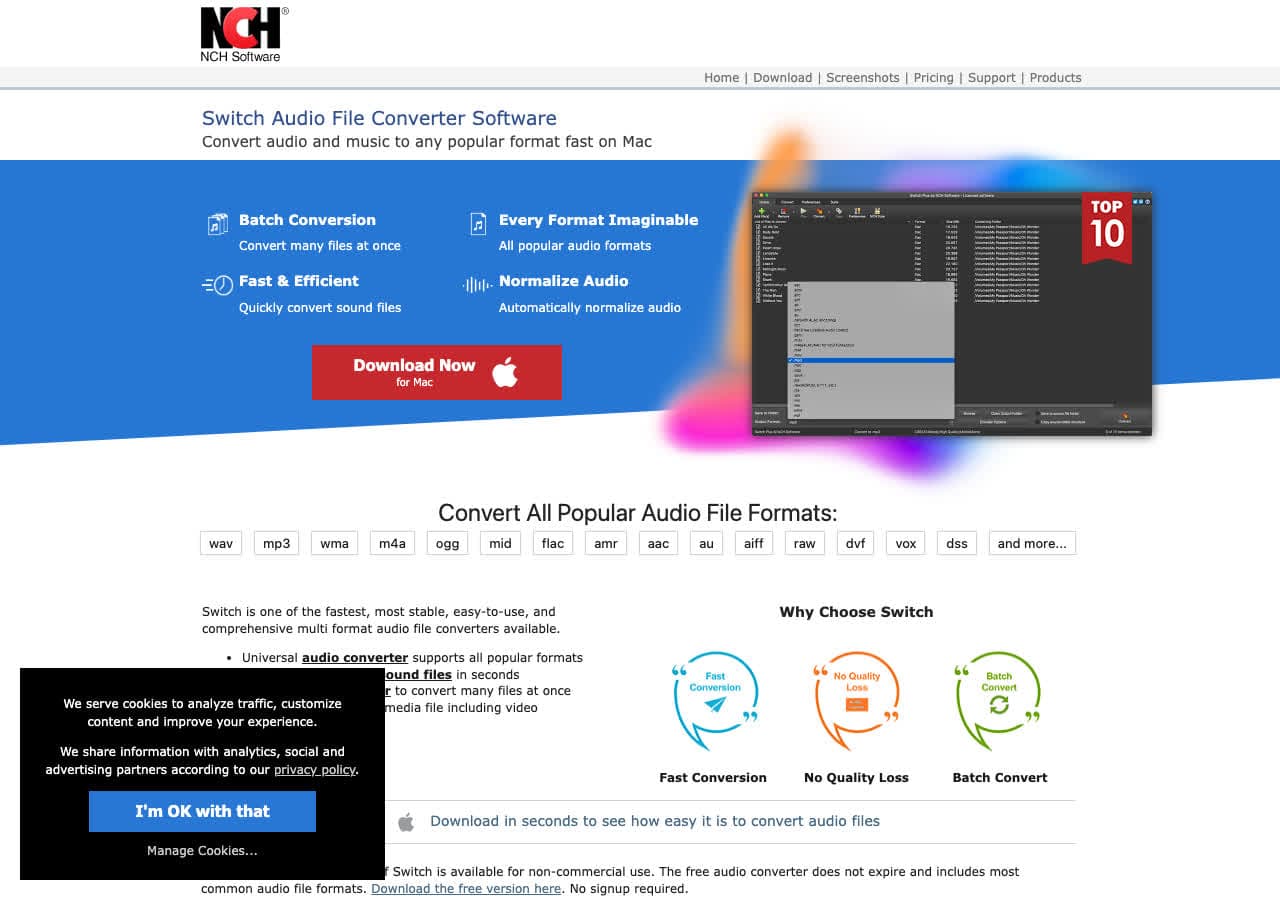
Switch by NCH accepts MKA as input and converts to MP3 with full bitrate control. The queue interface is built for batches: drop files, pick MP3, set bitrate, click Convert. Switch handles MKA more cleanly than some general-purpose audio converters.
The UI is dated and the licensing is "free for personal, paid for commercial." For straightforward batch MKA to MP3 work, it is reliable.
Pros
- Reliable batch queue.
- Handles MKA input cleanly.
- Mac and Windows.
Cons
- Dated UI.
- Personal vs commercial license confusion.
Pricing
- Free for non-commercial use.
- Plus: Around $35 one-time.
8. Wondershare UniConverter - Polished Paid MKA to MP3 App

Wondershare UniConverter handles MKA input and outputs MP3 with batch processing and hardware-accelerated audio. Drop the file, pick MP3, set bitrate, convert. The UI is friendly and the conversion is fast on modern hardware.
UniConverter is paid software with a subscription model. It is worth it if you want one polished app for everything: MKA to MP3, video conversion, basic editing, DVD authoring.
Pros
- Polished UI with strong presets.
- Hardware-accelerated.
- Batch processing.
- Mac and Windows.
Cons
- Paid software, subscription model.
- Free trial limits output length.
Pricing
- Subscription: From around $40/year.
- Lifetime: Around $80 one-time.
9. Movavi Video Converter - Beginner-Friendly Paid Pick
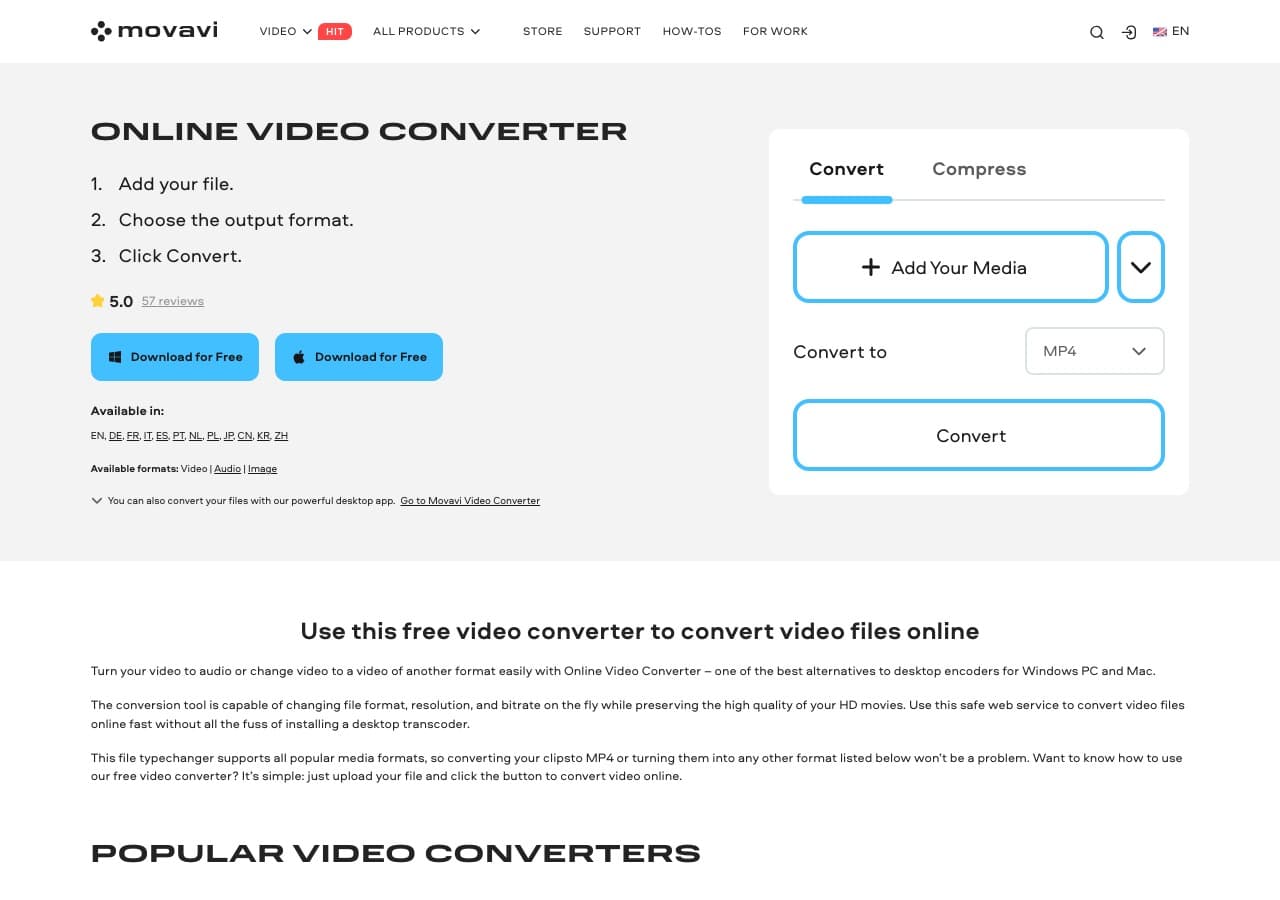
Movavi Video Converter handles MKA input despite the "video" name. Drop the file, pick the MP3 audio preset, choose bitrate, click Convert. Batch processing is supported and the UI is one of the most beginner-friendly in this list.
Movavi is the right pick for non-technical Mac and Windows users who want a paid app with a polished interface and minimal decisions to make.
Pros
- Very beginner-friendly UI.
- Built-in trim and merge.
- Batch conversion.
- Mac and Windows.
Cons
- Paid software.
- Persistent upsell prompts.
Pricing
- Subscription: Around $40/year.
- Lifetime: Around $50 one-time.
10. Any Video Converter - Free Windows MKA to MP3
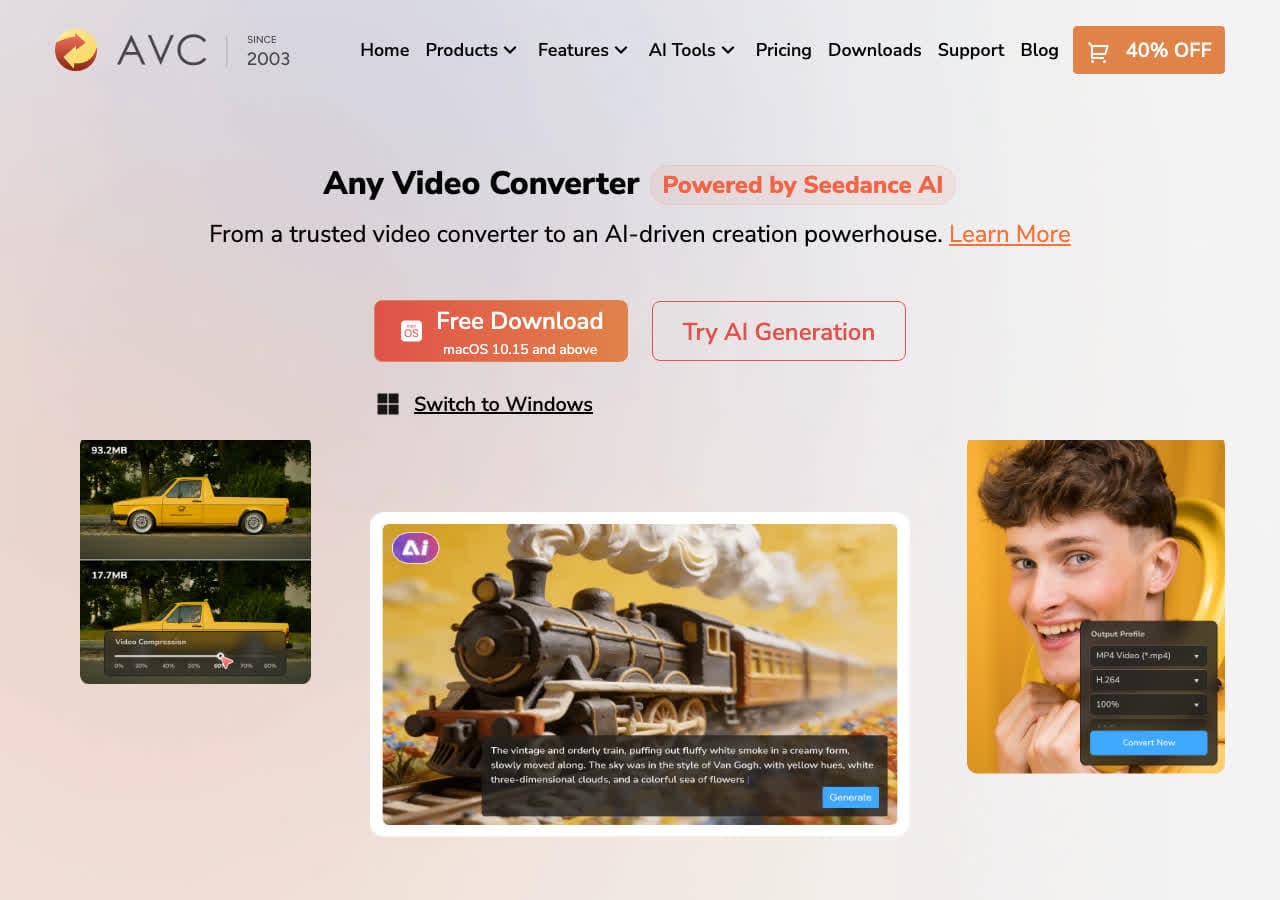
Any Video Converter (Free edition) accepts MKA as input and converts to MP3 in batches. Add files, pick MP3, set bitrate, hit Convert Now. The Free edition is free, though installers have historically bundled optional offers.
For Windows users who want a no-cost batch tool, this works. Decline anything you do not want during install.
Pros
- Free MP3 output.
- Batch friendly.
- Mac and Windows.
Cons
- Installer may bundle offers.
- UI feels dated.
Pricing
- Free edition available.
- Pro: One-time around $50.
11. Freemake Video Converter - Familiar Windows Tool
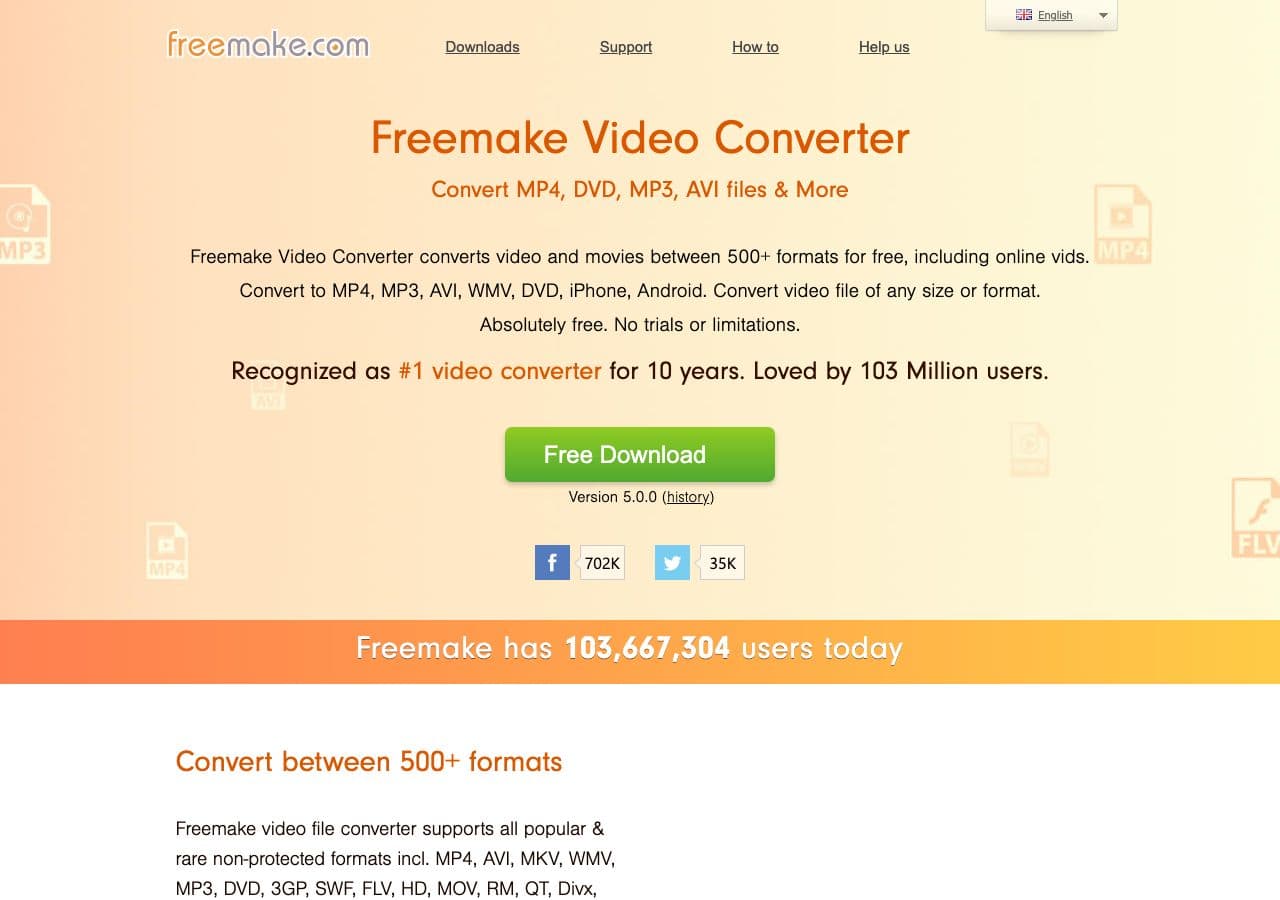
Freemake Video Converter handles MKA input and exports to MP3. Drag the file in, click the MP3 button, choose bitrate, hit Convert. The interface is friendly and recognizable to long-time Windows users.
Be aware that Freemake adds a watermark or splash on the free version. For audio extraction this matters less than for video, but the upgrade pressure is real. Use the official download and decline bundled offers.
Pros
- Friendly UI.
- MP3 output presets.
- Familiar to Windows users.
Cons
- Free version branding/limits.
- Installer may include bundled offers.
- Windows only.
Pricing
- Free with limitations.
- Gold Pack: Around $20 one-time.
12. HandBrake - Use the Audio Track Workflow
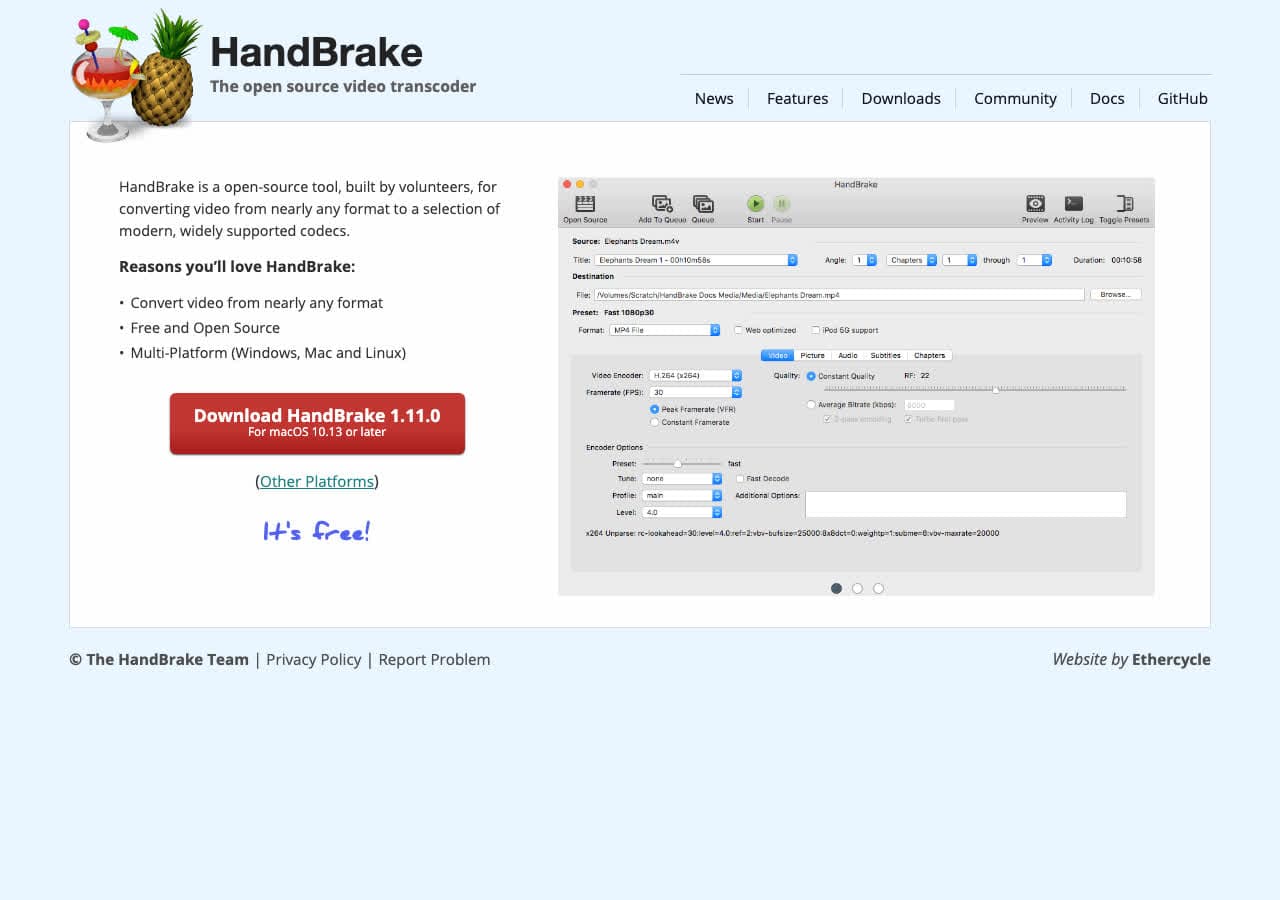
HandBrake is a video converter, not an audio converter, and it does not output .mp3 files directly. For MKA, it can produce an MP4 with an MP3-encoded audio track, which then needs an extra step (FFmpeg or rename in some cases) to land at a true MP3.
We include HandBrake here because so many tutorials misclaim it does MKA to MP3. It does not, directly. If you are already a HandBrake user, the workflow is fine. Otherwise, FFmpeg, VLC, fre:ac, or our own tool are faster.
Pros
- Familiar to many users.
- Free, open source, cross-platform.
Cons
- Does not output .mp3 directly.
- Wrong tool for true MKA to MP3.
Pricing
- Free (open source).
How to Convert
The offline file converter for Mac, Windows and Linux.
- Converts video, audio, images, documents, ebooks and more
- Everything runs locally. Your files never leave your device
- Pay once. Access forever
Get the app on Mac, Windows and Linux
13. CloudConvert - Best Online MKA to MP3 Converter
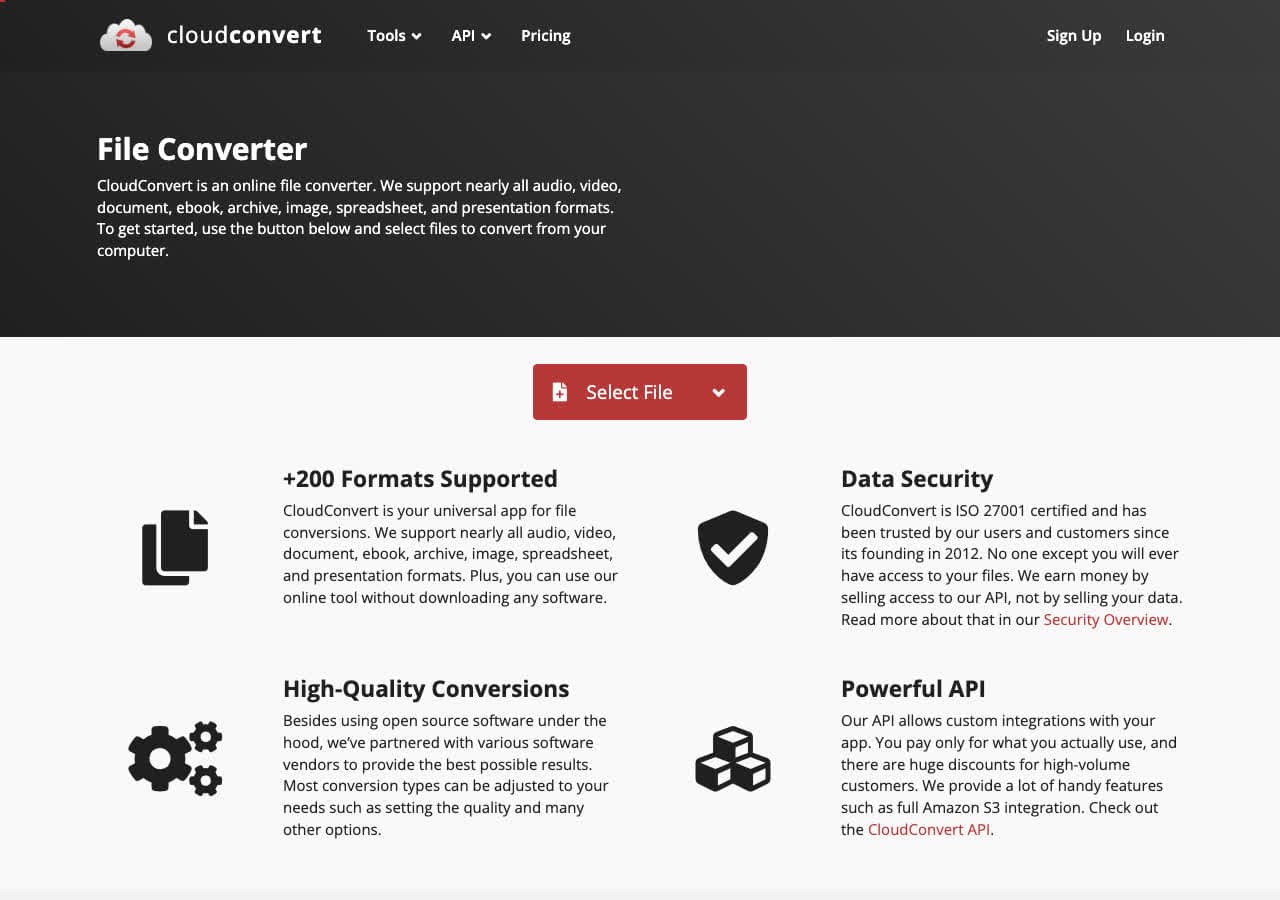
CloudConvert offers a dedicated MKA to MP3 page with control over bitrate, sample rate, and channels. Upload, pick MP3, optionally tweak settings, download. Free tier allows 25 minutes per day.
CloudConvert is the best online pick when you cannot install software. For private MKA recordings you should still convert locally, since uploads are required.
Pros
- No installation required.
- Adjustable bitrate and channels.
- API for automation.
- 25 free minutes per day.
Cons
- Files uploaded to the cloud.
- Not for sensitive audio.
Pricing
- Free: 25 conversion minutes per day.
- Paid: From $9 for 500 minutes.
14. Convertio - Simple Online MKA to MP3
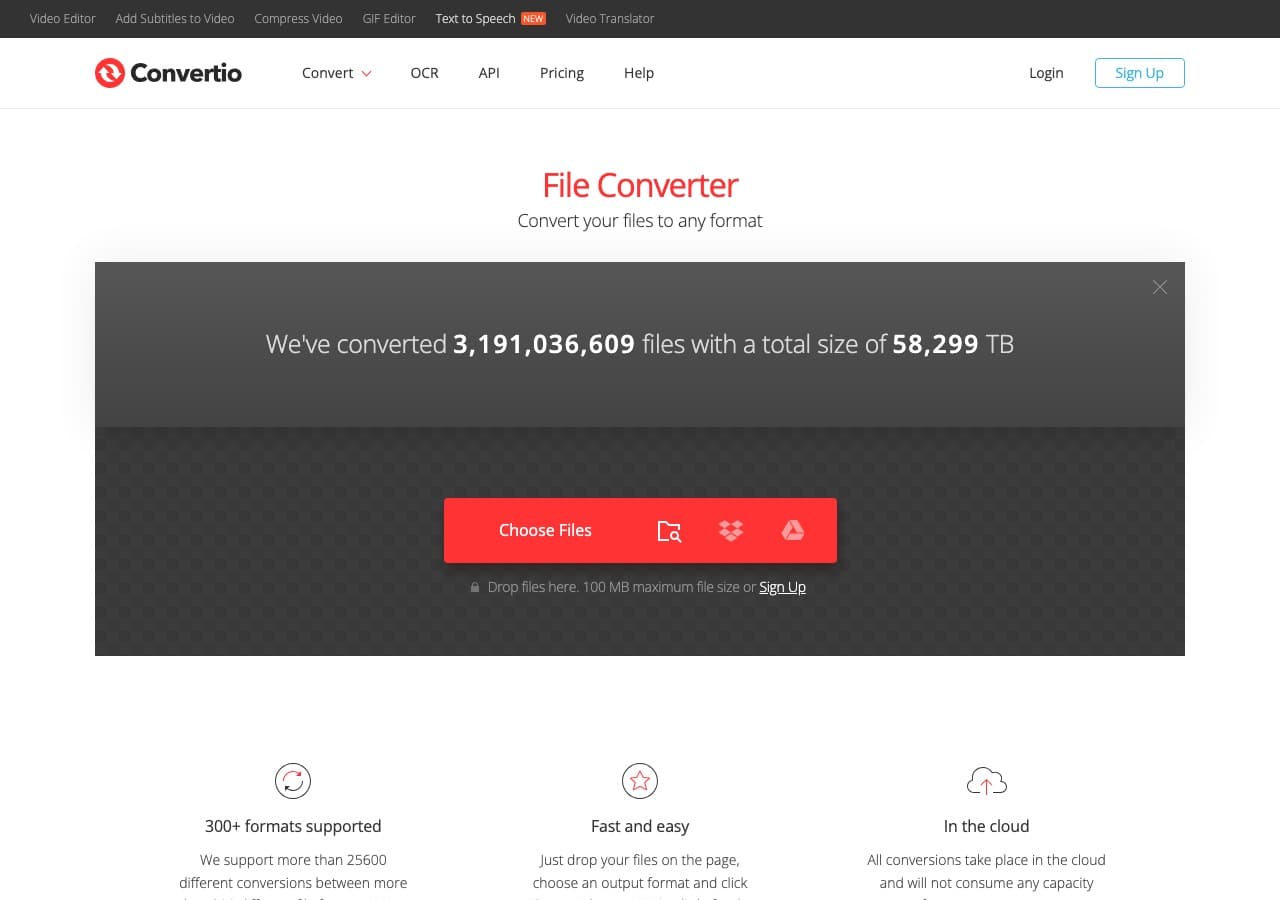
Convertio offers a clean MKA to MP3 flow with Google Drive and Dropbox integration. Useful when the MKA file is already in cloud storage. Free tier supports files up to 100 MB.
For occasional one-off conversions, Convertio is among the easiest web tools.
Pros
- Clean, simple UI.
- Google Drive and Dropbox integration.
- 100 MB free file size limit.
Cons
- Files uploaded to the cloud.
- Free tier limited to about 10 minutes per day.
Pricing
- Free: 100 MB, 10 minutes per day.
- Light: From $9.99/month.
15. Zamzar - Easiest Online MKA to MP3 Conversion
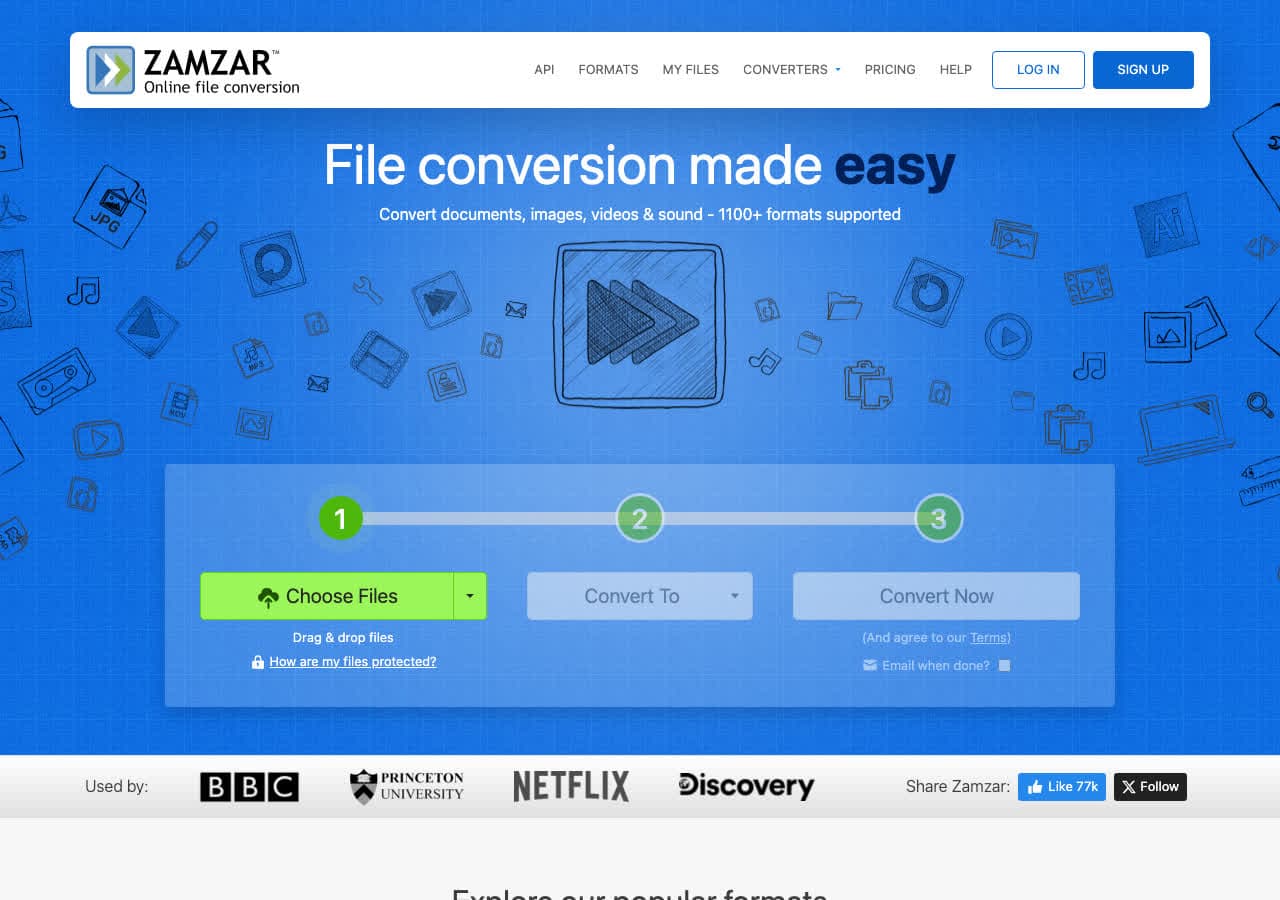
Zamzar is the simplest online MKA to MP3 converter. Upload, pick MP3, click Convert, download. No bitrate options, no settings. Best for occasional one-off conversions.
Free tier allows two conversions per day with a 50 MB file limit. Fine for a single audio file, not enough for batch work.
Pros
- Dead-simple workflow.
- No account required.
- Works on mobile.
- API available.
Cons
- 2 free conversions per day.
- 50 MB file cap on free tier.
Pricing
- Free: 2 conversions per day, 50 MB.
- Basic: From $18/month.
16. FreeConvert - Generous Free Tier Online Tool
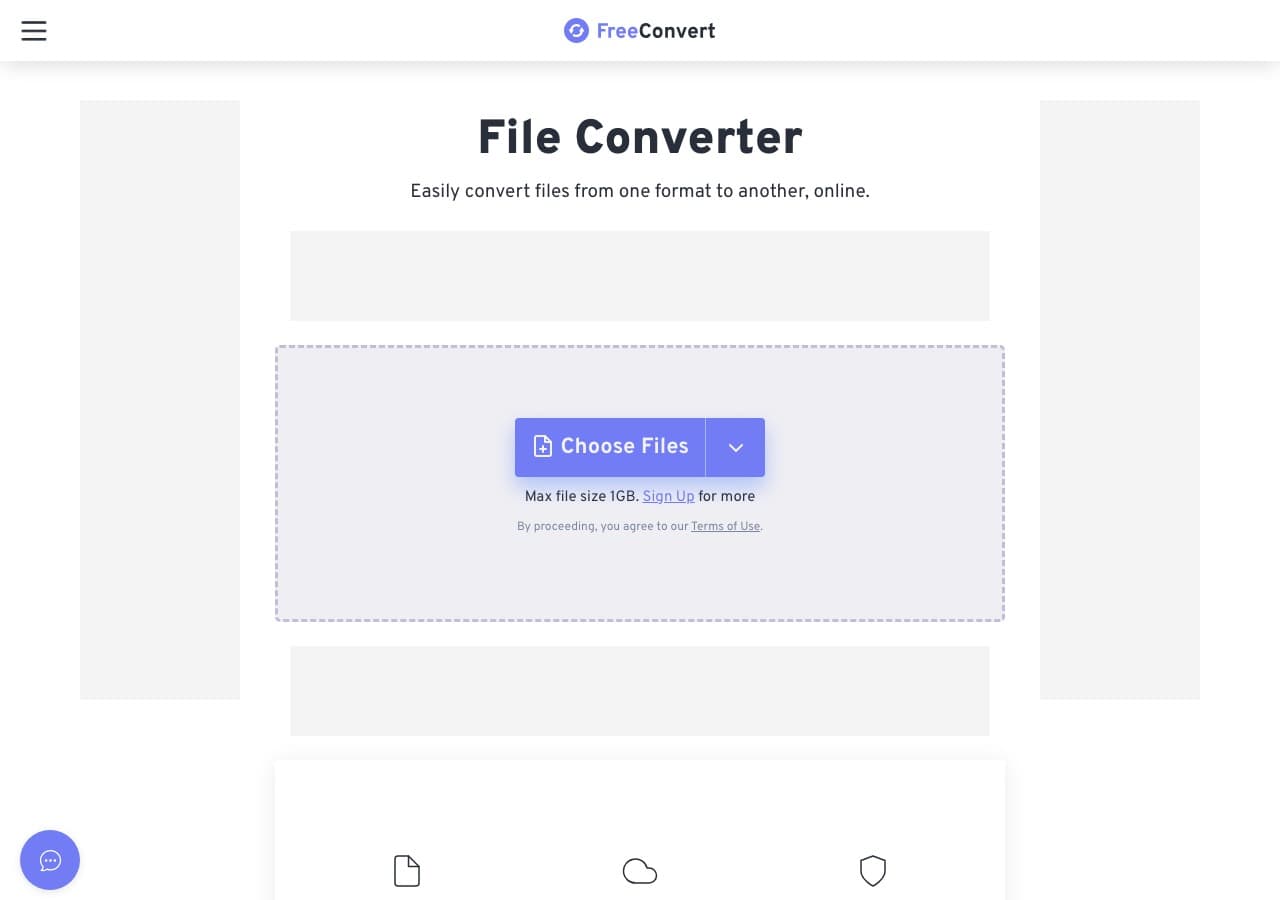
FreeConvert has the most generous free tier among online converters: 1 GB file size limit. Useful for MKA archives that are too big for Zamzar or Convertio. Bitrate, sample rate, and channels are all configurable.
Free tier is supported by ads. Paid plans remove daily quotas.
Pros
- 1 GB free file size limit.
- Advanced bitrate and codec settings.
- Clean modern UI.
Cons
- Files uploaded to servers.
- Daily usage limits on free tier.
Pricing
- Free: 1 GB file size limit.
- Pro: From $9.99/month.
17. Online-Convert - Most Detailed Output Settings
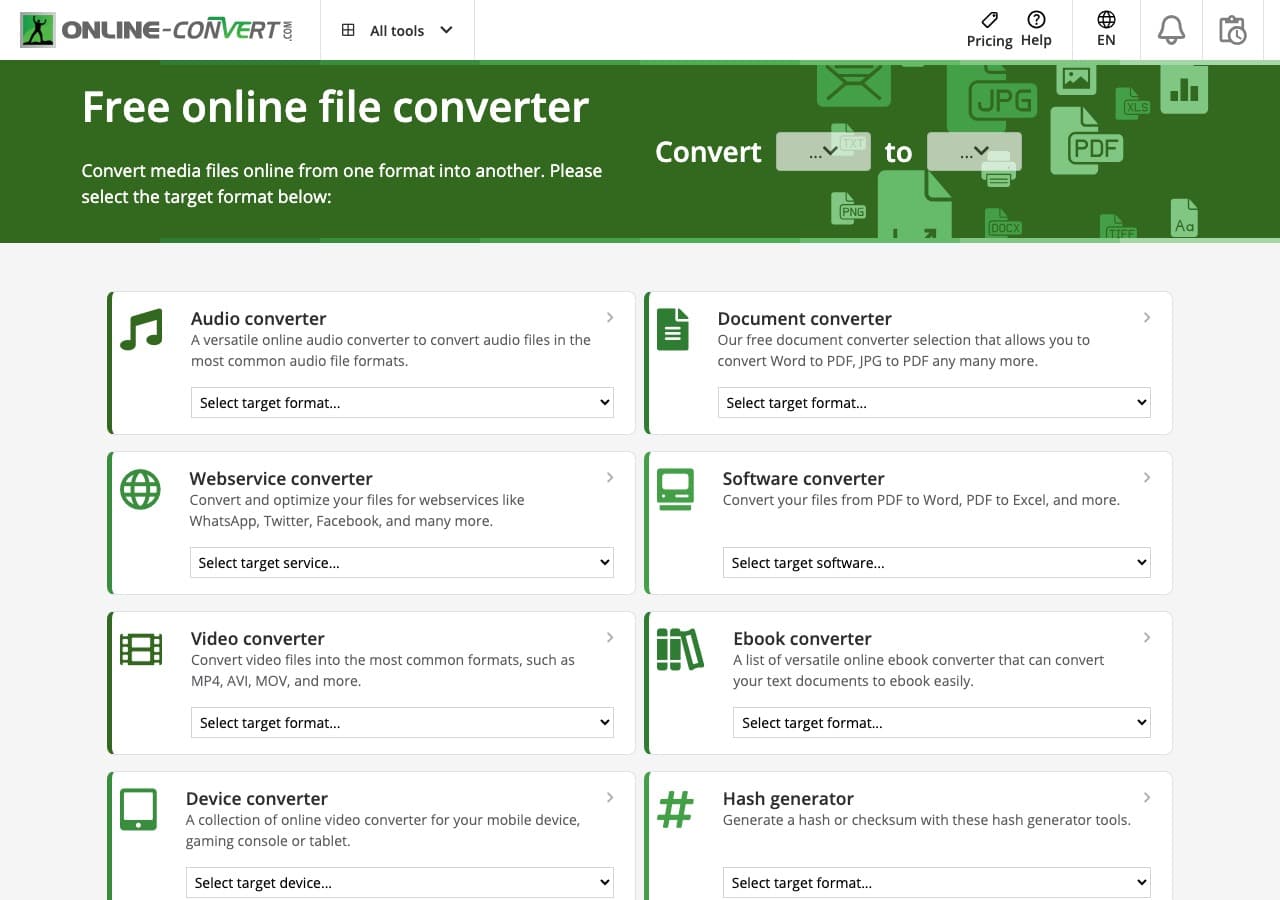
Online-Convert exposes the most detailed audio output controls of any web-based MKA to MP3 tool. Bitrate, sample rate, channels, normalize loudness, trim silence, change tempo. For one-off conversions that need precise output, this is the best web tool.
The interface is cluttered with ads on the free tier. For a quick conversion that needs control, the depth is worth the friction.
Pros
- Most detailed audio settings of any web tool.
- Built-in normalize, trim, and tempo controls.
Cons
- Cluttered UI with ads.
- 100 MB free file size limit.
Pricing
- Free with ads.
- Paid: From $7.99/month.
18. Adapter - Minimal Cross-Platform MKA to MP3 Tool
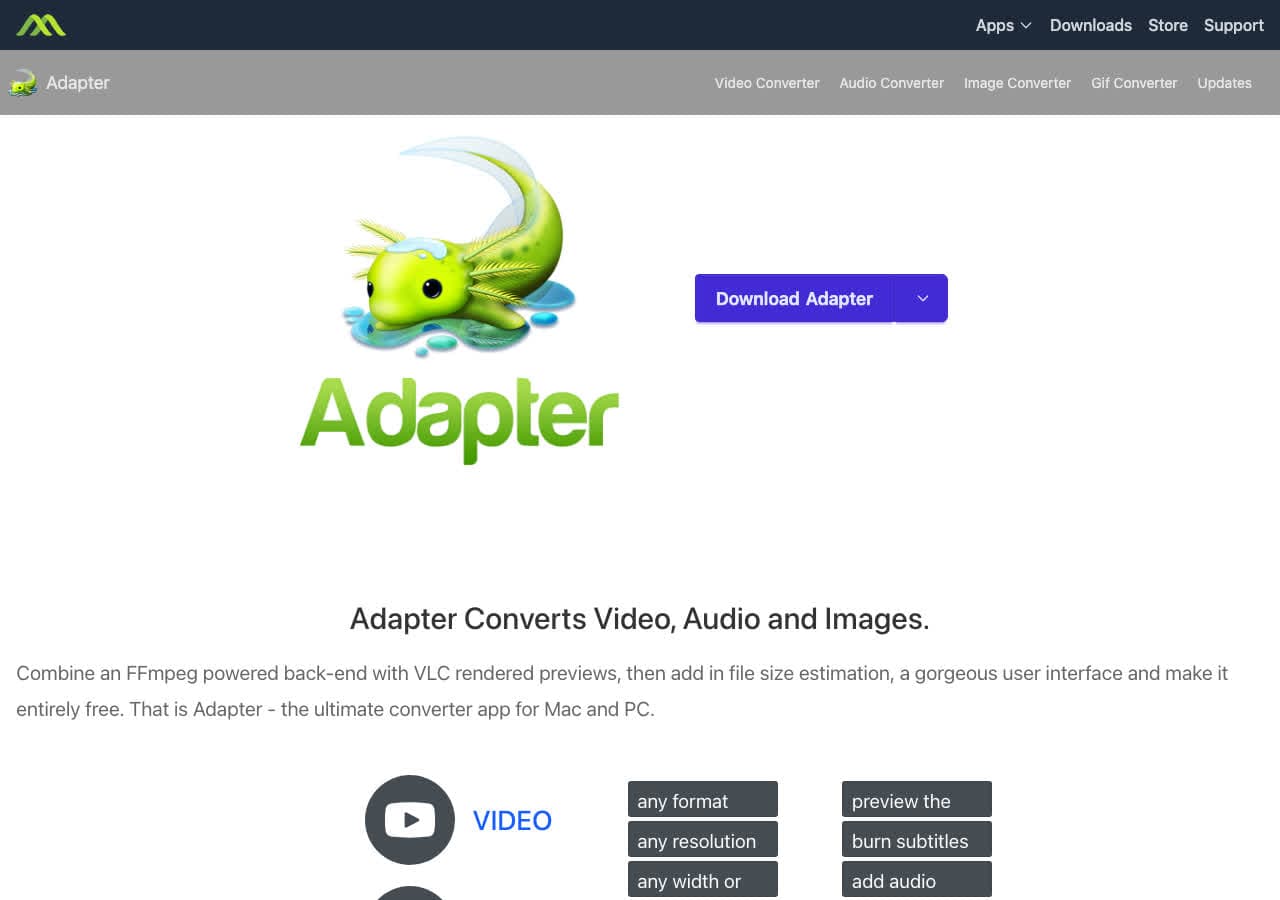
Adapter is a free FFmpeg-based converter on Mac and Windows. Drag the MKA in, pick MP3, convert. The interface is intentionally minimal, with a built-in preview window for sanity-checking the input.
Adapter is a nice middle ground between bloated paid suites and the bare command line of FFmpeg. Development has slowed, but the existing app still does MKA to MP3 reliably.
Pros
- Minimal, distraction-free UI.
- Built-in preview window.
- Free, FFmpeg-based.
Cons
- Development has slowed.
- Fewer settings than dedicated tools.
Pricing
- Free.
Frequently Asked Questions
What is an MKA file?
MKA (Matroska Audio) is the audio-only version of the MKV container. It is open source, well-engineered, and can hold lossless or lossy audio along with multiple tracks, chapters, and metadata. The downside is that most consumer devices do not natively play MKA, which is why people convert MKA to MP3.
Will I lose quality converting MKA to MP3?
Yes, some quality loss is unavoidable because MP3 is lossy. The size of the loss depends on what was inside the MKA. If the MKA contained lossless FLAC or PCM, encoding to 320 kbps MP3 is a noticeable but acceptable trade. If it contained AAC or Vorbis already, the loss from re-encoding to MP3 at 192 kbps or higher is typically inaudible to most listeners.
Why not just rename .mka to .mp3?
Renaming the extension does not change the file. MP3 players will refuse to play it because the contents are still a Matroska container, not an MP3 stream. You must actually re-encode (or remux to a compatible codec) to get a real MP3 file.
What is the fastest way to batch convert MKA to MP3?
For large batches, FFmpeg in a shell script is the fastest path. fre:ac is the best free GUI option for batch jobs. For local-first batch conversion with a friendly drag-and-drop interface, How to Convert handles entire folders at once. Online tools struggle with batches because of upload time and quota limits.
Final Thoughts
For one-off MKA to MP3 conversion in the browser, our free MKA to MP3 converter handles the file locally with no upload. For batch jobs, FFmpeg or fre:ac are the strongest free options. If you need to edit before exporting MP3, Audacity with the FFmpeg plugin is the right tool. For a polished local app that handles MKA alongside every other format you care about, How to Convert is the cross-platform pick. Choose the tool that matches the scale of your job.
How to Convert
The offline file converter for Mac, Windows and Linux.
- Converts video, audio, images, documents, ebooks and more
- Everything runs locally. Your files never leave your device
- Pay once. Access forever
Get the app on Mac, Windows and Linux
