18 Best MOV to WAV Converters in 2026 (Free and Paid)
The best MOV to WAV converters in 2026. Compare offline desktop apps, open-source tools, and online converters for getting uncompressed audio out of QuickTime files for editing.
Posted by
 Jake Manger
MOV to WAV is the audio-extraction conversion for editing workflows. QuickTime recordings, iPhone screen captures, Final Cut exports — all contain AAC audio that, decoded into a WAV file, becomes the standard input for DAWs, transcription tools, audio plugins, and analysis software. WAV is bit-equivalent to the decoded AAC; no extra quality is lost beyond the original AAC encoding (which already happened). This guide compares 18 MOV to WAV converters in 2026.
MOV → WAV is especially useful for podcast and interview workflows — extract once, edit in your DAW with full WAV fidelity.
Quick Picks for MOV → WAV
- Best CLI: FFmpeg.
- Mac built-in: QuickTime export, or afconvert from Terminal.
- For DAW import: drop the MOV directly into Logic / Pro Tools / Ableton — skip the extraction.
- For transcription: FFmpeg with mono 16 kHz output.
- One-shot: How to Convert.
One-shot: MOV to WAV converter.
1. How to Convert (I built this one)

Drop MOVs in, pick WAV, hit convert. Default 16-bit / 44.1 kHz, optional 24-bit and 48 kHz for DAW work.
Pricing
- One-time purchase; free web demo for single-file conversions.
 How to Convert
The offline file converter for Mac, Windows and Linux.
- Converts video, audio, images, documents, ebooks and more
- Everything runs locally. Your files never leave your device
- Pay once. Access forever
Get the app on Mac, Windows and Linux
2. FFmpeg
Standard 16-bit extraction:
ffmpeg -i input.mov -vn -acodec pcm_s16le output.wav
24-bit for DAW:
ffmpeg -i input.mov -vn -acodec pcm_s24le output.wav
Mono 16 kHz for transcription:
ffmpeg -i input.mov -vn -ac 1 -ar 16000 output.wav
Pricing
- Free, open source.
3. macOS QuickTime + afconvert
QuickTime: File → Export As → Audio Only (M4A) then convert to WAV. Or directly via afconvert:
afconvert -f WAVE -d LEI24 input.mov output.wav
Pricing
- Free with macOS.
4. Audacity
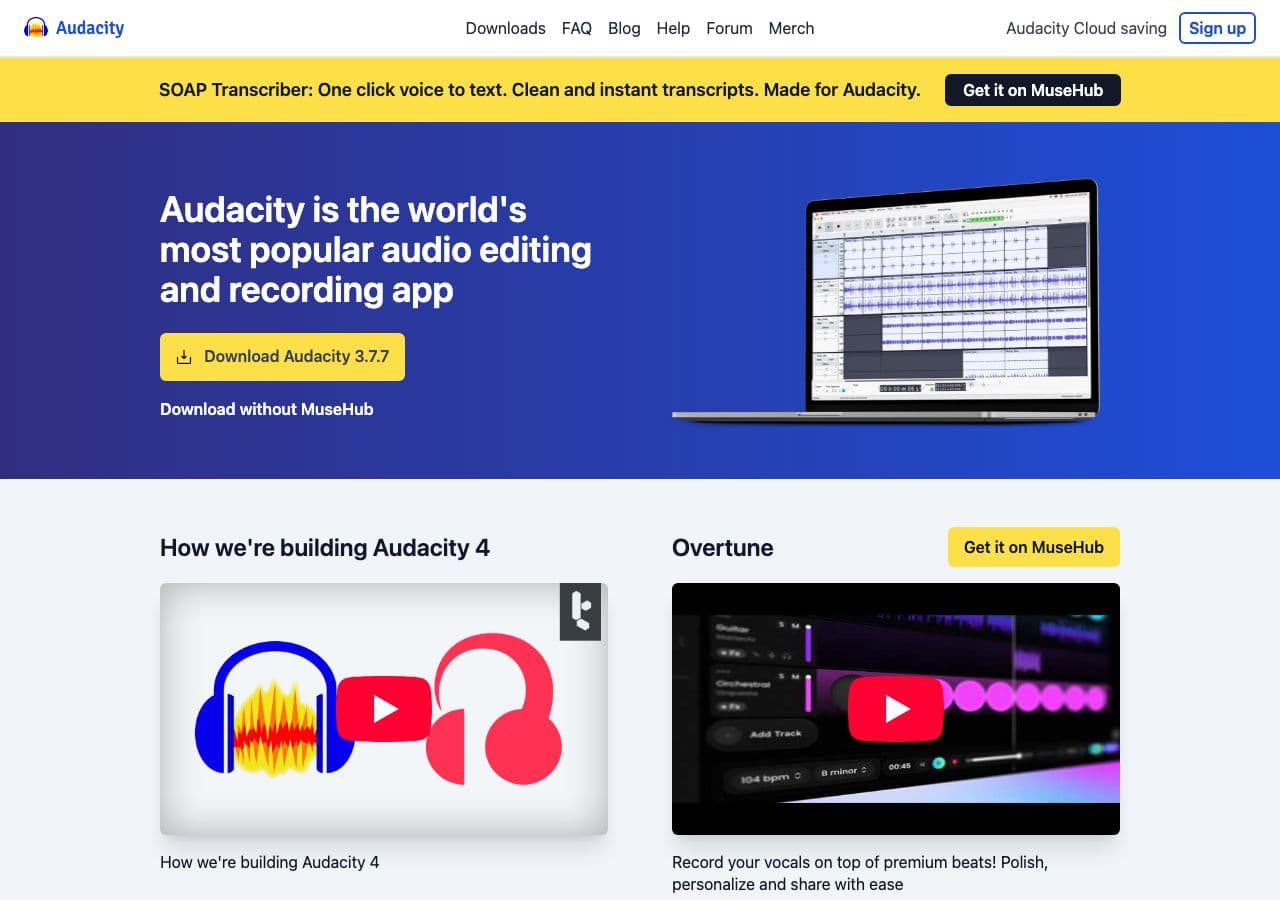
Open MOV (via FFmpeg helper), File → Export → WAV.
Pricing
- Free, open source.
5. Your DAW
Logic Pro, Pro Tools, Ableton, Reaper, and FL Studio all read MOV directly. Skip the extraction.
Pricing
- Whatever your DAW costs.
6. VLC

Media → Convert / Save → WAV.
Pricing
- Free, open source.
7. Shutter Encoder
FFmpeg GUI with audio extraction preset.
Pricing
- Free.
8. XLD (Mac)
Mac batch converter.
Pricing
- Free.
9. Foobar2000 (Windows)
Windows audio tool.
Pricing
- Free.
10. Permute (Mac)
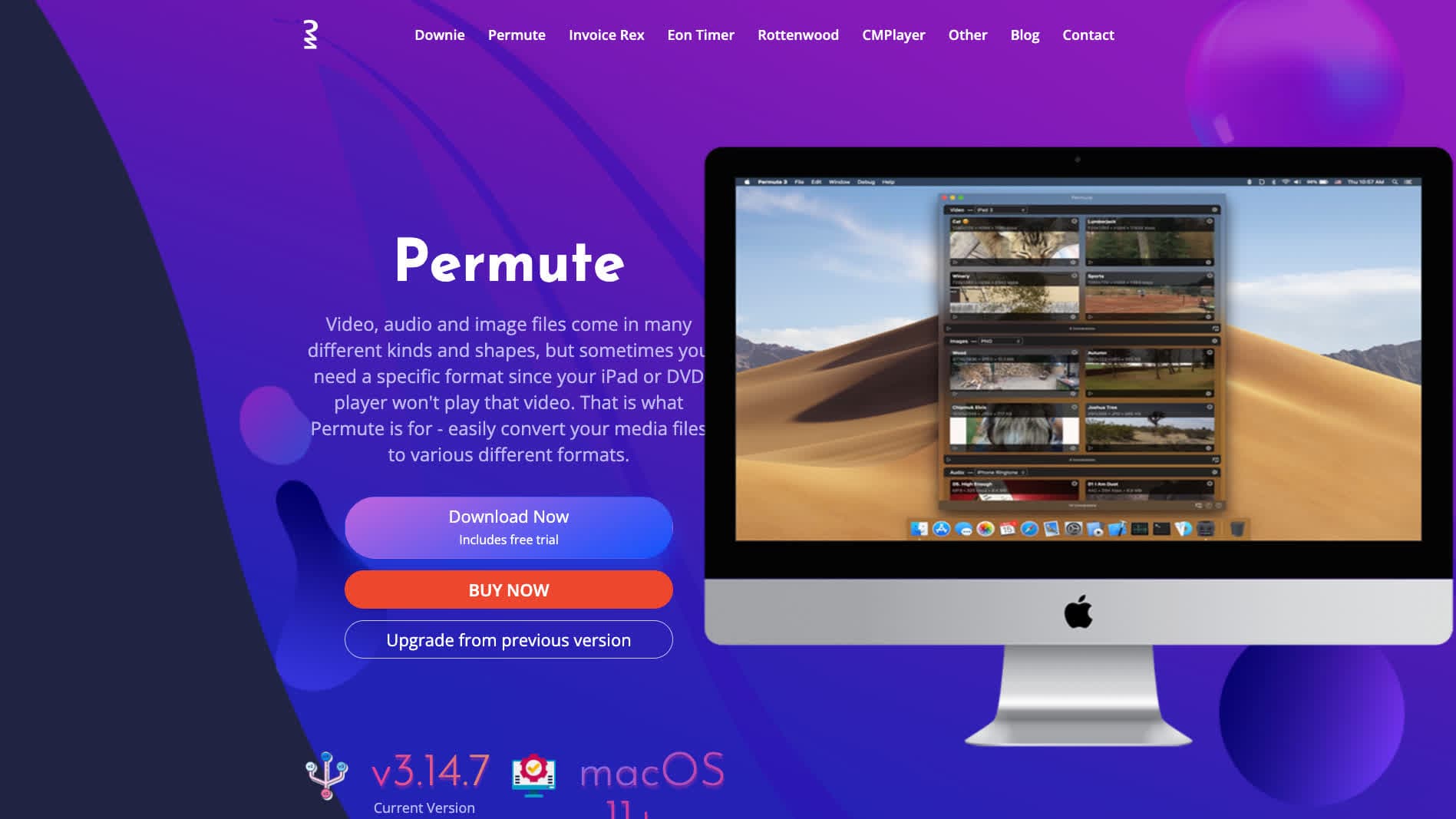
Mac-native converter.
Pricing
- One-time purchase.
11. fre:ac
Cross-platform batch converter.
Pricing
- Free, open source.
12. MediaHuman Audio Converter
Drag-and-drop batch tool.
Pricing
- Free.
13. Switch Audio Converter (NCH)
Lightweight commercial converter.
Pricing
- Free home; paid commercial.
14. DaVinci Resolve

Pro NLE with WAV export via Deliver page.
Pricing
- Free Studio edition; paid Studio.
15. CloudConvert
Web converter. Slow for big MOVs.
Pricing
- Free tier; paid above.
16. Convertio
Web MOV → WAV.
Pricing
- Free with caps; paid above.
17. Online Audio Converter (123apps)
Browser-based.
Pricing
- Free with limits; paid above.
18. FreeConvert
Web converter.
Pricing
- Free with caps; paid above.
How to Choose
- DAW import: skip the conversion. Drop the MOV in directly.
- Standard extraction: FFmpeg one-liner.
- Transcription: mono 16 kHz output.
- Mac: QuickTime or afconvert.
- Sensitive recording: stay local.
Final Thoughts
MOV → WAV is a clean audio-extraction conversion. The audio inside the MOV is decoded once and stored uncompressed; no extra quality loss. FFmpeg is the standard CLI; the OS built-ins handle one-off cases. For DAW import, skip this conversion entirely — modern DAWs handle MOV directly.
How to Convert
The offline file converter for Mac, Windows and Linux.
- Converts video, audio, images, documents, ebooks and more
- Everything runs locally. Your files never leave your device
- Pay once. Access forever
Get the app on Mac, Windows and Linux
