18 Best ODT to PDF Converters in 2026 (Free and Paid)
The best ODT to PDF converters in 2026. Compare offline desktop apps, open-source tools, and online converters for exporting open document files as print-ready PDFs.
Posted by
 Jake Manger
ODT to PDF is the conversion you do when you need a print-ready, shareable, immutable version of a LibreOffice document. Reports, contracts, applications, forms — once they are signed off in LibreOffice Writer, exporting to PDF locks the layout for everyone who opens it, regardless of which office suite they use. The conversion is clean because LibreOffice produces both formats well and its PDF export is excellent. This guide compares 18 ODT to PDF converters in 2026.
ODT → PDF is one of the simplest document conversions: LibreOffice authored both standards, and its export gets layout, fonts, and embedded images right by default.
Quick Picks for ODT → PDF
- Best: LibreOffice Writer's Export as PDF.
- Best CLI batch: LibreOffice headless.
- For docs-as-code workflows: Pandoc with LaTeX.
- One-shot: How to Convert.
One-shot: ODT to PDF converter.
1. How to Convert (I built this one)

Drop ODTs in, pick PDF, hit convert. Local.
Pricing
- One-time purchase; free web demo for single-file conversions.
 How to Convert
The offline file converter for Mac, Windows and Linux.
- Converts video, audio, images, documents, ebooks and more
- Everything runs locally. Your files never leave your device
- Pay once. Access forever
Get the app on Mac, Windows and Linux
2. LibreOffice — gold standard
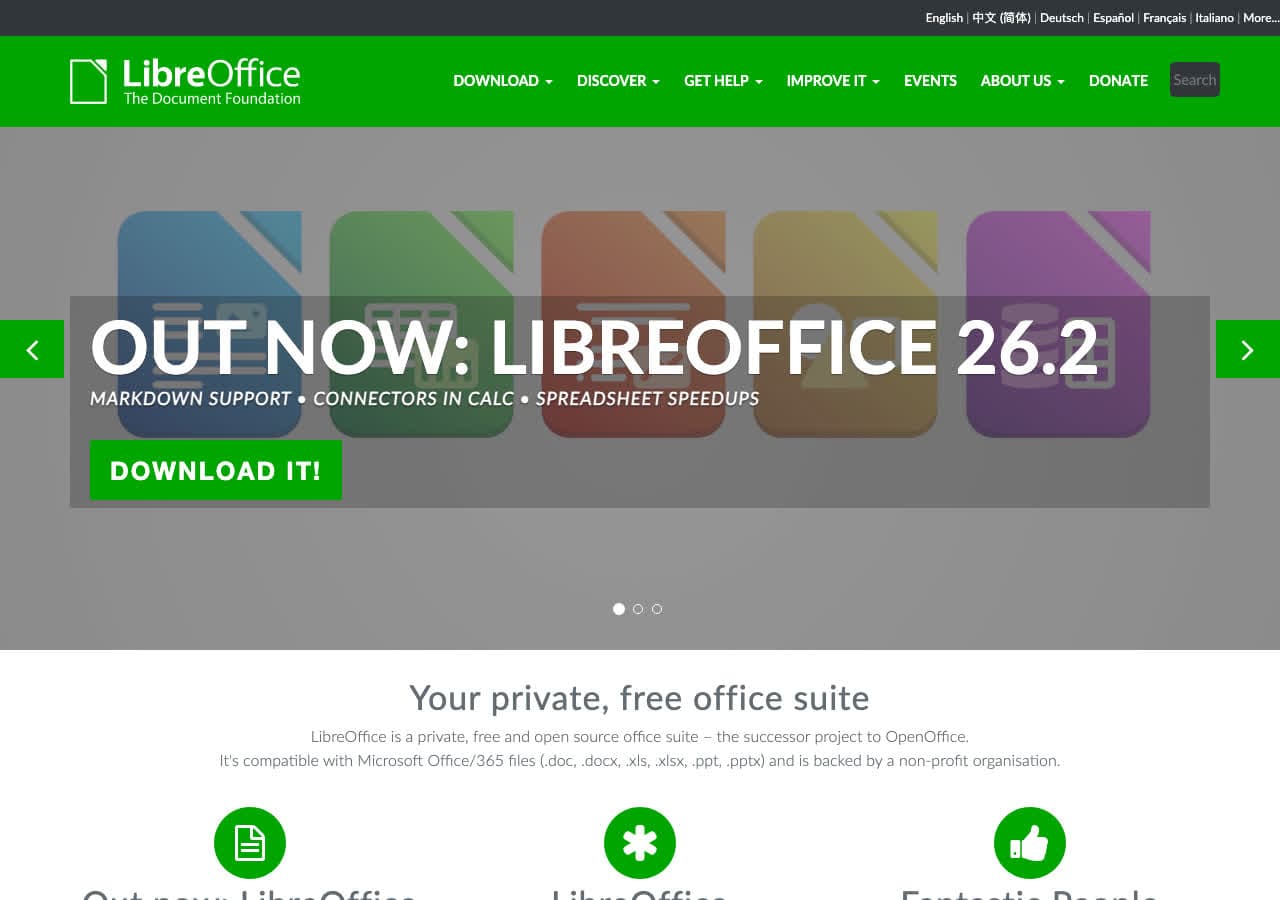
File → Export As → Export as PDF. The export dialog includes options for PDF/A archival format, password protection, embedded fonts, hybrid PDF/ODT, and digital signing.
CLI:
libreoffice --headless --convert-to pdf input.odt
Pricing
- Free, open source.
3. Microsoft Word
Reads ODT, exports PDF. Slightly different layout than LibreOffice on some documents.
Pricing
- Microsoft 365 or perpetual Office.
4. Pandoc with LaTeX
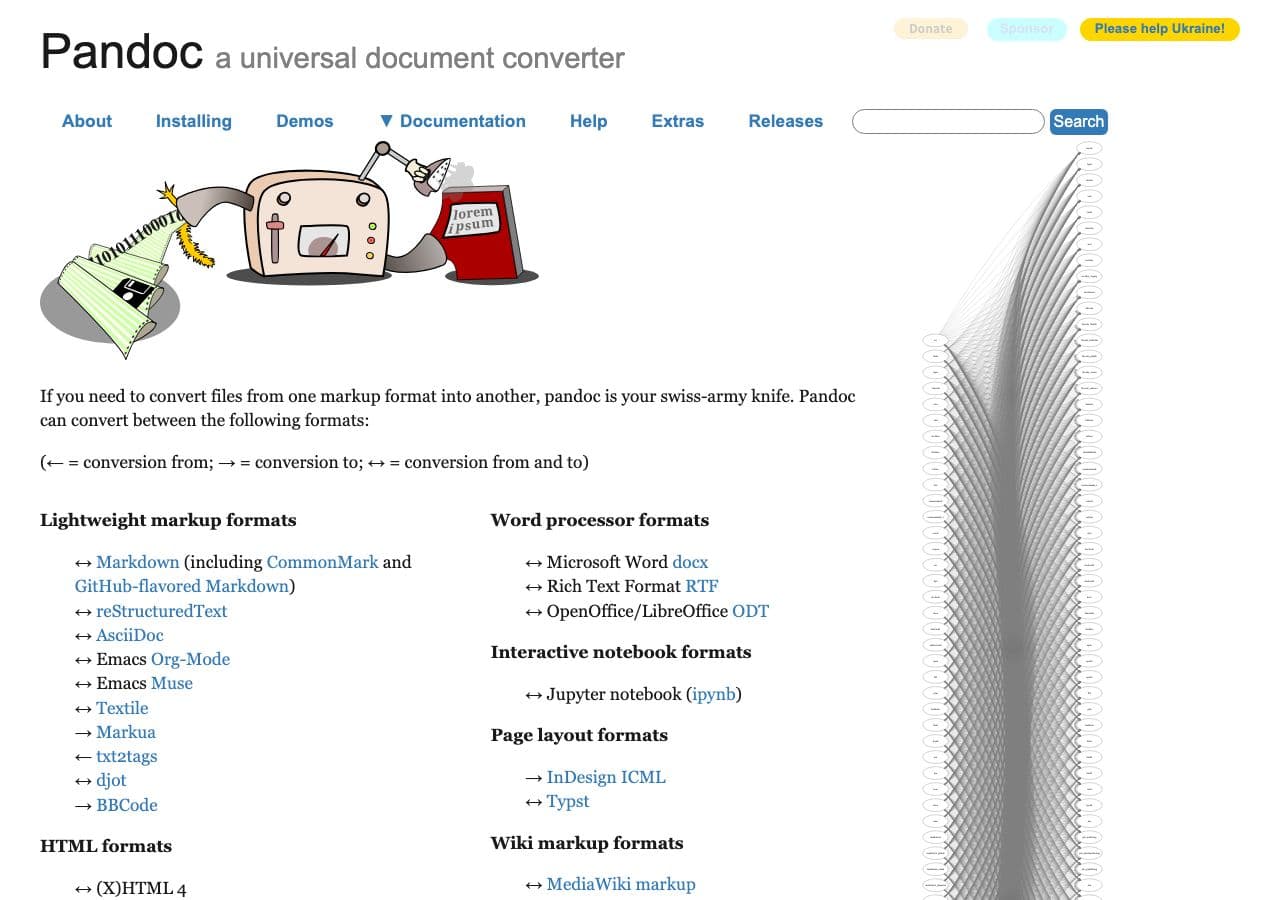
pandoc input.odt -o output.pdf --pdf-engine=xelatex
Cleanest typography for academic and technical content.
Pricing
- Free, open source.
5. Apple Pages
Imports ODT, exports PDF.
Pricing
- Free with macOS.
6. Google Docs
Upload ODT, File → Download → PDF.
Pricing
- Free with Google account.
7. PDF24
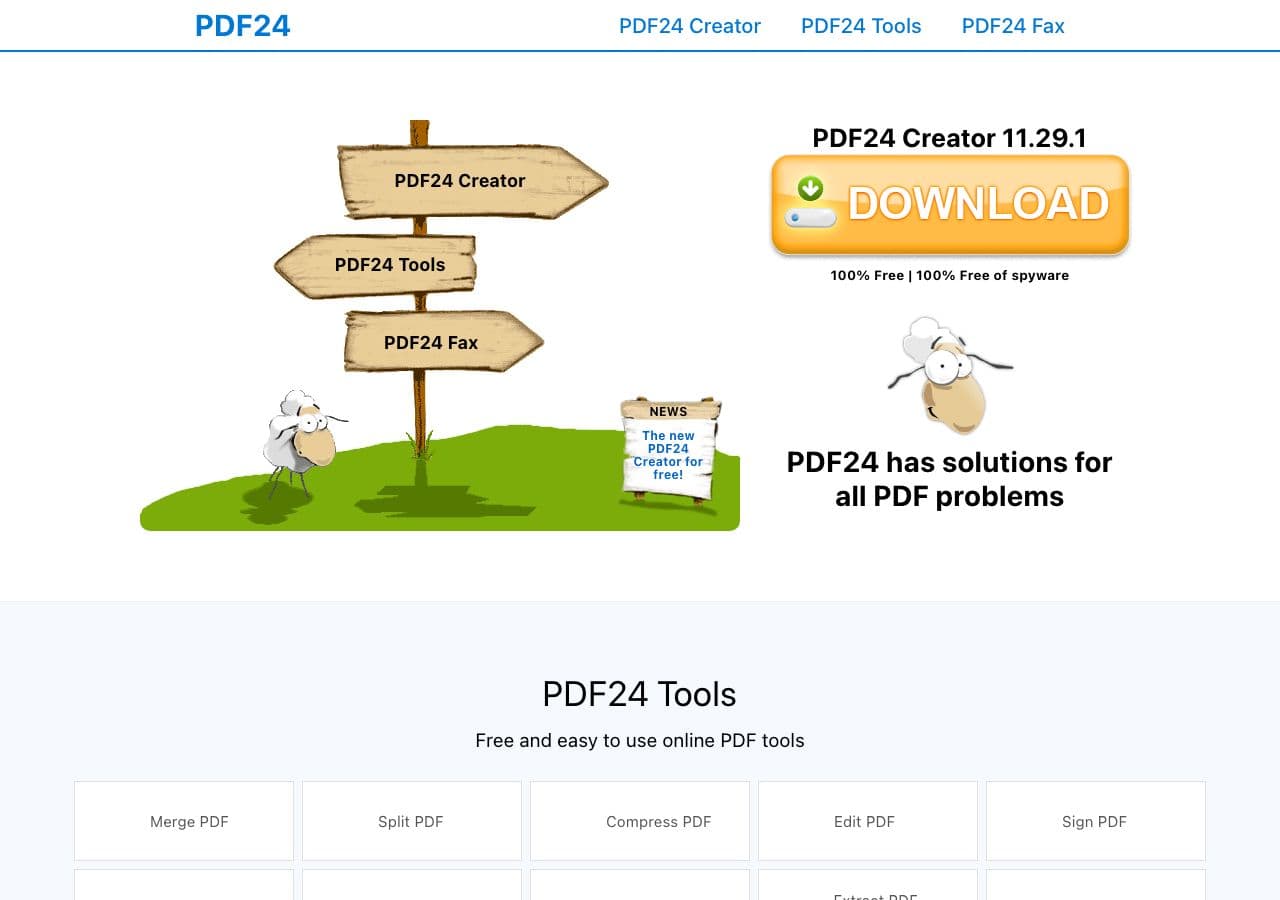
Free Windows PDF toolkit with ODT → PDF (LibreOffice backend).
Pricing
- Free for personal use.
8. OnlyOffice
Free Office suite alternative with PDF export.
Pricing
- Free.
9. Adobe Acrobat
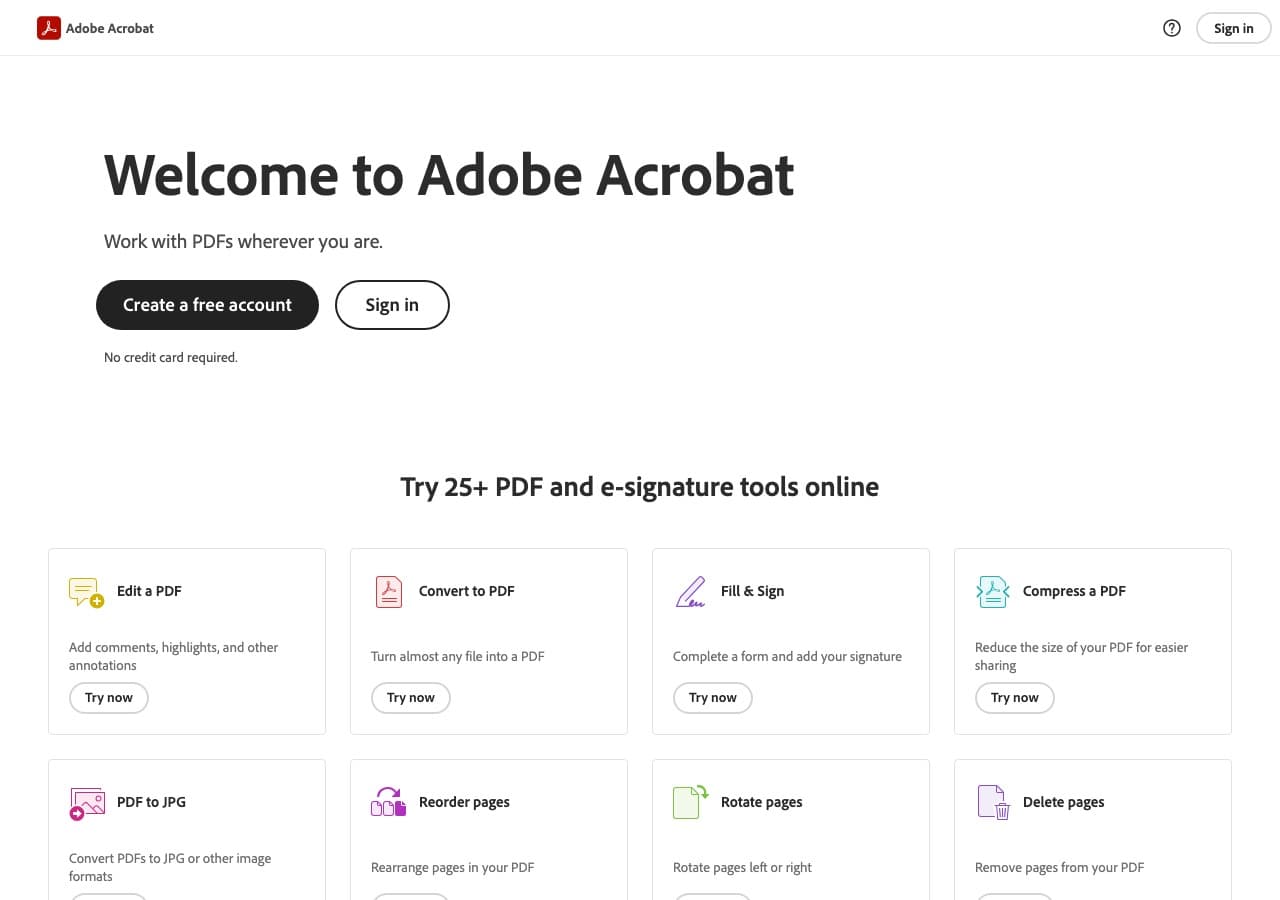
File → Create → PDF from File → ODT. Right when you also need to sign or annotate the resulting PDF.
Pricing
- Subscription.
10. PDF Expert (Mac)
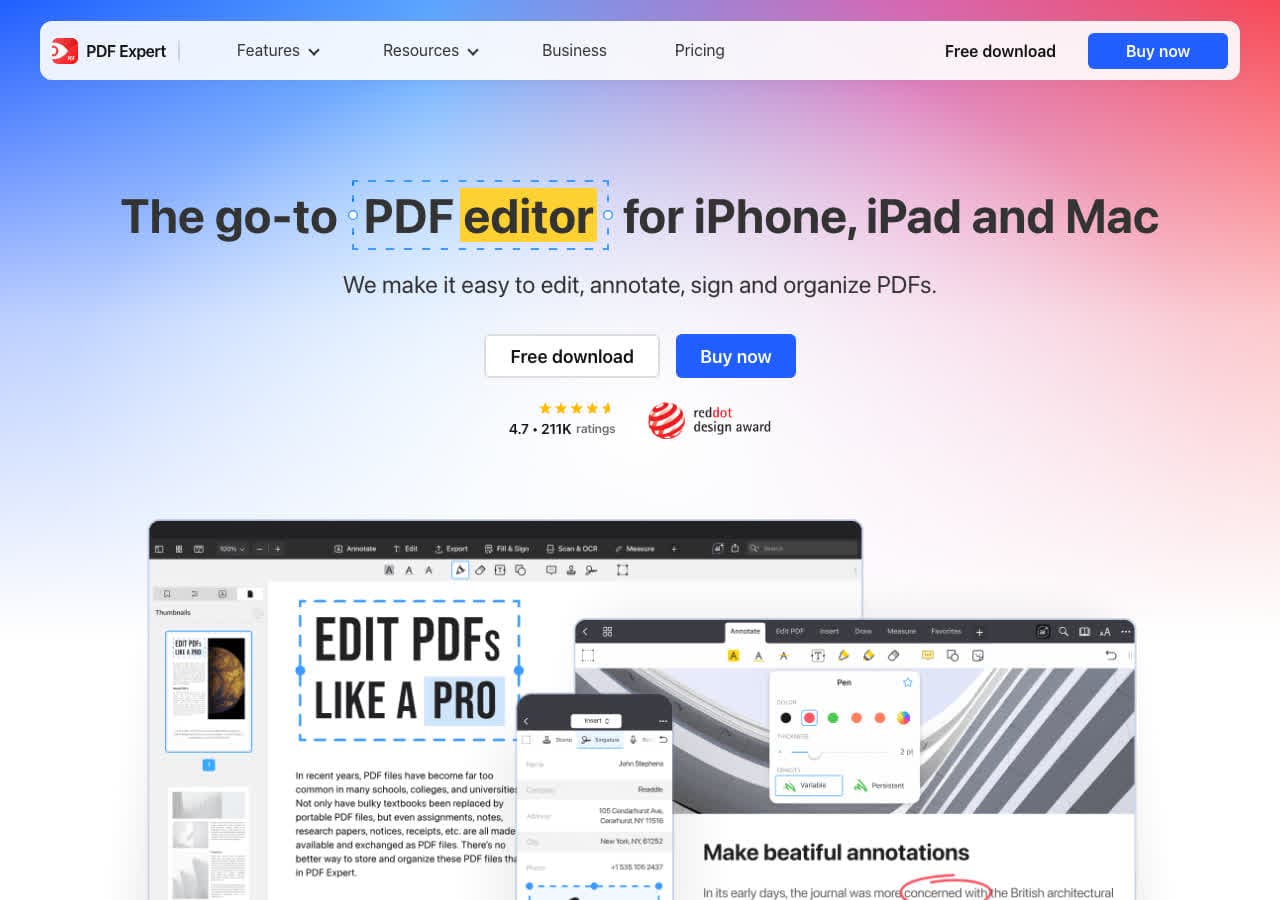
Mac PDF editor with ODT import.
Pricing
- Subscription or one-time.
11. Foxit PDF Editor
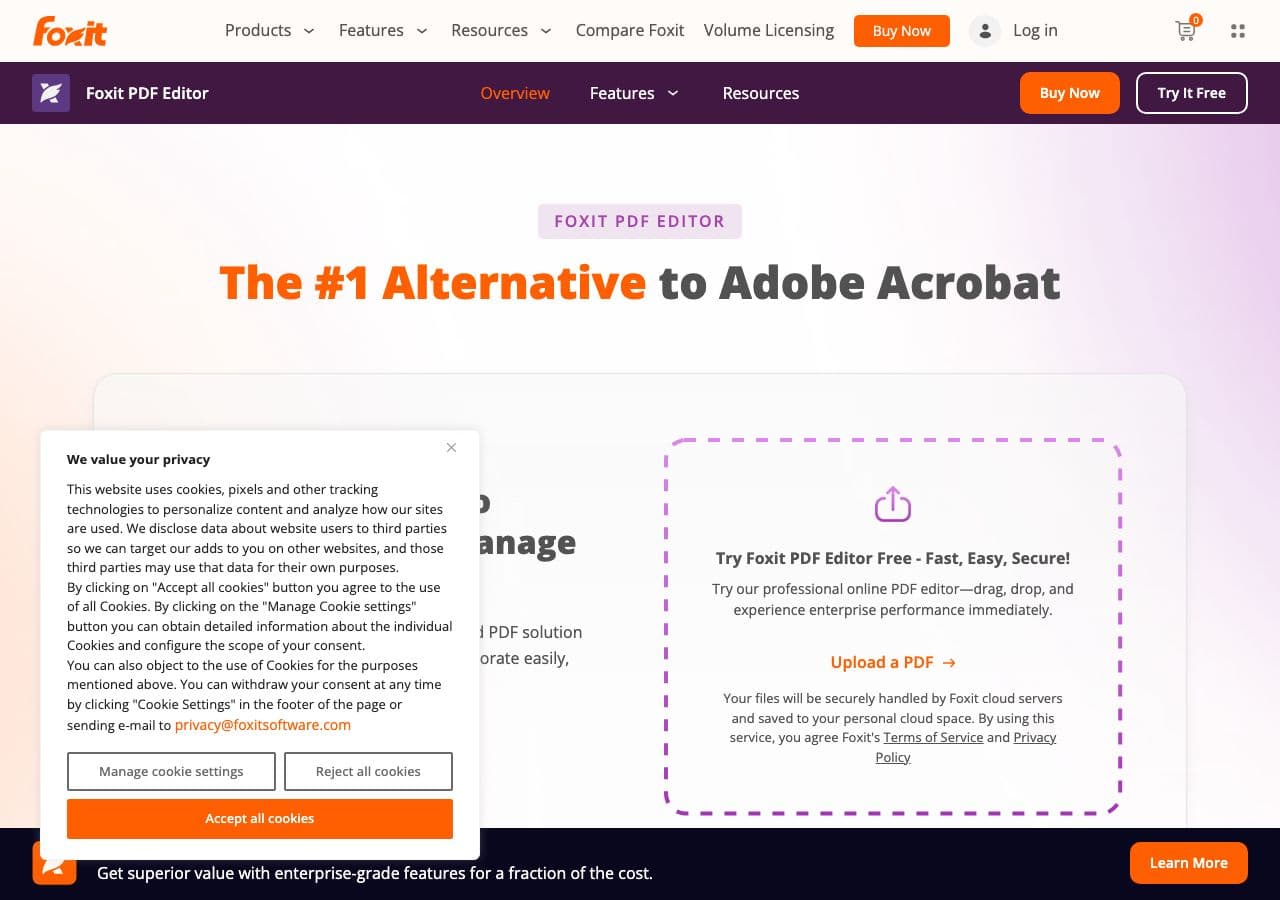
Acrobat alternative.
Pricing
- Subscription or perpetual.
12. CloudConvert
Web ODT → PDF with engine choice.
Pricing
- Free tier; paid above.
13. Convertio
Web ODT → PDF.
Pricing
- Free with caps; paid above.
14. Smallpdf
Web converter.
Pricing
- Free with daily limits; paid above.
15. iLovePDF
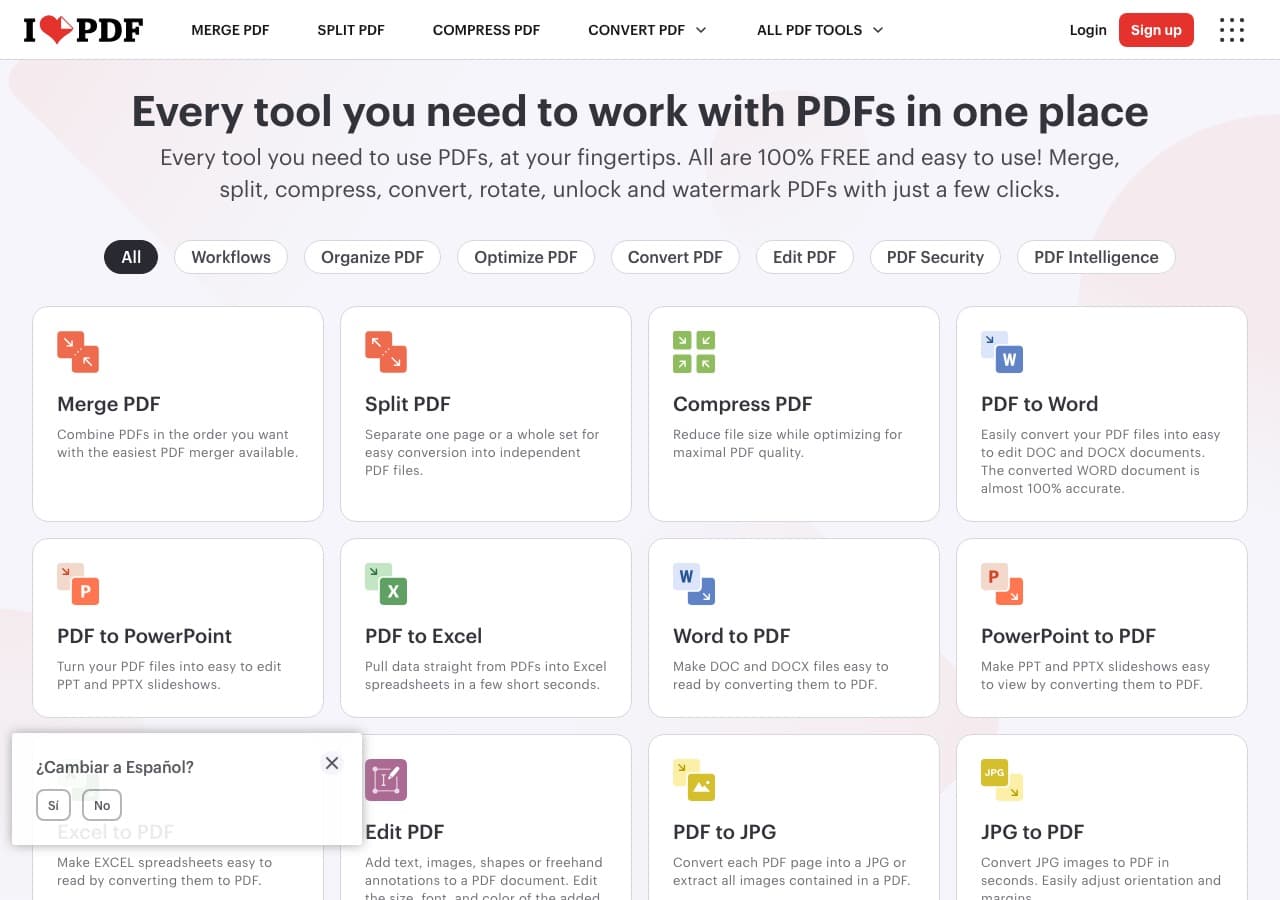
Web converter.
Pricing
- Free with limits; paid above.
16. Online-Convert
Web converter.
Pricing
- Free with limits; paid above.
17. FreeConvert
Web converter.
Pricing
- Free with caps; paid above.
18. Zamzar
Long-running web converter.
Pricing
- Free with daily limits; paid above.
How to Choose
- Standard: LibreOffice.
- Batch: LibreOffice headless.
- Print-quality typography: Pandoc with LaTeX.
- Sensitive doc: stay local.
Final Thoughts
ODT → PDF is one of the cleanest document conversions. LibreOffice handles it natively with excellent output and free. For batch jobs, headless mode runs through hundreds of files in minutes. For sensitive content, keep it local.
How to Convert
The offline file converter for Mac, Windows and Linux.
- Converts video, audio, images, documents, ebooks and more
- Everything runs locally. Your files never leave your device
- Pay once. Access forever
Get the app on Mac, Windows and Linux
